
Xapien vs Elicit
Plans, free access, limits and intended use side by side, taken from each vendor’s own pages. No score and no winner: the facts show where the two differ.
Change tools
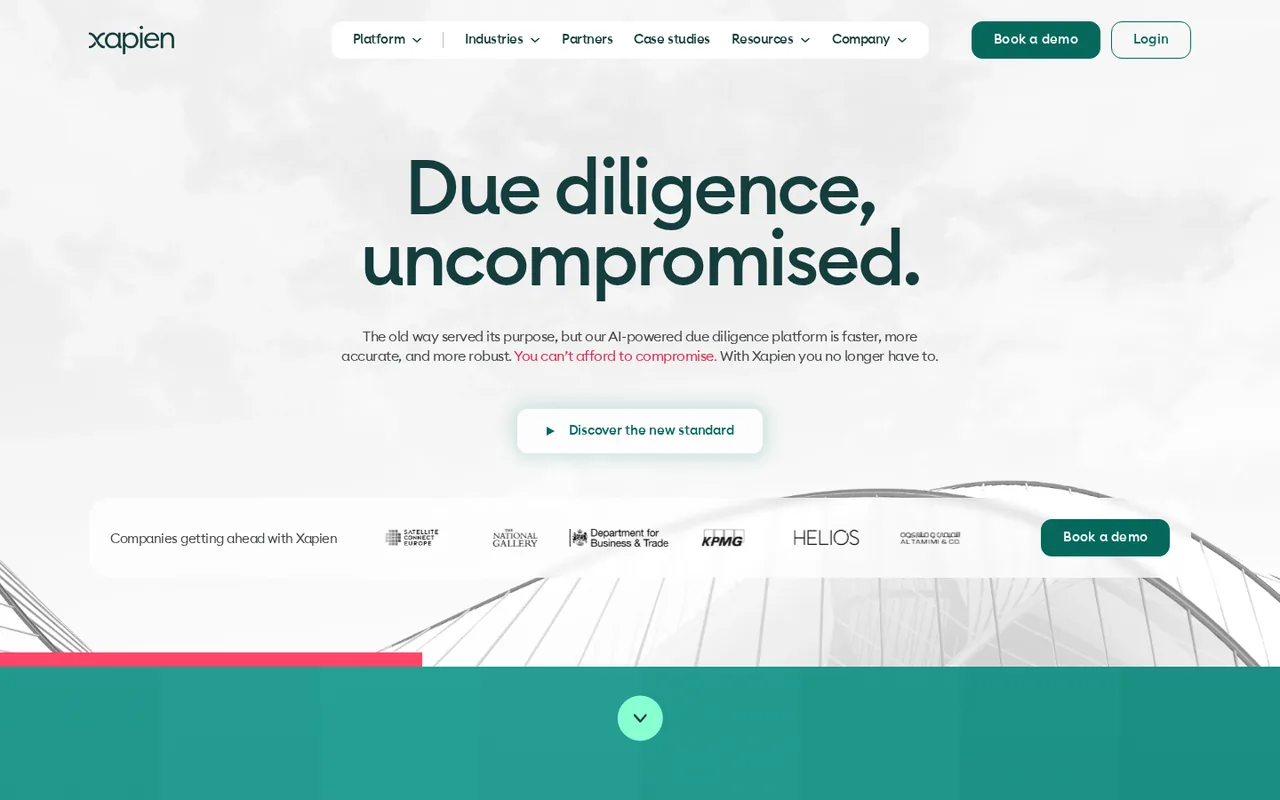
AI due diligence reports on people and companies, sold by annual report volume

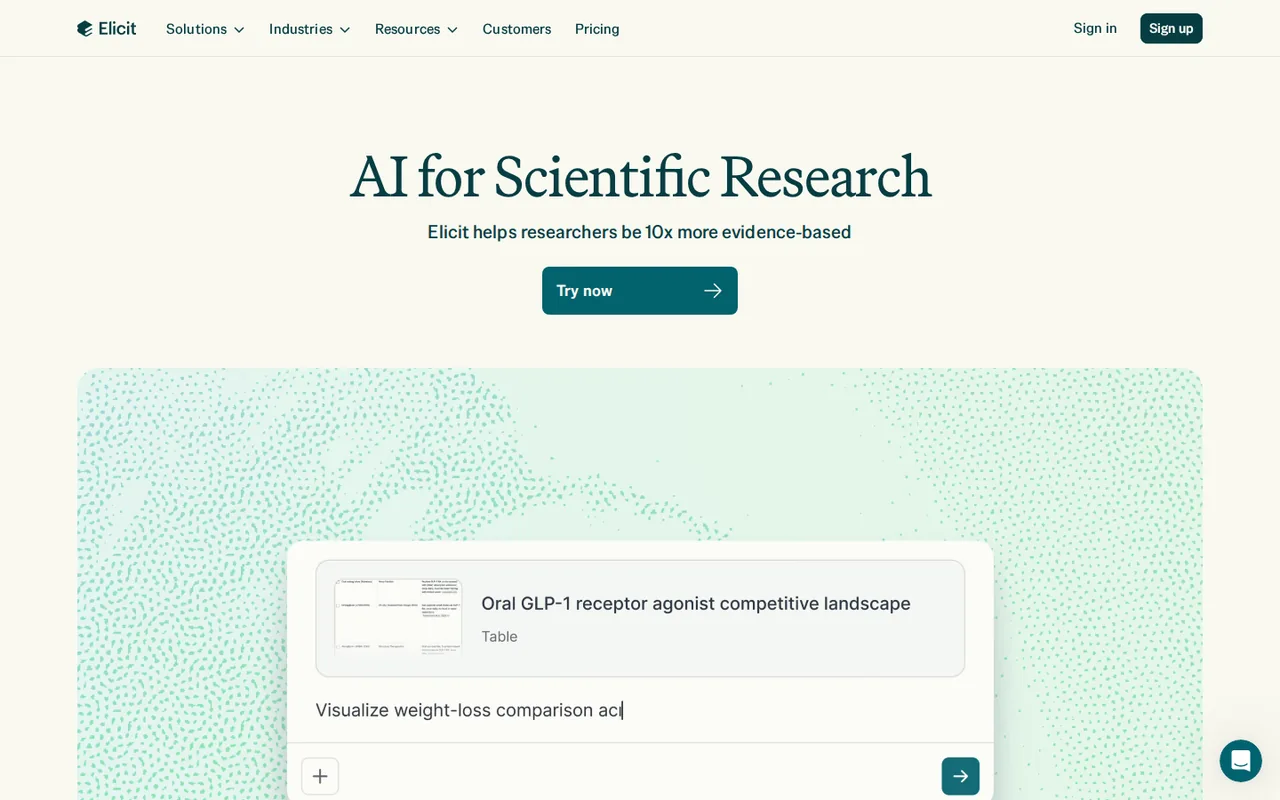
Find research papers and extract structured information from studies.
- Free access
- Xapien: No free tier
- Elicit: Free access
- Paid from
- Xapien: No fixed price listed
- Elicit: USD 49 per user per month
- Plans listed
- Xapien: 4
- Elicit: 7
- Public API
- Xapien: Not confirmed
- Elicit: Yes
Where Xapien and Elicit differ
- AccessXapien has no free tier, while Elicit offers free access.
- Pricing checkPrices not confirmed for Xapien; pricing review due for Elicit.
- PlansXapien lists 4 plans and Elicit lists 7.
Head to head
Each value from the tool’s profile and the vendor’s own pages
| Xapien | Fact | Elicit |
|---|---|---|
| Access and price | ||
| No free tier | Free accessDiffers | Free access availableBasic |
| No fixed price listed | Lowest listed paid plan | USD 49 per user per monthPro (Industry) · billed annually · USD 588 per year; USD 75 billed monthly |
| No public prices; 12-month plans from 250 reports a year | Pricing model | Free Basic; paid from USD 11 (Academic) or USD 49 (Industry) per user per month |
| 4 | Plans listedDiffers | 7 |
| Not confirmed | Public API | Yes |
| Not confirmed | Card to start | Not confirmed |
| Not confirmed | Open source | No |
| What it is for | ||
| Compliance, legal and fundraising teams that vet many third parties | Built for | Extracting study data from research papers |
| Research & sources | CategorySame | Research & sources |
| Platforms |
|
| Not listed | Works with | Not listed |
| How current | ||
| Profile sources checked | ||
| Prices not confirmed · Oct 11, 2026 | Pricing checkDiffers | Pricing review due · Sep 24, 2026 |
Official source check for both tools. No hands-on testing and no score: “Differs” marks a documented difference, not a better tool.
Plans and prices
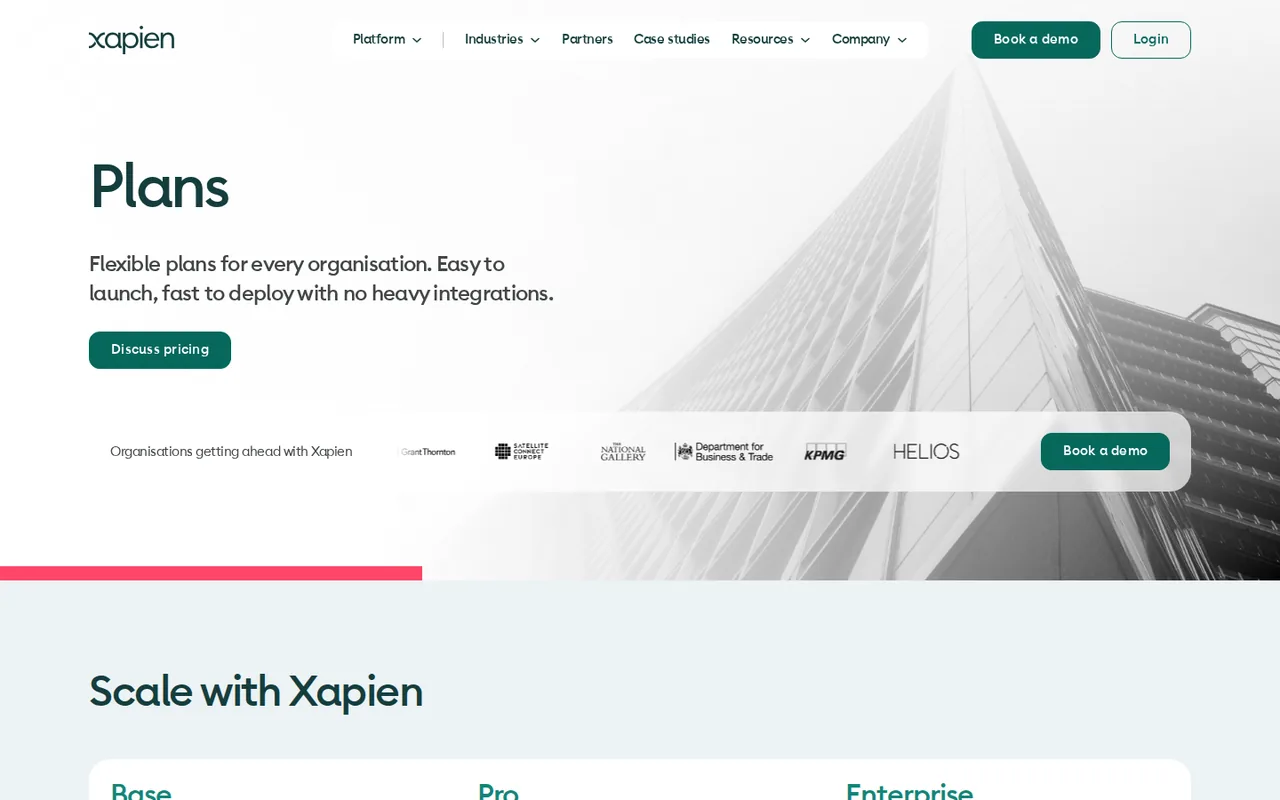
Xapien
Prices not confirmed · Oct 11, 2026- BaseNot published; 12-month plan
- ProNot published; 12-month plan
- EnterpriseNot published; 12-month plan
- Not-for-profitNot published
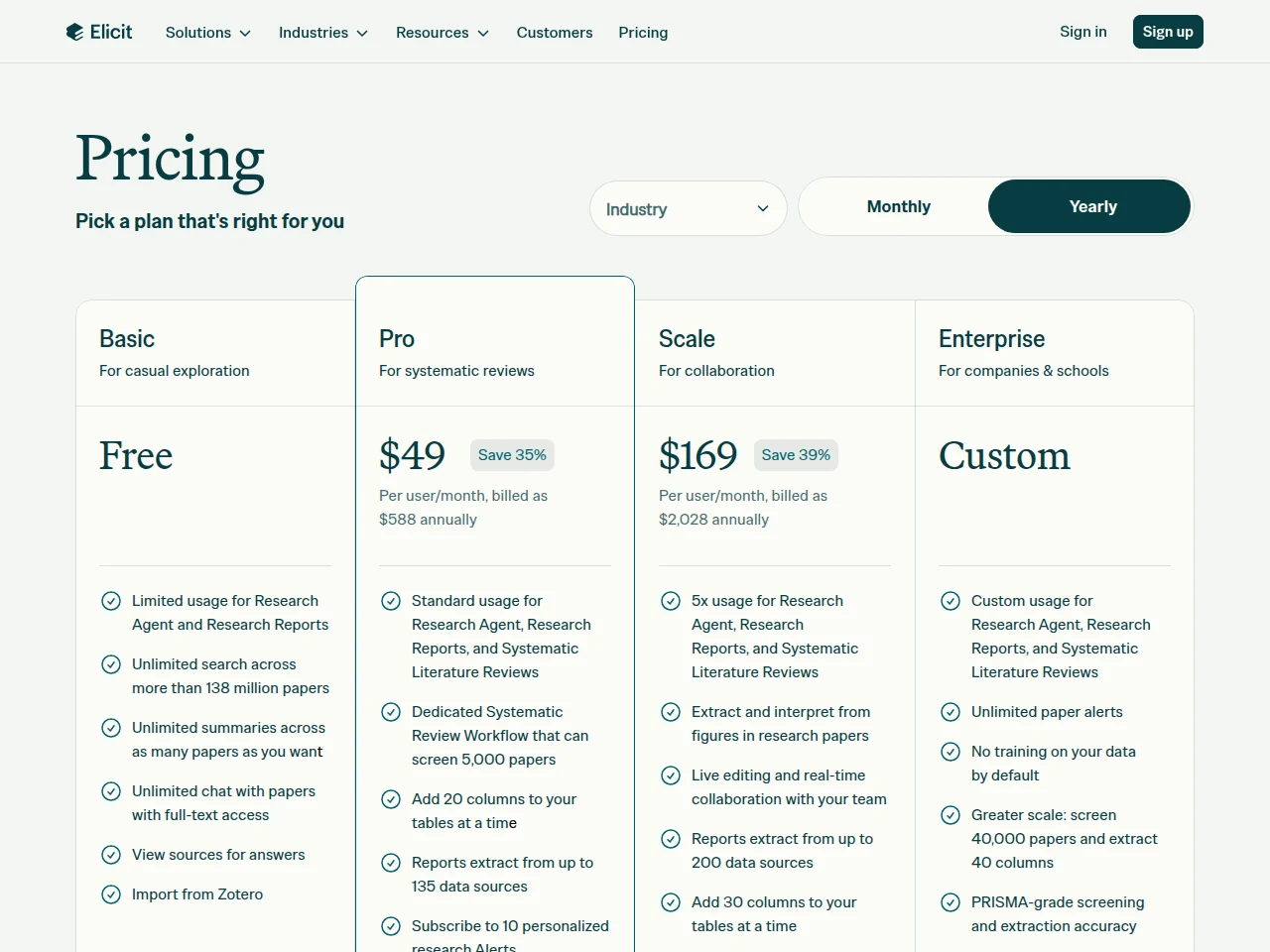
Elicit
Pricing review due · Sep 24, 2026- BasicFree
- Plus (Academic)USD 11 per user per monthbilled annually · USD 132 per year; USD 19 billed monthly
- Pro (Academic)USD 39 per user per monthbilled annually · USD 468 per year; USD 69 billed monthly
- Pro (Industry)USD 49 per user per monthbilled annually · USD 588 per year; USD 75 billed monthly
- Scale (Academic)USD 89 per user per monthbilled annually · USD 1,068 per year; USD 149 billed monthly
Show 2 more plans
- Scale (Industry)USD 169 per user per monthbilled annually · USD 2,028 per year; USD 279 billed monthly
- EnterpriseCustomthrough sales
Strengths and limits
Xapien
Strengths
- Sources down to the sentence: The FAQ and the how-it-works page say every statement in a report traces back to the page it came from, so a reviewer can judge each source.
- Built for name collisions: Persona-based resolution is meant to keep people with the same name apart, which the FAQ names as the main cause of false positives.
- Screening included: The FAQ states sanctions, PEP and watchlist screening is part of the subscription rather than a separate purchase.
Limits to plan around
- No public prices: The plans page lists only report volumes and a “Discuss pricing” link; the FAQ says prices scale with usage and are quoted by the sales team.
- Annual commitment: Every plan shown is a 12-month plan, and we found no free plan or self-serve trial; the way to evaluate it is a 30-minute demo.
- Pages disagree: Pro starts at 650 reports a year on the plans page and 600 on the platform page, and the two pages list different features per plan.
Elicit
Strengths
- Free paper discovery: Basic includes unlimited paper search, summaries and chat with accessible full text.
- Quotes behind the output: Extracted values, screening decisions and report claims point to the supporting passage in the source paper.
- Report export on every plan: Research Reports download as PDF or Word even on the free Basic plan.
Limits to plan around
- English focus: Search, summaries and extraction are optimized for English-language research; other-language quality varies.
- Complex table failures: The extraction guide warns that some table layouts can be missed or parsed incorrectly.
- Table exports cost extra: Find Papers and Paper Chat tables need Plus; Systematic Review tables need Pro or higher.
See both products
Start from your task, not from a winner.
Run both tools on the same real task, then compare the result, how much editing it needs and how fast it uses your plan’s allowance.
How we reviewChange this pair
Choose tools
Choose two tools below. You can replace either selection at any time.
Audio & voice
Automation
Coding
Data & spreadsheets
Images & design
Presentations
Research & sources
Video & editing
Website builders
Writing & content
Comparing tools from different categories is fine, and often useful — a writing assistant and a research tool solve different halves of the same job. The table will show you exactly where they diverge.
Questions about comparing tools
How does the comparison work?
Add two tools to the comparison tray from any tool card, then open this page. The table pulls each tool's verified plan details, platforms, strengths and limits from its profile, so both columns carry the same kind of evidence, with a separate source-check date for each tool.
Do you declare a winner?
No. The table sets two tools against each other on documented facts, not on a score. Which one wins depends on your task, your budget and your usage volume — three things we cannot see from here.
Why are some cells empty or marked unverified?
Because we could not confirm that detail on the vendor's own pages. Rather than filling the gap with a figure from elsewhere, we mark it and say why on the tool's profile.
Can I compare more than two tools?
Not at once. Two columns keep the differences readable and force a real decision. Remove either selected tool to replace it, or clear both to start a new pair.
Every figure in the table above comes from the linked profile, where the source and the verification date are listed. Browse all tools or read the editorial policy.