Writing & content
ChatGPT
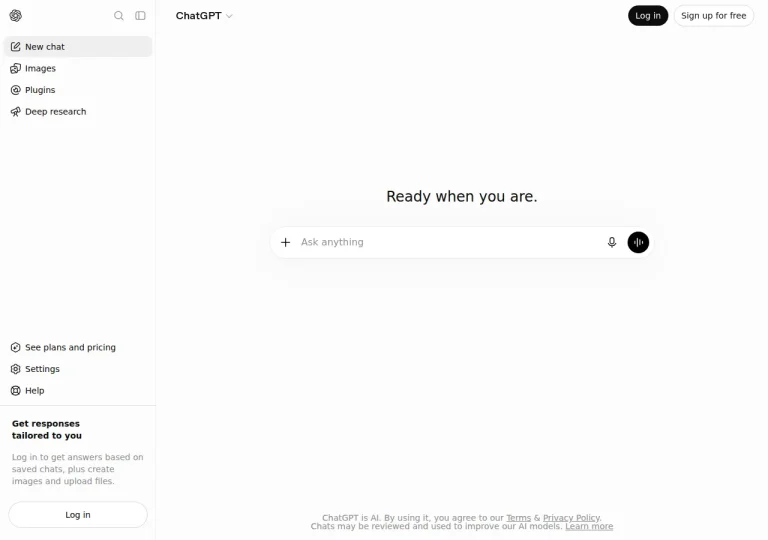
OpenAI's general-purpose assistant for drafting, analysis and research — profiled without verified prices, because OpenAI blocks our check.
Official sources checked · free tier
Free + paidRead the profile
Review plans, limits and intended use side by side. This table is built from official product documentation; it is not a performance ranking and carries no scores.
Pick any two tools from the directory and this page sets them against each other on documented facts: plan prices, free access, platforms, strengths and limits, each carrying the date we verified it on the vendor’s own pages. There is no score and no winner — the right choice depends on your task, your budget and your usage volume.
Use the Compare button on any tool card below to build your pair. We deliberately do not preload a default match-up — two tools chosen at random would suggest a comparison nobody asked for.
These go further than the table: where each tool fits, how their documented capabilities fit different tasks, and which one to pick for a given job.
Every profile carries the same fields — plans, free access, platforms, strengths, limits and the date each was verified — so any two of them line up on the same evidence. Pick a tool to start:
OpenAI's general-purpose assistant for drafting, analysis and research — profiled without verified prices, because OpenAI blocks our check.
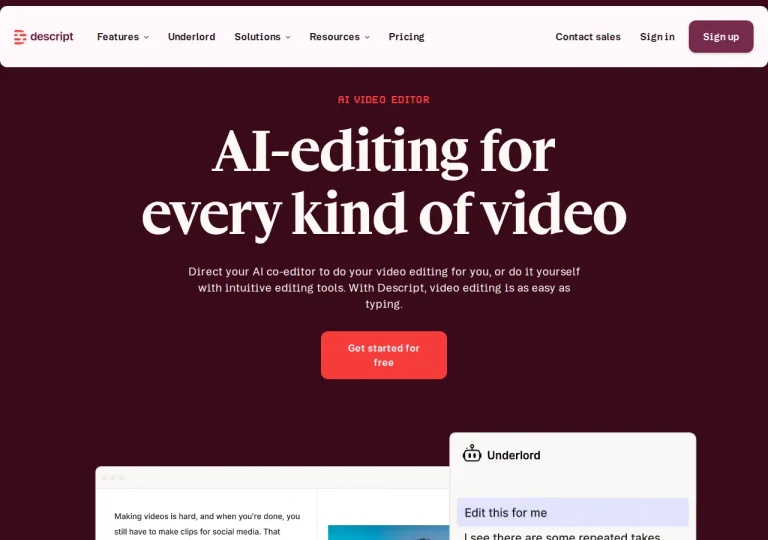
A video and audio editor that cuts your recording by editing its transcript.
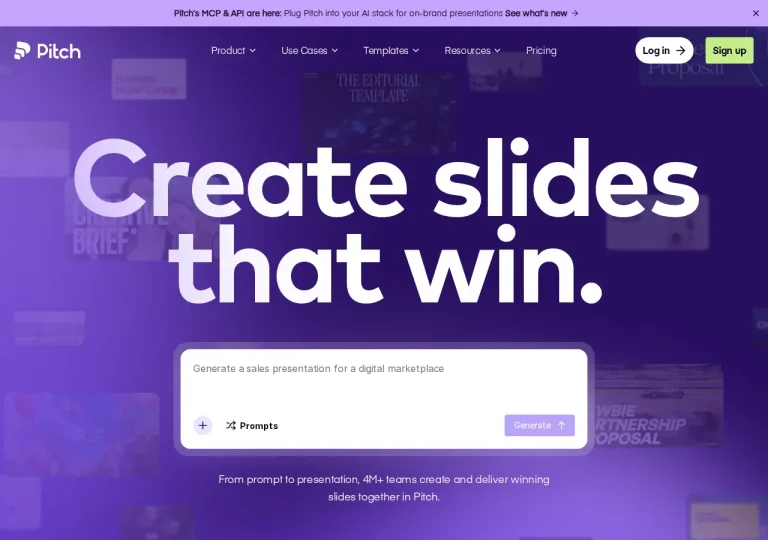
A presentation workspace where an AI agent drafts on-brand slides and decks are shared as tracked links.
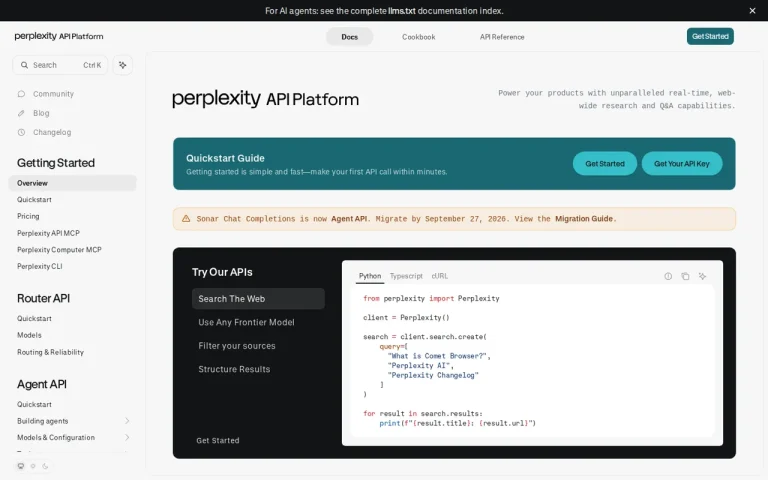
An AI search service that answers questions from web sources and links to the pages behind each claim.
Comparing tools from different categories is fine, and often useful — a writing assistant and a research tool solve different halves of the same job. The table will show you exactly where they diverge.
Add two tools to the comparison tray from any tool card, then open this page. The table pulls each tool's verified plan details, platforms, strengths and limits from its profile, so both columns carry the same kind of evidence, with a separate source-check date for each tool.
No. The table sets two tools against each other on documented facts, not on a score. Which one wins depends on your task, your budget and your usage volume — three things we cannot see from here.
Because we could not confirm that detail on the vendor's own pages. Rather than filling the gap with a figure from elsewhere, we mark it and say why on the tool's profile.
Not at once. Two columns keep the differences readable and force a real decision. Clear the tray and pick another pair to run a second comparison.
Every figure in the table above comes from the linked profile, where the source and the verification date are listed. Browse all tools or read the editorial policy.