Video & editing
Descript
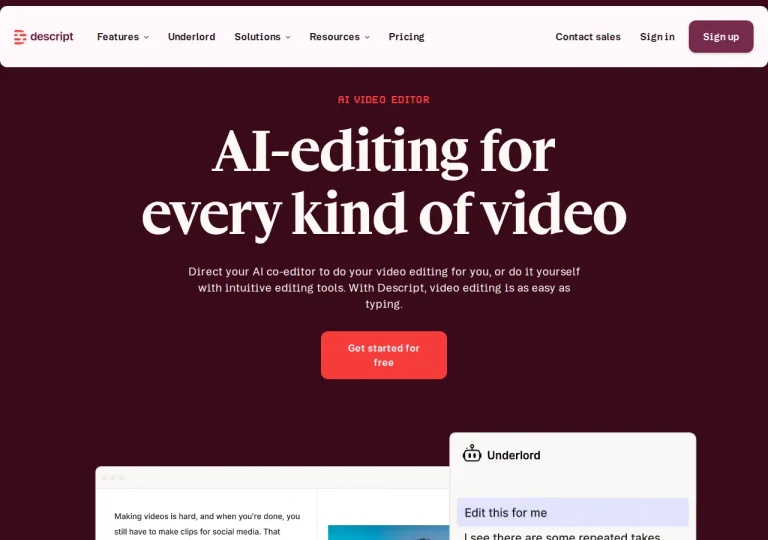
A video and audio editor that cuts your recording by editing its transcript.
Official sources checked · free tier
Free plan availableRead the profile
Tools for generating video from prompts and editing footage you already own. Credits, watermarks and usage rights are the details that decide cost.
Video and editing AI tools generate clips from text or image prompts and handle editing work such as background removal and upscaling. Credits, not video counts, are the billing unit, and a single generation can consume many of them. Free tiers tend to be one-time allowances with watermarked output, which makes them trials rather than working plans.
2 tools
Clear filtersA video and audio editor that cuts your recording by editing its transcript.
A video platform for generating clips from text or images and editing real footage.
Generated video is judged on more than whether a single frame looks good. Shot-to-shot consistency, hands and text inside the image, and whether the result survives being cut into a longer edit all decide how usable it is — and all of them are invisible in a showreel.
Budget realistically. These tools rarely land on the first attempt, so the number of takes matters more than the headline credit allowance. A plan that looks generous can evaporate over an afternoon of iteration at high resolution.
Rights matter more here than in most categories. Recognisable people, trademarks and footage you did not create all carry obligations that a working feature does not remove. Check what your plan permits commercially before anything goes public.
Use the Runway profile, the Descript profile and Runway vs Descript to compare the documented workflows and limits. If the missing part of your project is narration, continue to audio tools. We have not published a controlled output-quality test for either video tool.
Our editorial judgement about what matters in this category, based on the plan structures we documented while building these profiles.
Cost is driven by credits rather than by video count, and a single generation consumes a variable number depending on model, length and resolution. On the tool we profiled, paid plans start at $12 per month billed annually. Estimate against a real project with retries included.
Free tiers commonly do. Watermark removal typically starts at the first paid tier, so if your output is going anywhere public, treat that tier as your practical floor rather than as an optional upgrade.
Check what your specific plan permits, and be careful with recognisable people, trademarks and footage you did not create. Rights questions sit with you rather than with the tool, and they carry more weight in this category than in most.
Not the right category? Browse every tool in the directory, put two options side by side, or read how we check and correct these profiles.