Presentations
Pitch
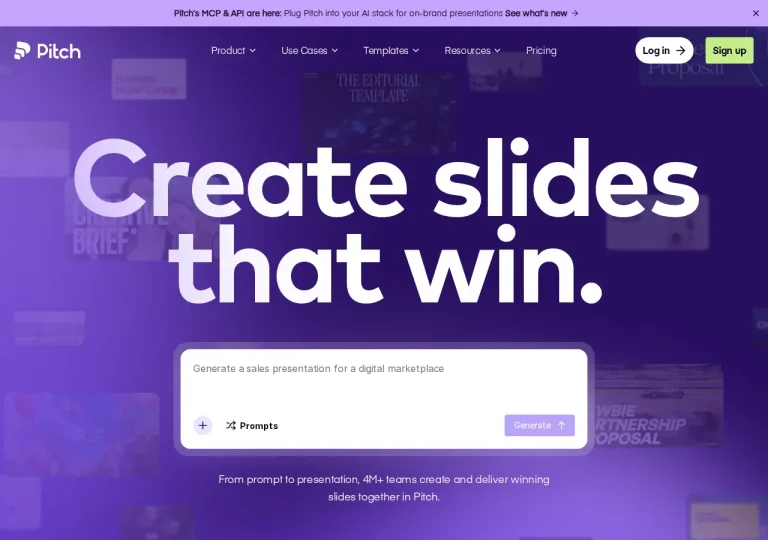
A presentation workspace where an AI agent drafts on-brand slides and decks are shared as tracked links.
Official sources checked · free tier
Free plan availableRead the profile
Tools for building decks faster, from automatic layouts to AI-generated slides. Check export fidelity if colleagues will edit your files.
Presentation AI tools build decks faster, usually by applying layout rules so slides arrange themselves as you add content. The trade-off is deliberate: the same rules that keep slides tidy limit how far you can deviate from them. Free tiers are rare in this category — the tool we profiled offers only a 14-day trial.
2 tools
Clear filtersA presentation workspace where an AI agent drafts on-brand slides and decks are shared as tracked links.
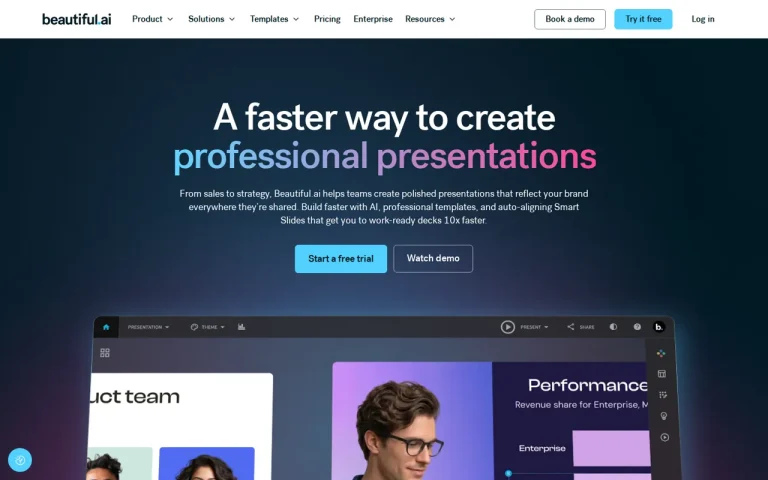
A presentation tool whose slides adjust their own layout as you add content.
Automatic layout solves a real problem, but a narrow one. It removes the hour you would spend aligning boxes; it does not decide whether a slide earns its place or whether the argument holds together. A tidy deck and a clear deck are different achievements, and only the first is automated.
Test the constraint rather than the showreel. Take a slide of yours that is genuinely overcrowded — a table, a paragraph and a chart competing for the same space — and rebuild it. What the layout rules do when the content is too much tells you more than any template gallery.
Export fidelity is the other thing to check early. If colleagues will edit your files in another application, the round-trip matters more than anything that happens inside the tool.
Start with the Beautiful.ai profile and Pitch profile, then read Beautiful.ai vs Pitch for a task-based comparison. Check export, editing and collaboration requirements against the sources on each profile. If your outline still needs work, explore tools for preparing the draft first.
Our editorial judgement about what matters in this category, based on the plan structures we documented while building these profiles.
Rarely. This category tends to offer trials rather than permanent free tiers — the tool we profiled provides a 14-day trial with full feature access, after which the individual plan applies. Use the trial on real work rather than a sample.
Usually yes, and it is worth testing during the trial. Export fidelity is where presentation tools most often disappoint people who have to hand files to colleagues working in another application.
It will make it tidier and faster to produce. Whether it makes the deck better depends on the argument, which the tool cannot assess. Automatic layout removes the alignment work and leaves the thinking to you.
Not the right category? Browse every tool in the directory, put two options side by side, or read how we check and correct these profiles.