
PixelLab vs Pixel Dojo
Plans, free access, limits and intended use side by side, taken from each vendor’s own pages. No score and no winner: the facts show where the two differ.
Change tools
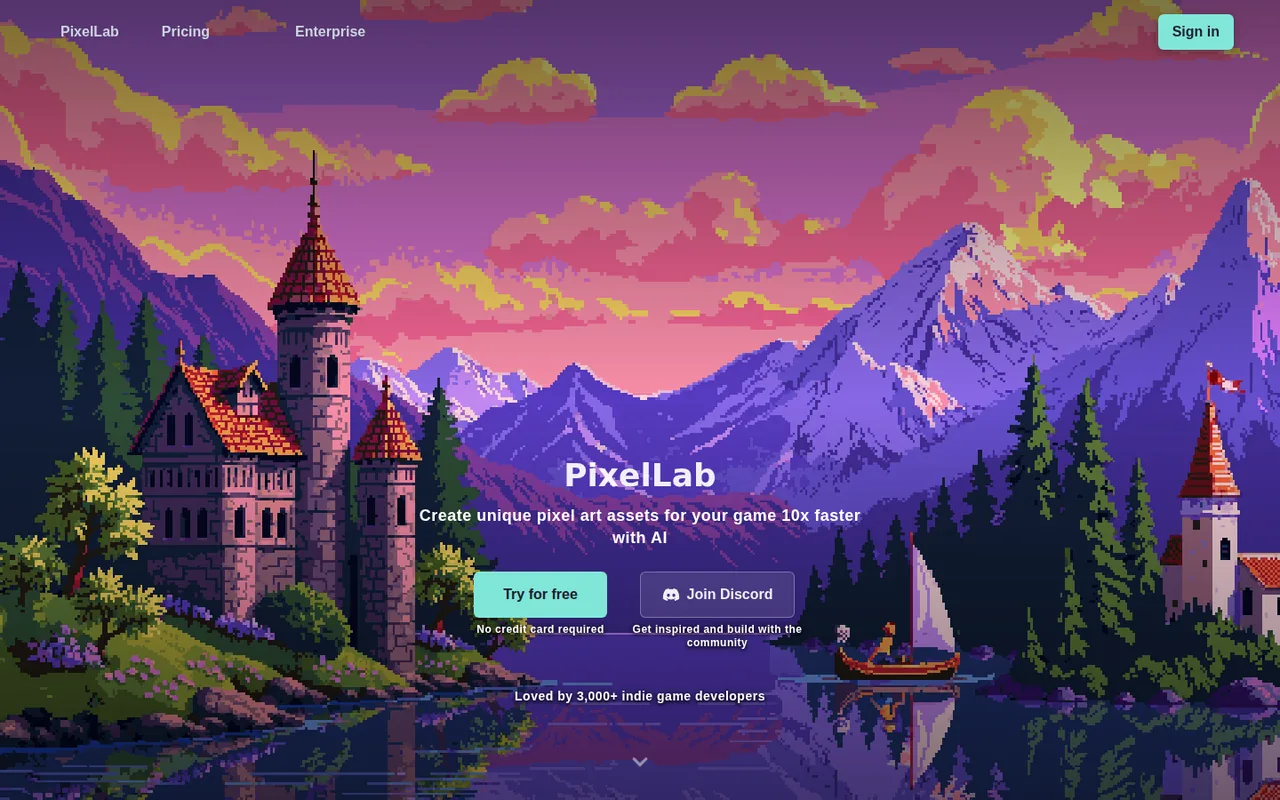
Pixel art generator for game assets with text animation, tilesets and a remote MCP server for coding assistants

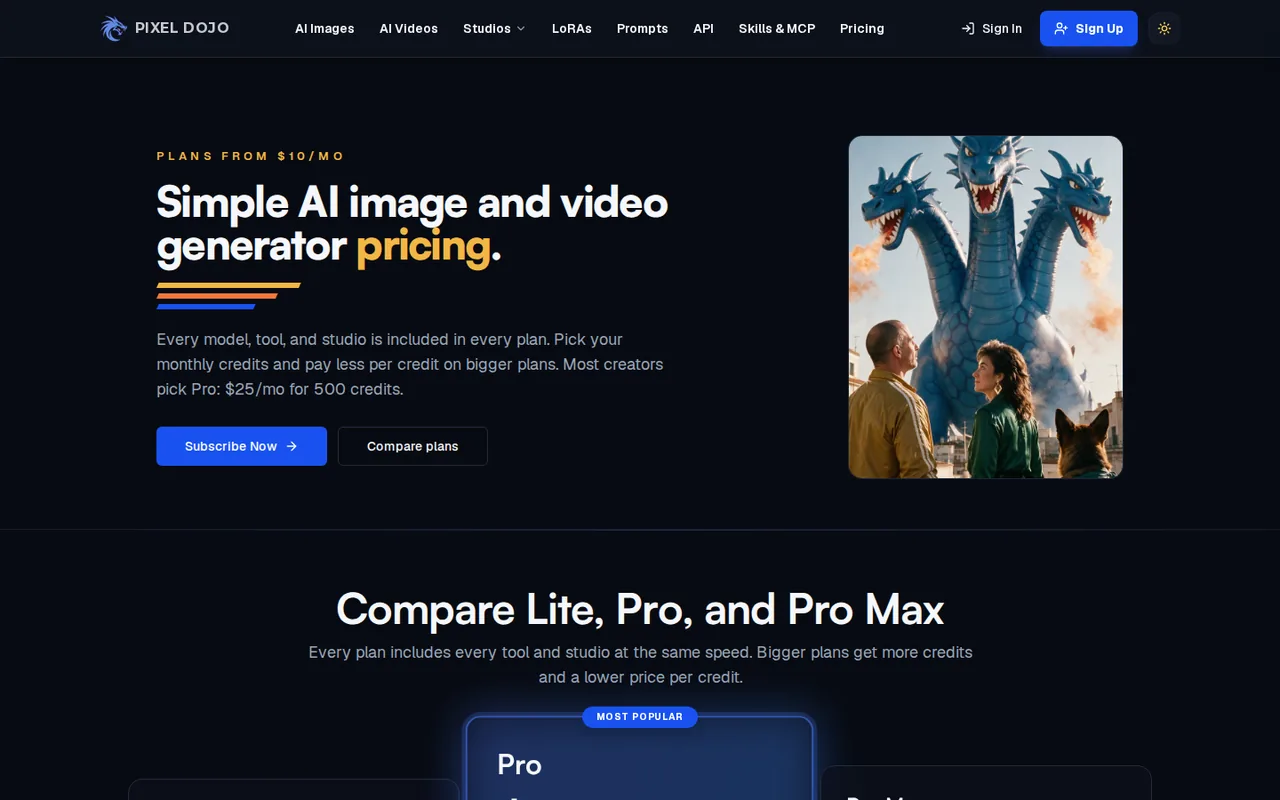
AI image and video generator with 80+ image and 60+ video models on one credit balance
- Free access
- PixelLab: Free access
- Pixel Dojo: No free tier
- Paid from
- PixelLab: USD 12.00 per month
- Pixel Dojo: From USD 5 for 80 credits
- Plans listed
- PixelLab: 4
- Pixel Dojo: 4
- Public API
- PixelLab: Not confirmed
- Pixel Dojo: Not confirmed
Where PixelLab and Pixel Dojo differ
- AccessPixelLab offers free access, while Pixel Dojo has no free tier.
Head to head
Each value from the tool’s profile and the vendor’s own pages
| PixelLab | Fact | Pixel Dojo |
|---|---|---|
| Access and price | ||
| Free access availableFree trial · Free; no credit card required | Free accessDiffers | No free tier |
| USD 12.00 per monthTier 1: Pixel Apprentice | Lowest listed paid plan | From USD 5 for 80 creditsCredit packs |
| Free trial with 40 fast generations, then 5 a day; paid from $12.00 a month | Pricing model | No free plan listed; paid plans from $10 a month |
| 4 | Plans listedSame | 4 |
| Not confirmed | Public API | Not confirmed |
| Not confirmed | Card to start | Not confirmed |
| Not confirmed | Open source | Not confirmed |
| What it is for | ||
| Indie developers who want a coding assistant to create sprites, animations and tilesets for a 2D game | Built for | Creators who want to compare many image and video models on one subscription instead of paying each model maker separately |
| Images & design | CategorySame | Images & design |
| Platforms |
|
| Works with |
|
| How current | ||
| Profile sources checked | ||
| Prices confirmed · Oct 25, 2026 | Pricing checkSame | Prices confirmed · Oct 11, 2026 |
Official source check for both tools. No hands-on testing and no score: “Differs” marks a documented difference, not a better tool.
Plans and prices
PixelLab
Prices confirmed · Oct 25, 2026- Free trialFree; no credit card required
- Tier 1: Pixel ApprenticeUSD 12.00 per month
- Tier 2: Pixel ArtisanUSD 24.00 per month
- Tier 3: Pixel ArchitectUSD 50.00 per month
Pixel Dojo
Prices confirmed · Oct 11, 2026- LiteUSD 10 per month
- ProUSD 25 per month; 6 months prepaid for $135
- Pro MaxUSD 50 per month; 12 months prepaid for $570
- Credit packsFrom USD 5 for 80 credits
Strengths and limits
PixelLab
Strengths
- Built for game assets: Directional characters, animation, tilesets and UI elements cover a 2D game pipeline in one service.
- Works from coding assistants: A remote MCP server with ready configs for many clients means nothing to install.
- Free way to try: The Free trial needs no credit card and lists commercial use of generated images.
Limits to plan around
- Cost per tool unpublished: Some tools use several generations per image, but the page gives no rates.
- MCP access unclear on free: The homepage and the docs disagree on whether the free plan includes MCP.
- Map tools paid: Map generation is on Tiers 1 and above, not the Free trial.
Pixel Dojo
Strengths
- Every model on every plan: The pricing page says nothing is locked to a higher plan; Lite, Pro and Pro Max differ in credits only.
- Cost shown before each run: The pricing page says every generation displays its credit cost before you run it, and failed runs on Pixel Dojo's side are returned.
- Credits roll over: Subscription credits carry over while the subscription is active, and pack credits do not expire while the account is in good standing.
Limits to plan around
- No free plan or trial listed: The pricing pages show plans from $10 a month only, so there is no listed way to try a model without paying.
- Credit cost varies widely by model: An image costs 1.5 to 4.5 credits and a short video 10 to 36, so a plan covers about 13 to 50 clips or 111 to 333 images on Pro, not both.
- Renewals and top-ups are not refundable: The Refunds & Billing Policy refunds only a first purchase requested within 7 days, pro-rated once 20% of its credits are used.
See both products

Start from your task, not from a winner.
Run both tools on the same real task, then compare the result, how much editing it needs and how fast it uses your plan’s allowance.
How we reviewChange this pair
Choose tools
Choose two tools below. You can replace either selection at any time.
Audio & voice
Automation
Coding
Data & spreadsheets
Images & design
Presentations
Research & sources
Video & editing
Website builders
Writing & content
Comparing tools from different categories is fine, and often useful — a writing assistant and a research tool solve different halves of the same job. The table will show you exactly where they diverge.
Questions about comparing tools
How does the comparison work?
Add two tools to the comparison tray from any tool card, then open this page. The table pulls each tool's verified plan details, platforms, strengths and limits from its profile, so both columns carry the same kind of evidence, with a separate source-check date for each tool.
Do you declare a winner?
No. The table sets two tools against each other on documented facts, not on a score. Which one wins depends on your task, your budget and your usage volume — three things we cannot see from here.
Why are some cells empty or marked unverified?
Because we could not confirm that detail on the vendor's own pages. Rather than filling the gap with a figure from elsewhere, we mark it and say why on the tool's profile.
Can I compare more than two tools?
Not at once. Two columns keep the differences readable and force a real decision. Remove either selected tool to replace it, or clear both to start a new pair.
Every figure in the table above comes from the linked profile, where the source and the verification date are listed. Browse all tools or read the editorial policy.