
Webflow vs Bolt
Plans, free access, limits and intended use side by side, taken from each vendor’s own pages. No score and no winner: the facts show where the two differ.
Change tools
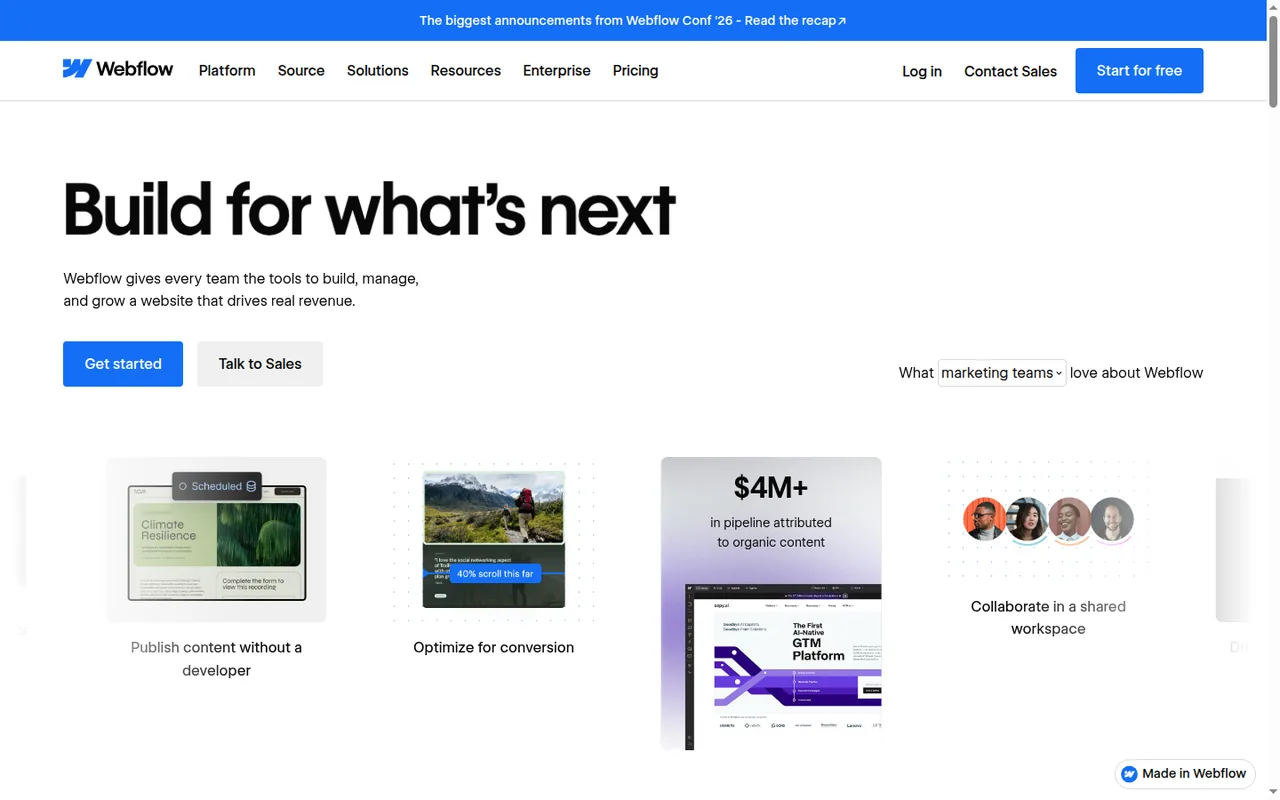
Design, build and host websites visually, with a CMS and built-in AI tools.

Price the build tokens and the live hosting separately
- Free access
- Webflow: Free access
- Bolt: Free access
- Paid from
- Webflow: USD 15 per site per month
- Bolt: USD 25 per month billed monthly
- Plans listed
- Webflow: 5
- Bolt: 4
- Public API
- Webflow: Yes
- Bolt: Not confirmed
Where Webflow and Bolt differ
- PlansWebflow lists 5 plans and Bolt lists 4.
Head to head
Each value from the tool’s profile and the vendor’s own pages
| Webflow | Fact | Bolt |
|---|---|---|
| Access and price | ||
| Free access availableStarter | Free accessSame | Free access availableBolt Free · USD 0 |
| USD 15 per site per monthBasic · billed yearly · USD 25 billed monthly | Lowest listed paid plan | USD 25 per month billed monthlyBolt Pro · $18 per month billed yearly |
| Free Starter plan; paid Site and Workspace plans | Pricing model | Free $0; Pro $25 a month, or $18 billed yearly |
| 5 | Plans listedDiffers | 4 |
| Yes | Public API | Not confirmed |
| Not confirmed | Card to start | Not confirmed |
| No | Open source | Not confirmed |
| What it is for | ||
| Visually designed marketing and content websites | Built for | Founders and product teams turning a prompt into a hosted web app |
| Website builders | CategorySame | Website builders |
| Platforms |
|
| Works with |
|
| How current | ||
| Profile sources checked | ||
| Pricing review due · Oct 2, 2026 | Pricing checkSame | Pricing review due · Oct 4, 2026 |
Official source check for both tools. No hands-on testing and no score: “Differs” marks a documented difference, not a better tool.
Plans and prices
Webflow
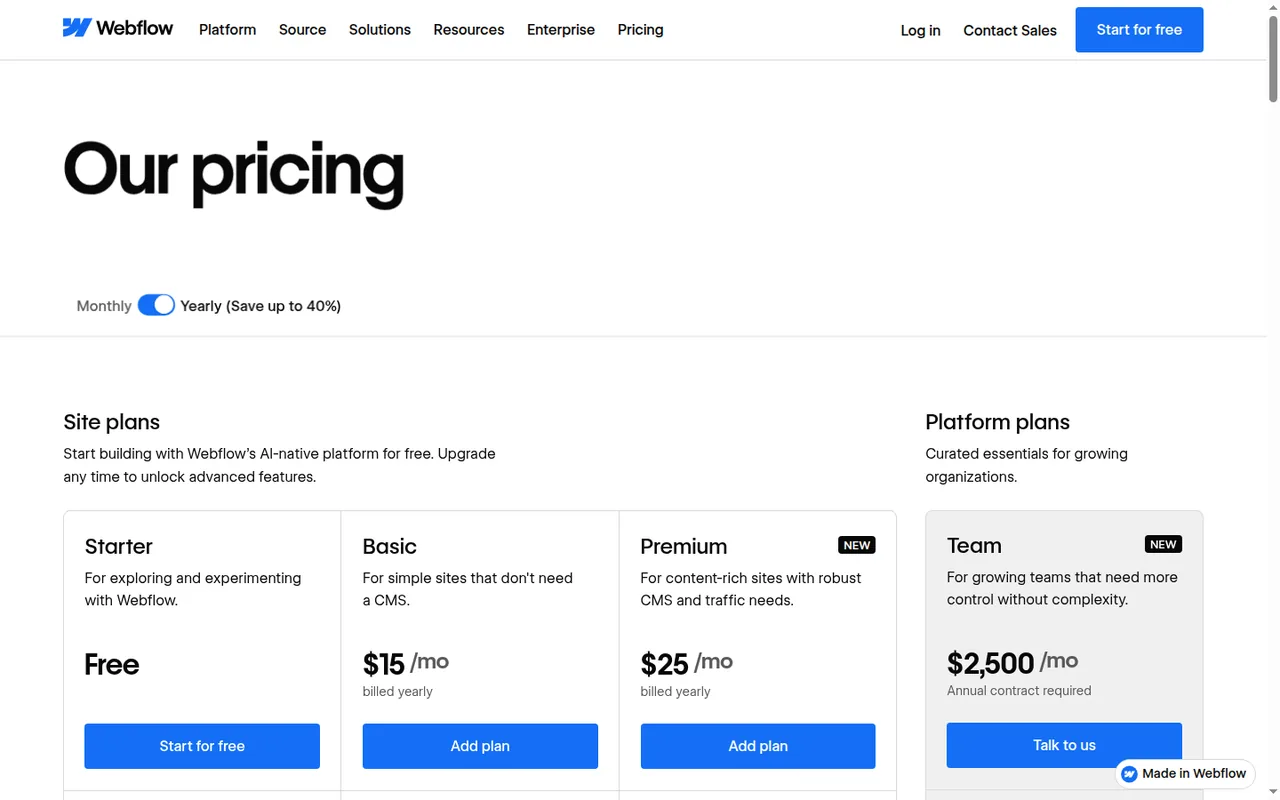
Pricing review due · Oct 2, 2026- StarterFree
- BasicUSD 15 per site per monthbilled yearly · USD 25 billed monthly
- PremiumUSD 25 per site per monthbilled yearly · USD 39 billed monthly
- TeamUSD 2,500 per monthannual contract required
- Core WorkspaceUSD 19 per monthbilled yearly · USD 28 billed monthly
Bolt
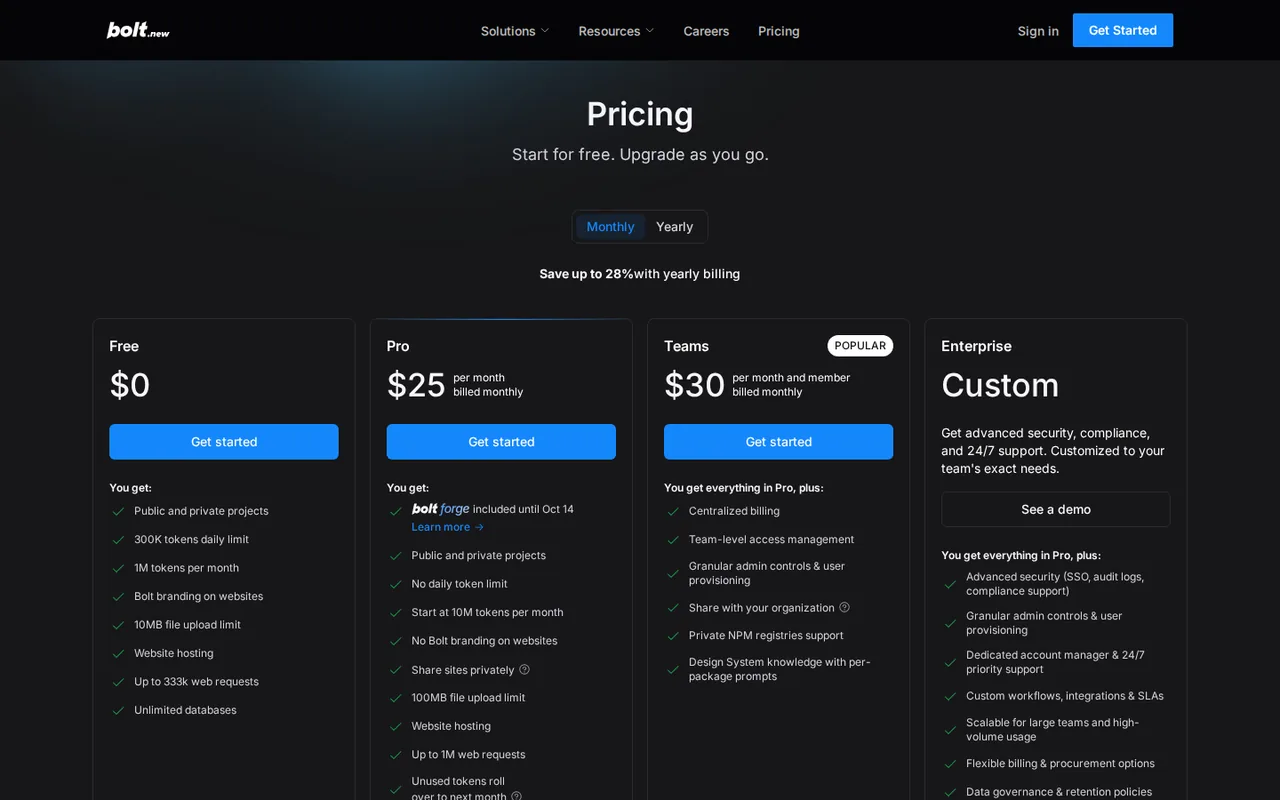
Pricing review due · Oct 4, 2026- Bolt FreeUSD 0
- Bolt ProUSD 25 per month billed monthlyUSD 18 per month billed yearly
- Bolt TeamsUSD 30 per member per month billed monthlyUSD 27 yearly
- Bolt EnterpriseCustom
Strengths and limits
Webflow
Strengths
- Free plan without a time limit: The pricing page says you can try Webflow for as long as you like on the free Starter plan.
- AI builder costs no credits: The AI site builder, contextual help and section design are listed as features that do not consume AI credits.
- Code can leave the platform: Paid Workspace plans export HTML, CSS, JavaScript and assets, with no attribution required on your own server.
Limits to plan around
- Two separate bills: Site plans and Workspace plans are bought and cancelled separately, so a team can end up paying for both.
- Tight free limits: The free Starter site publishes only to a webflow.io subdomain and is limited to 2 static pages.
- Credits expire: Unused AI credits expire at the end of each period, and AI credits and add-ons are non-refundable.
Bolt
Strengths
- Build and hosting in one account: Publishing to a bolt.host address, a database and authentication come with the project, so a prototype can be shared without setting up other services.
- Export path for the code: Projects download as a zip that runs locally with Node.js and can sync to GitHub, which keeps the code outside Bolt.
- Itemised limits: Token, request and bandwidth limits are published per plan, and Pro offers a spending cap for extra hosting traffic.
Limits to plan around
- Free sites can go offline: Free hosting has a hard monthly limit, and the site stays offline until usage resets.
- Token limits tighten with project size: Bolt says token use rises with project size, and the Free plan stops at 300K a day and 1M a month.
- Terms need a read: Output may not be copyrightable, subscriptions are non-refundable and eligible content may be used for model training unless you opt out.
See both products
Start from your task, not from a winner.
Run both tools on the same real task, then compare the result, how much editing it needs and how fast it uses your plan’s allowance.
How we reviewChange this pair
Choose tools
Choose two tools below. You can replace either selection at any time.
Audio & voice
Automation
Coding
Data & spreadsheets
Images & design
Presentations
Research & sources
Video & editing
Website builders
Writing & content
Comparing tools from different categories is fine, and often useful — a writing assistant and a research tool solve different halves of the same job. The table will show you exactly where they diverge.
Questions about comparing tools
How does the comparison work?
Add two tools to the comparison tray from any tool card, then open this page. The table pulls each tool's verified plan details, platforms, strengths and limits from its profile, so both columns carry the same kind of evidence, with a separate source-check date for each tool.
Do you declare a winner?
No. The table sets two tools against each other on documented facts, not on a score. Which one wins depends on your task, your budget and your usage volume — three things we cannot see from here.
Why are some cells empty or marked unverified?
Because we could not confirm that detail on the vendor's own pages. Rather than filling the gap with a figure from elsewhere, we mark it and say why on the tool's profile.
Can I compare more than two tools?
Not at once. Two columns keep the differences readable and force a real decision. Remove either selected tool to replace it, or clear both to start a new pair.
Every figure in the table above comes from the linked profile, where the source and the verification date are listed. Browse all tools or read the editorial policy.