
Local Falcon vs Consensus
Plans, free access, limits and intended use side by side, taken from each vendor’s own pages. No score and no winner: the facts show where the two differ.
Change tools
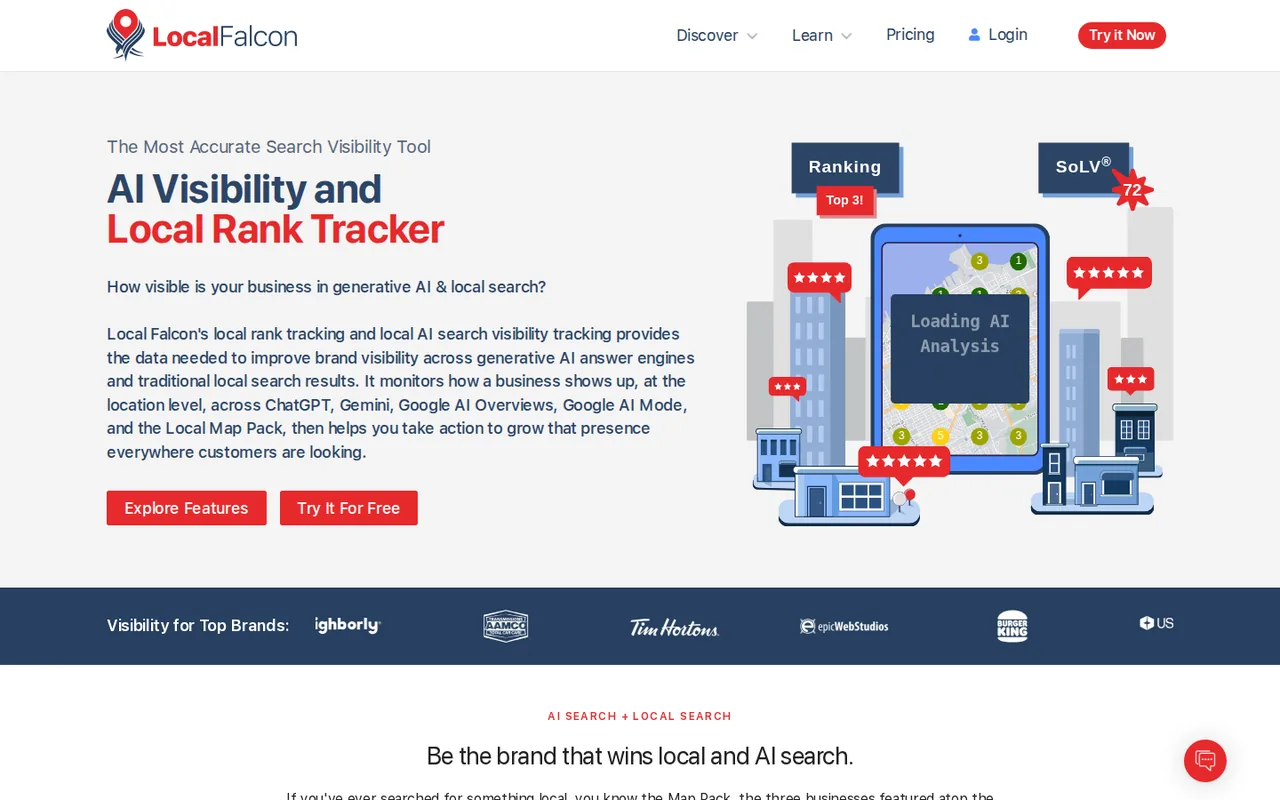
Geo-grid tracker for local map rankings and AI search mentions, with an AI analysis and an agent for Google Business Profile tasks

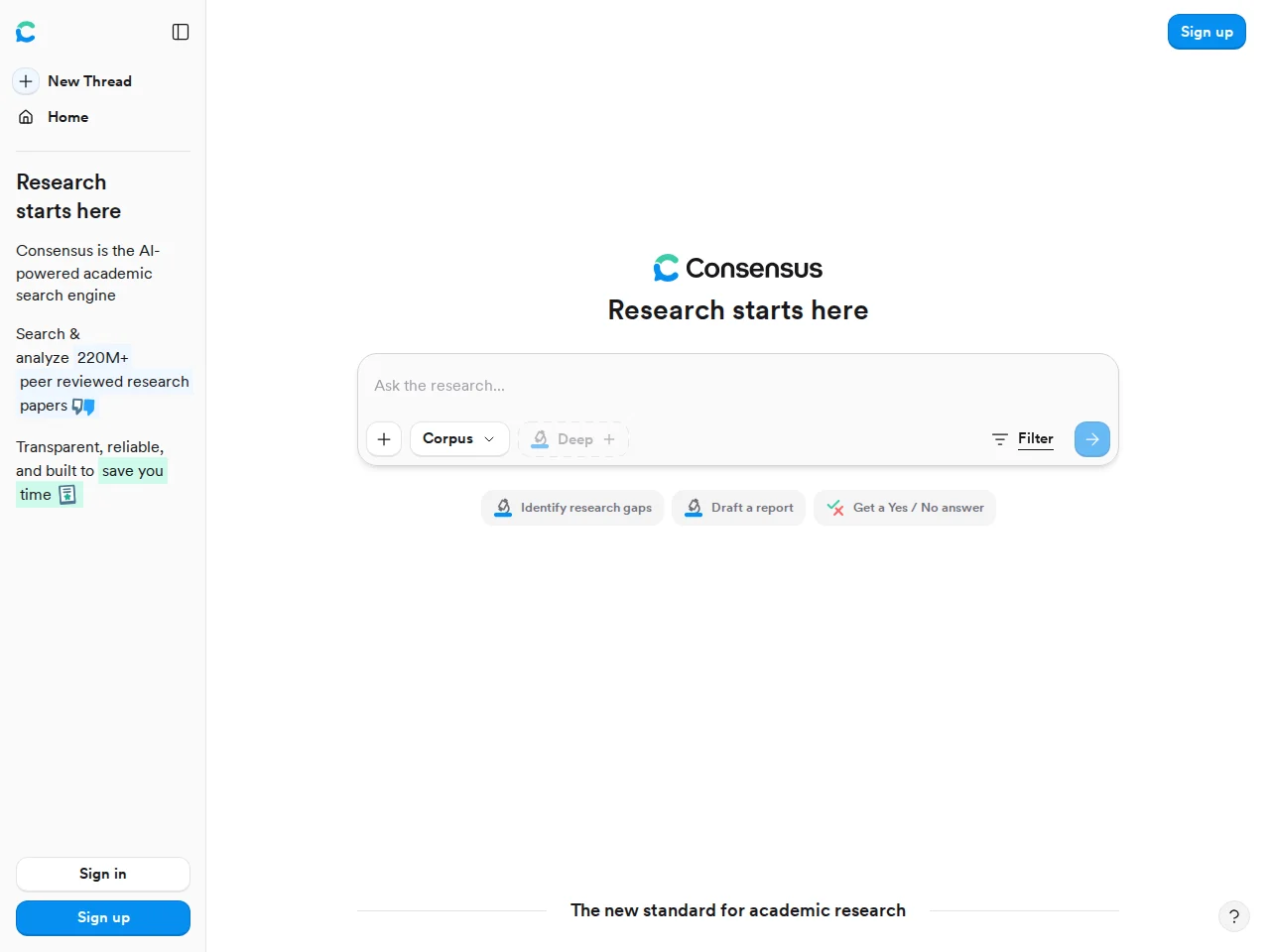
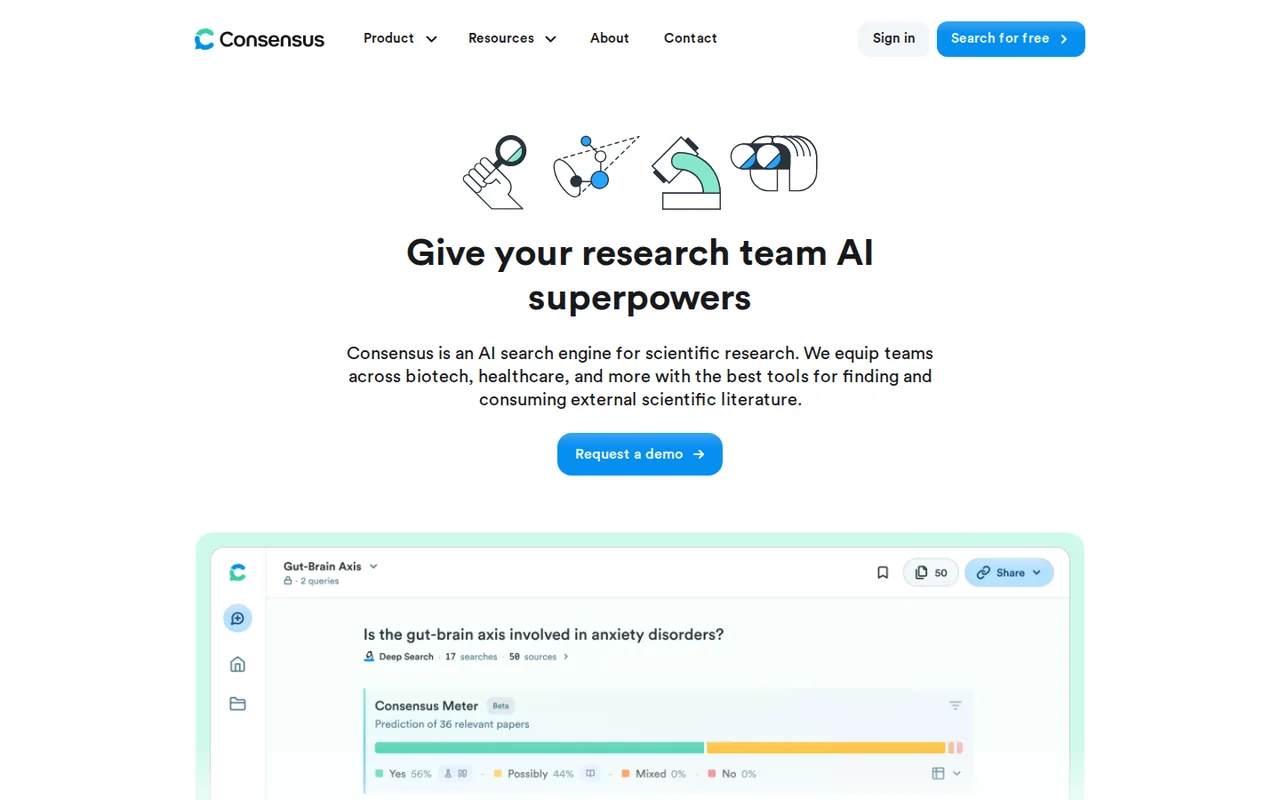
Explore research papers with cited answers and study filters.
- Free access
- Local Falcon: Free trial only
- Consensus: Free access
- Paid from
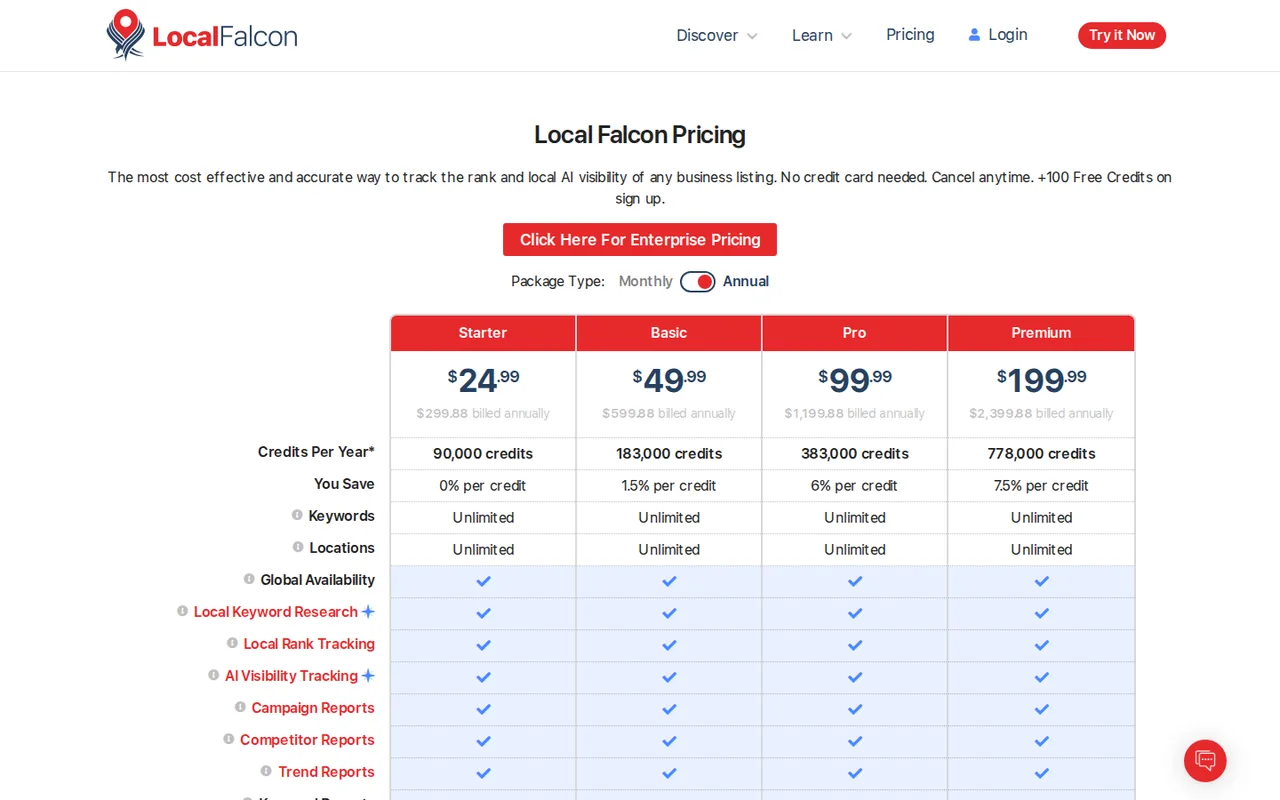
- Local Falcon: USD 24.99 per month
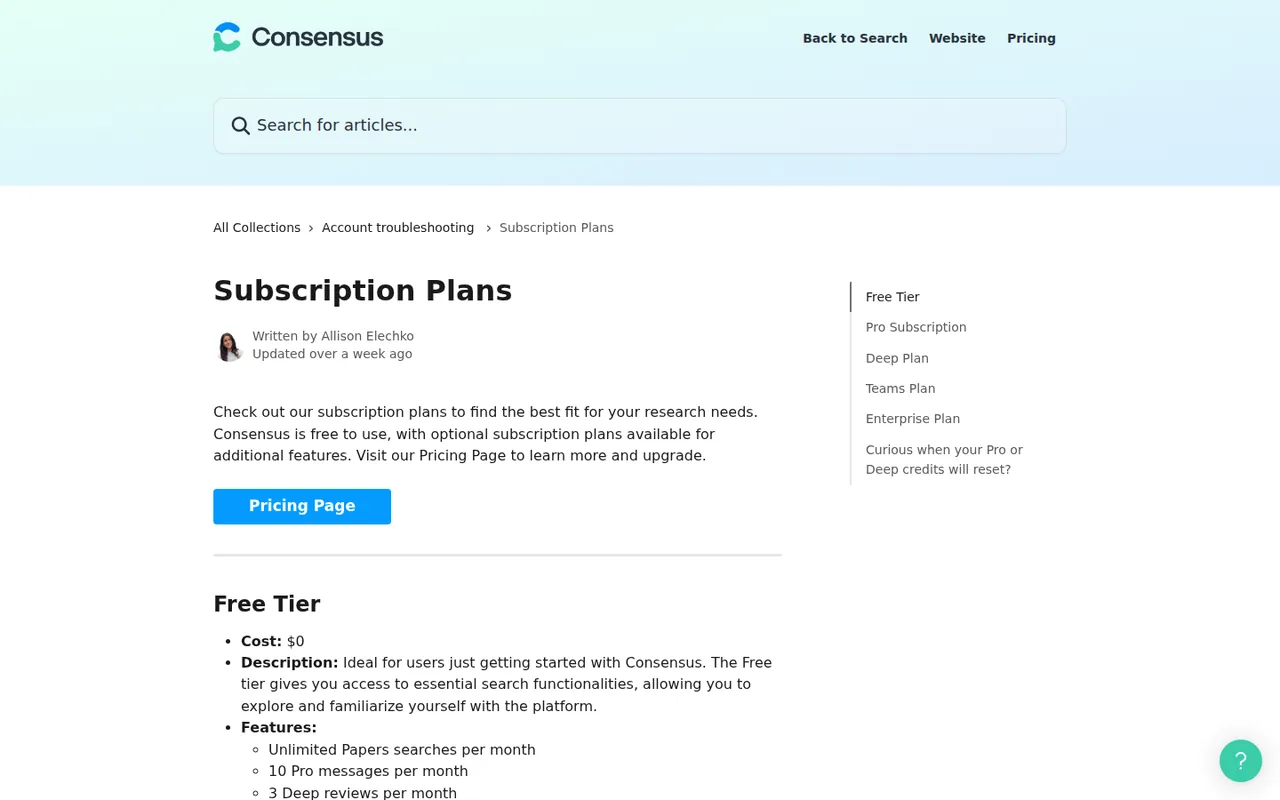
- Consensus: USD 12 per month
- Plans listed
- Local Falcon: 6
- Consensus: 6
- Public API
- Local Falcon: Not confirmed
- Consensus: Yes
Where Local Falcon and Consensus differ
- AccessLocal Falcon offers a free trial only, while Consensus offers free access.
- Pricing checkPrices confirmed for Local Falcon; pricing review due for Consensus.
Head to head
Each value from the tool’s profile and the vendor’s own pages
| Local Falcon | Fact | Consensus |
|---|---|---|
| Access and price | ||
| Free trial onlyFree trial · USD 0 | Free accessDiffers | Free access availableFree |
| USD 24.99 per monthStarter | Lowest listed paid plan | USD 12 per monthPro (annual) · billed annually · USD 144 a year |
| 100 free credits at sign-up, no card; paid credit packages from $24.99 a month | Pricing model | Free plan; Pro from USD 12/month billed annually |
| 6 | Plans listedSame | 6 |
| Not confirmed | Public API | Yes |
| Not confirmed | Card to start | Not confirmed |
| Not confirmed | Open source | No |
| What it is for | ||
| Local SEO agencies and multi-location businesses that need to see where a listing ranks and whether AI assistants name it, point by point across a service area | Built for | Finding and synthesizing published research |
| Research & sources | CategorySame | Research & sources |
| Platforms |
|
| Works with | Not listed |
| How current | ||
| Profile sources checked | ||
| Prices confirmed · Oct 30, 2026 | Pricing checkDiffers | Pricing review due · Sep 24, 2026 |
Official source check for both tools. No hands-on testing and no score: “Differs” marks a documented difference, not a better tool.
Plans and prices
Local Falcon
Prices confirmed · Oct 30, 2026- Free trialUSD 0
- StarterUSD 24.99 per month
- BasicUSD 49.99 per month
- ProUSD 99.99 per month
- PremiumUSD 199.99 per month
Show 1 more plan
- EnterpriseUSD 499 to $4,999 per month
Consensus
Pricing review due · Sep 24, 2026- FreeFree
- Pro (annual)USD 12 per monthbilled annually · USD 144 a year
- Pro (monthly)USD 20 per monthbilled monthly
- Deep (annual)USD 45 per monthbilled annually · USD 540 a year
- Deep (monthly)USD 65 per monthbilled monthly
Show 1 more plan
- Team and EnterpriseContact sales
Strengths and limits
Local Falcon
Strengths
- Location-level view: Results are shown per grid point, not as one rank number.
- Credit rules are published: The pricing page states what a credit is, what Falcon AI costs and the pay-as-you-go rate.
- Unlimited keywords and locations: The pricing table lists them as unlimited on every credit package.
Limits to plan around
- Credits expire: Monthly credits expire each month and annual credits each year, and the Terms give no refunds for unused credits.
- Cost grows with grid size: Bigger grids, more keywords and competitor scans multiply credit use.
- Pages disagree on details: The Premium credit allotments and the list of AI platforms differ between the pricing table, FAQ, features page and llms.txt.
Consensus
Strengths
- Large research index: Answers draw on a search of more than 220 million peer-reviewed papers, per the pricing page.
- Fine-grained study filters: Filters for study design, population, sample size and journal rank, plus a preprint switch, narrow results before you read.
- Reference-manager exports: Search results export to CSV, RIS or formatted bibliographies, and Deep reports export to PDF.
Limits to plan around
- Abstract-only evidence: When full text is unavailable, a cited paper may have been read from its abstract alone, so methods and caveats can be missing.
- Small Free allowance: Free has up to 3 Deep reviews monthly, each also consuming a Pro message. Official Pro-message allowances differ; confirm the available count in account settings.
- Team prices not listed: The Team and Enterprise tab of the pricing page shows no amounts; larger licenses are quoted by sales.
See both products
Start from your task, not from a winner.
Run both tools on the same real task, then compare the result, how much editing it needs and how fast it uses your plan’s allowance.
How we reviewChange this pair
Choose tools
Choose two tools below. You can replace either selection at any time.
Audio & voice
Automation
Coding
Data & spreadsheets
Images & design
Presentations
Research & sources
Video & editing
Website builders
Writing & content
Comparing tools from different categories is fine, and often useful — a writing assistant and a research tool solve different halves of the same job. The table will show you exactly where they diverge.
Questions about comparing tools
How does the comparison work?
Add two tools to the comparison tray from any tool card, then open this page. The table pulls each tool's verified plan details, platforms, strengths and limits from its profile, so both columns carry the same kind of evidence, with a separate source-check date for each tool.
Do you declare a winner?
No. The table sets two tools against each other on documented facts, not on a score. Which one wins depends on your task, your budget and your usage volume — three things we cannot see from here.
Why are some cells empty or marked unverified?
Because we could not confirm that detail on the vendor's own pages. Rather than filling the gap with a figure from elsewhere, we mark it and say why on the tool's profile.
Can I compare more than two tools?
Not at once. Two columns keep the differences readable and force a real decision. Remove either selected tool to replace it, or clear both to start a new pair.
Every figure in the table above comes from the linked profile, where the source and the verification date are listed. Browse all tools or read the editorial policy.