
Remakeit vs Akool
Plans, free access, limits and intended use side by side, taken from each vendor’s own pages. No score and no winner: the facts show where the two differ.
Change tools
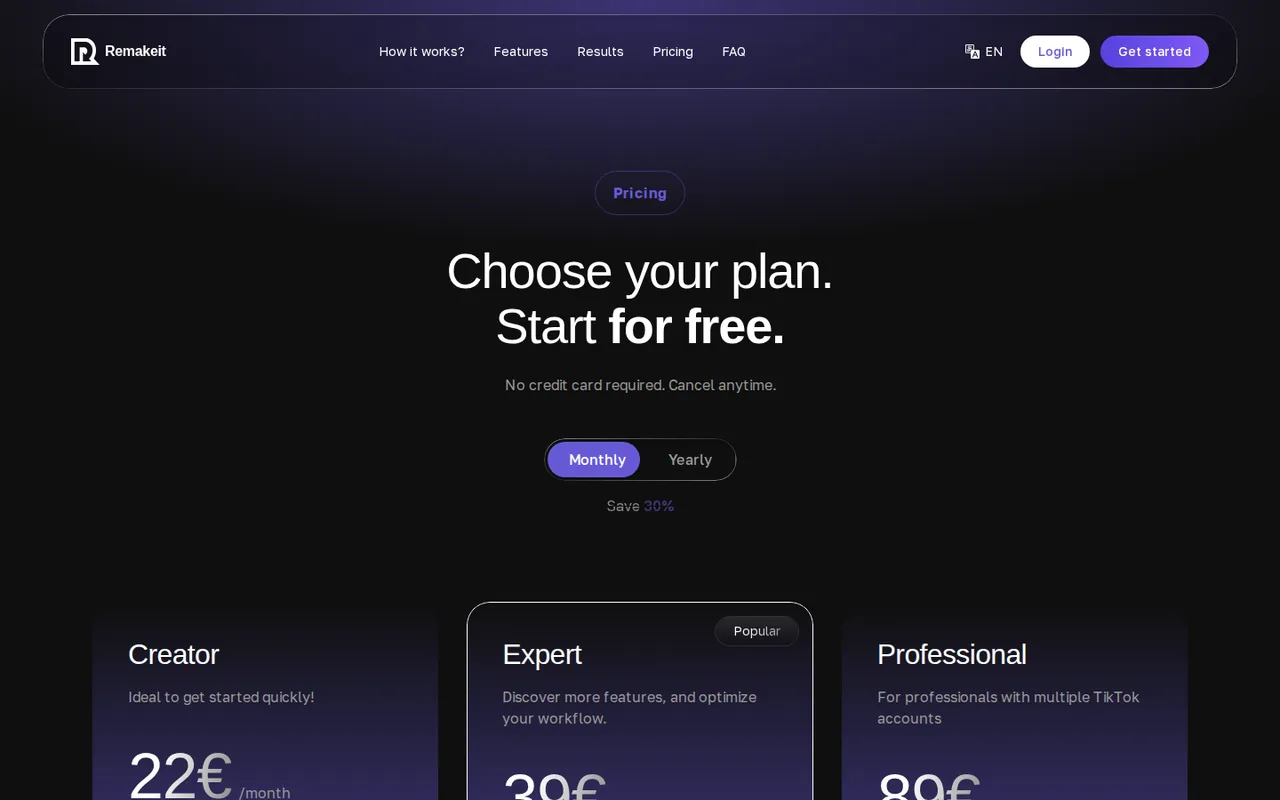
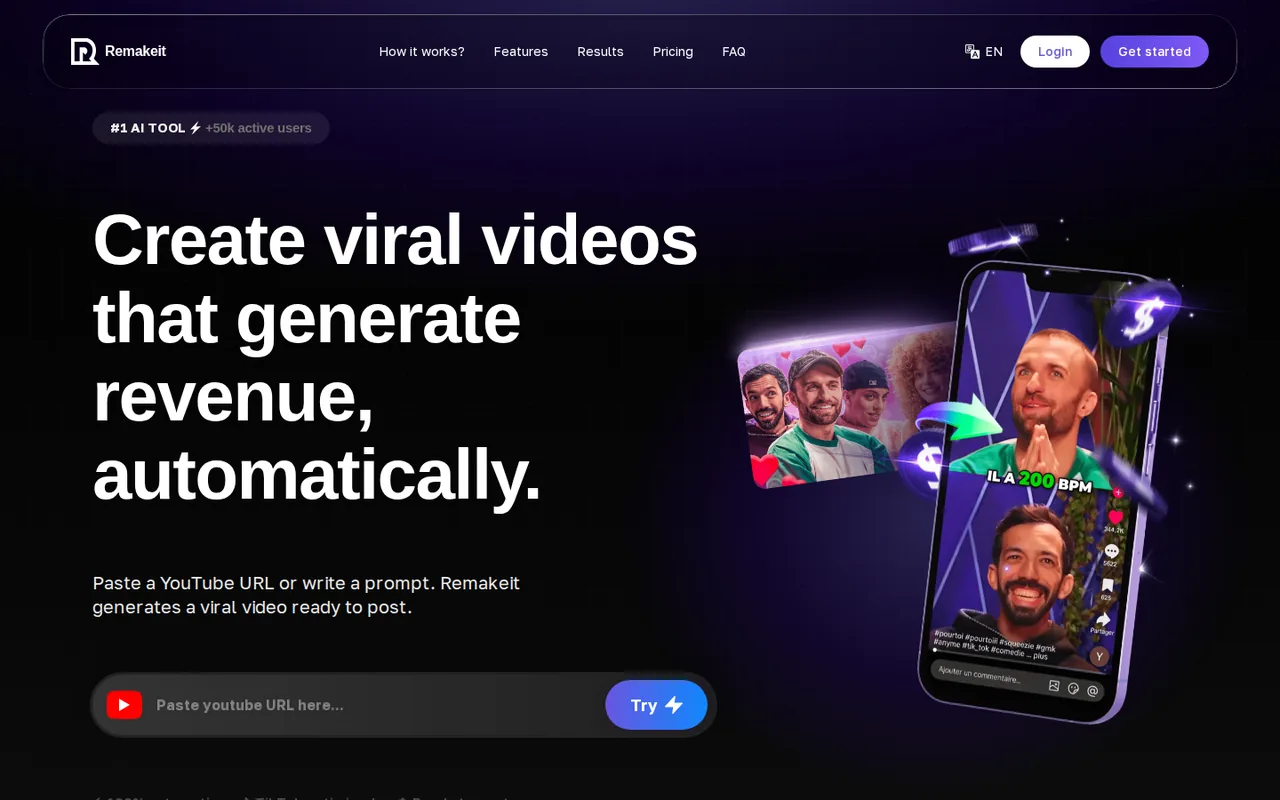
AI short-video maker that turns a YouTube link or a prompt into TikTok, Reels and Shorts clips, with paid plans from 22€ a month and no free plan listed

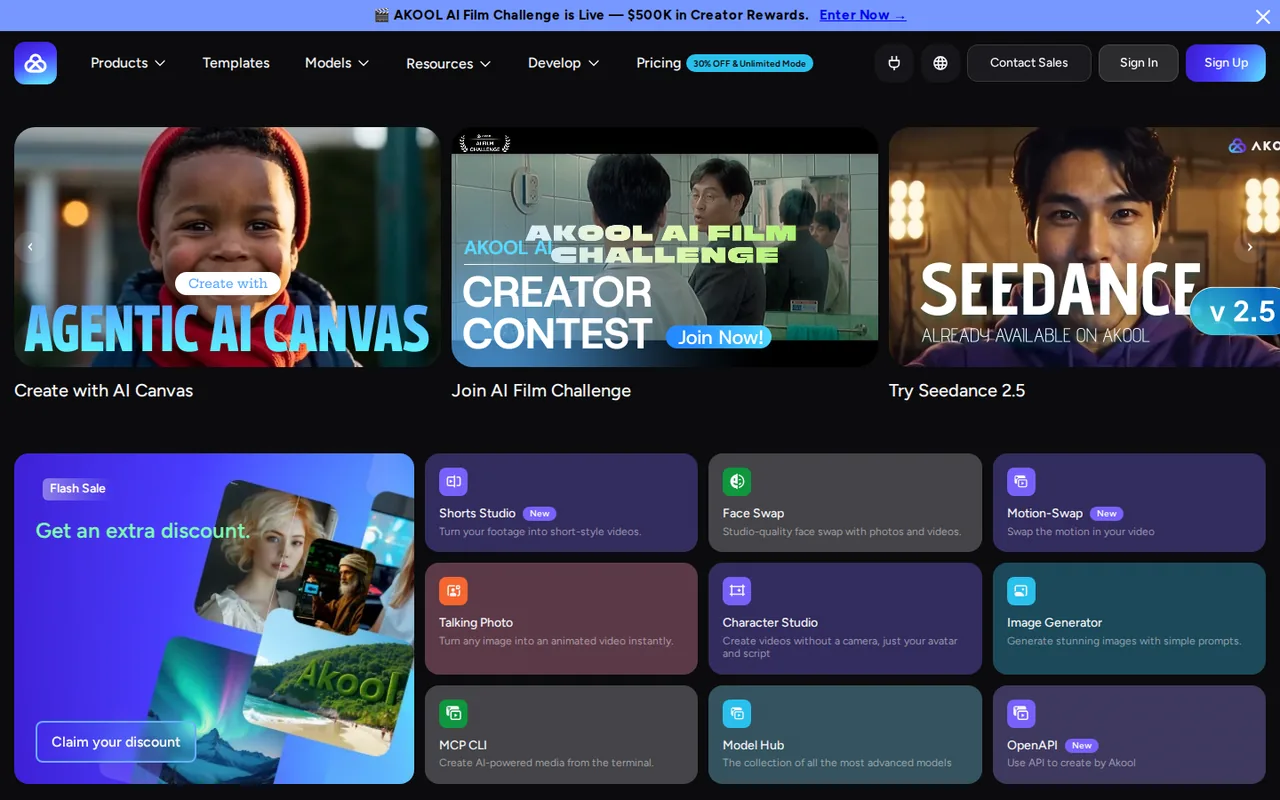
AI video platform for avatar videos, video translation and face swap, with a model hub
- Free access
- Remakeit: Not verified
- Akool: Free access
- Paid from
- Remakeit: 22€ per month
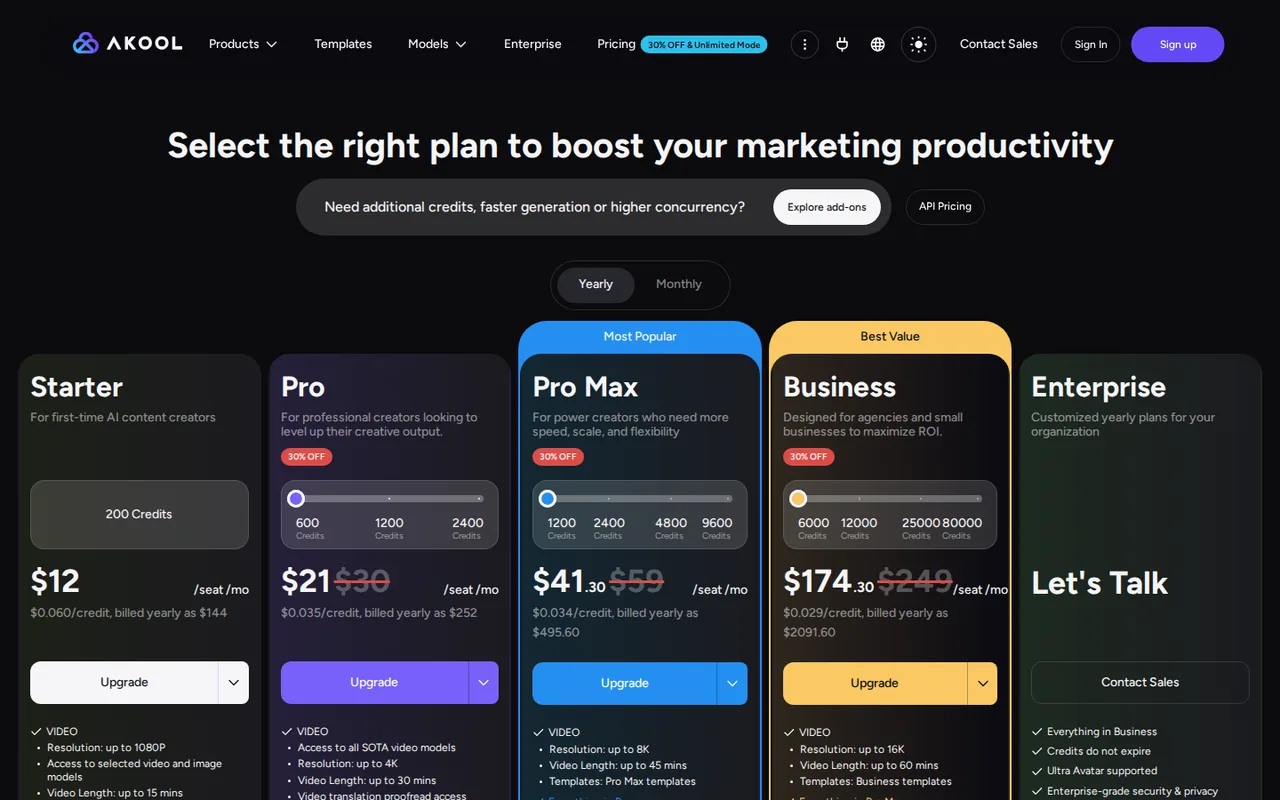
- Akool: USD 144 billed yearly
- Plans listed
- Remakeit: 3
- Akool: 6
- Public API
- Remakeit: Not confirmed
- Akool: Not confirmed
Where Remakeit and Akool differ
- PlansRemakeit lists 3 plans and Akool lists 6.
Head to head
Each value from the tool’s profile and the vendor’s own pages
| Remakeit | Fact | Akool |
|---|---|---|
| Access and price | ||
| Not verified | Free accessDiffers | Free access availableFree · USD 0 per month |
| 22€ per monthCreator | Lowest listed paid plan | USD 144 billed yearlyStarter · $12 per month per seat |
| Creator 22€ a month; Expert 39€ a month; Professional 89€ a month; no free plan listed | Pricing model | Free plan; paid from $12 a month billed yearly ($144) |
| 3 | Plans listedDiffers | 6 |
| Not confirmed | Public API | Not confirmed |
| Not confirmed | Card to start | Not confirmed |
| Not confirmed | Open source | Not confirmed |
| What it is for | ||
| Creators who want to turn long YouTube videos or a one-line prompt into vertical shorts and post them to several platforms from one dashboard | Built for | Marketing and training teams that make avatar, translated or face-swapped video from content they own or have permission to use |
| Video & editing | CategorySame | Video & editing |
| Platforms |
|
| Works with |
|
| How current | ||
| Profile sources checked | ||
| Prices confirmed · Nov 13, 2026 | Pricing checkSame | Prices confirmed · Oct 31, 2026 |
Official source check for both tools. No hands-on testing and no score: “Differs” marks a documented difference, not a better tool.
Plans and prices
Remakeit
Prices confirmed · Nov 13, 2026- Creator22€ per month
- Expert39€ per month
- Professional89€ per month
Akool
Prices confirmed · Oct 31, 2026- FreeUSD 0 per month
- StarterUSD 144 billed yearlyUSD 12 per month per seat
- ProUSD 252 billed yearlyUSD 21 per month per seat; list $30 monthly
- Pro MaxUSD 495.60 billed yearlyUSD 41.30 per month per seat; list $59 monthly
- BusinessUSD 2,091.60 billed yearlyUSD 174.30 per month per seat; list $249 monthly
Show 1 more plan
- EnterpriseCustom
Strengths and limits
Remakeit
Strengths
- One tool from source to post: The pricing page lists YouTube video analysis, prompt-to-video, voice-over, subtitles and automatic publishing on the same plans.
- Credits are easy to convert: The pricing page says 10 credits equal one video, so the plan size translates directly into a video count.
- Unlimited tier exists: The Professional card lists unlimited Remakeit Shorts credits and unlimited voice synthesis at 89€ a month.
Limits to plan around
- No free plan is listed: The pricing page shows only Creator, Expert and Professional; the free start mentioned elsewhere has no stated credits or limits.
- Refunds are narrow: The Refund Policy limits refunds to verified technical malfunction, duplicate transactions or service failure within 14 days, and excludes completed generations and subscription renewals.
- Currency is unclear: The pricing page shows euros, while the Terms say cards are accepted in AED and USD; the amount charged may differ from the headline.
Akool
Strengths
- Free plan exists: The pricing page lists a $0 plan, though its credit amount is not stated.
- Wide toolset in one place: Avatars, translation, swaps and a model hub sit under one account.
- Training promise in the Terms: The Terms say your content and usage data are not used to train machine learning models.
Limits to plan around
- Free limits are not numbers: The Free plan's credit amount is not stated; its watermark row reads full screen.
- Plain licence is unclear: The pricing page says personal licence on Starter to Pro Max while the Terms allow any lawful use of Output.
- No consent check found for swaps: The Terms make you warrant rights to your Input; no consent step for the people shown was found on the pages read.
See both products
Start from your task, not from a winner.
Run both tools on the same real task, then compare the result, how much editing it needs and how fast it uses your plan’s allowance.
How we reviewChange this pair
Choose tools
Choose two tools below. You can replace either selection at any time.
Audio & voice
Automation
Coding
Data & spreadsheets
Images & design
Presentations
Research & sources
Video & editing
Website builders
Writing & content
Comparing tools from different categories is fine, and often useful — a writing assistant and a research tool solve different halves of the same job. The table will show you exactly where they diverge.
Questions about comparing tools
How does the comparison work?
Add two tools to the comparison tray from any tool card, then open this page. The table pulls each tool's verified plan details, platforms, strengths and limits from its profile, so both columns carry the same kind of evidence, with a separate source-check date for each tool.
Do you declare a winner?
No. The table sets two tools against each other on documented facts, not on a score. Which one wins depends on your task, your budget and your usage volume — three things we cannot see from here.
Why are some cells empty or marked unverified?
Because we could not confirm that detail on the vendor's own pages. Rather than filling the gap with a figure from elsewhere, we mark it and say why on the tool's profile.
Can I compare more than two tools?
Not at once. Two columns keep the differences readable and force a real decision. Remove either selected tool to replace it, or clear both to start a new pair.
Every figure in the table above comes from the linked profile, where the source and the verification date are listed. Browse all tools or read the editorial policy.