
Jenni AI vs Preuve AI
Plans, free access, limits and intended use side by side, taken from each vendor’s own pages. No score and no winner: the facts show where the two differ.
Change tools
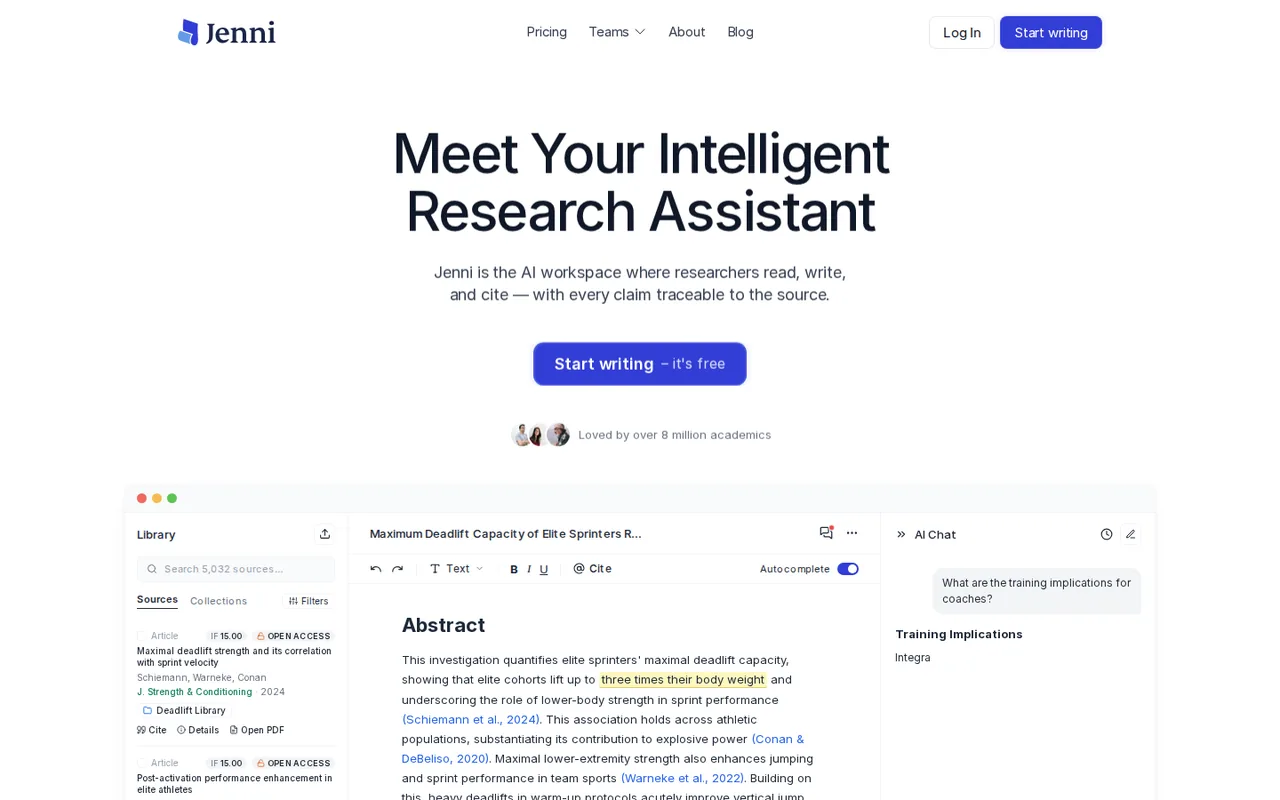
AI academic writing workspace where autocomplete, chat and citations draw on your own uploaded papers, with a free plan that has small usage caps

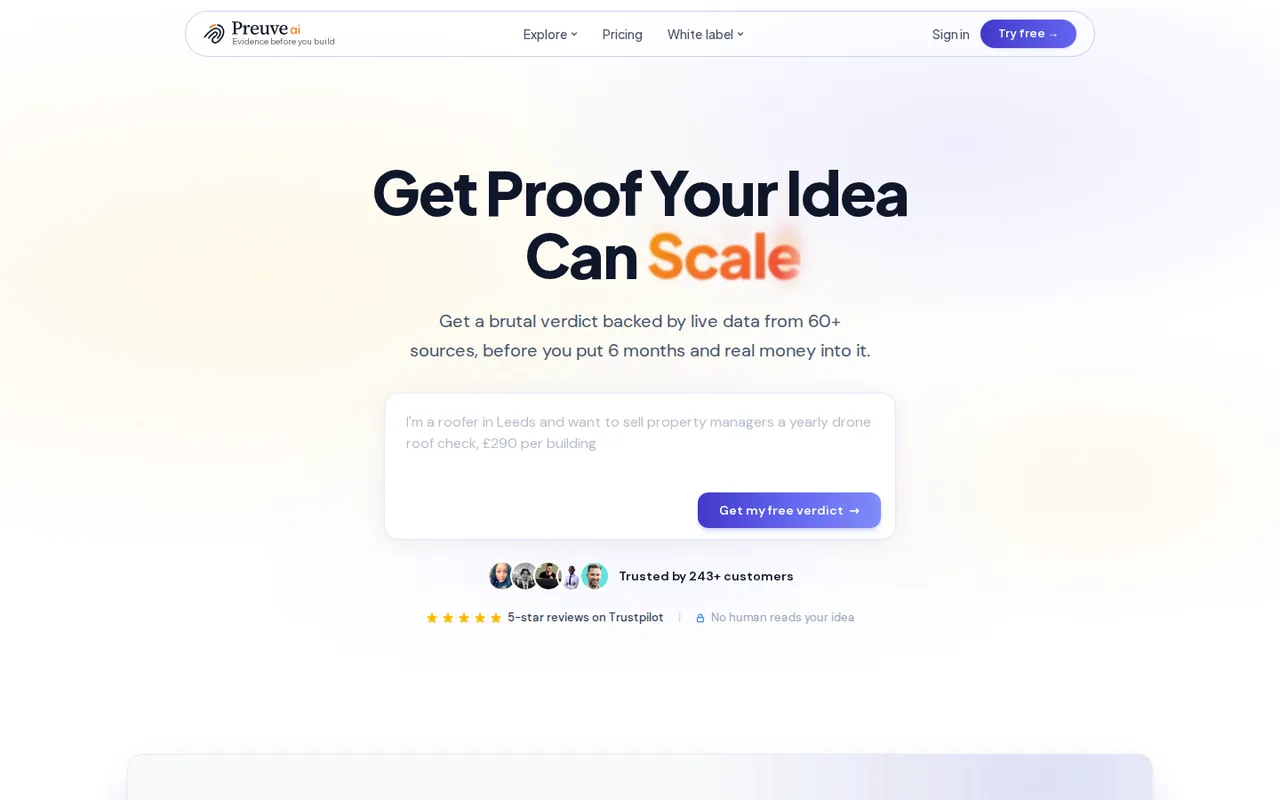
Cited 0-100 viability score for a startup idea, with a free first check and one-time pricing
- Free access
- Jenni AI: Free access
- Preuve AI: Free access
- Paid from
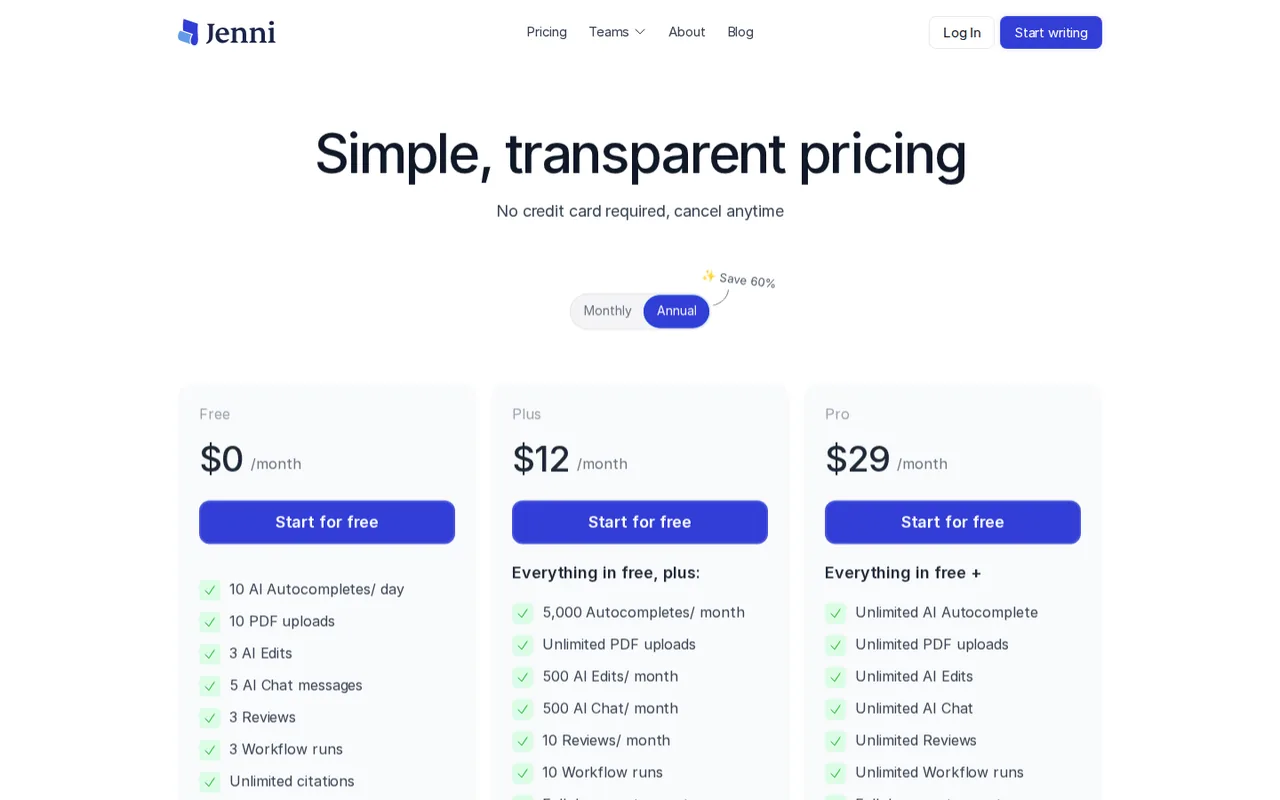
- Jenni AI: USD 12 per month on the default view of the pricing page
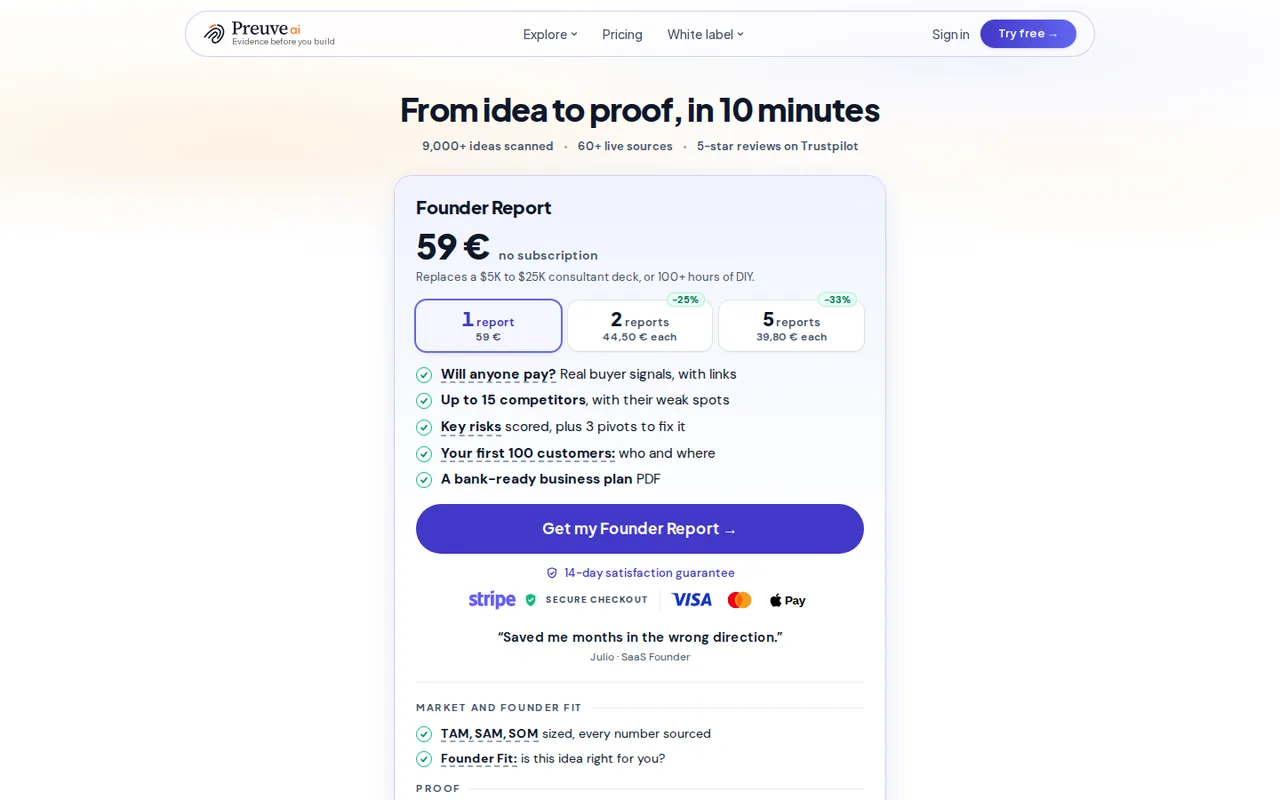
- Preuve AI: USD 59 one-time
- Plans listed
- Jenni AI: 4
- Preuve AI: 7
- Public API
- Jenni AI: Not confirmed
- Preuve AI: Not confirmed
Where Jenni AI and Preuve AI differ
- PlansJenni AI lists 4 plans and Preuve AI lists 7.
Head to head
Each value from the tool’s profile and the vendor’s own pages
| Jenni AI | Fact | Preuve AI |
|---|---|---|
| Access and price | ||
| Free access availableFree · USD 0 | Free accessSame | Free access availableReality Check |
| USD 12 per month on the default view of the pricing pagePlus · $30 per month on its monthly view | Lowest listed paid plan | USD 59 one-timeFounder Report |
| Free $0 (10 AI autocompletes a day, 3 AI edits, 5 chat messages); Plus $12 a month on the default view or $30 monthly; Pro $29 or $73; Teams by quote | Pricing model | Free Reality Check (2 scans); Founder Report $59 one-time; Lifetime Pro $499 |
| 4 | Plans listedDiffers | 7 |
| Not confirmed | Public API | Not confirmed |
| Not confirmed | Card to start | Not confirmed |
| Not confirmed | Open source | Not confirmed |
| What it is for | ||
| Students and researchers who write papers from a set of PDFs and want each AI suggestion traced to a source, and who accept usage caps on the free plan | Built for | Checking whether a startup idea has demand and room before building it |
| Research & sources | CategorySame | Research & sources |
| Platforms |
|
| Works with |
|
| How current | ||
| Profile sources checked | ||
| Prices confirmed · Nov 16, 2026 | Pricing checkSame | Prices confirmed · Oct 21, 2026 |
Official source check for both tools. No hands-on testing and no score: “Differs” marks a documented difference, not a better tool.
Plans and prices
Jenni AI
Prices confirmed · Nov 16, 2026- FreeUSD 0
- PlusUSD 12 per month on the default view of the pricing pageUSD 30 per month on its monthly view
- ProUSD 29 per month on the default view of the pricing pageUSD 73 per month on its monthly view
- TeamsContact sales
Preuve AI
Prices confirmed · Oct 21, 2026- Reality CheckFree
- Founder ReportUSD 59 one-time
- 2-Report PackUSD 89 one-time
- 5-Report PackUSD 199 one-time
- Investor-Ready PackageUSD 499 one-time
Show 2 more plans
- Lifetime ProUSD 499 one-time
- Lifetime BusinessUSD 999 one-time
Strengths and limits
Jenni AI
Strengths
- Citations are tied to the source passage: The homepage says AI-suggested sentences link to the precise location in the source PDF so you can verify a claim in one click.
- The free plan includes the citation tools: The pricing page lists Free at $0 with unlimited citations, 10,000+ citation styles and editor content export alongside the capped AI features.
- Plus lifts the daily autocomplete cap to a monthly one: Free is 10 autocompletes per day; Plus lists 5,000 per month, 500 AI edits and 500 AI chat messages per month, and unlimited PDF uploads.
Limits to plan around
- The AI models are not named: The pricing FAQ says Jenni uses "the latest AI models" and tests new ones; it does not say which, so model quality or provider cannot be checked.
- The Terms do not say who owns what you write: The Terms of Service page read here, last updated April 27, 2024, covers the site content and a licence to process your data, not ownership of AI-assisted drafts.
- Free export is limited: The comparison table says Free exports body content only, while Plus and Pro export all content.
Preuve AI
Strengths
- One-time pricing: Founder products are single payments with no subscription, and Sentinel does not renew or charge after three months.
- Claims link to sources: The vendor says sourced claims link back to their source and estimates are labelled as estimates.
- Free first check: The Reality Check gives a score, market size and two competitor previews for 2 scans with no payment.
Limits to plan around
- Score method is closed: Factor weights, thresholds and agent prompts are unpublished, and the vendor says the score is a snapshot, not a guarantee.
- Narrow free tier: The free check is limited to 2 scans, each viewable for 7 days, with 2 competitor previews and no pivots.
- Narrow refund: The 14-day guarantee is a rerun first, once per customer, and not after Build with AI or an export; Lifetime plans and the Investor Package are excluded.
See both products
Start from your task, not from a winner.
Run both tools on the same real task, then compare the result, how much editing it needs and how fast it uses your plan’s allowance.
How we reviewChange this pair
Choose tools
Choose two tools below. You can replace either selection at any time.
Audio & voice
Automation
Coding
Data & spreadsheets
Images & design
Presentations
Research & sources
Video & editing
Website builders
Writing & content
Comparing tools from different categories is fine, and often useful — a writing assistant and a research tool solve different halves of the same job. The table will show you exactly where they diverge.
Questions about comparing tools
How does the comparison work?
Add two tools to the comparison tray from any tool card, then open this page. The table pulls each tool's verified plan details, platforms, strengths and limits from its profile, so both columns carry the same kind of evidence, with a separate source-check date for each tool.
Do you declare a winner?
No. The table sets two tools against each other on documented facts, not on a score. Which one wins depends on your task, your budget and your usage volume — three things we cannot see from here.
Why are some cells empty or marked unverified?
Because we could not confirm that detail on the vendor's own pages. Rather than filling the gap with a figure from elsewhere, we mark it and say why on the tool's profile.
Can I compare more than two tools?
Not at once. Two columns keep the differences readable and force a real decision. Remove either selected tool to replace it, or clear both to start a new pair.
Every figure in the table above comes from the linked profile, where the source and the verification date are listed. Browse all tools or read the editorial policy.