
EditThisPic vs Canva
Plans, free access, limits and intended use side by side, taken from each vendor’s own pages. No score and no winner: the facts show where the two differ.
Change tools
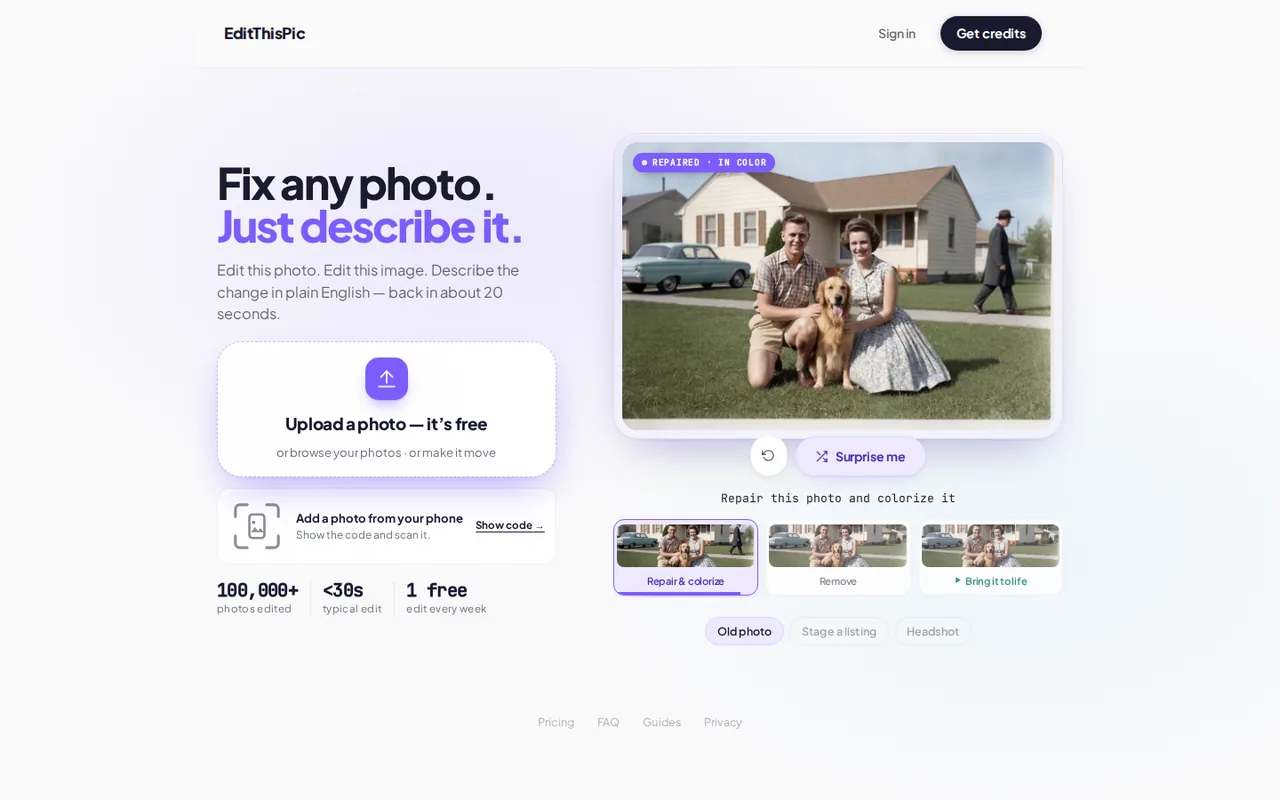
Describe-the-edit photo editor sold as prepaid credit packs, with one free preview edit a week and no signup to try it

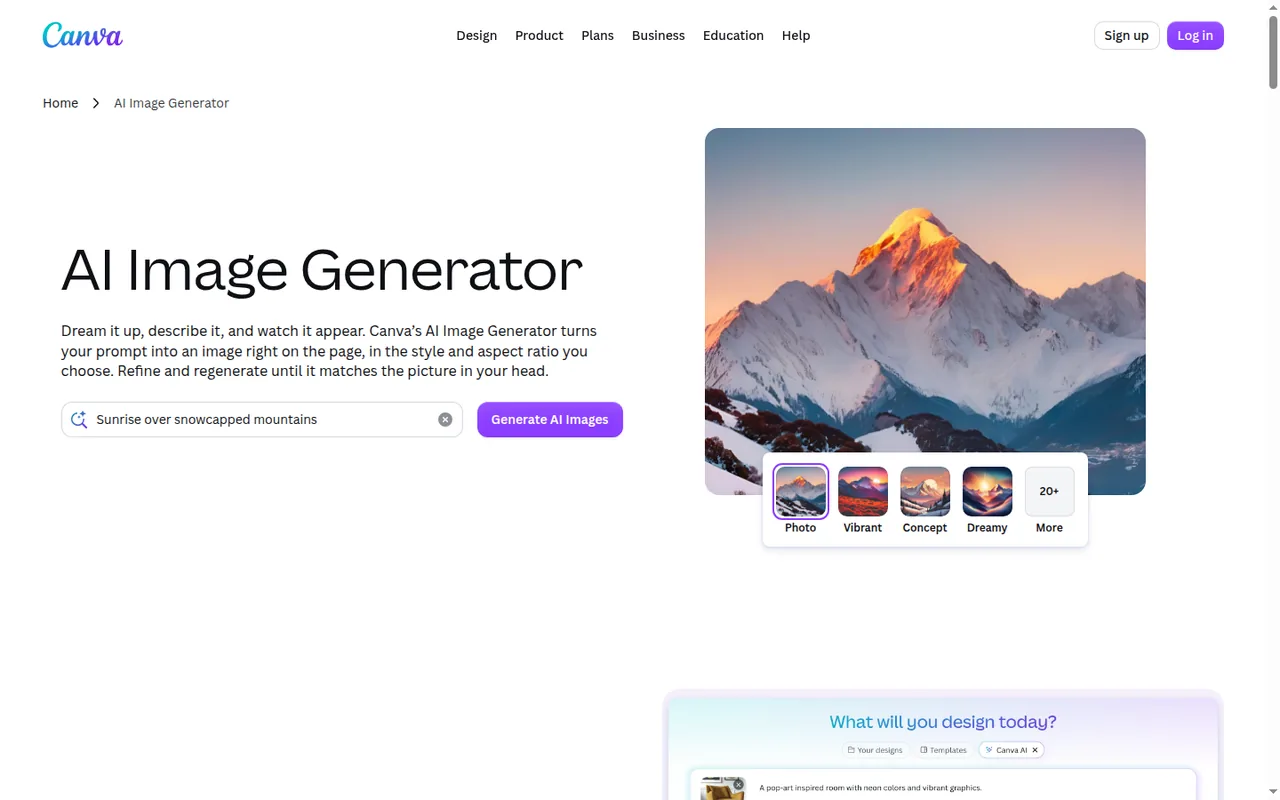
Templates, brand kits and AI generation in one editor.
- Free access
- EditThisPic: Free access
- Canva: Free access
- Paid from
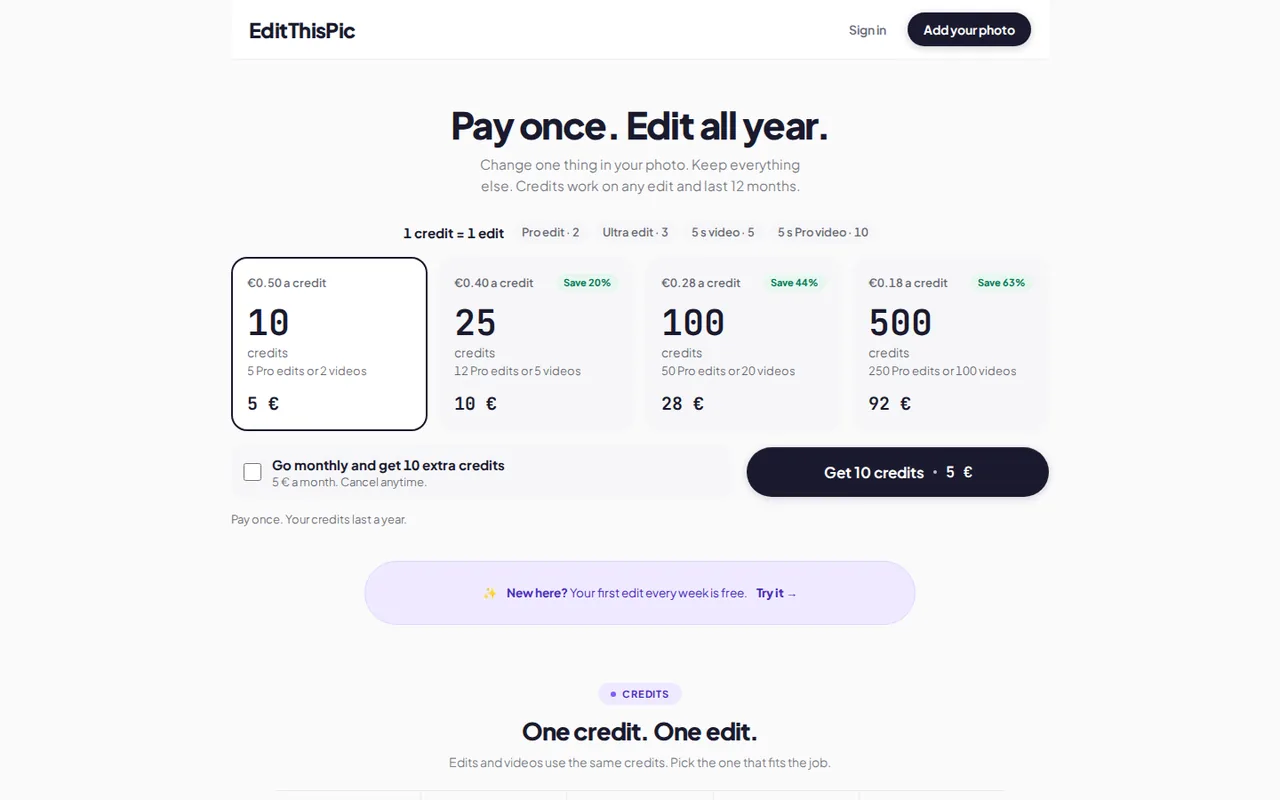
- EditThisPic: USD 4.99 one-time for 10 credits; $9.99 one-time for 25 credits; $29.99 one-time for 100 credits; $99.99 one-time for 500 credits
- Canva: No fixed price listed
- Plans listed
- EditThisPic: 3
- Canva: 5
- Public API
- EditThisPic: Not confirmed
- Canva: Yes
Where EditThisPic and Canva differ
- Pricing checkSome prices or terms not confirmed for EditThisPic; pricing review due for Canva.
- PlansEditThisPic lists 3 plans and Canva lists 5.
Head to head
Each value from the tool’s profile and the vendor’s own pages
| EditThisPic | Fact | Canva |
|---|---|---|
| Access and price | ||
| Free access availableFree · One edit a week | Free accessSame | Free access availableFree · EUR 0 |
| USD 4.99 one-time for 10 credits; $9.99 one-time for 25 credits; $29.99 one-time for 100 credits; $99.99 one-time for 500 creditsCredit packs | Lowest listed paid plan | No fixed price listed |
| One free edit a week, preview only; credit packs $4.99 for 10, $9.99 for 25, $29.99 for 100, $99.99 for 500 (one-time); monthly option $4.99 a month | Pricing model | Free plan; paid Pro and Business |
| 3 | Plans listedDiffers | 5 |
| Not confirmed | Public API | Yes |
| Not confirmed | Card to start | Not confirmed |
| Not confirmed | Open source | No |
| What it is for | ||
| People who need a handful of one-off photo fixes, such as removing a person, swapping a background or restoring an old print, and prefer a prepaid pack to a subscription | Built for | AI images placed straight into templated designs |
| Images & design | CategorySame | Images & design |
| Platforms |
|
| Works with |
|
| How current | ||
| Profile sources checked | ||
| Some prices or terms not confirmed · Nov 19, 2026 | Pricing checkDiffers | Pricing review due · Oct 2, 2026 |
Official source check for both tools. No hands-on testing and no score: “Differs” marks a documented difference, not a better tool.
Plans and prices
EditThisPic
Some prices or terms not confirmed · Nov 19, 2026- FreeOne edit a weekno signup
- Credit packsUSD 4.99 one-time for 10 credits; $9.99 one-time for 25 credits; $29.99 one-time for 100 credits; $99.99 one-time for 500 credits
- Monthly optionUSD 4.99 per month for the 10-credit pack renewed monthly
Canva
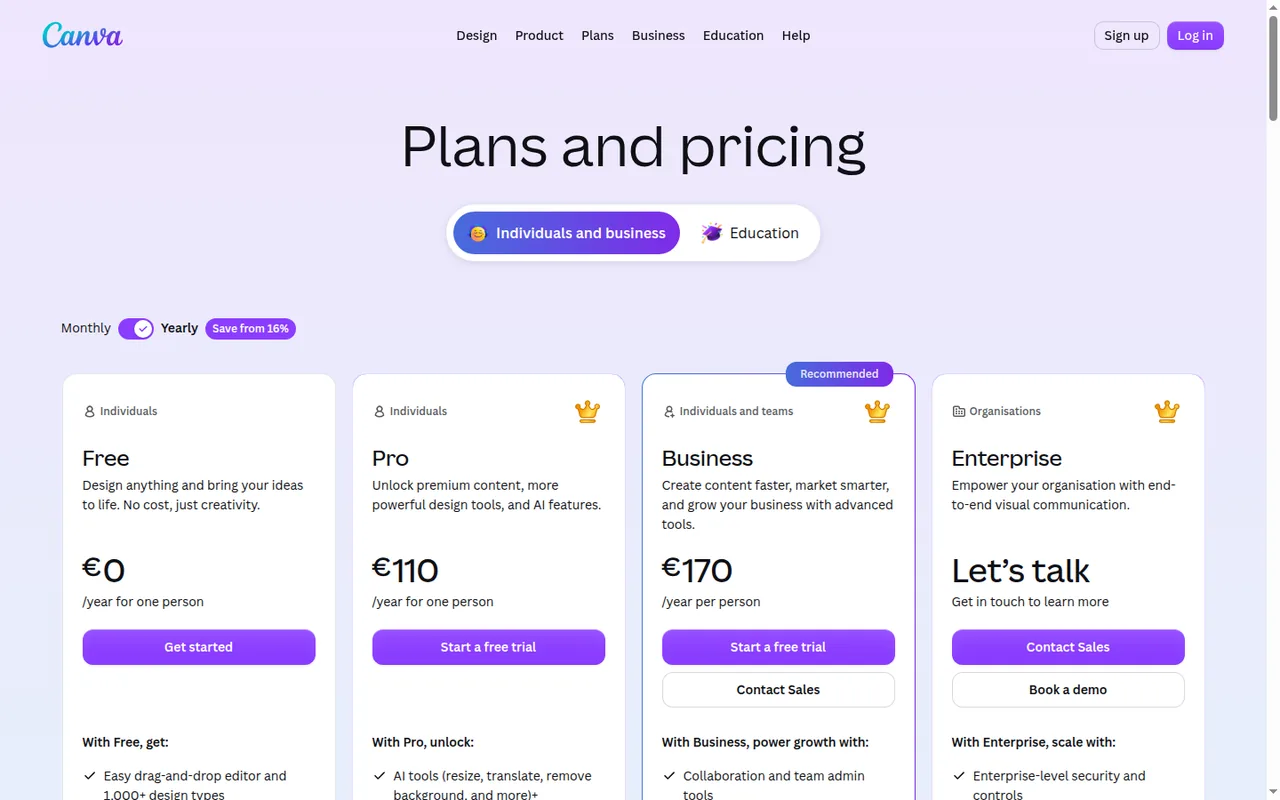
Pricing review due · Oct 2, 2026- FreeEUR 0for one person
- ProEUR 12 per monthbilled monthly · EUR 110 per year billed yearly
- BusinessEUR 17 per month per personbilled monthly · EUR 170 per year per person billed yearly
- EnterpriseContact provider
- AI Pass add-onUSD 100 per person per monthhelp center; charged in USD in every region
Strengths and limits
EditThisPic
Strengths
- Pack prices are published in full: The pricing page lists 10, 25, 100 and 500 credits at $4.99, $9.99, $29.99 and $99.99, with the per-credit price and what each pack buys in Pro edits and videos.
- You can see a result before paying: The FAQ says the weekly free edit runs without signup and returns a preview, so the output on your own photo is visible before any purchase.
- Credits last 12 months: The pricing page and Terms say pack credits are valid for 12 months from purchase, so a pack does not have to be used in a month.
Limits to plan around
- The free tier does not give you a clean file: Free edits are a preview limited to 1 a week; the FAQ says downloading the clean file takes credits.
- Pack and monthly credit numbers differ across pages: The homepage purchase widget showed a 50-credit pack at $4.99 labelled never expires, while the pricing page, FAQ and Terms say 10 credits for $4.99 valid 12 months; we use the pricing page.
- Output size is not stated consistently: The About page says the clean download is up to 1024px on a Fast edit or 2048px on Pro, yet the editor lists an Ultra tier at 4K for 3 credits.
Canva
Strengths
- AI inside a full editor: Generated images and designs land in the same editor used for templates, layouts, brand assets and exports.
- Working free plan: Free lists 1.6M+ templates, 5GB of storage and up to 20 Standard or Premium AI uses each month.
- Unmetered Standard AI on paid plans: On paid plans, Standard AI tools and design tools such as Magic Write do not draw from the monthly allowance, subject to fair use.
Limits to plan around
- Estimated AI allowances: Use counts are published as ranges for simple tasks, so the real number of Premium or Ultra generations may be lower.
- Paid-only export options: Transparent PNG, SVG, compressed PDF and CMYK exports require a paid plan.
- Trial uses Free allowance: Pro and Business trials carry the Free-size AI allowance, so heavier AI use cannot be judged during the trial.
See both products
Start from your task, not from a winner.
Run both tools on the same real task, then compare the result, how much editing it needs and how fast it uses your plan’s allowance.
How we reviewChange this pair
Choose tools
Choose two tools below. You can replace either selection at any time.
Audio & voice
Automation
Coding
Data & spreadsheets
Images & design
Presentations
Research & sources
Video & editing
Website builders
Writing & content
Comparing tools from different categories is fine, and often useful — a writing assistant and a research tool solve different halves of the same job. The table will show you exactly where they diverge.
Questions about comparing tools
How does the comparison work?
Add two tools to the comparison tray from any tool card, then open this page. The table pulls each tool's verified plan details, platforms, strengths and limits from its profile, so both columns carry the same kind of evidence, with a separate source-check date for each tool.
Do you declare a winner?
No. The table sets two tools against each other on documented facts, not on a score. Which one wins depends on your task, your budget and your usage volume — three things we cannot see from here.
Why are some cells empty or marked unverified?
Because we could not confirm that detail on the vendor's own pages. Rather than filling the gap with a figure from elsewhere, we mark it and say why on the tool's profile.
Can I compare more than two tools?
Not at once. Two columns keep the differences readable and force a real decision. Remove either selected tool to replace it, or clear both to start a new pair.
Every figure in the table above comes from the linked profile, where the source and the verification date are listed. Browse all tools or read the editorial policy.