
ElevenLabs vs Murf
Plans, free access, limits and intended use side by side, taken from each vendor’s own pages. No score and no winner: the facts show where the two differ.
Change tools
Text to speech in 74 languages, with dubbing and cloning.

Turn scripts into AI voiceovers, then sync them with video, music and slides.
- Free access
- ElevenLabs: Free access
- Murf: Free access
- Paid from
- ElevenLabs: No fixed price listed
- Murf: USD 19 per month
- Plans listed
- ElevenLabs: 7
- Murf: 9
- Public API
- ElevenLabs: Yes
- Murf: Yes
Where ElevenLabs and Murf differ
- PlansElevenLabs lists 7 plans and Murf lists 9.
Head to head
Each value from the tool’s profile and the vendor’s own pages
| ElevenLabs | Fact | Murf |
|---|---|---|
| Access and price | ||
| Free access availableCreative Free | Free accessSame | Free access availableFree · USD 0 |
| No fixed price listed | Lowest listed paid plan | USD 19 per monthCreator · billed yearly · USD 228 a year; USD 29 billed monthly |
| Free + paid | Pricing model | Free plan; paid Creator and Business |
| 7 | Plans listedDiffers | 9 |
| Yes | Public APISame | Yes |
| Not required | Card to startSame | Not required |
| No | Open sourceSame | No |
| What it is for | ||
| Narration and voice work | Built for | Narrated e-learning and presentation voiceovers |
| Audio & voice | CategorySame | Audio & voice |
| Platforms |
|
| Works with |
|
| How current | ||
| Profile sources checked | ||
| Pricing review due · Sep 25, 2026 | Pricing checkSame | Pricing review due · Sep 25, 2026 |
Official source check for both tools. No hands-on testing and no score: “Differs” marks a documented difference, not a better tool.
Plans and prices
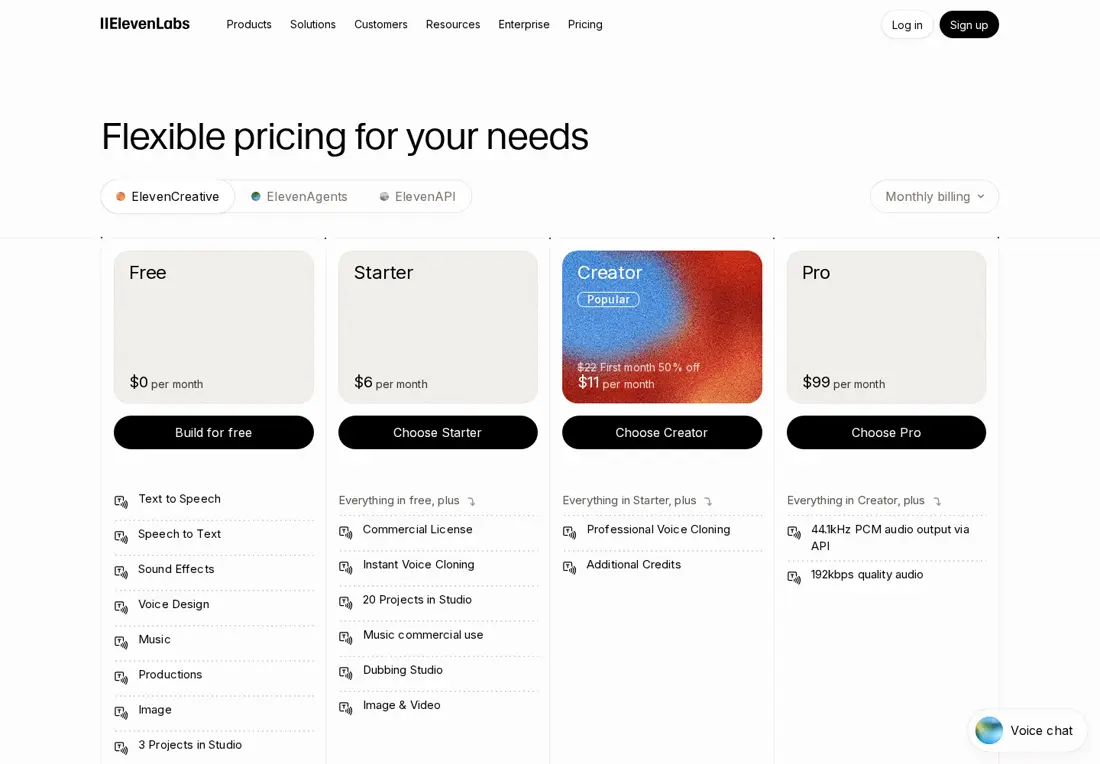
ElevenLabs
Pricing review due · Sep 25, 2026- Creative FreeFreeno card · 10,000 credits a month
- StarterUSD 5 per monthbilled yearly · USD 6 billed monthly
- CreatorUSD 18.33 per monthbilled yearly · USD 22 billed monthly; USD 11 for the first month
- ProUSD 82.50 per monthbilled yearly · USD 99 billed monthly
- ScaleUSD 249.17 per monthbilled yearly · USD 299 billed monthly
Show 2 more plans
- BusinessUSD 825 per monthbilled yearly · USD 990 billed monthly
- EnterpriseContact provider
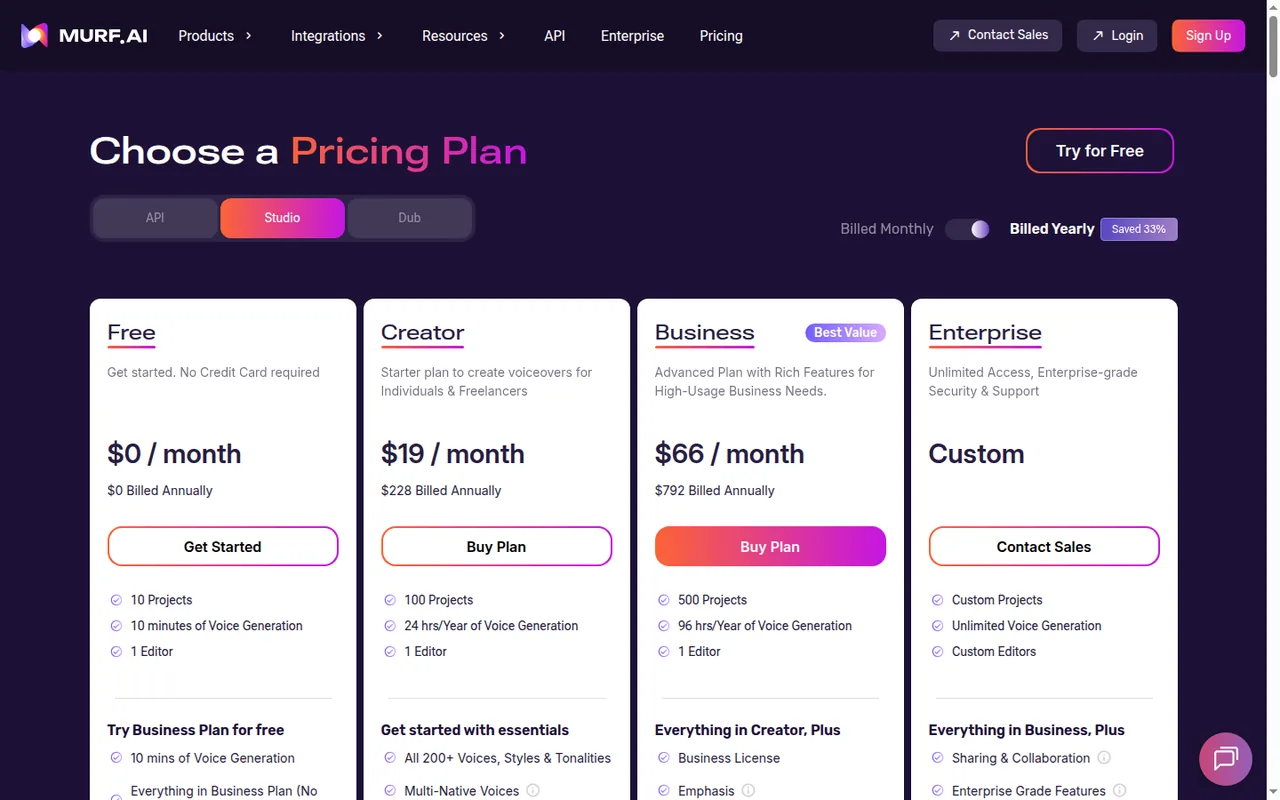
Murf
Pricing review due · Sep 25, 2026- FreeUSD 0no credit card required
- CreatorUSD 19 per monthbilled yearly · USD 228 a year; USD 29 billed monthly
- BusinessUSD 66 per monthbilled yearly · USD 792 a year; USD 99 billed monthly
- EnterpriseContact provider
- API pay as you goUSD 0.01 per 1,000 charactersFalcon model; Gen2 text to speech USD 0.03 per 1,000 characters
Show 4 more plans
- API free trialUSD 0no credit card required
- Dub FreeUSD 0no credit card required
- Dub pay as you goFrom USD 0.25 per credit
- Dub EnterpriseContact provider
Strengths and limits
ElevenLabs
Strengths
- One credit pool for every product: Narration, transcription, dubbing and sound effects all draw on the same monthly credits.
- Commercial license from Starter: Paid plans carry commercial rights for audio generated on them, from $6 a month.
- Credits carry over: Paid plans roll unused credits forward for up to two months.
Limits to plan around
- Free audio is noncommercial: Free-generated speech has no commercial license and needs attribution when published.
- Rights are fixed at generation time: Upgrading later does not make free-generated audio commercial.
- Paid use still has conditions: Commercial rights exclude beta features and depend on the rights to your source material.
Murf
Strengths
- Free plan has no end date: The 10 free minutes of voice generation do not expire, and unused free minutes carry over when you upgrade.
- Voice tweaks do not cost minutes: Changing voice, style, pitch, speed or pronunciation on the same text does not consume voice generation time.
- Wide export choice: Paid plans export MP3, WAV, FLAC and telephony formats, plus MP4 or MOV video with subtitles.
Limits to plan around
- No downloads on Free: The free plan lets you create and share previews but not download or export projects, and carries no commercial rights.
- Minutes expire after one extra cycle: Unused VGT carries forward only to the next billing cycle, on renewal or while paused, and is lost if the subscription is cancelled or a renewal payment fails.
- No refunds on subscriptions: The pricing FAQ states payments on monthly or annual subscriptions are not eligible for refunds.
See both products
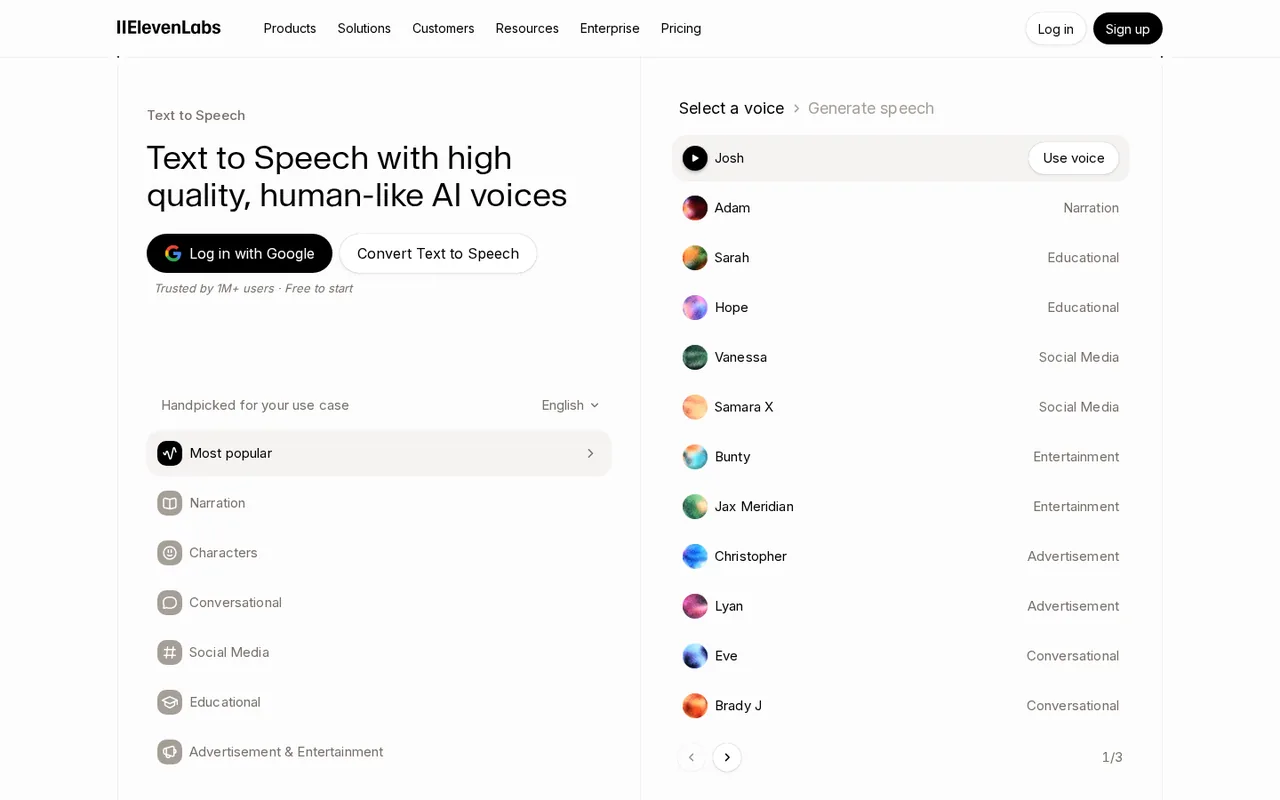
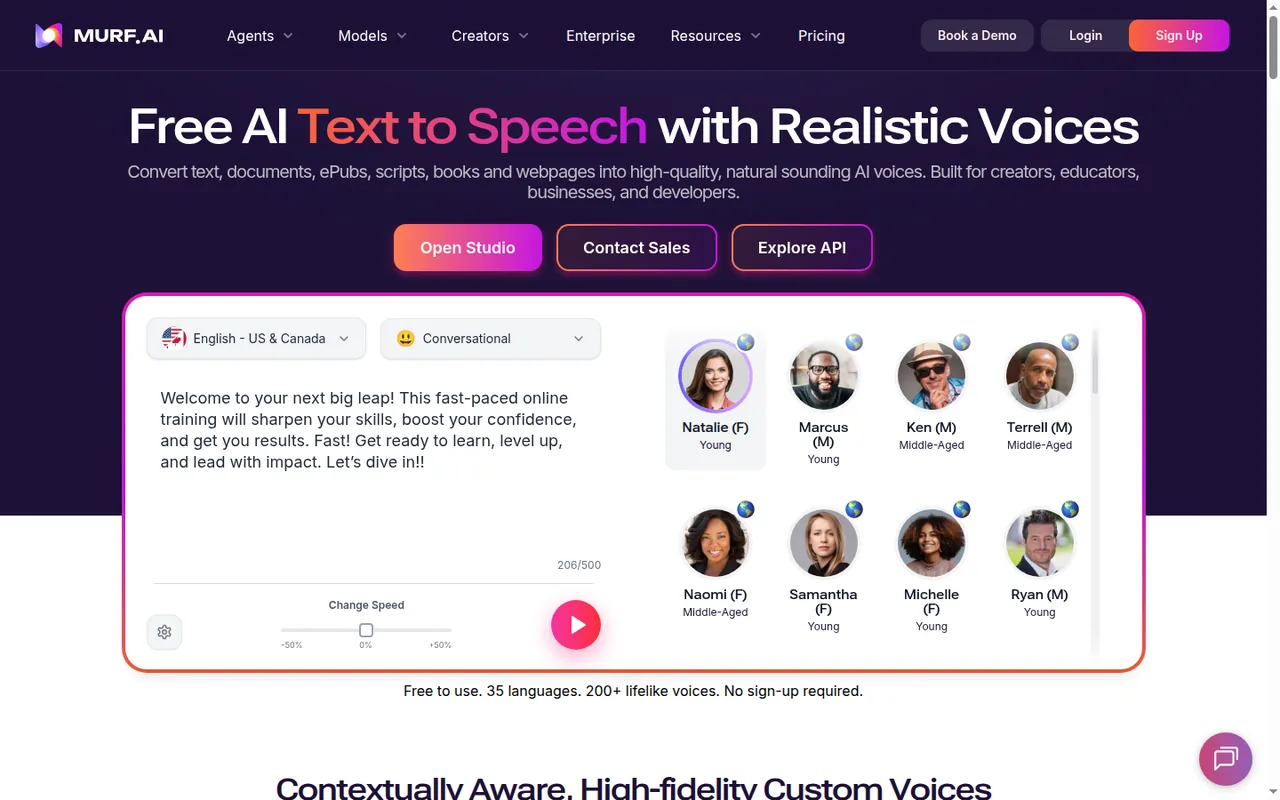
Start from your task, not from a winner.
We have written up this pair: the documented differences, a worked cost example and which one fits which job.
ElevenLabs vs Murf: Shared Credits or Voice Minutes?Change this pair
Choose tools
Choose two tools below. You can replace either selection at any time.
Audio & voice
Automation
Coding
Data & spreadsheets
Images & design
Presentations
Research & sources
Video & editing
Website builders
Writing & content
Comparing tools from different categories is fine, and often useful — a writing assistant and a research tool solve different halves of the same job. The table will show you exactly where they diverge.
Questions about comparing tools
How does the comparison work?
Add two tools to the comparison tray from any tool card, then open this page. The table pulls each tool's verified plan details, platforms, strengths and limits from its profile, so both columns carry the same kind of evidence, with a separate source-check date for each tool.
Do you declare a winner?
No. The table sets two tools against each other on documented facts, not on a score. Which one wins depends on your task, your budget and your usage volume — three things we cannot see from here.
Why are some cells empty or marked unverified?
Because we could not confirm that detail on the vendor's own pages. Rather than filling the gap with a figure from elsewhere, we mark it and say why on the tool's profile.
Can I compare more than two tools?
Not at once. Two columns keep the differences readable and force a real decision. Remove either selected tool to replace it, or clear both to start a new pair.
Every figure in the table above comes from the linked profile, where the source and the verification date are listed. Browse all tools or read the editorial policy.