
Auphonic vs AnthemScore
Plans, free access, limits and intended use side by side, taken from each vendor’s own pages. No score and no winner: the facts show where the two differ.
Change tools
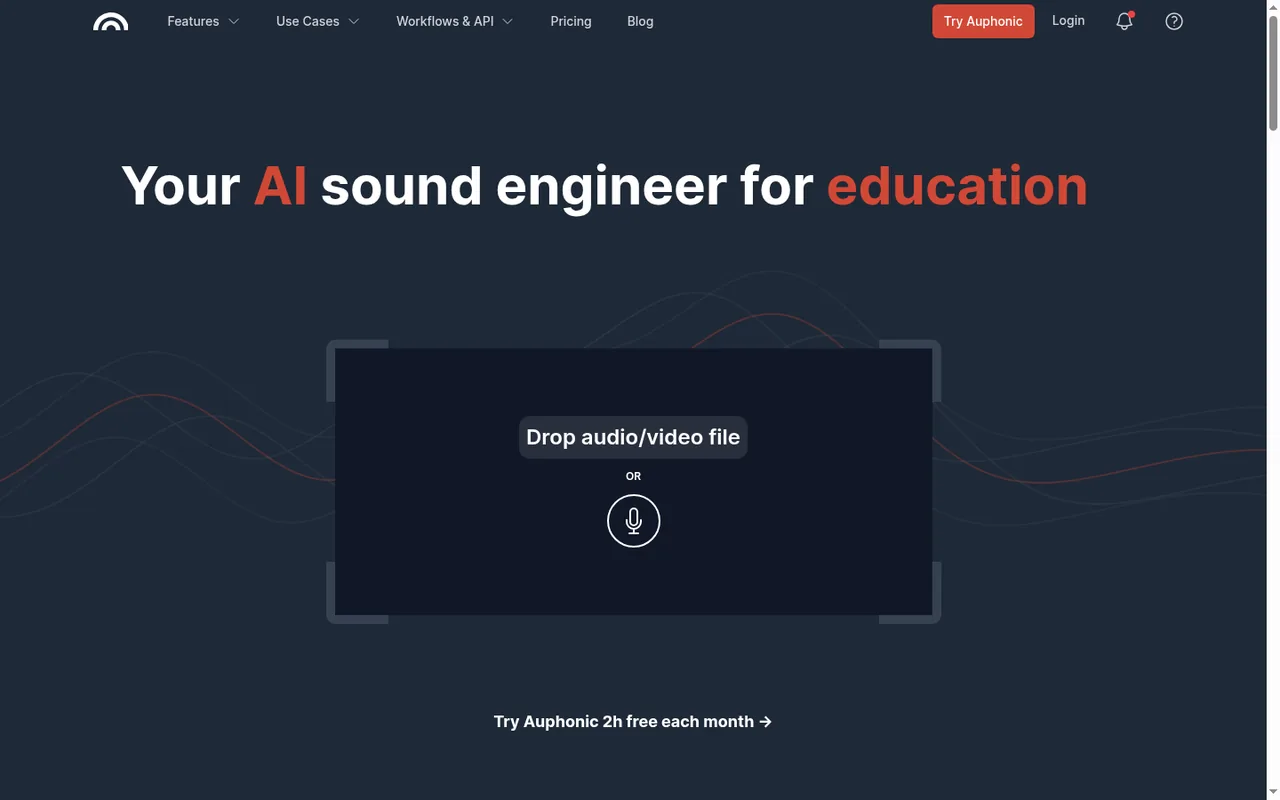
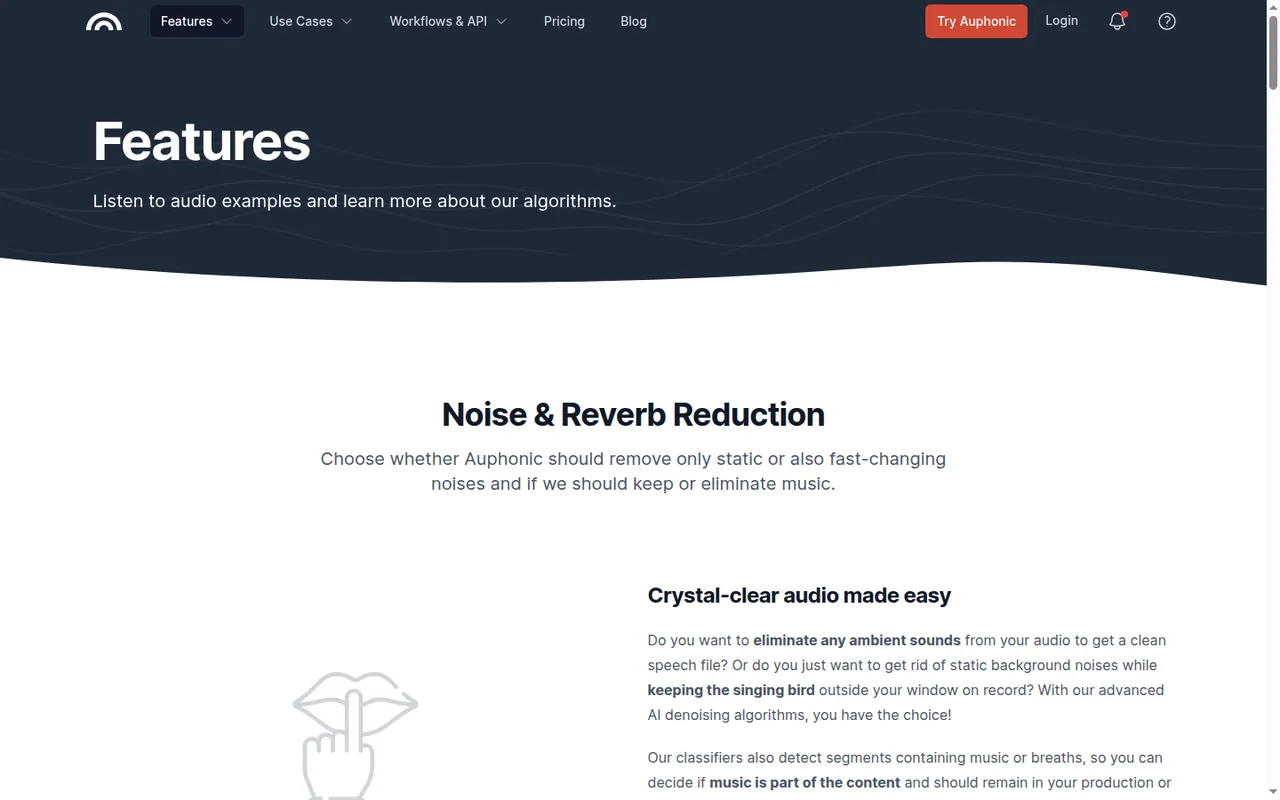
Clean up, level and normalize podcast and video audio automatically, then publish it.

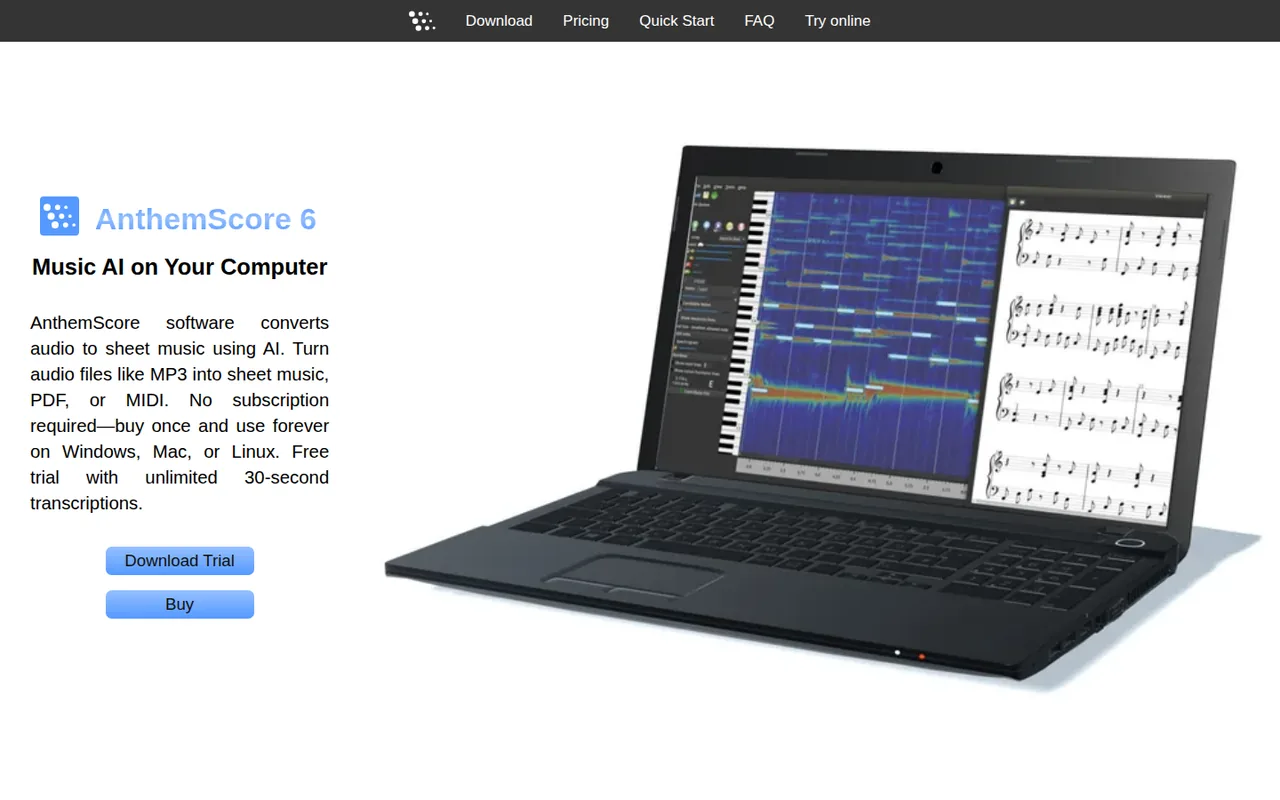
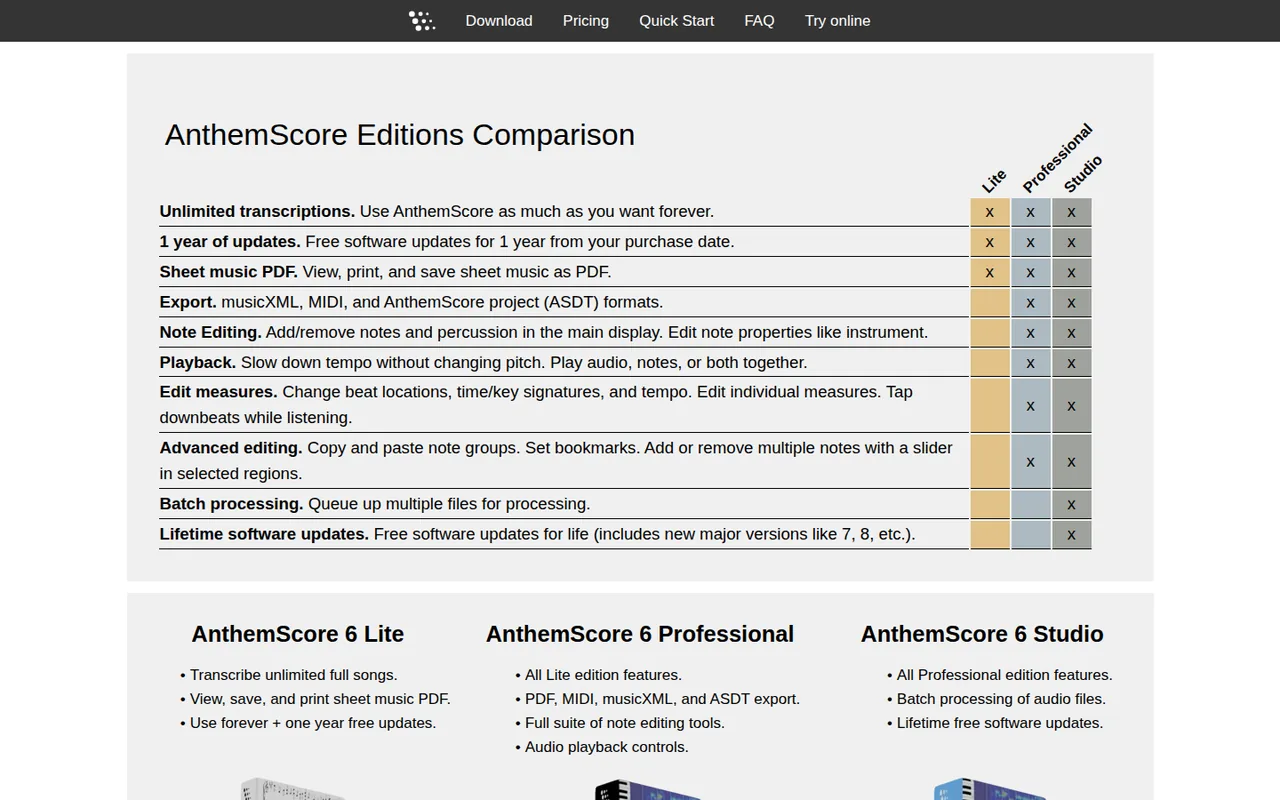
Choose between a one-time desktop key and monthly song credits
- Free access
- Auphonic: Free access
- AnthemScore: Free access
- Paid from
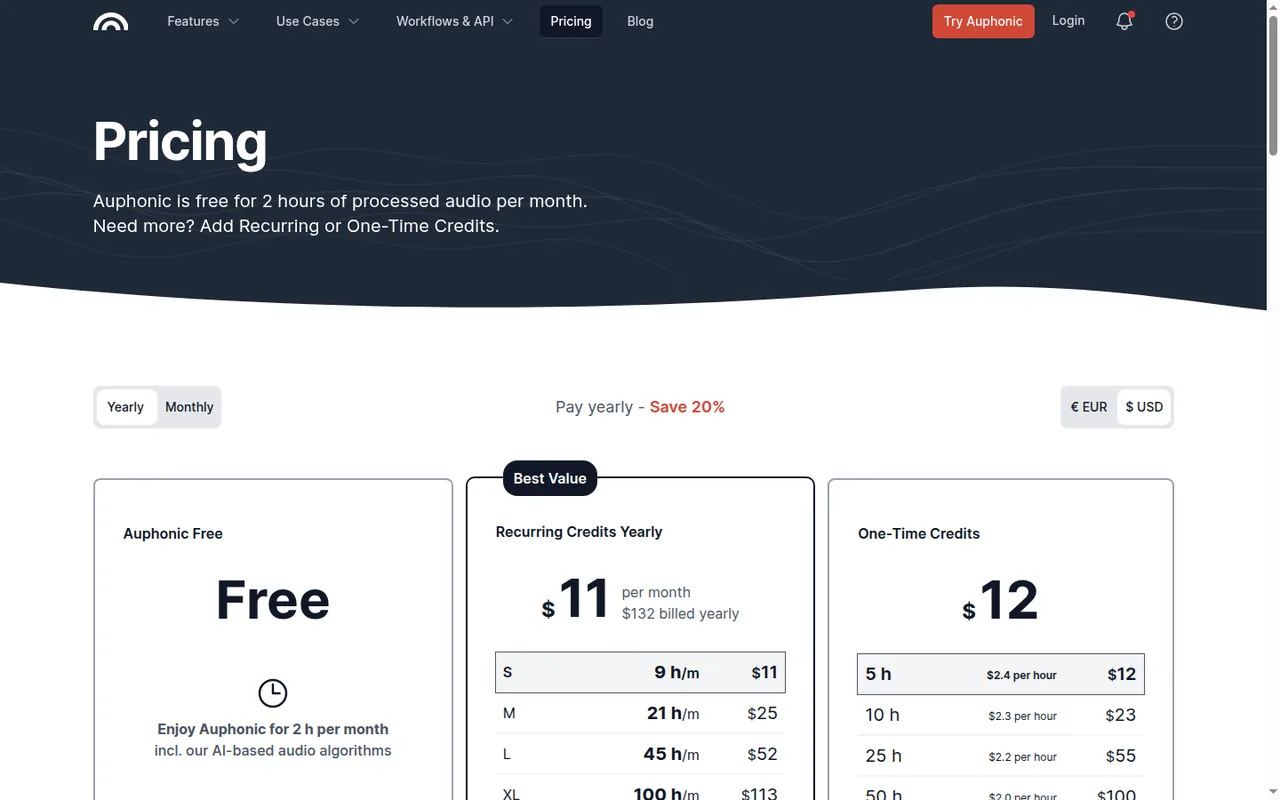
- Auphonic: USD 11 per month
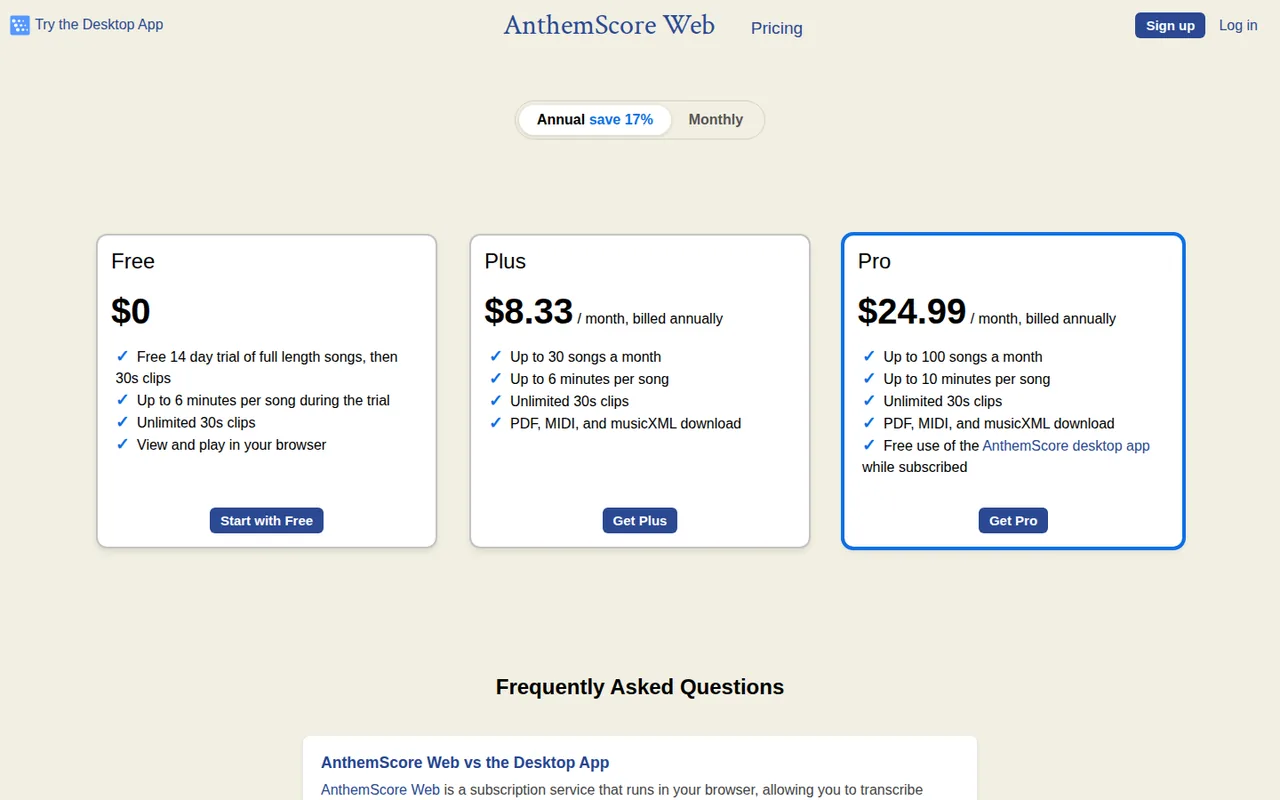
- AnthemScore: USD 9.99 per month
- Plans listed
- Auphonic: 7
- AnthemScore: 6
- Public API
- Auphonic: Yes
- AnthemScore: Not confirmed
Where Auphonic and AnthemScore differ
- PlansAuphonic lists 7 plans and AnthemScore lists 6.
Head to head
Each value from the tool’s profile and the vendor’s own pages
| Auphonic | Fact | AnthemScore |
|---|---|---|
| Access and price | ||
| Free access availableAuphonic Free | Free accessSame | Free access availableWeb Free · USD 0 |
| USD 11 per monthAuphonic S (recurring) · billed yearly · USD 132 a year; USD 13 billed monthly | Lowest listed paid plan | USD 9.99 per monthWeb Plus · billed monthly · or $8.33 per month, billed annually |
| Free 2 hours per month; paid recurring or one-time credits | Pricing model | Free 30-second clips; Web Plus $9.99/month; desktop one-time license |
| 7 | Plans listedDiffers | 6 |
| Yes | Public API | Not confirmed |
| Not required | Card to start | Not confirmed |
| No | Open source | Not confirmed |
| What it is for | ||
| Automatic post production for spoken audio | Built for | Turning instrumental recordings into editable sheet music or MIDI |
| Audio & voice | CategorySame | Audio & voice |
| Platforms |
|
| Works with |
|
| How current | ||
| Profile sources checked | ||
| Pricing review due · Sep 24, 2026 | Pricing checkSame | Pricing review due · Sep 29, 2026 |
Official source check for both tools. No hands-on testing and no score: “Differs” marks a documented difference, not a better tool.
Plans and prices
Auphonic
Pricing review due · Sep 24, 2026- Auphonic FreeFree
- Auphonic S (recurring)USD 11 per monthbilled yearly · USD 132 a year; USD 13 billed monthly
- Auphonic M (recurring)USD 25 per monthbilled yearly · USD 300 a year; USD 30 billed monthly
- Auphonic L (recurring)USD 52 per monthbilled yearly · USD 624 a year; USD 64 billed monthly
- Auphonic XL (recurring)USD 113 per monthbilled yearly · USD 1,356 a year; USD 136 billed monthly
Show 2 more plans
- Auphonic XXL (recurring)USD 245 per monthbilled yearly · USD 2,940 a year; USD 290 billed monthly
- One-Time CreditsUSD 12 for 5 hoursUSD 2.4 an hour, up to USD 2,925 for 3,000 hours · USD 0.975 an hour
AnthemScore
Pricing review due · Sep 29, 2026- Web FreeUSD 0
- Web PlusUSD 9.99 per monthbilled monthly · or $8.33 per month, billed annually
- Web ProUSD 29.99 per monthbilled monthly · or $24.99 per month, billed annually
- Desktop Lite€30.32 one-timeas shown to a Germany-based visitor
- Desktop Professional€40.77 one-timeas shown to a Germany-based visitor
Show 1 more plan
- Desktop Studio€103.51 one-timeas shown to a Germany-based visitor
Strengths and limits
Auphonic
Strengths
- Usable free allowance: Two hours of processed audio each month include the leveler, noise reduction, loudness targets and filler cutting.
- One-time credits never expire: Pay-as-you-go credit packs do not expire, which fits irregular production schedules.
- Re-runs do not cost extra: Changing settings and re-processing the same input files in the same production uses no additional credits.
Limits to plan around
- Jingle on free productions: Productions made by free users come with an Auphonic jingle.
- Monthly hours do not roll over: Unused free and recurring credits are lost at the monthly reset.
- Transcripts and shownotes are paid: Speech recognition and automatic shownotes and chapters are not part of the free plan.
AnthemScore
Strengths
- Buy-once desktop option: The activation key never expires, allows commercial use and needs no recurring charges.
- Works offline after activation: The desktop app needs an internet connection only to activate or update.
- Free clip tier without an end date: Web transcriptions of 30-second clips stay unlimited after the trial.
Limits to plan around
- No vocals or chords: The FAQ says the app cannot detect sung melodies as vocals or chord symbols.
- Strict refunds: Used desktop keys and web subscription fees are not refundable under the terms.
- Prices depend on location: The desktop checkout showed euro prices to our Germany-based server, so the USD amount is not confirmed here.
See both products
Start from your task, not from a winner.
Run both tools on the same real task, then compare the result, how much editing it needs and how fast it uses your plan’s allowance.
How we reviewChange this pair
Choose tools
Choose two tools below. You can replace either selection at any time.
Audio & voice
Automation
Coding
Data & spreadsheets
Images & design
Presentations
Research & sources
Video & editing
Website builders
Writing & content
Comparing tools from different categories is fine, and often useful — a writing assistant and a research tool solve different halves of the same job. The table will show you exactly where they diverge.
Questions about comparing tools
How does the comparison work?
Add two tools to the comparison tray from any tool card, then open this page. The table pulls each tool's verified plan details, platforms, strengths and limits from its profile, so both columns carry the same kind of evidence, with a separate source-check date for each tool.
Do you declare a winner?
No. The table sets two tools against each other on documented facts, not on a score. Which one wins depends on your task, your budget and your usage volume — three things we cannot see from here.
Why are some cells empty or marked unverified?
Because we could not confirm that detail on the vendor's own pages. Rather than filling the gap with a figure from elsewhere, we mark it and say why on the tool's profile.
Can I compare more than two tools?
Not at once. Two columns keep the differences readable and force a real decision. Remove either selected tool to replace it, or clear both to start a new pair.
Every figure in the table above comes from the linked profile, where the source and the verification date are listed. Browse all tools or read the editorial policy.