
Decktopus vs Gamma
Plans, free access, limits and intended use side by side, taken from each vendor’s own pages. No score and no winner: the facts show where the two differ.
Change tools
AI presentation maker that generates and edits slides by prompt, applies a brand from your website and coaches delivery

Prompt-to-deck drafting for presentations, docs and simple sites.
- Free access
- Decktopus: Free trial only
- Gamma: Free access
- Paid from
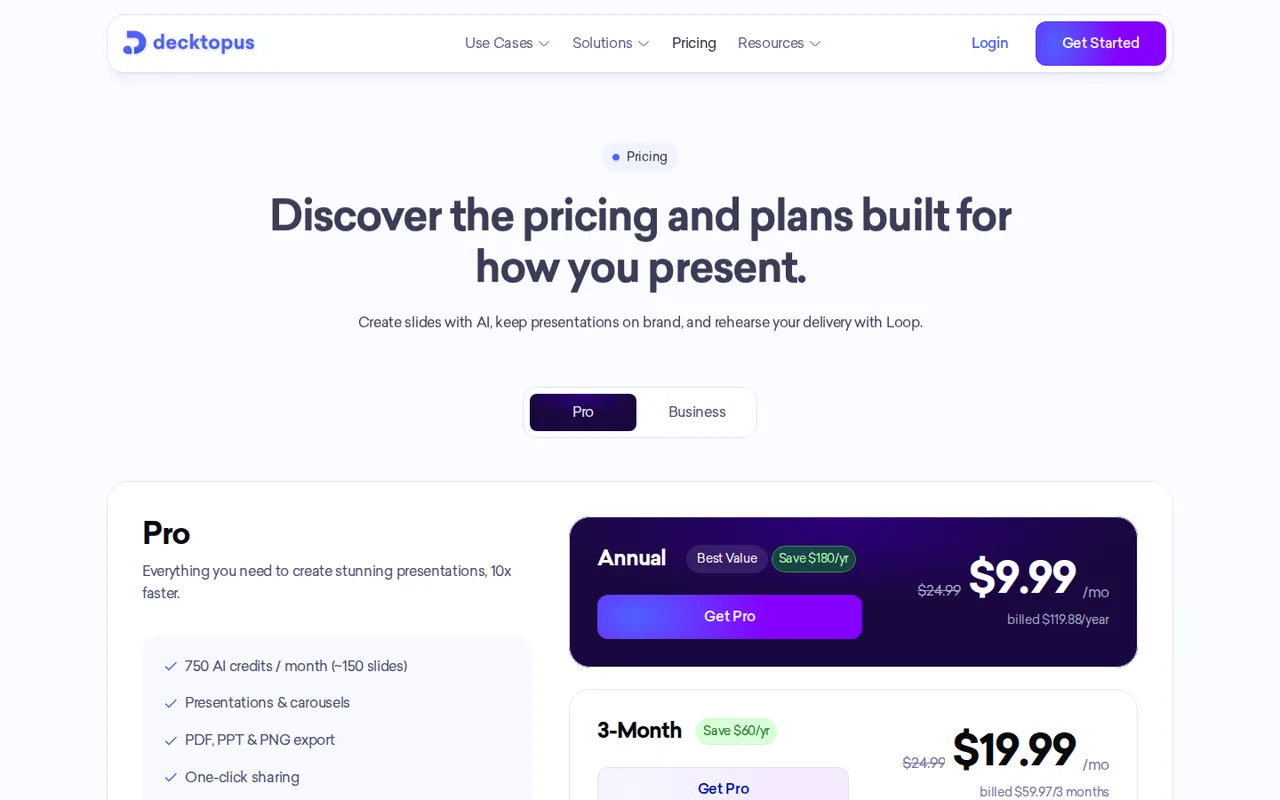
- Decktopus: USD 24.99 per month
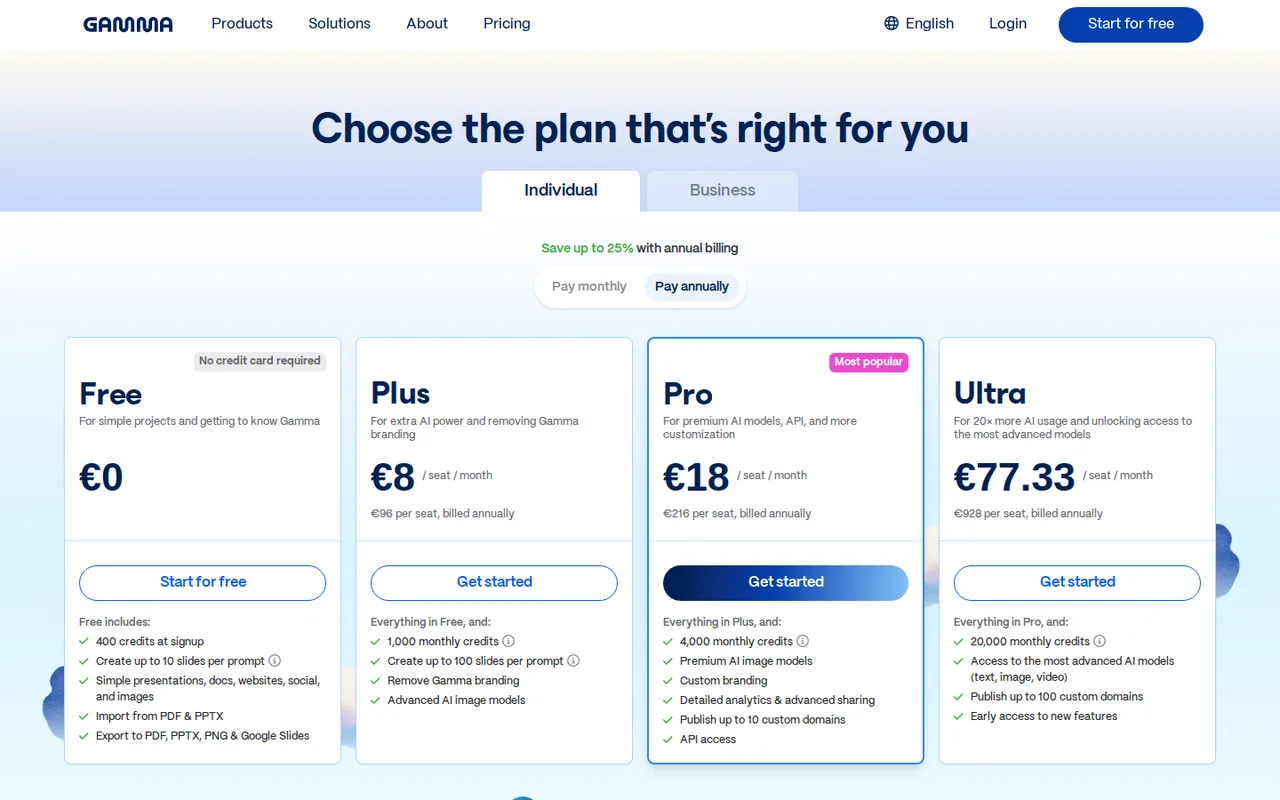
- Gamma: EUR 8 per seat per month
- Plans listed
- Decktopus: 4
- Gamma: 5
- Public API
- Decktopus: Not confirmed
- Gamma: Yes
Where Decktopus and Gamma differ
- AccessDecktopus offers a free trial only, while Gamma offers free access.
- Pricing checkPrices confirmed for Decktopus; pricing review due for Gamma.
- PlansDecktopus lists 4 plans and Gamma lists 5.
Head to head
Each value from the tool’s profile and the vendor’s own pages
| Decktopus | Fact | Gamma |
|---|---|---|
| Access and price | ||
| Free trial onlyFirst deck · USD 0 | Free accessDiffers | Free access availableFree |
| USD 24.99 per monthPro · $59.97 every 3 months or $119.88 per year | Lowest listed paid plan | EUR 8 per seat per monthPlus · billed annually · EUR 96 per seat per year |
| No free plan; Pro $24.99 a month, $59.97 every 3 months or $119.88 a year | Pricing model | Free plan; paid Plus, Pro, Ultra and Business |
| 4 | Plans listedDiffers | 5 |
| Not confirmed | Public API | Yes |
| Not confirmed | Card to start | Not required |
| No | Open sourceSame | No |
| What it is for | ||
| Generating an on-brand deck from a prompt and rehearsing it before you present | Built for | AI first drafts of decks, documents and simple websites |
| Presentations | CategorySame | Presentations |
| Platforms |
|
| Works with |
|
| How current | ||
| Profile sources checked | ||
| Prices confirmed · Oct 24, 2026 | Pricing checkDiffers | Pricing review due · Sep 24, 2026 |
Official source check for both tools. No hands-on testing and no score: “Differs” marks a documented difference, not a better tool.
Plans and prices
Decktopus
Prices confirmed · Oct 24, 2026- First deckUSD 0
- ProUSD 24.99 per monthUSD 59.97 every 3 months or $119.88 per year
- BusinessUSD 44.99 per seat per monthUSD 119.97 per seat every 3 months or $239.88 per seat per year
- EnterpriseCustom quote
Gamma
Pricing review due · Sep 24, 2026- FreeFreeEUR 0 shown
- PlusEUR 8 per seat per monthbilled annually · EUR 96 per seat per year
- ProEUR 18 per seat per monthbilled annually · EUR 216 per seat per year
- UltraEUR 77.33 per seat per monthbilled annually · EUR 928 per seat per year
- BusinessUSD 40 per member per monthbilled annually · help center; not on the EUR pricing page
Strengths and limits
Decktopus
Strengths
- Brand from a URL: Colors, fonts and logo are pulled from your website during creation, with no manual brand setup.
- Rehearsal included: Loop coaching with audience questions and a scored rehearsal is part of Pro, not a separate purchase.
- Long billing discounts are explicit: The annual Pro charge of $119.88 is stated as a single amount, saving $180 against twelve monthly payments.
Limits to plan around
- No free plan: The free first deck cannot be exported and carries a Decktopus watermark.
- Every edit costs credits: Edit Text and Edit with AI both charge 5 credits per edit, so polishing a deck draws on the same allowance as generating it.
- No refunds: The terms and help center say purchases are final, for monthly and annual plans alike.
Gamma
Strengths
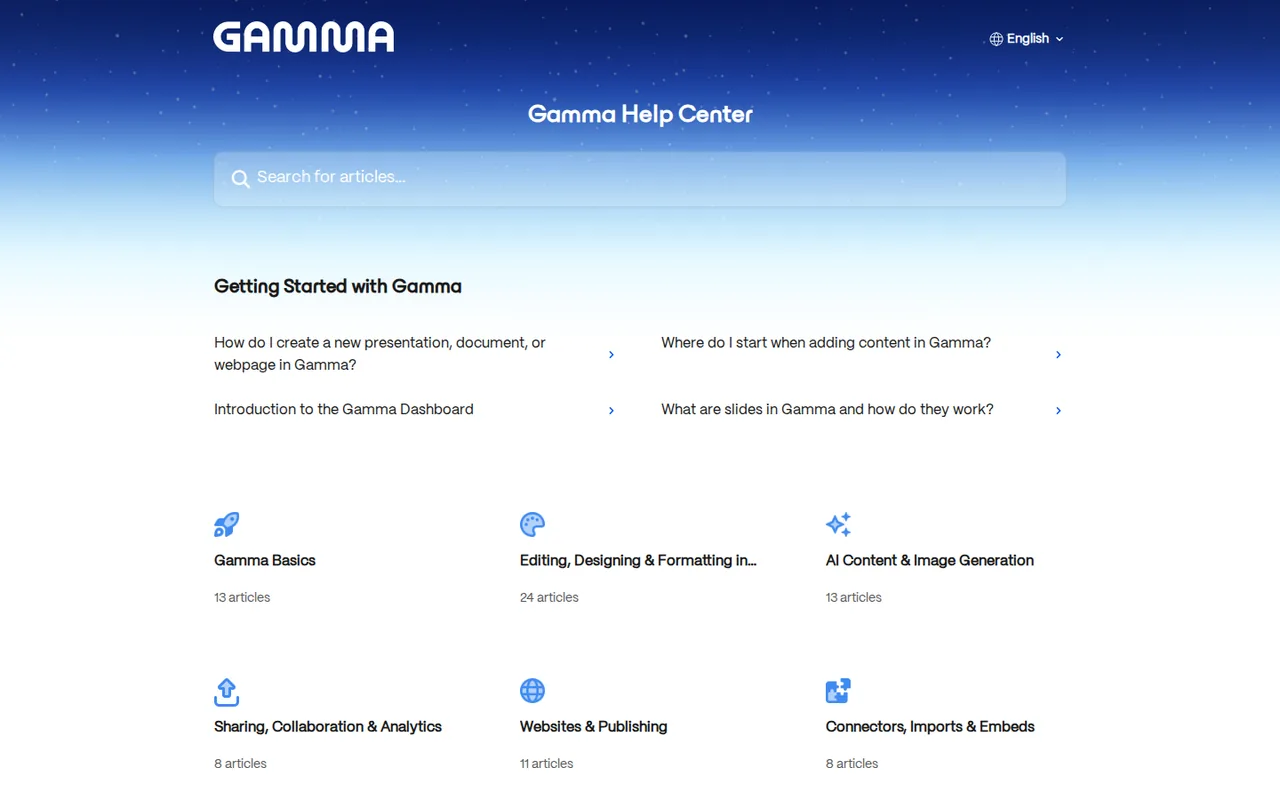
- Usable free plan: The Free plan needs no credit card and includes AI creation, imports and PDF, PPTX and PNG export (Google Slides via PPTX upload).
- Credits roll over: Unused paid-plan credits carry into the next month instead of expiring.
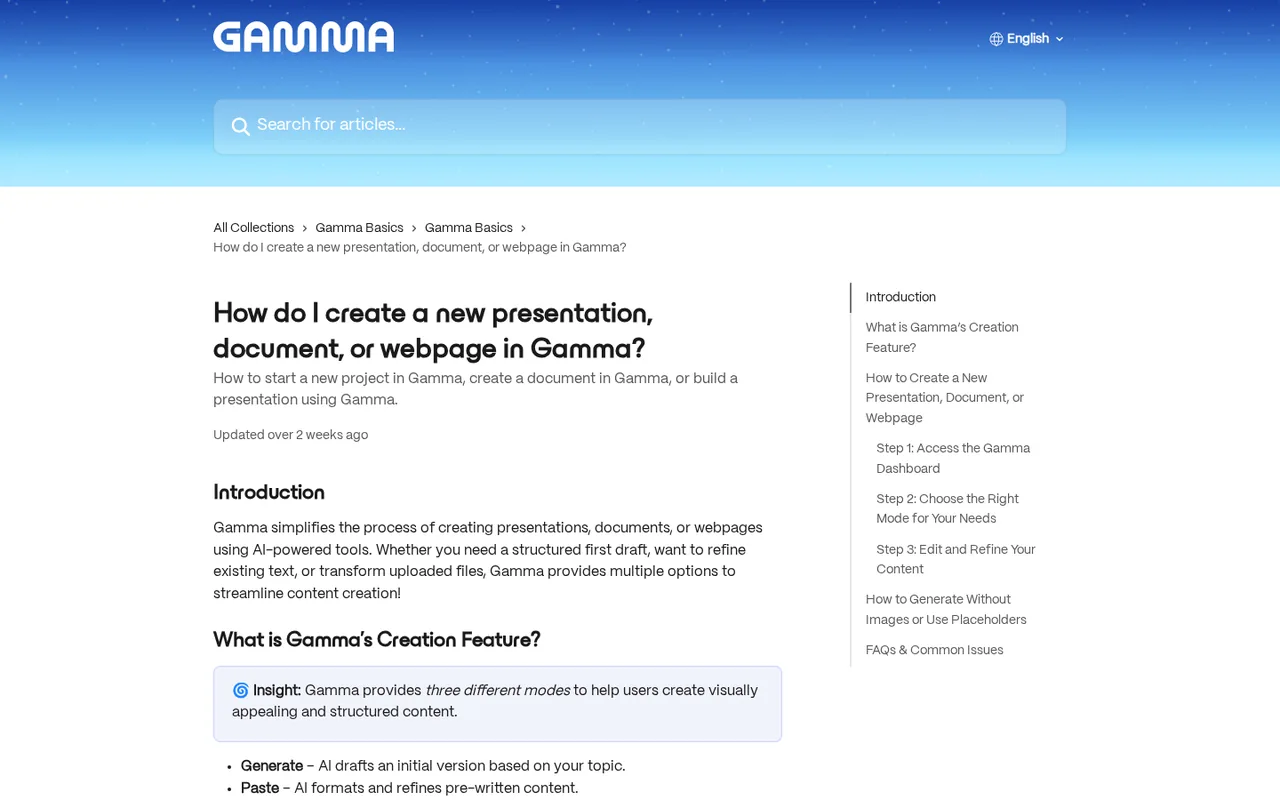
- Several output types: The same tool produces presentations, documents, social formats and published websites.
Limits to plan around
- Free credits do not refresh: The signup allowance on Free is used once, then topped up only through referrals or an upgrade.
- Branding on free exports: Files exported while the workspace is on Free carry Gamma's badge until you upgrade to Plus or higher.
- Export fidelity varies: Exports reflect Present Mode and some visual effects use fallback styles in PDF and PowerPoint.
See both products


Start from your task, not from a winner.
Run both tools on the same real task, then compare the result, how much editing it needs and how fast it uses your plan’s allowance.
How we reviewChange this pair
Choose tools
Choose two tools below. You can replace either selection at any time.
Audio & voice
Automation
Coding
Data & spreadsheets
Images & design
Presentations
Research & sources
Video & editing
Website builders
Writing & content
Comparing tools from different categories is fine, and often useful — a writing assistant and a research tool solve different halves of the same job. The table will show you exactly where they diverge.
Questions about comparing tools
How does the comparison work?
Add two tools to the comparison tray from any tool card, then open this page. The table pulls each tool's verified plan details, platforms, strengths and limits from its profile, so both columns carry the same kind of evidence, with a separate source-check date for each tool.
Do you declare a winner?
No. The table sets two tools against each other on documented facts, not on a score. Which one wins depends on your task, your budget and your usage volume — three things we cannot see from here.
Why are some cells empty or marked unverified?
Because we could not confirm that detail on the vendor's own pages. Rather than filling the gap with a figure from elsewhere, we mark it and say why on the tool's profile.
Can I compare more than two tools?
Not at once. Two columns keep the differences readable and force a real decision. Remove either selected tool to replace it, or clear both to start a new pair.
Every figure in the table above comes from the linked profile, where the source and the verification date are listed. Browse all tools or read the editorial policy.