
Tweet Hunter vs Grammarly
Plans, free access, limits and intended use side by side, taken from each vendor’s own pages. No score and no winner: the facts show where the two differ.
Change tools
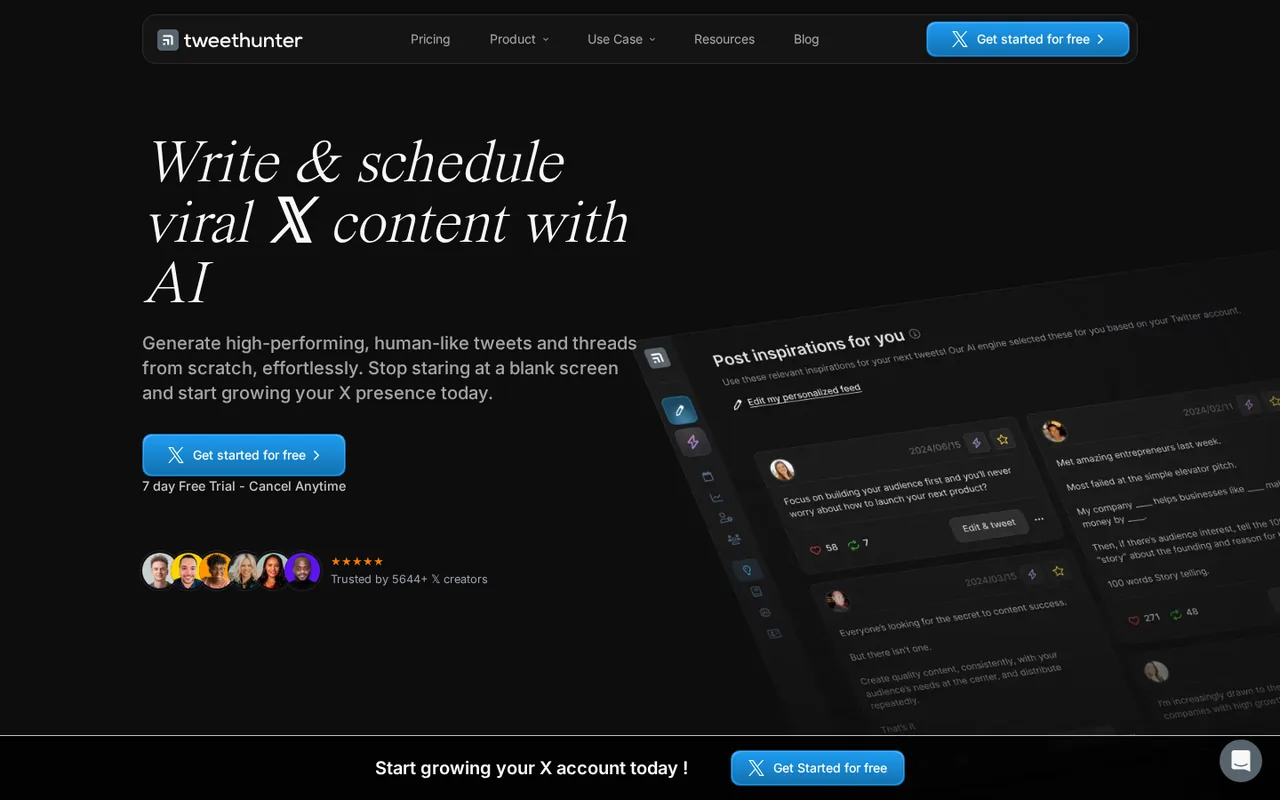
The AI writer starts on Grow, not Discover

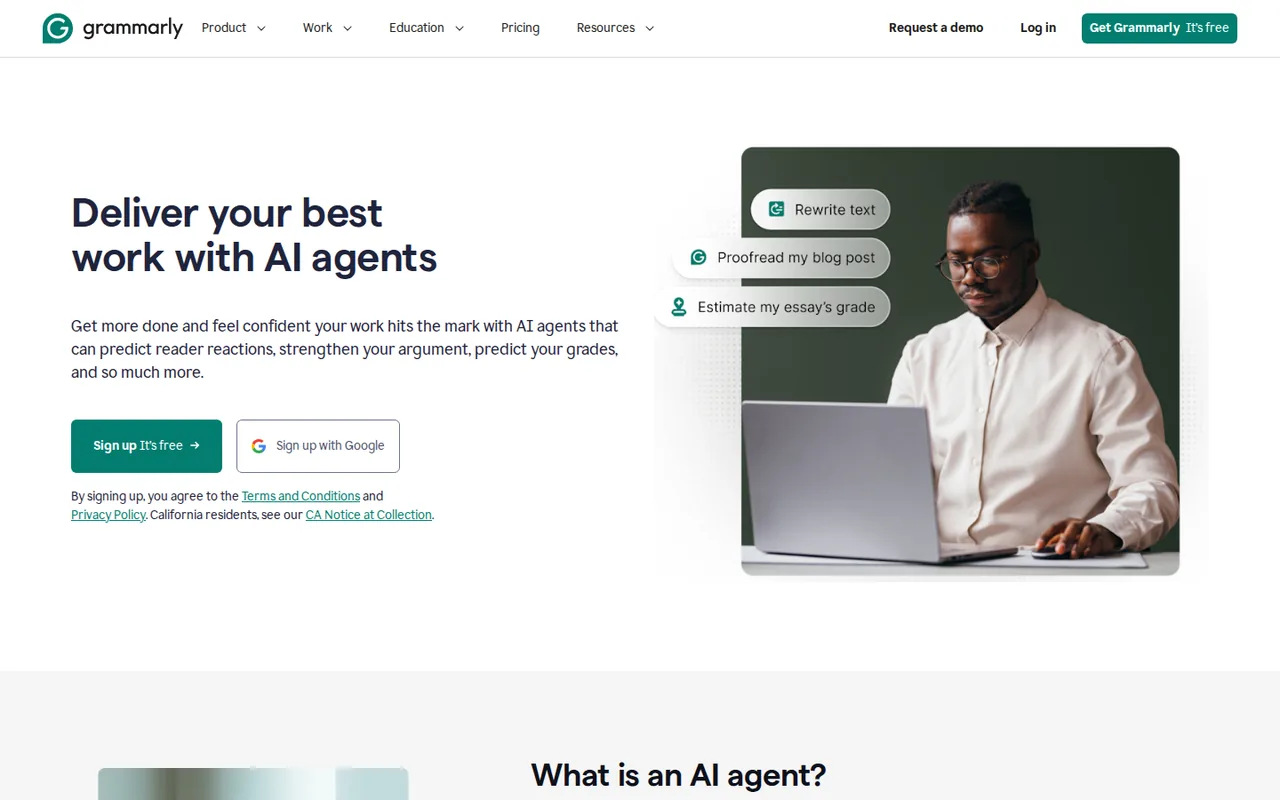
Real-time grammar, tone and AI writing help inside the apps where you already type.
- Free access
- Tweet Hunter: Free trial only
- Grammarly: Free access
- Paid from
- Tweet Hunter: USD 29 per month
- Grammarly: USD 12 per member per month
- Plans listed
- Tweet Hunter: 4
- Grammarly: 3
- Public API
- Tweet Hunter: Not confirmed
- Grammarly: Not confirmed
Where Tweet Hunter and Grammarly differ
- AccessTweet Hunter offers a free trial only, while Grammarly offers free access.
- PlansTweet Hunter lists 4 plans and Grammarly lists 3.
Head to head
Each value from the tool’s profile and the vendor’s own pages
| Tweet Hunter | Fact | Grammarly |
|---|---|---|
| Access and price | ||
| Free trial onlyFree Trial · USD 0 for 7 days | Free accessDiffers | Free access availableFree · USD 0 |
| USD 29 per monthDiscover · billed monthly · or $23 per month on yearly billing | Lowest listed paid plan | USD 12 per member per monthPro · billed yearly · USD 30 billed monthly |
| 7-day free trial; Discover from $29/month | Pricing model | Free plan; Pro from USD 12; Enterprise custom |
| 4 | Plans listedDiffers | 3 |
| Not confirmed | Public API | Not confirmed |
| Not confirmed | Card to start | Not confirmed |
| No | Open source | Not confirmed |
| What it is for | ||
| Writing, scheduling and analyzing posts for X accounts | Built for | Correcting and polishing everyday writing |
| Writing & content | CategorySame | Writing & content |
| Platforms |
|
| Works with |
|
| How current | ||
| Profile sources checked | ||
| Prices confirmed · Oct 13, 2026 | Pricing checkSame | Prices confirmed · Sep 26, 2026 |
Official source check for both tools. No hands-on testing and no score: “Differs” marks a documented difference, not a better tool.
Plans and prices
Tweet Hunter
Prices confirmed · Oct 13, 2026- Free TrialUSD 0 for 7 days
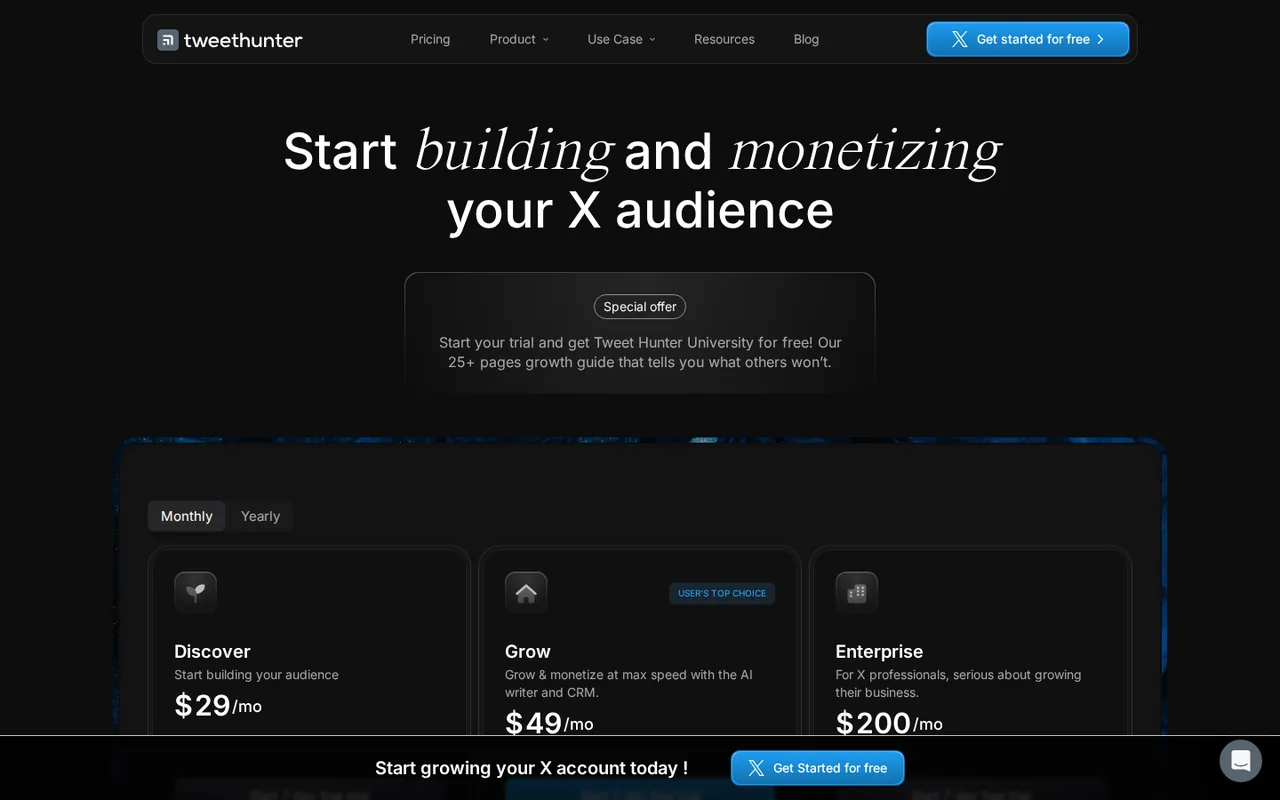
- DiscoverUSD 29 per monthbilled monthly · or $23 per month on yearly billing
- GrowUSD 49 per monthbilled monthly · or $36 per month on yearly billing
- EnterpriseUSD 200 per monthbilled monthly · or $167 per month on yearly billing
Grammarly
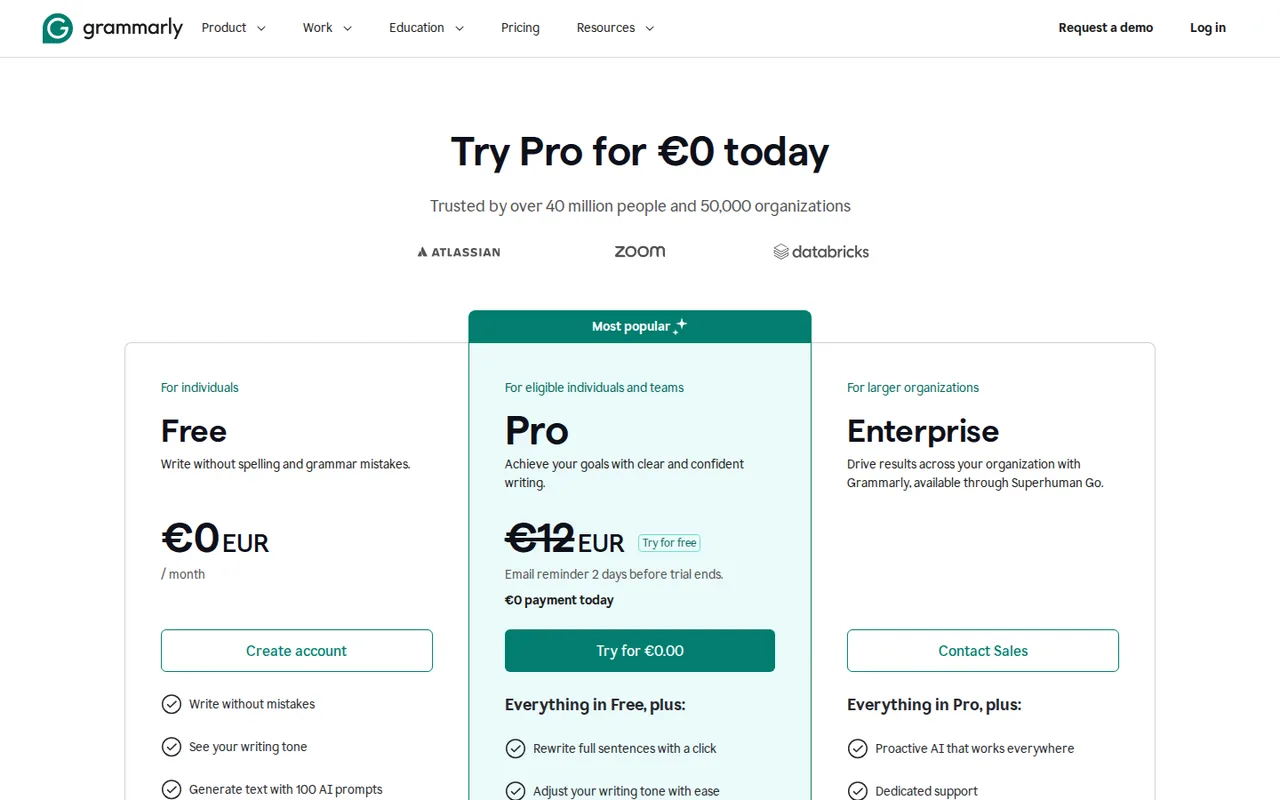
Prices confirmed · Sep 26, 2026- FreeUSD 0EUR 0 shown
- ProUSD 12 per member per monthbilled yearly · USD 30 billed monthly
- EnterpriseContact provider
Strengths and limits
Tweet Hunter
Strengths
- Clear AI boundary: The pricing table shows exactly which plan adds the AI writer and custom-trained AI.
- Two-stage refund rule: The terms refund a first charge within 30 days and later charges within 7 days of payment.
- Free companion extension: Original Tweet Hunter X sidebar and search features work without signing up.
Limits to plan around
- X automation risk: X developer guidelines allow automated DMs only after a user has messaged you first and ban bulk DMs, while Tweet Hunter Auto-DM messages people who interact with a post.
- Inconsistent price labels: The page title says plans start at $49, the table lists Discover at $29, and the homepage FAQ still quotes a $99 AI plan.
- Dated legal pages: The terms date from 2021, name both lempire and Pony Express Studio, and state no company country.
Grammarly
Strengths
- Works where you already write: The same suggestions run in browser extensions, desktop apps, Office and Google Docs add-ins and mobile keyboards.
- Usable free tier: Free has no time limit and includes spelling, grammar, tone detection and a monthly prompt allowance.
- Flexible Pro billing: Pro can be paid monthly, quarterly or yearly per member, and a team account can grow to 149 seats.
Limits to plan around
- Refunds only where law requires: You can cancel at any time, but paid time is refunded only when local law requires it.
- Review agents are paid: Plagiarism Checker, AI Detector and Citation Finder need Pro, and Free gets a single AI Grader scan a day.
- Own rewrites can trip the detector: Text rewritten by Grammarly's agents is likely to be flagged by its AI Detector.
See both products
Start from your task, not from a winner.
Run both tools on the same real task, then compare the result, how much editing it needs and how fast it uses your plan’s allowance.
How we reviewChange this pair
Choose tools
Choose two tools below. You can replace either selection at any time.
Audio & voice
Automation
Coding
Data & spreadsheets
Images & design
Presentations
Research & sources
Video & editing
Website builders
Writing & content
Comparing tools from different categories is fine, and often useful — a writing assistant and a research tool solve different halves of the same job. The table will show you exactly where they diverge.
Questions about comparing tools
How does the comparison work?
Add two tools to the comparison tray from any tool card, then open this page. The table pulls each tool's verified plan details, platforms, strengths and limits from its profile, so both columns carry the same kind of evidence, with a separate source-check date for each tool.
Do you declare a winner?
No. The table sets two tools against each other on documented facts, not on a score. Which one wins depends on your task, your budget and your usage volume — three things we cannot see from here.
Why are some cells empty or marked unverified?
Because we could not confirm that detail on the vendor's own pages. Rather than filling the gap with a figure from elsewhere, we mark it and say why on the tool's profile.
Can I compare more than two tools?
Not at once. Two columns keep the differences readable and force a real decision. Remove either selected tool to replace it, or clear both to start a new pair.
Every figure in the table above comes from the linked profile, where the source and the verification date are listed. Browse all tools or read the editorial policy.