
Qoder vs Cline
Plans, free access, limits and intended use side by side, taken from each vendor’s own pages. No score and no winner: the facts show where the two differ.
Change tools
Budget credits per agent request, not per month

Open source coding agent for VS Code, JetBrains, the terminal and the browser, paid per model use
- Free access
- Qoder: Free access
- Cline: Free access
- Paid from
- Qoder: USD 20 per month
- Cline: USD 9.99 per month
- Plans listed
- Qoder: 6
- Cline: 4
- Public API
- Qoder: Not confirmed
- Cline: Yes
Where Qoder and Cline differ
- Pricing checkPrices confirmed for Qoder; some prices or terms not confirmed for Cline.
- PlansQoder lists 6 plans and Cline lists 4.
Head to head
Each value from the tool’s profile and the vendor’s own pages
| Qoder | Fact | Cline |
|---|---|---|
| Access and price | ||
| Free access availableFree · USD 0 | Free accessSame | Free access availableOpen Source · USD 0 |
| USD 20 per monthPro | Lowest listed paid plan | USD 9.99 per monthClinePass |
| Free with 2-week trial; Pro from $20/month | Pricing model | Free open source software; models paid per use (own API key or Cline credits) or ClinePass at $9.99/month; Enterprise custom |
| 6 | Plans listedDiffers | 4 |
| Not confirmed | Public API | Yes |
| Not confirmed | Card to start | Not required |
| Not confirmed | Open source | Yes |
| What it is for | ||
| Agent-driven coding with a monthly credit budget | Built for | Developers who want an approval-based coding agent and choose and pay for their own models |
| Coding | CategorySame | Coding |
| Platforms |
|
| Works with |
|
| How current | ||
| Profile sources checked | ||
| Prices confirmed · Sep 29, 2026 | Pricing checkDiffers | Some prices or terms not confirmed · Oct 24, 2026 |
Official source check for both tools. No hands-on testing and no score: “Differs” marks a documented difference, not a better tool.
Plans and prices
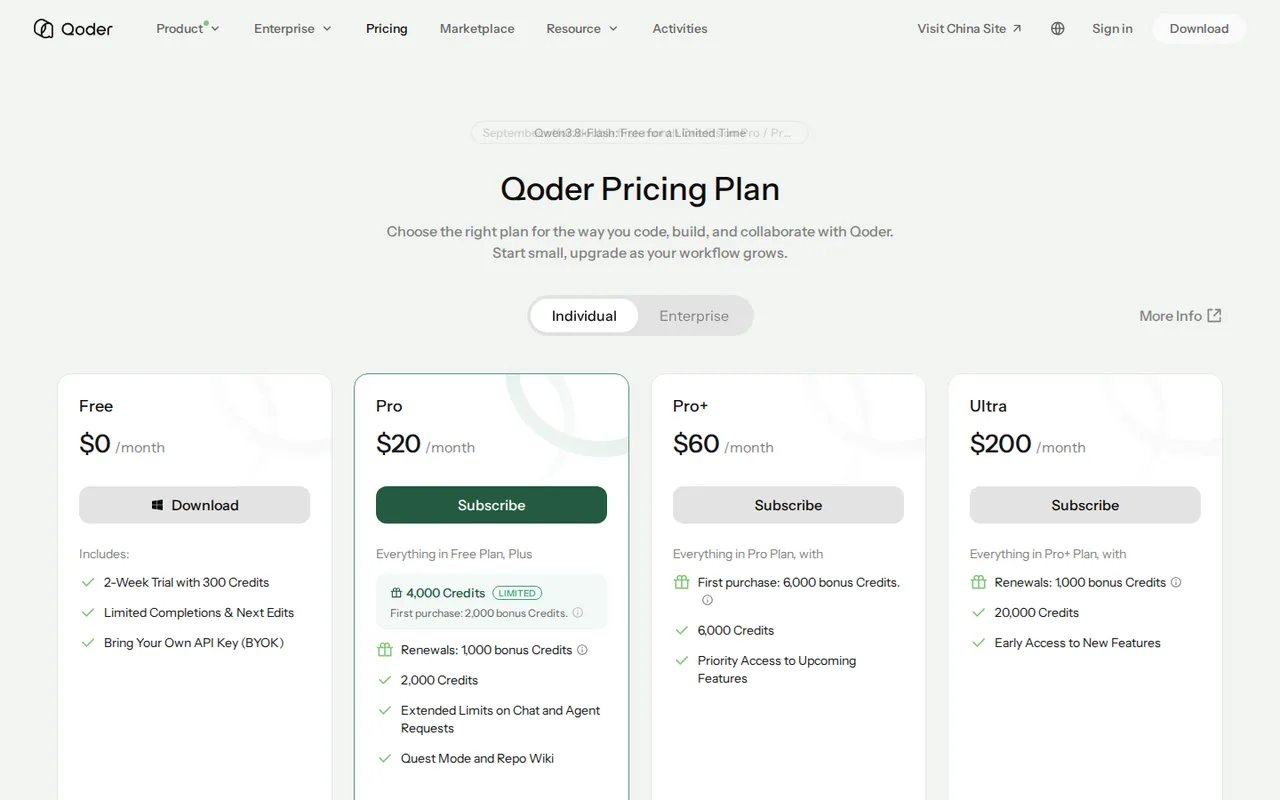
Qoder
Prices confirmed · Sep 29, 2026- FreeUSD 0
- ProUSD 20 per month
- Pro+USD 60 per month
- UltraUSD 200 per month
- TeamsUSD 40 per seat per month
Show 1 more plan
- EnterpriseUSD 20 per seat per monthcredits billed separately
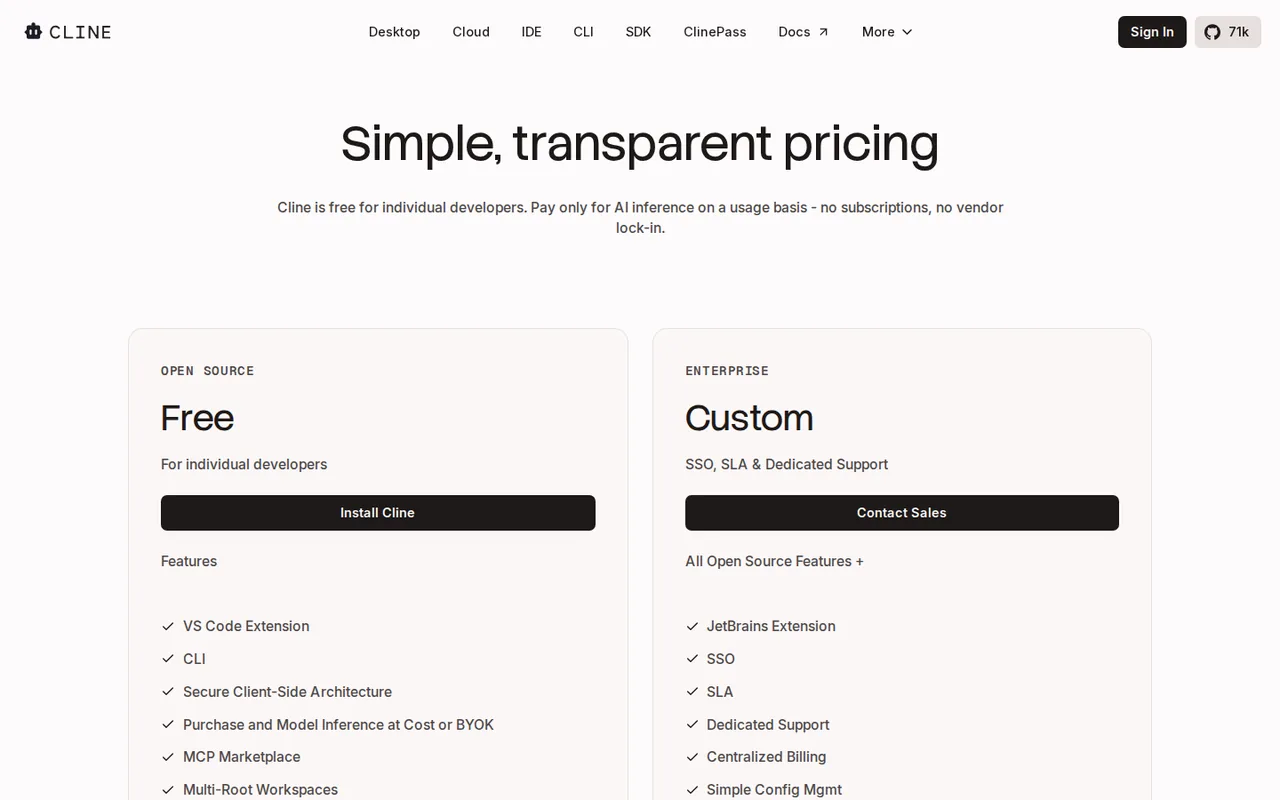
Cline
Some prices or terms not confirmed · Oct 24, 2026- Open SourceUSD 0
- Cline credits (usage-billing)Pay as you go; inference at cost
- ClinePassUSD 9.99 per month
- EnterpriseCustom quote
Strengths and limits
Qoder
Strengths
- Work continues after credits run out: Free and paid accounts fall back to basic models instead of stopping.
- Published credit estimates: The docs list median credits per Ask, Agent, Quest and Repo Wiki request.
- Failed requests are free: Credits are deducted only when a model call succeeds.
Limits to plan around
- Credits do not roll over: Plan credits reset to zero at the end of each monthly period.
- Content may improve the service: The terms allow use of your content to improve Qoder unless Share and Improve is turned off.
- Narrow refund window: The pricing FAQ allows refunds only within 24 hours of subscribing and before any credits are used.
Cline
Strengths
- No software fee: The extension, CLI and desktop app are free for individual developers, with no subscription or seat fee on the open source path.
- Open source client: The GitHub repository is published under the Apache 2.0 licence, so the code can be read, forked and built.
- Wide model choice: Your own key for dozens of providers, local models, or one Cline balance across 100+ models; switching provider does not lock you in.
Limits to plan around
- Open-ended model bill: Pay-as-you-go cost follows token use, so a long task on a frontier model can cost more than a flat-priced editor plan.
- ClinePass limits unquantified: ClinePass is measured against 5-hour, weekly and monthly limits, but the docs give no amounts, and it covers only curated open models.
- No refunds on credits: The terms say fees are non-refundable, including unused credits and unused subscription time, unless the law requires otherwise.
See both products
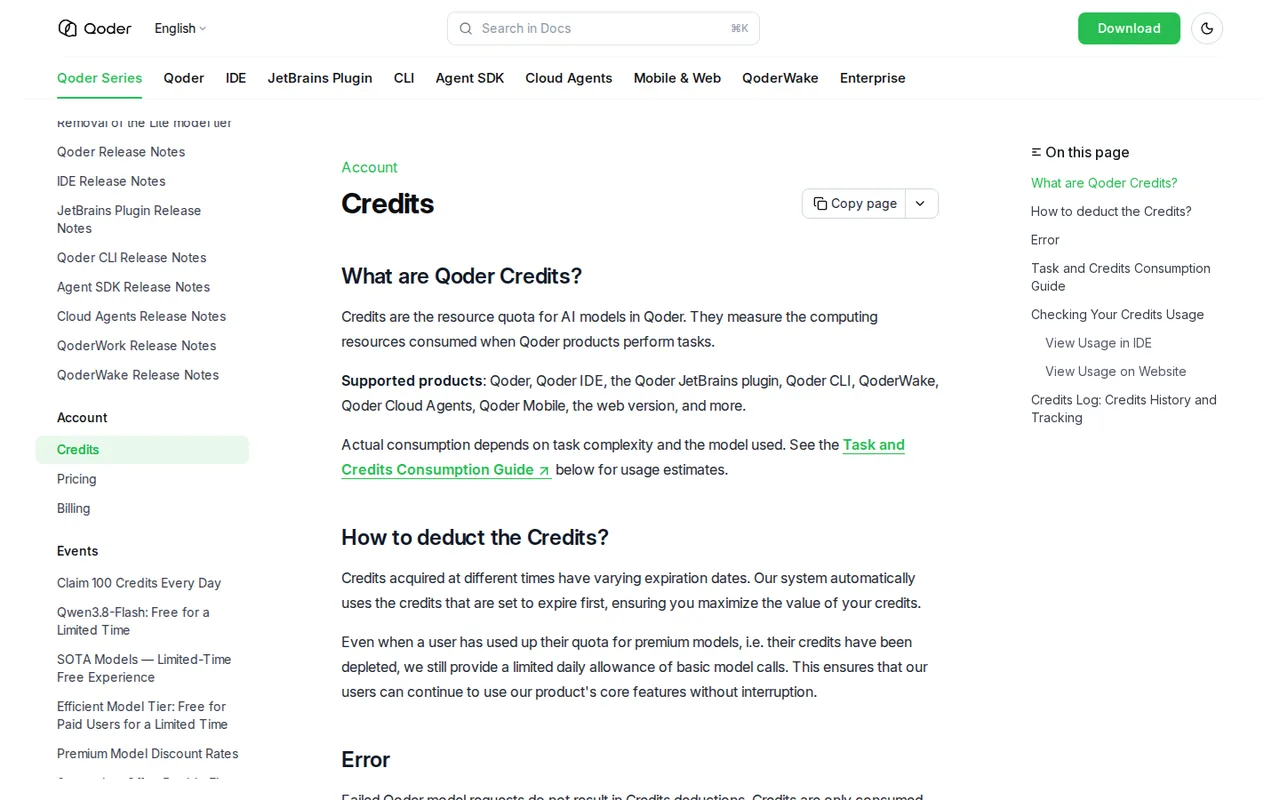
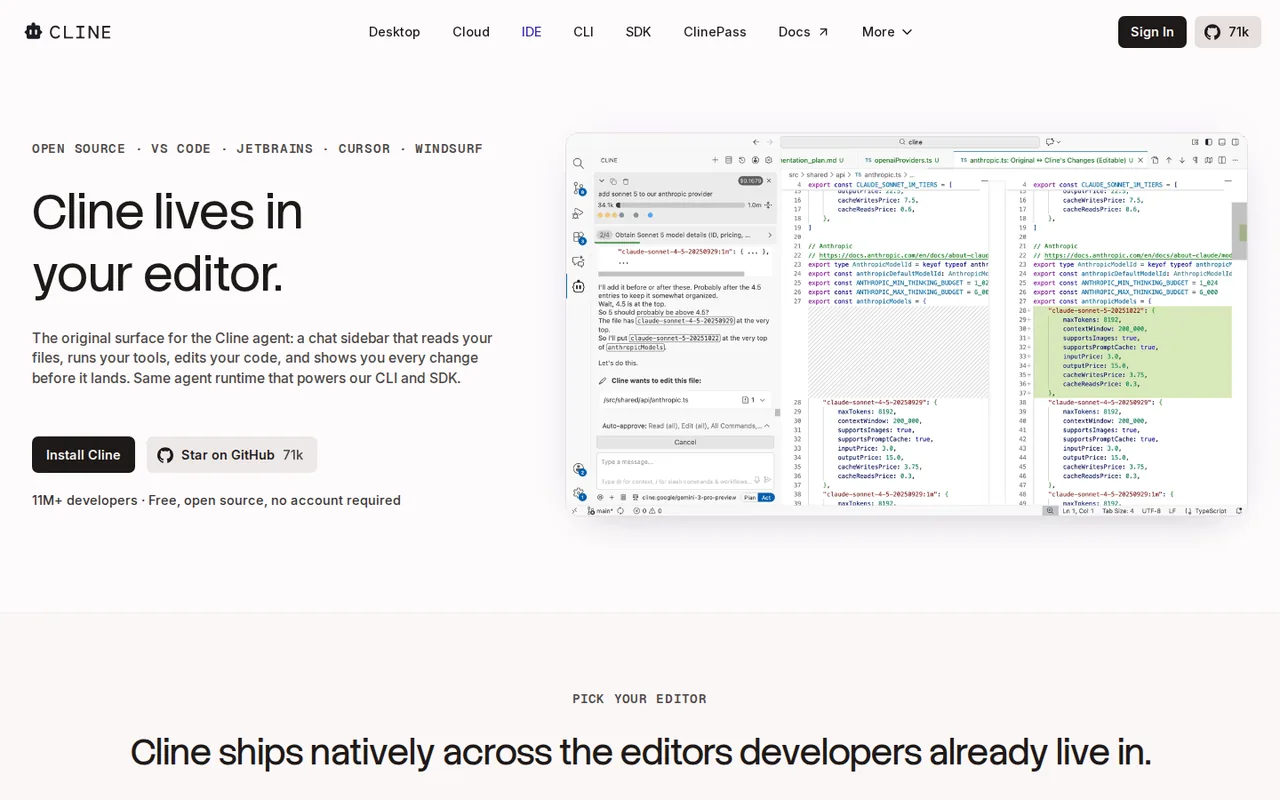
Start from your task, not from a winner.
Run both tools on the same real task, then compare the result, how much editing it needs and how fast it uses your plan’s allowance.
How we reviewChange this pair
Choose tools
Choose two tools below. You can replace either selection at any time.
Audio & voice
Automation
Coding
Data & spreadsheets
Images & design
Presentations
Research & sources
Video & editing
Website builders
Writing & content
Comparing tools from different categories is fine, and often useful — a writing assistant and a research tool solve different halves of the same job. The table will show you exactly where they diverge.
Questions about comparing tools
How does the comparison work?
Add two tools to the comparison tray from any tool card, then open this page. The table pulls each tool's verified plan details, platforms, strengths and limits from its profile, so both columns carry the same kind of evidence, with a separate source-check date for each tool.
Do you declare a winner?
No. The table sets two tools against each other on documented facts, not on a score. Which one wins depends on your task, your budget and your usage volume — three things we cannot see from here.
Why are some cells empty or marked unverified?
Because we could not confirm that detail on the vendor's own pages. Rather than filling the gap with a figure from elsewhere, we mark it and say why on the tool's profile.
Can I compare more than two tools?
Not at once. Two columns keep the differences readable and force a real decision. Remove either selected tool to replace it, or clear both to start a new pair.
Every figure in the table above comes from the linked profile, where the source and the verification date are listed. Browse all tools or read the editorial policy.