
Fathom vs Mindflow AI
Plans, free access, limits and intended use side by side, taken from each vendor’s own pages. No score and no winner: the facts show where the two differ.
Change tools
Searchable meeting capture

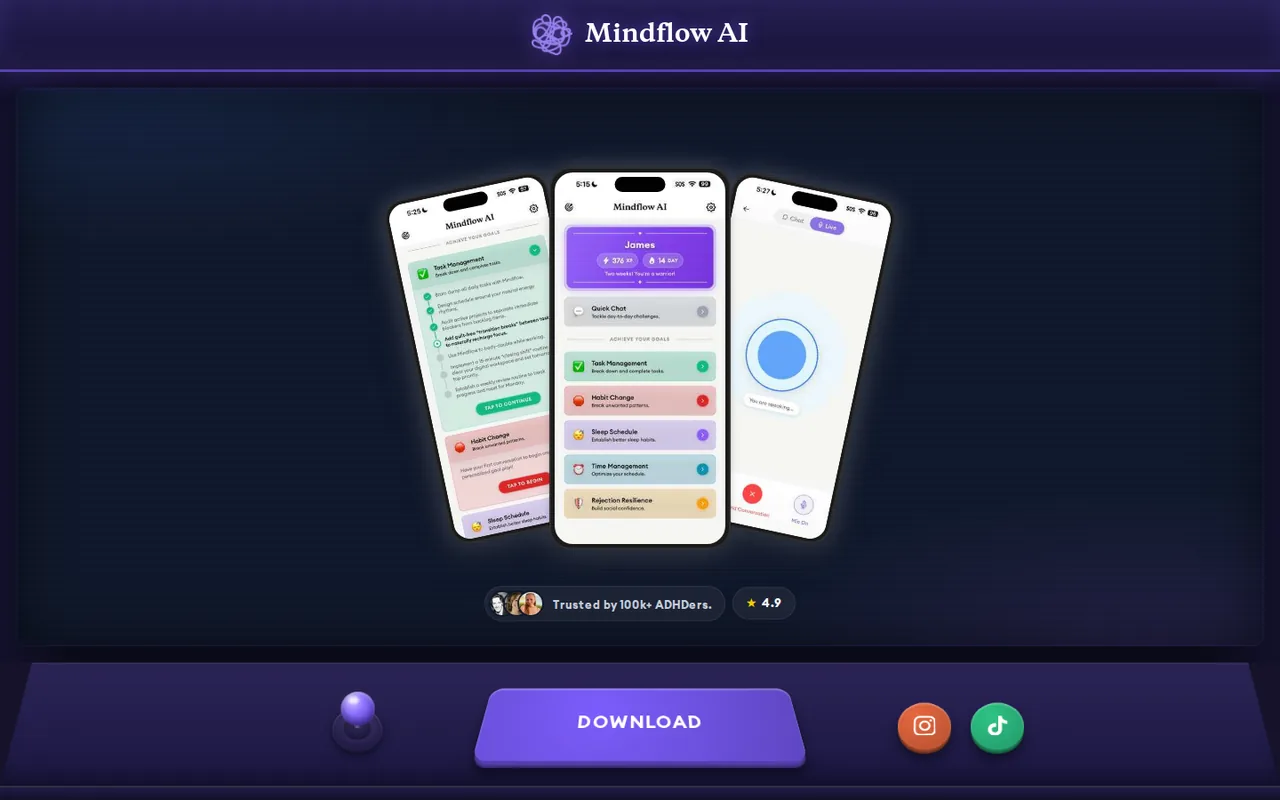
Voice-first AI companion for ADHD planning and habits; no public prices
- Free access
- Fathom: Free access
- Mindflow AI: Free access
- Paid from
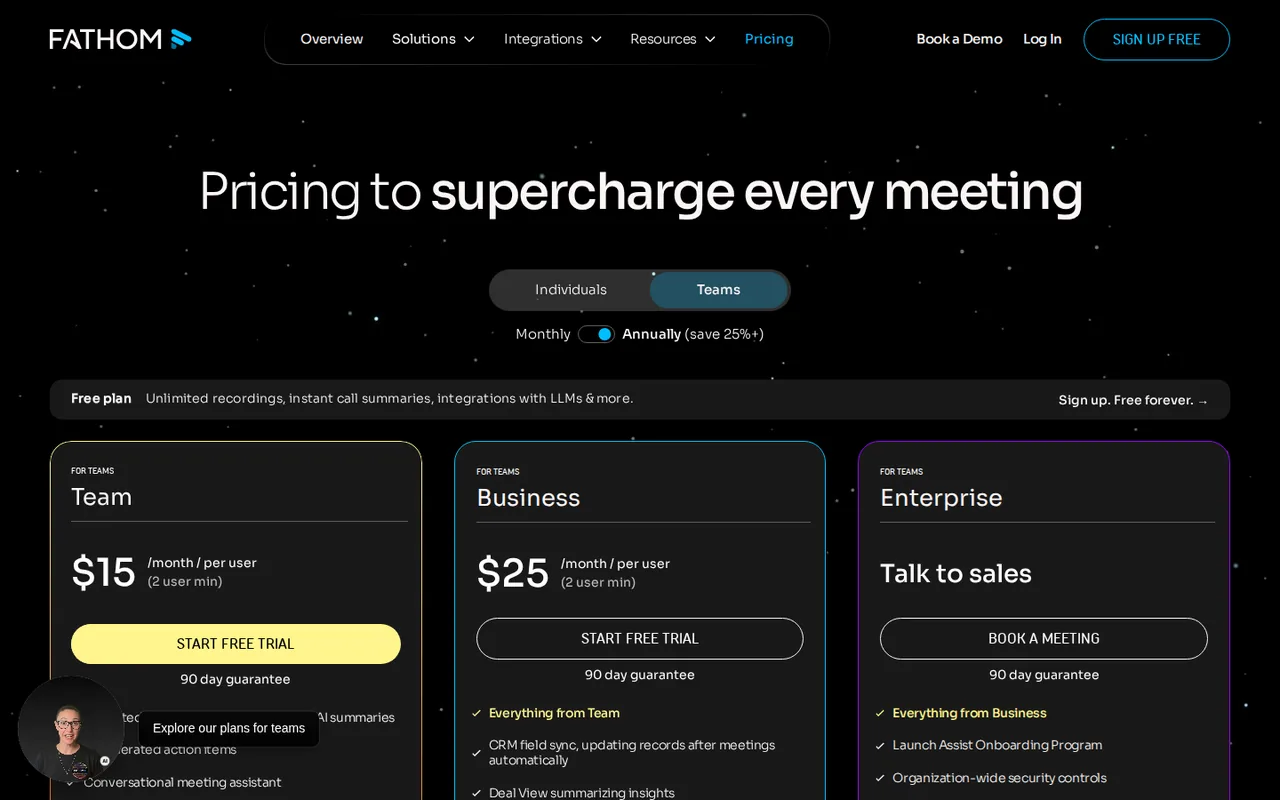
- Fathom: USD 19/user monthly; $15/user per month on annual billing
- Mindflow AI: No fixed price listed
- Plans listed
- Fathom: 5
- Mindflow AI: 2
- Public API
- Fathom: Not confirmed
- Mindflow AI: Not confirmed
Where Fathom and Mindflow AI differ
- Pricing checkPrices confirmed for Fathom; prices not confirmed for Mindflow AI.
- PlansFathom lists 5 plans and Mindflow AI lists 2.
Head to head
Each value from the tool’s profile and the vendor’s own pages
| Fathom | Fact | Mindflow AI |
|---|---|---|
| Access and price | ||
| Free access availableFree · USD 0 | Free accessSame | Free access available |
| USD 19/user monthly; $15/user per month on annual billingTeam | Lowest listed paid plan | No fixed price listed |
| Free plan; Premium $20/user/month on monthly billing | Pricing model | Limited free use; paid plan price not published |
| 5 | Plans listedDiffers | 2 |
| Not confirmed | Public API | Not confirmed |
| Not confirmed | Card to start | Not confirmed |
| Not confirmed | Open source | Not confirmed |
| What it is for | ||
| Meeting owners who verify commitments | Built for | Adults with ADHD who want a talk-to-it daily planning and check-in companion on their phone |
| Automation | CategorySame | Automation |
| Platforms |
|
| Not listed | Works with | Not listed |
| How current | ||
| Profile sources checked | ||
| Prices confirmed · Oct 5, 2026 | Pricing checkDiffers | Prices not confirmed · Oct 17, 2026 |
Official source check for both tools. No hands-on testing and no score: “Differs” marks a documented difference, not a better tool.
Plans and prices
Fathom
Prices confirmed · Oct 5, 2026- FreeUSD 0
- PremiumUSD 20/user monthly; $16/user per month on annual billing
- TeamUSD 19/user monthly; $15/user per month on annual billing
- BusinessUSD 34/user monthly; $25/user per month on annual billing
- EnterpriseCustom quote
Mindflow AI
Prices not confirmed · Oct 17, 2026- Free UseUSD 0
- Paid UseNot published
Strengths and limits
Fathom
Strengths
- Return to the evidence: A recorded passage can help resolve an ambiguous summary.
- Start with an individual workflow: A team purchase is unnecessary just to evaluate basic capture.
- No storage ceiling on Free: Recordings, storage and transcription are unlimited, so archive size alone is no reason to upgrade.
Limits to plan around
- Recording is not agreement: An assigned action still needs the named participant to confirm it.
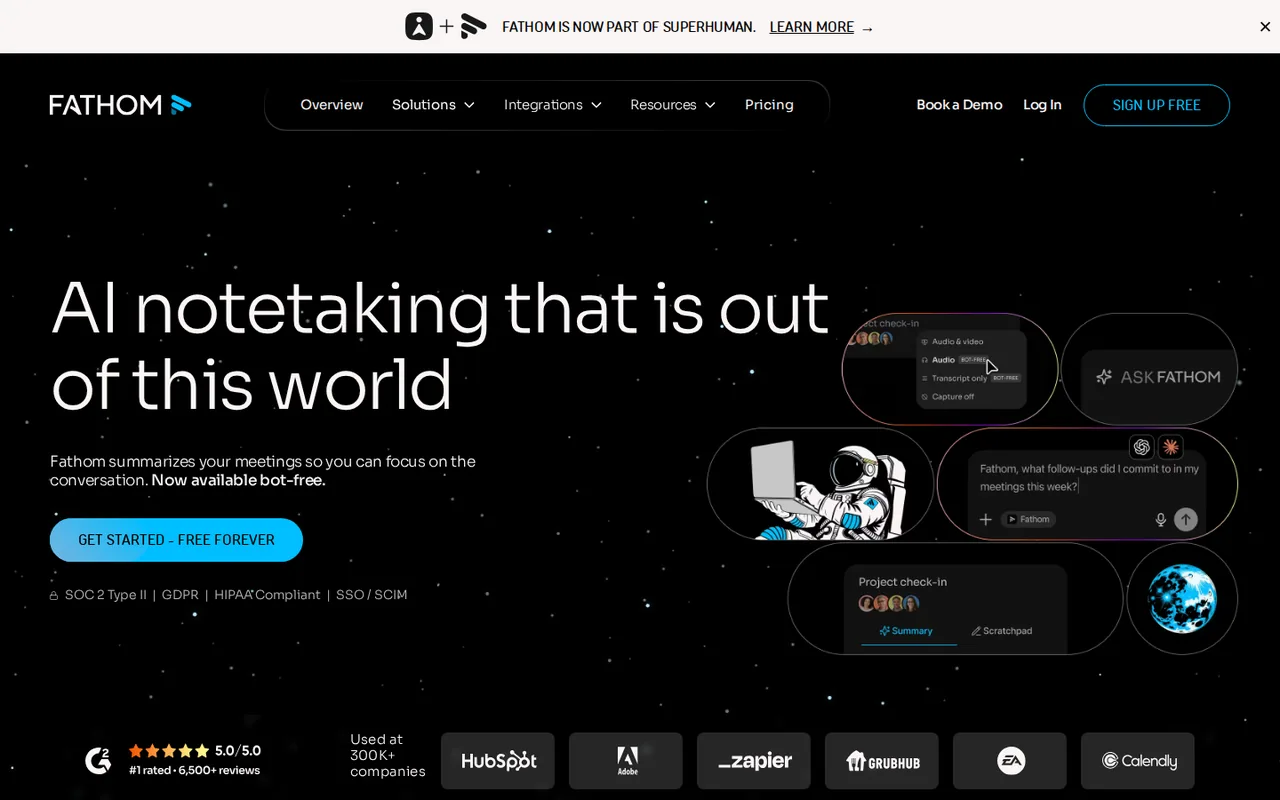
- Capture-mode restrictions: The advertised bot-free option is a Mac beta, not a promise across platforms.
- Summary depth drops on Free: After the monthly advanced-summary allowance, later calls fall back to the General/Enhanced template.
Mindflow AI
Strengths
- Built around one audience: The homepage and both store listings describe the app for ADHD-related task initiation, overwhelm and routines rather than as a general chatbot.
- Talk instead of type: The homepage describes voice-first conversations with no forms, which may suit people who find typed planning a barrier.
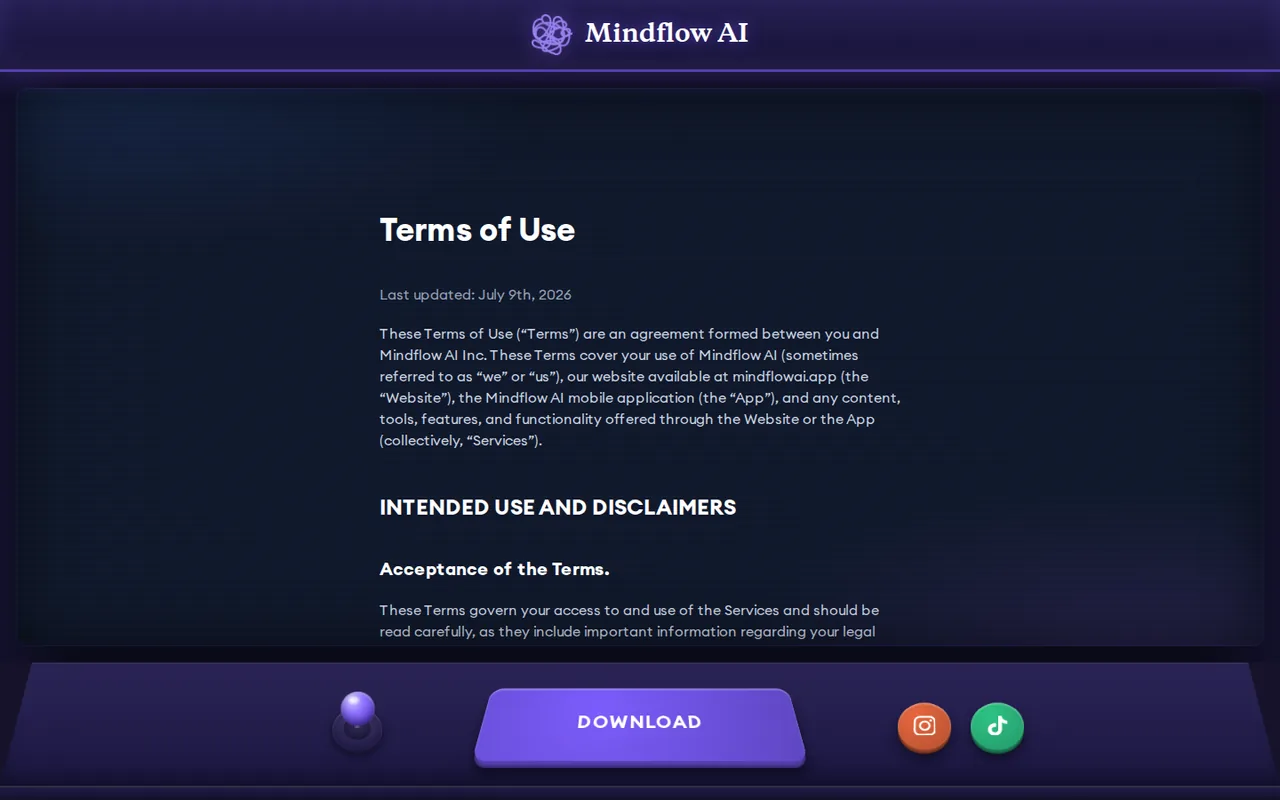
- Billing through the app stores: The Terms say subscriptions are charged to your Apple or Google account, and refunds and cancellation are handled by that store.
Limits to plan around
- No published prices: The website has no pricing page and the store text we read lists no amounts, so the cost of the paid programme is only visible inside the app.
- Not healthcare: The Terms say it is not a provider of healthcare, medical diagnosis, treatment, therapy or counseling and make no claim of medical or psychological benefit.
- Sensitive data is collected: The App Store lists identifiers, usage data and diagnostics as data that may be used to track you, and sensitive info and user content as data linked to you.
See both products
Start from your task, not from a winner.
Run both tools on the same real task, then compare the result, how much editing it needs and how fast it uses your plan’s allowance.
How we reviewChange this pair
Choose tools
Choose two tools below. You can replace either selection at any time.
Audio & voice
Automation
Coding
Data & spreadsheets
Images & design
Presentations
Research & sources
Video & editing
Website builders
Writing & content
Comparing tools from different categories is fine, and often useful — a writing assistant and a research tool solve different halves of the same job. The table will show you exactly where they diverge.
Questions about comparing tools
How does the comparison work?
Add two tools to the comparison tray from any tool card, then open this page. The table pulls each tool's verified plan details, platforms, strengths and limits from its profile, so both columns carry the same kind of evidence, with a separate source-check date for each tool.
Do you declare a winner?
No. The table sets two tools against each other on documented facts, not on a score. Which one wins depends on your task, your budget and your usage volume — three things we cannot see from here.
Why are some cells empty or marked unverified?
Because we could not confirm that detail on the vendor's own pages. Rather than filling the gap with a figure from elsewhere, we mark it and say why on the tool's profile.
Can I compare more than two tools?
Not at once. Two columns keep the differences readable and force a real decision. Remove either selected tool to replace it, or clear both to start a new pair.
Every figure in the table above comes from the linked profile, where the source and the verification date are listed. Browse all tools or read the editorial policy.