
Replit vs Cursor
Plans, free access, limits and intended use side by side, taken from each vendor’s own pages. No score and no winner: the facts show where the two differ.
Change tools
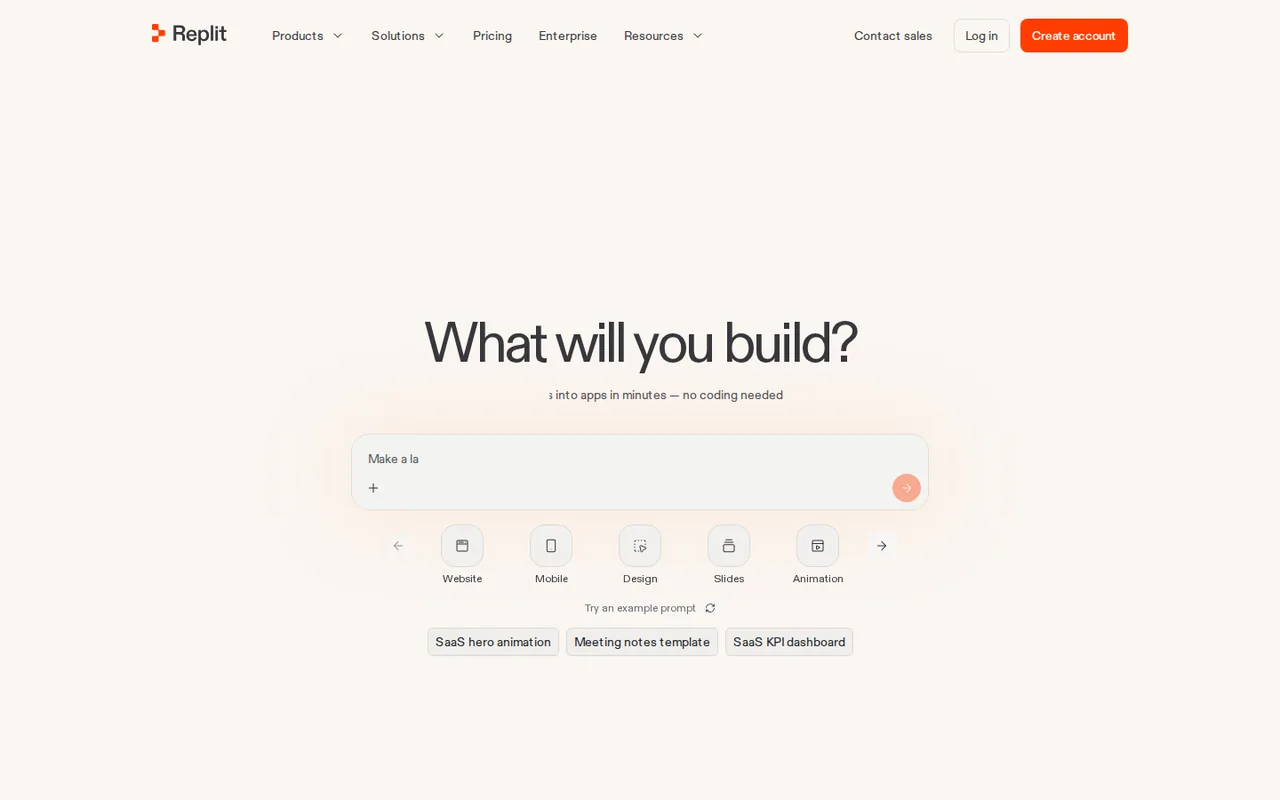
Development and publishing in one workspace

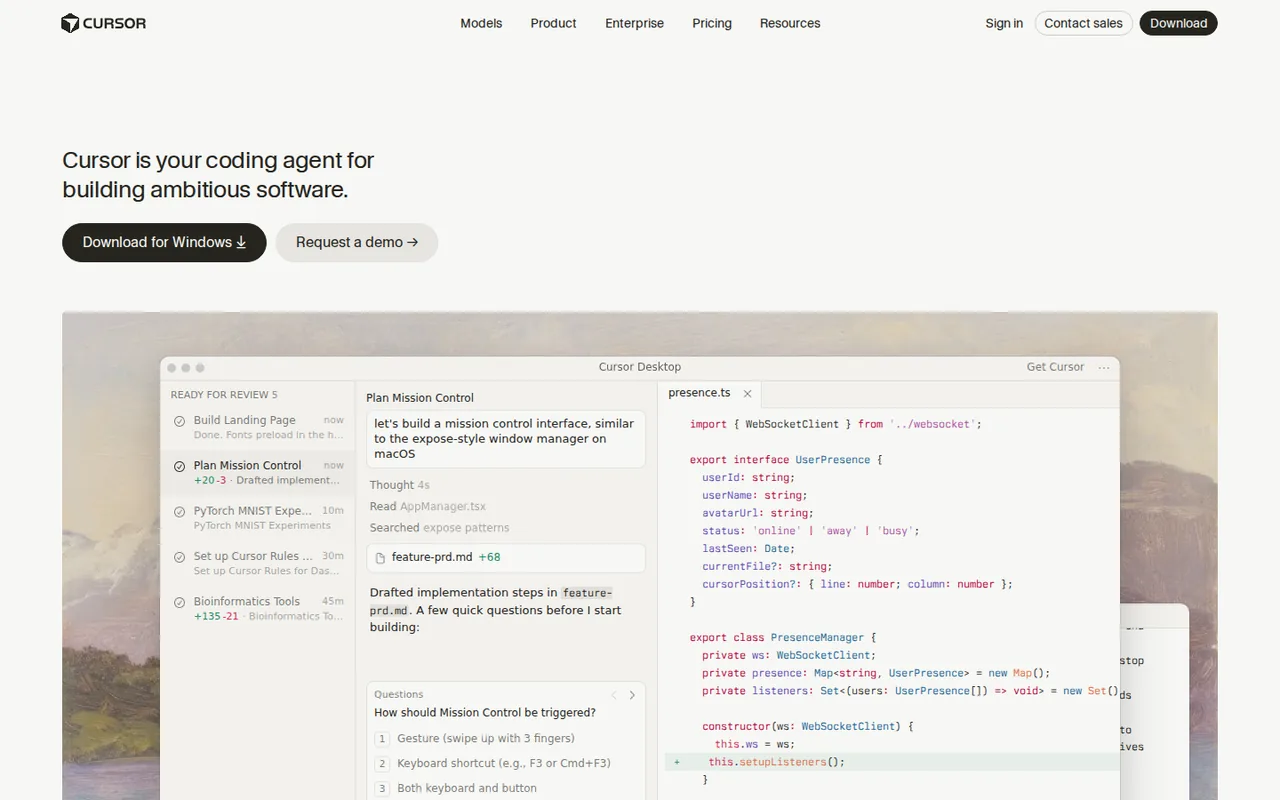
Repository edits with a reviewable change boundary
- Free access
- Replit: Free access
- Cursor: Free access
- Paid from
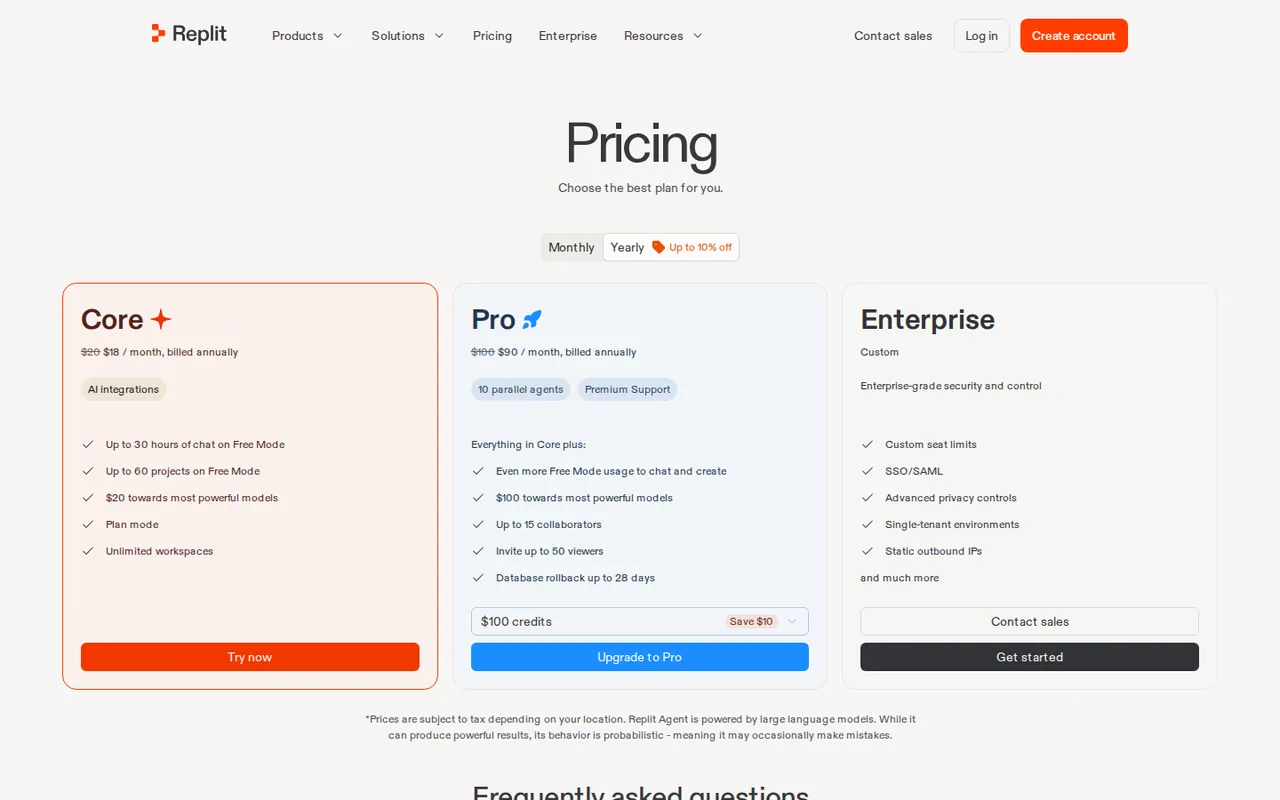
- Replit: USD 20 per month; $18 per month billed annually
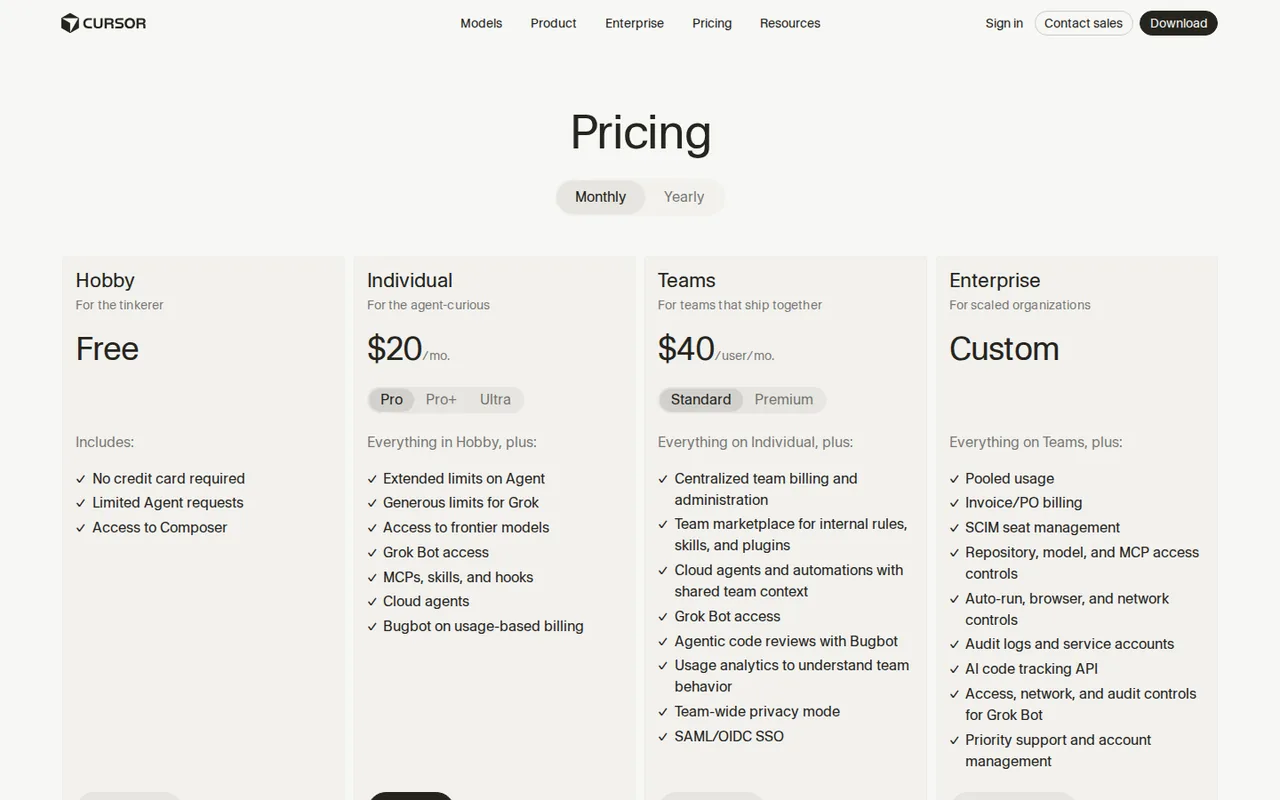
- Cursor: USD 20 per month
- Plans listed
- Replit: 4
- Cursor: 7
- Public API
- Replit: Not confirmed
- Cursor: Yes
Where Replit and Cursor differ
- PlansReplit lists 4 plans and Cursor lists 7.
Head to head
Each value from the tool’s profile and the vendor’s own pages
| Replit | Fact | Cursor |
|---|---|---|
| Access and price | ||
| Free access availableStarter | Free accessSame | Free access availableHobby |
| USD 20 per month; $18 per month billed annuallyCore | Lowest listed paid plan | USD 20 per monthPro · billed monthly |
| Starter free; Core $20/month ($18 billed annually); Pro $100/month ($90 billed annually) | Pricing model | From USD 20 per month, billed monthly |
| 4 | Plans listedDiffers | 7 |
| Not confirmed | Public API | Yes |
| Not confirmed | Card to start | Not required |
| Not confirmed | Open source | No |
| What it is for | ||
| Builders evaluating a small operational app | Built for | Developers evaluating controlled repository edits with their own test suite |
| Coding | CategorySame | Coding |
| Platforms |
|
| Not listed | Works with |
|
| How current | ||
| Profile sources checked | ||
| Prices confirmed · Oct 5, 2026 | Pricing checkSame | Prices confirmed · Oct 17, 2026 |
Official source check for both tools. No hands-on testing and no score: “Differs” marks a documented difference, not a better tool.
Plans and prices
Replit
Prices confirmed · Oct 5, 2026- StarterFree
- CoreUSD 20 per month; $18 per month billed annually
- ProUSD 100 per month; $90 per month billed annually
- EnterpriseCustom quote
Cursor
Prices confirmed · Oct 17, 2026- HobbyFree
- ProUSD 20 per monthbilled monthly
- Pro PlusUSD 60 per monthbilled monthly
- UltraUSD 200 per monthbilled monthly
- Teams StandardUSD 40 per user per monthbilled monthly
Show 2 more plans
- Teams PremiumUSD 120 per user per monthbilled monthly
- EnterpriseCustom quote
Strengths and limits
Replit
Strengths
- Prototype-to-hosting path: A small app can be assessed through its deployed behavior, not only a code preview.
- Budget controls: Usage and shutdown limits provide concrete controls for paid consumption.
- Recovery option on Pro: Database rollback reaches back up to 28 days on the Pro plan.
Limits to plan around
- Free link lifetime: Starter hosting is not a permanent production promise.
- One subscription is not a fixed total bill: Agent work and live services consume allowances; overage and external services need separate budgeting.
- Starter is limited to Lite build: Full build and connectors require a paid plan.
Cursor
Strengths
- Integrated change loop: Inspection, editing and command execution can stay in one workspace.
- Explicit project context: Repository rules make conventions easier to repeat across tasks.
- Reviewable output: A file diff gives the developer a concrete artifact to accept or reject.
Limits to plan around
- Variable consumption: The model and task affect how far an allowance lasts.
- Review remains necessary: A plausible patch can change behavior or weaken tests.
- Workspace permissions: Command execution requires deliberate limits around data and external systems.
See both products
Start from your task, not from a winner.
Run both tools on the same real task, then compare the result, how much editing it needs and how fast it uses your plan’s allowance.
How we reviewChange this pair
Choose tools
Choose two tools below. You can replace either selection at any time.
Audio & voice
Automation
Coding
Data & spreadsheets
Images & design
Presentations
Research & sources
Video & editing
Website builders
Writing & content
Comparing tools from different categories is fine, and often useful — a writing assistant and a research tool solve different halves of the same job. The table will show you exactly where they diverge.
Questions about comparing tools
How does the comparison work?
Add two tools to the comparison tray from any tool card, then open this page. The table pulls each tool's verified plan details, platforms, strengths and limits from its profile, so both columns carry the same kind of evidence, with a separate source-check date for each tool.
Do you declare a winner?
No. The table sets two tools against each other on documented facts, not on a score. Which one wins depends on your task, your budget and your usage volume — three things we cannot see from here.
Why are some cells empty or marked unverified?
Because we could not confirm that detail on the vendor's own pages. Rather than filling the gap with a figure from elsewhere, we mark it and say why on the tool's profile.
Can I compare more than two tools?
Not at once. Two columns keep the differences readable and force a real decision. Remove either selected tool to replace it, or clear both to start a new pair.
Every figure in the table above comes from the linked profile, where the source and the verification date are listed. Browse all tools or read the editorial policy.