
Superhuman vs Grantable
Plans, free access, limits and intended use side by side, taken from each vendor’s own pages. No score and no winner: the facts show where the two differ.
Change tools
AI email app, agent assistant and workspace from the company that now includes Grammarly

Capacity is relative; messages per day are the real limit
- Free access
- Superhuman: Free access
- Grantable: Free access
- Paid from
- Superhuman: USD 12 per member a month billed annually; $15 billed monthly
- Grantable: USD 50 per month
- Plans listed
- Superhuman: 5
- Grantable: 5
- Public API
- Superhuman: Not confirmed
- Grantable: Not confirmed
Where Superhuman and Grantable differ
On the listed facts these two look alike. The plans, limits and screenshots below show where the details part ways.
Head to head
Each value from the tool’s profile and the vendor’s own pages
| Superhuman | Fact | Grantable |
|---|---|---|
| Access and price | ||
| Free access availableFree · USD 0 | Free accessSame | Free access availableFree · USD 0 |
| USD 12 per member a month billed annually; $15 billed monthlyPro | Lowest listed paid plan | USD 50 per monthStarter · billed monthly · or $42 per month, $500 billed annually |
| Free plan without Mail; Mail from $25 a member a month; Business $33 | Pricing model | Free plan; Starter from $50/month |
| 5 | Plans listedSame | 5 |
| Not confirmed | Public API | Not confirmed |
| Not confirmed | Card to start | Not required |
| Not confirmed | Open source | No |
| What it is for | ||
| Teams that live in Gmail or Outlook and will pay per seat to triage email faster, or individuals who want a free AI assistant across apps | Built for | Small nonprofits drafting and tracking grant applications |
| Writing & content | CategorySame | Writing & content |
| Platforms |
|
| Works with |
|
| How current | ||
| Profile sources checked | ||
| Prices confirmed · Oct 6, 2026 | Pricing checkSame | Prices confirmed · Oct 21, 2026 |
Official source check for both tools. No hands-on testing and no score: “Differs” marks a documented difference, not a better tool.
Plans and prices
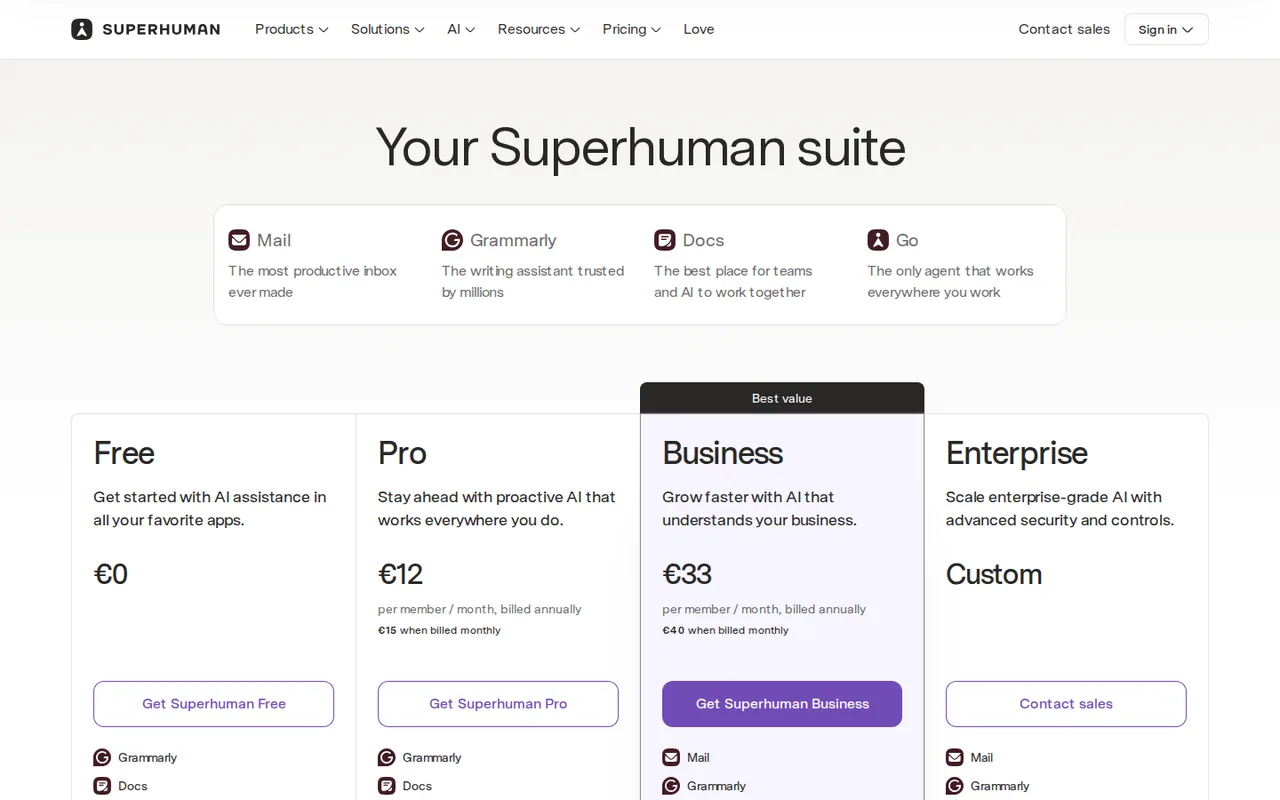
Superhuman
Prices confirmed · Oct 6, 2026- FreeUSD 0
- ProUSD 12 per member a month billed annually; $15 billed monthly
- Mail StarterUSD 25 per member a month billed annually
- BusinessUSD 33 per member a month billed annually; $40 billed monthly
- EnterpriseCustom; contact sales
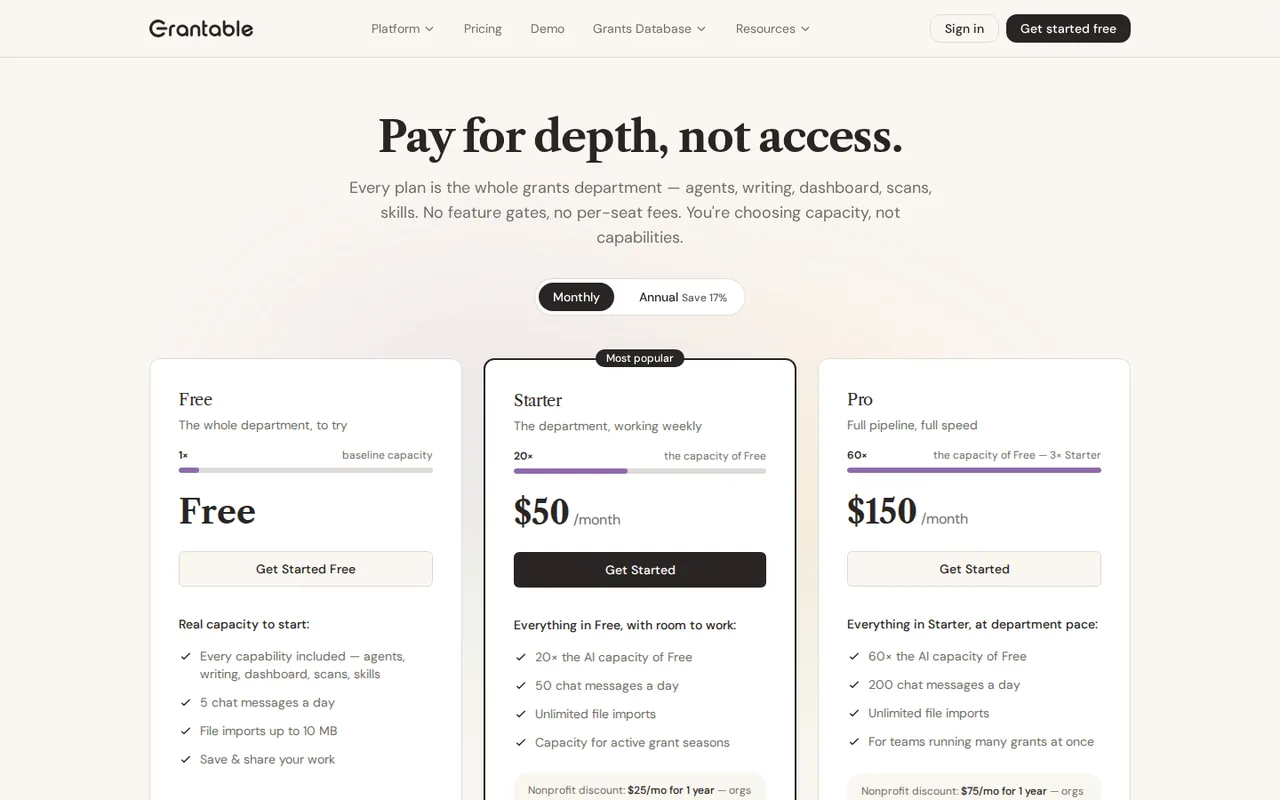
Grantable
Prices confirmed · Oct 21, 2026- FreeUSD 0no time limit
- StarterUSD 50 per monthbilled monthly · or $42 per month, $500 billed annually
- ProUSD 150 per monthbilled monthly · or $125 per month, $1,500 billed annually
- Agency HubUSD 300 per month add-on to any paid plan
- EnterpriseCustom pricing
Strengths and limits
Superhuman
Strengths
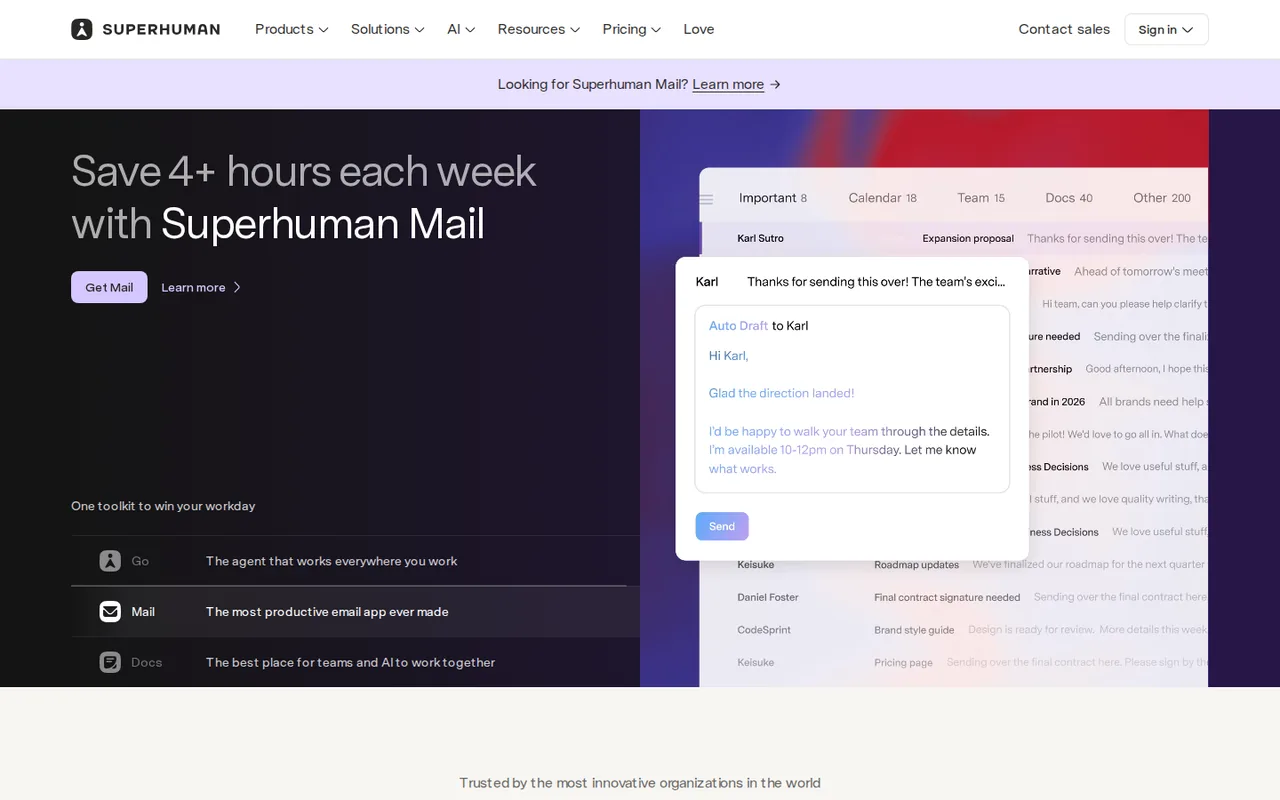
- Mail is built around speed on Gmail and Outlook: The Mail page lists triage, follow-up reminders, Snippets, shortcuts and team comments in one app rather than as add-ons.
- A real free entry point: The plans page lists Free at $0 with chat across apps, writing help in 20+ languages and collaborative Docs.
- Business adds CRM views: The plans page says Business shows and updates HubSpot, Salesforce and Pipedrive records from the inbox.
Limits to plan around
- Free does not include Mail: On the plans page Mail is marked on Business and Enterprise only, so the email app is not part of the $0 or Pro plans.
- Two pages describe the Business price differently: The Mail pricing page says Business is $33 with 15% off for teams of 5+; the plans page shows $33 billed annually and $40 monthly without that note.
- Mail trial terms were not found: The pages read do not state whether Mail has a free trial, its length or what happens after it.
Grantable
Strengths
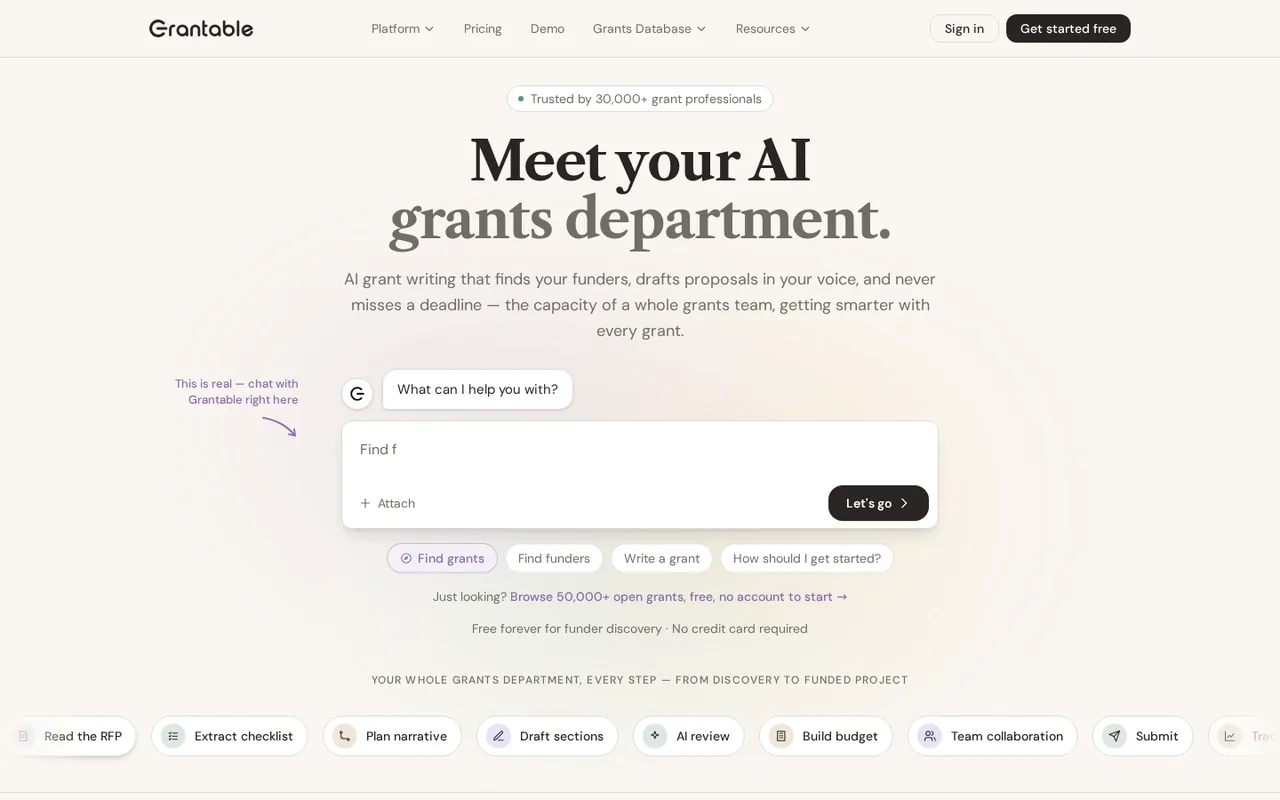
- Free plan without a time limit: Funder search, AI chat, documents and sharing need no card and do not expire.
- No per-seat fees: One subscription covers the whole team in a workspace.
- Clear data terms: You own content and AI output, and the terms say your data is not used to train AI models.
Limits to plan around
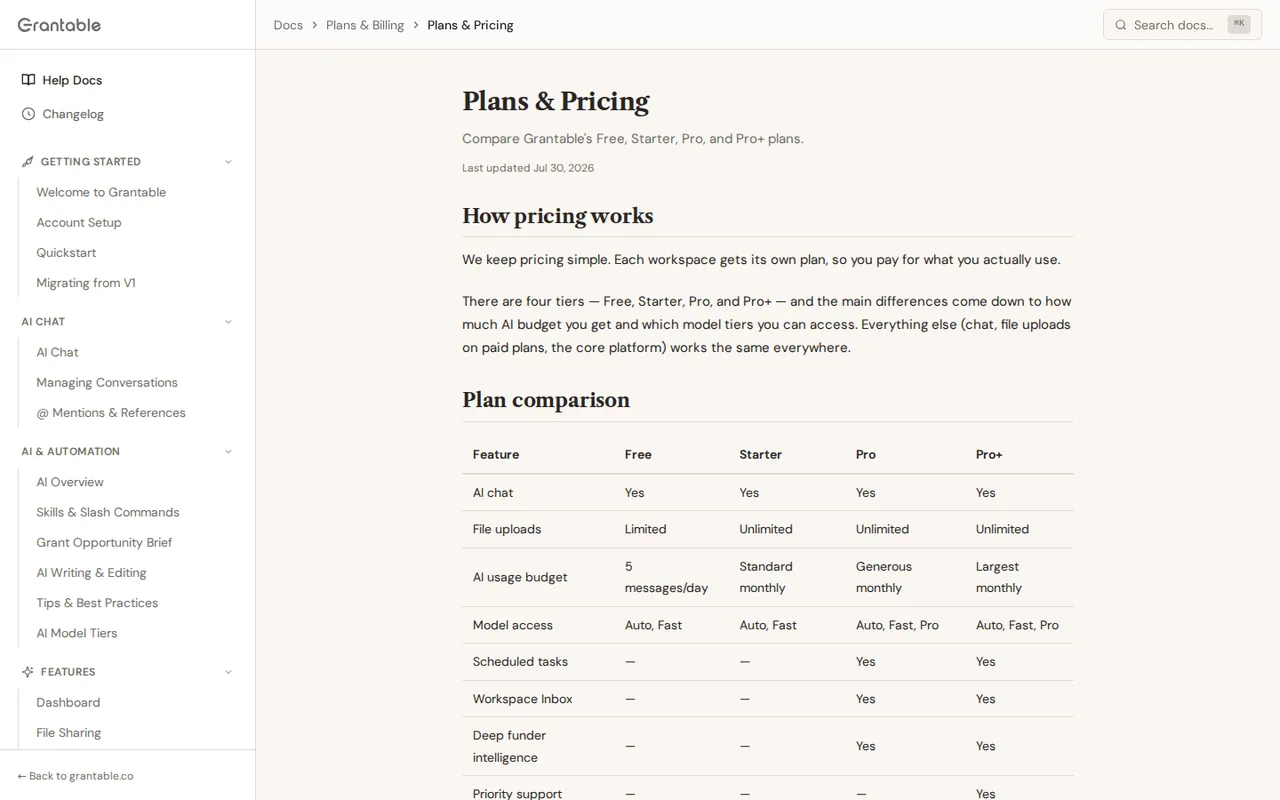
- Capacity is relative: Paid tiers are described as 20x or 60x of Free; only daily messages and file size are absolute.
- Plan pages disagree on features: The pricing page says every plan has every capability, while help docs reserve some for Pro.
- Annual plans need early notice: Cancel at least 30 days before an annual term ends, and fees are generally non-refundable.
See both products
Start from your task, not from a winner.
Run both tools on the same real task, then compare the result, how much editing it needs and how fast it uses your plan’s allowance.
How we reviewChange this pair
Choose tools
Choose two tools below. You can replace either selection at any time.
Audio & voice
Automation
Coding
Data & spreadsheets
Images & design
Presentations
Research & sources
Video & editing
Website builders
Writing & content
Comparing tools from different categories is fine, and often useful — a writing assistant and a research tool solve different halves of the same job. The table will show you exactly where they diverge.
Questions about comparing tools
How does the comparison work?
Add two tools to the comparison tray from any tool card, then open this page. The table pulls each tool's verified plan details, platforms, strengths and limits from its profile, so both columns carry the same kind of evidence, with a separate source-check date for each tool.
Do you declare a winner?
No. The table sets two tools against each other on documented facts, not on a score. Which one wins depends on your task, your budget and your usage volume — three things we cannot see from here.
Why are some cells empty or marked unverified?
Because we could not confirm that detail on the vendor's own pages. Rather than filling the gap with a figure from elsewhere, we mark it and say why on the tool's profile.
Can I compare more than two tools?
Not at once. Two columns keep the differences readable and force a real decision. Remove either selected tool to replace it, or clear both to start a new pair.
Every figure in the table above comes from the linked profile, where the source and the verification date are listed. Browse all tools or read the editorial policy.