
Spellbook vs NanoGPT
Plans, free access, limits and intended use side by side, taken from each vendor’s own pages. No score and no winner: the facts show where the two differ.
Change tools
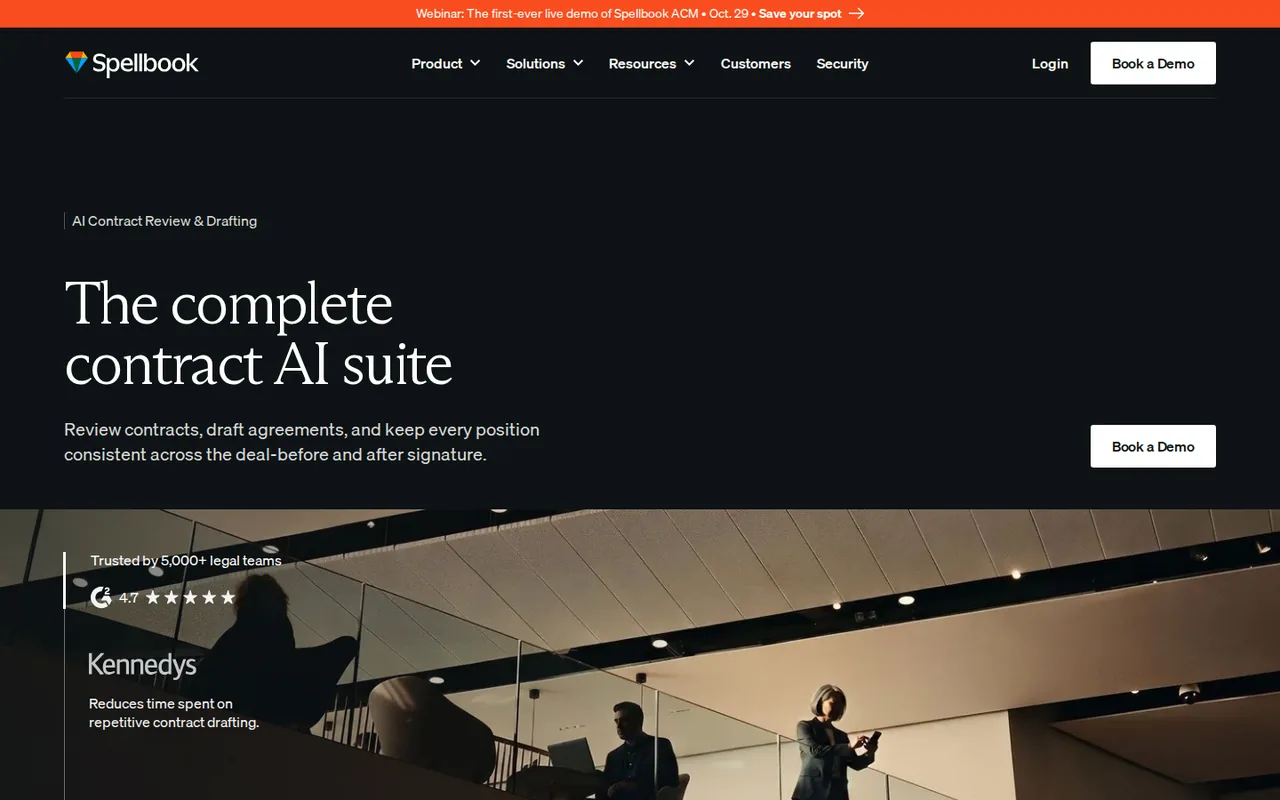
AI contract review, redlining and drafting inside Microsoft Word, priced per seat by quote

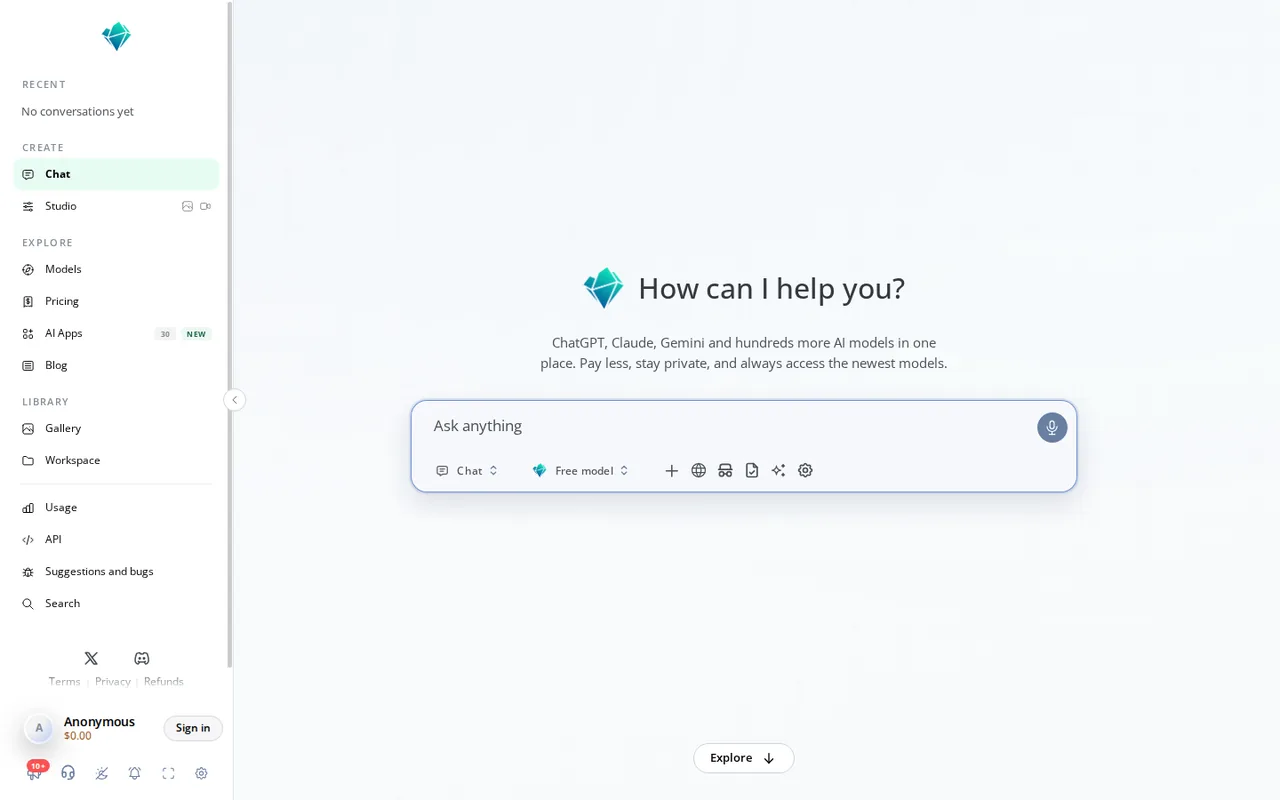
Decide between list-price tokens and a weekly open-source allowance
- Free access
- Spellbook: Free trial only
- NanoGPT: Free access
- Paid from
- Spellbook: No fixed price listed
- NanoGPT: USD 12 per month
- Plans listed
- Spellbook: 4
- NanoGPT: 2
- Public API
- Spellbook: Not confirmed
- NanoGPT: Not confirmed
Where Spellbook and NanoGPT differ
- AccessSpellbook offers a free trial only, while NanoGPT offers free access.
- Pricing checkPrices not confirmed for Spellbook; prices confirmed for NanoGPT.
- PlansSpellbook lists 4 plans and NanoGPT lists 2.
Head to head
Each value from the tool’s profile and the vendor’s own pages
| Spellbook | Fact | NanoGPT |
|---|---|---|
| Access and price | ||
| Free trial only | Free accessDiffers | Free access availablePay as you go · USD 0 per month |
| No fixed price listed | Lowest listed paid plan | USD 12 per monthPro |
| No public prices; per-seat quote, 7-day free trial | Pricing model | Pay as you go from $0/month; Pro $12/month |
| 4 | Plans listedDiffers | 2 |
| Not confirmed | Public API | Not confirmed |
| Not confirmed | Card to start | Not confirmed |
| Not confirmed | Open source | Not confirmed |
| What it is for | ||
| Transactional lawyers and in-house legal teams who review and draft contracts in Word | Built for | Pay-per-use access to many AI models without separate subscriptions |
| Writing & content | CategorySame | Writing & content |
| Platforms |
|
| Works with |
|
| How current | ||
| Profile sources checked | ||
| Prices not confirmed · Oct 17, 2026 | Pricing checkDiffers | Prices confirmed · Sep 29, 2026 |
Official source check for both tools. No hands-on testing and no score: “Differs” marks a documented difference, not a better tool.
Plans and prices
Spellbook
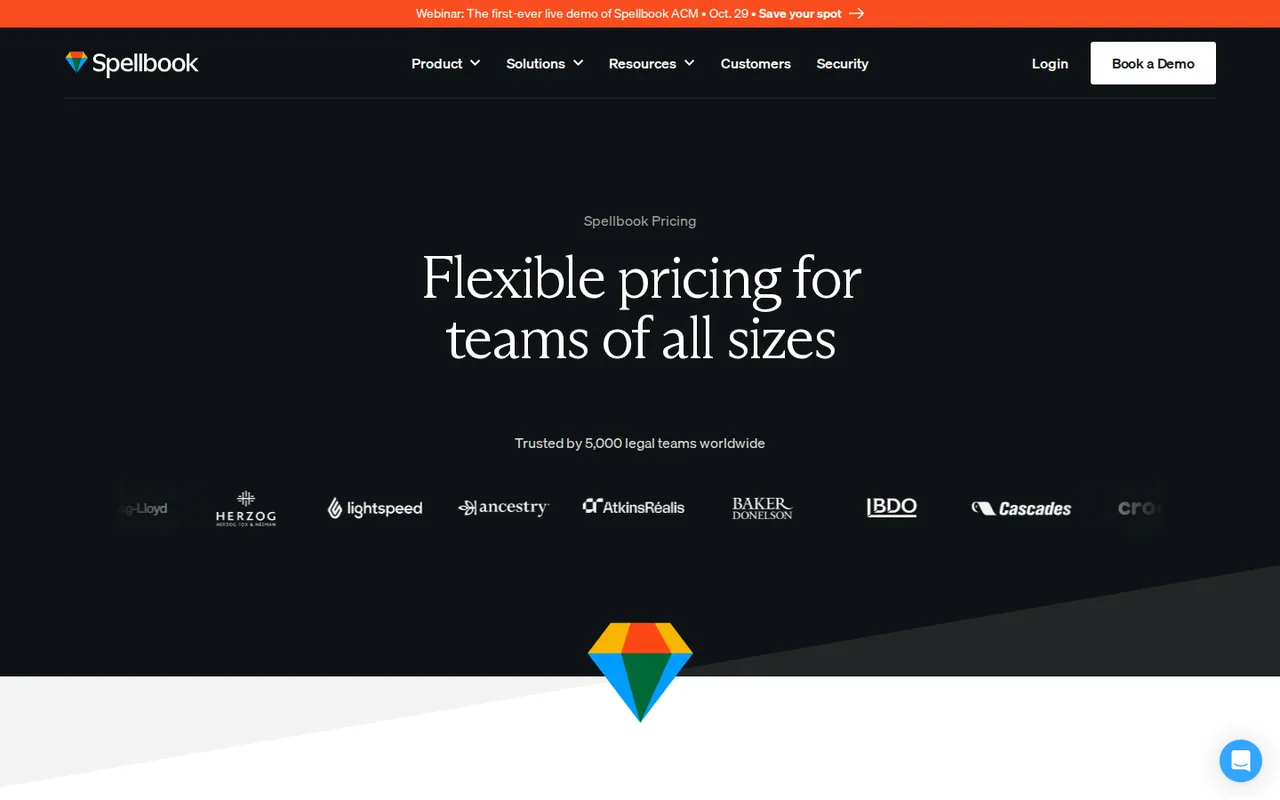
Prices not confirmed · Oct 17, 2026- Law firmsNot published; per-seat quote
- In-house teamsNot published; per-seat quote
- Free trialUSD 0 for 7 days
- AcademicFree until the end of 2026
NanoGPT
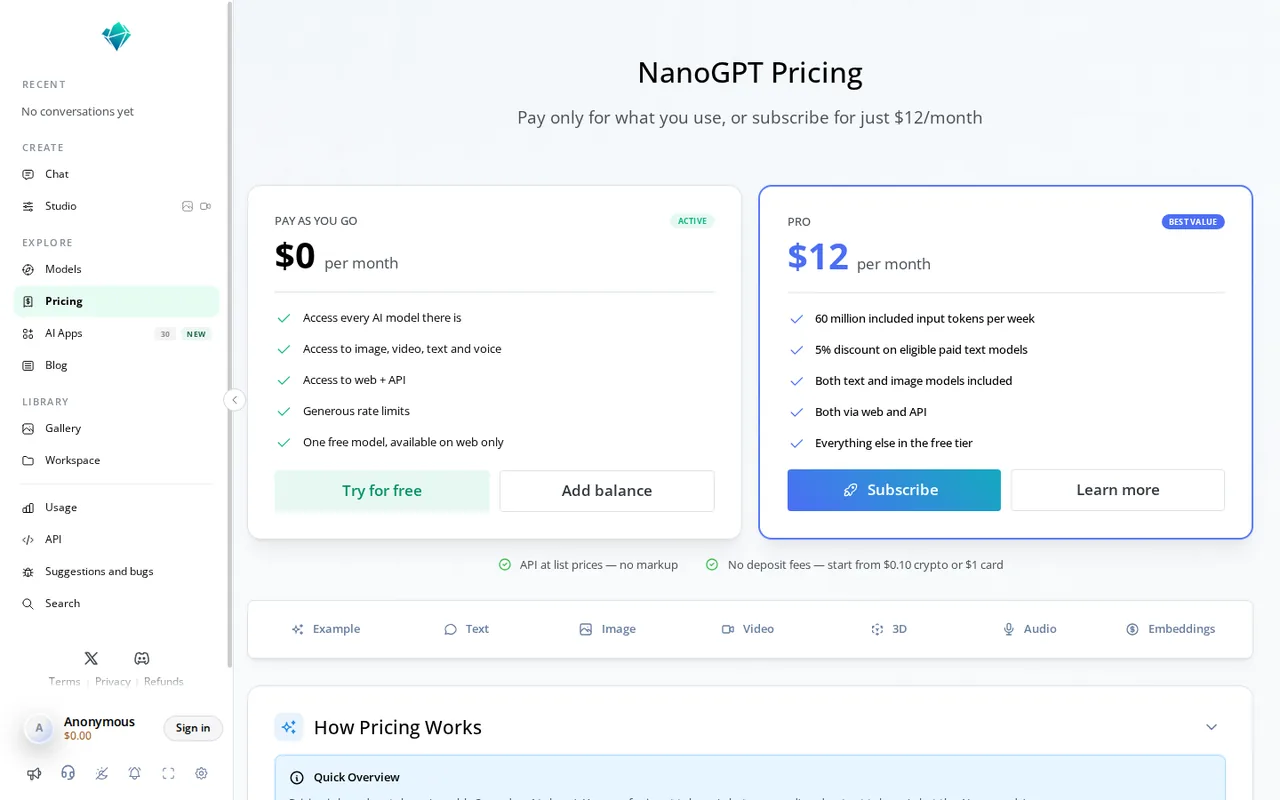
Prices confirmed · Sep 29, 2026- Pay as you goUSD 0 per monthprepaid balance · deposits from $1 by card or $0.10 in crypto
- ProUSD 12 per month
Strengths and limits
Spellbook
Strengths
- Works where lawyers already edit: The Review page puts redlines and comments inside Microsoft Word, so there is no separate document upload step.
- Your standards, reused: The Review page says playbooks save how you want a document reviewed, and the pricing page lists a playbook build service for in-house teams.
- Review plus research in one place: The Ask page says the same workflow covers asking what the law requires, citing the source and applying the answer as a redline.
Limits to plan around
- No public prices: The pricing page shows no amounts; it says pricing depends on the number of team members on a licence and sends you to a demo.
- Not legal advice: Terms section 5.4 says the customer will not rely solely on output as formal legal advice and will have it checked by a licensed lawyer when appropriate.
- Spellbook may keep a copy for 90 days: The Terms let Spellbook keep inputs and outputs for quality assurance for up to 90 days, which is separate from the zero retention it requires of its model providers.
NanoGPT
Strengths
- No markup on list prices: The pricing page says text models cost the same per million tokens as at the provider.
- No monthly commitment: Pay as you go has no fee and deposits start at $1 by card.
- Local chat history by default: Web conversations stay on the device unless sync or sharing is switched on.
Limits to plan around
- Pro excludes the big commercial models: The $12 plan covers open-source models; GPT, Claude and Gemini are billed from the balance.
- Pro is personal only: The terms bar commercial use, resale and shared accounts on subscriptions.
- Retention depends on the route: Final logging depends on the selected provider, and stored file copies have no single maximum retention period.
See both products
Start from your task, not from a winner.
Run both tools on the same real task, then compare the result, how much editing it needs and how fast it uses your plan’s allowance.
How we reviewChange this pair
Choose tools
Choose two tools below. You can replace either selection at any time.
Audio & voice
Automation
Coding
Data & spreadsheets
Images & design
Presentations
Research & sources
Video & editing
Website builders
Writing & content
Comparing tools from different categories is fine, and often useful — a writing assistant and a research tool solve different halves of the same job. The table will show you exactly where they diverge.
Questions about comparing tools
How does the comparison work?
Add two tools to the comparison tray from any tool card, then open this page. The table pulls each tool's verified plan details, platforms, strengths and limits from its profile, so both columns carry the same kind of evidence, with a separate source-check date for each tool.
Do you declare a winner?
No. The table sets two tools against each other on documented facts, not on a score. Which one wins depends on your task, your budget and your usage volume — three things we cannot see from here.
Why are some cells empty or marked unverified?
Because we could not confirm that detail on the vendor's own pages. Rather than filling the gap with a figure from elsewhere, we mark it and say why on the tool's profile.
Can I compare more than two tools?
Not at once. Two columns keep the differences readable and force a real decision. Remove either selected tool to replace it, or clear both to start a new pair.
Every figure in the table above comes from the linked profile, where the source and the verification date are listed. Browse all tools or read the editorial policy.