
Topview vs FramePack
Plans, free access, limits and intended use side by side, taken from each vendor’s own pages. No score and no winner: the facts show where the two differ.
Change tools
Turn an idea, script or product URL into an edited ad or short film with an AI video agent

Local image-to-video on your own NVIDIA GPU
- Free access
- Topview: Not verified
- FramePack: Free access
- Paid from
- Topview: USD 24 per month
- FramePack: No fixed price listed
- Plans listed
- Topview: 5
- FramePack: 1
- Public API
- Topview: Not confirmed
- FramePack: No
Where Topview and FramePack differ
- Pricing checkSome prices or terms not confirmed for Topview; prices confirmed for FramePack.
- PlansTopview lists 5 plans and FramePack lists 1.
Head to head
Each value from the tool’s profile and the vendor’s own pages
| Topview | Fact | FramePack |
|---|---|---|
| Access and price | ||
| Not verified | Free accessDiffers | Free access availableFree (open source, Apache-2.0) · 0 |
| USD 24 per monthPlus | Lowest listed paid plan | No fixed price listed |
| No free plan listed; paid plans from $24 a month (monthly billing) | Pricing model | Free open-source software; runs on your own GPU |
| 5 | Plans listedDiffers | 1 |
| Not confirmed | Public API | No |
| Not confirmed | Card to start | Not confirmed |
| Not confirmed | Open source | Yes |
| What it is for | ||
| Marketers, ecommerce teams and short-film creators who want one credit-based workspace for AI video, images and avatars | Built for | Local image-to-video on an NVIDIA RTX GPU |
| Video & editing | CategorySame | Video & editing |
| Platforms |
|
| Works with |
|
| How current | ||
| Profile sources checked | ||
| Some prices or terms not confirmed · Oct 17, 2026 | Pricing checkDiffers | Prices confirmed · Sep 28, 2026 |
Official source check for both tools. No hands-on testing and no score: “Differs” marks a documented difference, not a better tool.
Plans and prices
Topview
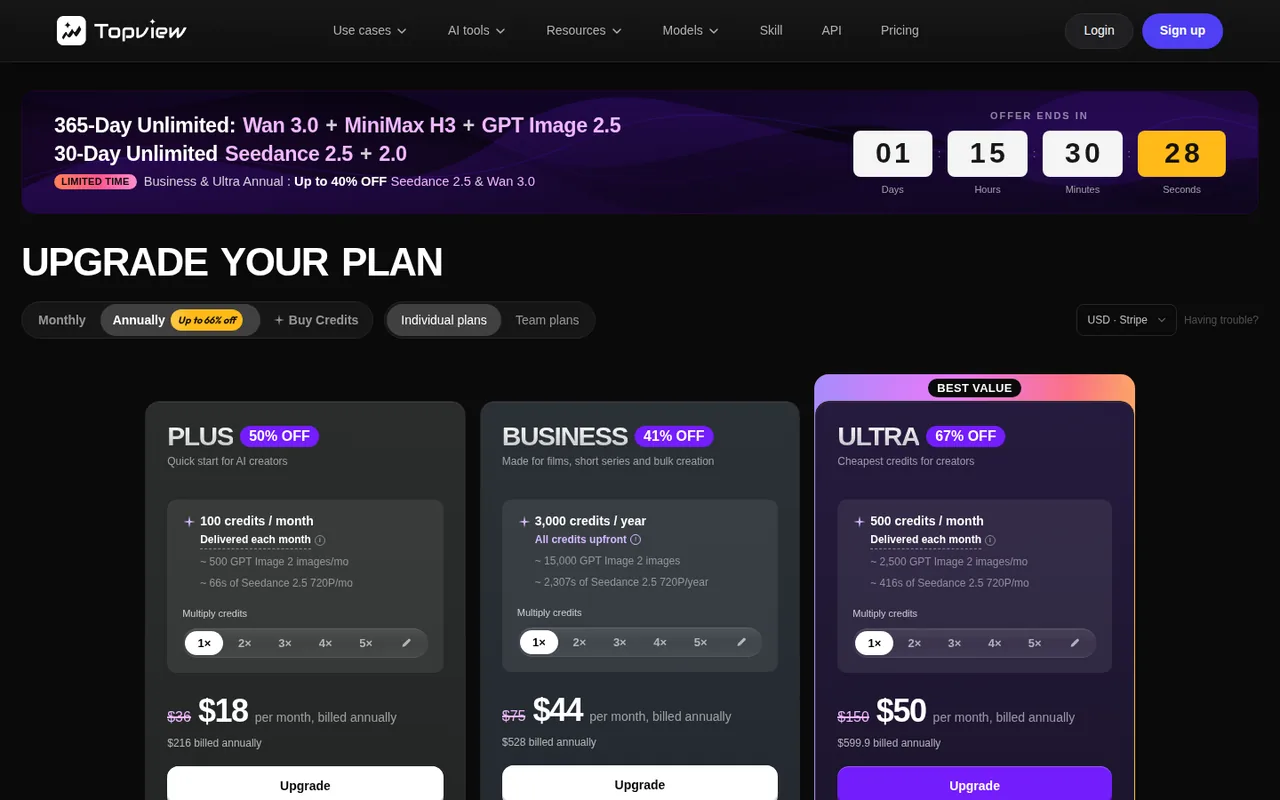
Some prices or terms not confirmed · Oct 17, 2026- PlusUSD 24 per month
- BusinessUSD 58 per month
- UltraUSD 112 per month
- TeamPer seatfrom the pricing page
- EnterpriseCustom
FramePack
Prices confirmed · Sep 28, 2026- Free (open source, Apache-2.0)0
Strengths and limits
Topview
Strengths
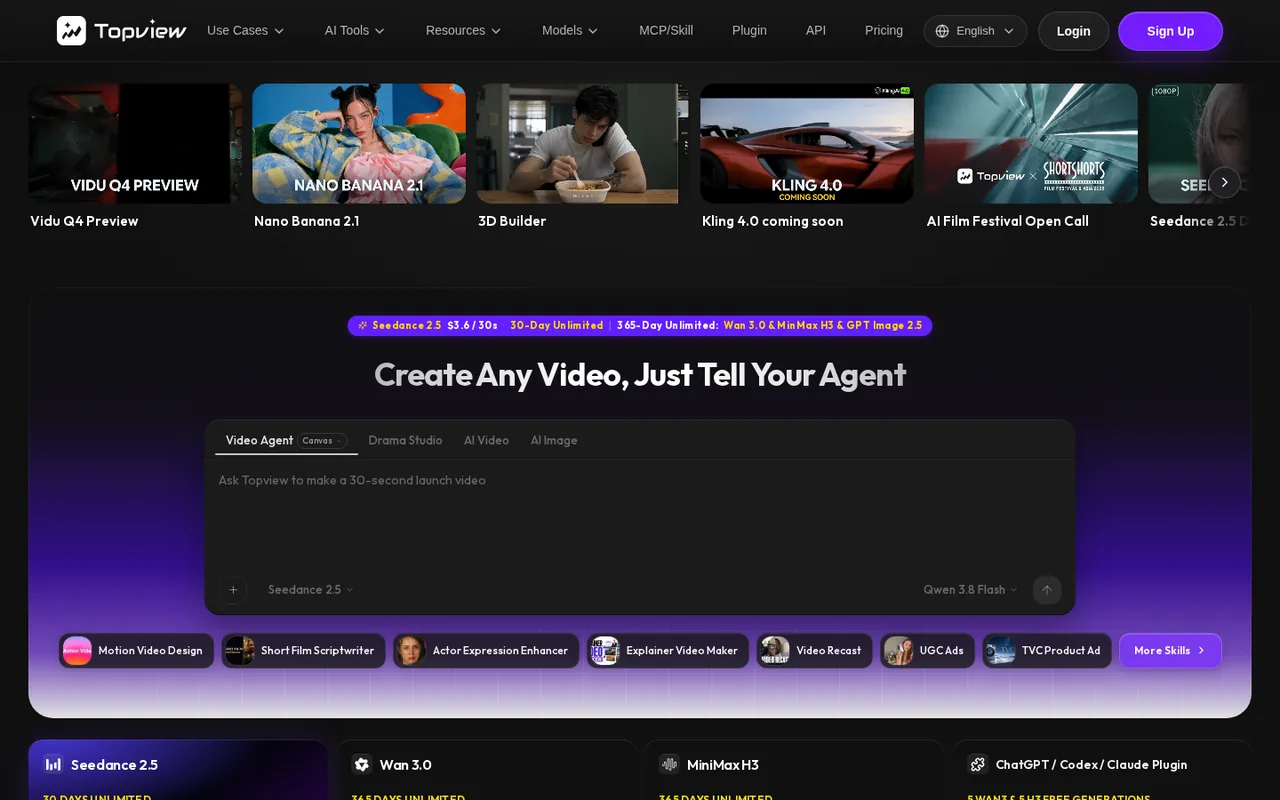
- Several models in one workspace: The homepage and pricing page list Seedance, Wan, MiniMax, Kling and Veo models plus image and avatar models under one credit balance.
- Agent plans the whole video: The homepage says Topview plans scenes, selects models and keeps shots editable on a canvas, which suits ad and short-film drafts.
- Extra credits last 24 months: The pricing FAQ says top-up credits are valid for 24 months from purchase, unlike monthly plan credits.
Limits to plan around
- No free plan on the pricing page: The page lists paid individual plans, Team and Enterprise only; the Prohibited Use Policy refers to Free Users but the pricing page shows no free plan or free credit amount.
- Annual prices were not stable: On 2026-10-17 one load showed Plus at $18 a month billed annually ($216) and another showed $36 a month billed annually ($432); monthly billing showed $24 on both.
- Monthly credits do not roll over: The FAQ says unused credits on a monthly plan do not carry over, except when you upgrade or switch from monthly to annual.
FramePack
Strengths
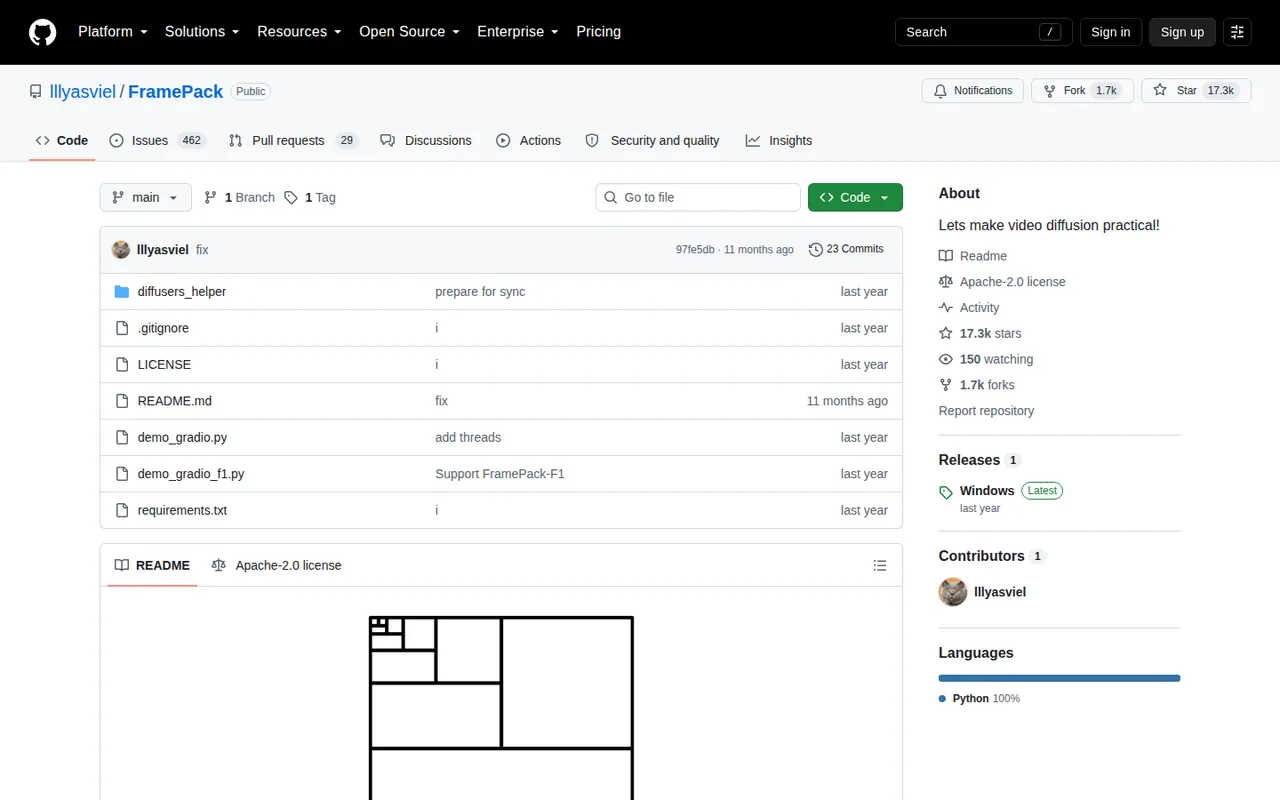
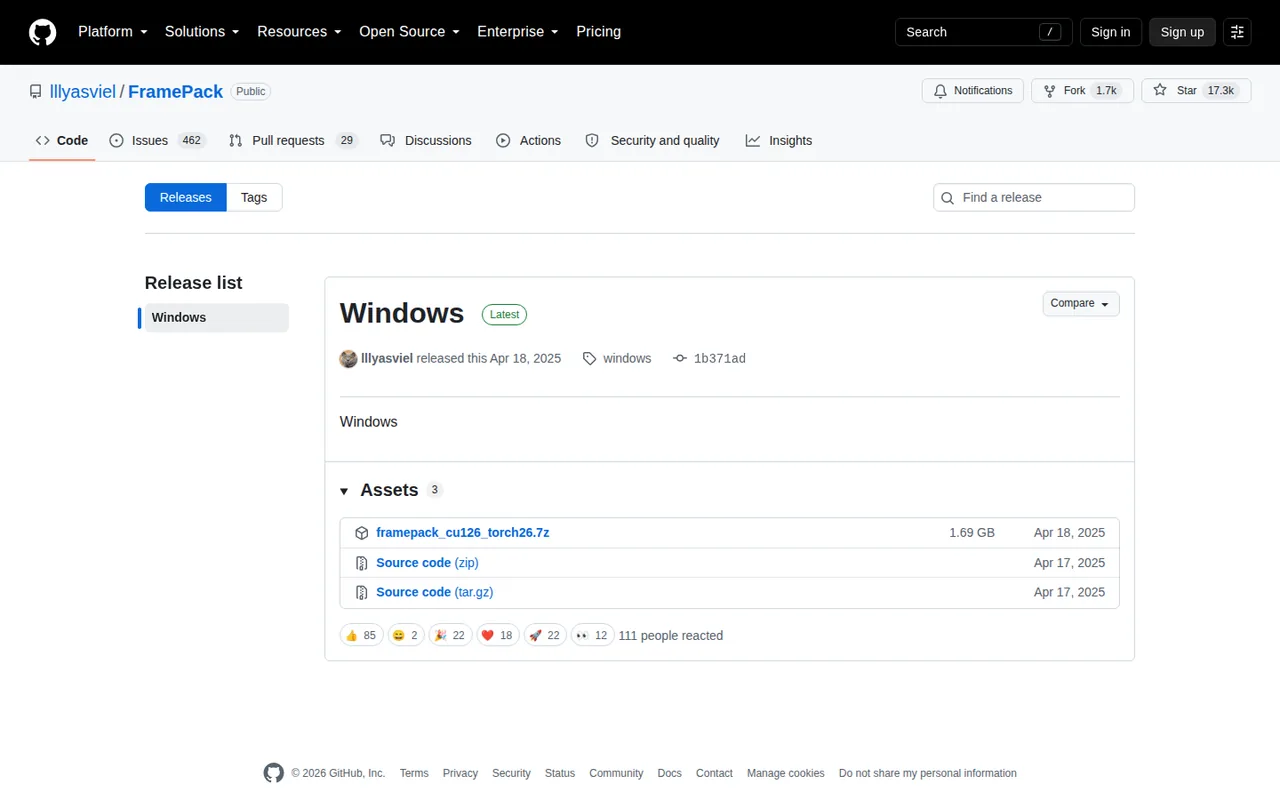
- No licence fee: The code is Apache-2.0 and the Windows package is a direct GitHub release download.
- Constant workload per section: Context packing keeps the generation workload independent of video length.
- Reproducible setup check: The README supplies sample images, prompts and settings for a sanity check.
Limits to plan around
- NVIDIA RTX only: The README lists RTX 30, 40 and 50 GPUs; GTX 10 and 20 series are untested and macOS is not listed.
- Large download: The Windows package is about 1.7 GB and first launch fetches more than 30 GB of models.
- Slow on laptops: Laptop GPUs run about 4 to 8 times slower than the RTX 4090 figures.
See both products
Start from your task, not from a winner.
Run both tools on the same real task, then compare the result, how much editing it needs and how fast it uses your plan’s allowance.
How we reviewChange this pair
Choose tools
Choose two tools below. You can replace either selection at any time.
Audio & voice
Automation
Coding
Data & spreadsheets
Images & design
Presentations
Research & sources
Video & editing
Website builders
Writing & content
Comparing tools from different categories is fine, and often useful — a writing assistant and a research tool solve different halves of the same job. The table will show you exactly where they diverge.
Questions about comparing tools
How does the comparison work?
Add two tools to the comparison tray from any tool card, then open this page. The table pulls each tool's verified plan details, platforms, strengths and limits from its profile, so both columns carry the same kind of evidence, with a separate source-check date for each tool.
Do you declare a winner?
No. The table sets two tools against each other on documented facts, not on a score. Which one wins depends on your task, your budget and your usage volume — three things we cannot see from here.
Why are some cells empty or marked unverified?
Because we could not confirm that detail on the vendor's own pages. Rather than filling the gap with a figure from elsewhere, we mark it and say why on the tool's profile.
Can I compare more than two tools?
Not at once. Two columns keep the differences readable and force a real decision. Remove either selected tool to replace it, or clear both to start a new pair.
Every figure in the table above comes from the linked profile, where the source and the verification date are listed. Browse all tools or read the editorial policy.