
Semantic Scholar vs Flint
Plans, free access, limits and intended use side by side, taken from each vendor’s own pages. No score and no winner: the facts show where the two differ.
Change tools
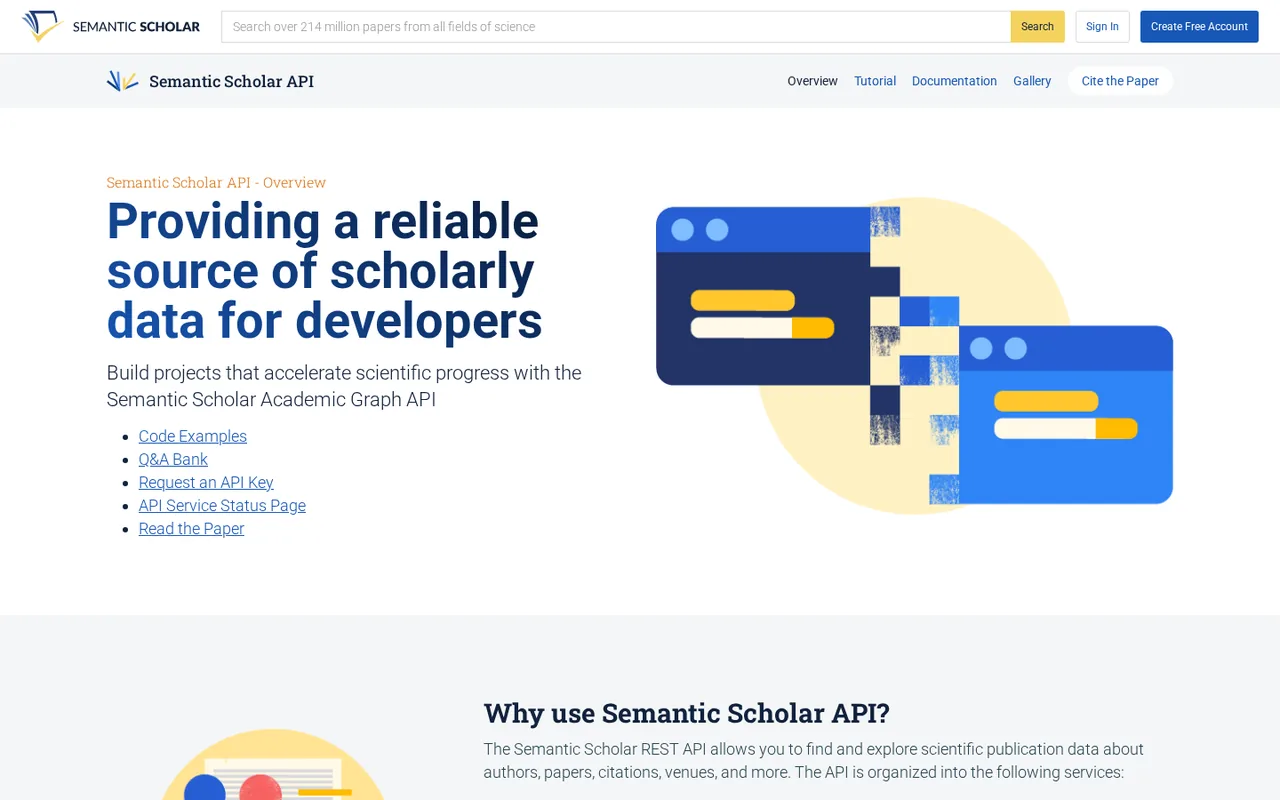
Free academic search engine from Ai2 with AI summaries, citation signals, Research Feeds and an open API

AI tutor and activity builder for K-12 schools, free for up to 80 users
- Free access
- Semantic Scholar: Free access
- Flint: Free access
- Paid from
- Semantic Scholar: No fixed price listed
- Flint: USD 3,000 per year
- Plans listed
- Semantic Scholar: 3
- Flint: 5
- Public API
- Semantic Scholar: Yes
- Flint: Not confirmed
Where Semantic Scholar and Flint differ
- PlansSemantic Scholar lists 3 plans and Flint lists 5.
Head to head
Each value from the tool’s profile and the vendor’s own pages
| Semantic Scholar | Fact | Flint |
|---|---|---|
| Access and price | ||
| Free access availableWithout an account · USD 0 | Free accessSame | Free access availableFree · USD 0 |
| No fixed price listed | Lowest listed paid plan | USD 3,000 per yearSmall pilot |
| Free; no paid plan; API keys free | Pricing model | Free up to 80 users; schools from $3,000/year |
| 3 | Plans listedDiffers | 5 |
| Yes | Public API | Not confirmed |
| Not required | Card to start | Not confirmed |
| Not confirmed | Open source | Not confirmed |
| What it is for | ||
| Searching and monitoring scientific literature for free, by hand or through an API | Built for | K-12 schools piloting an AI tutor that teachers can monitor |
| Research & sources | CategorySame | Research & sources |
| Platforms |
|
| Works with |
|
| How current | ||
| Profile sources checked | ||
| Prices confirmed · Oct 24, 2026 | Pricing checkSame | Prices confirmed · Oct 6, 2026 |
Official source check for both tools. No hands-on testing and no score: “Differs” marks a documented difference, not a better tool.
Plans and prices
Semantic Scholar
Prices confirmed · Oct 24, 2026- Without an accountUSD 0
- Free accountUSD 0
- API keyUSD 0
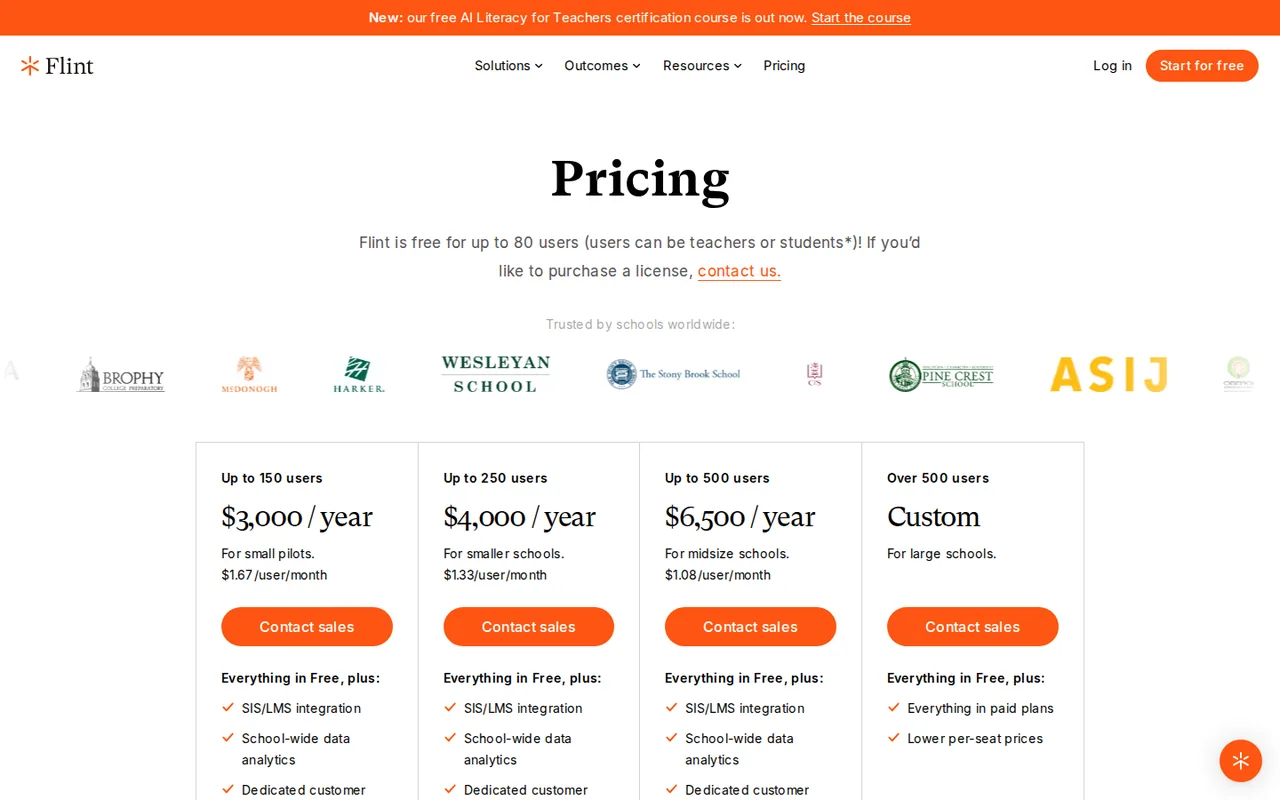
Flint
Prices confirmed · Oct 6, 2026- FreeUSD 0
- Small pilotUSD 3,000 per year
- Smaller schoolUSD 4,000 per year
- Midsize schoolUSD 6,500 per year
- Large schoolCustom
Strengths and limits
Semantic Scholar
Strengths
- Free without an account: Search, paper pages and citation data open without signing in.
- Published API limits: The API page states the shared rate for calls without a key and the starting rate for a key.
- Institutional full text: Signing in through OpenAthens, eduGAIN or InCommon links to subscribed PDFs through GetFTR and LibKey.
Limits to plan around
- TLDRs in two fields only: One-sentence AI summaries cover computer science and biomedical papers.
- Simple query language: Search has no Boolean operators or wildcards and does not expand abbreviations; quoted phrases work.
- Thin book and patent coverage: Book coverage is very limited and patents are excluded, so counts differ from other indexes.
Flint
Strengths
- Free pilot for a small group: The pricing page lists a free plan for up to 80 users, which covers a few classes.
- Teachers can see everything: Live sessions, transcripts, alerts and summaries are listed for teachers and administrators.
- Built on the teacher's own materials: Activities can draw on uploaded PDFs, slides and links, and the AI prioritises them, according to the FAQ.
Limits to plan around
- Sales-only above 80 users: Every paid tier says Contact sales; there is no self-serve checkout or published price for a single teacher.
- Free plan scope unclear: The page calls it free, the pilot FAQ calls it a free trial, and no time limit is stated.
- Free plan gets the faster model: Paid and trial schools get a more capable model than free-plan schools, according to the FAQ.
See both products
Start from your task, not from a winner.
Run both tools on the same real task, then compare the result, how much editing it needs and how fast it uses your plan’s allowance.
How we reviewChange this pair
Choose tools
Choose two tools below. You can replace either selection at any time.
Audio & voice
Automation
Coding
Data & spreadsheets
Images & design
Presentations
Research & sources
Video & editing
Website builders
Writing & content
Comparing tools from different categories is fine, and often useful — a writing assistant and a research tool solve different halves of the same job. The table will show you exactly where they diverge.
Questions about comparing tools
How does the comparison work?
Add two tools to the comparison tray from any tool card, then open this page. The table pulls each tool's verified plan details, platforms, strengths and limits from its profile, so both columns carry the same kind of evidence, with a separate source-check date for each tool.
Do you declare a winner?
No. The table sets two tools against each other on documented facts, not on a score. Which one wins depends on your task, your budget and your usage volume — three things we cannot see from here.
Why are some cells empty or marked unverified?
Because we could not confirm that detail on the vendor's own pages. Rather than filling the gap with a figure from elsewhere, we mark it and say why on the tool's profile.
Can I compare more than two tools?
Not at once. Two columns keep the differences readable and force a real decision. Remove either selected tool to replace it, or clear both to start a new pair.
Every figure in the table above comes from the linked profile, where the source and the verification date are listed. Browse all tools or read the editorial policy.