
SheetAI vs Better Analyst
Plans, free access, limits and intended use side by side, taken from each vendor’s own pages. No score and no winner: the facts show where the two differ.
Change tools
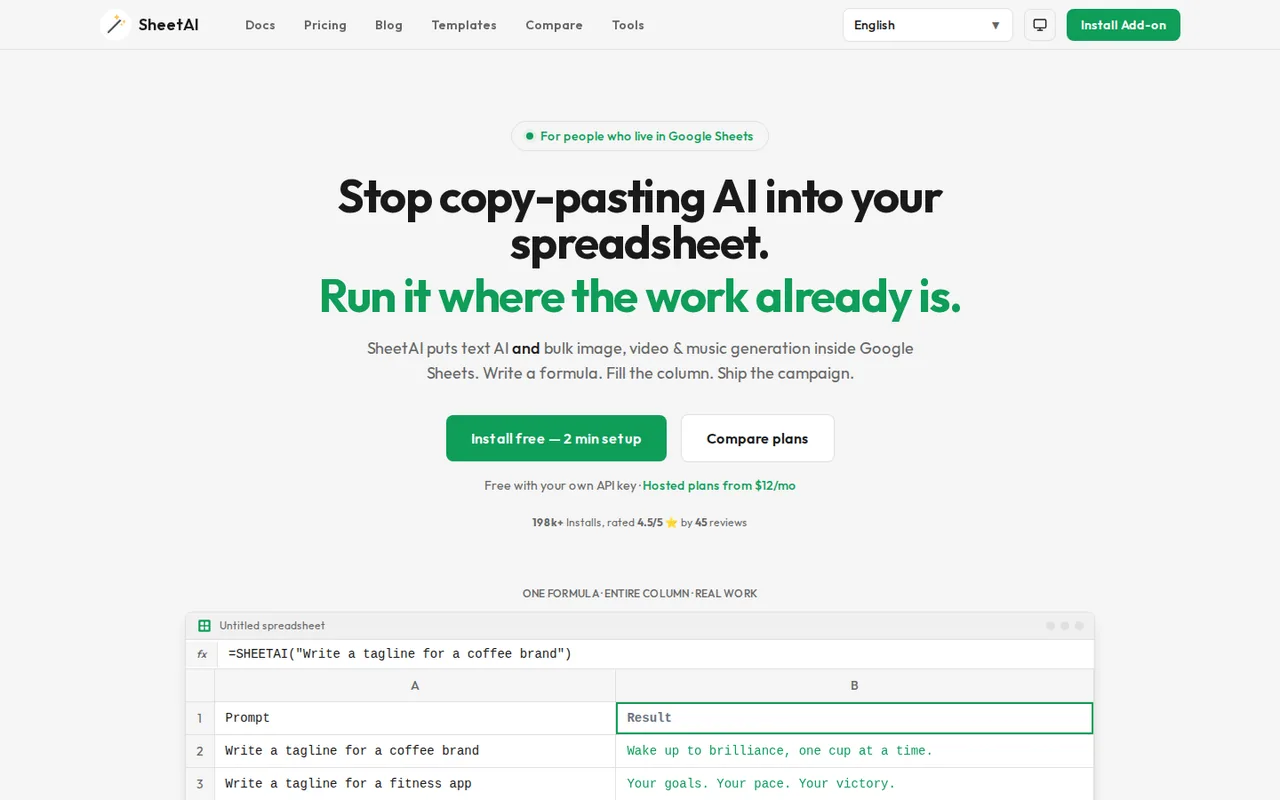
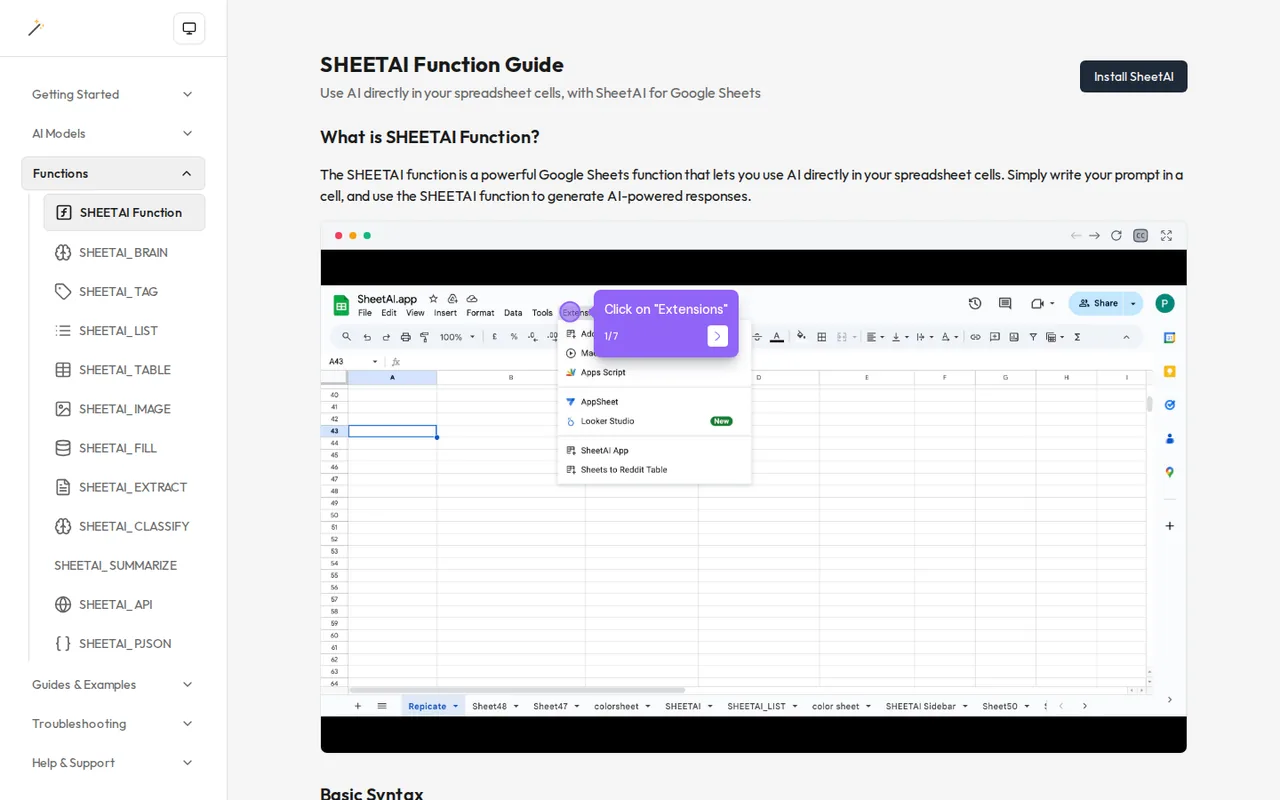
Google Sheets add-on with =SHEETAI formulas that run AI prompts row by row, on your own API key or hosted plans

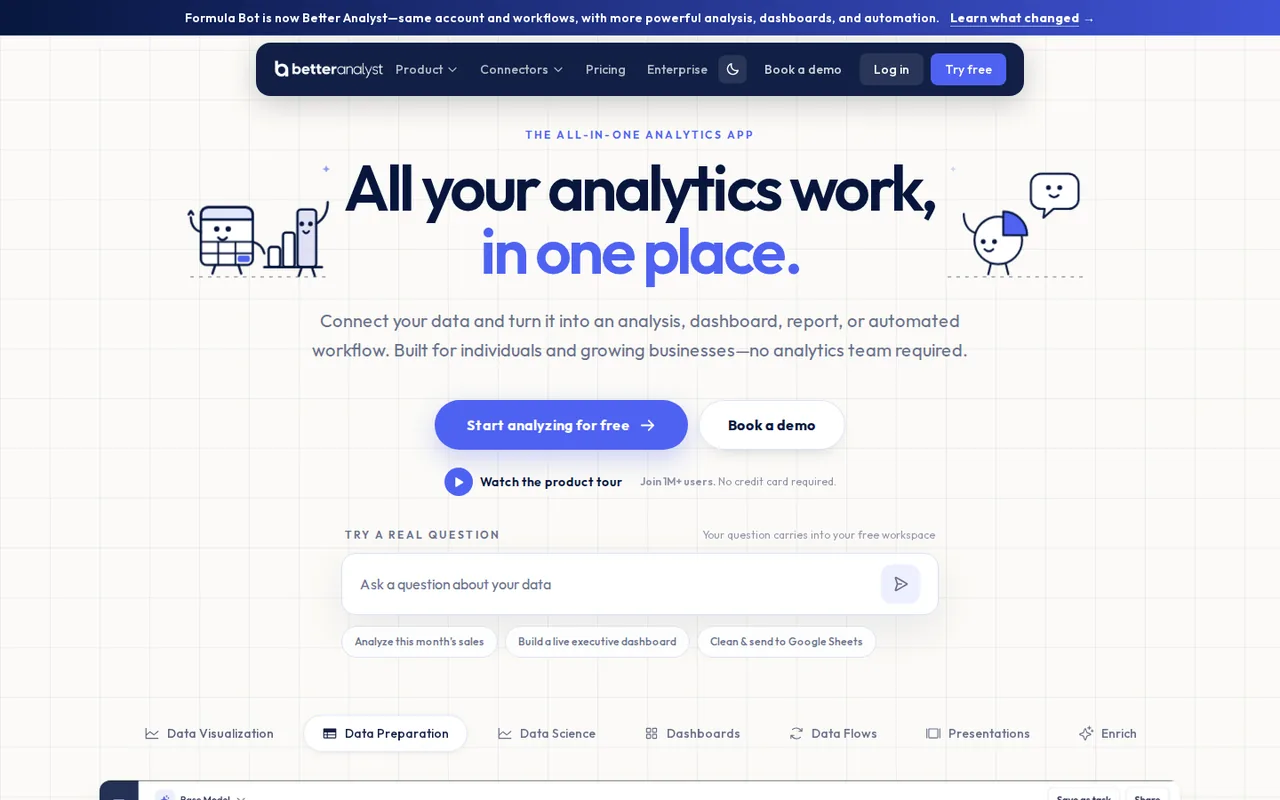
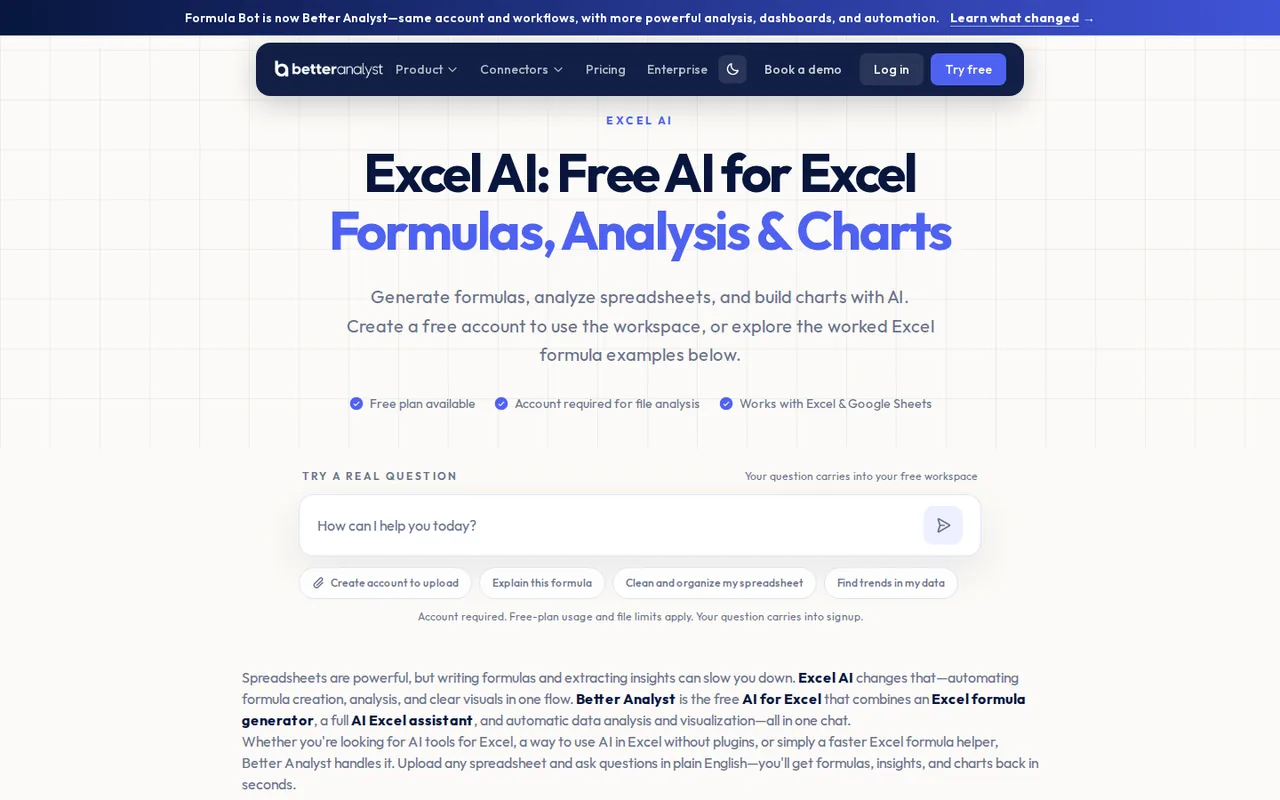
AI data analyst for files and connected sources, with dashboards, scheduled reports and the former Formula Bot tools
- Free access
- SheetAI: Free access
- Better Analyst: Free access
- Paid from
- SheetAI: USD 12 per month
- Better Analyst: USD 20 per month
- Plans listed
- SheetAI: 4
- Better Analyst: 5
- Public API
- SheetAI: Not confirmed
- Better Analyst: Not confirmed
Where SheetAI and Better Analyst differ
- PlansSheetAI lists 4 plans and Better Analyst lists 5.
Head to head
Each value from the tool’s profile and the vendor’s own pages
| SheetAI | Fact | Better Analyst |
|---|---|---|
| Access and price | ||
| Free access availableBYOK Free · USD 0 | Free accessSame | Free access availableFree · USD 0 |
| USD 12 per monthStarter | Lowest listed paid plan | USD 20 per monthStarter · first month $10, or $168 billed yearly · $14 a month |
| Free with your own API key; hosted plans from $12 a month | Pricing model | Free plan; Starter from $14/month billed yearly ($168) |
| 4 | Plans listedDiffers | 5 |
| Not confirmed | Public API | Not confirmed |
| Not confirmed | Card to start | Not required |
| Not confirmed | Open source | Not confirmed |
| What it is for | ||
| Running the same AI prompt down a column of a Google Sheet | Built for | Recurring reports and dashboards from spreadsheets and analytics data |
| Data & spreadsheets | CategorySame | Data & spreadsheets |
| Platforms |
|
| Works with |
|
| How current | ||
| Profile sources checked | ||
| Prices confirmed · Oct 24, 2026 | Pricing checkSame | Prices confirmed · Oct 24, 2026 |
Official source check for both tools. No hands-on testing and no score: “Differs” marks a documented difference, not a better tool.
Plans and prices
SheetAI
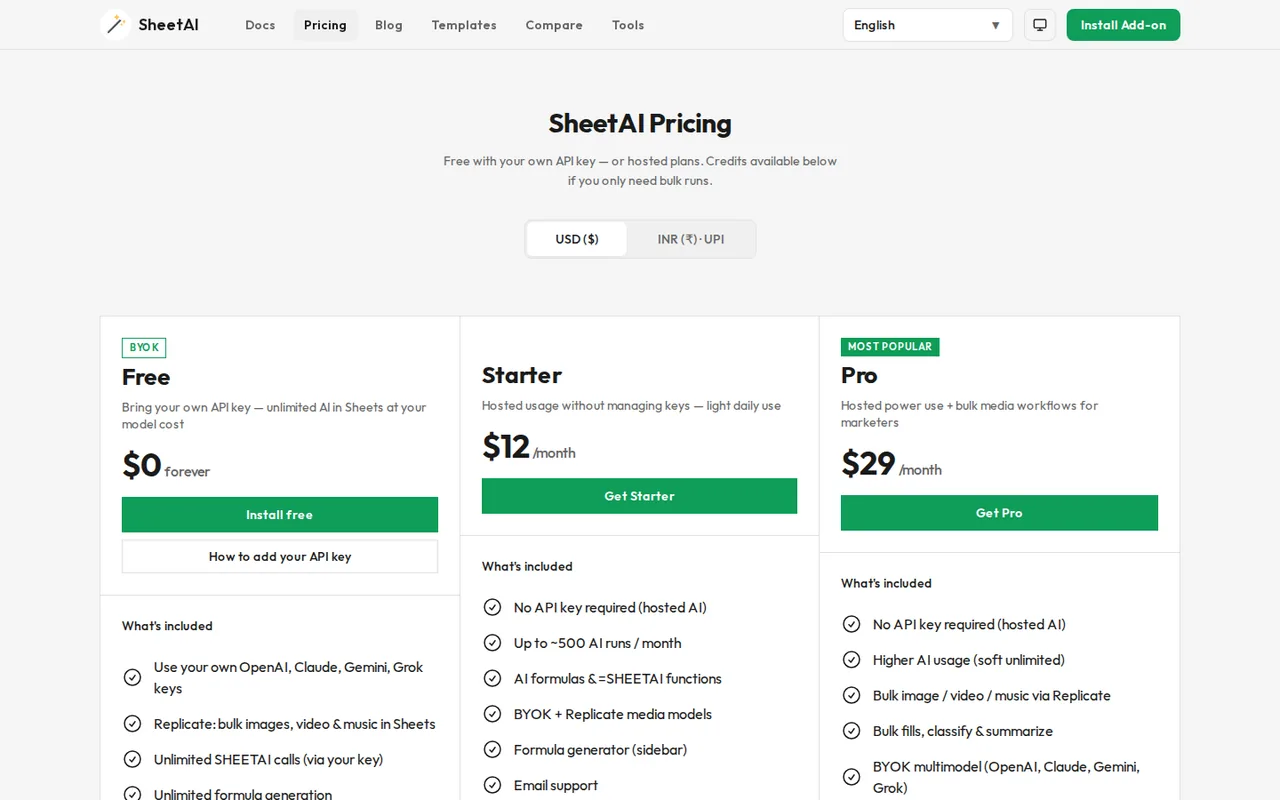
Prices confirmed · Oct 24, 2026- BYOK FreeUSD 0
- StarterUSD 12 per month
- ProUSD 29 per monthor $290 per year
- Credit packsUSD 29USD 79, $139 or $299 one-time
Better Analyst
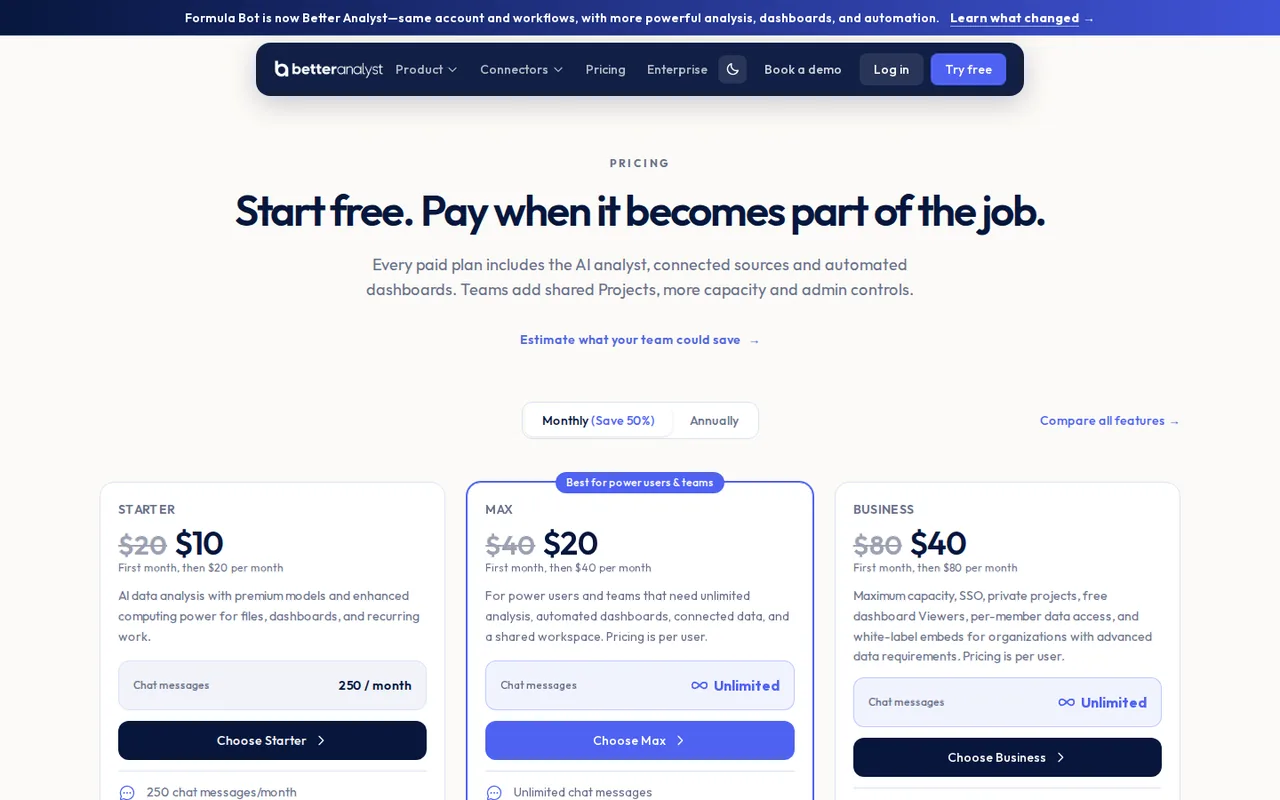
Prices confirmed · Oct 24, 2026- FreeUSD 0
- StarterUSD 20 per monthfirst month $10, or $168 billed yearly · $14 a month
- MaxUSD 40 per user per monthfirst month $20, or $336 per user billed yearly · $28 a month
- BusinessUSD 80 per user per monthfirst month $40, or $672 per user billed yearly · $56 a month
- CustomContact sales
Strengths and limits
SheetAI
Strengths
- Free plan without a SheetAI fee: With your own key, SHEETAI calls and formula generation are unlimited on SheetAI's side; only the AI provider bills you.
- Several AI providers in one add-on: OpenAI, Anthropic, Google Gemini, xAI and DeepSeek keys are supported.
- Key stays in your Google account: The setup guide says the key is stored in Apps Script properties and never sent to SheetAI servers.
Limits to plan around
- Google Sheets only: The Marketplace listing covers Google Sheets; there is no Excel version.
- Hosted usage is loosely defined: Starter allows about 500 runs a month, and Pro has no published limit beyond soft unlimited.
- Long calls fail: A Google Sheets custom function stops after 30 seconds, so slow models can return an execution-time error.
Better Analyst
Strengths
- Usage costs are itemised: The documentation lists the AI Action cost of each tool, down to the per-page cost of PDF extraction.
- Shows its working: The homepage says every answer shows the SQL or Python behind it.
- Refund rule is stated: Requests within 30 days of a payment qualify if the account used fewer than 50 billable messages, requests or AI Actions.
Limits to plan around
- Free is a short trial: 10 messages and 25 AI Actions a month, one file per chat, five uploads in total and a 5 MB file cap.
- Free chats are deleted: On the free plan, chats, messages and files inactive for more than 60 days are permanently deleted.
- Client sharing needs Business: Free dashboard Viewers, per-member row access and embeds start on Business.
See both products
Start from your task, not from a winner.
Run both tools on the same real task, then compare the result, how much editing it needs and how fast it uses your plan’s allowance.
How we reviewChange this pair
Choose tools
Choose two tools below. You can replace either selection at any time.
Audio & voice
Automation
Coding
Data & spreadsheets
Images & design
Presentations
Research & sources
Video & editing
Website builders
Writing & content
Comparing tools from different categories is fine, and often useful — a writing assistant and a research tool solve different halves of the same job. The table will show you exactly where they diverge.
Questions about comparing tools
How does the comparison work?
Add two tools to the comparison tray from any tool card, then open this page. The table pulls each tool's verified plan details, platforms, strengths and limits from its profile, so both columns carry the same kind of evidence, with a separate source-check date for each tool.
Do you declare a winner?
No. The table sets two tools against each other on documented facts, not on a score. Which one wins depends on your task, your budget and your usage volume — three things we cannot see from here.
Why are some cells empty or marked unverified?
Because we could not confirm that detail on the vendor's own pages. Rather than filling the gap with a figure from elsewhere, we mark it and say why on the tool's profile.
Can I compare more than two tools?
Not at once. Two columns keep the differences readable and force a real decision. Remove either selected tool to replace it, or clear both to start a new pair.
Every figure in the table above comes from the linked profile, where the source and the verification date are listed. Browse all tools or read the editorial policy.