
Pine AI vs Bardeen
Plans, free access, limits and intended use side by side, taken from each vendor’s own pages. No score and no winner: the facts show where the two differ.
Change tools
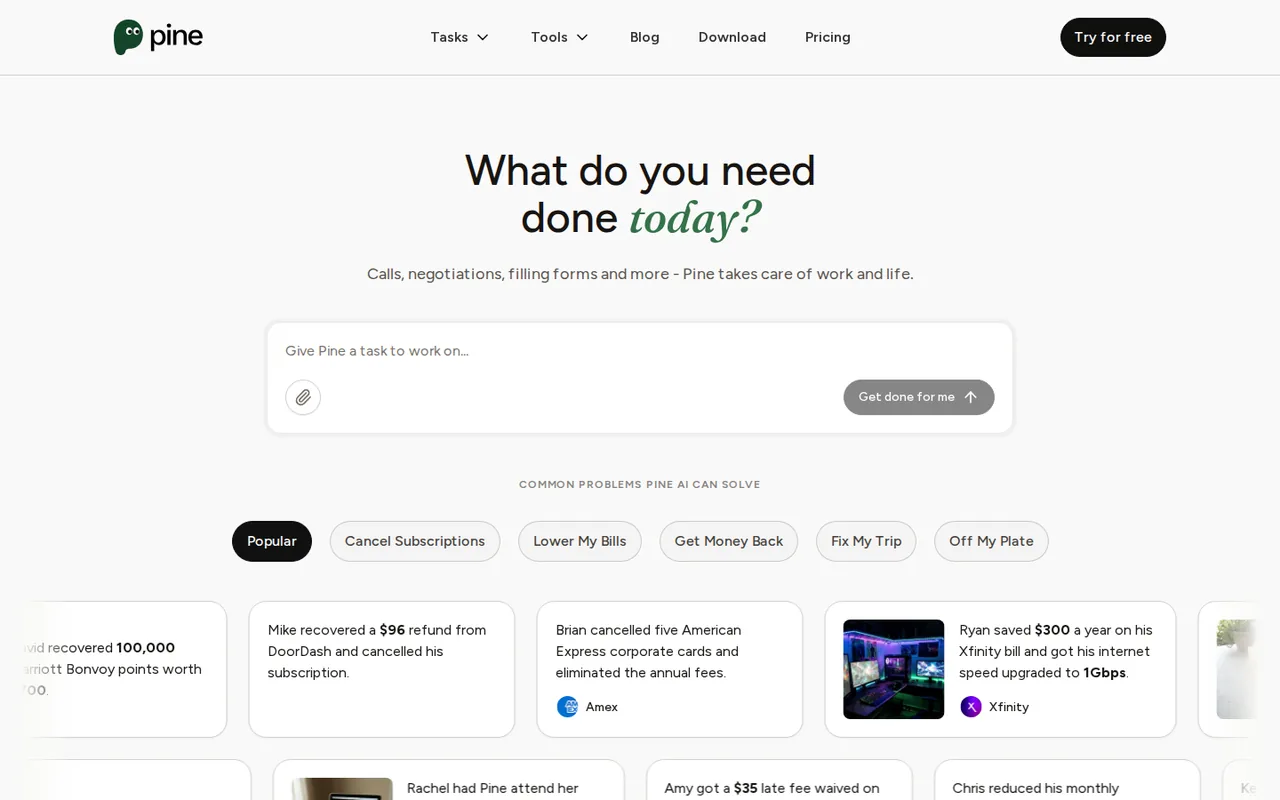
AI assistant that phones companies to cancel, dispute and negotiate bills for you

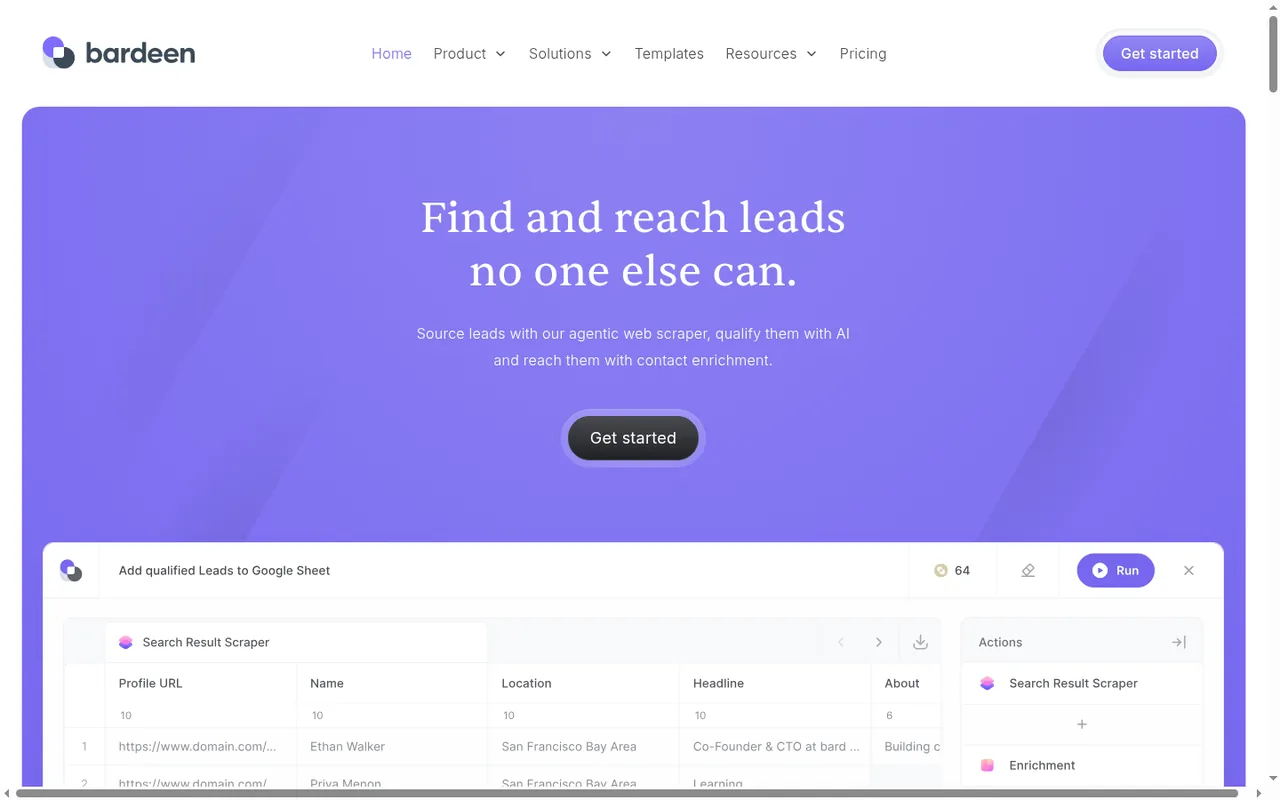
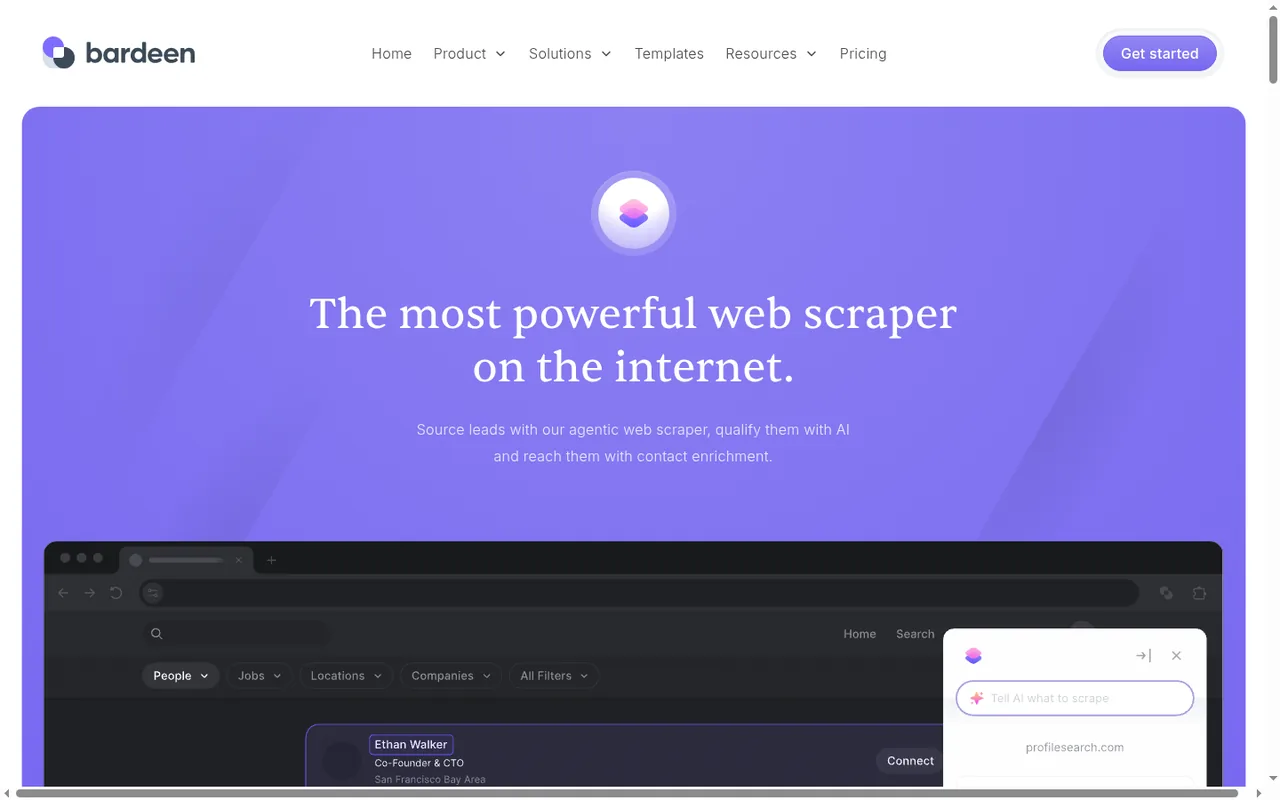
Scrape, enrich and qualify lead lists in Chrome.
- Free access
- Pine AI: Free access
- Bardeen: Free access
- Paid from
- Pine AI: USD 9.00 per week billed monthly; $6.10 per week billed annually
- Bardeen: USD 10 per month
- Plans listed
- Pine AI: 7
- Bardeen: 5
- Public API
- Pine AI: Not confirmed
- Bardeen: Not confirmed
Where Pine AI and Bardeen differ
- Pricing checkPrices confirmed for Pine AI; pricing review due for Bardeen.
- PlansPine AI lists 7 plans and Bardeen lists 5.
Head to head
Each value from the tool’s profile and the vendor’s own pages
| Pine AI | Fact | Bardeen |
|---|---|---|
| Access and price | ||
| Free access availableFree · USD 0 | Free accessSame | Free access availableFree allowance |
| USD 9.00 per week billed monthly; $6.10 per week billed annuallyPro | Lowest listed paid plan | USD 10 per monthBasic · billed monthly · 100 credits |
| Free plan with daily credits; Pro from $6.10 a week billed annually; Plus $99.9 a month billed annually ($139 monthly); Enterprise custom | Pricing model | 100 free credits; paid Basic and Premium |
| 7 | Plans listedDiffers | 5 |
| Not confirmed | Public API | Not confirmed |
| Not confirmed | Card to start | Not confirmed |
| Not confirmed | Open source | No |
| What it is for | ||
| US consumers and small teams who want an assistant to make support calls, cancel subscriptions and negotiate bills, and who will check how credits and the 25% savings fee apply to their plan | Built for | Building and enriching lead lists from websites |
| Automation | CategorySame | Automation |
| Platforms |
|
| Works with |
|
| How current | ||
| Profile sources checked | ||
| Prices confirmed · Nov 1, 2026 | Pricing checkDiffers | Pricing review due · Sep 24, 2026 |
Official source check for both tools. No hands-on testing and no score: “Differs” marks a documented difference, not a better tool.
Plans and prices
Pine AI
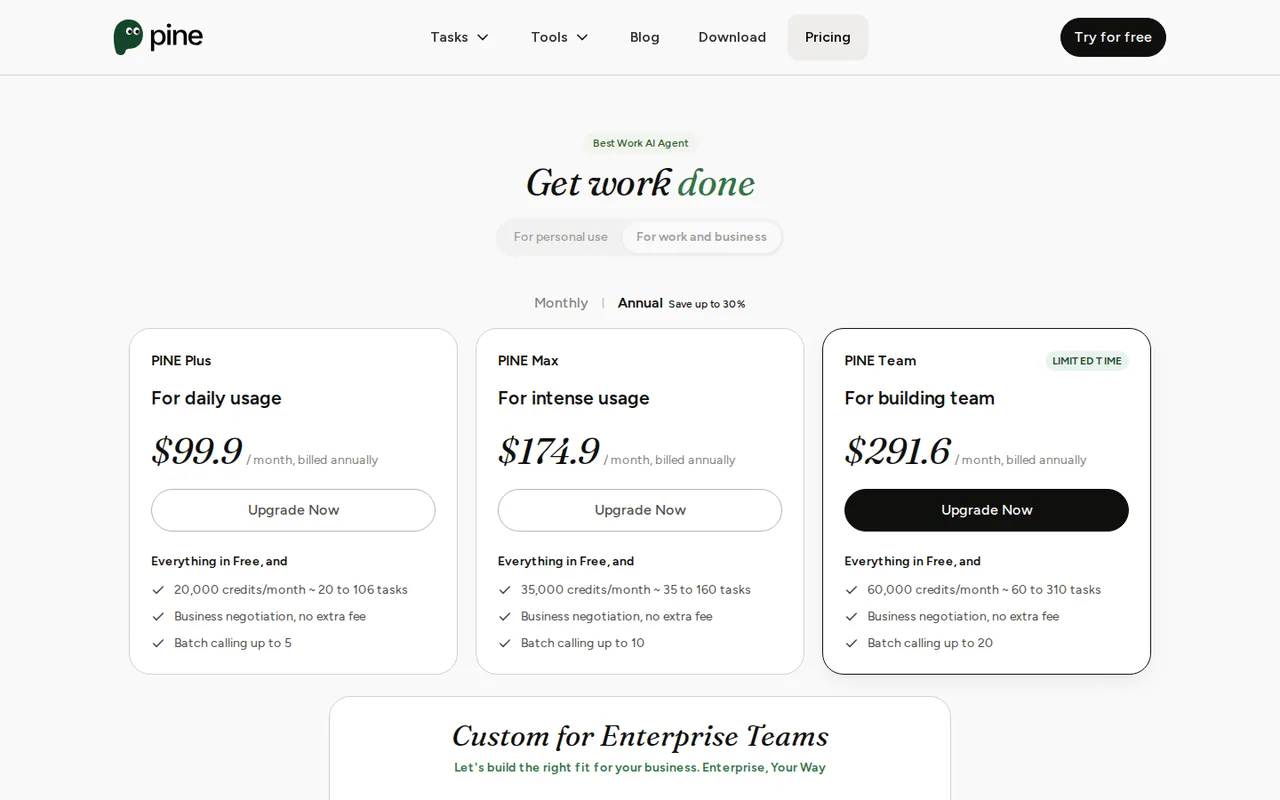
Prices confirmed · Nov 1, 2026- FreeUSD 0
- ProUSD 9.00 per week billed monthly; $6.10 per week billed annually
- PremiumUSD 18.20 per week billed monthly; $12.30 per week billed annually
- PlusUSD 99.9 per month billed annually; $139 per month billed monthly
- MaxUSD 174.9 per month billed annually; $249 per month billed monthly
Show 2 more plans
- TeamUSD 291.6 per month billed annually; $419 per month billed monthly
- EnterpriseCustom
Bardeen
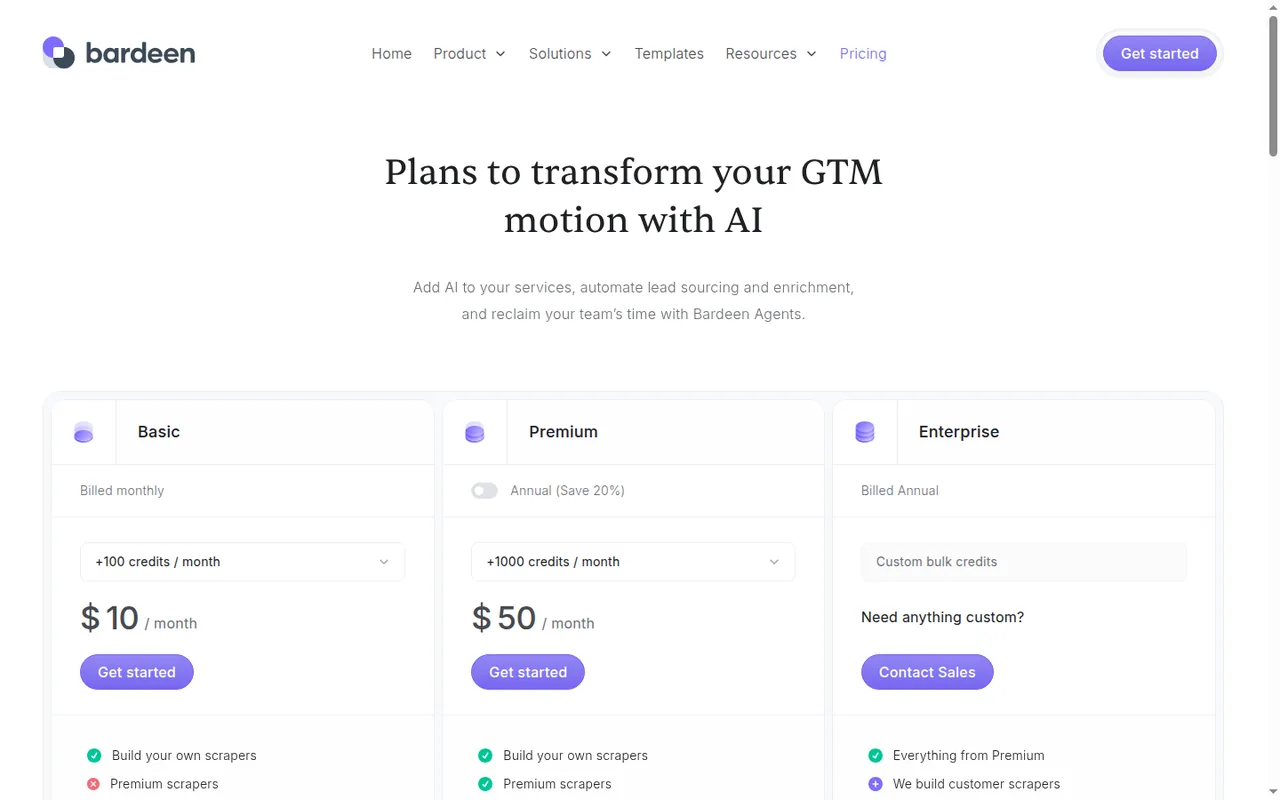
Pricing review due · Sep 24, 2026- Free allowanceFree100 credits
- BasicUSD 10 per monthbilled monthly · 100 credits
- Premium (monthly)USD 50 per monthbilled monthly · 1,000 credits
- Premium (annual)USD 480 per yearbilled annually · 12,000 credits
- EnterpriseContact providerbilled annually
Strengths and limits
Pine AI
Strengths
- A free plan with daily credits: New users get 200 credits at signup and 50 a day on login, accumulating to 500, so small requests can be tried without paying.
- Fee depends on a confirmed result: On Free and Pro Monthly the 25% bill-negotiation fee is charged only after savings are confirmed, and the hold is released if the attempt fails.
- Credit rules are published: The guides give the spend order, the add-on price and the usual 300 to 1,000 credits for a call.
Limits to plan around
- Results are not guaranteed: The Usage Policy says using Pine creates no obligation to achieve savings, refunds or resolutions.
- Failed attempts can use credits: The bill negotiation guide says calls, research and follow-ups in an unsuccessful attempt still draw credits.
- Pricing pages disagree on the top tier: The plan guide names Team while the credits and payments guides name Enterprise, and weekly personal prices sit beside monthly work prices.
Bardeen
Strengths
- Clear per-row pricing: The pricing page lists a credit cost per output row for each action, with a worked 64-credit example.
- Free CSV export: Importing data, utilities and CSV downloads do not consume credits.
- No shared passwords: The scraper acts in your own browser, so logged-in pages can be read without handing over credentials.
Limits to plan around
- Credits expire: Unused credits expire at the end of each billing period, so allowances do not accumulate.
- Basic is scraper-only: Premium scrapers, enrichment and team features are marked as not included on Basic.
- Chrome-bound workflow: Scraping runs through the Chrome extension, and the security page describes browser-closed runs on Bardeen's servers only for paid services.
See both products
Start from your task, not from a winner.
Run both tools on the same real task, then compare the result, how much editing it needs and how fast it uses your plan’s allowance.
How we reviewChange this pair
Choose tools
Choose two tools below. You can replace either selection at any time.
Audio & voice
Automation
Coding
Data & spreadsheets
Images & design
Presentations
Research & sources
Video & editing
Website builders
Writing & content
Comparing tools from different categories is fine, and often useful — a writing assistant and a research tool solve different halves of the same job. The table will show you exactly where they diverge.
Questions about comparing tools
How does the comparison work?
Add two tools to the comparison tray from any tool card, then open this page. The table pulls each tool's verified plan details, platforms, strengths and limits from its profile, so both columns carry the same kind of evidence, with a separate source-check date for each tool.
Do you declare a winner?
No. The table sets two tools against each other on documented facts, not on a score. Which one wins depends on your task, your budget and your usage volume — three things we cannot see from here.
Why are some cells empty or marked unverified?
Because we could not confirm that detail on the vendor's own pages. Rather than filling the gap with a figure from elsewhere, we mark it and say why on the tool's profile.
Can I compare more than two tools?
Not at once. Two columns keep the differences readable and force a real decision. Remove either selected tool to replace it, or clear both to start a new pair.
Every figure in the table above comes from the linked profile, where the source and the verification date are listed. Browse all tools or read the editorial policy.