
Taskade vs ParakeetAI
Plans, free access, limits and intended use side by side, taken from each vendor’s own pages. No score and no winner: the facts show where the two differ.
Change tools
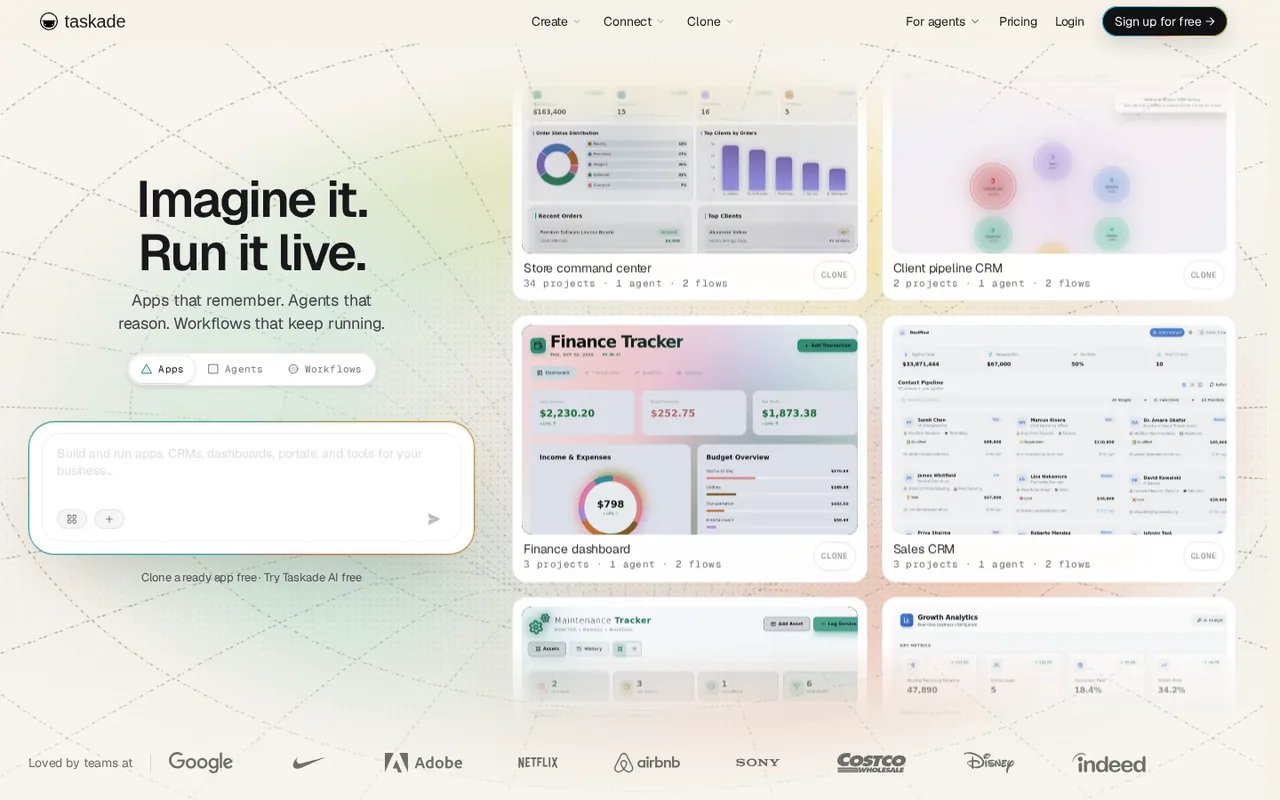
AI workspace that turns one prompt into a hosted app with agents and automations, with a free plan limited to 3 apps and no monthly AI credits

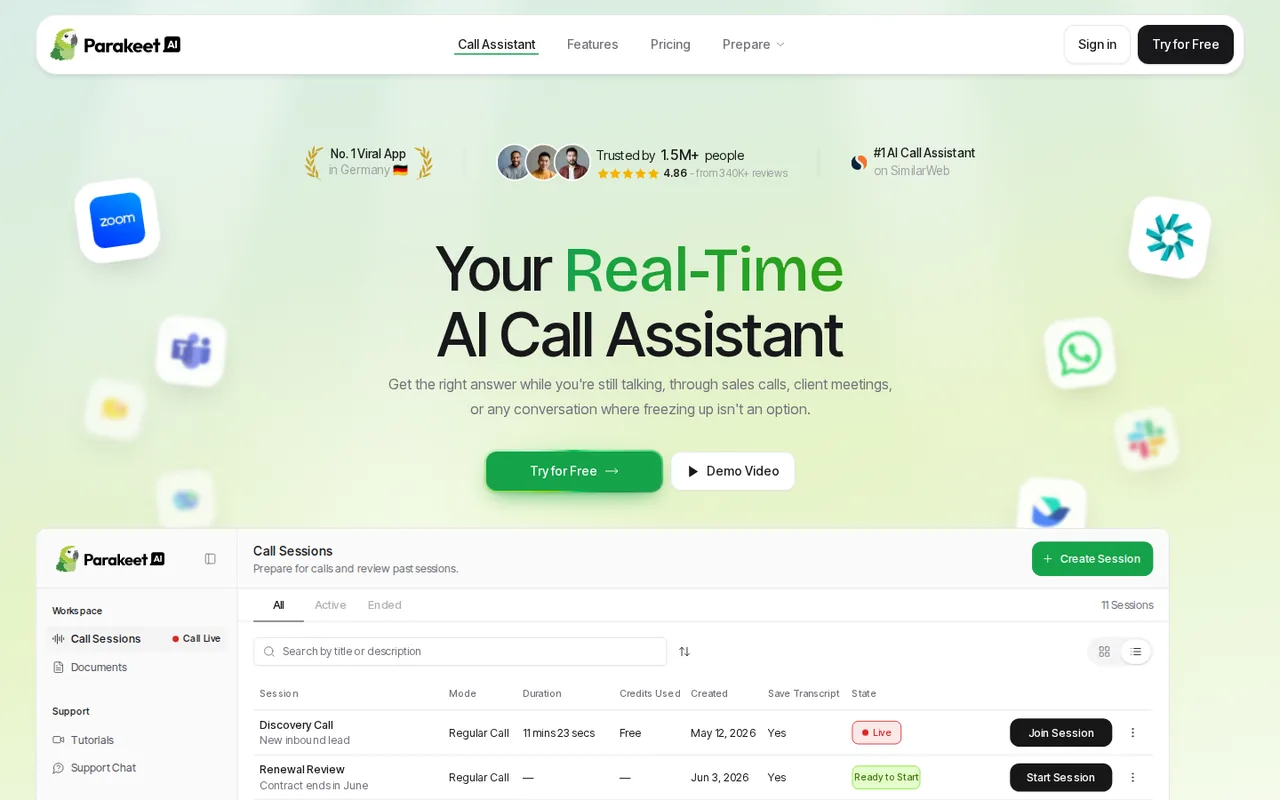
Real-time call assistant
- Free access
- Taskade: Free access
- ParakeetAI: Free trial only
- Paid from
- Taskade: USD 6 per month
- ParakeetAI: USD 22.90 per month per tool
- Plans listed
- Taskade: 6
- ParakeetAI: 9
- Public API
- Taskade: Not confirmed
- ParakeetAI: Not confirmed
Where Taskade and ParakeetAI differ
- AccessTaskade offers free access, while ParakeetAI offers a free trial only.
- Pricing checkPrices confirmed for Taskade; pricing review due for ParakeetAI.
- PlansTaskade lists 6 plans and ParakeetAI lists 9.
Head to head
Each value from the tool’s profile and the vendor’s own pages
| Taskade | Fact | ParakeetAI |
|---|---|---|
| Access and price | ||
| Free access availableFree · USD 0 | Free accessDiffers | Free trial onlyFree sessions · USD 0 |
| USD 6 per monthStarter · billed yearly · $72 a year | Lowest listed paid plan | USD 22.90 per month per toolCustom (Prepare tools) |
| Free $0; Starter $6, Pro $10, Business $25, Max $100 per month billed yearly; Enterprise custom | Pricing model | 10 free sessions; credits from $38; unlimited $149.90/month |
| 6 | Plans listedDiffers | 9 |
| Not confirmed | Public API | Not confirmed |
| Not confirmed | Card to start | Not confirmed |
| Not confirmed | Open source | Not confirmed |
| What it is for | ||
| Small teams and agencies that want a CRM, dashboard or client portal built from a plain-language prompt without running their own backend | Built for | Live calls where AI help is permitted |
| Automation | CategorySame | Automation |
| Platforms |
|
| Works with |
|
| How current | ||
| Profile sources checked | ||
| Prices confirmed · Nov 12, 2026 | Pricing checkDiffers | Pricing review due · Oct 6, 2026 |
Official source check for both tools. No hands-on testing and no score: “Differs” marks a documented difference, not a better tool.
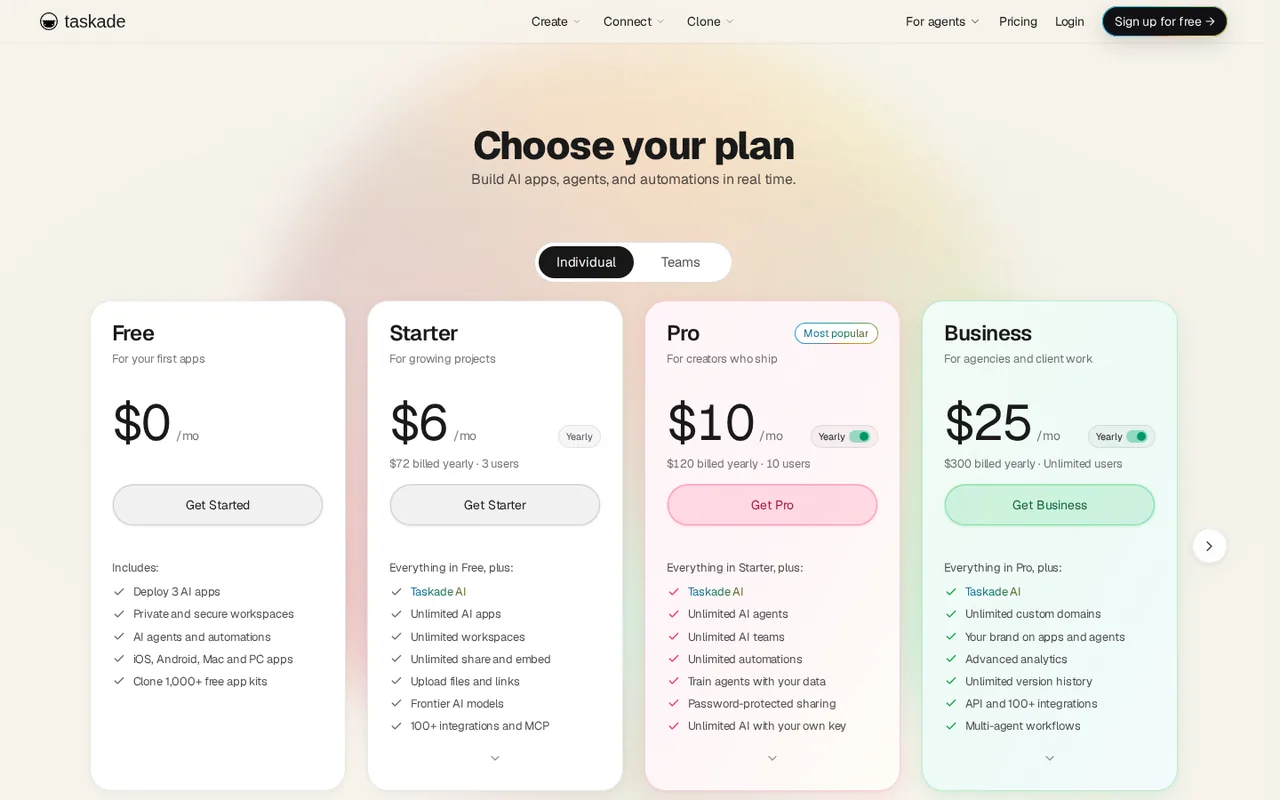
Plans and prices
Taskade
Prices confirmed · Nov 12, 2026- FreeUSD 0
- StarterUSD 6 per monthbilled yearly · $72 a year
- ProUSD 10 per monthbilled yearly · $120 a year
- BusinessUSD 25 per monthbilled yearly · $300 a year
- MaxUSD 100 per monthbilled yearly · $1,200 a year
Show 1 more plan
- EnterpriseCustom
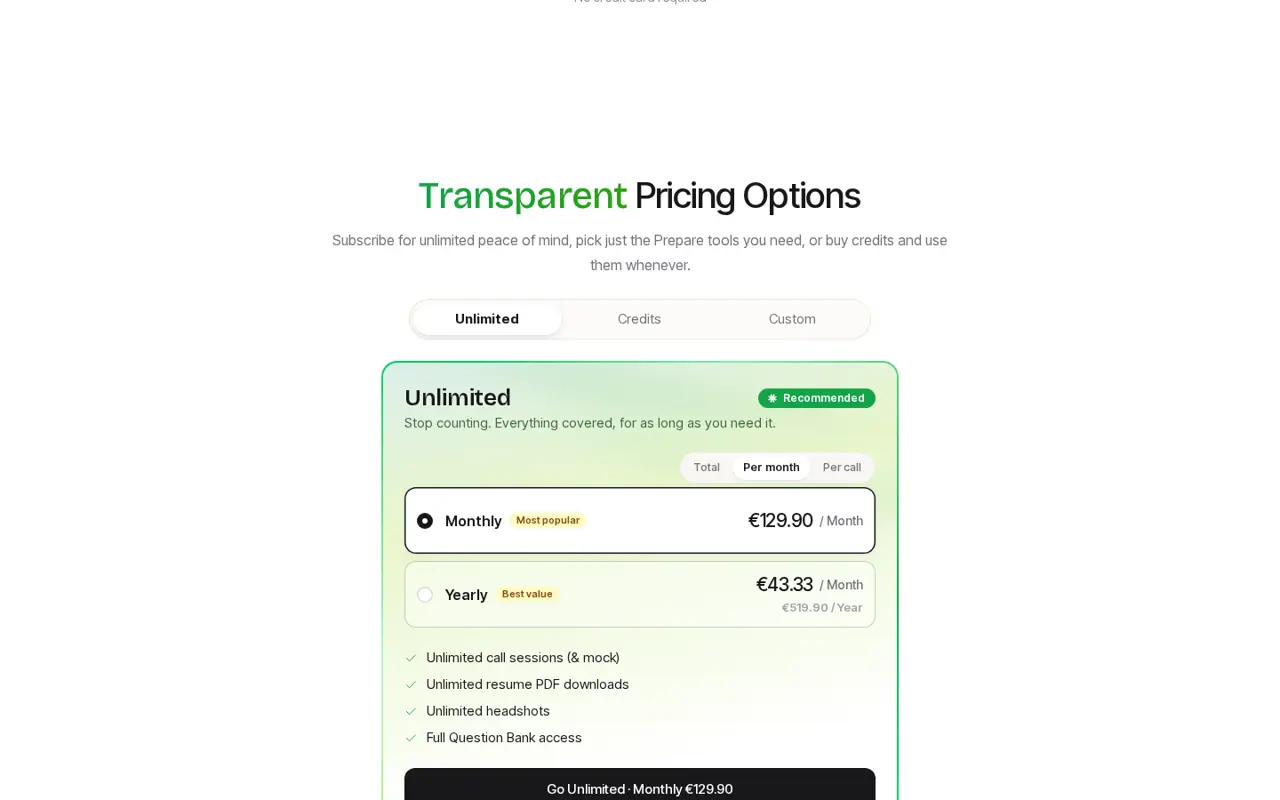
ParakeetAI
Pricing review due · Oct 6, 2026- Free sessionsUSD 0
- 1 creditUSD 38
- 3 creditsUSD 59
- 6 creditsUSD 118
- 9 creditsUSD 177
Show 4 more plans
- Unlimited, weeklyUSD 78/week
- Unlimited, monthlyUSD 149.90 per month
- Unlimited, yearlyUSD 599.90/year
- Custom (Prepare tools)USD 22.90 per month per tool
Strengths and limits
Taskade
Strengths
- Free plan with no time limit: The help page says the Free plan is not a trial, has no end date and needs no payment card to sign up.
- Apps are hosted for you: The pricing page says Taskade hosts every app, with a database included, so you do not manage servers or security updates.
- Published apps keep running when credits run out: The pricing FAQ says published apps, projects, sync and non-AI automations keep working; credits are only used when generating new AI content.
Limits to plan around
- Free has no monthly AI credits: The pricing page says Free has no monthly AI credits; you earn them by inviting people or sharing Taskade on social media.
- Monthly-billing prices are not shown: The listed $6, $10, $25 and $100 are shown with yearly billing; the pricing FAQ says annual billing saves 50% on Pro, Business, Max and Enterprise but we could not read the monthly price for any plan.
- Credit use varies by build: The pricing FAQ says the same prompt does not always cost the same and a long app build can use several times the credits of a short one, so a monthly allowance does not translate to a fixed number of apps.
ParakeetAI
Strengths
- Prepaid credits that do not expire: The billing FAQ says credits never expire, so occasional users do not need a subscription.
- Choice of model per session: The model dropdown lists several Gemini, GPT and Claude models, with a fast default.
- A free way to check your setup: Ten free sessions of up to 10 minutes are enough to confirm tab capture and language support before paying.
Limits to plan around
- Long calls cost whole 30-minute blocks: A session auto-extends by another 0.5 credit unless Auto Extend is turned off for it.
- Compliance sits with the user: The Terms make you responsible for consent, disclosure and employer, school or platform rules.
- Live sessions need a desktop browser or app: Desktop Chrome or the Windows and macOS app; the native mobile app was not yet available.
See both products
Start from your task, not from a winner.
Run both tools on the same real task, then compare the result, how much editing it needs and how fast it uses your plan’s allowance.
How we reviewChange this pair
Choose tools
Choose two tools below. You can replace either selection at any time.
Audio & voice
Automation
Coding
Data & spreadsheets
Images & design
Presentations
Research & sources
Video & editing
Website builders
Writing & content
Comparing tools from different categories is fine, and often useful — a writing assistant and a research tool solve different halves of the same job. The table will show you exactly where they diverge.
Questions about comparing tools
How does the comparison work?
Add two tools to the comparison tray from any tool card, then open this page. The table pulls each tool's verified plan details, platforms, strengths and limits from its profile, so both columns carry the same kind of evidence, with a separate source-check date for each tool.
Do you declare a winner?
No. The table sets two tools against each other on documented facts, not on a score. Which one wins depends on your task, your budget and your usage volume — three things we cannot see from here.
Why are some cells empty or marked unverified?
Because we could not confirm that detail on the vendor's own pages. Rather than filling the gap with a figure from elsewhere, we mark it and say why on the tool's profile.
Can I compare more than two tools?
Not at once. Two columns keep the differences readable and force a real decision. Remove either selected tool to replace it, or clear both to start a new pair.
Every figure in the table above comes from the linked profile, where the source and the verification date are listed. Browse all tools or read the editorial policy.