
PhotoEditor.ai vs Ideogram
Plans, free access, limits and intended use side by side, taken from each vendor’s own pages. No score and no winner: the facts show where the two differ.
Change tools
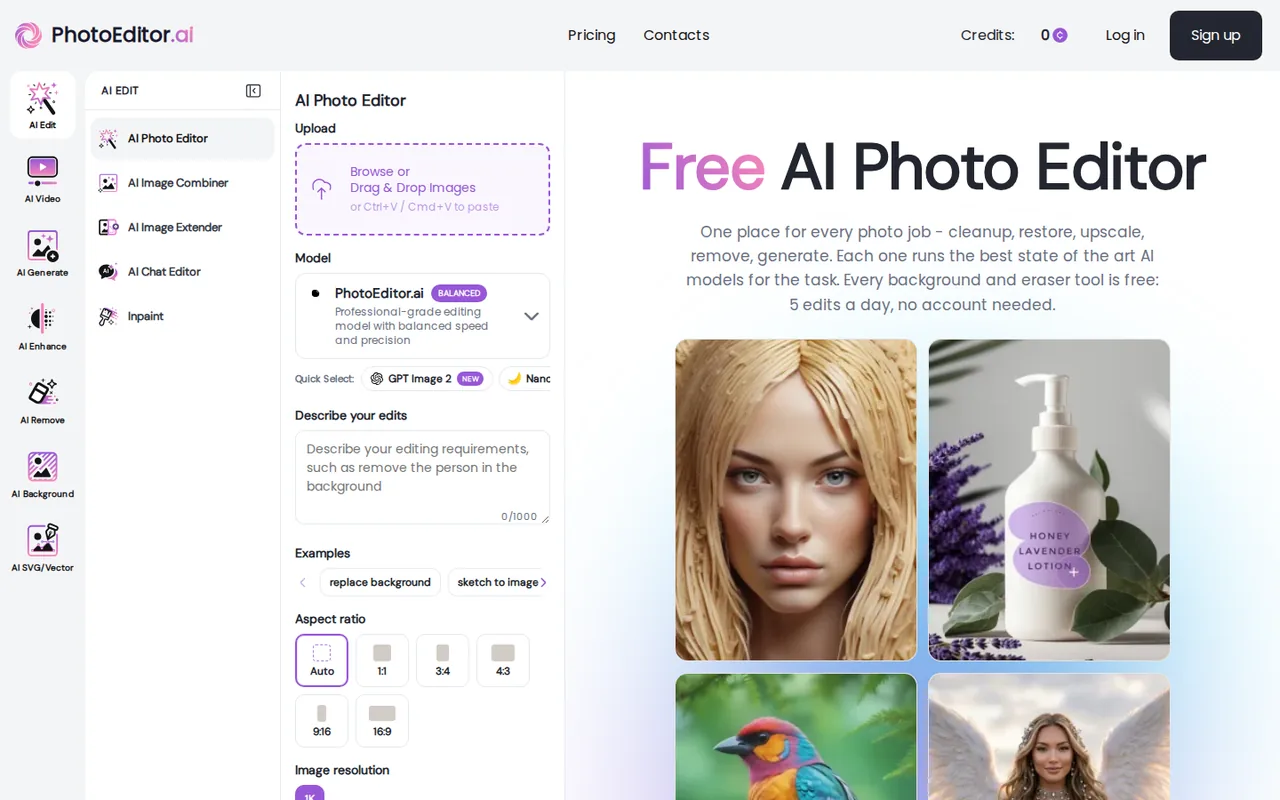
Browser-based AI photo editor with 30+ single-purpose tools for cleanup, background removal, upscaling, restoration and image generation, on credit-based plans with four free daily tools

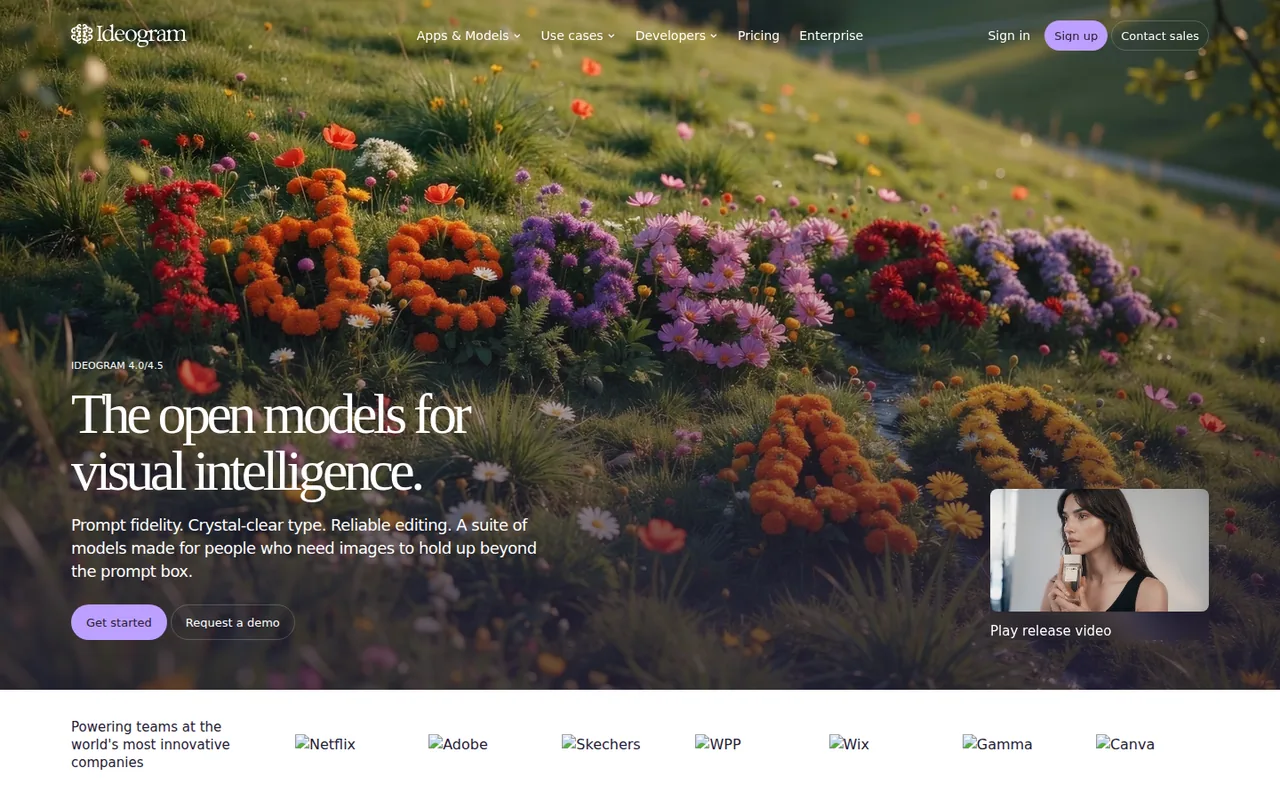
Generate and revise artwork in a visual workspace
- Free access
- PhotoEditor.ai: Free access
- Ideogram: Free access
- Paid from
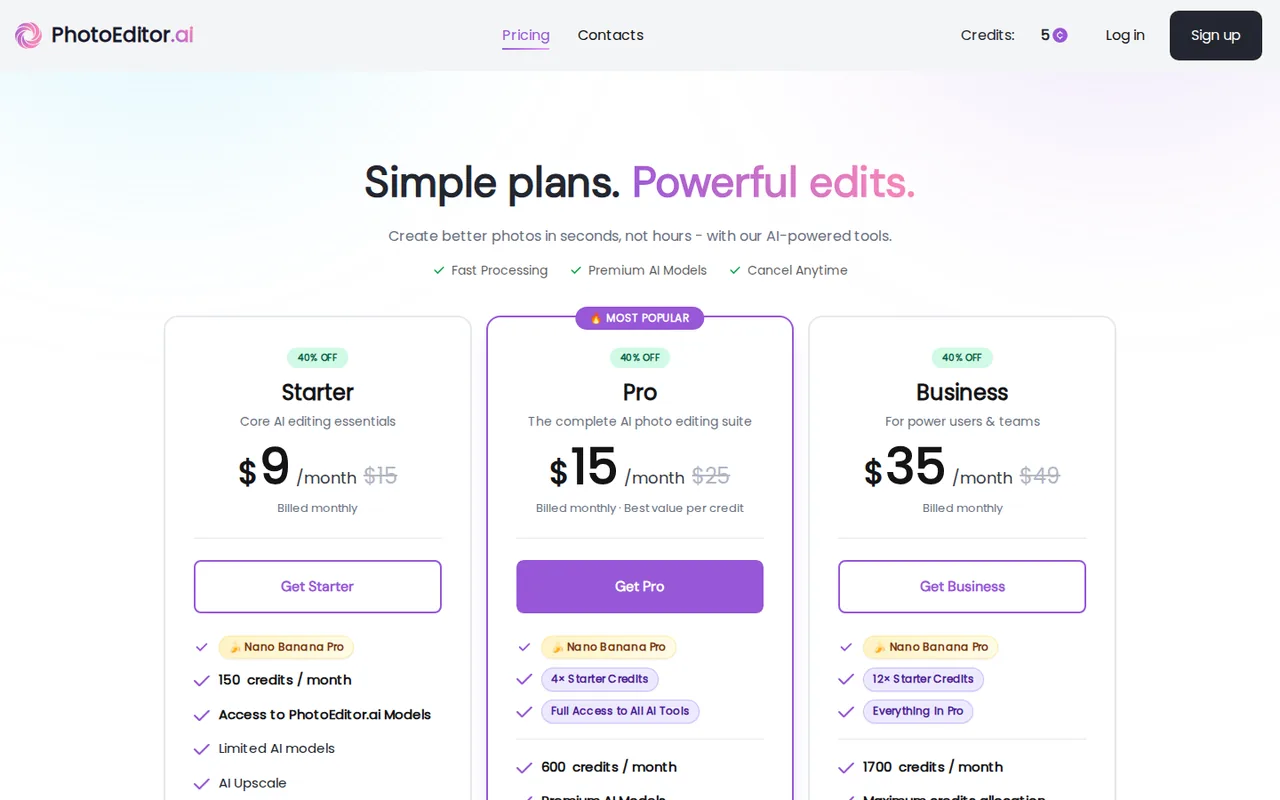
- PhotoEditor.ai: USD 9 per month billed monthly
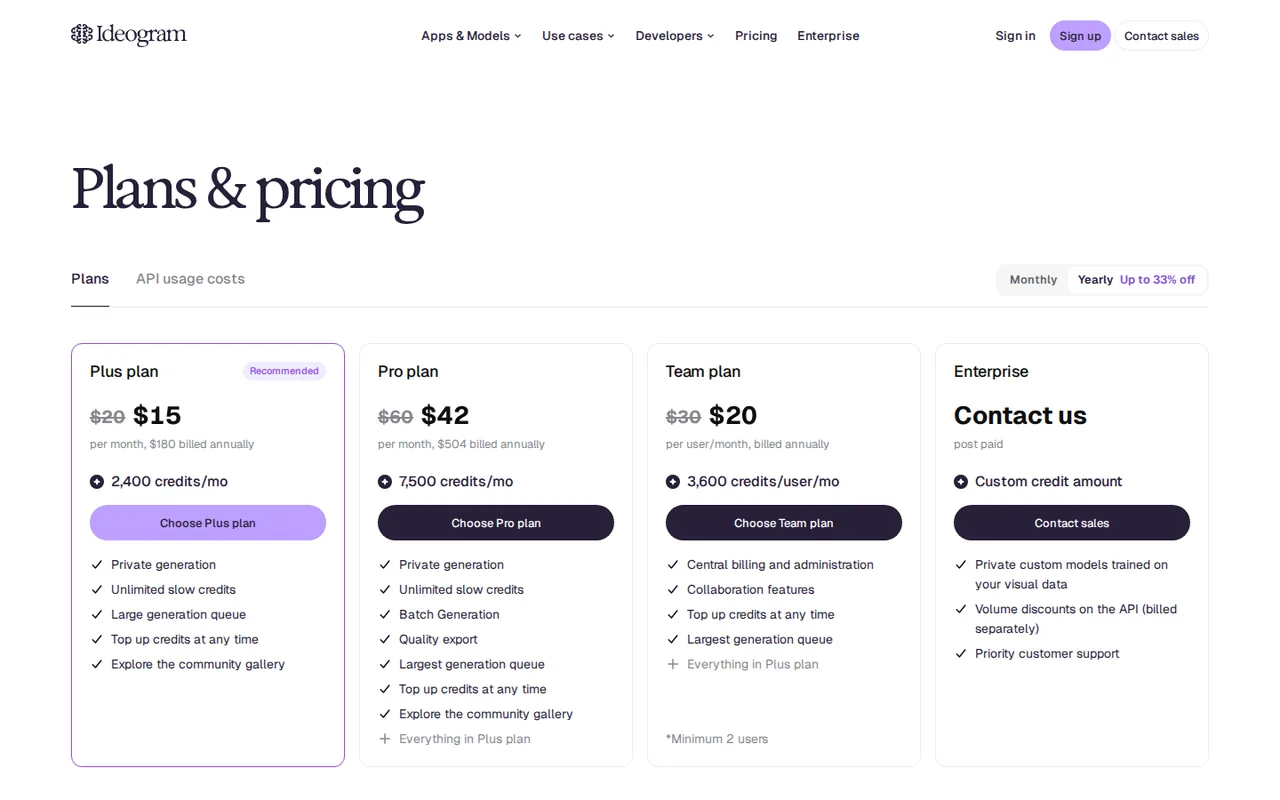
- Ideogram: USD 15 per month; $180 billed annually
- Plans listed
- PhotoEditor.ai: 4
- Ideogram: 5
- Public API
- PhotoEditor.ai: Not confirmed
- Ideogram: Not confirmed
Where PhotoEditor.ai and Ideogram differ
- Pricing checkPrices confirmed for PhotoEditor.ai; pricing review due for Ideogram.
- PlansPhotoEditor.ai lists 4 plans and Ideogram lists 5.
Head to head
Each value from the tool’s profile and the vendor’s own pages
| PhotoEditor.ai | Fact | Ideogram |
|---|---|---|
| Access and price | ||
| Free access availableFree tools · USD 0 | Free accessSame | Free access availableFree · USD 0 |
| USD 9 per month billed monthlyStarter · list price $15 crossed out, labelled 40% off | Lowest listed paid plan | USD 15 per month; $180 billed annuallyPlus |
| Four tools free (5 edits a day); Starter $9 a month, Pro $15 a month, Business $35 a month (billed monthly, 40% off list) | Pricing model | Conditional free access; Plus $15/month billed annually |
| 4 | Plans listedDiffers | 5 |
| Not confirmed | Public API | Not confirmed |
| Not confirmed | Card to start | Not confirmed |
| Not confirmed | Open source | Not confirmed |
| What it is for | ||
| People and small teams who fix or generate many photos, such as product shots, old scans and social images, and prefer one credit balance across separate tools to several apps | Built for | Designers revising campaign copy |
| Images & design | CategorySame | Images & design |
| Platforms |
|
| Works with | Not listed |
| How current | ||
| Profile sources checked | ||
| Prices confirmed · Nov 18, 2026 | Pricing checkDiffers | Pricing review due · Oct 4, 2026 |
Official source check for both tools. No hands-on testing and no score: “Differs” marks a documented difference, not a better tool.
Plans and prices
PhotoEditor.ai
Prices confirmed · Nov 18, 2026- Free toolsUSD 0
- StarterUSD 9 per month billed monthlylist price $15 crossed out, labelled 40% off
- ProUSD 15 per month billed monthlylist price $25 crossed out, labelled 40% off
- BusinessUSD 35 per month billed monthlylist price $49 crossed out, labelled 40% off
Ideogram
Pricing review due · Oct 4, 2026- FreeUSD 0
- PlusUSD 15 per month; $180 billed annually
- ProUSD 42 per month; $504 billed annually
- TeamUSD 20/user per month billed annually
- EnterpriseCustom quote
Strengths and limits
PhotoEditor.ai
Strengths
- Four tools are free without an account: The homepage lists Magic Eraser, Background Remover, Logo Background Remover and Background Blur at 5 edits a day, resetting at midnight UTC.
- Credit cost is shown before each run: The pricing FAQ says the exact cost appears on the button before you run a tool.
- Pro is the cheapest per credit of the first two plans: Starter is $9 for 150 credits, about $0.06 a credit, and Pro is $15 for 600, about $0.025 a credit, by division of the listed monthly prices.
Limits to plan around
- Discounted prices are described as limited time: The plan cards show $9, $15 and $35 beside crossed-out $15, $25 and $49 under a 40% off label, and the page does not say when the discount ends.
- Starter is personal use only: The Starter card says For Personal Use Only, which conflicts in tone with the homepage line that commercial use is allowed.
- Annual prices were not readable on the page text: The FAQ says annual billing saves 41% against monthly, but annual amounts did not appear in the page content read, so this profile gives monthly prices only.
Ideogram
Strengths
- Copy revisions: Editable text can make a design easier to revise without starting the artwork again.
- Different delivery routes: A browser workflow and developer routes serve different production needs.
- Private work option: Paid plans from Plus include private generation, which the Free plan does not.
Limits to plan around
- Typography limits: Layerize Text is beta; curved or heavily decorative lettering may not be detected.
- Privacy is a plan decision: Do not put an unreleased client brief into a public-generation workflow.
- Free access is narrow: Free gives weekly slow credits only, with no priority credits and no priority-only AI editing.
See both products
Start from your task, not from a winner.
Run both tools on the same real task, then compare the result, how much editing it needs and how fast it uses your plan’s allowance.
How we reviewChange this pair
Choose tools
Choose two tools below. You can replace either selection at any time.
Audio & voice
Automation
Coding
Data & spreadsheets
Images & design
Presentations
Research & sources
Video & editing
Website builders
Writing & content
Comparing tools from different categories is fine, and often useful — a writing assistant and a research tool solve different halves of the same job. The table will show you exactly where they diverge.
Questions about comparing tools
How does the comparison work?
Add two tools to the comparison tray from any tool card, then open this page. The table pulls each tool's verified plan details, platforms, strengths and limits from its profile, so both columns carry the same kind of evidence, with a separate source-check date for each tool.
Do you declare a winner?
No. The table sets two tools against each other on documented facts, not on a score. Which one wins depends on your task, your budget and your usage volume — three things we cannot see from here.
Why are some cells empty or marked unverified?
Because we could not confirm that detail on the vendor's own pages. Rather than filling the gap with a figure from elsewhere, we mark it and say why on the tool's profile.
Can I compare more than two tools?
Not at once. Two columns keep the differences readable and force a real decision. Remove either selected tool to replace it, or clear both to start a new pair.
Every figure in the table above comes from the linked profile, where the source and the verification date are listed. Browse all tools or read the editorial policy.