
Kling AI vs Korpi AI
Plans, free access, limits and intended use side by side, taken from each vendor’s own pages. No score and no winner: the facts show where the two differ.
Change tools
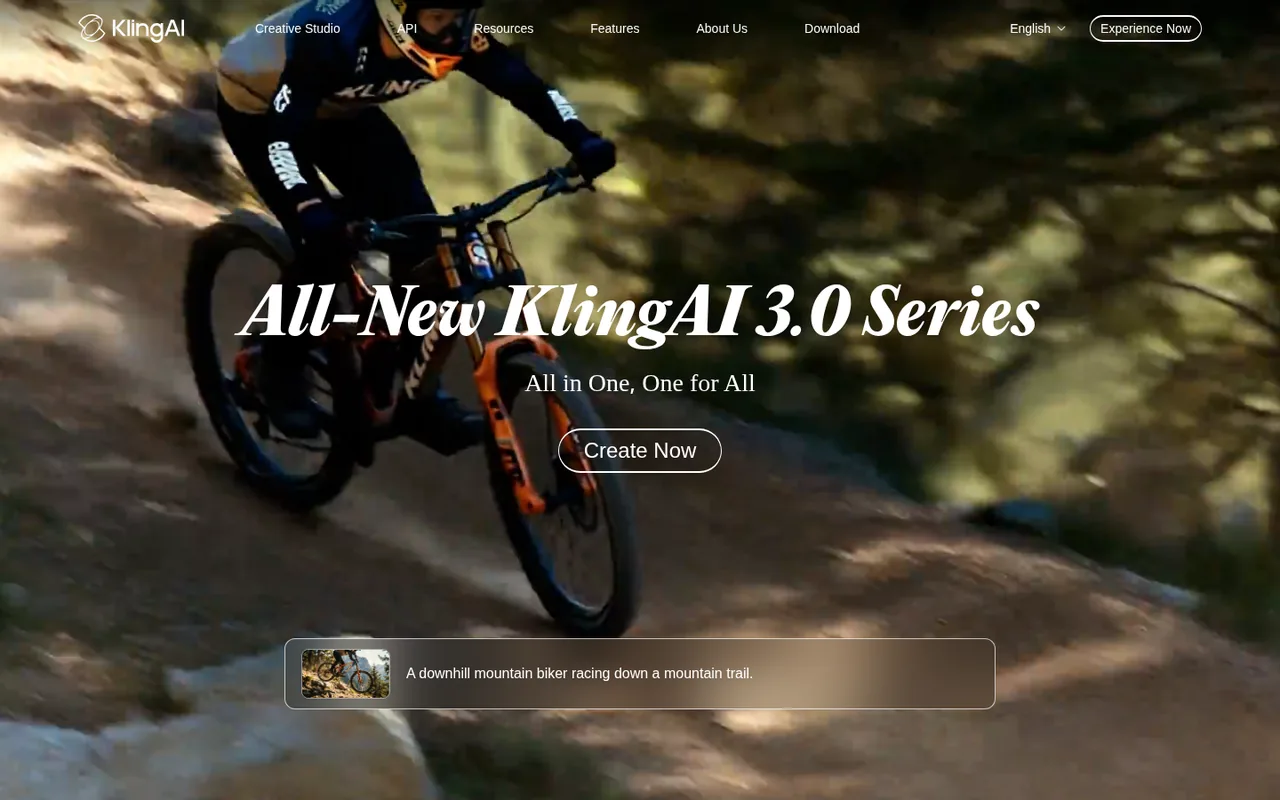
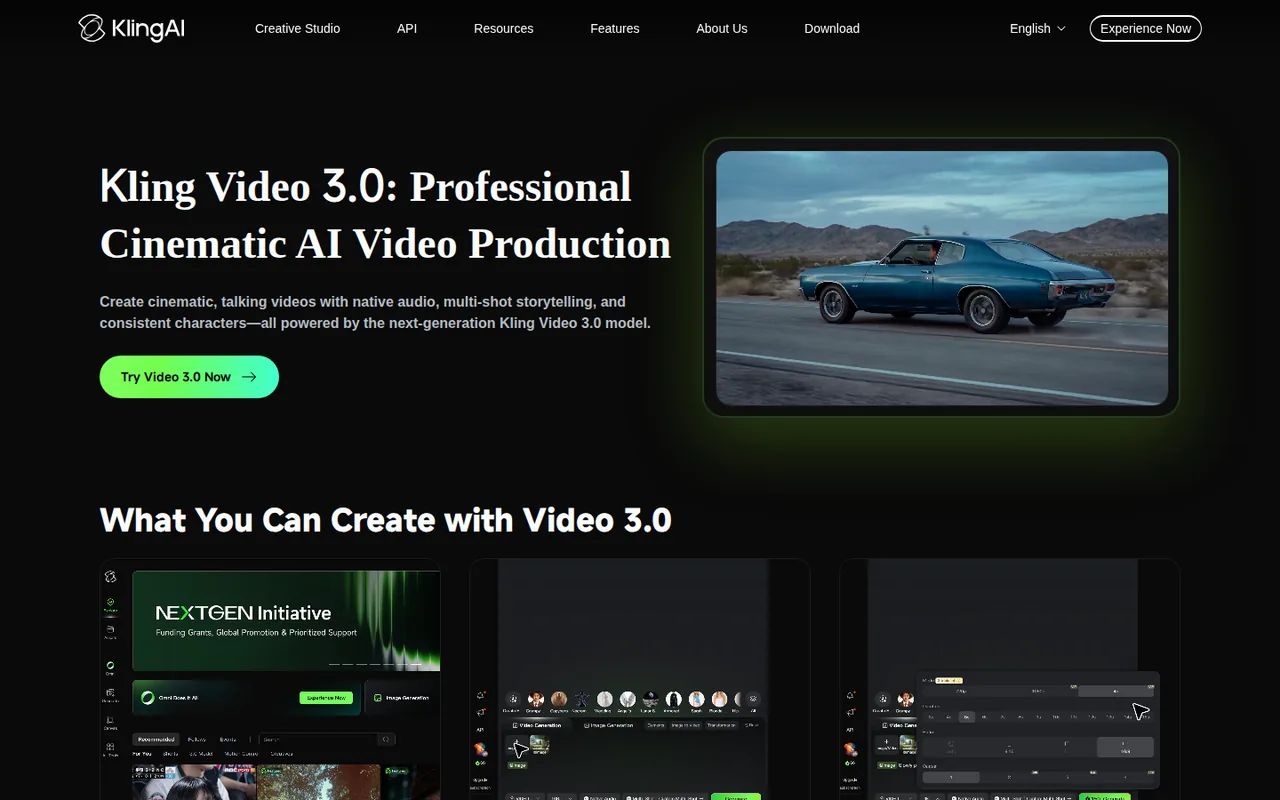
Generate short video clips with native audio from text, images and reference elements.

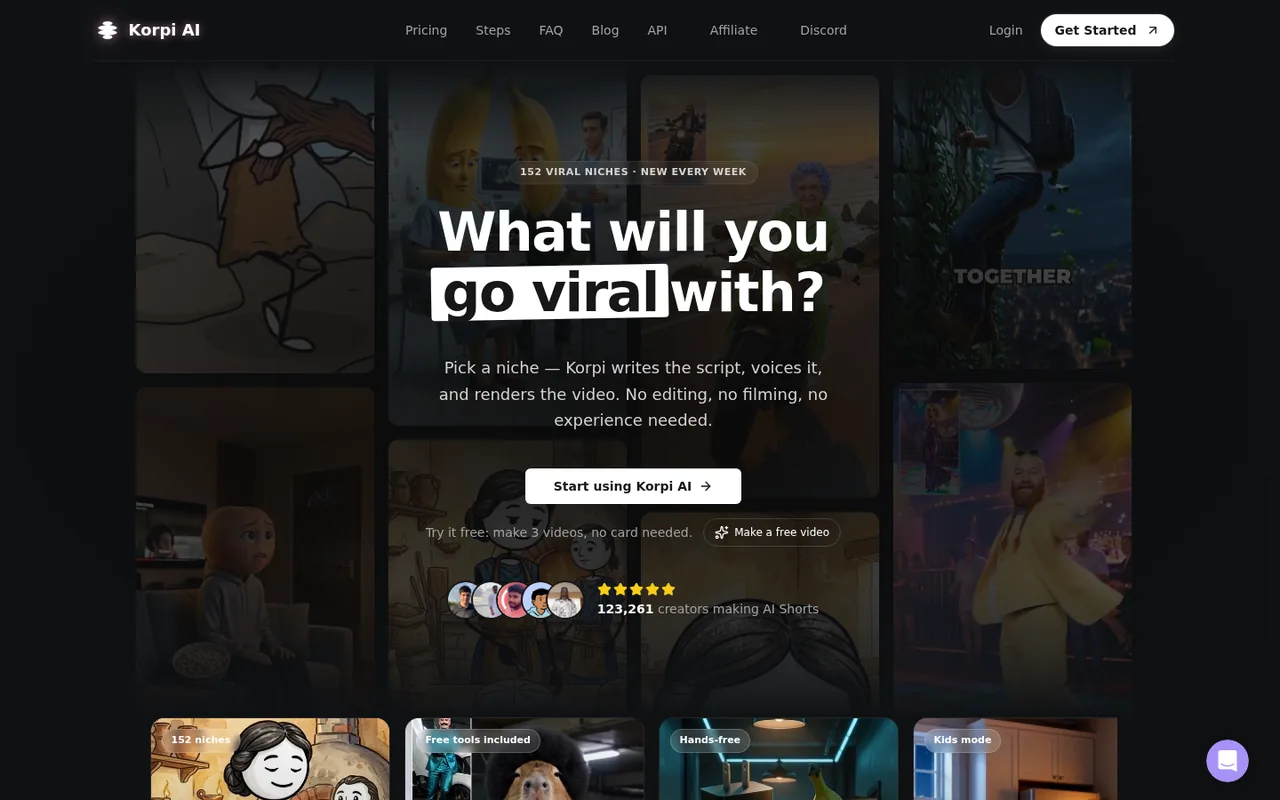
Make faceless vertical videos for TikTok, Shorts and Reels from niche templates or a one-line prompt
- Free access
- Kling AI: Free access
- Korpi AI: Free trial only
- Paid from
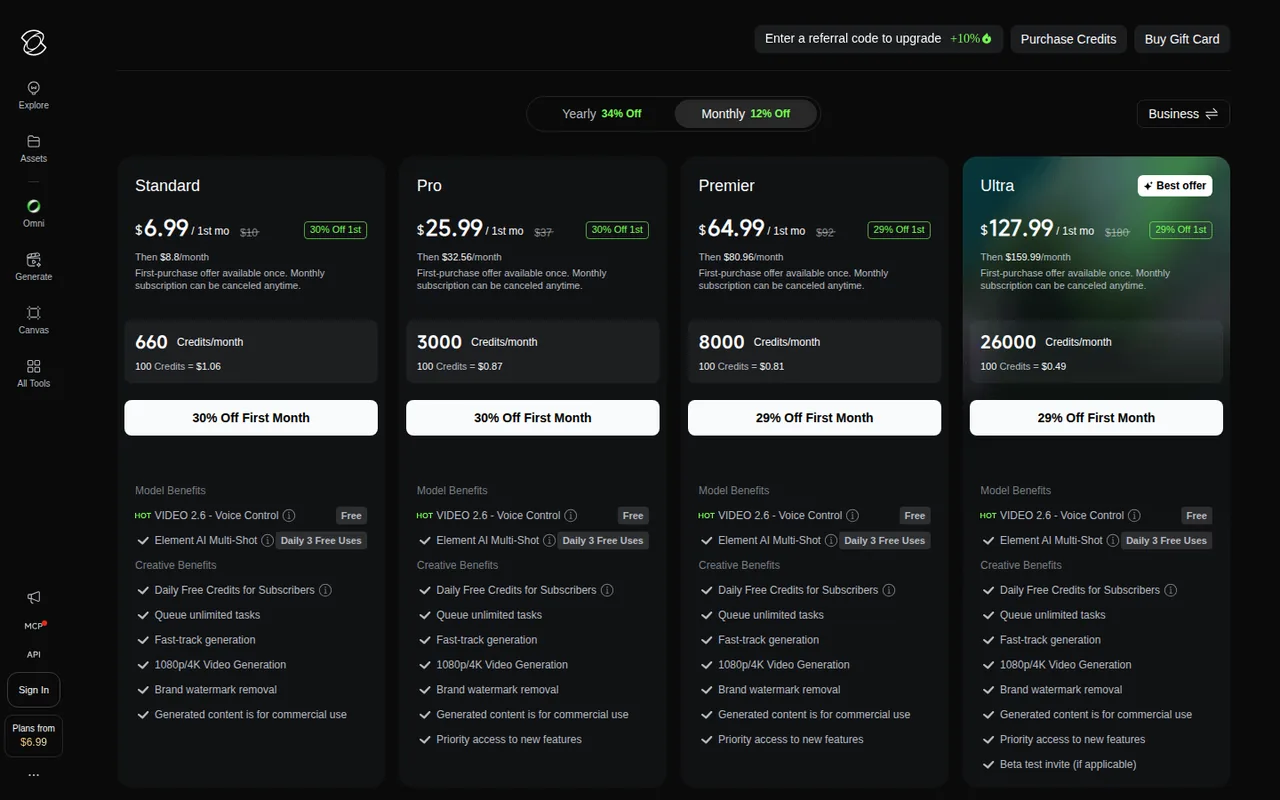
- Kling AI: USD 6.60 per month
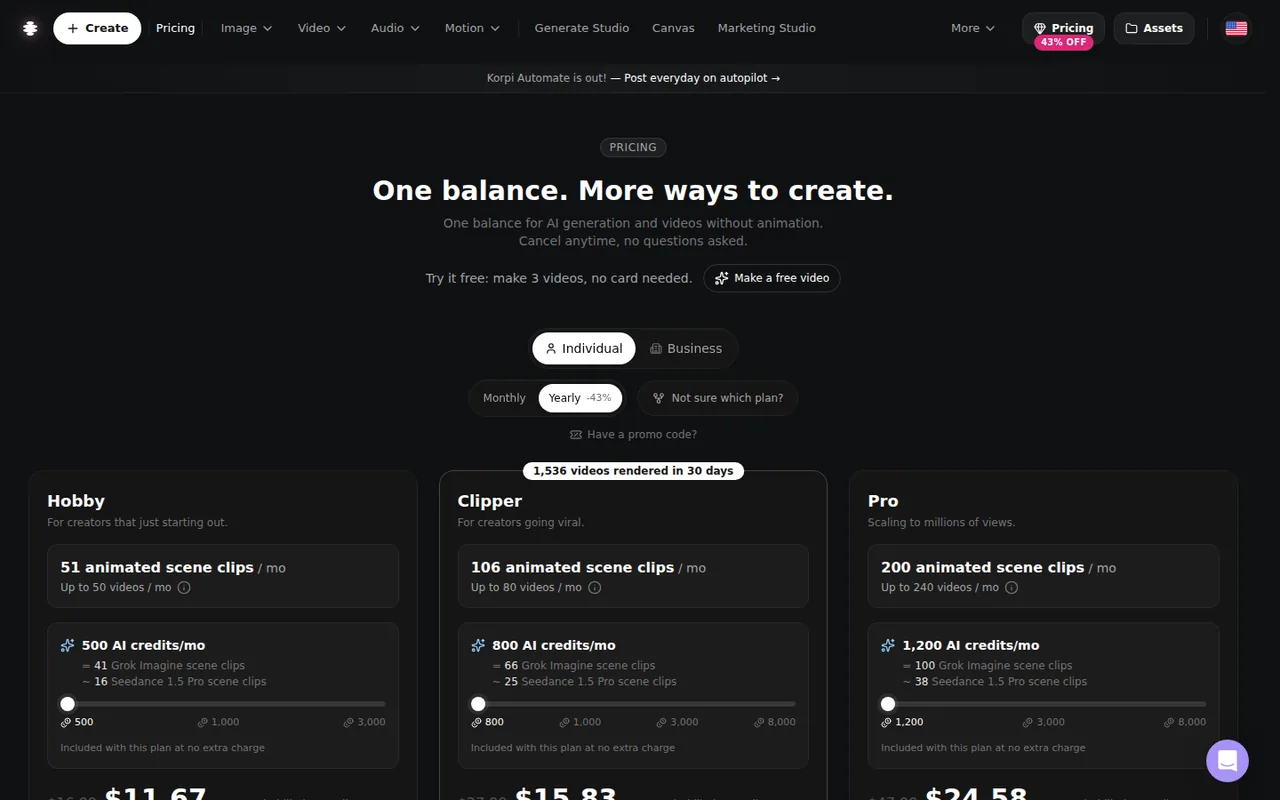
- Korpi AI: USD 16.99 per month
- Plans listed
- Kling AI: 5
- Korpi AI: 5
- Public API
- Kling AI: Not confirmed
- Korpi AI: Not confirmed
Where Kling AI and Korpi AI differ
- AccessKling AI offers free access, while Korpi AI offers a free trial only.
Head to head
Each value from the tool’s profile and the vendor’s own pages
| Kling AI | Fact | Korpi AI |
|---|---|---|
| Access and price | ||
| Free access availableBasic · USD 0 | Free accessDiffers | Free trial onlyFree trial · USD 0 |
| USD 6.60 per monthStandard · billed yearly as USD 79.20 · USD 8.80 billed monthly | Lowest listed paid plan | USD 16.99 per monthHobby |
| Free Basic plan; paid Standard, Pro, Premier and Ultra | Pricing model | 3 free videos, no card needed; paid plans from $16.99 a month (monthly billing) |
| 5 | Plans listedSame | 5 |
| Not confirmed | Public API | Not confirmed |
| Not confirmed | Card to start | Not confirmed |
| Not confirmed | Open source | Not confirmed |
| What it is for | ||
| Short cinematic AI clips with audio | Built for | Creators who post faceless short-form video at volume and want a template, script, voiceover and render in one place |
| Video & editing | CategorySame | Video & editing |
| Platforms |
|
| Works with |
|
| How current | ||
| Profile sources checked | ||
| Prices confirmed · Sep 26, 2026 | Pricing checkSame | Prices confirmed · Oct 17, 2026 |
Official source check for both tools. No hands-on testing and no score: “Differs” marks a documented difference, not a better tool.
Plans and prices
Kling AI
Prices confirmed · Sep 26, 2026- BasicUSD 0
- StandardUSD 6.60 per monthbilled yearly as USD 79.20 · USD 8.80 billed monthly
- ProUSD 24.42 per monthbilled yearly as USD 293.04 · USD 32.56 billed monthly
- PremierUSD 60.72 per monthbilled yearly as USD 728.64 · USD 80.96 billed monthly
- UltraAbout USD 119.17 per monthbilled yearly as USD 1,429.99 · USD 159.99 billed monthly
Korpi AI
Prices confirmed · Oct 17, 2026- Free trialUSD 0
- HobbyUSD 16.99 per month
- ClipperUSD 27.99 per month
- ProUSD 47.99 per month
- UnlimitedUSD 149 per month
Strengths and limits
Kling AI
Strengths
- Published per-second rates: The VIDEO 3.0 guides list credits per second for each mode and resolution, so a clip's cost can be worked out before generating.
- Audio in one pass: Dialogue, sound effects and lip sync come out of the same generation, with speaker assignment in multi-character scenes.
- Up to 15 seconds with multi-shot control: One generation can hold several shots with set durations instead of a single short take.
Limits to plan around
- Free output is limited: Basic has no 1080p or 4K generation, no watermark removal and no commercial-use right; those need a paid subscription.
- Monthly credits do not roll over: Subscription credits expire 31 days after issue, and unused ones are lost when the subscription ends.
- Retakes are billed in full: Every attempt costs its full per-second rate, and a 15-second 4K take uses 450 credits whether or not you keep it.
Korpi AI
Strengths
- Free trial without a card: The homepage says you can make 3 videos free with no card needed, so a template can be tried before paying.
- Templates cover the whole job: The homepage says each niche template handles script, voiceover, captions and scene rendering into a finished vertical video.
- Cancel in account settings: The pricing page and Terms say subscriptions renew until you cancel and that you can cancel online in Account settings, with cancellation effective at the end of the billing period.
Limits to plan around
- Refunds are limited: For purchases under the terms accepted from September 19, 2026, the pricing page says there are no refunds for a change of mind or unused access or credits; mandatory consumer rights still apply.
- Free-trial terms are thin: The homepage does not say whether the 3 free videos carry a watermark, a length limit or different commercial rights than paid plans.
- Clearing rights is on you: The Terms say the service does not guarantee that an output is cleared for your use and that you must respect copyright, publicity and privacy rights, and not remove AI-content labels or watermarks it adds.
See both products
Start from your task, not from a winner.
Run both tools on the same real task, then compare the result, how much editing it needs and how fast it uses your plan’s allowance.
How we reviewChange this pair
Choose tools
Choose two tools below. You can replace either selection at any time.
Audio & voice
Automation
Coding
Data & spreadsheets
Images & design
Presentations
Research & sources
Video & editing
Website builders
Writing & content
Comparing tools from different categories is fine, and often useful — a writing assistant and a research tool solve different halves of the same job. The table will show you exactly where they diverge.
Questions about comparing tools
How does the comparison work?
Add two tools to the comparison tray from any tool card, then open this page. The table pulls each tool's verified plan details, platforms, strengths and limits from its profile, so both columns carry the same kind of evidence, with a separate source-check date for each tool.
Do you declare a winner?
No. The table sets two tools against each other on documented facts, not on a score. Which one wins depends on your task, your budget and your usage volume — three things we cannot see from here.
Why are some cells empty or marked unverified?
Because we could not confirm that detail on the vendor's own pages. Rather than filling the gap with a figure from elsewhere, we mark it and say why on the tool's profile.
Can I compare more than two tools?
Not at once. Two columns keep the differences readable and force a real decision. Remove either selected tool to replace it, or clear both to start a new pair.
Every figure in the table above comes from the linked profile, where the source and the verification date are listed. Browse all tools or read the editorial policy.