
JetBrains AI Assistant vs Cline
Plans, free access, limits and intended use side by side, taken from each vendor’s own pages. No score and no winner: the facts show where the two differ.
Change tools
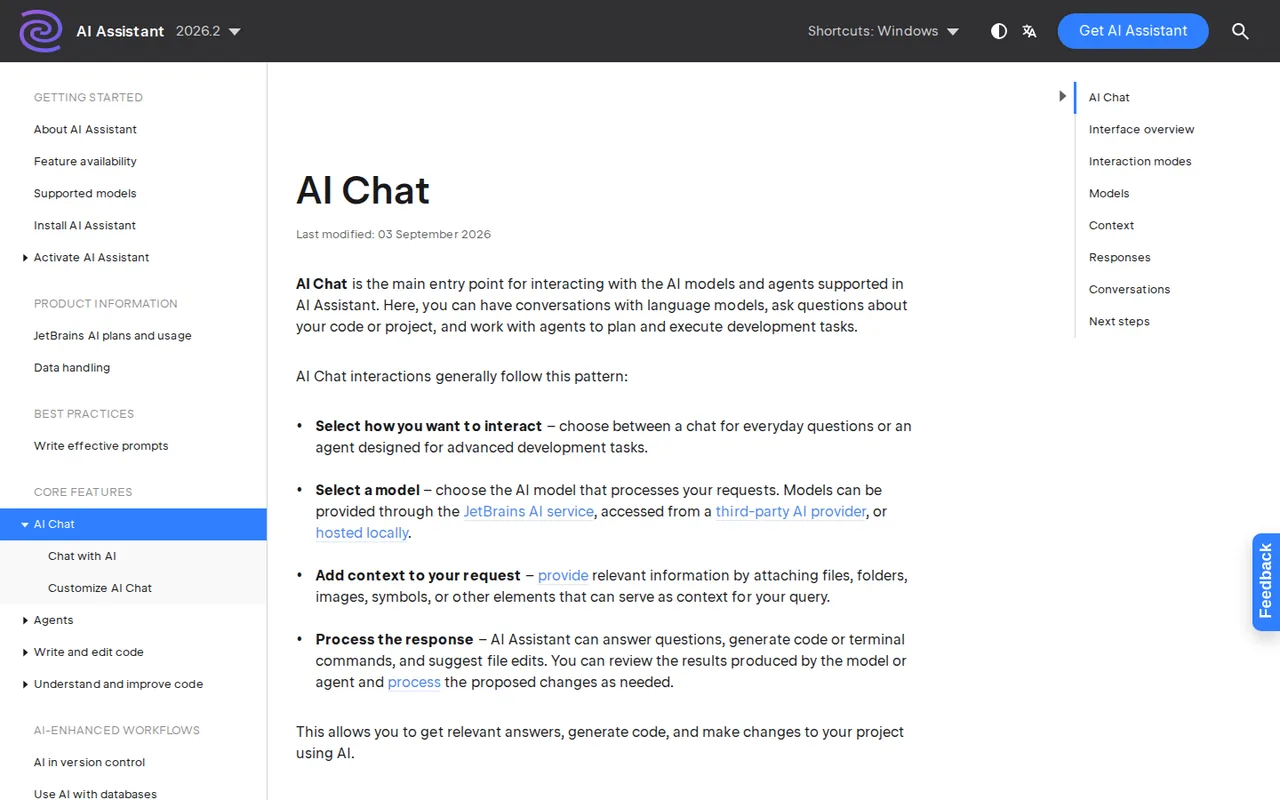
AI chat and code suggestions inside JetBrains IDEs, with separate model and agent choices.

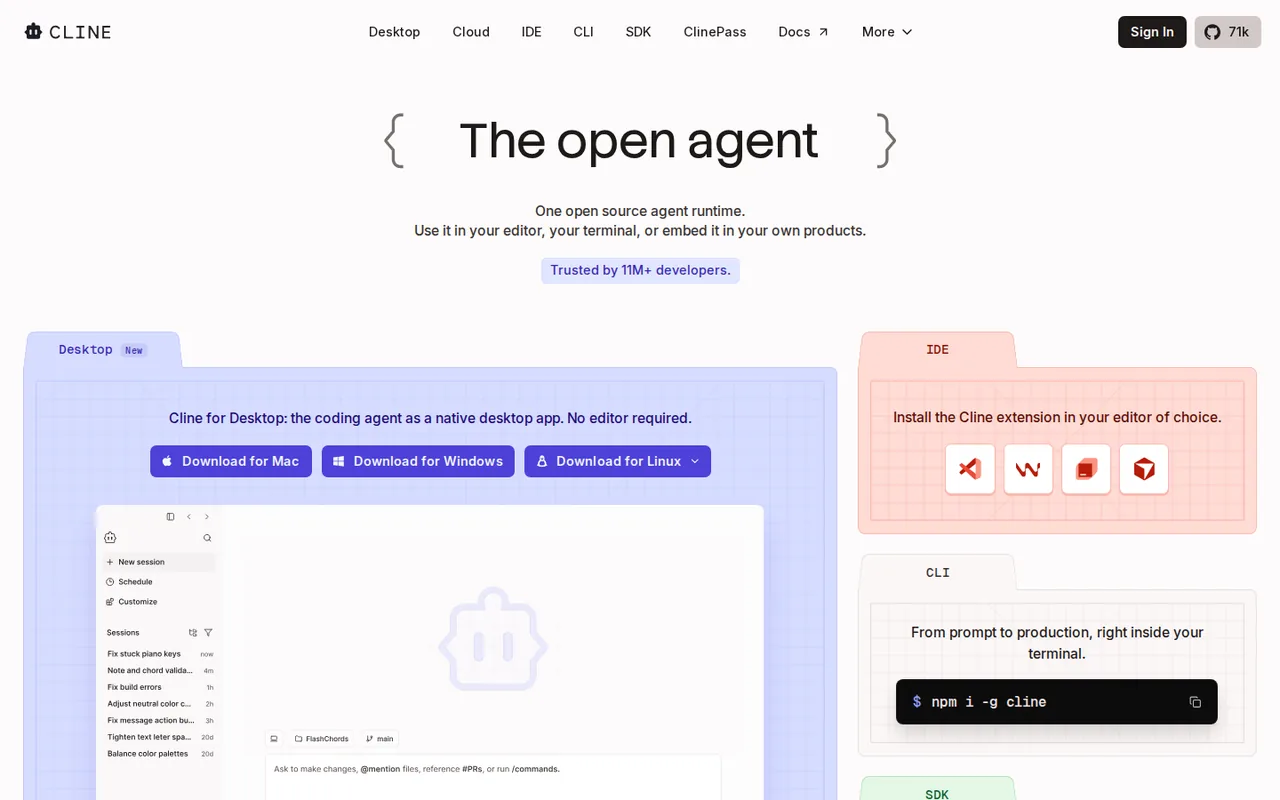
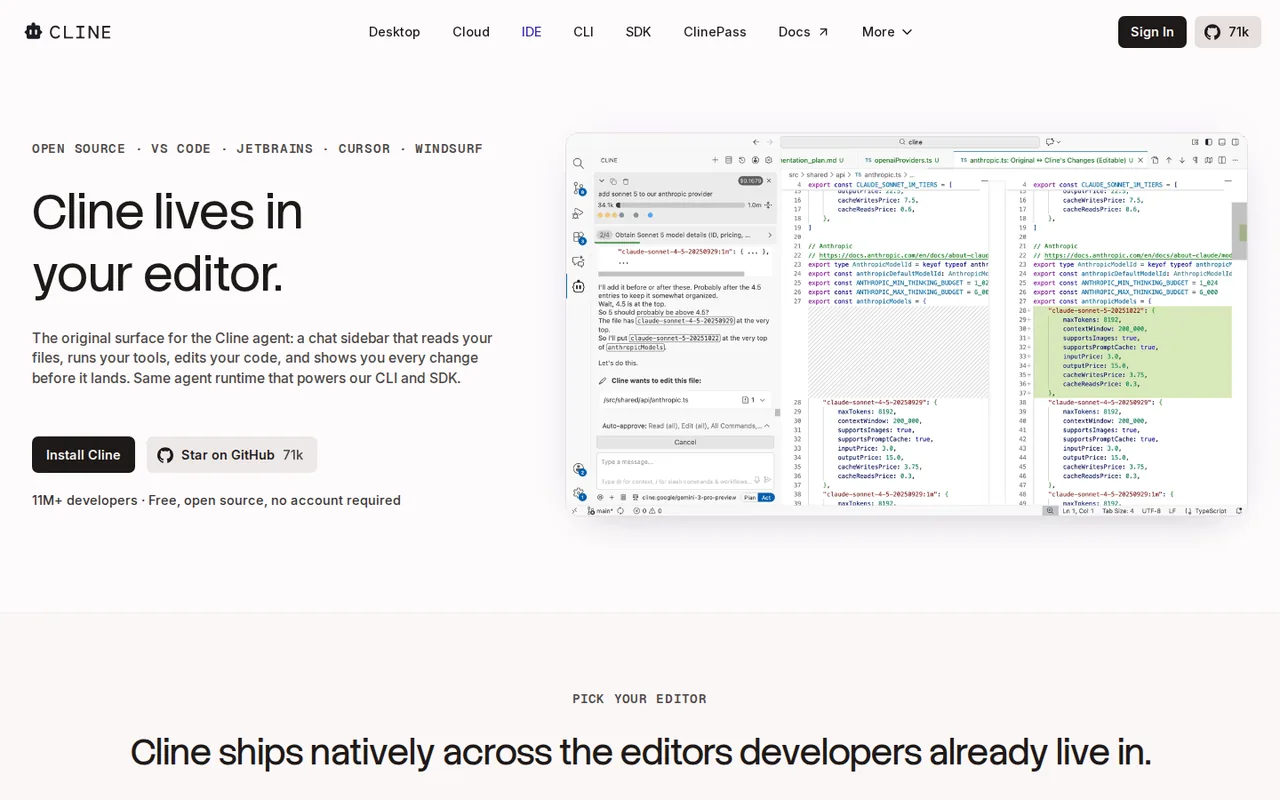
Open source coding agent for VS Code, JetBrains, the terminal and the browser, paid per model use
- Free access
- JetBrains AI Assistant: Free access
- Cline: Free access
- Paid from
- JetBrains AI Assistant: EUR 10 per user per month
- Cline: USD 9.99 per month
- Plans listed
- JetBrains AI Assistant: 3
- Cline: 4
- Public API
- JetBrains AI Assistant: Not confirmed
- Cline: Yes
Where JetBrains AI Assistant and Cline differ
- Open sourceOnly Cline is open source.
- CardJetBrains AI Assistant needs a card to start; Cline does not.
- Pricing checkPrices confirmed for JetBrains AI Assistant; some prices or terms not confirmed for Cline.
- PlansJetBrains AI Assistant lists 3 plans and Cline lists 4.
Head to head
Each value from the tool’s profile and the vendor’s own pages
| JetBrains AI Assistant | Fact | Cline |
|---|---|---|
| Access and price | ||
| Free access availableAI Free · EUR 0 | Free accessSame | Free access availableOpen Source · USD 0 |
| EUR 10 per user per monthAI Pro, individual · billed monthly | Lowest listed paid plan | USD 9.99 per monthClinePass |
| Eligible Free tier; personal Pro EUR 10 per month | Pricing model | Free open source software; models paid per use (own API key or Cline credits) or ClinePass at $9.99/month; Enterprise custom |
| 3 | Plans listedDiffers | 4 |
| Not confirmed | Public API | Yes |
| Required | Card to startDiffers | Not required |
| No | Open sourceDiffers | Yes |
| What it is for | ||
| Reviewing refactoring suggestions within JetBrains IDEs | Built for | Developers who want an approval-based coding agent and choose and pay for their own models |
| Coding | CategorySame | Coding |
| Platforms |
|
| Works with |
|
| How current | ||
| Profile sources checked | ||
| Prices confirmed · Sep 27, 2026 | Pricing checkDiffers | Some prices or terms not confirmed · Oct 24, 2026 |
Official source check for both tools. No hands-on testing and no score: “Differs” marks a documented difference, not a better tool.
Plans and prices
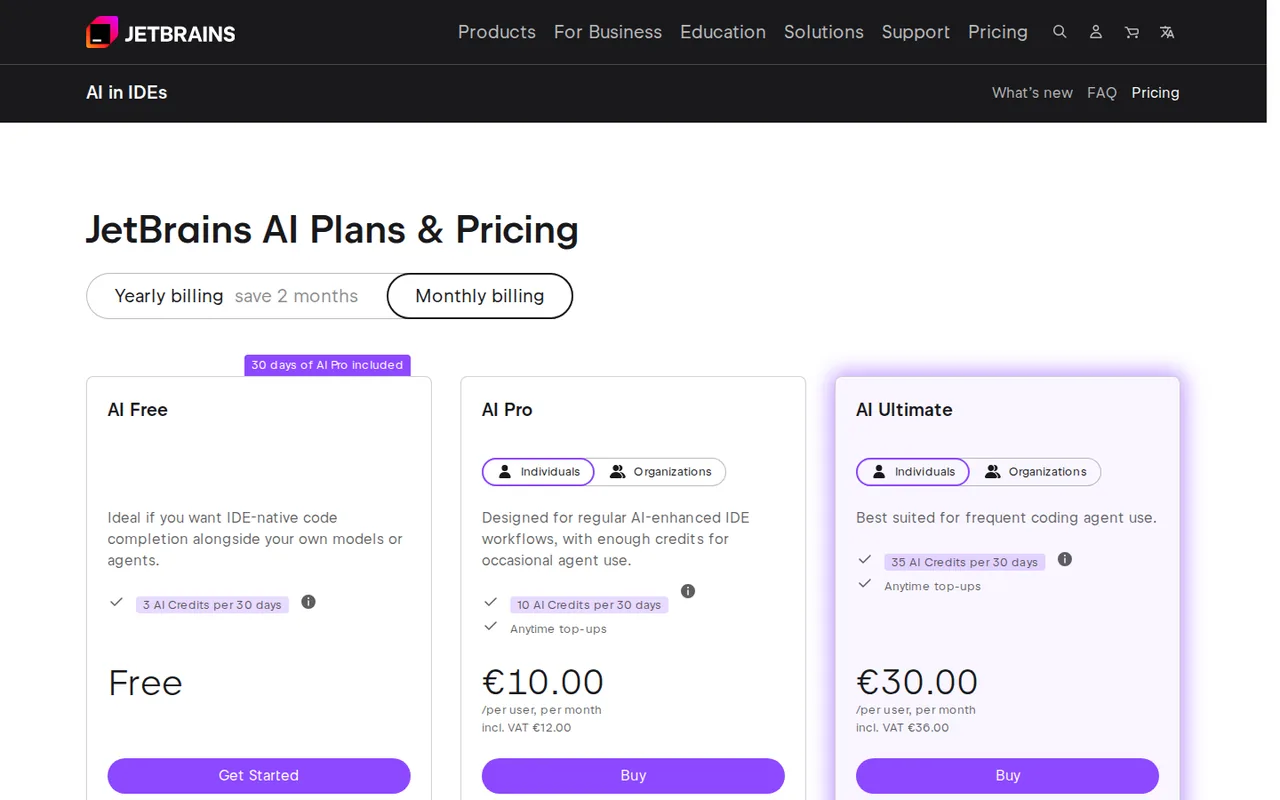
JetBrains AI Assistant
Prices confirmed · Sep 27, 2026- AI FreeEUR 0
- AI Pro, individualEUR 10 per user per monthbilled monthly
- AI Ultimate, individualEUR 30 per user per monthbilled monthly
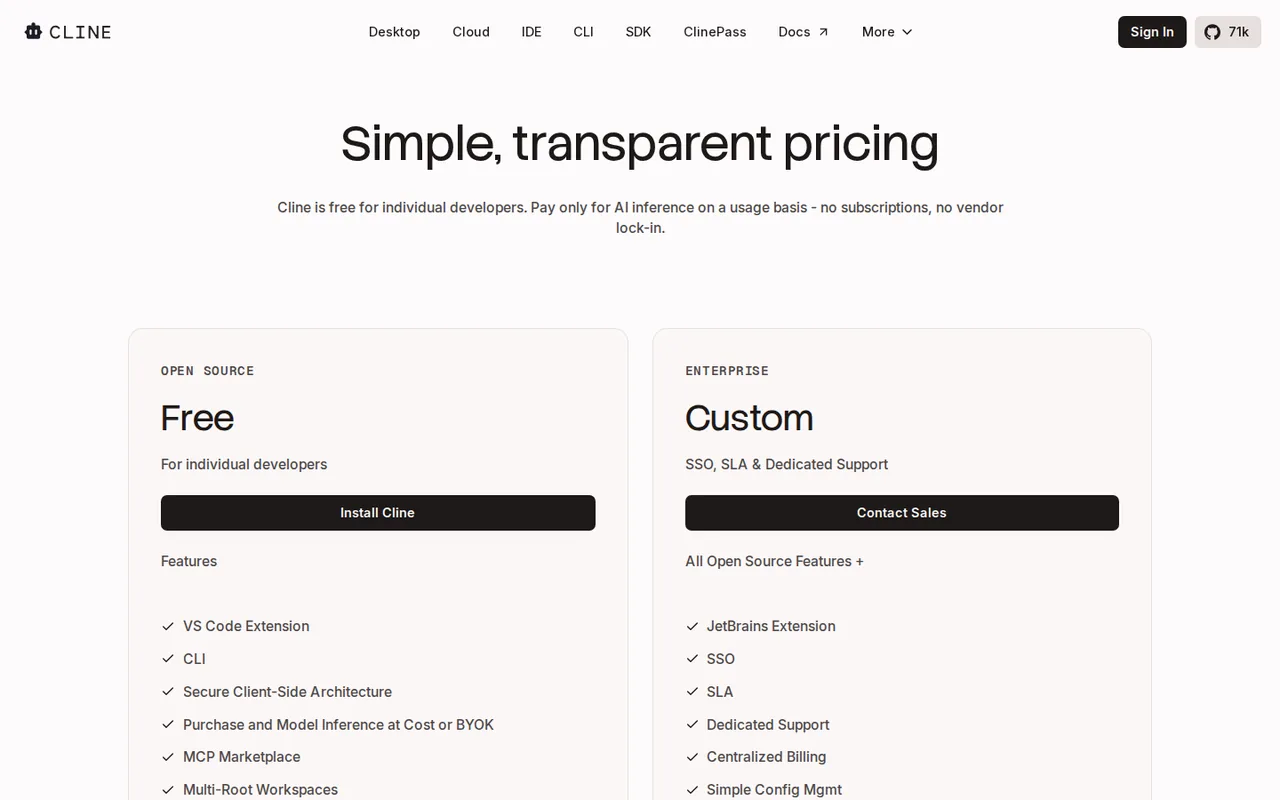
Cline
Some prices or terms not confirmed · Oct 24, 2026- Open SourceUSD 0
- Cline credits (usage-billing)Pay as you go; inference at cost
- ClinePassUSD 9.99 per month
- EnterpriseCustom quote
Strengths and limits
JetBrains AI Assistant
Strengths
- Work in a familiar IDE: The assistant is integrated with supported JetBrains products rather than requiring a separate coding editor.
- Inspect suggestions before applying: Chat mode supports a deliberate review step for generated code.
- Choose the context: Files and symbols can be attached to focus a question on a specific change.
Limits to plan around
- Free-tier IDE restrictions: AI Free is unavailable in Android Studio and specified free/community IDE editions; check the exact product and license.
- Cloud budget varies by task: A long conversation or agent run can use more credits than a short code explanation.
- AI and IDE licenses differ: An AI subscription does not replace the required IDE license; bundled entitlements depend on the product.
Cline
Strengths
- No software fee: The extension, CLI and desktop app are free for individual developers, with no subscription or seat fee on the open source path.
- Open source client: The GitHub repository is published under the Apache 2.0 licence, so the code can be read, forked and built.
- Wide model choice: Your own key for dozens of providers, local models, or one Cline balance across 100+ models; switching provider does not lock you in.
Limits to plan around
- Open-ended model bill: Pay-as-you-go cost follows token use, so a long task on a frontier model can cost more than a flat-priced editor plan.
- ClinePass limits unquantified: ClinePass is measured against 5-hour, weekly and monthly limits, but the docs give no amounts, and it covers only curated open models.
- No refunds on credits: The terms say fees are non-refundable, including unused credits and unused subscription time, unless the law requires otherwise.
See both products

Start from your task, not from a winner.
Run both tools on the same real task, then compare the result, how much editing it needs and how fast it uses your plan’s allowance.
How we reviewChange this pair
Choose tools
Choose two tools below. You can replace either selection at any time.
Audio & voice
Automation
Coding
Data & spreadsheets
Images & design
Presentations
Research & sources
Video & editing
Website builders
Writing & content
Comparing tools from different categories is fine, and often useful — a writing assistant and a research tool solve different halves of the same job. The table will show you exactly where they diverge.
Questions about comparing tools
How does the comparison work?
Add two tools to the comparison tray from any tool card, then open this page. The table pulls each tool's verified plan details, platforms, strengths and limits from its profile, so both columns carry the same kind of evidence, with a separate source-check date for each tool.
Do you declare a winner?
No. The table sets two tools against each other on documented facts, not on a score. Which one wins depends on your task, your budget and your usage volume — three things we cannot see from here.
Why are some cells empty or marked unverified?
Because we could not confirm that detail on the vendor's own pages. Rather than filling the gap with a figure from elsewhere, we mark it and say why on the tool's profile.
Can I compare more than two tools?
Not at once. Two columns keep the differences readable and force a real decision. Remove either selected tool to replace it, or clear both to start a new pair.
Every figure in the table above comes from the linked profile, where the source and the verification date are listed. Browse all tools or read the editorial policy.