
LALAL.AI vs Adobe Podcast
Plans, free access, limits and intended use side by side, taken from each vendor’s own pages. No score and no winner: the facts show where the two differ.
Change tools
Count minutes per stem type, not per song

Record, transcribe, edit and clean up spoken audio and video in the browser.
- Free access
- LALAL.AI: Free access
- Adobe Podcast: Free access
- Paid from
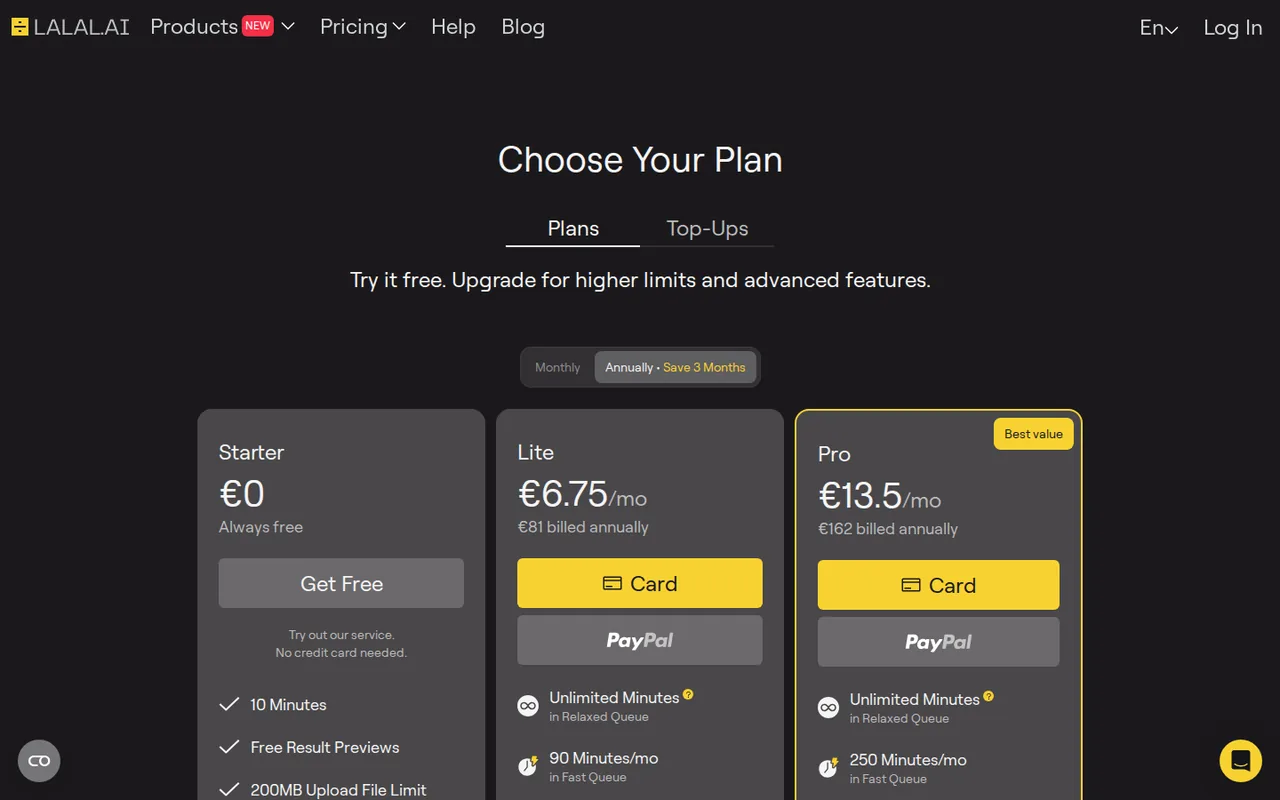
- LALAL.AI: USD 7.50 per month
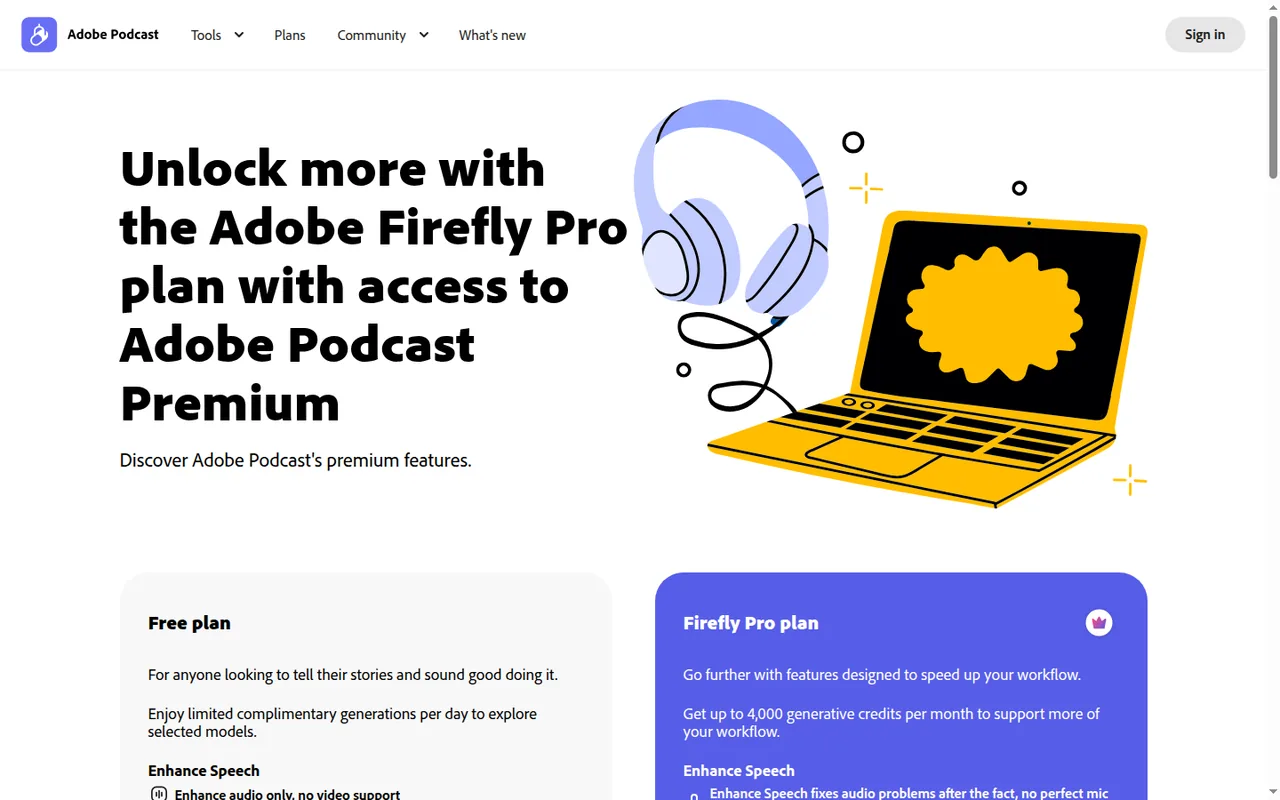
- Adobe Podcast: EUR 21.99 per month incl. VAT
- Plans listed
- LALAL.AI: 3
- Adobe Podcast: 3
- Public API
- LALAL.AI: Yes
- Adobe Podcast: Not confirmed
Where LALAL.AI and Adobe Podcast differ
- Pricing checkPrices confirmed for LALAL.AI; pricing review due for Adobe Podcast.
Head to head
Each value from the tool’s profile and the vendor’s own pages
| LALAL.AI | Fact | Adobe Podcast |
|---|---|---|
| Access and price | ||
| Free access availableStarter · USD 0 | Free accessSame | Free access availableFree |
| USD 7.50 per monthLite · $90 billed annually · US view; monthly billing also offered | Lowest listed paid plan | EUR 21.99 per month incl. VATFirefly Pro (includes Adobe Podcast Premium) · billed monthly · Adobe Firefly plans page, Germany |
| Free Starter previews; Lite from $7.50/month billed annually | Pricing model | Free plan; Premium via Firefly Pro |
| 3 | Plans listedSame | 3 |
| Yes | Public API | Not confirmed |
| Not confirmed | Card to start | Not confirmed |
| No | Open sourceSame | No |
| What it is for | ||
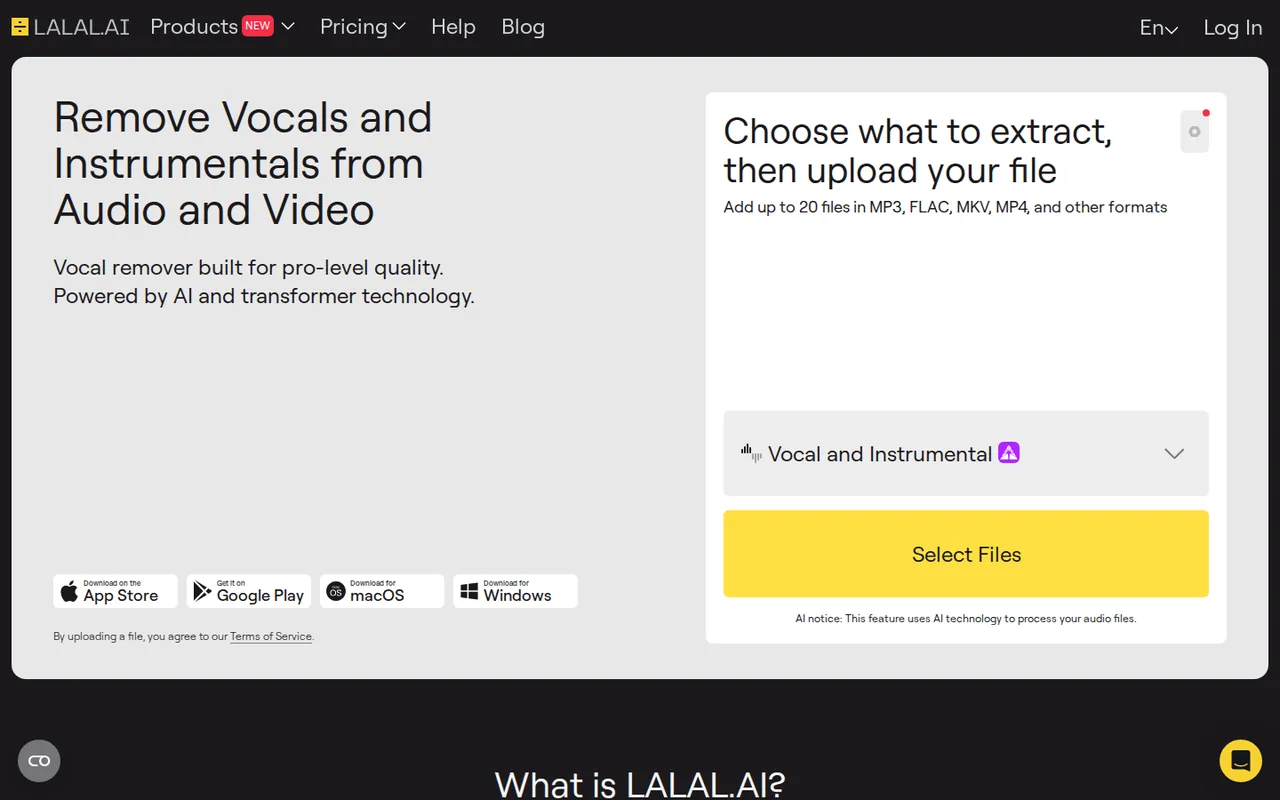
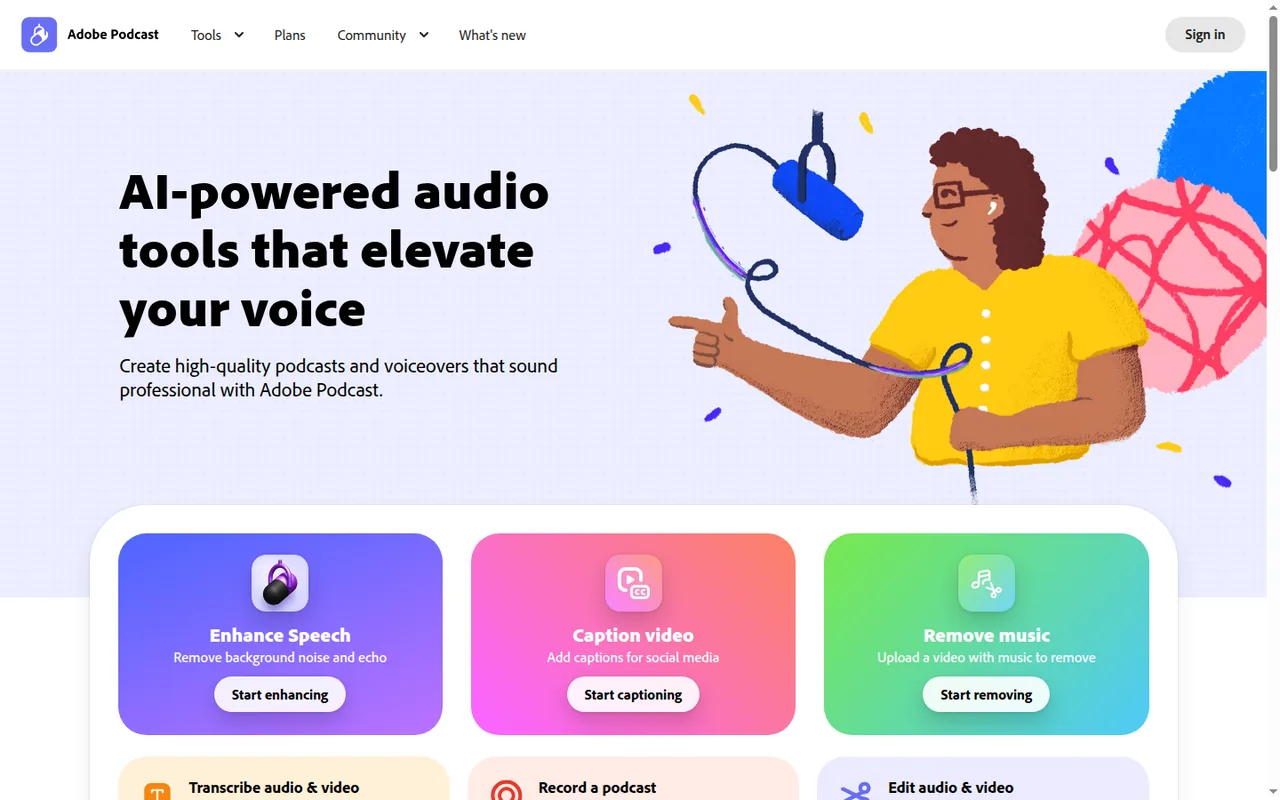
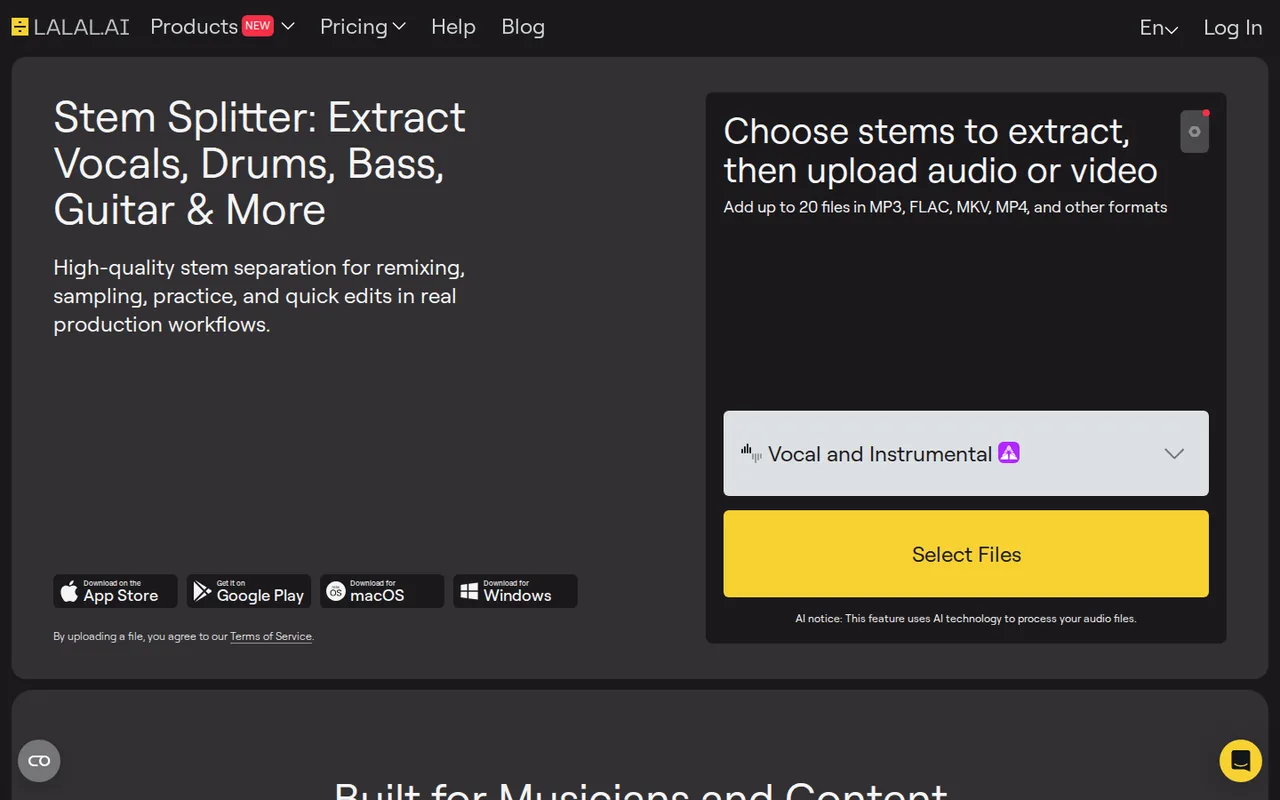
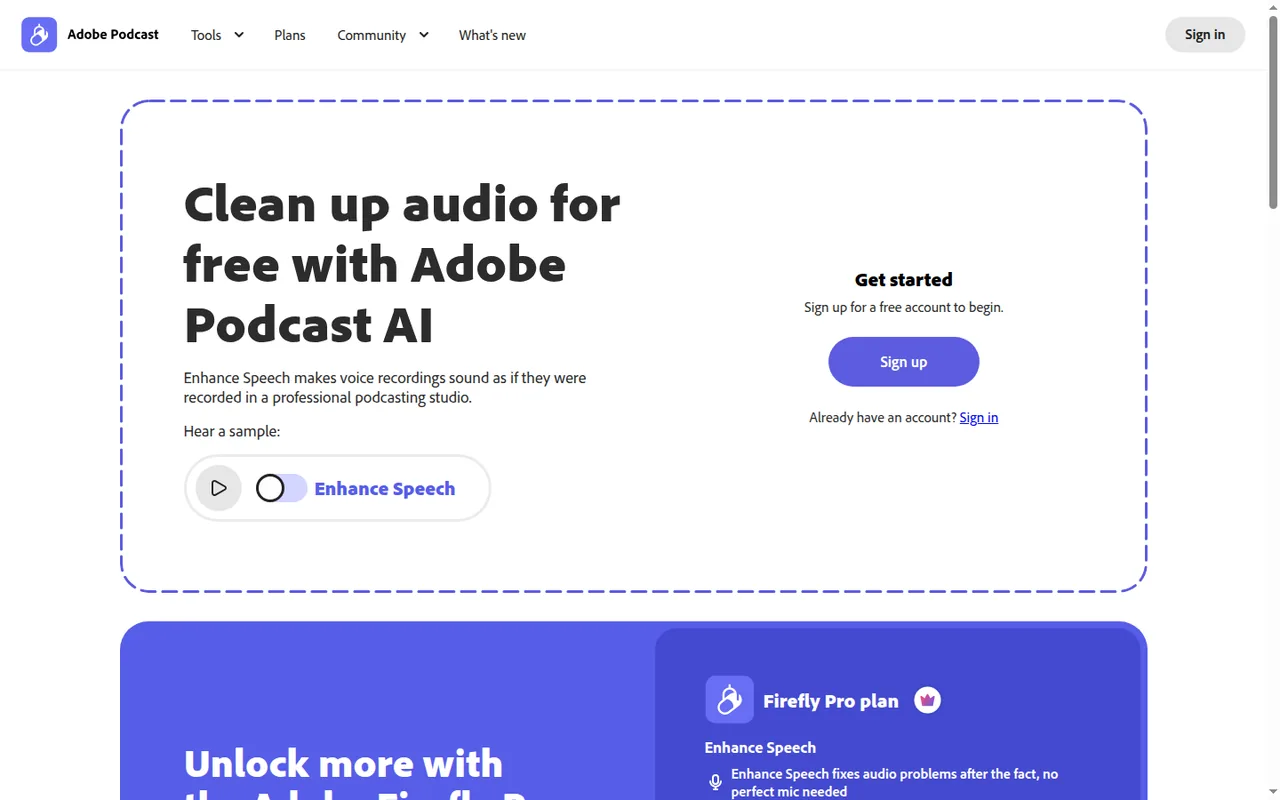
| Separating vocals and instrument stems from a finished mix | Built for | Browser cleanup and text editing of speech |
| Audio & voice | CategorySame | Audio & voice |
| Platforms |
|
| Works with |
|
| How current | ||
| Profile sources checked | ||
| Prices confirmed · Oct 1, 2026 | Pricing checkDiffers | Pricing review due · Sep 24, 2026 |
Official source check for both tools. No hands-on testing and no score: “Differs” marks a documented difference, not a better tool.
Plans and prices
LALAL.AI
Prices confirmed · Oct 1, 2026- StarterUSD 0
- LiteUSD 7.50 per monthUSD 90 billed annually · US view; monthly billing also offered
- ProUSD 15 per monthUSD 180 billed annually · US view; monthly billing also offered
Adobe Podcast
Pricing review due · Sep 24, 2026- FreeFree
- Firefly Pro (includes Adobe Podcast Premium)EUR 21.99 per month incl. VATbilled monthly · Adobe Firefly plans page, Germany
- Adobe Podcast Premium (legacy)No public priceclosed to new customers
Strengths and limits
LALAL.AI
Strengths
- Free quality check before paying: Starter previews come from the same processing quality as paid output, according to the refund policy.
- Clear minute formula: The pricing FAQ states how file length and stem types combine into charged minutes.
- No training on uploads: The privacy policy says user files are not used for AI training or shared with third parties.
Limits to plan around
- No downloads on the free plan: Starter lets you hear previews but not download full results.
- Refunds are narrow: Processing a file in full counts as accepting the preview quality, and used minutes are not refunded.
- Unused Fast minutes expire: Fast Queue minutes reset each billing period and do not roll over.
Adobe Podcast
Strengths
- No software install: Enhance Speech and Studio run in the browser, and Enhance Speech supports current Chrome, Safari, Edge and Firefox.
- Usable free tier: The Free plan includes Enhance Speech, remote recording, transcription and text-based editing within daily caps.
- Separate speaker tracks: Remote sessions capture each participant on an individual track, recorded locally in their browser.
Limits to plan around
- Studio needs Chrome desktop: Adobe supports Podcast Studio only on Google Chrome for desktop.
- Tight free daily caps: Free Enhance Speech stops at 1 hour a day, and Studio downloads at 2 projects a day.
- No standalone Premium plan: New customers who check out on podcast.adobe.com are sent to the broader Firefly Pro plan for Premium features.
See both products
Start from your task, not from a winner.
Run both tools on the same real task, then compare the result, how much editing it needs and how fast it uses your plan’s allowance.
How we reviewChange this pair
Choose tools
Choose two tools below. You can replace either selection at any time.
Audio & voice
Automation
Coding
Data & spreadsheets
Images & design
Presentations
Research & sources
Video & editing
Website builders
Writing & content
Comparing tools from different categories is fine, and often useful — a writing assistant and a research tool solve different halves of the same job. The table will show you exactly where they diverge.
Questions about comparing tools
How does the comparison work?
Add two tools to the comparison tray from any tool card, then open this page. The table pulls each tool's verified plan details, platforms, strengths and limits from its profile, so both columns carry the same kind of evidence, with a separate source-check date for each tool.
Do you declare a winner?
No. The table sets two tools against each other on documented facts, not on a score. Which one wins depends on your task, your budget and your usage volume — three things we cannot see from here.
Why are some cells empty or marked unverified?
Because we could not confirm that detail on the vendor's own pages. Rather than filling the gap with a figure from elsewhere, we mark it and say why on the tool's profile.
Can I compare more than two tools?
Not at once. Two columns keep the differences readable and force a real decision. Remove either selected tool to replace it, or clear both to start a new pair.
Every figure in the table above comes from the linked profile, where the source and the verification date are listed. Browse all tools or read the editorial policy.