


Key features
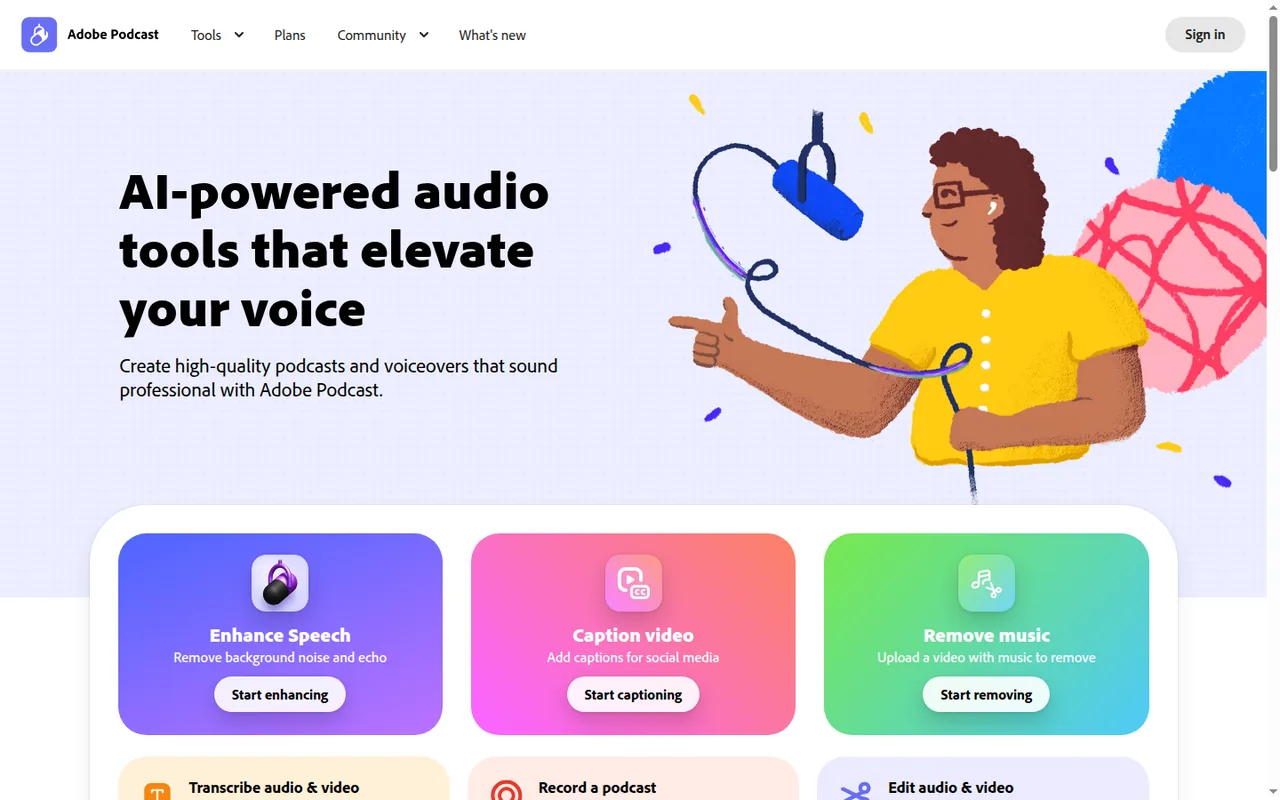
- Enhance SpeechRemoves background noise and echo from voice recordings and levels the result so speech sounds closer to a studio recording.
With Firefly Pro it also takes video such as MP4 and MOV, bulk uploads and a strength control for speech, music and ambience, and returns each file in the format you uploaded.
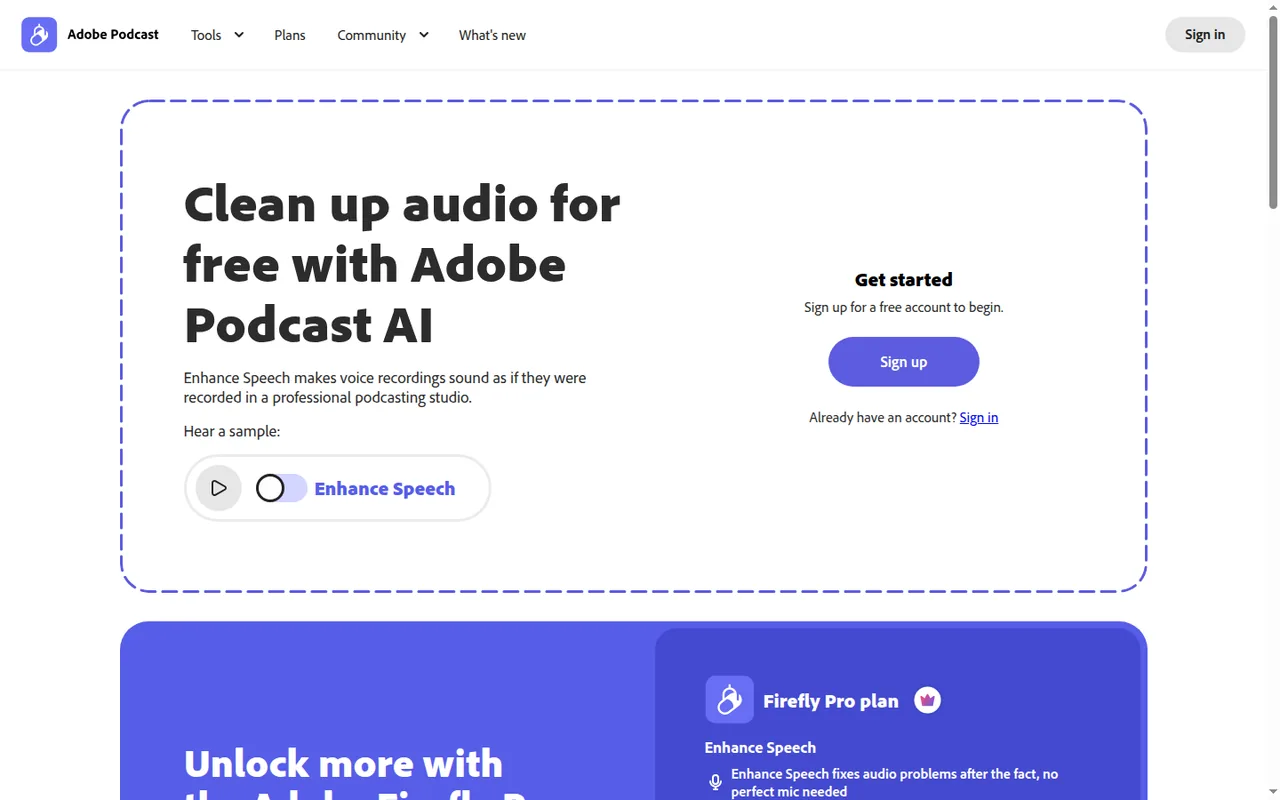
Falls short On the Free plan it handles audio only, one file at a time, up to 30 minutes and 500 MB per file and 1 hour a day, without strength control.
- Podcast StudioRecords solo or remote sessions in the browser and captures each participant on a separate track, with optional video.
Guests join a remote session by link without signing in, or by email invite, and each track is saved continuously while you record.
Falls short Studio is supported only on Google Chrome desktop, and Adobe recommends up to 5 guests per remote session.
- Text-based editingTranscribes a project so you can cut, copy and paste audio or video by editing the transcript like a document.
- Music and noise separationLets Premium users adjust or mute background music and download separate stems for speech, noise and music.
The downloaded speech, noise and music stems can be edited further in other audio or video tools.
Falls short The March 2026 release notes mark this as Premium-only, so Free accounts cannot use it.
- Captions and audiogramsTurns audio or video into captioned clips with themes, aspect ratios and speaker labels for social sharing.
- Multitrack importImports separate per-speaker files from tools such as Zoom, Restream, StreamYard or Riverside and syncs them into one transcript.
- ExportsStudio exports audio as WAV or MP3 at 48 kHz, video and audiograms as H.264 MP4 at 1080p or 720p, and transcripts as TXT, PDF or DOCX.
Falls short Free accounts can download Studio projects up to 30 minutes, 2 per day, and cannot download speaker-separated original recordings.
Strengths and limits
Strengths
- No software install: Enhance Speech and Studio run in the browser, and Enhance Speech supports current Chrome, Safari, Edge and Firefox.
- Usable free tier: The Free plan includes Enhance Speech, remote recording, transcription and text-based editing within daily caps.
- Separate speaker tracks: Remote sessions capture each participant on an individual track, recorded locally in their browser.
- Flexible export formats: Projects export as WAV, MP3 or MP4, and transcripts as TXT, PDF or DOCX.
More limits to plan around
- Project-level enhancement only: In Studio, Enhance Speech applies to the whole project rather than to a single speaker.
Who else is it for?
Editorial assessment, based on documented features
- Educators and course creatorsConsider it when lectures need cleaner audio plus transcripts in PDF or DOCX for learners.
How much does Adobe Podcast cost?
Some details not confirmed · checked
New customers get Premium features only through Firefly Pro. Firefly generative credits reset each billing cycle and do not roll over; Enhance Speech and Studio limits are set in hours, file sizes and downloads rather than credits. Adobe sells Firefly Pro on its Firefly plans page, which lists the price with VAT in local currency and labels the billing as Monthly; the Adobe Podcast plans page lists the plan without an amount.
Free
Free
Enhance Speech for audio only, files up to 30 minutes and 500 MB, 1 hour a day; Studio downloads of projects up to 30 minutes, 2 a day; Podcast-branded audiograms.
Firefly Pro (includes Adobe Podcast Premium)
EUR 21.99 per month incl. VATbilled monthly · Adobe Firefly plans page, Germany
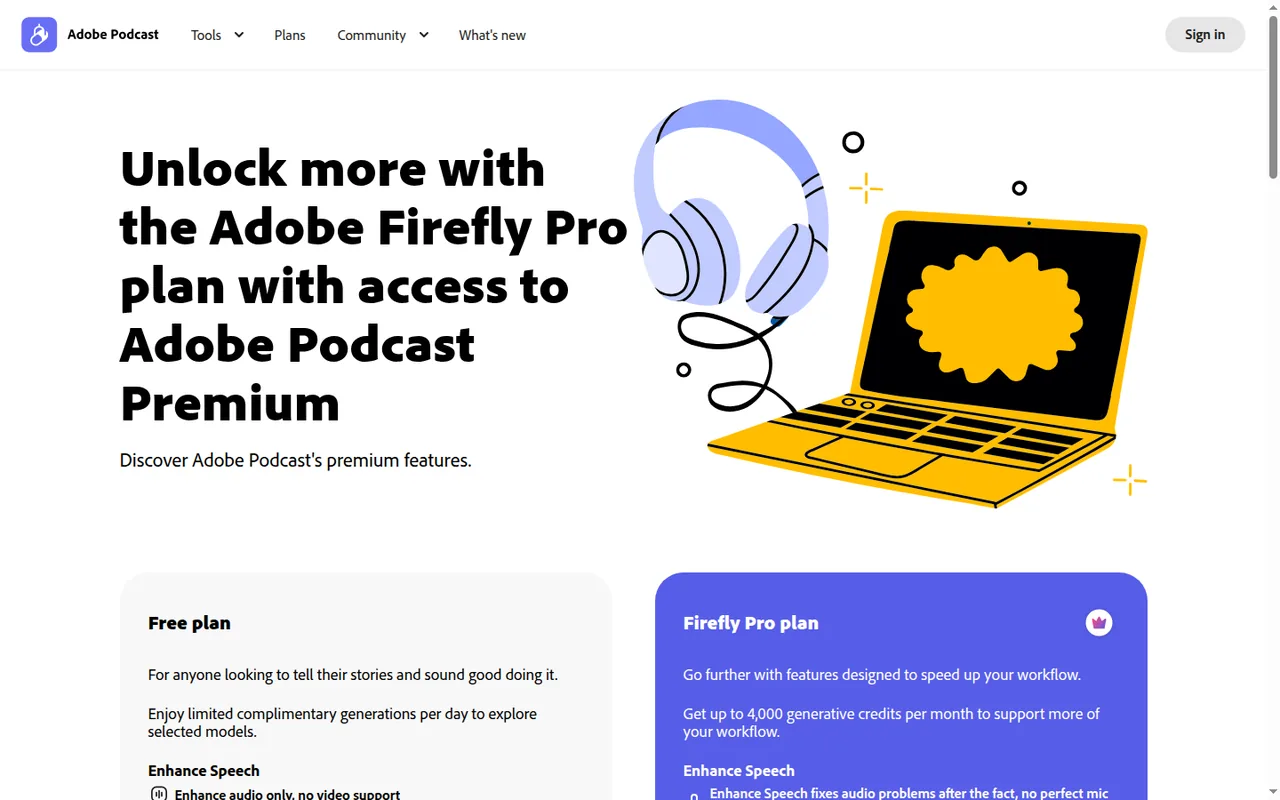
4,000 generative credits a month; Enhance Speech with video, bulk upload, strength control, 4 hours a day and files up to 1 GB and 2 hours; unlimited Studio downloads and speaker-separated originals. A free trial is offered.
Adobe Podcast Premium (legacy)
No public priceclosed to new customers
Existing subscribers keep Premium at their current rate and receive Firefly Standard with 2,000 monthly generative credits at no extra cost.
How far does it go?
- Free Enhance Speech over a monthAt 1 hour a day, Free can enhance up to about 30 hours of audio in a 30-day month (1 x 30), but only in files of 30 minutes or less, so a 45-minute episode has to be split into two files first.
- Firefly Pro enhancement per day4 hours a day, in files of up to 1 GB and 2 hours each, means two full 2-hour recordings a day, or up to about 120 hours in a 30-day month (4 x 30).
- A 45-minute episode in StudioFree Studio downloads stop at 30 minutes per project, so a 45-minute episode is 15 minutes over the cap: either cut it into a 30- and a 15-minute project or use Firefly Pro, whose projects run up to 2 hours.
Arithmetic from the published allowances above, not a usage test.
Taxes, currency and promotions can change the price you see at checkout.
Is the Free plan enough, or do you need Firefly Pro?
Editorial assessment
The Free plan’s caps are generous for short audio-only shows and tight for anything longer or video-based, so the decision turns on episode length and format more than on features.
- Stay on Free if every episode is 30 minutes or shorter, audio only, and you download no more than two projects a day.
- Move to Firefly Pro once episodes run up to 2 hours, you need to clean video such as MP4 or MOV, you process files in bulk, or you want speaker-separated originals and music removal.
- Look elsewhere if guests cannot use Chrome on a desktop, or if you start from a script rather than a recording.
For recordings made in another tool, Auphonic is the closer comparison, since it focuses on automatic leveling and loudness. ElevenLabs and Murf generate a voice from text, a different job, and the audio tools category lists them side by side.
What happened to Adobe Podcast Premium?
Adobe stopped selling Adobe Podcast Premium as a standalone plan to new members on August 30, 2026. Checkout on podcast.adobe.com now leads to the Firefly Pro plan, which Adobe says includes everything Podcast Premium offered, including Enhance Speech and Studio. Existing Premium subscribers keep their current rate and also receive Firefly Standard at no extra cost, but if they cancel after that date they need a different plan to regain Premium features.
Adobe’s Firefly plans page for Germany lists Firefly Pro at EUR 21.99 a month including VAT, billed monthly; the Adobe Podcast plans page lists the plan without an amount. Neither page says whether that is a month-to-month price or an annual plan paid monthly, so check the term at checkout.
Continue reading · 4 more sectionsShow lessDo Podcast tools spend generative credits? · What can you export after editing? · How does remote recording work in Studio? …
Do Podcast tools spend generative credits?
The Podcast plans page sets Enhance Speech and Studio limits in hours per day, file sizes and downloads, and Adobe’s Podcast pages do not describe these tools as using generative credits. The credits in Firefly Pro pay for Firefly features such as generating speech, music or sound effects, and they reset each billing cycle without rolling over. Plan around two separate budgets: daily Podcast hours and monthly Firefly credits.
What can you export after editing?
Studio transcribes each project so you can remove audio or video by deleting transcript text. Finished projects export as WAV or MP3 at 48 kHz, as H.264 MP4 video at 1080p or 720p, or as captioned audiograms in the same MP4 format, and transcripts download as TXT, PDF or DOCX. Enhance Speech does not convert formats, so a file comes back in the format you uploaded.
Transcription is documented for English, French, German, Hindi, Italian, Portuguese and Spanish. Studio imports audio and video files up to 5 GB and 2 hours, with video up to 4K, although the Free plan caps projects at 30 minutes.
How does remote recording work in Studio?
You create a project, choose a microphone and optional camera, and invite guests by link, which lets them join without signing in, or by email, which requires them to sign in with the invited address. Each participant is recorded in their own browser and saved continuously, so a dropped connection should not lose the session. Adobe sets no hard guest limit but recommends up to five guests.
The March 2026 update added video recording in Studio, multitrack import that syncs per-speaker files from tools such as Zoom, Restream, StreamYard or Riverside, and Premium-only source separation with stem downloads for speech, noise and music. Enhance Speech in Studio still works on the whole project rather than one speaker.
How can you test Adobe Podcast on your own show?
Proposed evaluation · not performed yet
On Free, use an audio recording within the displayed duration and size limits. Treat video processing and advanced export as separate plan-access checks. record a 20-minute remote conversation with one guest in Chrome, including a noisy room and a short music bed. Run Enhance Speech on the Free plan, export WAV, MP4 and a DOCX transcript, and note which steps hit the 30-minute, 500 MB or two-downloads-a-day caps. Repeat during a Firefly Pro trial to compare music removal and speaker-separated downloads before deciding whether the paid features change your workflow.
Adobe Podcast alternatives
Other audio & voice tools profiled with the same source-checked method. Pick by the job, not by a score.
| Tool | Free access | Paid plans from | Consider it for |
|---|---|---|---|
| Adobe PodcastThis profile | Free access available | EUR 21.99 per month incl. VAT | Browser cleanup and text editing of speech |
| Auphonic | Free access available | USD 11 per month | Automatic post production for spoken audio |
| Murf | Free access available | USD 19 per month | Narrated e-learning and presentation voiceovers |
| ElevenLabs | Free access available | USD 5 per month | Narration and voice work |


Adobe Podcast user reviews
Visitor opinions, moderated before publishing. Separate from our source checks; we do not score tools.
Frequently asked questions
Is Adobe Podcast free?
Yes. You can sign up for a free Adobe account and use both Enhance Speech and Studio, and remote recording is listed as unlimited on the Free plan. Enhance Speech on its own runs in current Chrome, Safari, Edge and Firefox on desktop and mobile, so quick cleanups do not need the Chrome desktop setup that Studio sessions require.
Is Adobe Podcast available in every country?
No. Adobe's FAQ says the service is available worldwide except in China, Cuba, Iran, North Korea, Syria, Crimea and the so-called Donetsk and Luhansk People's Republics. Teams with members or guests in those regions should plan another recording route, because the restriction applies to the whole service rather than to paid features only.
Does Enhance Speech work in any language?
Yes. Adobe describes Enhance Speech as language agnostic: it filters noise and artifacts, adjusts pitch and volume levels and normalizes the result without translating anything. The language list only matters for Studio's transcription, captions and transcript-based editing, not for cleaning up the sound of a recording in another language.
Is there a free trial of Firefly Pro?
Adobe advertises one. The music remover page says the feature is included with Firefly Pro and offers a 7-day free trial, and the plans page carries Start free trial buttons. Adobe's pages do not spell out renewal terms next to the trial offer, so read the checkout screen before entering payment details.
Can I make captioned clips for social media?
Yes. Studio generates captions for a video, lets you pick a theme with different colors and fonts, crop to different aspect ratios and show or hide speaker names for recordings made in Adobe Podcast. Free audiograms carry Podcast branding, while Firefly Pro removes it and adds custom themes and uploaded backgrounds.
How we checked this profile
28 details on this page were checked against Adobe Podcast's own pages and help documentation (Sep 24–26, 2026). 1 is still open and listed below.
See the checks by section24 documented3 editorial assessment1 open
| Section | Checks | Last checked | Sources |
|---|---|---|---|
| Article text | 4 documented 3 editorial | podcast.adobe.com/plansadobe.com/plans.htmlhelpx.adobe.com/technical-requirements.htmlpodcast.adobe.com/set-up-a-remote-recordingpodcast.adobe.com/en | |
| Plans and prices | 8 documented 1 open | helpx.adobe.com/adobe-podcast-premium-plan…podcast.adobe.com/plansadobe.com/plans.html | |
| Questions | 7 documented | podcast.adobe.com/remove-music-from-audio-or…podcast.adobe.com/planshelpx.adobe.com/technical-requirements.htmlhelpx.adobe.com/adobe-podcast-faq.htmlpodcast.adobe.com/add-captions-to-video-with… | |
| Strengths and limits | 2 documented | podcast.adobe.com/set-up-a-remote-recordinghelpx.adobe.com/adobe-podcast-faq.html | |
| Features | 3 documented | helpx.adobe.com/adobe-podcast-faq.htmlpodcast.adobe.com/whats-new-in-adobe-podcast… |
Still open
- The Adobe Podcast plans page no longer shows an amount for Firefly Pro.Not confirmed · checked · Source (opens in a new tab)
Sources for this profile
- Adobe Podcast planspodcast.adobe.com
- Adobe Podcast Premium plan change FAQhelpx.adobe.com
- Adobe Firefly plansadobe.com
- Adobe Podcast technical requirementshelpx.adobe.com
All 10 sources
Plan limits come from the Adobe Podcast plans page; Premium changes come from Adobe's plan change FAQ; recording, export and language details come from the Adobe Podcast FAQ, technical requirements and guides. Firefly Pro is priced in USD on the Podcast plans page and in EUR including VAT on the Firefly plans page for Germany.
Sources checked Sep 24–26, 2026. We read the vendor's documentation; we did not test the product or score it. Found something out of date? See how we correct profiles.


