
EaseUS Vocal Remover vs Voicemaker
Plans, free access, limits and intended use side by side, taken from each vendor’s own pages. No score and no winner: the facts show where the two differ.
Change tools
Free separation to preview; keeping the file needs a plan

Count credits per voice model, not per plan
- Free access
- EaseUS Vocal Remover: Free access
- Voicemaker: Free access
- Paid from
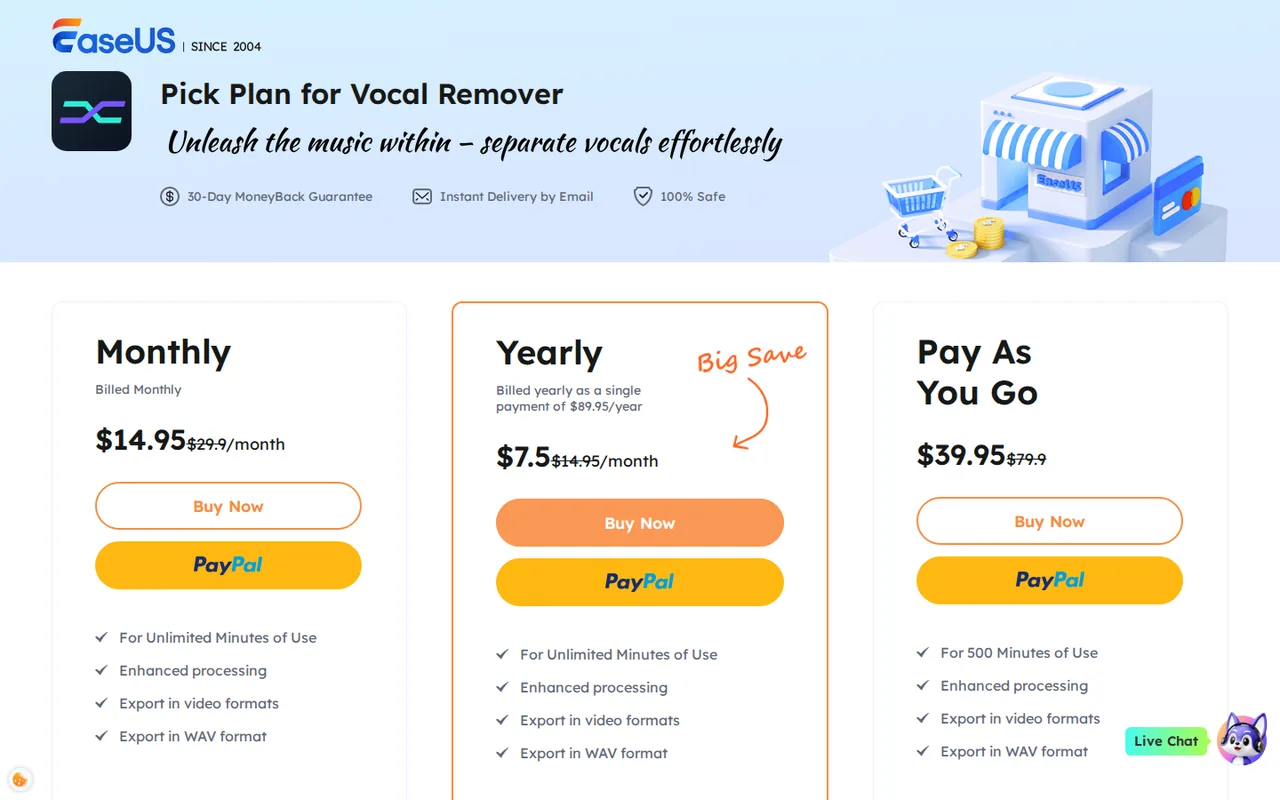
- EaseUS Vocal Remover: USD 14.95 per month
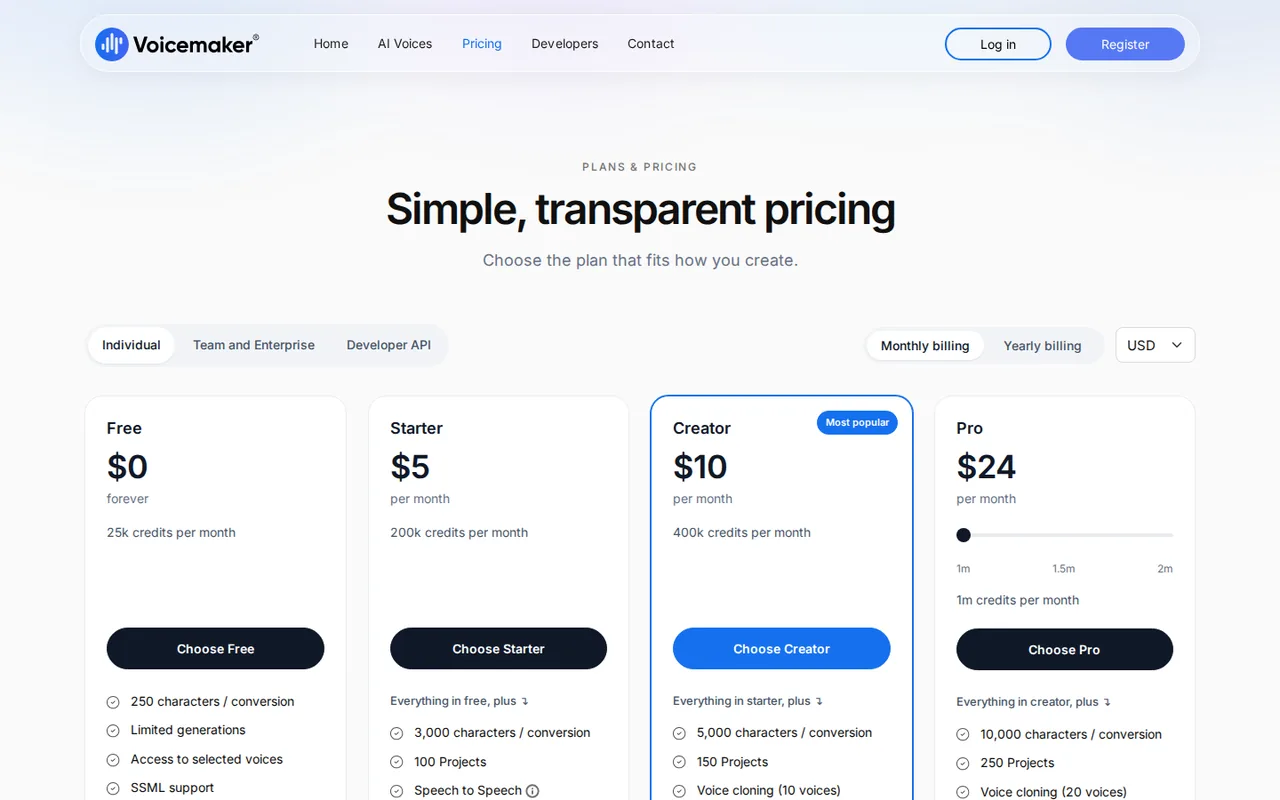
- Voicemaker: USD 5 per month
- Plans listed
- EaseUS Vocal Remover: 4
- Voicemaker: 8
- Public API
- EaseUS Vocal Remover: Not confirmed
- Voicemaker: Not confirmed
Where EaseUS Vocal Remover and Voicemaker differ
- PlansEaseUS Vocal Remover lists 4 plans and Voicemaker lists 8.
Head to head
Each value from the tool’s profile and the vendor’s own pages
| EaseUS Vocal Remover | Fact | Voicemaker |
|---|---|---|
| Access and price | ||
| Free access availableFree · USD 0 | Free accessSame | Free access availableFree · USD 0 |
| USD 14.95 per monthMonthly · billed monthly · shown next to a struck-through $29.90 | Lowest listed paid plan | USD 5 per monthStarter · billed monthly · or $50 billed yearly, $4.17 a month |
| Free plan without downloads; paid from $14.95/month | Pricing model | Free plan; paid from $5/month |
| 4 | Plans listedDiffers | 8 |
| Not confirmed | Public API | Not confirmed |
| Not confirmed | Card to start | Not confirmed |
| No | Open source | Not confirmed |
| What it is for | ||
| Karaoke tracks and stems from songs you have the right to use | Built for | Low-cost voiceovers for videos and courses |
| Audio & voice | CategorySame | Audio & voice |
| Platforms |
|
| Works with |
|
| How current | ||
| Profile sources checked | ||
| Prices confirmed · Sep 29, 2026 | Pricing checkSame | Prices confirmed · Sep 29, 2026 |
Official source check for both tools. No hands-on testing and no score: “Differs” marks a documented difference, not a better tool.
Plans and prices
EaseUS Vocal Remover
Prices confirmed · Sep 29, 2026- FreeUSD 0
- MonthlyUSD 14.95 per monthbilled monthly · shown next to a struck-through $29.90
- YearlyUSD 89.95 per yearbilled as a single payment · shown as $7.5 per month
- Pay As You GoUSD 39.95 for 500 minutesshown next to a struck-through $79.90
Voicemaker
Prices confirmed · Sep 29, 2026- FreeUSD 0
- StarterUSD 5 per monthbilled monthly · or $50 billed yearly, $4.17 a month
- CreatorUSD 10 per monthbilled monthly · or $100 billed yearly, $8.33 a month
- ProUSD 24 per month for 1m creditsbilled monthly · or $240 billed yearly for 10m credits, $20 a month
- TeamsUSD 49 per monthbilled monthly · or $490 billed yearly, $40.83 a month
Show 3 more plans
- BusinessUSD 109 per monthbilled monthly · or $1,090 billed yearly, $90.83 a month
- EnterpriseCustom pricing
- Audiobook & PodcastUSD 25 per yearshown reduced from $50
Strengths and limits
EaseUS Vocal Remover
Strengths
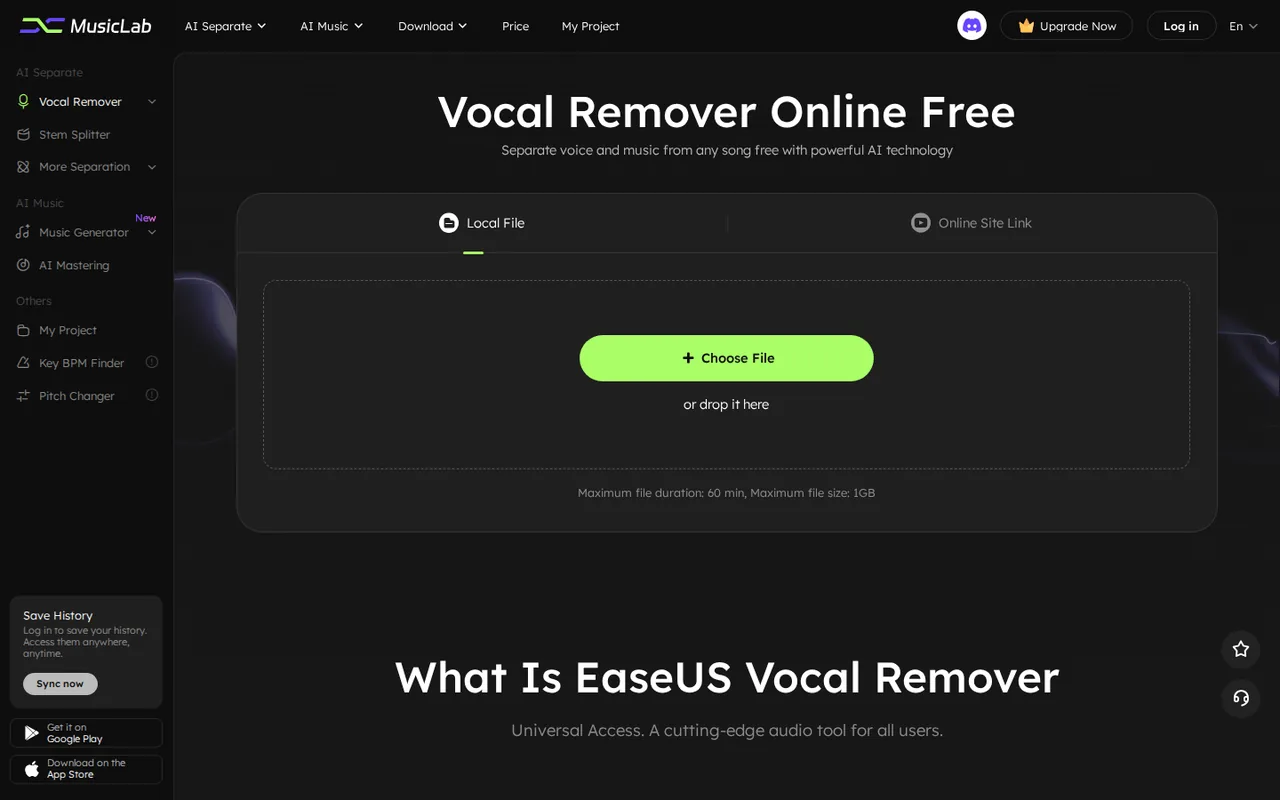
- Free processing without installing software: Separation runs in the browser, and the Free column allows 3 uploads a day.
- Three ways to pay: A monthly plan, a single yearly payment or a 500-minute pack suit different volumes.
- Several separation modes in one account: Vocals, instrumentals, four instrument stems, lead and backing vocals, echo, reverb and noise.
Limits to plan around
- No downloads on Free: The official Free vs Pro table lists 0 downloads a day, so free use ends at a preview.
- Money-back guarantee is conditional: The refund policy limits refunds to technical problems that support cannot fix and excludes products already used successfully.
- Mixed export information: The homepage FAQ says only MP3 export is supported, while paid plan cards list WAV and video export.
Voicemaker
Strengths
- Commercial rights on every paid plan: The terms allow commercial use of output on any paid plan, and output made while subscribed stays usable after it ends.
- Low entry price: Starter costs $5 a month, or $50 a year, for commercial use.
- Graduated refund table: First purchases can be refunded within 5 days, with fixed deductions based on credits used.
Limits to plan around
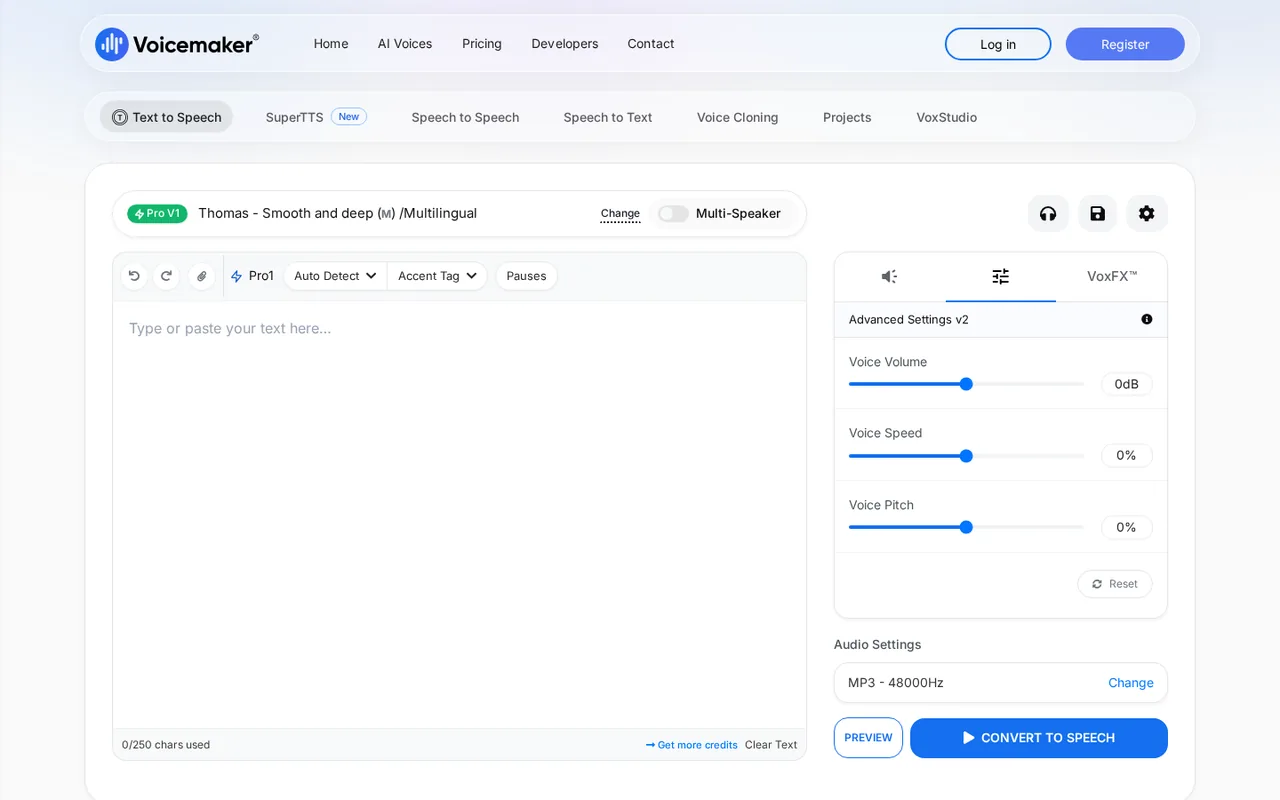
- Free plan is non-commercial: Free and trial output is limited to personal, internal evaluation or non-commercial use.
- Expressive voices cost more: ProPlus Expressive voices use 4 credits per character, so a plan covers a quarter of the default-voice audio.
- Credits disappear at expiry: Unused credits, including carried-over ones, are cleared when a plan ends without renewal.
See both products
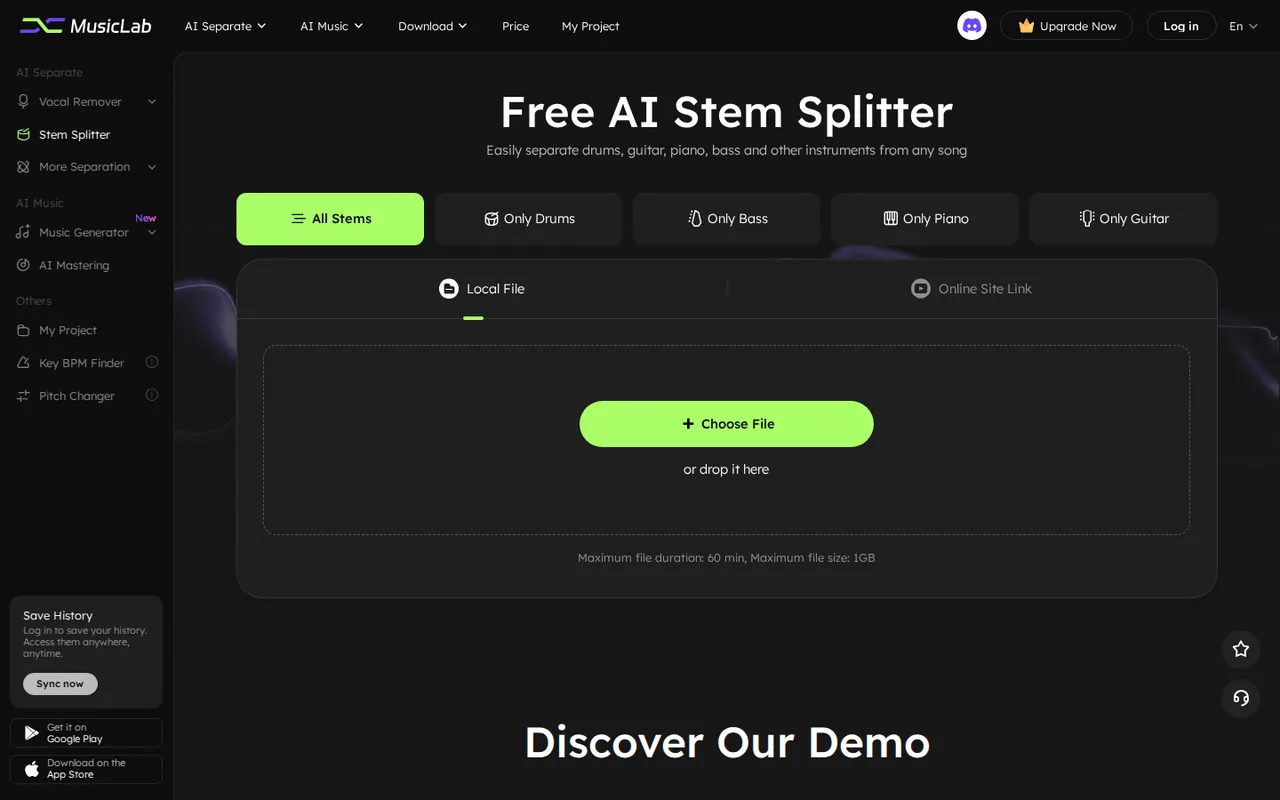
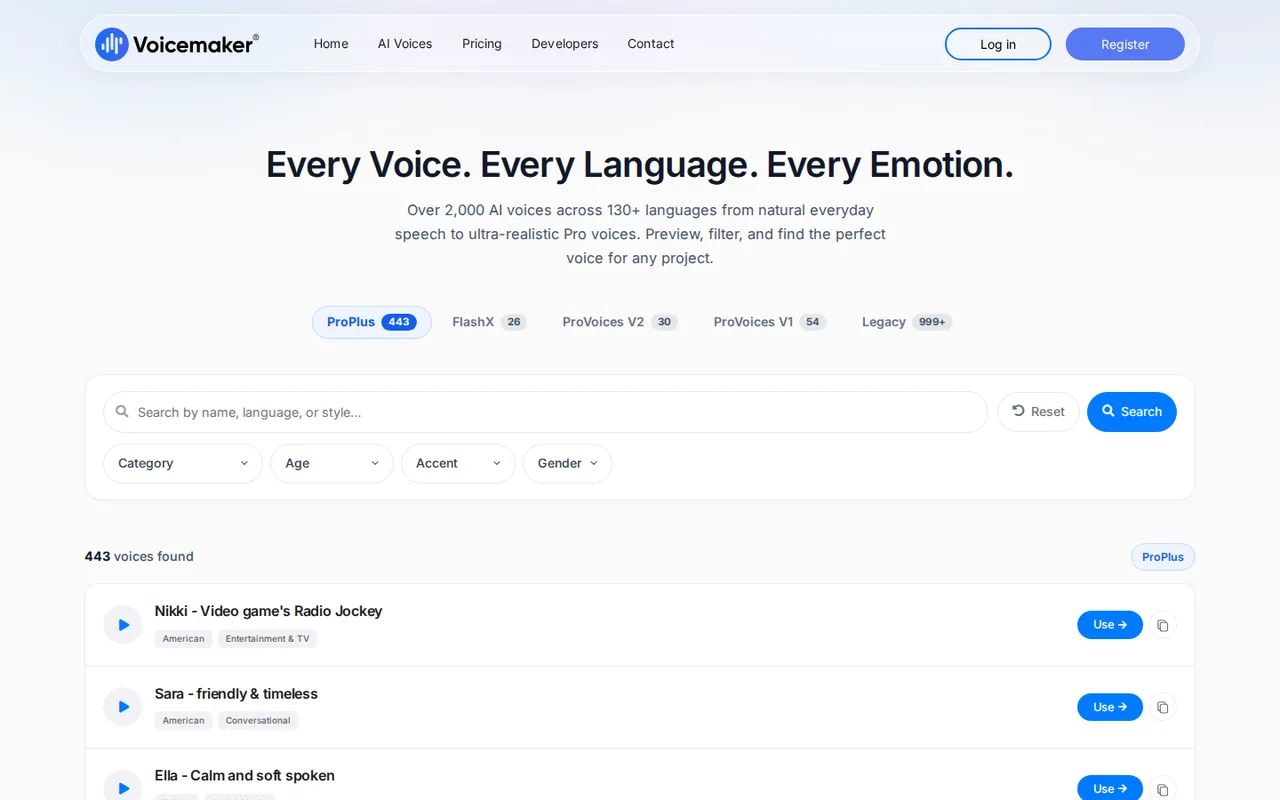
Start from your task, not from a winner.
Run both tools on the same real task, then compare the result, how much editing it needs and how fast it uses your plan’s allowance.
How we reviewChange this pair
Choose tools
Choose two tools below. You can replace either selection at any time.
Audio & voice
Automation
Coding
Data & spreadsheets
Images & design
Presentations
Research & sources
Video & editing
Website builders
Writing & content
Comparing tools from different categories is fine, and often useful — a writing assistant and a research tool solve different halves of the same job. The table will show you exactly where they diverge.
Questions about comparing tools
How does the comparison work?
Add two tools to the comparison tray from any tool card, then open this page. The table pulls each tool's verified plan details, platforms, strengths and limits from its profile, so both columns carry the same kind of evidence, with a separate source-check date for each tool.
Do you declare a winner?
No. The table sets two tools against each other on documented facts, not on a score. Which one wins depends on your task, your budget and your usage volume — three things we cannot see from here.
Why are some cells empty or marked unverified?
Because we could not confirm that detail on the vendor's own pages. Rather than filling the gap with a figure from elsewhere, we mark it and say why on the tool's profile.
Can I compare more than two tools?
Not at once. Two columns keep the differences readable and force a real decision. Remove either selected tool to replace it, or clear both to start a new pair.
Every figure in the table above comes from the linked profile, where the source and the verification date are listed. Browse all tools or read the editorial policy.