
Rodin vs Pikzels
Plans, free access, limits and intended use side by side, taken from each vendor’s own pages. No score and no winner: the facts show where the two differ.
Change tools
Preview the mesh before the credits leave

Count thumbnails in credits, and read the output license
- Free access
- Rodin: Free access
- Pikzels: Free trial only
- Paid from
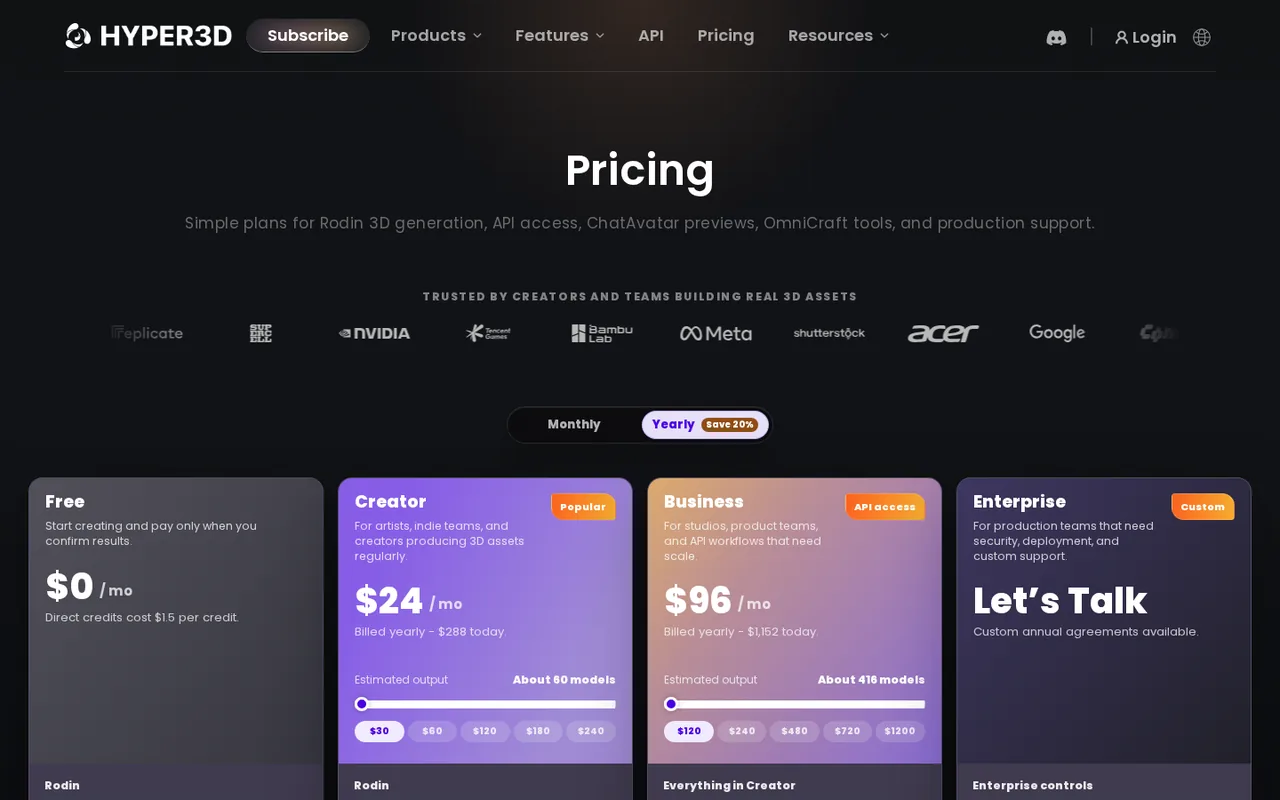
- Rodin: USD 30 per month
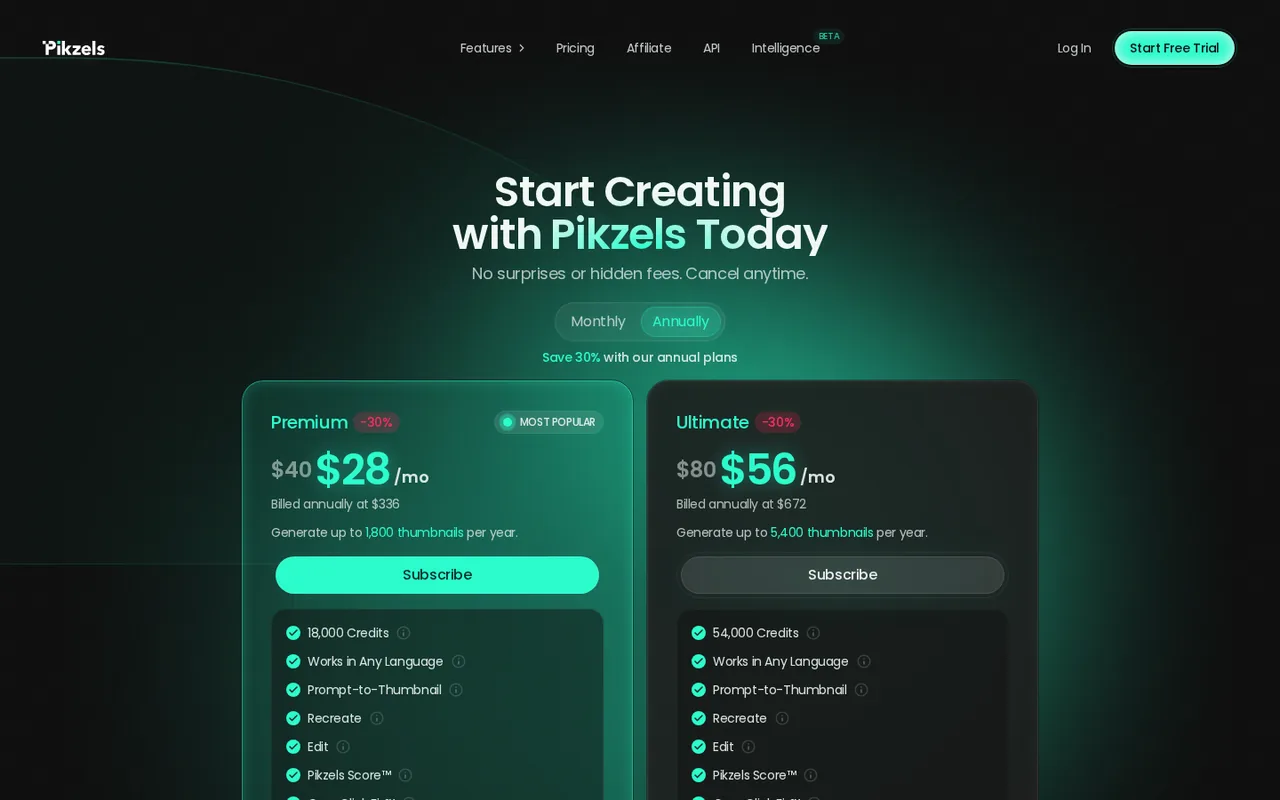
- Pikzels: USD 40 per month
- Plans listed
- Rodin: 4
- Pikzels: 4
- Public API
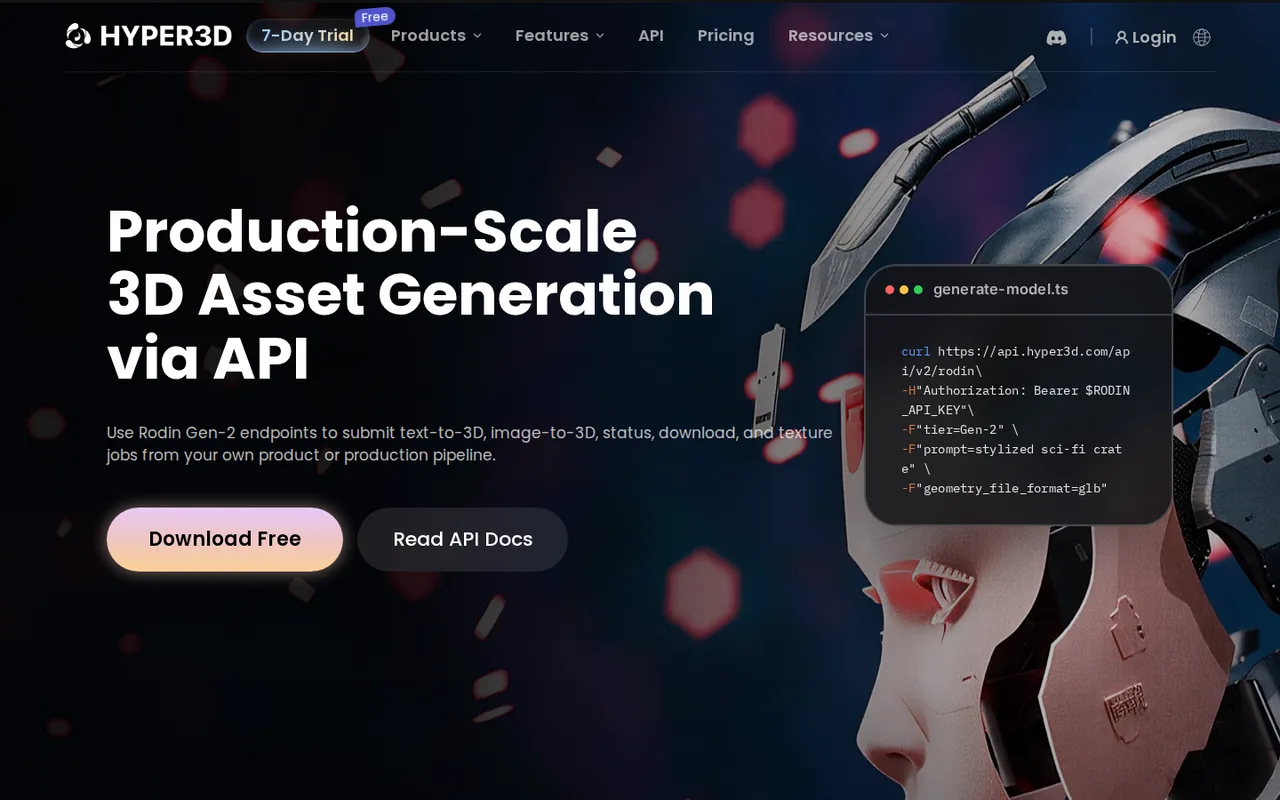
- Rodin: Yes
- Pikzels: Not confirmed
Where Rodin and Pikzels differ
- AccessRodin offers free access, while Pikzels offers a free trial only.
- Pricing checkPrices confirmed for Rodin; some prices or terms not confirmed for Pikzels.
Head to head
Each value from the tool’s profile and the vendor’s own pages
| Rodin | Fact | Pikzels |
|---|---|---|
| Access and price | ||
| Free access availableFree · USD 0 | Free accessDiffers | Free trial only |
| USD 30 per monthCreator · billed monthly · or $24 per month, $288 billed yearly | Lowest listed paid plan | USD 40 per monthPremium · billed monthly · or $28 per month, $336 billed annually |
| Free previews, credits $1.5 each; Creator from $30/month | Pricing model | Trial terms not published; Premium from $28/month billed yearly |
| 4 | Plans listedSame | 4 |
| Yes | Public API | Not confirmed |
| Not confirmed | Card to start | Not confirmed |
| No | Open source | Not confirmed |
| What it is for | ||
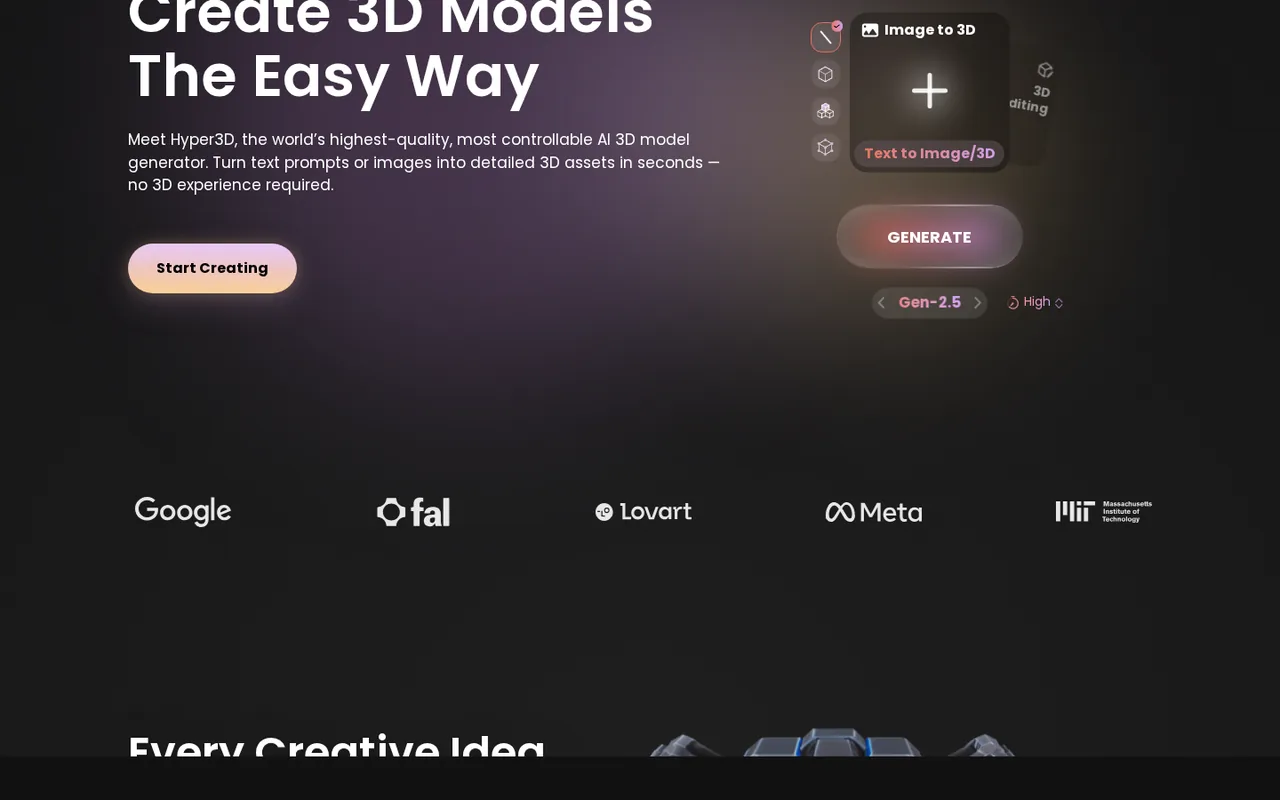
| Turning a reference image or prompt into a textured 3D model | Built for | YouTube thumbnails and titles from prompts or references |
| Images & design | CategorySame | Images & design |
| Platforms |
|
| Works with | Not listed |
| How current | ||
| Profile sources checked | ||
| Prices confirmed · Sep 29, 2026 | Pricing checkDiffers | Some prices or terms not confirmed · Sep 29, 2026 |
Official source check for both tools. No hands-on testing and no score: “Differs” marks a documented difference, not a better tool.
Plans and prices
Rodin
Prices confirmed · Sep 29, 2026- FreeUSD 0
- CreatorUSD 30 per monthbilled monthly · or $24 per month, $288 billed yearly
- BusinessUSD 120 per monthbilled monthly · or $96 per month, $1,152 billed yearly
- EnterpriseCustom pricing
Pikzels
Some prices or terms not confirmed · Sep 29, 2026- Free TrialTerms not published
- PremiumUSD 40 per monthbilled monthly · or $28 per month, $336 billed annually
- UltimateUSD 80 per monthbilled monthly · or $56 per month, $672 billed annually
- Public APIPricing behind login
Strengths and limits
Rodin
Strengths
- Free preview before paying: The pay-by-result workflow shows a generated model before any credit is spent.
- Pipeline plug-ins: Official add-ons cover Blender, Unity, Unreal, Godot, Maya, 3ds Max, Cinema 4D and Omniverse.
- Output use not restricted by the terms: The terms say Deemos will not limit use of Rodin output, subject to the terms, the law and paid-plan rights.
Limits to plan around
- No cancellation within a paid period: The fulfillment policy says a plan cannot be cancelled or downgraded during its subscription period, and payments are non-refundable.
- Free lacks export and any-use rights: The plan comparison marks unlimited export and any use as missing on Free.
- Per-model credit cost unclear: The pricing page gives model estimates, not a credit charge for each confirmed web-app generation.
Pikzels
Strengths
- Published action costs: The pricing page lists credits per thumbnail, analysis, title, Persona and Style.
- Yearly credits up front: Annual plans receive 12 months of top-tier credits at once, with an optional rollover.
- Consistent faces and looks: Personas and Styles keep a channel's face and design consistent across uploads.
Limits to plan around
- No refunds: All subscriptions and credit top-ups are final, including monthly, yearly and one-time purchases.
- Broad license over outputs: You own generated thumbnails, but Pikzels keeps a sublicensable license to use them for marketing and research.
- Trial terms not published: The pricing page offers a free trial but states no length, credit amount or card requirement.
See both products


Start from your task, not from a winner.
Run both tools on the same real task, then compare the result, how much editing it needs and how fast it uses your plan’s allowance.
How we reviewChange this pair
Choose tools
Choose two tools below. You can replace either selection at any time.
Audio & voice
Automation
Coding
Data & spreadsheets
Images & design
Presentations
Research & sources
Video & editing
Website builders
Writing & content
Comparing tools from different categories is fine, and often useful — a writing assistant and a research tool solve different halves of the same job. The table will show you exactly where they diverge.
Questions about comparing tools
How does the comparison work?
Add two tools to the comparison tray from any tool card, then open this page. The table pulls each tool's verified plan details, platforms, strengths and limits from its profile, so both columns carry the same kind of evidence, with a separate source-check date for each tool.
Do you declare a winner?
No. The table sets two tools against each other on documented facts, not on a score. Which one wins depends on your task, your budget and your usage volume — three things we cannot see from here.
Why are some cells empty or marked unverified?
Because we could not confirm that detail on the vendor's own pages. Rather than filling the gap with a figure from elsewhere, we mark it and say why on the tool's profile.
Can I compare more than two tools?
Not at once. Two columns keep the differences readable and force a real decision. Remove either selected tool to replace it, or clear both to start a new pair.
Every figure in the table above comes from the linked profile, where the source and the verification date are listed. Browse all tools or read the editorial policy.