
Tabbit vs n8n
Plans, free access, limits and intended use side by side, taken from each vendor’s own pages. No score and no winner: the facts show where the two differ.
Change tools
Free, with a default-browser condition

Build workflows in managed Cloud or on your own infrastructure.
- Free access
- Tabbit: Free access
- n8n: Free access
- Paid from
- Tabbit: US$30 per month
- n8n: EUR 20 per month
- Plans listed
- Tabbit: 3
- n8n: 6
- Public API
- Tabbit: Not confirmed
- n8n: Yes
Where Tabbit and n8n differ
- Pricing checkPrices confirmed for Tabbit; pricing review due for n8n.
- PlansTabbit lists 3 plans and n8n lists 6.
Head to head
Each value from the tool’s profile and the vendor’s own pages
| Tabbit | Fact | n8n |
|---|---|---|
| Access and price | ||
| Free access availableFree · USD 0 | Free accessSame | Free access availableCommunity · Free software |
| US$30 per monthPro · billed monthly | Lowest listed paid plan | EUR 20 per monthStarter Cloud · billed annually |
| Free and Standard plans; Pro US$30/month | Pricing model | Free self-hosted Community; paid Cloud |
| 3 | Plans listedDiffers | 6 |
| Not confirmed | Public API | Yes |
| Not confirmed | Card to start | Not required |
| No | Open sourceSame | No |
| What it is for | ||
| Browser tasks and research handed to an AI agent | Built for | Self-hostable workflow and AI-agent automation |
| Automation | CategorySame | Automation |
| Platforms |
|
| Works with | Not listed |
| How current | ||
| Profile sources checked | ||
| Prices confirmed · Sep 29, 2026 | Pricing checkDiffers | Pricing review due · Sep 24, 2026 |
Official source check for both tools. No hands-on testing and no score: “Differs” marks a documented difference, not a better tool.
Plans and prices
Tabbit
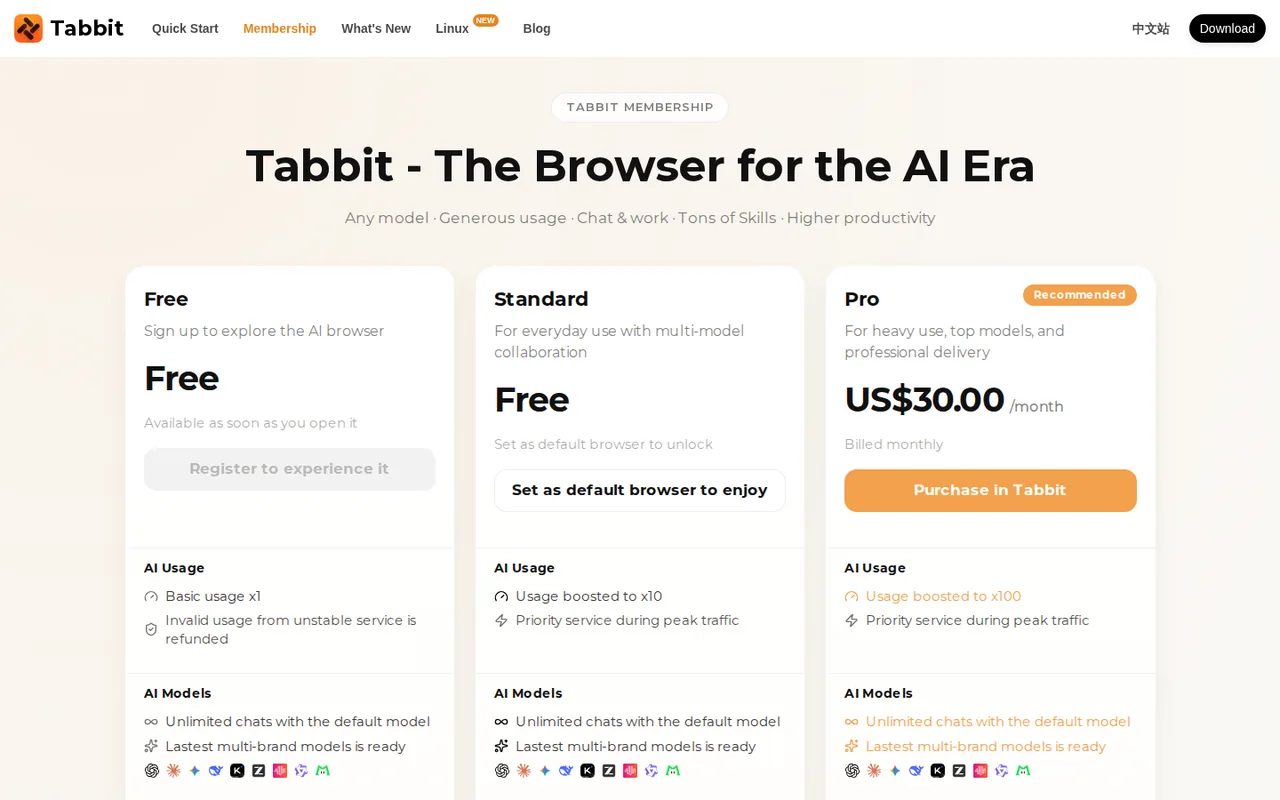
Prices confirmed · Sep 29, 2026- FreeUSD 0
- StandardUSD 0requires setting Tabbit as the default browser
- ProUS$30 per monthbilled monthly
n8n
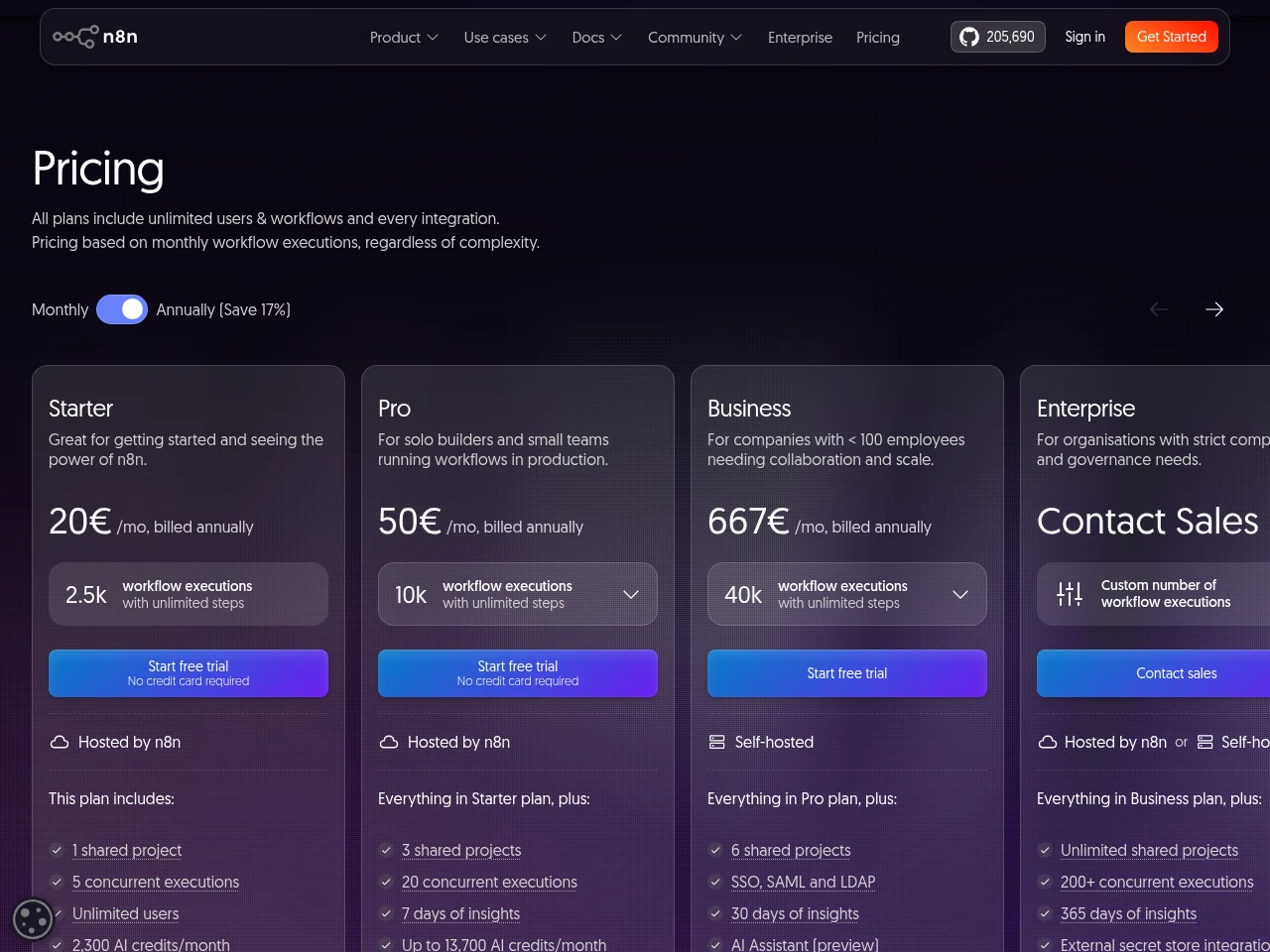
Pricing review due · Sep 24, 2026- CommunityFree software
- Cloud trial14-day trial
- Starter CloudEUR 20 per monthbilled annually
- Pro CloudEUR 50 per monthbilled annually
- Business self-hostedEUR 667 per monthbilled annually
Show 1 more plan
- EnterpriseContact provider
Strengths and limits
Tabbit
Strengths
- Free tiers with real features: Default-model chats, agent tasks and Skills are available without paying.
- Model choice shown per chat: The FAQ says the model name appears at the top of each chat, identifying the provider.
- Frequent releases: Release notes list version 1.15 on September 20, 2026, with a Chromium 152 engine.
Limits to plan around
- Standard needs default-browser status: The free Standard tier unlocks only when Tabbit is set as the default browser.
- Usage is relative, not numeric: Plans are rated x1, x10 and x100 without a published base unit.
- Legal texts hosted off-site: Terms and privacy pages load their text from page.meituan.net.
n8n
Strengths
- Same product on Cloud or your servers: Managed n8n Cloud and a deployment on your own infrastructure run the same underlying product.
- Ongoing Community option: Self-hosted Community can be used without a software subscription; the cost is the hosting and the time to run it.
- No seat pricing: Every plan, Starter included, allows unlimited users, workflows and integrations, so adding colleagues does not change the price.
Limits to plan around
- Self-hosting is your job: You provide the servers, updates and restores yourself; if nobody on the team can restore the installation or trace failed runs, Cloud is the safer start.
- Cloud trial is temporary: If you don't upgrade, the 1,000-execution trial expires after 14 days and its workspace is removed; workflows can still be downloaded for 90 days after the trial ends.
- Governance costs extra: SSO, environments, shared projects and Git version control need a paid plan or edition, even on your own server.
See both products
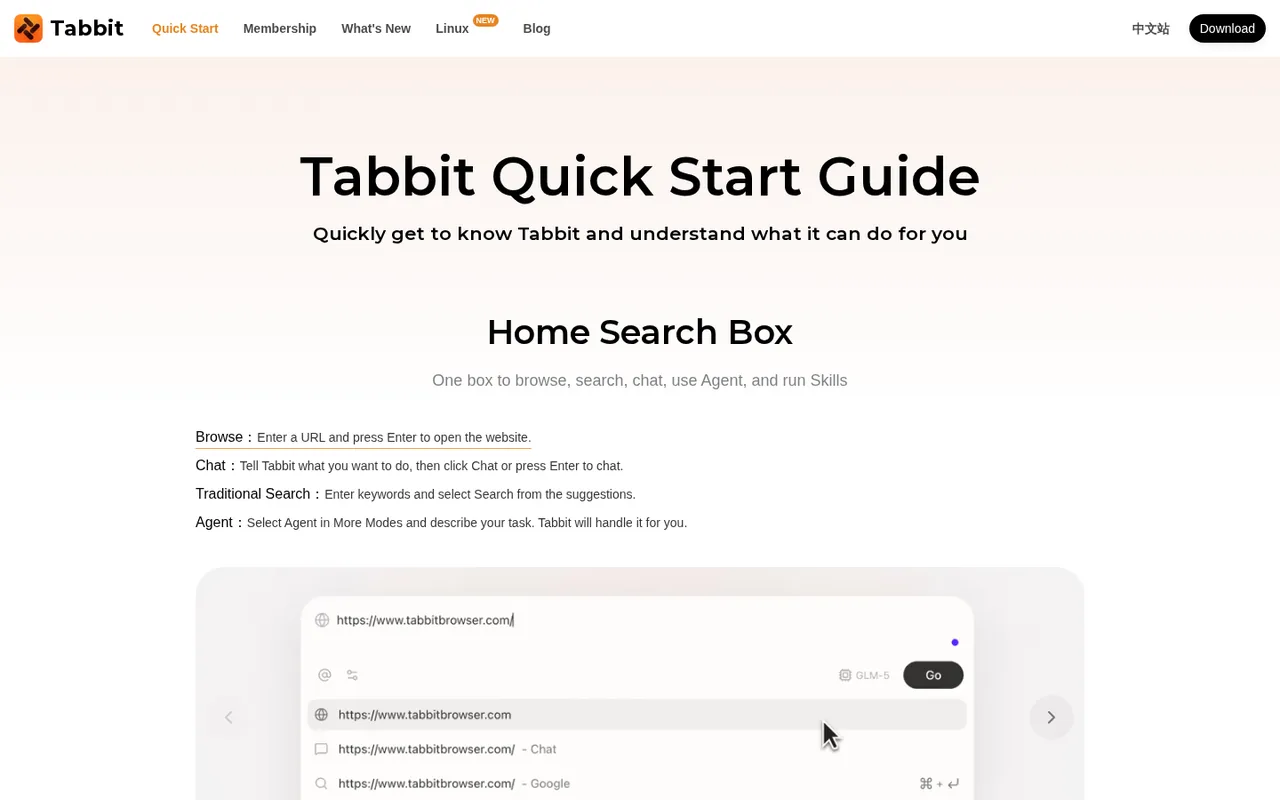
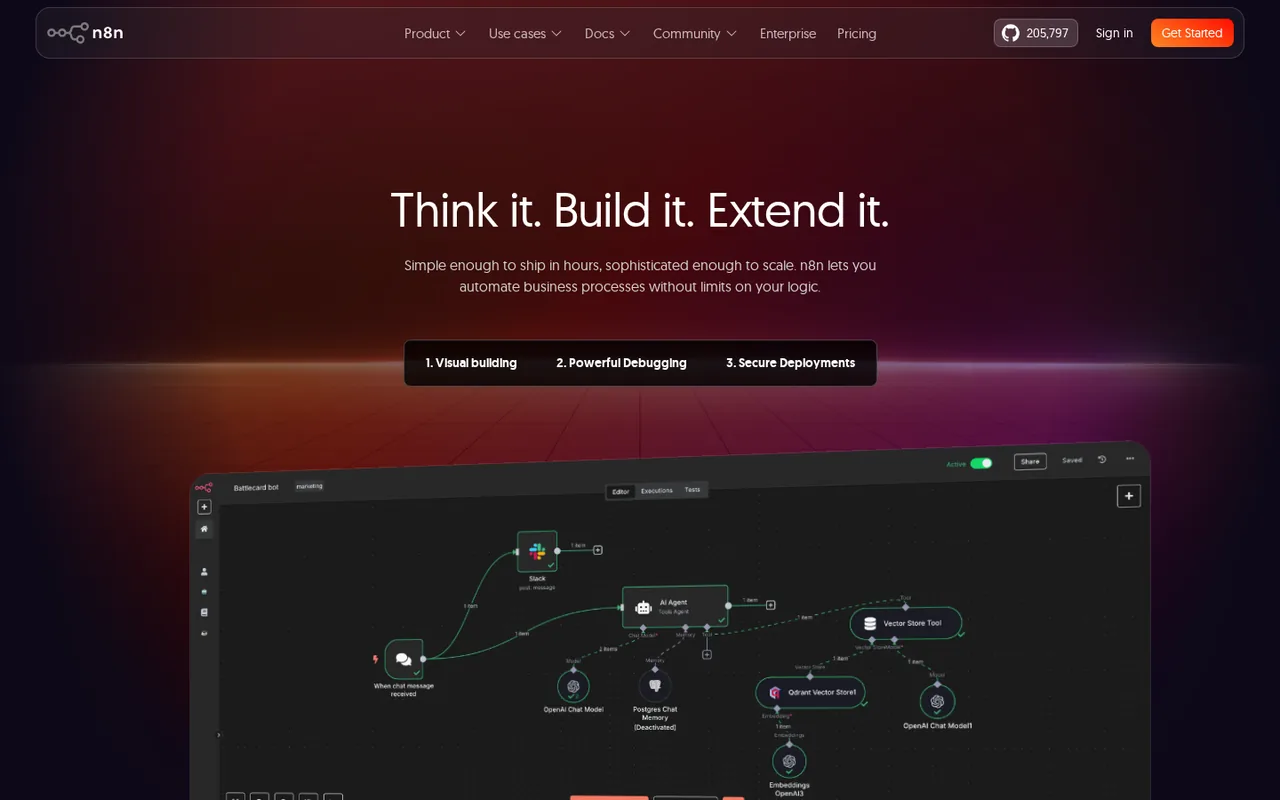
Start from your task, not from a winner.
Run both tools on the same real task, then compare the result, how much editing it needs and how fast it uses your plan’s allowance.
How we reviewChange this pair
Choose tools
Choose two tools below. You can replace either selection at any time.
Audio & voice
Automation
Coding
Data & spreadsheets
Images & design
Presentations
Research & sources
Video & editing
Website builders
Writing & content
Comparing tools from different categories is fine, and often useful — a writing assistant and a research tool solve different halves of the same job. The table will show you exactly where they diverge.
Questions about comparing tools
How does the comparison work?
Add two tools to the comparison tray from any tool card, then open this page. The table pulls each tool's verified plan details, platforms, strengths and limits from its profile, so both columns carry the same kind of evidence, with a separate source-check date for each tool.
Do you declare a winner?
No. The table sets two tools against each other on documented facts, not on a score. Which one wins depends on your task, your budget and your usage volume — three things we cannot see from here.
Why are some cells empty or marked unverified?
Because we could not confirm that detail on the vendor's own pages. Rather than filling the gap with a figure from elsewhere, we mark it and say why on the tool's profile.
Can I compare more than two tools?
Not at once. Two columns keep the differences readable and force a real decision. Remove either selected tool to replace it, or clear both to start a new pair.
Every figure in the table above comes from the linked profile, where the source and the verification date are listed. Browse all tools or read the editorial policy.