
eMastered vs TTSMP3
Plans, free access, limits and intended use side by side, taken from each vendor’s own pages. No score and no winner: the facts show where the two differ.
Change tools
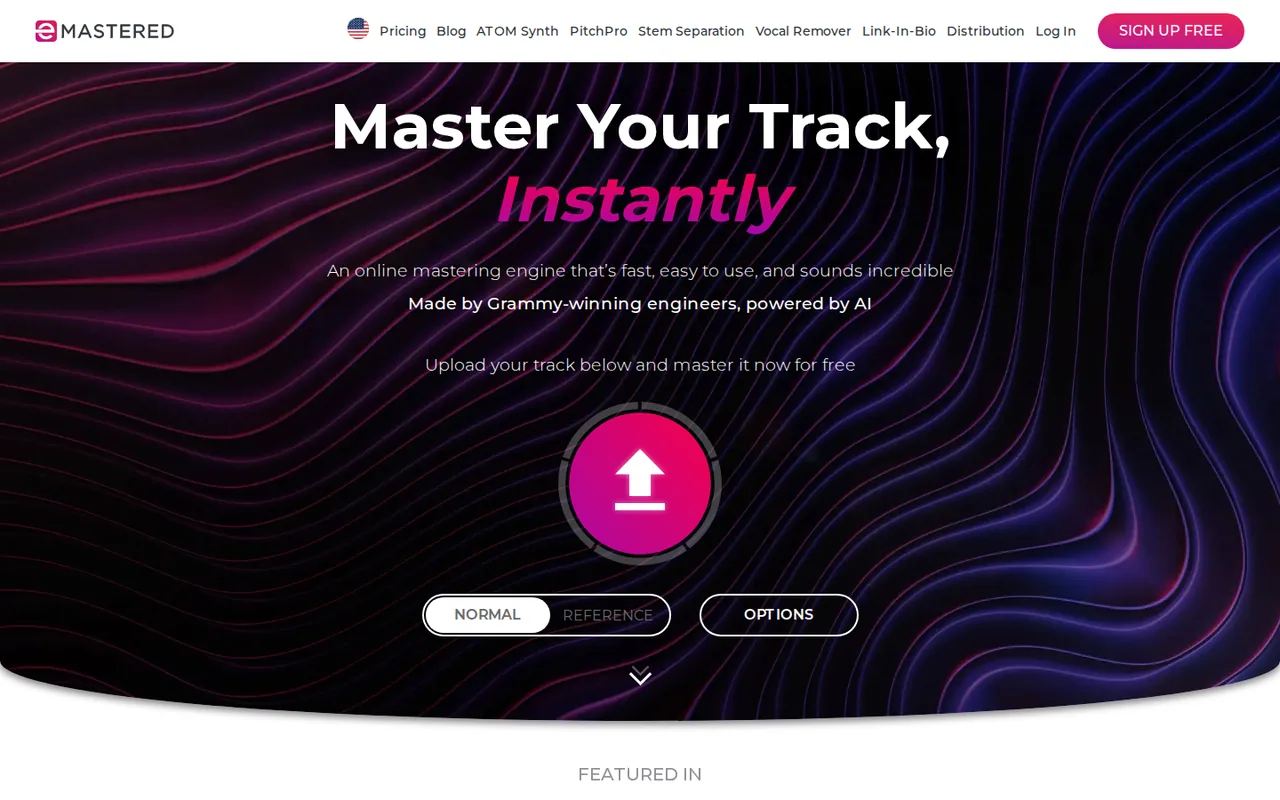
Preview masters free; pay when you need the file

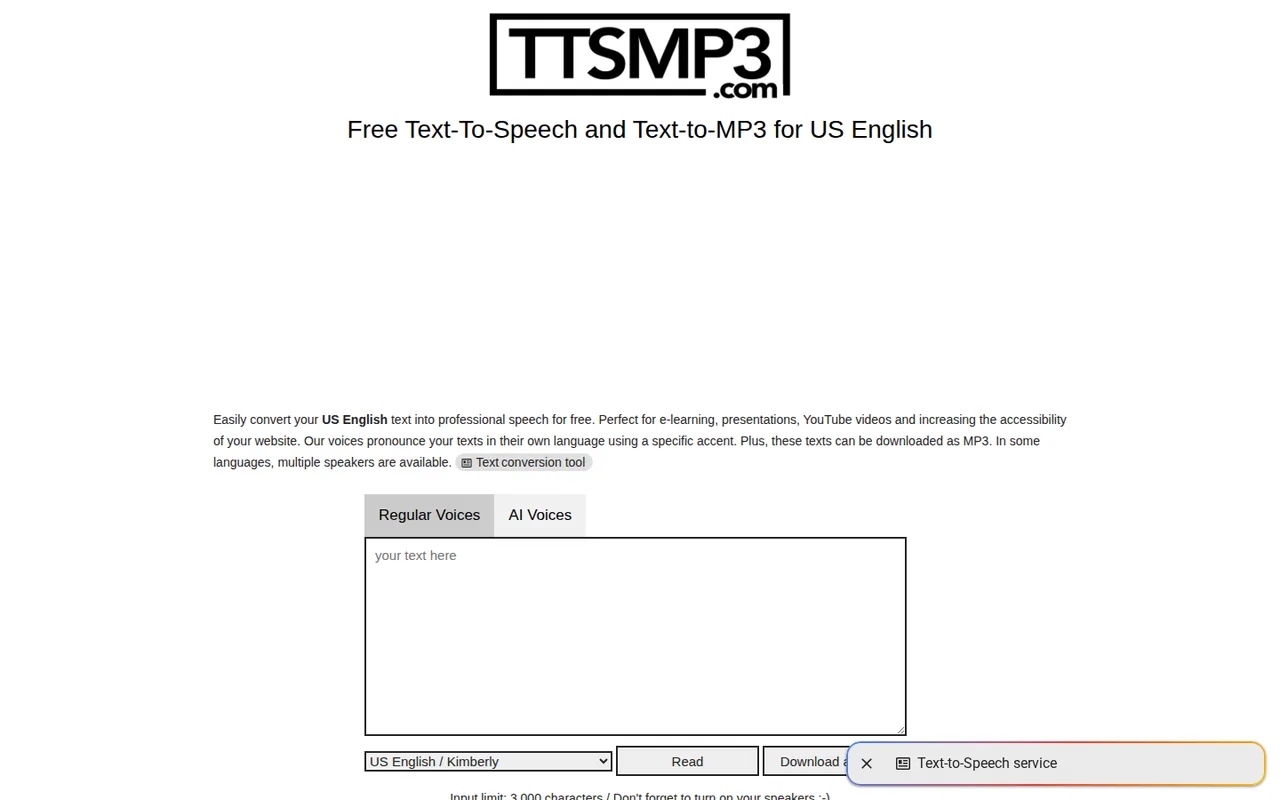
Daily free MP3s; pay by the day, month or year
- Free access
- eMastered: Free access
- TTSMP3: Free access
- Paid from
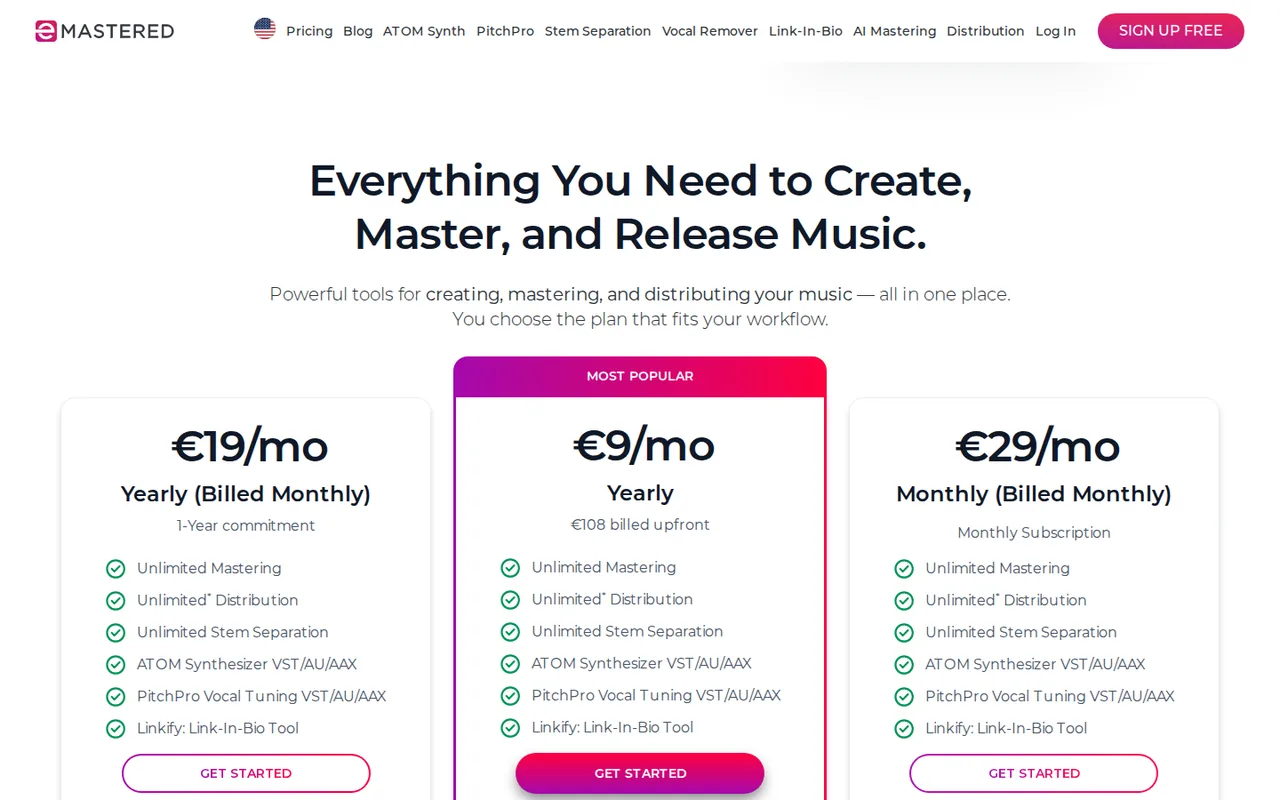
- eMastered: USD 19 per month
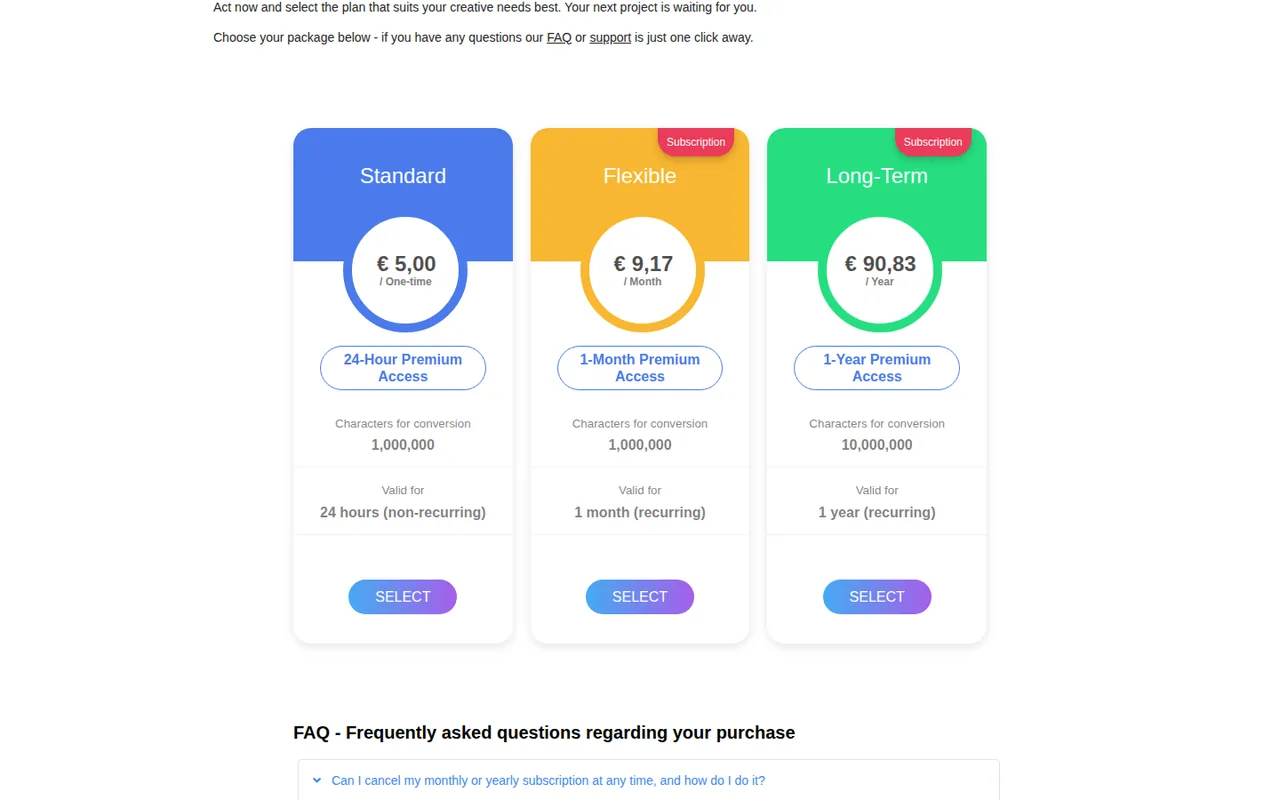
- TTSMP3: €5.00 one-time
- Plans listed
- eMastered: 4
- TTSMP3: 4
- Public API
- eMastered: Not confirmed
- TTSMP3: Not confirmed
Where eMastered and TTSMP3 differ
On the listed facts these two look alike. The plans, limits and screenshots below show where the details part ways.
Head to head
Each value from the tool’s profile and the vendor’s own pages
| eMastered | Fact | TTSMP3 |
|---|---|---|
| Access and price | ||
| Free access availableFree · USD 0 | Free accessSame | Free access availableFree · €0 |
| USD 19 per monthYearly (billed monthly) · billed monthly with a 1-year commitment · US view | Lowest listed paid plan | €5.00 one-time24-Hour Pass · non-recurring |
| Free previews; paid plans from $15/month billed yearly | Pricing model | Free daily limit; passes from €5.00 for 24 hours (EUR) |
| 4 | Plans listedSame | 4 |
| Not confirmed | Public API | Not confirmed |
| Not required | Card to start | Not confirmed |
| No | Open source | Not confirmed |
| What it is for | ||
| Quick AI masters for independent releases and demos | Built for | Short MP3 voice clips with SSML control on a small budget |
| Audio & voice | CategorySame | Audio & voice |
| Platforms |
|
| Works with |
|
| How current | ||
| Profile sources checked | ||
| Prices confirmed · Oct 1, 2026 | Pricing checkSame | Prices confirmed · Sep 29, 2026 |
Official source check for both tools. No hands-on testing and no score: “Differs” marks a documented difference, not a better tool.
Plans and prices
eMastered
Prices confirmed · Oct 1, 2026- FreeUSD 0
- YearlyUSD 180 per yearbilled upfront · shown as $15 per month; US view
- Yearly (billed monthly)USD 19 per monthbilled monthly with a 1-year commitment · US view
- MonthlyUSD 39 per monthbilled monthly · US view
TTSMP3
Prices confirmed · Sep 29, 2026- Free€0
- 24-Hour Pass€5.00 one-timenon-recurring
- Monthly€9.17 per monthrecurring
- Yearly€90.83 per yearrecurring
Strengths and limits
eMastered
Strengths
- Unlimited free previews: You can hear a master against your original before deciding to pay.
- One plan covers several tools: Mastering, distribution, stem separation, two plug-ins and link pages share one subscription.
- Refund window for first purchases: Terms allow a refund request within 14 days if few masters were downloaded.
Limits to plan around
- No single-song purchase: The help center says downloads are sold only through subscriptions.
- Releases are taken down after you stop paying: Terms say takedown requests follow a grace period of at least 30 days after the subscription ends.
- Broad licence over distributed recordings: The licence you grant includes training eMastered AI models, alongside distribution rights.
TTSMP3
Strengths
- Commercial use on free output: The FAQ allows free and paid MP3s in commercial projects without crediting TTSMP3.
- Fine control with SSML: Regular Voices take standard Amazon Polly tags for pauses, emphasis, rate, pitch and whispering.
- Fair character counting: Failed conversions and replays of the same audio do not reduce a paid character balance.
Limits to plan around
- Small free AI allowance: AI Voices stop at about 125 words a day on the free converter.
- API only on the yearly pass: Monthly and 24-hour buyers get no API key, and yearly buyers must request one by email.
- Thin legal pages: The terms show an incomplete update date and neither the terms nor the purchase FAQ state a refund policy.
See both products
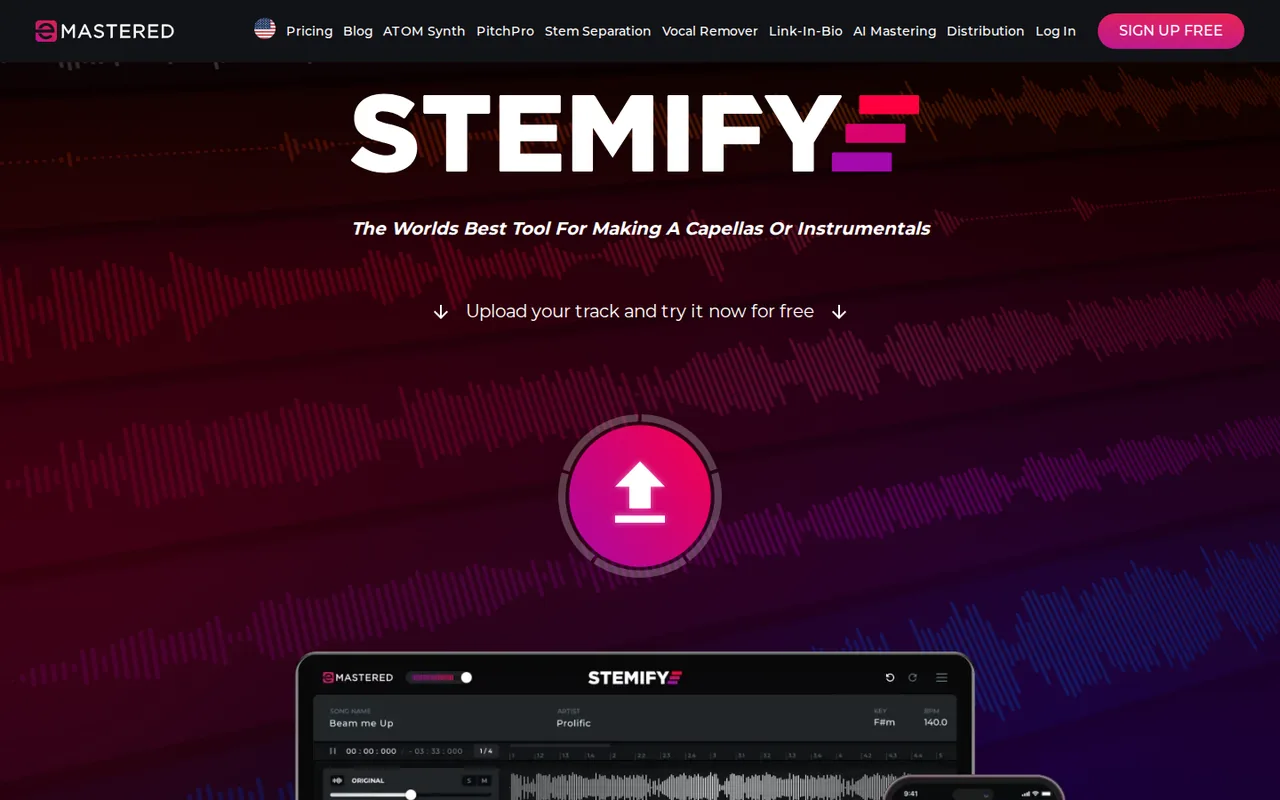
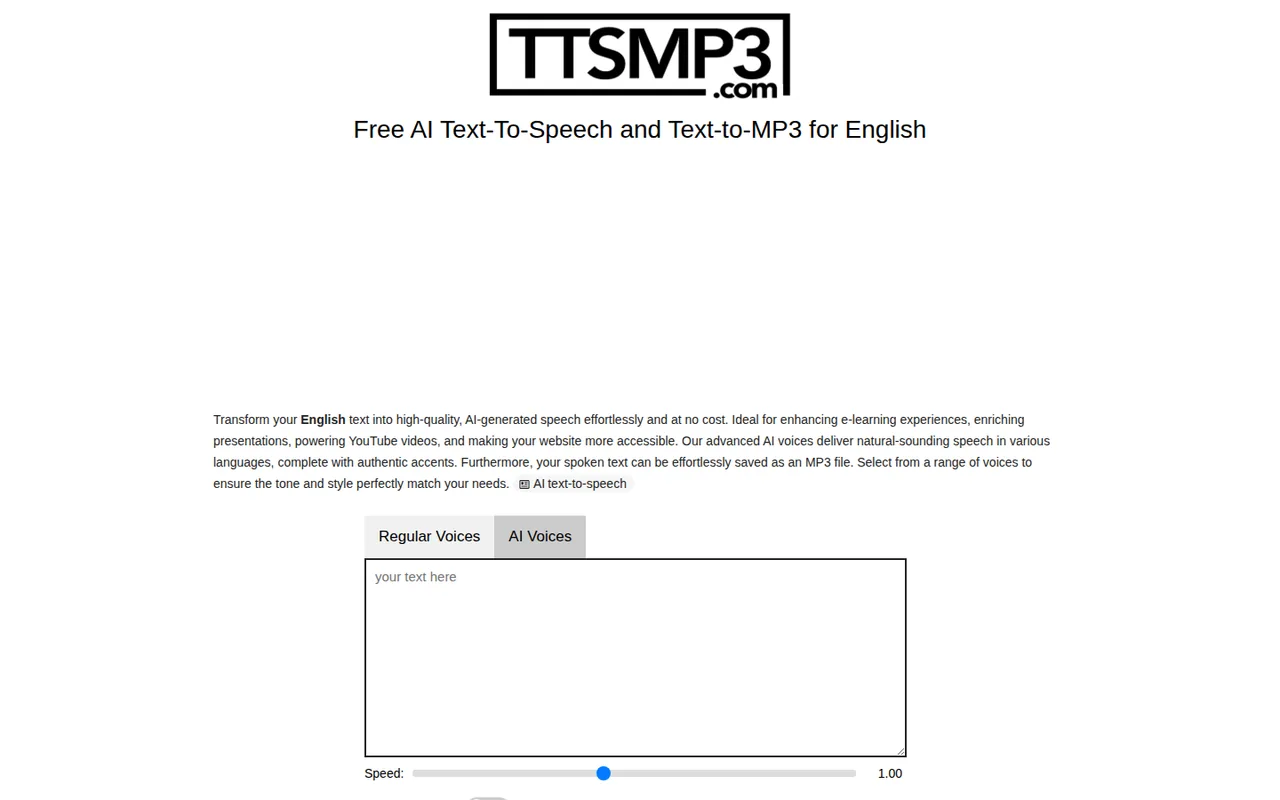
Start from your task, not from a winner.
Run both tools on the same real task, then compare the result, how much editing it needs and how fast it uses your plan’s allowance.
How we reviewChange this pair
Choose tools
Choose two tools below. You can replace either selection at any time.
Audio & voice
Automation
Coding
Data & spreadsheets
Images & design
Presentations
Research & sources
Video & editing
Website builders
Writing & content
Comparing tools from different categories is fine, and often useful — a writing assistant and a research tool solve different halves of the same job. The table will show you exactly where they diverge.
Questions about comparing tools
How does the comparison work?
Add two tools to the comparison tray from any tool card, then open this page. The table pulls each tool's verified plan details, platforms, strengths and limits from its profile, so both columns carry the same kind of evidence, with a separate source-check date for each tool.
Do you declare a winner?
No. The table sets two tools against each other on documented facts, not on a score. Which one wins depends on your task, your budget and your usage volume — three things we cannot see from here.
Why are some cells empty or marked unverified?
Because we could not confirm that detail on the vendor's own pages. Rather than filling the gap with a figure from elsewhere, we mark it and say why on the tool's profile.
Can I compare more than two tools?
Not at once. Two columns keep the differences readable and force a real decision. Remove either selected tool to replace it, or clear both to start a new pair.
Every figure in the table above comes from the linked profile, where the source and the verification date are listed. Browse all tools or read the editorial policy.