Webflow vs Framer: Site Plans, AI Credits and Code Export
Both build and host websites visually. The real differences are in how they bill, how far each plan stretches, and whether you can take your site with you. This page compares those three things from each vendor’s own pages.
By Elias Brandt · Updated 8 Oct 2026 · About 5 min read · Plan terms taken from each tool profile
The short answer
Choose Webflow if you need to export site code, run several sites from one Workspace, publish more than 30 static pages, or want the AI site builder without spending credits; a site with a CMS starts at USD 25 a month billed yearly. Choose Framer if one designer-led site stays within 30 pages and 2 CMS collections, since Basic costs EUR 10 a month billed yearly, including 1,000 AI credits.
Webflow or Framer: which one, when?
Pick by the site you are building
In shortWho builds the site and whether it may ever leave the platform decide most cases.

Webflow for agencies and multi-site teams
A Workspace holds staging sites, shared libraries and one AI credit pool for every site in it, and a paid Workspace can hand a client a static code export.

Framer for designer-led marketing sites
The Agent writes editable design straight onto the canvas, Pro adds staging, branching and redirects, and add-ons stretch Pro to 700 pages before an Enterprise contract.
Webflow when you may leave the platform
Code export plus CSV export of CMS Collections is a documented exit, while Framer's FAQ rules out self-hosting a published site.
Five real jobs, side by side
In shortRead across a row: the same job, and what each plan needs for it.
| If the job is… | Webflow | Framer |
|---|---|---|
| Put up a free placeholder | Starter on a webflow.io address, 2 static pages | Free on a Framer subdomain, carrying the Made in Framer badge |
| Run a blog with 800 posts | Premium Site plan, with room for 20,000 CMS items | Basic, which allows up to 1,000 CMS items in 2 collections |
| Add a second editor | Full Workspace seat at USD 39 a month billed yearly, or a limited seat at USD 15 | Extra editor at EUR 20 a month billed yearly, or a content editor at EUR 10 |
| Let Claude or Cursor change content | MCP server on every Site plan; canvas actions need the MCP Bridge App | External agents on Basic and Pro; domains, overrides and analytics stay out of reach |
| Move the site to your own server | ZIP export from a paid Workspace; forms and site search stop working | Not offered for self-hosting under Framer's FAQ |
The basics
In shortRead live from each profile, in each vendor’s own currency.
| What do you need? | Webflow | Framer |
|---|---|---|
| In short | Design, build and host websites visually, with a CMS and built-in AI tools. | Design, build and host websites on a visual canvas with an AI design agent. |
| Free access | Free access available | Free access available |
| Plans |
|
|
| Price check | Pricing review due · Oct 2, 2026 | Pricing review due · Sep 24, 2026 |
| Full profile | Webflow profile | Framer profile |
Values come from each tool’s profile and update with it, in the currency each vendor shows.
Visit Webflow (opens in a new tab) Visit Framer (opens in a new tab)
What will a site cost on each, all in?
Six differences in how they bill and what you get
In shortWebflow can send two bills, one for the site and one for the team space. Framer sends one per site, plus extra editors.
- Billing structure
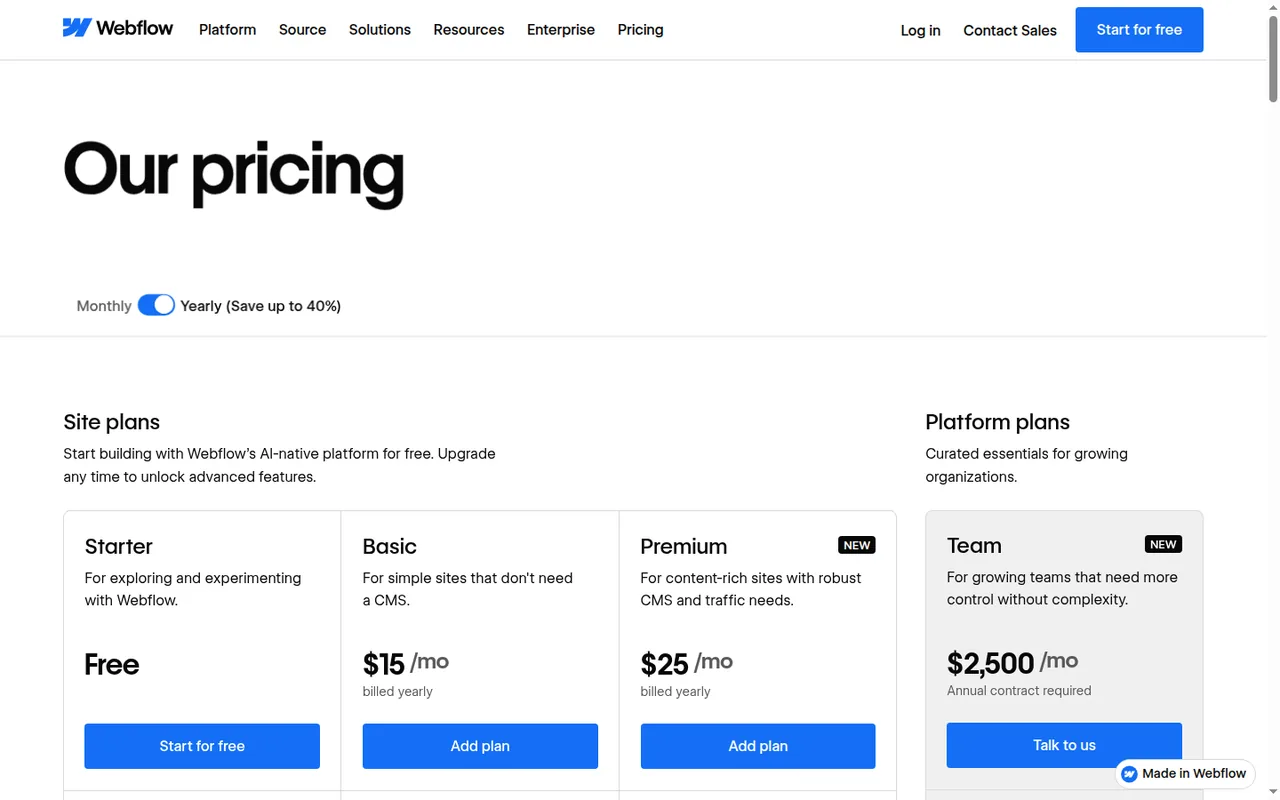
- Webflow sells a Site plan for each site and, separately, a Workspace plan for staging, code export, seats and AI credits. Framer sells one plan per site, pools AI credits across the workspace and charges for extra editors. Source: help.webflow.com
- Worked example
- Assuming a 25-page site with a blog, one editor and yearly billing, Webflow needs Premium for the CMS at USD 25 a month, USD 300 a year; Framer Basic covers 30 pages and 2 CMS collections for EUR 10 a month, EUR 120 a year, before tax. Source: framer.com
- Free access
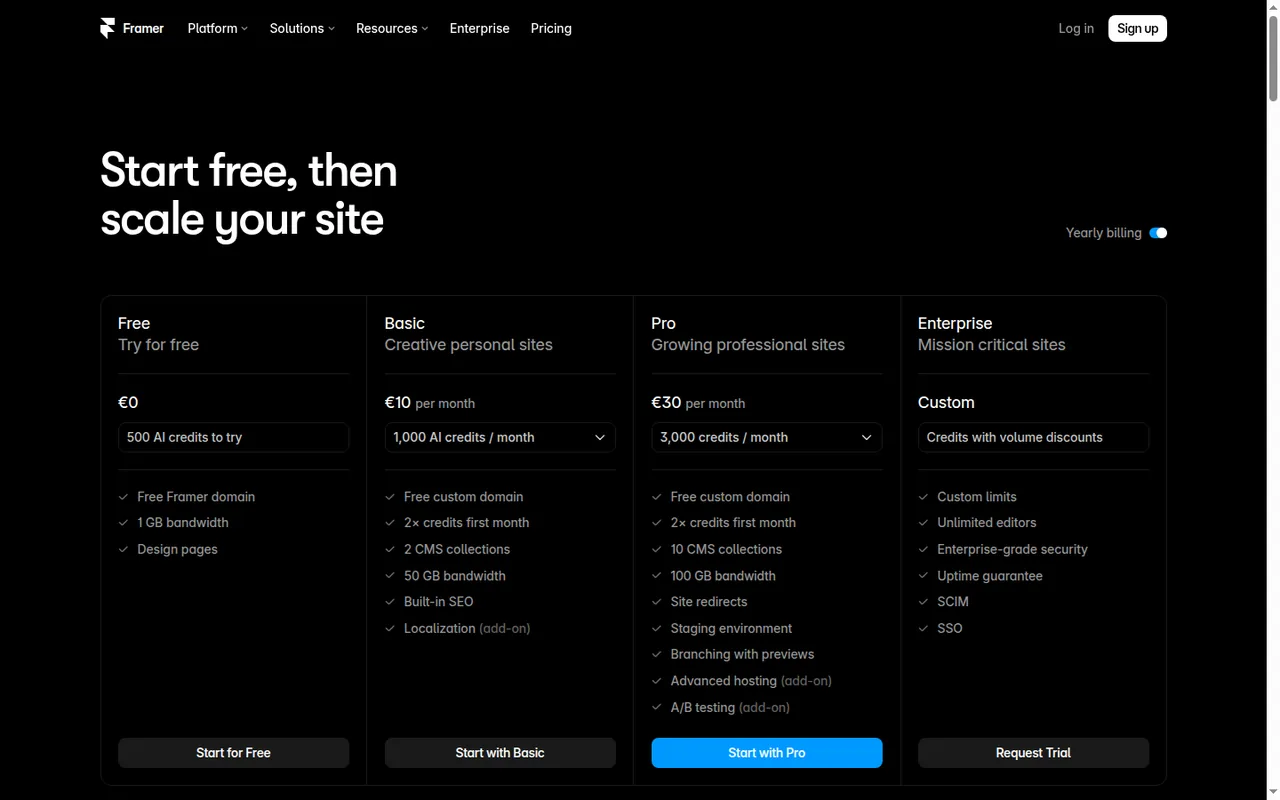
- Webflow Starter publishes 2 static pages on a webflow.io address with 1 GB of bandwidth and 50 form submissions. Framer Free runs on a Framer subdomain with 500 one-time AI credits and a Made in Framer badge, and is positioned for non-commercial use; its larger free page allowance is for design work, and a site over 30 pages needs Pro to go live on your own domain. Source: webflow.com
- Code export
- Paid Webflow Workspaces export static HTML, CSS, JavaScript and images, and CMS Collections export separately as CSV. Framer's HTML-export FAQ and data-portability article describe different routes; confirm which site files your account can download and what still needs hosted services before planning a migration. Source: help.webflow.com
- AI credits
- Webflow Workspaces include 200 to 400 credits a month for copy, SEO and CMS items, and the AI site builder is free of credits. Framer includes 1,000 credits a month on Basic and 3,000 on Pro, and every Agent request draws on them. Source: help.webflow.com
- Outside AI tools
- Webflow's MCP server lets Claude, ChatGPT, Codex or Cursor edit pages, styles and CMS items on every Site plan, including Starter. Framer's external agents read and write CMS items, localizations and redirects on Basic and Pro, free during the preview. Source: help.webflow.com
How each tool’s site plans step up
Price per month on yearly billing, from the Webflow profile. Bars compare plans of this tool only.
Price per month on yearly billing, from the Framer profile. Bars compare plans of this tool only.
Webflow also lists a Core Workspace at USD 19 a month on yearly billing, separate from these site plans, and a Team platform plan on an annual contract. The charts show site plans only.
Three sites, priced
In shortTotals use yearly billing and each vendor’s currency, before tax.
| Site | Webflow | Framer |
|---|---|---|
| A 25-page site with a blog, one editor | Premium: USD 25 a month | Basic: EUR 10 a month (30 pages, 2 CMS collections) |
| The same site, with code export and staging | Premium plus Core Workspace: USD 44 a month, about USD 528 a year | Pro for staging: EUR 30 a month; self-hosting export not offered |
| A marketing site with two extra editors | Premium plus two limited seats at USD 15 each | Pro plus two editors at EUR 20 each: EUR 70 a month, about EUR 840 a year |
Worked from the plan and seat prices on each profile. Monthly billing costs more on both: Webflow Premium is USD 39 and Framer Pro EUR 45 billed monthly.
What the free plans really allow
In shortBoth are for trying the tool, not for running a business site.
| Webflow Starter | Framer Free | |
|---|---|---|
| Address | webflow.io subdomain | Framer subdomain, with a Made in Framer badge |
| Pages and content | 2 static pages, limited CMS | More room for design work and templates than Basic |
| Traffic | 1 GB bandwidth | 1 GB bandwidth |
| AI | Webflow AI and the MCP server | 500 credits, once |
| Time limit | None: Webflow says you can stay on Starter as long as you like | Not stated on the pricing page |
Sources: Webflow pricing, Framer pricing.
How far does each plan stretch?
Pages, content, traffic and editors
In shortFramer caps pages and CMS collections per plan; Webflow caps CMS items and bandwidth, and charges for seats on the Workspace.
| Limit | Webflow | Framer |
|---|---|---|
| Pages | Basic: 300 static pages | Basic: 30 · Pro: 150 · add-ons to 700 |
| CMS | Premium: 20,000 items | Basic: 2 collections, 1,000 items · Pro: 10, add-ons to 40 collections and 40,000 items |
| Bandwidth | Basic 10 GB · Premium 50 GB, add-ons to 2.5 TB | Basic 50 GB · Pro 100 GB, add-ons to 2 TB |
| Visits that bandwidth covers, at about 2 MB each | Basic about 5,000 · Premium about 25,000 a month | Basic about 25,000 · Pro about 50,000 a month |
| Hosting locations | Not listed on the profile | Basic: 20 · Pro: 300+ |
| Extra editor | Full seat USD 39, limited seat USD 15 a month, yearly; reviewers free | EUR 20 a month yearly, or a content editor at EUR 10 |
From each tool profile. The visits row is arithmetic on the stated bandwidth, not a measured figure.
Feature matrix
In shortNine capabilities, marked from the two profiles. “Not listed” means the vendor pages behind the profile do not mention it.
| Capability |  Webflow |  Framer |
|---|---|---|
| Building | ||
| AI that builds a site | OfferedAI site builder, no credits | OfferedFramer Agent, uses credits |
| Outside AI tools (Claude, Cursor…) | OfferedMCP server, every Site plan | OfferedExternal agents, Basic and Pro |
| Staging and branching | Partlystaging sites on a Workspace | OfferedPro |
| Desktop app | Not listed | OfferedMac and Windows |
| Running the site | ||
| CMS | OfferedPremium: 20,000 items | OfferedBasic: 2 collections, Pro: 10 |
| Online store | Offeredseparate Ecommerce plans | Not listed |
| Translation into other languages | PartlyLocalize on the Team plan | OfferedAI localization, per-locale add-on |
| Code export for self-hosting | Offeredstatic ZIP, paid Workspace | Not listedruled out in the FAQ |
| Content export | OfferedCMS Collections as CSV | PartlyCMS via plugins, CSV or JSON |
offered partly or with limits not listed on the profile.
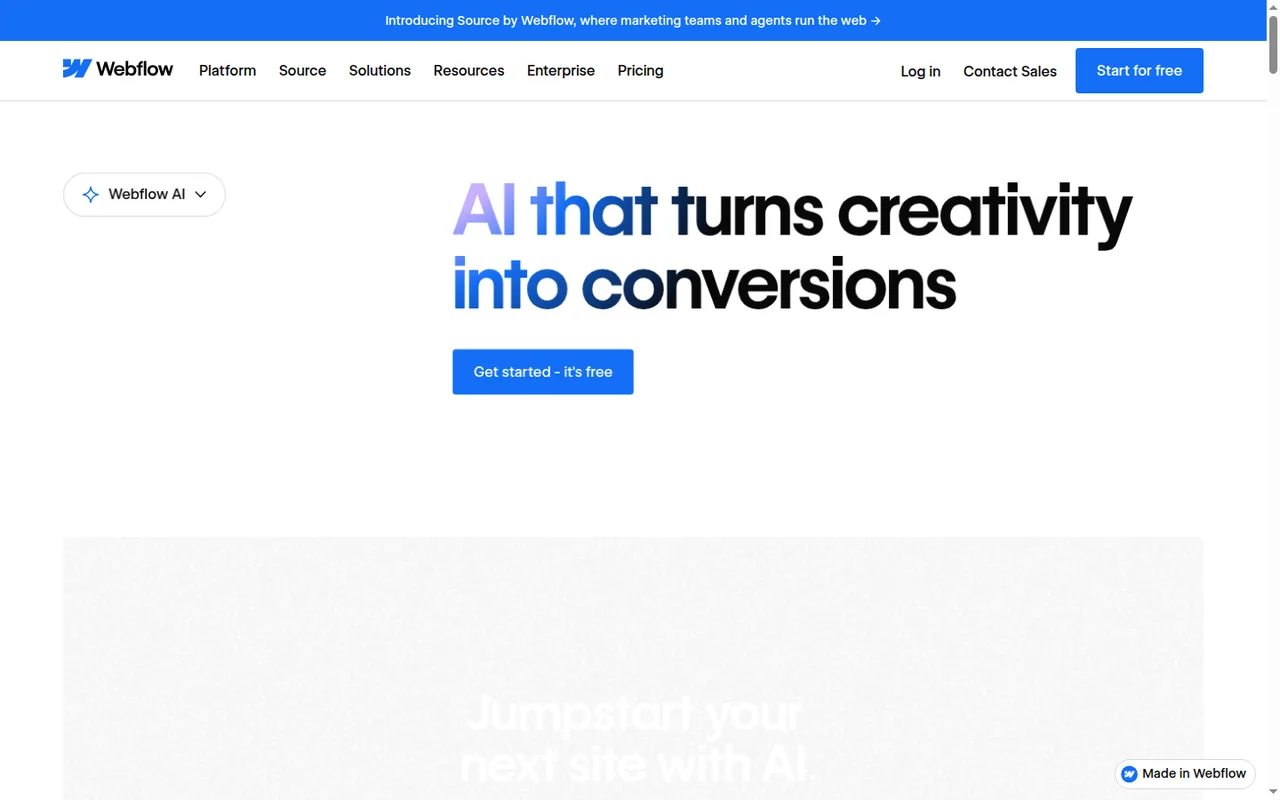
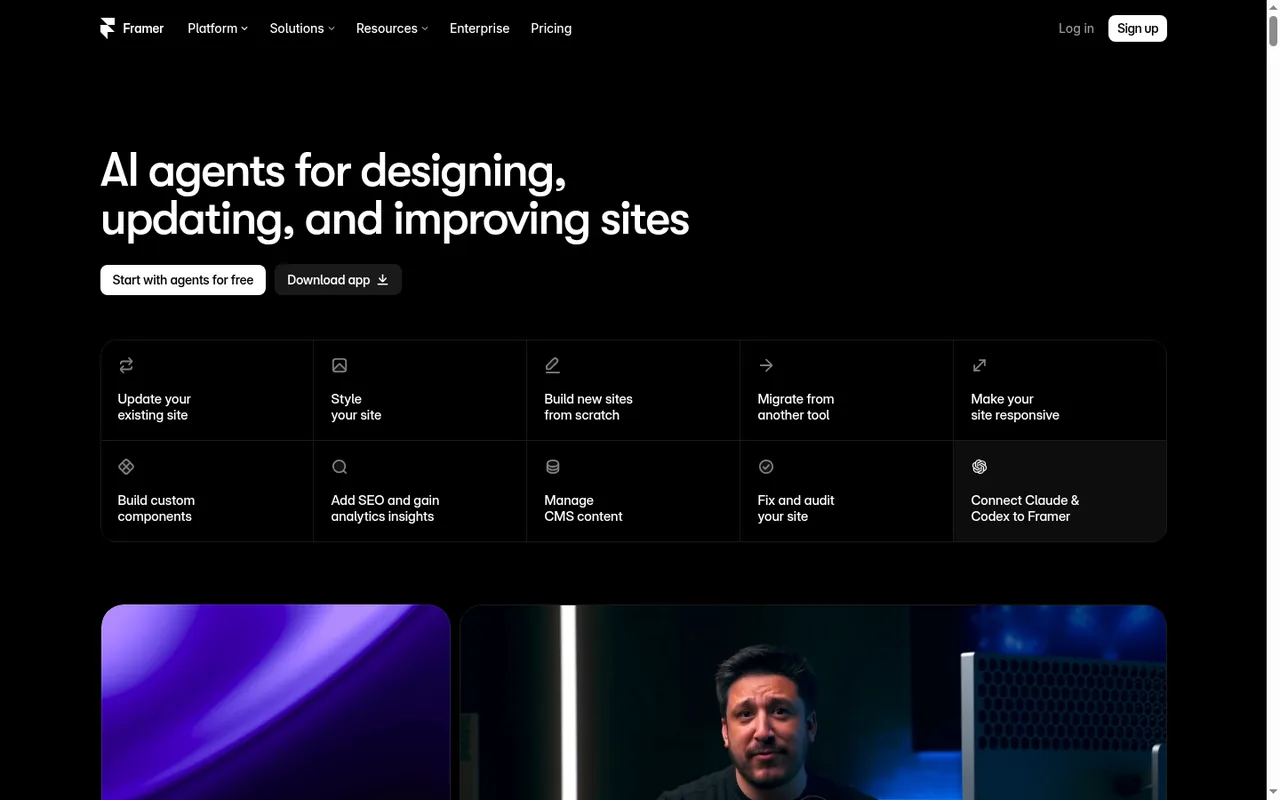
Can you leave, or move from Framer to Webflow?
In shortWebflow documents a way out; Framer documents content export but rules out self-hosting the published site.
What you can take with you
| Webflow | Framer | |
|---|---|---|
| Site code | HTML, CSS, JavaScript and images as a ZIP, on a paid Workspace; no attribution needed | HTML export for self-hosting ruled out in the FAQ; one help article mentions downloadable site files, so confirm with Framer |
| Content | Each CMS Collection as a CSV file | CMS content through plugins, as CSV or JSON |
| What breaks after export | Forms and site search; exported code cannot be imported back | Published pages stay on Framer hosting |
Sources: Webflow code export, Framer pricing FAQ.
Moving a Framer site to Webflow: a checklist
In shortContent moves as files; the design is rebuilt. Plan the steps before you cancel anything.
- Export the content. Use a Framer CMS export plugin to save each collection as CSV or JSON.
- List every URL. Copy the page list and any redirects from Framer, so old addresses can be redirected after the move.
- Pick the Webflow plan. A blog needs Premium; add a Workspace only if you need staging, seats or code export.
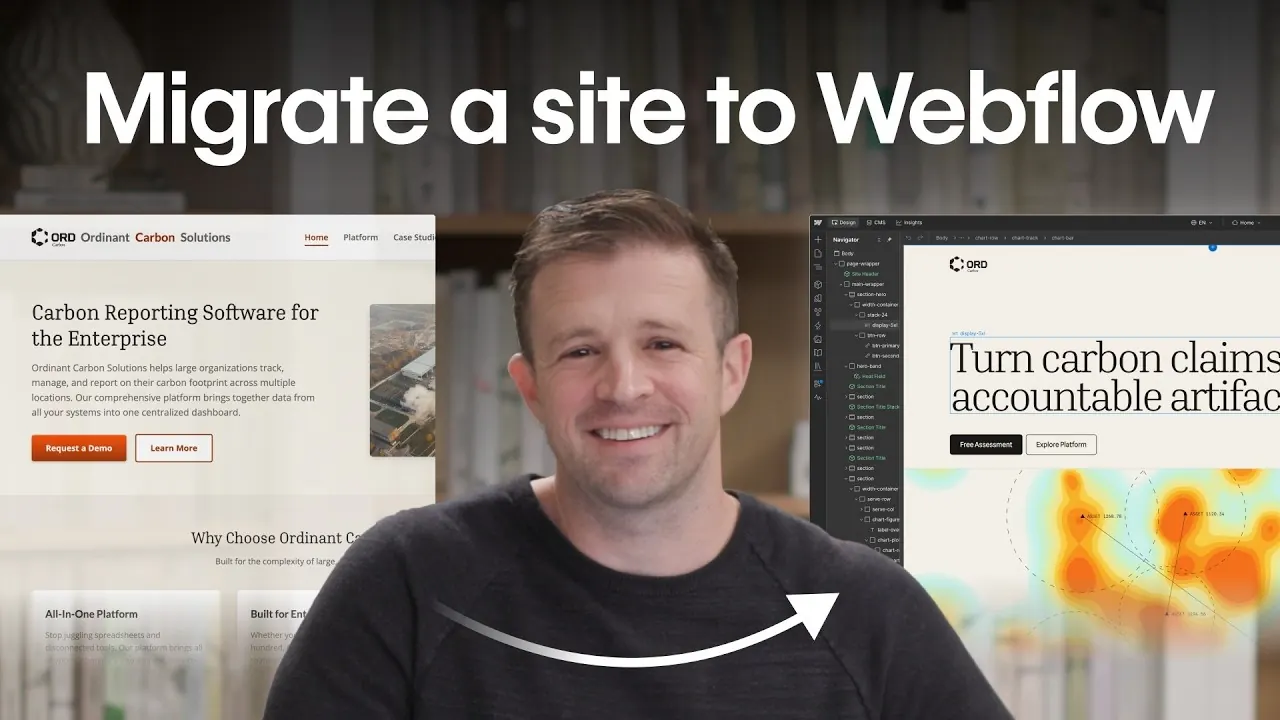
- Rebuild and import. Recreate the design in Webflow, set up matching CMS collections, and add the exported items to them. Webflow has published an official tutorial on migrating a site with its MCP server, shown below.
- Switch the domain last. Keep the Framer plan until redirects work, and note that Framer refunds only within 7 days of a first purchase, or 14 days in the EU and Turkey.
Videos, questions and what this page does not judge
Official videos
In shortFrom each vendor’s YouTube channel. They load only when you press play.

Common questions
Which is cheaper, Webflow or Framer?
Price the required site, collaborators and billing period together. Framer Basic includes a CMS, while Webflow needs Premium for that feature; the pages show EUR and USD respectively. Add only the Workspace features and extra seats you need, then compare checkout totals in one currency. A lower displayed numeral is not a converted price comparison.
What happens when AI credits run out?
Webflow lets a request that started with a positive balance finish and subtracts the overrun from next month's allotment; an add-on of 2,000 credits costs USD 20 a month billed yearly. Framer pauses credit-using features at 100% while letting running requests finish, and its one-time top-ups need the recurring add-on and expire at the end of the calendar month.
Can I get a refund after buying?
Webflow refunds new Site and Workspace plan purchases within 14 days, but renewals, add-ons, seats and AI credits are non-refundable. Framer refunds within 7 days of the first purchase, or 14 days for residents of the EU and Turkey; used AI credits are excluded, and claiming the complimentary Hover domain on a yearly plan gives up the refund option.
How much traffic does each plan allow?
Webflow Basic includes 10 GB of bandwidth and Premium 50 GB, which add-ons raise to 2.5 TB. Framer Basic includes 50 GB and Pro 100 GB, with add-ons up to 2 TB, and Framer lets a site exceed its limit for one month before asking for an upgrade. At an assumed 2 MB per visit, 50 GB serves about 25,000 visits.
Is there a desktop app?
Framer lists a desktop app for Mac and Windows next to the browser version, with no separate price, and sites still publish to Framer hosting. Webflow is a web application; outside tools reach it through the MCP server, and canvas-based actions by those tools need the MCP Bridge App.
Which is better for a portfolio, Webflow or Framer?
For a small portfolio, the page and CMS limits decide it. Framer Basic covers 30 pages and 2 CMS collections, and its free plan can hold a draft on a Framer subdomain with a badge. Webflow needs the Premium Site plan for a CMS-driven project list, because Starter publishes only 2 static pages on a webflow.io address.
What this page does not judge
Most pages ranking for this comparison also rate ease of use, animation quality and site speed. Those need hands-on building and measurement, which we have not done, so this page leaves them out rather than guess. The test below is how you can check them on your own project.
Rebuild one real page, such as your home page with a hero, a three-item CMS list and a form, in both free plans. Time how long each takes, publish both, and run each through PageSpeed Insights on mobile. Then add a second person as editor and note what that would cost on the paid plan you would need.
How this comparison was made
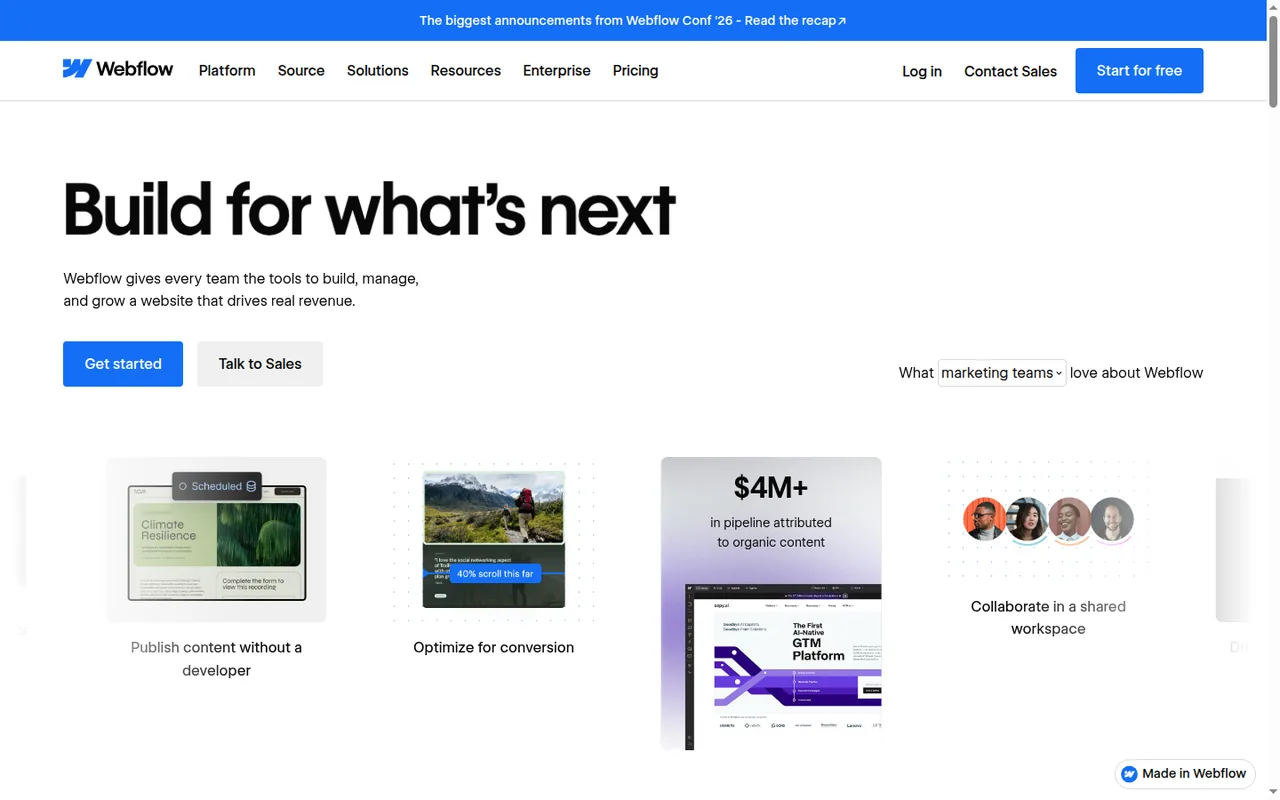
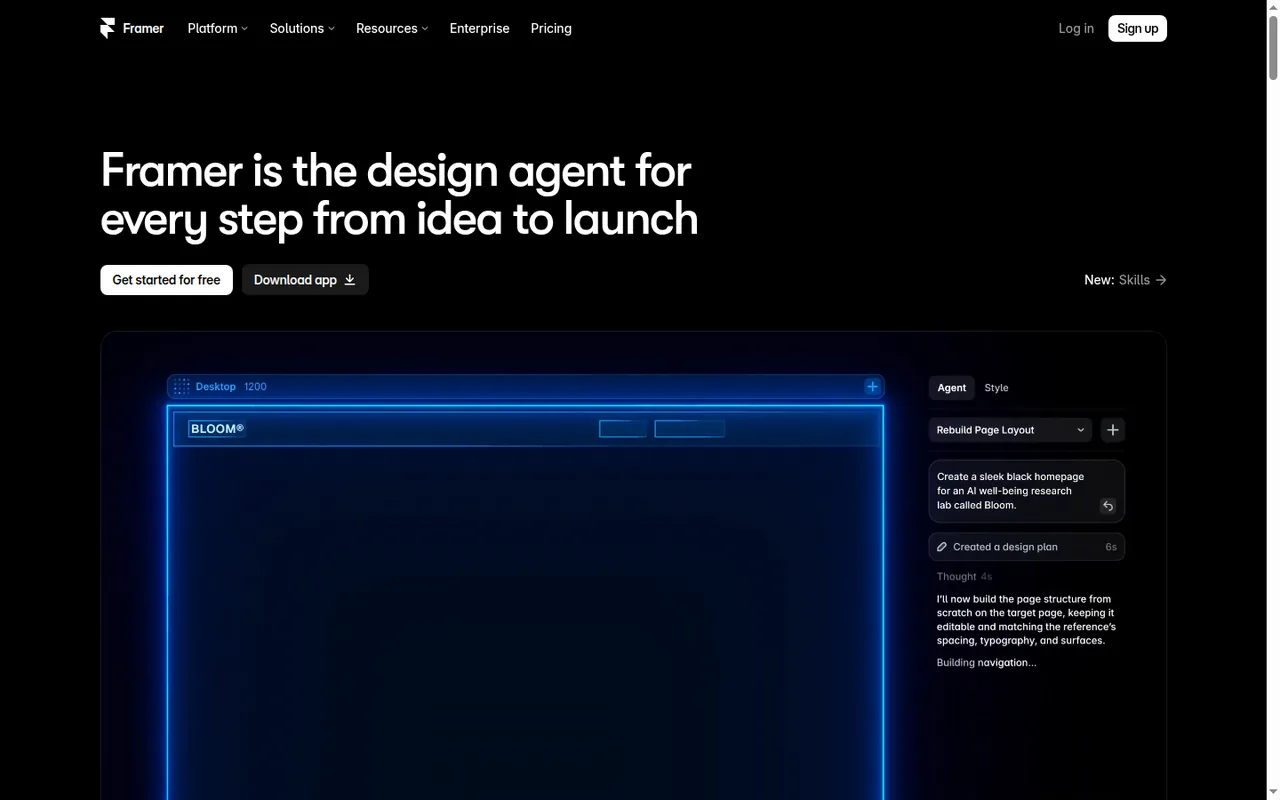
Plans, limits and prices come from the Webflow and Framer profiles on this site, which cite the vendors’ pricing and help pages and carry their own check dates; the tables marked as live are read from those profiles each time the page loads. Screenshots are captures of the vendors’ public pages. The sections follow the topics the top-ranking pages for this comparison cover, limited to what the vendors document. No rating is given and no price is converted. See our editorial policy.