Bardeen vs Zapier: Browser Lead Capture or App Automation
They automate different halves of a sales workflow. Bardeen works in your Chrome browser and turns web pages into rows of leads. Zapier works in the cloud and moves data between apps when something happens in one of them. Many teams need both; this page shows which half each covers and what a month costs in credits and tasks.
By Elias Brandt · Updated 8 Oct 2026 · About 5 min read · Plan terms taken from each tool profile
The short answer
Choose Bardeen if your leads sit on web pages you browse and you need rows scraped, researched or enriched into a list. Choose Zapier if the leads already arrive as app events, such as form entries or new sheet rows, and need routing to other apps. Use both when Bardeen exports to a Google Sheet that a Zap watches, and budget credits and tasks separately.
Bardeen or Zapier: which one, when?
Pick by where your leads come from
In shortLeads on web pages point to Bardeen; leads that arrive as app events point to Zapier.

Bardeen when the leads live on web pages
Directories, listing sites and logged-in pages become rows without copy and paste, and Premium adds enrichment and validation to the same list.

Zapier when the leads arrive as app events
Form entries, new sheet rows and CRM records can be routed to other apps, with the trigger free and each successful action counted as a task.
Both when captured rows must move on automatically
Bardeen exports to a Google Sheet and a Zap watching new rows sends each one onward; each row then uses Bardeen credits and Zapier tasks.
Five steps of a lead workflow, side by side
In shortRead across a row: one step and how each tool handles it, if at all.
| If the job is… | Bardeen | Zapier |
|---|---|---|
| Collect leads from a directory page | Scraper on the open page, 1 credit per output row, including paginated lists and detail pages | Not covered in the Zapier sources checked; the data must first reach an app that offers a trigger |
| Add contact and company data | Enrichment at 3 credits per row on Premium; email and phone validation available | Depends on an enrichment app connected as an action; each successful action is a task |
| Research each company in a list | Web search runs many queries at once, 1 credit per row | AI steps can summarize or classify text from a trigger, using more than one task each |
| Send new leads to a CRM | Export to Sheets, Airtable or Notion, or CSV plus the CRM's own import guide | Trigger on a new sheet row, then one CRM action per lead, one task each |
| Alert the team about each lead | No alerting documented on the integrations page | Add a chat or email action; a second action needs a paid multi-step Zap |
The basics
In shortRead live from each profile.
| What do you need? | Bardeen | Zapier |
|---|---|---|
| In short | Scrape, enrich and qualify lead lists in Chrome. | One event in one app, an action in another. |
| Free access | Free access available | Free access available |
| Plans |
|
|
| Price check | Pricing review due · Sep 24, 2026 | Prices confirmed · Oct 24, 2026 |
| Full profile | Bardeen profile | Zapier profile |
Values come from each tool’s profile and update with it, in the currency each vendor shows.
Visit Bardeen (opens in a new tab) Visit Zapier (opens in a new tab)
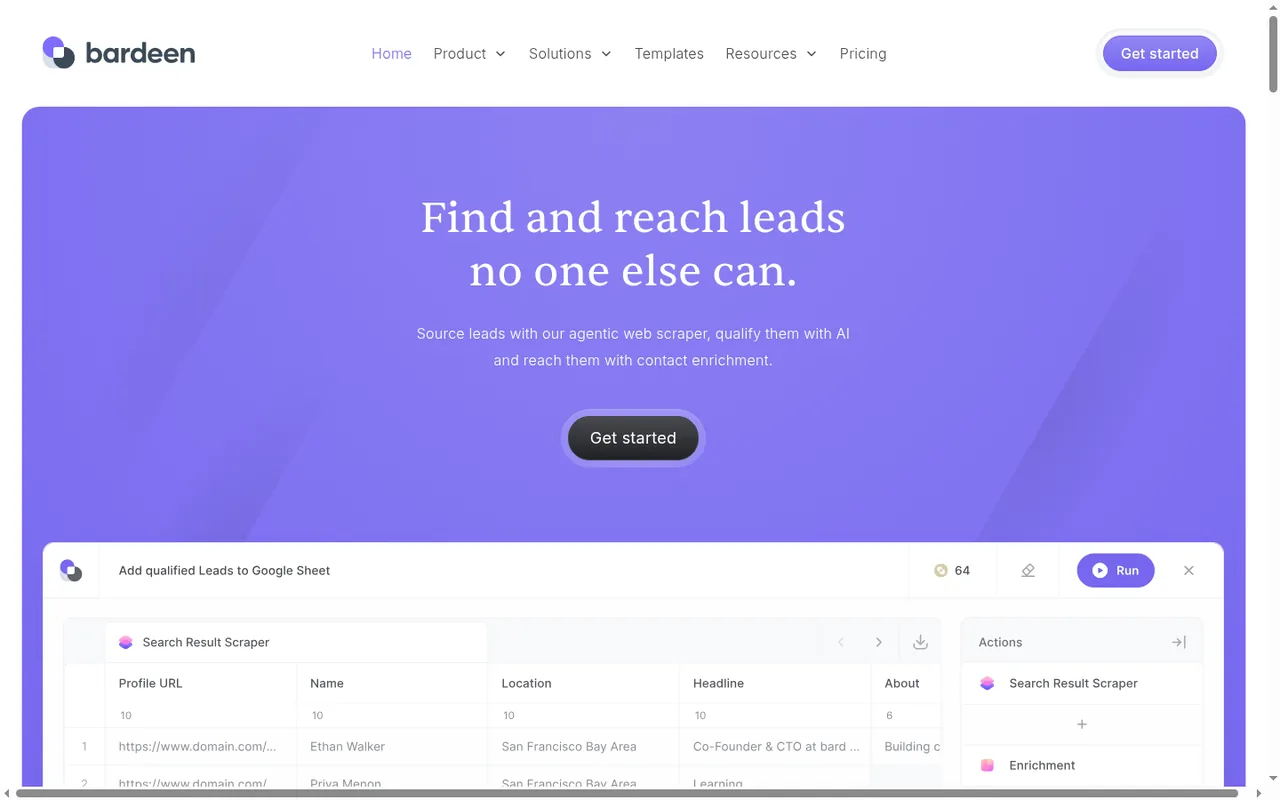
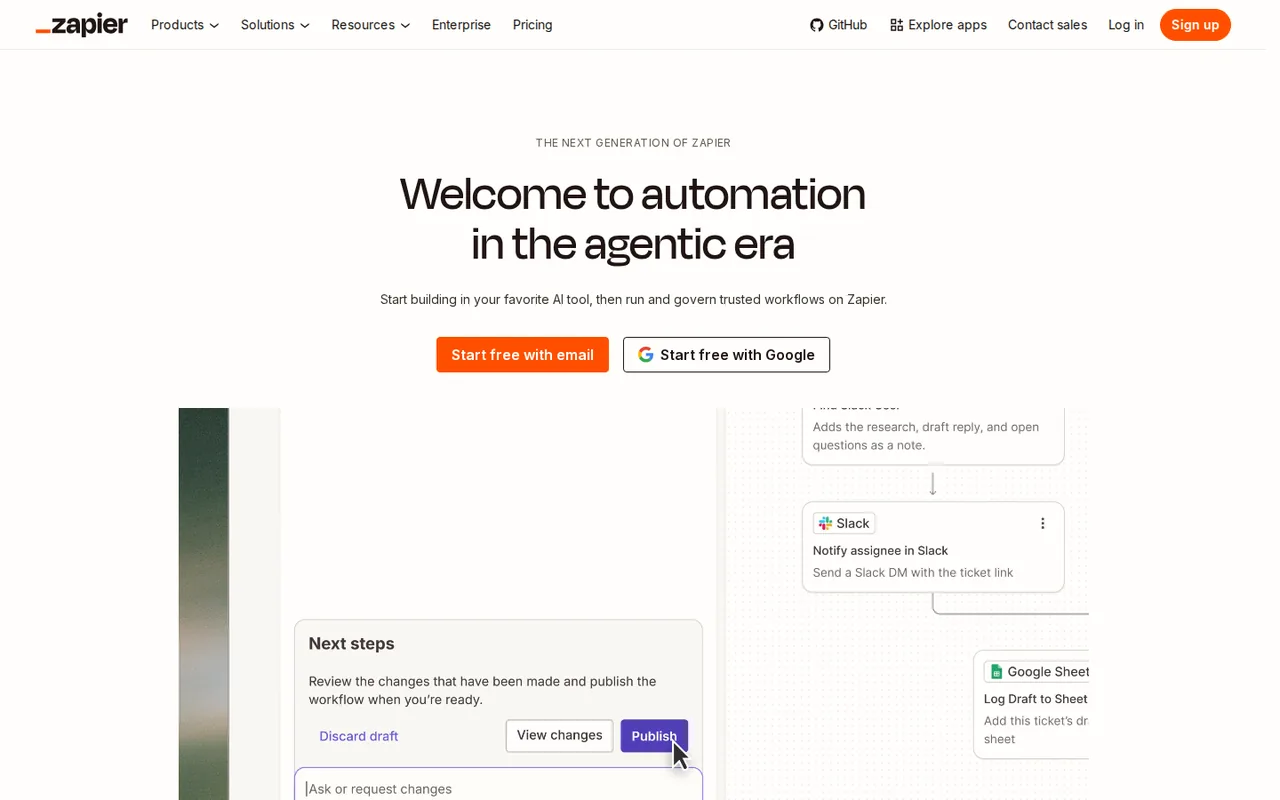
Where does each run, and what can it reach?
In shortBardeen reads what your logged-in browser can see; Zapier only sees what connected apps expose as triggers and actions.
Six differences that decide it
- Data source
- Bardeen reads the pages open in your Chrome browser, including logged-in pages, and follows lists into detail pages; Zapier reacts to events that connected apps expose as triggers. Source: bardeen.ai
- Billing unit
- Bardeen charges credits per output row: 1 for scraping, web search and AI, 3 for enrichment, with CSV downloads free; Zapier charges a task per successful action step, and triggers use none. Source: bardeen.ai
- Where it runs
- Bardeen scraping runs through the Chrome extension, with browser-closed runs on its servers only for paid services; Zapier runs in its cloud and polls every 15, 2 or 1 minutes on Free, Professional and Team. Source: bardeen.ai
- Free access
- Bardeen gives every account 100 free credits, with renewal and eligible features not stated; Zapier Free gives 100 tasks a month and unlimited two-step Zaps. Source: help.zapier.com
- Entry price
- Bardeen Basic is $10 per month, billed monthly, for 100 credits without enrichment; Zapier Professional is USD 19.99 per month, billed yearly (USD 29.99 billed monthly), for 750 tasks and multi-step Zaps. Source: zapier.com
- Handoff
- Bardeen lists export to Google Sheets, Airtable, Notion and CSV, and its integrations page does not mention Zapier or webhooks; a Zap can pick up exported sheet rows with the New Spreadsheet Row trigger. Source: bardeen.ai
Feature matrix
In shortNine capabilities marked from the two profiles.
| Capability |  Bardeen |  Zapier |
|---|---|---|
| Getting the data | ||
| Scrape web pages, including logged-in ones | OfferedChrome extension | Not listednot covered in the sources checked |
| Follow lists into detail pages | Offeredpagination and detail pages | Not listed |
| React to events in other apps | Not listednot documented in the sources checked | Offeredtriggers from a large app catalog |
| Enrich contacts and companies | OfferedPremium, 3 credits a row | Partlythrough a connected enrichment app |
| Doing something with it | ||
| AI on each row | Offeredqualification, emails, web research | OfferedAI steps, priced by model tier |
| Send to a CRM | PartlyCSV import guides, no direct sync documented | Offeredone action per record |
| Run with the browser closed | Partlypaid services only | Offeredcloud |
| Run log and replay | Not listednot described in the sources checked | OfferedZap history |
| Shared team workspace | OfferedPremium, one credit pool | OfferedTeam, up to 25 users |
offered partly or with limits not listed on the profile.
What will a month of lead work cost?
In shortBardeen charges per row it produces; Zapier charges per successful action. A combined pipeline pays both.
How the plans step up
Price per month on monthly billing, from the Bardeen profile. Bars compare plans of this tool only.
Price per month on yearly billing, from the Zapier profile. Bars compare plans of this tool only.
Bardeen’s bars are monthly billing at each plan’s entry credit tier; annual Premium is USD 480 a year for 12,000 credits. Zapier’s are yearly billing at the entry task tier; both tools charge more for larger tiers.
The units, row by row
| Work | Bardeen | Zapier |
|---|---|---|
| Scrape one row, search the web for it, or run AI on it | 1 credit | Not offered for scraping; an AI step uses more than one task |
| Enrich one contact | 3 credits, Premium only | Tasks for each action of the enrichment app you connect |
| Download a CSV, or start a workflow | Free | Free: triggers use no tasks |
| Move one record to another app | Export to Sheets, Airtable or Notion | 1 task per successful action |
| A step that fails | Not described in the sources | Not billed |
One month, 200 leads, priced
In shortA worked example: collect 200 leads from a directory, enrich them, add them to a CRM and alert the team.
| Step | Tool | Units used |
|---|---|---|
| Scrape 200 rows | Bardeen | 200 credits |
| Enrich 200 rows | Bardeen | 600 credits (200 × 3) |
| Add each lead to the CRM | Zapier, watching the exported sheet | 200 tasks |
| Post an alert for each lead | Zapier, second action | 200 tasks; needs a multi-step Zap |
| Total | Both | 800 Bardeen credits: Premium’s 1,000-credit tier, USD 50 a month · 400 Zapier tasks: Professional’s 750-task tier, USD 19.99 a month on yearly billing |
Arithmetic on the per-row and per-action rates on each profile. Unused Bardeen credits expire each billing period; Zapier quotes a monthly task allowance.
Sources: Bardeen pricing, Zapier pricing.
What breaks, and how safe is each?
In shortBardeen depends on page layouts and your browser session; Zapier depends on which fields each app exposes.
Reliability and security, side by side
| Bardeen | Zapier | |
|---|---|---|
| What usually breaks | A site changes its layout, and your scraper template needs editing; Enterprise has Bardeen maintain custom scrapers | An app does not expose the exact trigger, action or field you need |
| When something fails | No run log described in the sources checked; keep each CSV as your own record | Every run is logged in Zap history and unsuccessful runs can be replayed |
| Delays | Runs while your browser runs, except paid browser-closed services | New data is checked every 15 minutes on Free, 2 on Professional, 1 on Team |
| Credentials | Acts through your own browser session, so passwords are not handed over | Not covered in the sources checked |
| Security statements | SOC 2 Type 2; connected-app data kept in local browser storage | Team adds SAML single sign-on |
| Documentation | Help center and community links redirect to a contact page; release notes stop in August 2024 | Published task rates for AI, Code, MCP and Lead Router steps |
Sources: Bardeen security, Zapier Free plan.
Videos, questions and what this page does not judge
Official videos
In shortFrom each vendor’s YouTube channel. They load only when you press play.

Common questions
Do unused Bardeen credits carry over?
No. Bardeen says unused credits expire at the end of each billing period, so a quiet month does not build a reserve for a large scrape later. Zapier plans likewise quote a monthly task allowance. Plan a big enrichment run inside a single period, or pick the credit tier from the dropdown that matches that month's expected row count.
Is there a discount for paying annually?
Both vendors offer one. Bardeen Premium lists $480 per year, billed annually, for 12,000 credits, labelled Save 20%; one annual tier priced at $1,920 is labelled 28,000 credits, so confirm the count at checkout. Zapier advertises Save 33% on yearly billing, and its listed entry prices already assume that yearly commitment.
Can a sales team share one account?
On Bardeen, Premium is the first plan with team access, and members draw on one shared credit pool. Zapier Free and Professional have a single seat; Team covers 25 users with shared Zaps and app connections plus SAML single sign-on, at USD 69 per month, billed yearly (USD 103.50 billed monthly; 2,000 tasks).
What happens when a Zap run fails?
Zapier logs every run with its status in Zap history, and runs that did not succeed can be replayed from there. Actions that error or halt are not billed. The Bardeen pages checked for this comparison do not describe a comparable run log, and its help center link redirects to a contact form, so keep the CSV of each scrape as your own record.
Can Bardeen build a scraper for me?
Only on Enterprise. That plan, billed annually with pricing quoted by sales, includes custom bulk credits, scrapers that Bardeen builds and maintains for you and premium support. On Basic and Premium you describe what to collect and the AI scraper builder drafts an editable template, which you keep working when a site layout changes.
What this page does not judge
Whether Bardeen can scrape a particular site, and how quickly either tool runs, depend on the site and on your setup. We have not run either tool on live sites, so this page compares what each one documents. The test below checks it on your own lead source.
Pick one directory page you really use and scrape 20 leads with Bardeen’s free credits into a Google Sheet. Build a Zapier Free Zap that adds each new row to your CRM. Count the credits and tasks used, check how many rows arrived complete, and note any row that needed fixing by hand.
How this comparison was made
Plans, rates and limits come from the Bardeen and Zapier profiles on this site, which cite the vendors’ pricing, security and help pages and carry their own check dates; tables marked as live are read from those profiles each time the page loads. Sections follow the topics the top-ranking pages cover, limited to what the vendors document. No rating is given. See our editorial policy.