Make vs Zapier: Credits per Module or Tasks per Successful Action
They are separate services with separate meters. Make bills a credit each time a module runs, trigger and formatting included, once per record in a batch. Zapier bills a task only when an action succeeds; triggers, filters and formatting are free. This page counts three monthly workloads in both units.
By Elias Brandt · Updated 8 Oct 2026 · About 7 min read · Plan terms taken from each tool profile
The short answer
Choose Zapier if your triggers poll apps that change rarely, most steps filter or format data, and one builder can work on a single seat, because Zapier bills only successful actions. Choose Make if you want up to two multi-module scenarios free, see each record of a batch in run history, or need Skip, Retry, Resume, Commit and Rollback handlers on individual modules.
Make or Zapier: which one, when?
Pick by what most of your steps do
In shortMany checks, filters and formatting steps favour Zapier; batches you need to inspect record by record favour Make.

Zapier for many quiet triggers
Idle polling is free, so several Zaps that each wait on a rarely updated app cost nothing between events, and Professional's 2-minute polling keeps them responsive.

Make for batches you need to inspect
When one trigger returns many records, bundle-level run history and per-module Rollback or Commit handlers show and control what happened to each record.
Zapier Team when several people build
Team covers 25 users with shared app connections and SAML single sign-on from USD 69 a month billed yearly; Professional stays a single seat.
Five everyday jobs, side by side
In shortRead across a row: the job, then what each tool does and what it counts.
| If the job is… | Make | Zapier |
|---|---|---|
| Watch a rarely updated app | Every scheduled check uses a credit; a webhook trigger avoids idle checks | Polls are free; checks every 15 minutes on Free, 2 on Professional, 1 on Team |
| Drop records that fail a condition | Filter or router between modules; modules on the dropped path do not run | Filter or Paths step uses no tasks; skipped steps are not billed |
| Run custom code | Make Code in JavaScript or Python on paid plans, 2 credits per second | Code step in JavaScript or Python, 1 task per step; extended runtime adds 1 task per 30 seconds beyond the plan allowance |
| Add an AI step | Make's AI Provider bills tokens as credits; own provider key on paid plans | AI by Zapier task use depends on the selected model tier |
| Recover a failed step | Skip, Retry, Resume, Commit or Rollback handler on the module | Errored actions are free; replaying a full run recounts earlier successful steps |
The basics
In shortRead live from each profile.
| What do you need? | Make | Zapier |
|---|---|---|
| In short | Connect app modules in visual automation scenarios. | One event in one app, an action in another. |
| Free access | Free access available | Free access available |
| Plans |
|
|
| Price check | Pricing review due · Sep 25, 2026 | Prices confirmed · Oct 24, 2026 |
| Full profile | Make profile | Zapier profile |
Values come from each tool’s profile and update with it, in the currency each vendor shows.
Visit Make (opens in a new tab) Visit Zapier (opens in a new tab)
How is each one built?
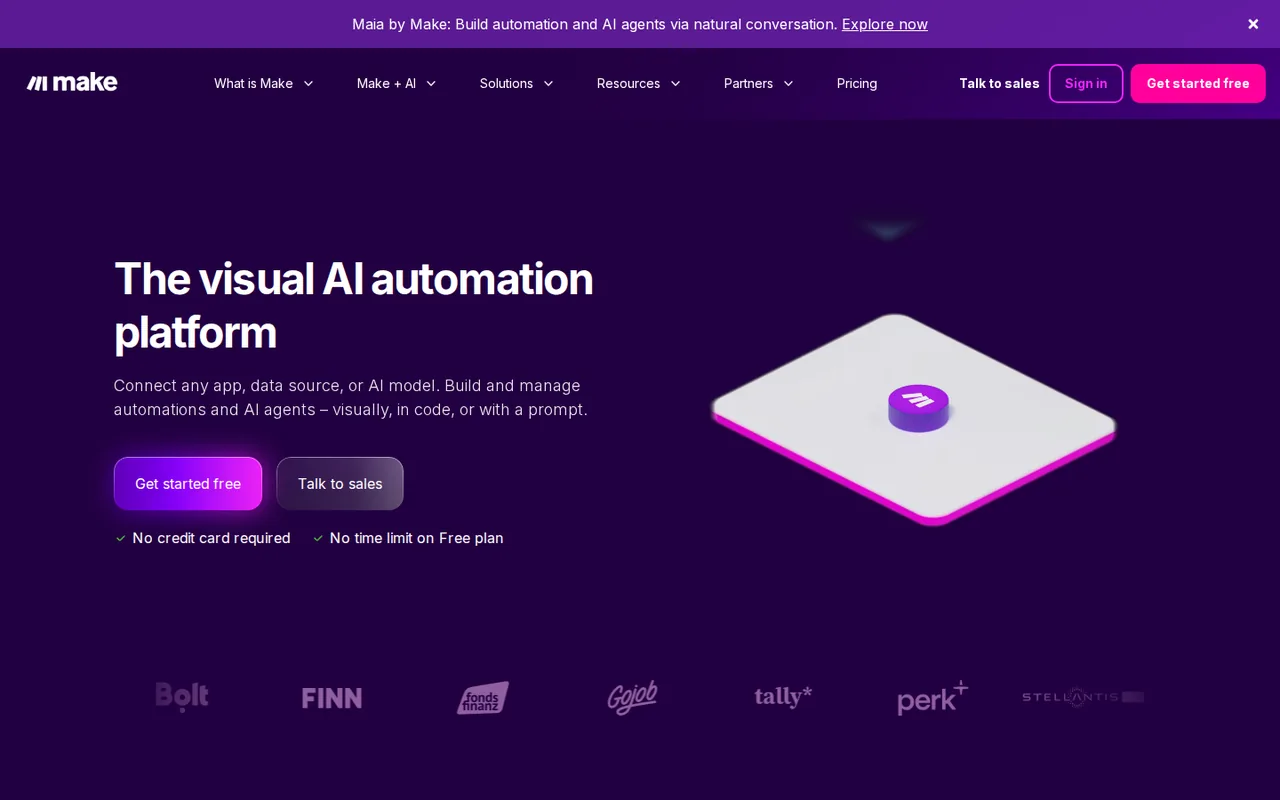
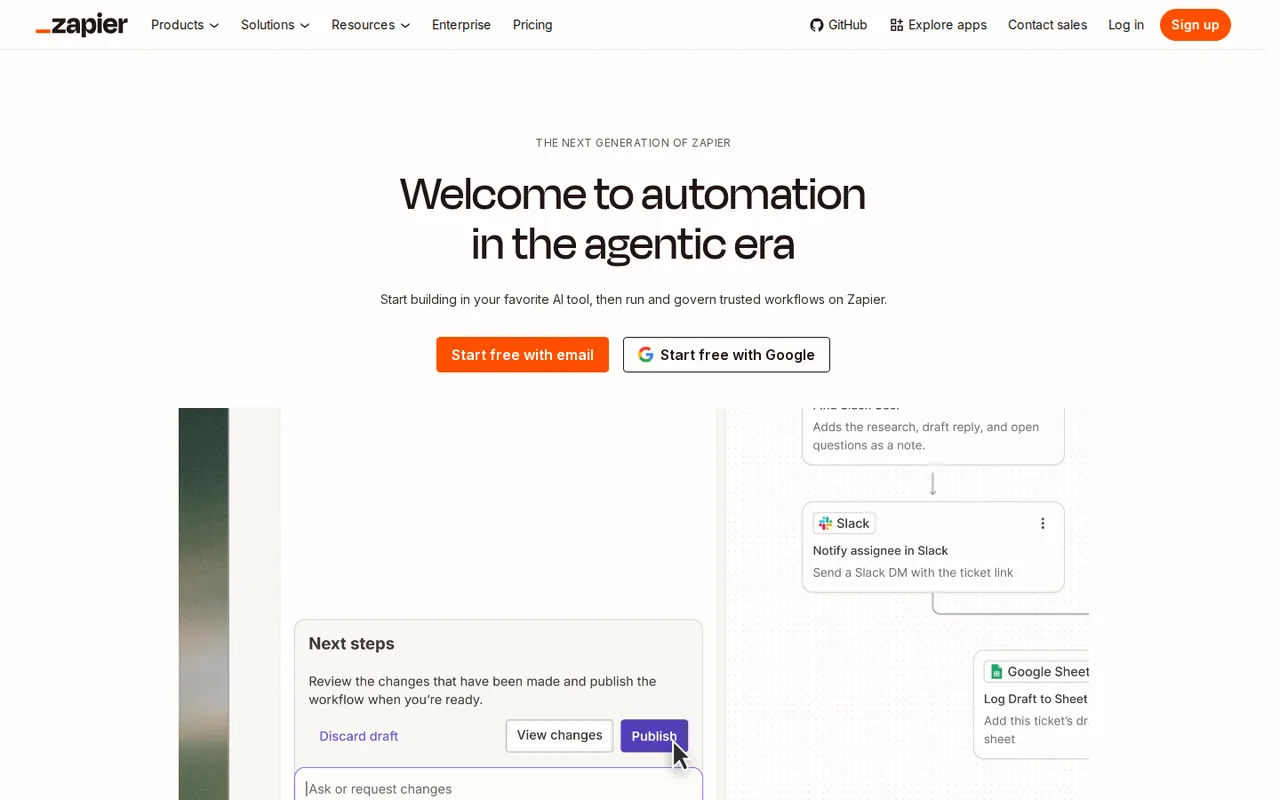
In shortA Make scenario is a diagram of modules with routers and filters. A Zap is one trigger followed by steps; on Free it is one trigger and one action.
Five differences that decide it
- Billing unit
- Make uses a credit per module operation, and a module repeats for every bundle it receives; Zapier uses a task per successful action step, while triggers, Filter, Paths, Formatter, Delay and Looping use none. Source: zapier.com
- Idle checks
- A Make trigger scheduled every 15 minutes spends about 2,880 credits a month (4 x 24 x 30) even if nothing arrives; Zapier polls never use tasks, so a quiet Zap costs nothing until an action succeeds. Source: help.zapier.com
- Worked example
- Assume an hourly check that finds 5 new rows a day, each sent to 2 app actions, over 30 days. Make: 720 checks + 300 action operations = about 1,020 credits, just over Free's 1,000. Zapier: 300 tasks, but two actions already need a paid plan; Professional's entry tier holds 750. Source: help.make.com
- Free access
- Both offer a free plan rather than only a trial. Make Free gives 1,000 credits, 2 active scenarios and a 15-minute minimum interval, with several modules per scenario; Zapier Free gives 100 tasks and unlimited Zaps, each limited to one trigger and one action. Source: help.zapier.com
- Entry price
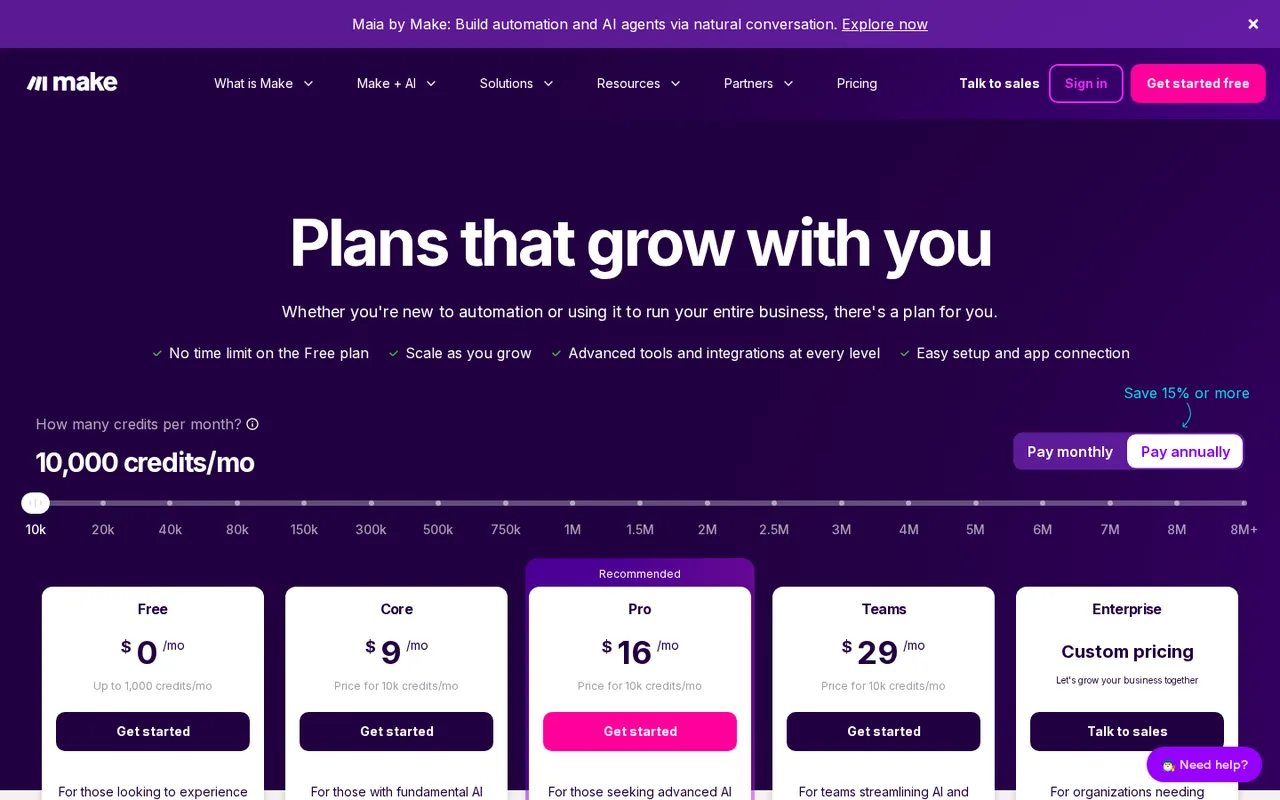
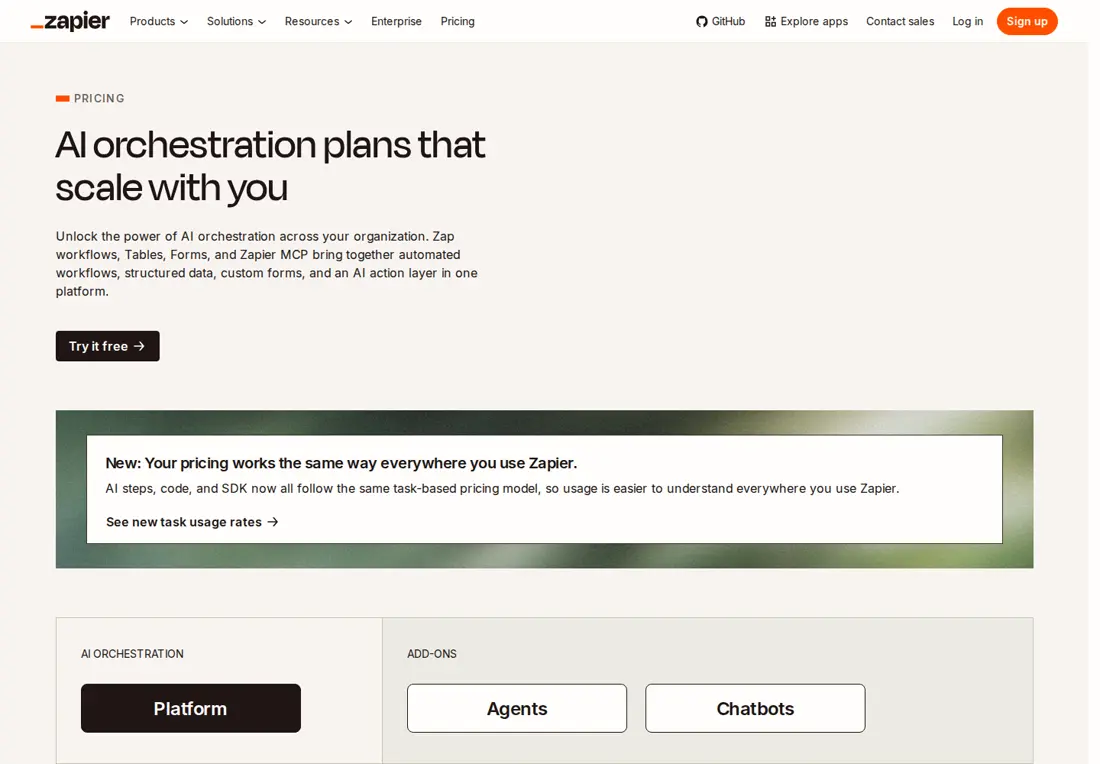
- Zapier Professional lists USD 19.99 a month billed yearly, or USD 29.99 monthly, for 750 tasks and one seat. Make's public pricing views show different paid packages, so take the quote for your credit volume and billing term from the account. Source: zapier.com
Feature matrix
In shortTwelve capabilities marked from the two profiles and this comparison’s sources. A dash means the sources do not cover it, not that the tool lacks it.
| Capability |  Make Make |  Zapier Zapier |
|---|---|---|
| Building a workflow | ||
| Branch records down different paths | Offeredrouters, filters, fallback route | OfferedPaths step, no task cost |
| Several steps on the free plan | Offeredseveral modules, 2 active scenarios | Partlyone trigger and one action |
| Write code in a step | PartlyMake Code, paid plans, 2 credits a second | OfferedCode step, 1 task at standard runtime |
| Build a workflow from a chat prompt | PartlyMaia, public beta on paid plans, trial on Free | Not listednot covered in the sources checked |
| AI | ||
| AI step inside a workflow | OfferedMake-managed AI or your own provider | OfferedAI by Zapier, priced by model tier |
| AI agents | PartlyAI Agent (New) app, open beta | OfferedZapier Agents, separate activity quota |
| MCP | OfferedMCP server runs on-demand scenarios | OfferedZapier MCP; a tool call uses more than one task |
| Running it | ||
| Start instantly from a webhook | Offeredown request queue per webhook | Partlylisted on paid plans |
| Per-step failure handling | OfferedSkip, Retry, Resume, Commit, Rollback | Partlyerrored actions unbilled; autoreplay on paid plans |
| Run history | Offeredmodule output bundles and credit use | Offeredevery run logged, replay unsuccessful runs |
| Team and control | ||
| Several builders on one account | Partlyseat terms set in the quote | OfferedTeam: 25 users, shared connections |
| Single sign-on | Not listednot covered in the sources checked | PartlyTeam: SAML SSO |
offered partly or with limits not listed on the profile.
What does a month cost, counted in credits and tasks?
In shortThe gap between the two meters opens on checks, formatting and filtering; on plain app actions the counts converge.
The units, row by row
| Work | Make | Zapier |
|---|---|---|
| A scheduled or polling check that finds nothing | 1 credit | 0 tasks: polls never use tasks |
| Starting a run from a webhook | 1 credit for the trigger module | 0 tasks; webhooks are listed on paid plans |
| Formatting or filtering one record | A formatting module is 1 credit per bundle; modules on a dropped path do not run | 0 tasks: Formatter, Filter and Paths are free |
| One app action on one record | 1 credit per bundle | 1 task, only if it succeeds |
| One run that brings 10 records to three later steps | 31 credits (1 + 10 × 3) | 30 tasks: three successful actions for each record |
| Code inside a step | 2 credits per second, paid plans | 1 task per Code step at standard runtime |
Units as each profile states them, assuming ordinary non-AI modules at one credit per run, including the trigger module.
Sources: Make credits, Make operations and bundles, Zapier rates, How Zapier measures task usage.
Three monthly loads, counted
In shortSame work, two meters. A 30-day month.
| Load | Make credits | Zapier tasks |
|---|---|---|
| Lead form, 600 submissions by webhook: one formatting step, a filter passes 200 on to two app actions | About 1,600 (600 × 2 + 200 × 2): above Free’s 1,000 | 400 (200 × 2): inside Professional’s 750-task entry tier |
| Daily order sync: 20 new orders a day, each written to a sheet and posted to chat | About 1,230 (30 runs × (1 + 20 × 2)) on a once-a-day schedule | 1,200 (600 orders × 2): above Professional’s 750 entry tier; Team’s entry tier holds 2,000 |
| Webhook with a 3-second code step and one app action, 300 runs | About 2,400 (300 × (1 + 3 × 2 + 1)); Make Code needs a paid plan | 600 (300 × 2): inside Professional’s 750 |
Arithmetic on the rates above, one record per bundle. The code row assumes Zapier’s standard runtime; extended runtime adds 1 task per 30 seconds beyond the plan allowance.
In the first load, two-thirds of the submissions stop at the filter and cost Zapier nothing, while Make has already counted their trigger and formatting modules. In the second, nearly every unit is an app action, so the counts land within 30 of each other and plan terms decide. In the third, Make’s per-second code rate dominates, so a longer script widens the gap.
What each plan includes
| Make plan | What it includes |
|---|---|
| Free · USD 0 | 1,000 credits a month, 2 active scenarios, checks every 15 minutes at most |
| Paid automation | Confirm a current quote: the public pricing pages show different plan names and credit packages |
| Enterprise | Custom pricing; advanced security, support, custom libraries and overage protection |
Price per month on yearly billing, from the Zapier profile. Bars compare plans of this tool only.
Zapier’s bars are yearly billing at each entry task tier, in US dollars (monthly billing: USD 29.99 Professional, USD 103.50 Team; larger tiers cost more). Make’s public pages disagree on paid prices, so count your credits and ask for a quote in the same billing period.
What happens when a step fails, or when you switch?
In shortMake lets you decide on each module what a failure does; Zapier does not bill the failed action but recounts a run you replay. Switching changes the count too.
Failure handling, side by side
| Make | Zapier | |
|---|---|---|
| Where you set the response | On the module: Skip, Retry, Resume, Commit or Rollback | Replay from Zap history; a replay recounts earlier successful steps; automatic replay needs a paid plan |
| Is the failed step billed? | Not covered in the sources checked | No: actions that error or halt do not count |
| What the log shows | Run status, each module’s output bundles and credit use | Every run with its status |
| How long the log is kept | 7 days on Free; longer depends on the paid package | Not covered in the sources checked |
A worked case on the lead-form load: the second action errors on 10 of the 200 runs that pass the filter. Zapier bills 390 tasks (200 + 190); replaying those 10 runs adds 20 if both actions then succeed, because the first action counts again: 410 in all. On Make, a Retry or Resume handler decides what happens to the 10 records; whether the failed module uses a credit is not in the sources checked.
Sources: Make error handlers, Make scenario history, Zapier Zap history.
Moving one workflow across: what to recount
| Check | Zapier to Make | Make to Zapier |
|---|---|---|
| The trigger | Add one credit for every scheduled check, or start the scenario from a webhook | Polling is free; Free checks every 15 minutes, Professional every 2 |
| Filters and formatting | Each formatting module costs a credit per record | Filter, Paths, Formatter and Delay steps drop out of the count |
| Records arriving together | Later modules repeat once per bundle | Count successful actions per record |
| Failure handling | Rebuild it as handlers on the modules that may fail | Plan for replays: they recount earlier successful steps |
Moving connections, field mappings and run history between the services is not covered in the sources checked; rebuild and retest each workflow.
Videos, questions and what this page does not judge
Official videos
In shortFrom each vendor’s YouTube channel. They load only when you press play.


Common questions
Which is cheaper, Make or Zapier?
Zapier lists Professional at USD 19.99 a month billed yearly, or USD 29.99 on monthly billing, for 750 tasks. Make's paid entry package and price differ between its public pricing views, so request a quote for the credit volume you measured. Before comparing, drop Zapier's free built-in steps from your count and add every Make scheduled check.
Which one reacts faster to a new record?
With polling triggers, Zapier checks every 15 minutes on Free, every 2 on Professional and every minute on Team, and paid plans can set a custom interval per Zap. Make Free schedules no more often than every 15 minutes, while paid plans allow schedules down to the minute. A webhook on either side starts the run as the request arrives.
Can Claude or ChatGPT run these workflows?
Yes, through each vendor's MCP server. Make's server lets an MCP client run scenarios that are active, set to on-demand scheduling and given defined inputs and outputs, on every plan. Zapier MCP lets an AI client call Zapier actions as tools without building a Zap, and each successful tool call uses 2 tasks.
How do the AI agent products bill?
Zapier Agents run on a separate activity quota, so they do not draw on the task allowance your Zaps use. The Make AI Agent (New) app is in open beta and draws Make credits when it uses Make's AI Provider; connecting your own model provider needs a paid plan, and Make says its pricing may change.
Can several people build on one account?
Zapier sells access by seat: Free and Professional have one, Team has 25 and Enterprise is unlimited, with shared Zaps and app connections starting on Team. Make's paid tiers add team controls, and public templates work on every plan, but seat terms sit inside the quoted package, so confirm the number of builders before you buy.
What happens if I drop back to a free plan?
On Zapier, paid-only features stop: multi-step Zaps, premium apps, versions, autoreplay and faster polling, so larger Zaps must be cut to one trigger and one action. On Make, Free allows 2 active scenarios, 15-minute scheduling and no Make Code, so plan which scenarios stay active and how the rest will start.
What this page does not judge
Ease of learning, the number of app integrations, run speed and user opinions on forums are the topics most comparisons rank on, but neither profile documents them in a way we can check, so they are not judged here. We have not built the same workflow in both; the test below measures the counts on your own data.
On free accounts, point a Make scenario with an hourly schedule and one action module, and a two-step Zap, at the same test spreadsheet. Add 10 rows at once, wait for the next check, then read Make’s execution history and Zapier’s task usage. The rates above predict 11 Make credits for the check that finds the rows (1 + 10), one credit for each empty check, and 10 Zapier tasks; any other count points to extra bundles, replays or AI steps.
How this comparison was made
Plans, units and limits come from the Make and Zapier profiles on this site and the vendor pages they cite, each with its own check date; live tables read those profiles on every page load. Sections follow the topics top-ranking pages cover, limited to what the vendors document. No rating is given. See our editorial policy.