AI Tools for Small Businesses: Seats, Shared Credits and Monthly Cost
One AI tool for each of six everyday jobs, then priced for a five-person business: who needs a paid seat, which plans share one allowance, and what the sixth hire adds.
By Elias Brandt · Updated 9 Oct 2026 · About 14 min read · Plan terms taken from each tool profile
The short answer
Which tools cover the everyday jobs? A shared assistant (ChatGPT Business or Claude Team) for drafting and files, Canva for visuals, Zapier or n8n for hand-offs between apps, and Fireflies.ai or Notion AI for meeting notes. Grammarly, Copy.ai, Gamma, Pitch and Perplexity cover narrower jobs.
Does everyone need a seat? No. Pay for the people who make things; in the worked example that more than halves the yearly bill.
Where does the bill jump? Copy.ai’s sixth writer, Pitch’s sixth member and a second Zapier builder can each force a bigger plan.
Which AI tool fits each small-business job?
Twelve tools at a glance
How each tool counts people decides the bill more than its list price.
| Tool | Job | How people are counted |
|---|---|---|
 ChatGPT ChatGPT | Drafting, files, images and web research in one assistant | Per seat, two minimum |
 Claude Claude | Documents, spreadsheets and shared projects | Per seat |
 Perplexity Perplexity | Web research with source links | Per active seat |
 Grammarly Grammarly | Corrections and rewrites where staff already type | Per member |
 Copy.ai Copy.ai | Sales and marketing copy in one brand voice | Flat bundle of 5 seats |
 Canva Canva | Social posts, flyers and branded visuals | Per person, own AI allowance |
 Gamma Gamma | First drafts of decks, docs and simple sites | Per member; pooled on Business |
 Pitch Pitch | Client decks the team co-edits | Per seat; yearly credits pooled |
 Zapier Zapier | Hand-offs between the apps you already use | One seat, or 25 users on Team |
 n8n n8n | Many-step workflows, hosted or on your server | No user pricing; runs counted |
 Fireflies.ai Fireflies.ai | Meeting transcripts, summaries and action items | Per seat |
 Notion AI Notion AI | AI on the team’s own Notion pages and meeting notes | Every member; guests free |
From each tool’s profile, which shows the date its plan terms were checked.
What makes a tool worth paying for
- A named person uses it every weekGrammarly’s free 100 prompts, about 4 per working day, show whether that person keeps using it.
- It counts people the way your team worksPer seat, a shared pool, a flat bundle or no user pricing.
- The free plan lasts a real monthGamma’s 400 credits and Pitch’s 100 are granted once; Zapier’s 100 tasks and Canva’s 20 AI uses refill monthly.
- One person can own itBilling, app connections and automations need an owner and a named backup.
- Its data terms fit client workTraining defaults and single sign-on differ by plan.
Output quality is not on this list because nothing in the sources lets us compare it.
Should the team share one AI assistant or keep individual plans?
ChatGPT Business and Claude Team both cost USD 20 per seat a month on annual billing. For five people, ChatGPT Business costs USD 1,200 a year (5 × 20 × 12), the same as five Plus subscriptions, which are billed monthly only at USD 20. Five Claude Pro plans billed yearly cost USD 1,000 (5 × 200), so Claude Team costs USD 200 more for shared projects, single sign-on and central billing. With one heavy user, one Premium plus four Standard seats cost USD 180 a month on annual billing (100 + 4 × 20) on either tool.
For drafting, files and images in one place: ChatGPT Business
- Free Unlimited basic text chats
- Team from USD 20 / seat / month billed annually; USD 25 monthly
What it does
- Drafting and files
- Drafts text, summarizes uploaded PDFs and spreadsheets, and creates documents or decks on request.
- Projects
- Chats, files and instructions for one job stay together.
- Web research
- Answers link to the pages they draw on; scheduled tasks rerun a prompt on a cadence.
Who needs a paid seat
Everyone who drafts in it. A workspace needs at least two seats, and a Premium seat gives one heavy user 5x a Standard seat’s usage.
Where the bill jumps
One person leaving Pro $100 for Business pays USD 120 a month billed annually, because the second seat is required.
See the ChatGPT profile for plans, limits and sources.
Visit ChatGPT (opens in a new tab)
Sources: ChatGPT pricing, ChatGPT Business billing and seats, ChatGPT Business FAQ.
For documents, spreadsheets and shared projects: Claude Team
- Free Chat, web search, files, 5 projects
- Team from USD 20 / seat / month billed annually; USD 25 monthly
What it does
- File creation
- Excel with working formulas, PowerPoint, Word and PDF; on Team, owners can turn it off.
- Shared projects
- Instructions and files apply to every chat in a project; sharing one with colleagues needs Team or Enterprise.
- Research
- Paid-plan research with citations, also across connected Gmail, Google Calendar and Google Docs.
Who needs a paid seat
Everyone who drafts in it; Team covers 2 to 150 people.
Where the bill jumps
Research draws on the same allowance as chat, and faster. For one heavy individual, Max starts at USD 100 a month, billed monthly only.
See the Claude profile for plans, limits and sources.
Visit Claude (opens in a new tab)
Sources: Claude pricing, Claude projects, Claude file creation.

Price per month on yearly billing, from the Claude profile. Bars compare plans of this tool only.

Price per month, as each plan is first listed, from the ChatGPT profile. Bars compare plans of this tool only.
Claude vs ChatGPT compares the two assistants plan by plan.
For research someone has to cite: Perplexity
- Free 3 Pro Searches a day
- Team from USD 34 / seat / month Enterprise Pro, billed annually; USD 40 monthly
What it does
- Source links
- Answers come from live web sources, with a link to each page used.
- Research mode
- Reports built from many sources, exportable; Free allows 1 Research query a month.
- Spaces
- Shared threads, files and instructions, with viewers or contributors invited.
Who needs a paid seat
Usually only the researcher, on Pro at USD 17 a month billed annually (USD 20 monthly).
Where the bill jumps
Enterprise Pro is billed per active seat, so five seats on monthly billing cost USD 200 a month.
See the Perplexity profile for plans, limits and sources.
Visit Perplexity (opens in a new tab)
Sources: Perplexity pricing, Perplexity Enterprise Pro billing, Perplexity Spaces.
Which tools cover writing, design and decks?
Per-person pricing adds up fastest here. Pay for the people who make things; reviewers can stay on free plans or join as guests where the plan allows.
For corrections where staff already type: Grammarly
- Free 100 AI prompts a month
- Team from USD 12 / member / month Pro, billed yearly; USD 30 monthly
What it does
- Suggestions everywhere
- Spelling, grammar, clarity and tone in browsers, desktop apps, Office, Google Docs and mobile keyboards.
- AI prompts
- Drafts and rewrites from prompts: 2,000 per member a month on Pro.
- Team style guide
- A shared style guide, brand tone and snippets for Pro teams of up to 149 seats.
Who needs a paid seat
Each member who writes, billed monthly, quarterly or yearly.
Where the bill jumps
Prompts refill monthly and no top-up is listed. Yearly Pro, USD 144 per member, costs about 5 months of monthly billing.
See the Grammarly profile for plans, limits and sources.
Visit Grammarly (opens in a new tab)
Sources: Grammarly plans, Grammarly Pro pricing, Grammarly AI prompts.
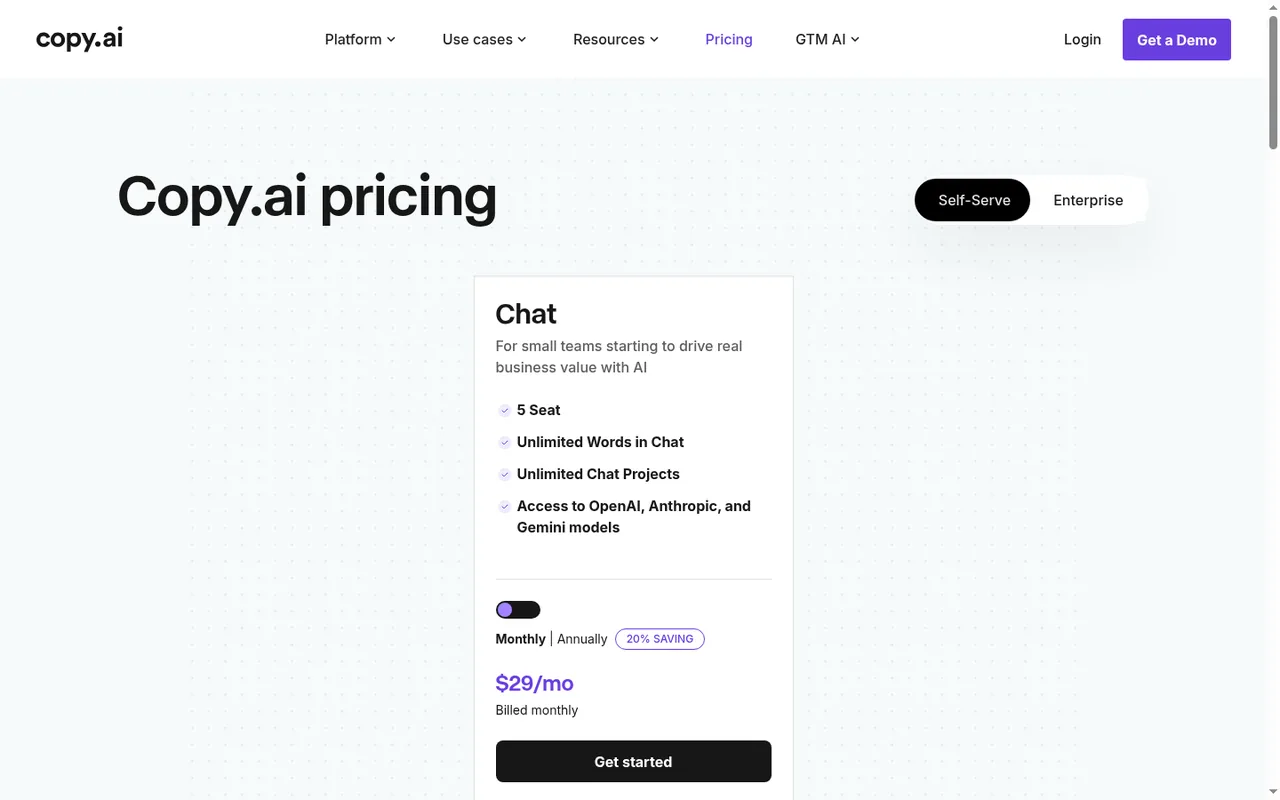
For marketing copy in one brand voice: Copy.ai
- Free No free plan
- Team USD 24 / month for 5 seats Chat, billed annually as USD 288; USD 29 monthly
What it does
- Chat
- OpenAI, Anthropic and Gemini models in one interface, with unlimited words and web search.
- Brand Voice and Infobase
- A tone profile, and stored company documents pulled into prompts by tag; text input only.
- Workflows
- Chained research and writing steps on workflow credits, from Growth.
Who needs a paid seat
No one separately: the bundle works out at about USD 4.80 per person a month on annual billing.
Where the bill jumps
Upgrades are charged pro rata and downgrades credited on the next bill, but refunds apply only within five days of the first purchase.
See the Copy.ai profile for plans, limits and sources.
Visit Copy.ai (opens in a new tab)
Sources: Copy.ai pricing, Copy.ai billing, Copy.ai workflow credits.
For social posts, flyers and branded visuals: Canva
- Free Up to 20 AI uses a month
- Team USD 25 / person / month Business; USD 250 a year
What it does
- AI in the editor
- Images, designs and video generated inside templates, exported as PNG, PDF, PPTX or MP4.
- Brand Kits
- Logos, colours and fonts; Brand Controls restrict designs to them, and Business adds approvals.
- AI allowance
- Premium and Ultra uses draw on a monthly allowance per member that resets on the billing date.
Who needs a paid seat
The designer, on Pro at USD 18 a month or USD 144 a year; Pro covers one person. Writers can stay on Free.
Where the bill jumps
Business is billed per person; a heavy user can add AI Pass at USD 100 a month. Trials carry only the Free-size AI allowance. A visitor in Germany sees Canva’s own EUR prices (Pro EUR 12, Business EUR 17 a month).
See the Canva profile for plans, limits and sources.
Visit Canva (opens in a new tab)
Sources: Canva pricing, About Canva Business, Canva AI usage.
For fast first drafts of decks and one-pagers: Gamma
- Free 400 credits once
- Team from EUR 8 / seat / month Plus, billed annually as EUR 96
What it does
- Draft from notes
- Notes, a PowerPoint or a PDF become a deck, document or web page; 100 slides per prompt on paid plans.
- Exports
- PDF, PNG or PPTX; Free exports carry a Gamma badge.
- Credits
- Each AI action spends credits; Plus adds 1,000 a month.
Who needs a paid seat
Every workspace member. On Plus, Pro and Ultra each member’s credits stay with that member and cannot be transferred.
Where the bill jumps
Five Plus seats cost EUR 480 a year. Business, at USD 40 per member a month billed annually, adds SSO and a shared credit pool.
See the Gamma profile for plans, limits and sources.
Visit Gamma (opens in a new tab)
Sources: Gamma pricing, Gamma per-member billing, Gamma credits.
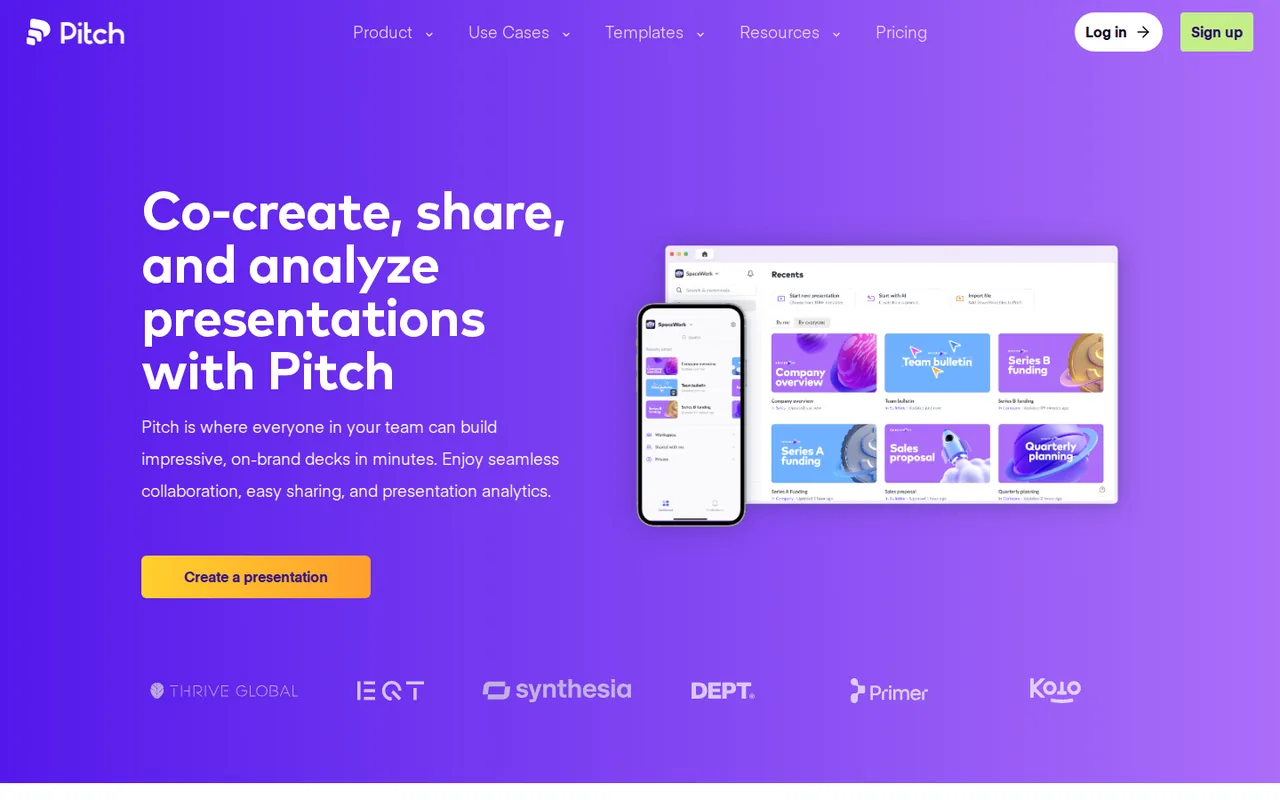
For client decks the team co-edits: Pitch
- Free 5 members, 2 guests
- Team from EUR 15 / seat / month Team, billed annually; EUR 18 monthly
What it does
- AI drafting
- An agent drafts on-brand slides; Free’s 100 credits never refresh, Team adds 500 per seat a month.
- Live co-editing
- Slide assignments and comments, with viewer analytics on shared links.
- Exports
- Editable PPTX with speaker notes from Plus; Free exports PDF with a small watermark.
Who needs a paid seat
Only the people who draft with AI, provided the others fit as guests. Plus is one member only.
Where the bill jumps
Yearly Team credits arrive as one annual pool, about 30,000 for five seats. Paid monthly, five seats cost EUR 1,080 a year.
See the Pitch profile for plans, limits and sources.
Visit Pitch (opens in a new tab)
Sources: Pitch pricing, Pitch paid plans, Pitch plans and pricing.
Which tools handle hand-offs, meetings and shared notes?
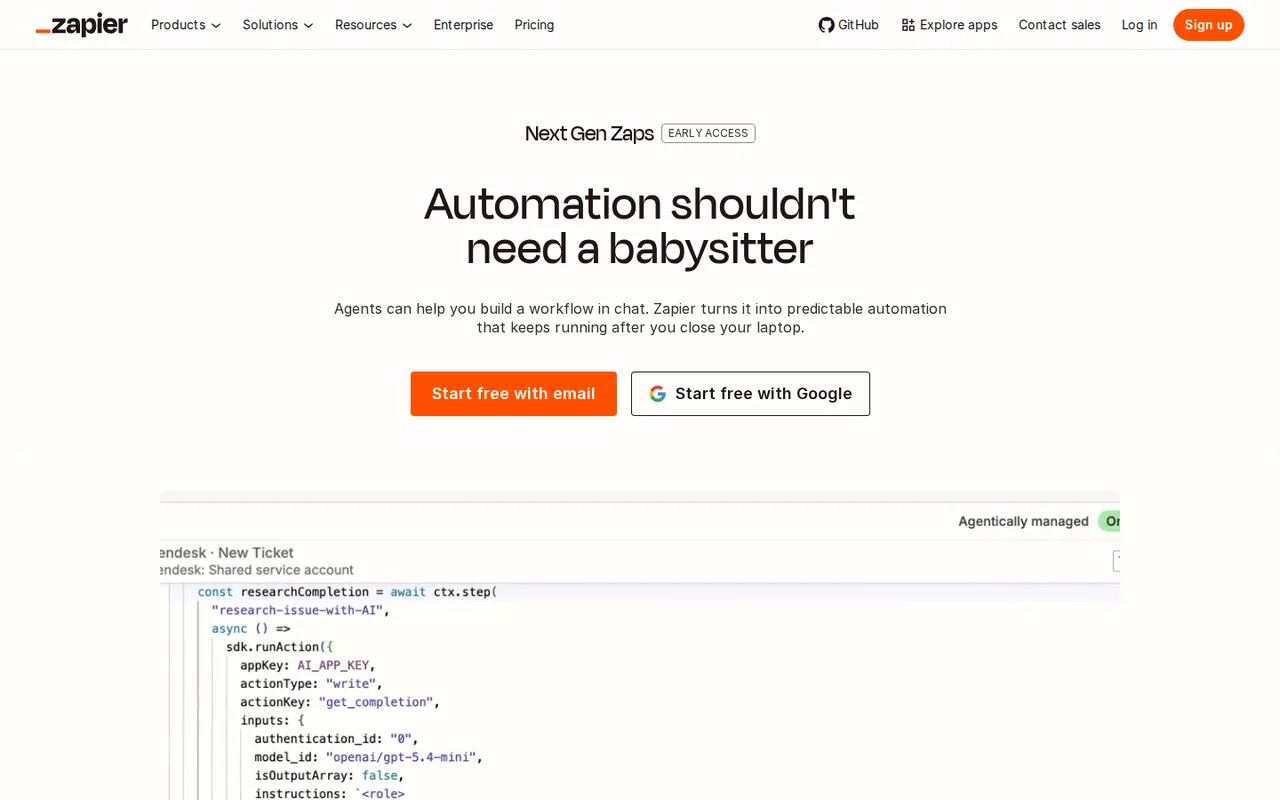
For hand-offs between the apps you already use: Zapier
- Free 100 tasks, two-step Zaps
- Team from USD 69 / month Team, billed yearly; 25 users, 2,000 tasks
What it does
- Zaps
- An event in one app triggers actions in others; only successful actions use tasks.
- AI steps
- Summarize, classify or draft inside a Zap, billed by the model tier chosen.
- Professional
- One seat, 750 tasks and multi-step Zaps for USD 19.99 a month billed yearly.
Who needs a paid seat
One builder on Professional. Team’s 25 users share Zaps, folders and app connections.
Where the bill jumps
A three-action Zap run 10 times a day uses about 900 tasks a month, more than Professional’s 750.
See the Zapier profile for plans, limits and sources.
Visit Zapier (opens in a new tab)
Sources: Zapier pricing, Zapier task usage, Zapier rates.
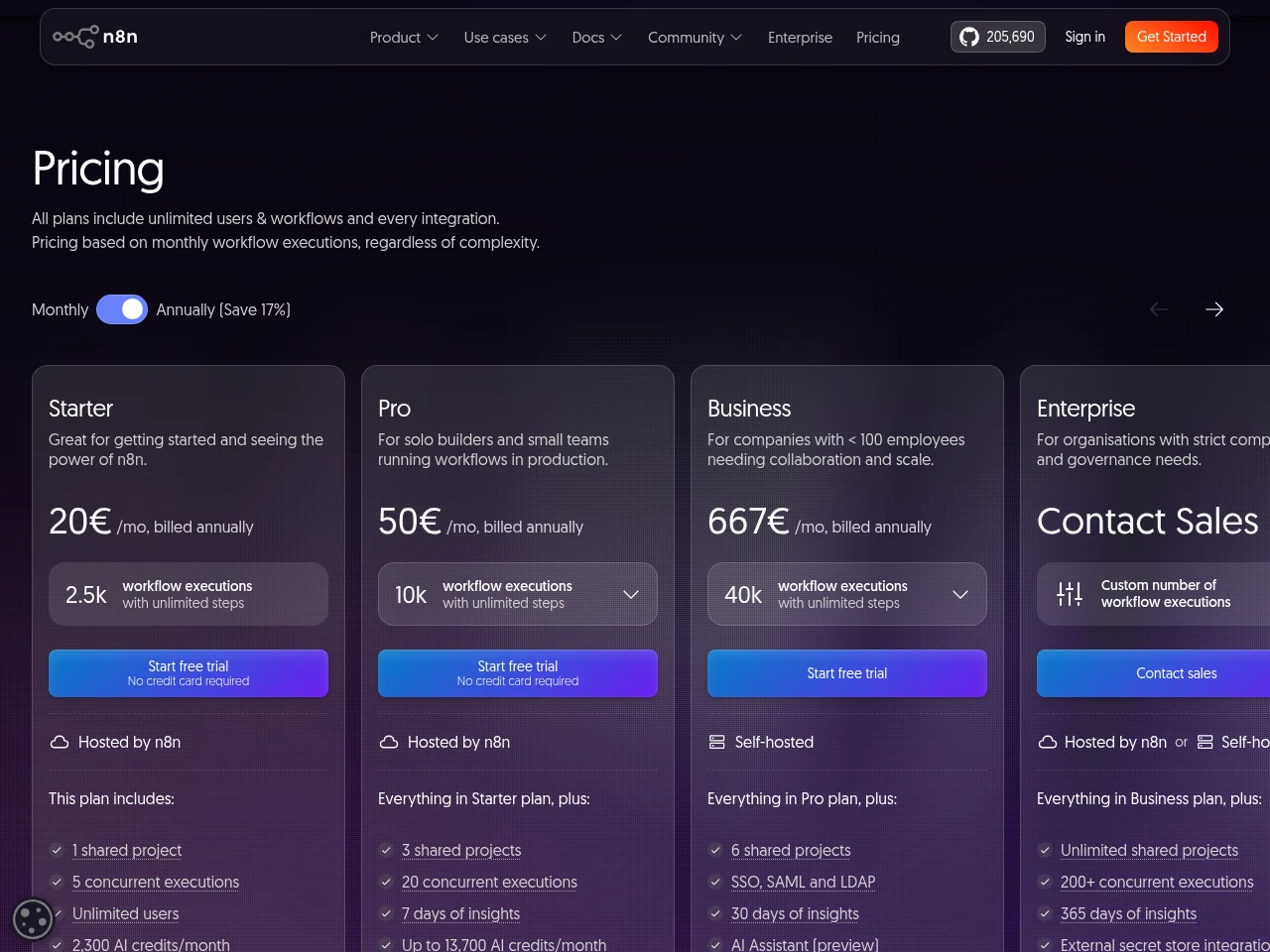
For many-step workflows without user fees: n8n
- Free Self-hosted Community
- Team from EUR 20 / month Starter Cloud, billed annually; 2,500 executions
What it does
- Executions
- One per complete run, however many steps; Pro Cloud has 10,000 for EUR 50 a month billed annually.
- Error workflows
- A separate workflow can send an email or Slack alert when a run fails.
- AI agents
- Models from OpenAI, Anthropic and Google combined with tools and MCP servers.
Who needs a paid seat
No one: users are unlimited on every plan.
Where the bill jumps
A workflow every 15 minutes runs 2,880 times in a 30-day month, about 380 more than Starter includes. Self-hosting leaves servers, updates and restores to you.
See the n8n profile for plans, limits and sources.
Visit n8n (opens in a new tab)
Sources: n8n pricing, n8n Cloud trial, n8n error workflows.
n8n vs Zapier works through tasks and executions in more detail.
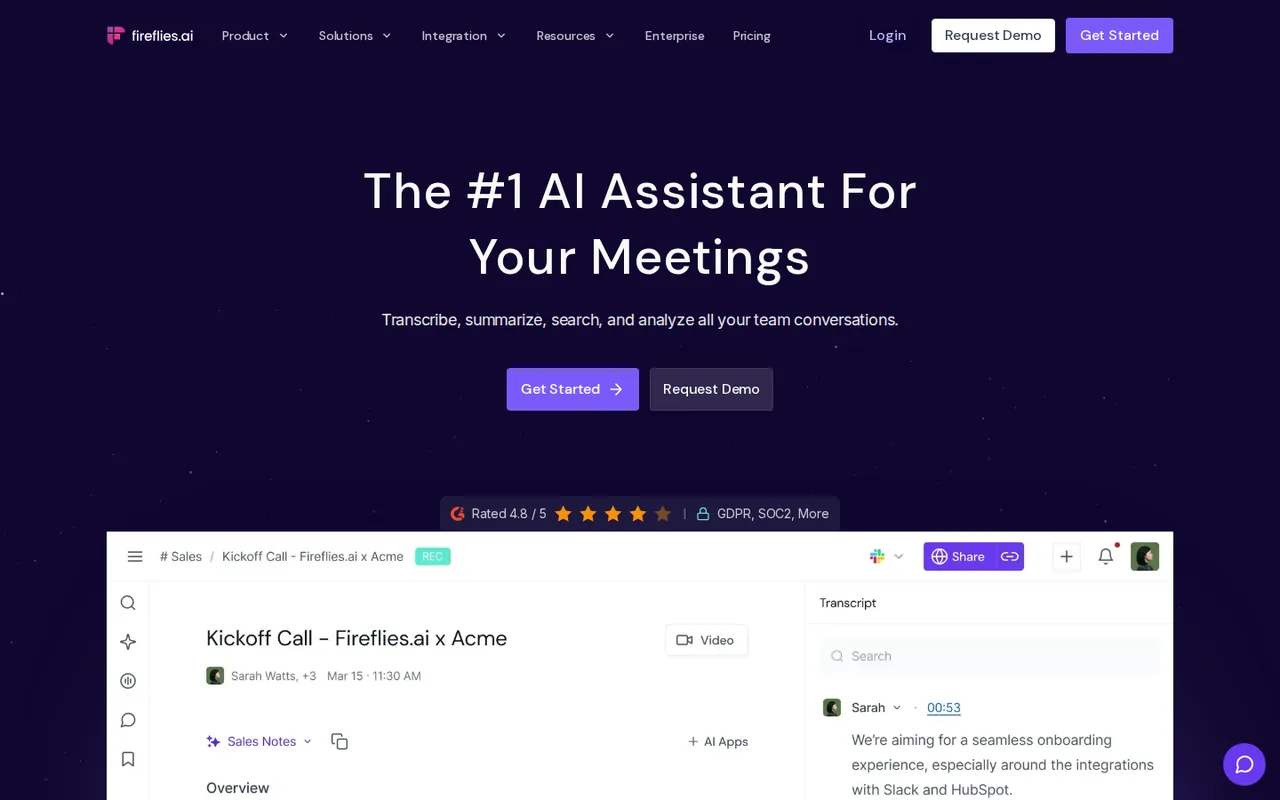
For call transcripts and action items: Fireflies.ai
- Free 400 minutes of storage
- Team from USD 10 / seat / month Pro, billed annually
What it does
- Capture
- A bot joins Zoom, Google Meet or Microsoft Teams calls; uploads work too; 100+ languages.
- Summaries
- AskFred search on every plan; action items, a task manager and unlimited summaries from Pro.
- Storage
- 400 minutes on Free, 8,000 per seat on Pro, unlimited on Business at USD 19 per seat billed annually.
Who needs a paid seat
Whoever records. Whether people who only read recaps need a seat is not covered in the sources checked.
Where the bill jumps
Downloads and video recording need Pro. Recap links default to teammates and anyone with the link, and meeting audio can include voice data some jurisdictions treat as biometric.
See the Fireflies.ai profile for plans, limits and sources.
Visit Fireflies.ai (opens in a new tab)
Sources: Fireflies.ai pricing, Fireflies.ai storage and limits, Fireflies.ai recap privacy.
For AI on the team’s own pages and notes: Notion AI
- Free Limited trial
- Team USD 20 / member / month Business, billed yearly; USD 24 monthly
What it does
- Notion Agent
- Creates and edits pages and databases using workspace context.
- AI Meeting Notes
- Searchable transcripts and summaries, up to 10 hours a day per user.
- Custom Agents
- Scheduled or triggered agents paid with Notion credits, USD 10 per thousand.
Who needs a paid seat
Every member of the paid workspace; guests are free.
Where the bill jumps
Heavy sessions pause on a rolling six-hour window unless an admin allows credit spending. A status-update agent run 60 times a month costs about USD 4.80 to 10.80.
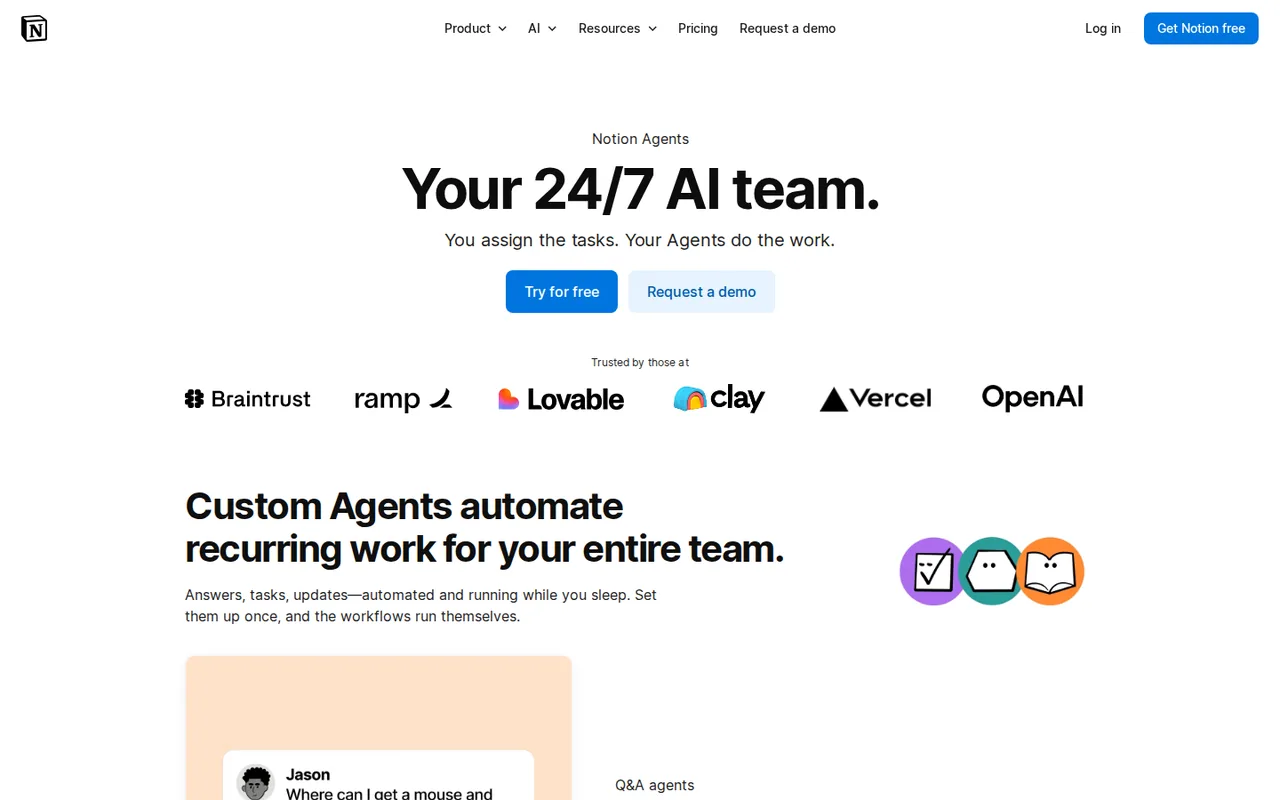
See the Notion AI profile for plans, limits and sources.
Visit Notion AI (opens in a new tab)
Sources: Notion pricing, Notion credits for Custom Agents, Notion AI Meeting Notes.
What does a five-person business pay?
The example business: seats by role against a seat for everyone
A fictional team: two writers, a designer, an operations lead who builds automations and a manager who approves work and records client calls. Everyone uses the shared assistant; each other tool gets a seat only for the role that needs it. Annual billing throughout.
| Job | Seats by role, a year | A seat for everyone, a year |
|---|---|---|
| Shared assistant | Claude Team or ChatGPT Business, 5 Standard seats: USD 1,200 | The same 5 seats: USD 1,200 |
| Writing | Grammarly Pro for 2 writers: USD 288 | Grammarly Pro for 5: USD 720 |
| Design | Canva Pro for the designer: USD 144; writers on Free | Canva Business for 5: USD 1,250 |
| Automation | Zapier Professional for the operations lead: USD 239.88 | Zapier Team: USD 828 |
| Meeting notes | Fireflies.ai Pro for the manager: USD 120 | Fireflies.ai Pro for 5: USD 600 |
| Total in USD | USD 1,991.88 | USD 4,598 |
| Decks (EUR, not added) | Pitch Free for all 5 members: EUR 0 | Pitch Team for 5: EUR 900 |
Seats by role cost USD 2,606.12 less a year without changing a single tool. Two Grammarly Pro seats also cost exactly what Copy.ai Chat costs for all five people, USD 288 a year, so the writing choice is about where the work happens, not price.
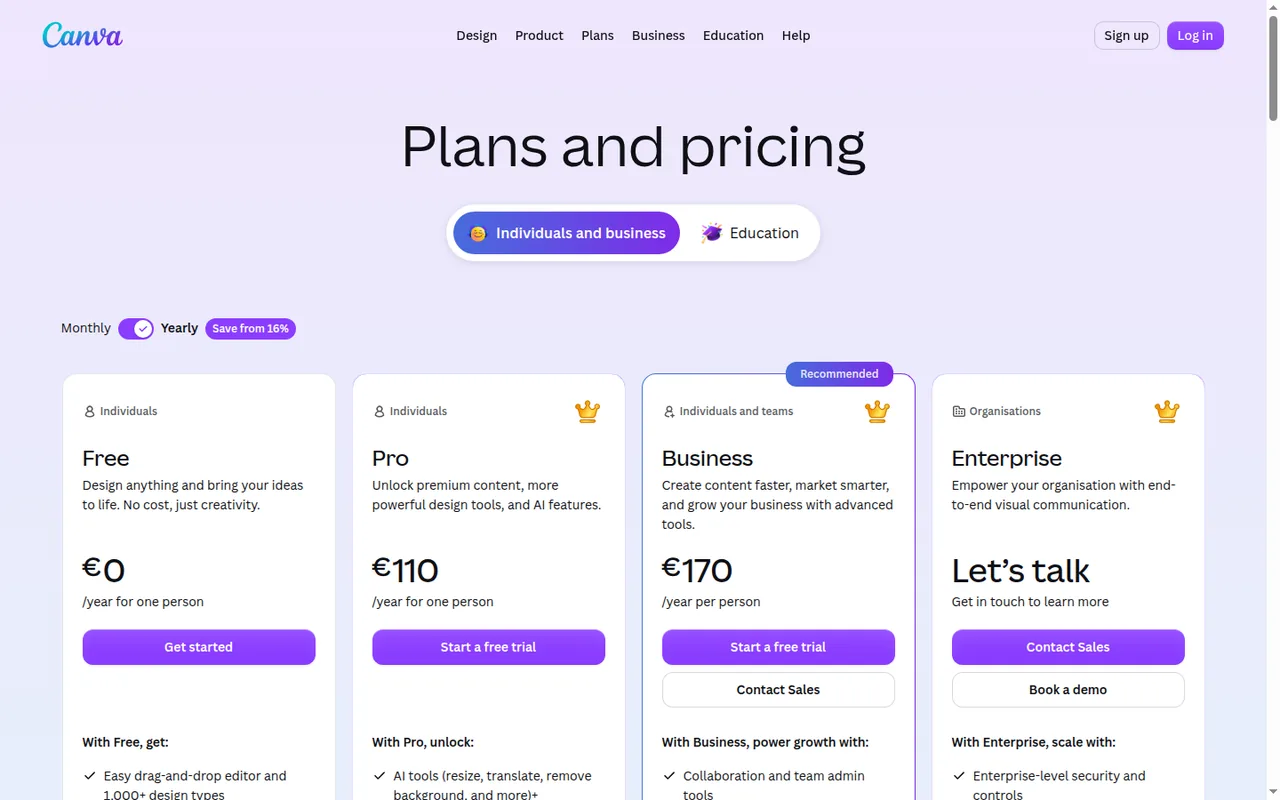
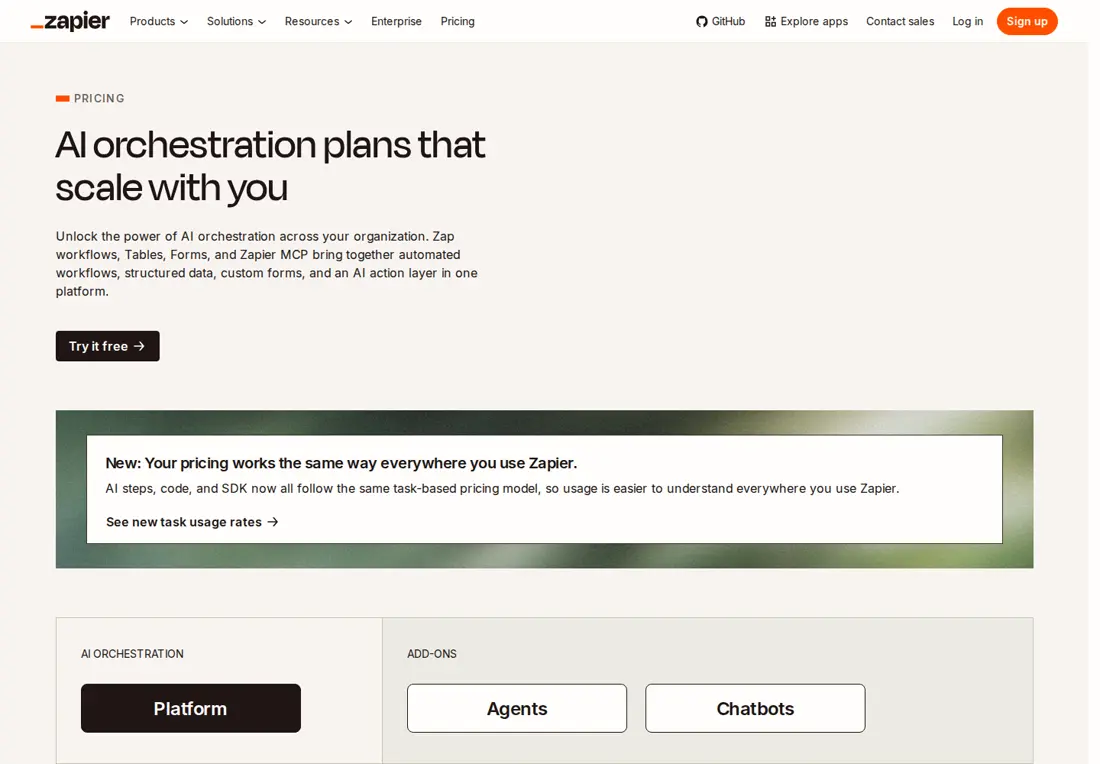
Sources: Claude pricing, ChatGPT Business billing and seats, Grammarly Pro pricing, Canva pricing, Zapier pricing, Fireflies.ai pricing, Pitch plans and pricing.
What the sixth hire adds
One more seat in most tools, nothing in n8n or Zapier Team, and a bigger plan in three places.
| Tool | What a sixth person adds |
|---|---|
| Copy.ai | Chat stops at 5 seats; Growth is USD 12,000 a year, billed yearly only |
| Pitch | Free stops at 5 members: Team at EUR 15 a month billed annually per seat, or the sixth joins as a guest |
| Zapier | Nothing for a non-builder; a second builder means Team, USD 49.01 a month more on yearly billing |
| Claude / ChatGPT | USD 240 a year per Standard seat |
| Perplexity | USD 400 a year per active seat |
| Canva | USD 250 a year on Business |
| Notion AI | USD 240 a year; guests stay free |
| Fireflies.ai | USD 120 a year on Pro |
| n8n | Nothing: users are unlimited |
Sources: Copy.ai pricing, Pitch plans and pricing, Perplexity Enterprise Pro billing, Notion pricing, n8n pricing.
Where should a small business start with AI?
Start in this order
- List the jobs that take the most hours each week and who does them; one tool per job is enough.
- Mark each person per tool as a maker, a reviewer or an owner. Makers generate and need a seat almost everywhere; reviewers can often use guest access or share links; owners hold billing, connections and automations.
- Run the first month on free plans where the team features exist; Copy.ai has no free plan and Notion AI only a trial.
- Pay for makers first on monthly billing; move to annual billing once a month of real use is known.
- Keep important files in a shared project or teamspace, not a personal account.
Data, training and admin terms before client work
| Tool | Training on your content | Single sign-on from |
|---|---|---|
| ChatGPT | Business: not on business data by default | Business |
| Claude | Team: not on your content by default | Team |
| Perplexity | Enterprise Pro: data never used for training | Enterprise Pro |
| Grammarly | Free and single-user Pro accounts can switch it off | Enterprise, with SCIM |
| Canva | — | Enterprise, with SCIM |
| Gamma | Business: training opt-out locked on | Business |
| Pitch | — | Enterprise (SAML), from 30 members |
| Zapier | — | Team (SAML) |
| n8n | — | Business self-hosted (SSO, SAML, LDAP) |
| Fireflies.ai | The provider says meeting content is not used for AI training | Enterprise, with SCIM |
| Notion AI | Not unless you opt in | Business (SAML) |
A dash means the sources checked do not cover it. Copy.ai is left out: neither point is covered.
Sources: ChatGPT Business FAQ, Claude pricing, Perplexity Enterprise Pro billing, Grammarly training control, Gamma for business, Fireflies.ai information safety, Notion AI FAQs.
Questions, and what this guide does not judge
Common questions
What can a small business use AI for?
Most small-business lists group AI by job: drafting emails and documents, research with sources, branded visuals, presentation drafts, passing data between apps, and meeting notes. Each of those jobs has a tool here with published plan terms, from ChatGPT or Claude for drafting to Zapier for hand-offs and Fireflies.ai for transcripts. Customer chat, phone answering, bookkeeping and CRM are outside this guide.
Which AI tool should a small business start with?
Start with the job that takes the most hours each week rather than with a ranking. If that job is writing and document work, a shared assistant covers it, and its free plan is enough to find out who actually uses it. Add a second tool only when a named person will use it weekly, and price that person's seat first.
Are free AI plans enough for a small business?
For a pilot month, often yes. Pitch Free admits five members, Zapier Free runs two-step Zaps on 100 tasks a month, and Fireflies.ai Free keeps 400 minutes of meetings. Each free plan has a ceiling, though: Gamma and Pitch grant their free credits only once, Canva Free covers one person, and Notion AI offers just a trial.
How much do AI tools cost a small business per month?
It depends on how many people need a paid seat, not on headcount. Dollar-priced team plans in this guide run from USD 10 to USD 40 per person a month on annual billing, while Copy.ai Chat covers five seats for USD 29 billed monthly and n8n Starter Cloud has no user charge. The worked example in this guide totals both approaches for five people.
Is annual billing risky for a business that may grow?
Annual billing lowers the price, so check how each vendor handles a change in head count before signing. Copy.ai charges upgrades pro rata and credits downgrades, yet its sixth writer needs the yearly Growth plan, and annual Pitch Team credits arrive as one pool for the year. Running the first month on monthly billing keeps the exit cheap.
What this guide does not judge
Output quality, accuracy, speed, ease of use and hours saved are what most small-business lists rank on. The vendor pages behind this guide do not document them in a form we can check, so they are not judged, and no tool is presented as a replacement for an employee.
Customer chat and phone answering (Tidio, Smith.ai), CRM (HubSpot), bookkeeping (QuickBooks) and scheduling (Motion) appear in other lists and are left out until each has a profile with checked plan terms. For support work, see drafting customer support replies; more tools sit in the automation category.
Give two people real seats on monthly billing, or free plans where the team features exist. One drafts a fictional client brief, the other revises it, and the manager reviews it through the intended share route. Record the allowance used by the end of the month.
How this guide was made
Plans, seat rules, allowances and data terms come from the twelve tool profiles on this site, which cite the vendors’ pricing and help pages and carry their own check dates. The five-person team is fictional and the totals are arithmetic on listed prices, not observed savings. Sections follow the topics top-ranking small-business AI pages cover. No rating is given. See our editorial policy.