

Key features
- Import and discover sourcesBring documents, websites, video or audio sources into a notebook, or discover additional sources.
Accepts PDFs, websites, YouTube videos, audio files, Google Docs and Google Slides, and can discover new sources from the web.
Falls short Larger collections need a Google AI Plus, Pro or Ultra plan, which is only offered in specific regions.
- Cited source questionsAsk questions about selected material and follow inline citations back to the source.
- Audio OverviewsGenerate AI-hosted audio discussions of notebook sources that you can play, download or share.
Generates AI-host discussions in four formats (Deep Dive, Brief, Critique and Debate) in 80+ languages, with an interactive mode for asking the hosts questions by voice.
Falls short Voices and content are AI-generated and may contain inaccuracies or glitches, interactive mode is English only, and public share links are disabled for Workspace Enterprise and Education accounts.
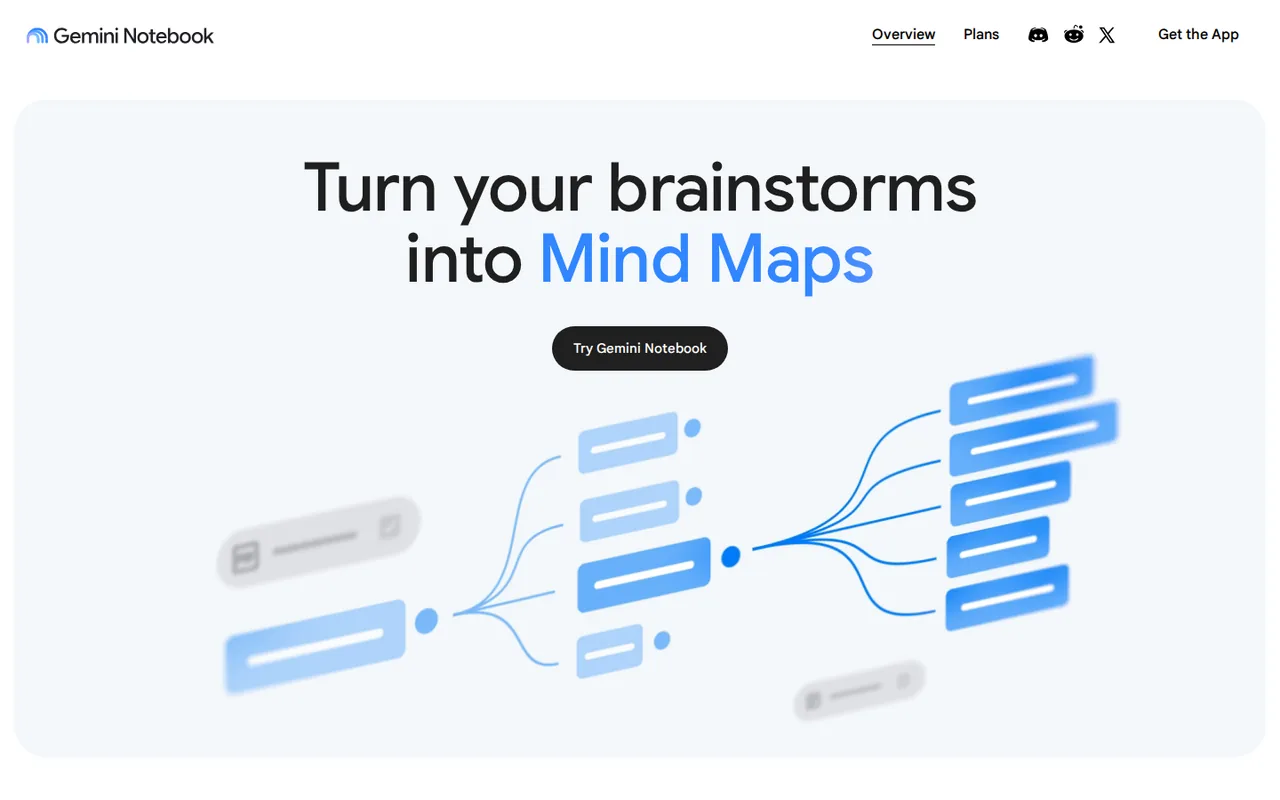
- Mind MapsExplore source topics as branching diagrams and click a node to ask the chat about it.
Shows source topics as a branching diagram; selecting a node asks the chat about that topic, and maps can be downloaded or shared with the notebook.
Falls short The mobile app does not support Mind Maps, and the help page lists daily creation limits such as 10 per day on Standard, subject to change.
- Flashcards and quizzesTurn sources into interactive study questions with adjustable difficulty and explanations.
Offers easy, medium or hard difficulty, an Explain button, progress tracking and CSV download of flashcards.
Falls short Downloads can be restricted when a notebook uses a Play Books ebook as a source, and outputs are AI-generated and may contain inaccuracies.
- Reports, slides and infographicsGenerate written reports, slide decks, infographics and data tables from notebook sources in the Studio panel.
- Video OverviewsTurn notebook sources into video summaries, choosing a format, visual style and the sources to include.
- Mobile appAsk questions, download Audio Overviews for offline listening and review flashcards on Android or iOS, where the app is available.
Strengths and limits
Strengths
- Multiple source formats: Bring PDFs, websites, YouTube videos, audio files, Google Docs and Slides into a research notebook.
- Cited answers: Source-grounded answers include citations that let you inspect the underlying material.
- Ongoing Standard access: A free Standard tier is available without a paid subscription, subject to usage limits.
- Low-cost upgrade: Google AI Plus doubles the Standard notebook and source caps for the price of a small Google One plan.
Who else is it for?
Editorial assessment, based on documented features
- Workspace teams sharing internal documentsConsider it when your organization already uses Google Workspace, where it comes with every plan; ask your admin whether access is on.
- Users with large source collectionsPlus covers notebooks up to 100 sources and Pro up to 300; Ultra only matters beyond that.
How much does Gemini Notebook cost?
Prices confirmed · checked
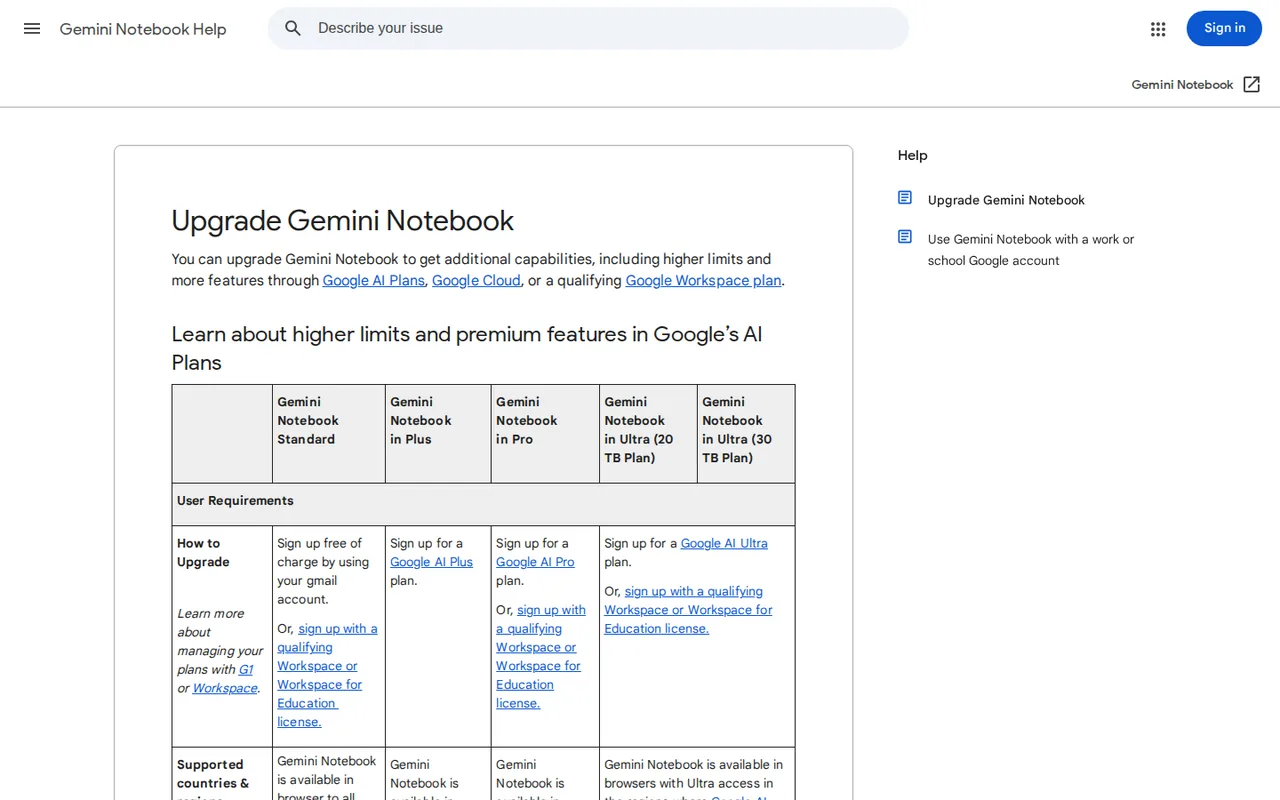
Gemini Notebook (formerly NotebookLM) is free to use. Paid access comes through Google AI Plus, Pro or Ultra, or through qualifying Google Workspace, Workspace for Education or Google Cloud plans. Cards show US dollar prices with German euro prices in brackets; taxes and availability vary by country. The per-tier counts come from Google's help center, which marks them as subject to change.
Standard
Freewith a Google account
100 notebooks, 50 sources per notebook, 50 chats, 3 Audio Overviews and 3 Video Overviews a day, plus 10 Deep Research runs a month.
Google AI Plus
USD 4.99 per monthGermany: EUR 4.99
Google One plan with 200 notebooks, 100 sources per notebook, 200 chats, 6 Audio Overviews and 3 Deep Research runs a day; sold only where Google AI Plus is available.
Google AI Pro
USD 19.99 per monthGermany: EUR 21.99
500 notebooks, 300 sources per notebook, 500 chats, 20 Audio Overviews and 20 Deep Research runs a day; watermark removal outside India, South Korea and Vietnam.
Google AI Ultra
USD 99.99 per month, 5x tier with 20 TB storage20x tier with 30 TB: USD 199.99 per month; Germany: EUR 99.99 / EUR 219.99
5x tier: 500 sources per notebook, 2,500 chats, 100 Audio Overviews and 75 Deep Research runs a day. 20x tier: 600 sources per notebook, 5,000 chats, 200 Audio Overviews and 200 Deep Research runs a day. For users over 18.
Workspace or Google Cloud
Custom pricing through your organizationno separate Notebook price
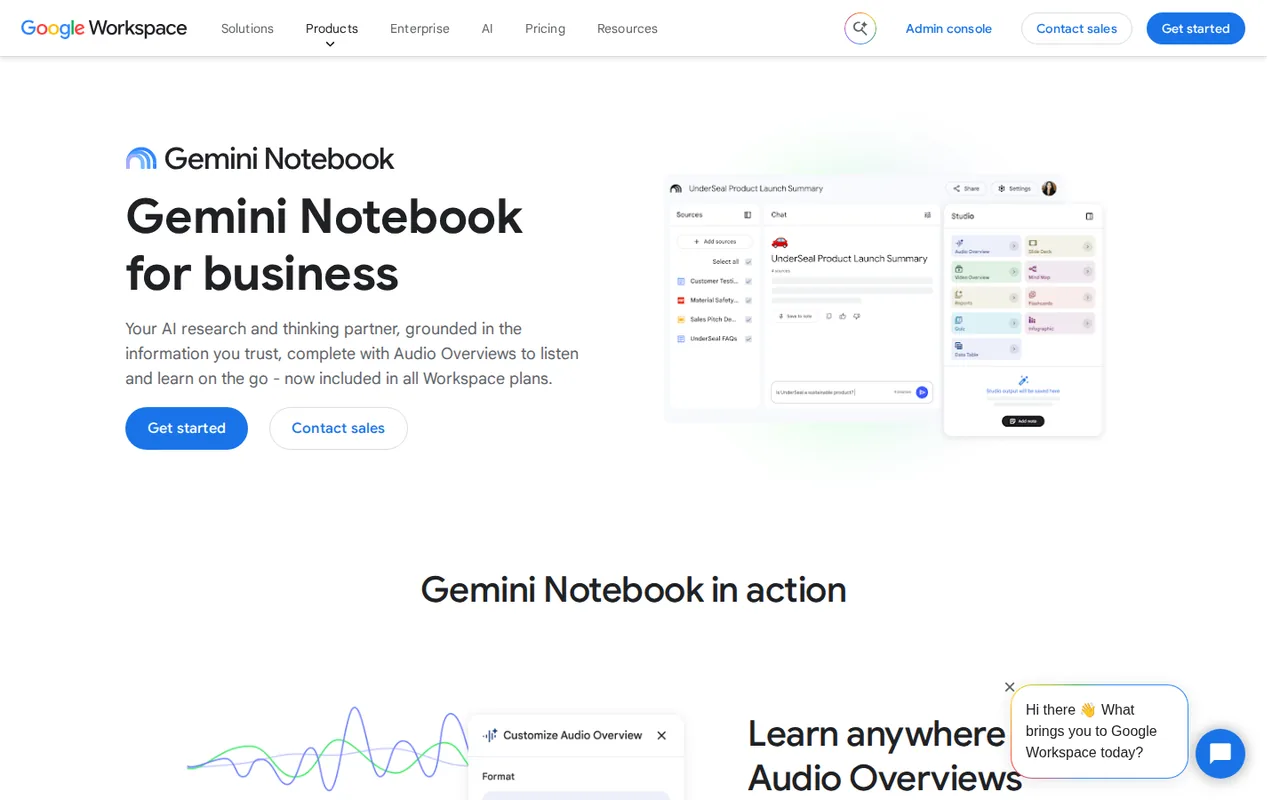
Included in all Workspace plans; on Google Cloud through Gemini Notebook for Enterprise or Gemini Enterprise plans, with 5x or more notebook artifacts.
How far does it go?
- Standard chats over a monthThe upgrade table lists 50 chats a day on Standard, which is about 1,500 chats in a 30-day month (50 × 30), assuming you use the full daily allowance and complex prompts do not use up the compute quota first.
- Total source room per accountStandard allows 100 notebooks of up to 50 sources, about 5,000 sources in total (100 × 50); Pro's 500 notebooks of up to 300 sources raise that to about 150,000.
- Deep Research on Standard versus PlusStandard lists 10 Deep Research runs a month, while Plus lists 3 a day, about 90 in a 30-day month (3 × 30), roughly nine times as many for USD 4.99 a month.
Arithmetic from the published allowances above, not a usage test.
Taxes, currency and promotions can change the price you see at checkout.
Which Gemini Notebook plan fits your workload?
Editorial assessment
Start from the size of your largest project, because the per-notebook source cap is the limit you cannot work around by waiting. Then compare the daily counts with how often you generate audio, reports or Deep Research runs. Sources: Google plan and usage limits; Gemini subscriptions (US).
- Standard (free) is enough when every project fits in 50 sources and you rarely need more than 3 Audio Overviews a day or 10 Deep Research runs a month.
- Google AI Plus (USD 4.99 a month) fits when one project needs up to 100 sources or you keep hitting the Standard caps several days a week.
- Google AI Pro (USD 19.99 a month) fits collections of 101 to 300 sources, daily Deep Research or regular Audio Overviews well above Plus levels.
- Google AI Ultra (from USD 99.99 a month) only pays off when a single notebook must hold more than 300 sources or output runs into hundreds of items a day.
- If your employer or school runs Google Workspace, check that route first: Google says Gemini Notebook is included in all Workspace plans.
What changed on September 2, 2026, and how are limits counted now?
On September 2, 2026 Google moved Gemini Notebook to compute-based usage limits. What you can do now depends on prompt complexity, the model and feature in use and the length of the chat. Settings > Usage shows the remaining allowance, and Studio displays an expected cost bar before each generation.
Two systems now run side by side. The compute quota refreshes every 5 hours up to a weekly cap, and Google sizes it at two times Standard for Google AI Plus, four times for Pro, and 5x or 20x the Pro quota for Ultra. The fixed per-feature counts in the upgrade table follow their own scale (chats: 50, 200 and 500 a day, then 2,500 or 5,000 on Ultra) and reset after 24 hours for daily counts or 30 days for monthly ones. Sources: Current compute-based usage guide; Google plan and usage limits.
Continue reading · 3 more sectionsShow lessWhat can you bring into a notebook, and what can it produce? · What happens to your data and shared notebooks? · How can you check its citations on your own material?
What can you bring into a notebook, and what can it produce?
Google lists PDFs, websites, YouTube videos, audio files, Google Docs and Slides as source types, and a notebook can also look for new sources. Chat answers carry inline citations that jump back to the passage used.
The Studio panel turns sources into Audio and Video Overviews, reports, slide decks, infographics, data tables, Mind Maps, flashcards and quizzes. On Standard the upgrade table allows 10 reports, 10 flashcard sets, 10 quizzes and 10 Mind Maps a day, while data tables, infographics and slide decks are only marked as limited. Sources: Current official product landing page; Google plan and usage limits.
What happens to your data and shared notebooks?
Google says uploaded data is not used to train Gemini Notebook unless you submit feedback, in which case the full interaction may be reviewed. For Workspace and Workspace for Education accounts, uploads, queries and responses are not reviewed by humans or used to train AI models.
Public notebook sharing is enabled only for consumer accounts and is disabled for Workspace Enterprise and Education accounts.
How can you check its citations on your own material?
Proposed evaluation · not performed yet
Collect three public documents about one non-sensitive topic. Prepare ten questions with known source passages, including two whose answers are absent. Record citations, unsupported claims and refusal behavior. Repeat one question after changing the source set, and keep the inputs, account plan, date and output together.
Gemini Notebook alternatives
Other research & sources tools profiled with the same source-checked method. Pick by the job, not by a score.
| Tool | Free access | Paid plans from | Consider it for |
|---|---|---|---|
| Gemini NotebookThis profile | Free access available | USD 4.99 per month | Cited answers from your own documents |
| Consensus | Free access available | USD 12/month | Finding and synthesizing published research |
| Elicit | Free access available | USD 49 per user per month | Extracting study data from research papers |
| Perplexity | Free access available | USD 17 per month | Web research with linked sources |


Gemini Notebook user reviews
Visitor opinions, moderated before publishing. Separate from our source checks; we do not score tools.
Frequently asked questions
Is NotebookLM now called Gemini Notebook?
Yes. Google announced the new name on July 16, 2026 and kept it a standalone research product at notebook.google. Older tutorials, bookmarks and community threads still say NotebookLM, and the help center now sits under a gemininotebook address, so search for both names when you look for instructions.
What happens when I run out of AI usage?
The chat shows a message with the time your limit resets. In Studio you can pick Generate later, a web-only option that may take a couple of hours and sends a notification when the item is ready. Otherwise you wait for the next refresh, or use the Upgrade button in chat or Studio to move to a higher Google AI plan.
Do automatically created summaries count against my limits?
No. When sources are first added, some users see a report, flashcards, an infographic, a slide deck or an Audio or Video Overview created automatically; Google says these are generated once and do not count toward limits. A distinct badge next to your profile image shows when an upgraded plan is active on your account.
Does sharing a notebook raise anyone's limits?
No. Google's upgrade page says sharing a notebook leaves every collaborator's source limit unchanged, so each person works within their own plan. Advanced sharing is reserved for paid users, while custom chat and analytics are open to everyone. Paid tiers also get earlier access to key features, with priority access on Pro and Ultra.
Does a citation mean the answer is right?
Not always. A citation shows which passage an answer drew on, but the summary can still misread it, drop a qualification or miss context from sources you did not add. Open the cited passage before you quote a claim, especially figures, dates and conditions.
How do Workspace and Google Cloud access differ?
Workspace users get it as part of their existing plan, with access managed by the admin. On Google Cloud it comes with Gemini Notebook for Enterprise or Gemini Enterprise Standard, Plus or Frontline, adding VPC-SC and IAM controls, files that stay inside your GCP project and honored data regionalization.
How we checked this profile
69 details on this page were checked against Gemini Notebook's own pages and help documentation (Sep 23–24, 2026).
See the checks by section57 documented12 editorial assessment
Sources for this profile
- Gemini subscriptions (US)gemini.google
- Google rename announcementblog.google
- Google product overviewsupport.google.com
- Google plan and usage limitssupport.google.com
All 13 sources
- Google AI plansone.google.com
- Current official product landing pagenotebook.google
- Mind Mapssupport.google.com
- Audio Overviewssupport.google.com
- Flashcards and quizzessupport.google.com
- Mobile availability and feature limitssupport.google.com
- Current compute-based usage guidesupport.google.com
- Gemini Notebook plansnotebook.google
- Gemini Notebook for businessworkspace.google.com
Prices come from Google's US Gemini subscriptions page (USD) and the German Google AI plans page (EUR). Plan limits, the compute-based usage rules and data handling come from the Gemini Notebook help center; feature details come from the individual help articles listed above.
Sources checked Sep 23–24, 2026. We read the vendor's documentation; we did not test the product or score it. Found something out of date? See how we correct profiles.


