Descript: edit speech by deleting transcript words, with media minutes and AI credits as two separate budgets
Updated September 27, 2026 · By Elias Brandt · Documentation review, not tested hands-on
Pros
- Edit by deleting words
- Permanent free tier
- Predictable cost for audio cleanup
Cons
- Free video is watermarked
- Two separate budgets
- Seats are billed separately
Bottom line
One person, 60 media minutes per month, 100 one-time AI credits, 5GB storage. Video exports at 720p with a watermark; audio follows a separate export policy.
You edit speech-led recordings such as podcasts, interviews or lessons and would rather cut a transcript than drag clips on a timeline.
You need unwatermarked video on a free plan, because Free exports video at 720p with a watermark.
Best forPodcastersCourse creatorsMarketing teamsEditors finishing in another appTeams localizing video
Strengths, limits and who it suits, in full
Strengths
- Edit by deleting words Cutting the transcript cuts the recording, which speeds navigation through long speech-led files.
- Permanent free tier Free is not a trial, so the workflow can be learned before any payment.
- Predictable cost for audio cleanup Studio Sound and filler-word removal are capped at 30 credits per file.
Limits
- Free video is watermarked Free exports video at 720p with a watermark.
- Two separate budgets Media minutes and AI credits run out independently and neither rolls over.
- Seats are billed separately A team pays the per-person price once for every editor.
Who it suits
- Podcasters consider Hobbyist when one host records up to about 10 hours a month and wants Studio Sound on every episode.
- Course creators consider it for talking-head lessons you would rather edit as text than on a timeline.
- Marketing teams consider Creator when two or three people cut short clips from long recordings and need 4K export.
- Editors finishing in another app consider Creator or Business when a rough cut made in Descript must continue in Premiere Pro or Final Cut Pro.
- Teams localizing video consider Business when one recording must become several language versions.
How much does Descript cost?
Prices confirmed · checked
| Plan | Price | What you get |
|---|---|---|
| Free | USD 0 sourceFrom descript.com/pricing, checked Sep 27, 2026 (opens in a new tab) | One person, 60 media minutes per month, 100 one-time AI credits, 5GB storage. Video exports at 720p with a watermark; audio follows a separate export policy. |
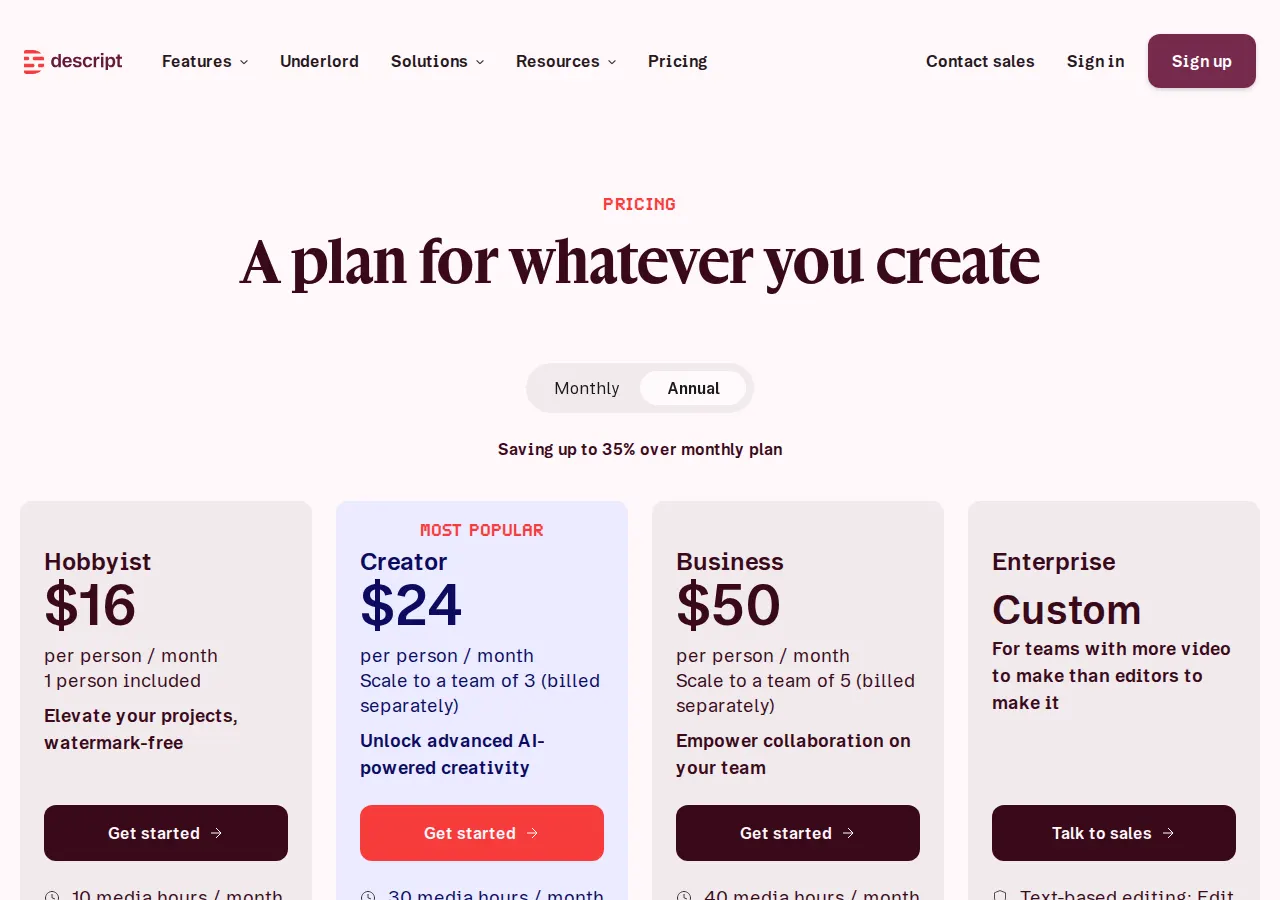
| Hobbyist | USD 16 per person per monthbilled yearly · USD 24 billed monthly sourceFrom descript.com/pricing, checked Sep 27, 2026 (opens in a new tab) | 10 media hours per month, 400 AI credits, 100GB storage, 1080p watermark-free export, Studio Sound and voice cloning. |
| Creator | USD 24 per person per monthbilled yearly · USD 35 billed monthly sourceFrom descript.com/pricing, checked Sep 27, 2026 (opens in a new tab) | Scales to 3 seats billed separately. 30 media hours, 800 AI credits, 1TB storage, 4K export, full Underlord access and unlimited stock media. |
| Business | USD 50 per person per monthbilled yearly · USD 65 billed monthly sourceFrom descript.com/pricing, checked Sep 27, 2026 (opens in a new tab) | Up to 5 seats billed separately. 40 media hours, 1,500 AI credits, 2TB storage, Brand Studio, translation and dubbing in 30+ languages, priority support with SLA. |
| Enterprise | Custom | Custom media hours and AI credits, SSO and SCIM, advanced security, dedicated support and custom legal terms. |
How far does it go?
- Hobbyist in 45-minute recordings10 media hours are 600 minutes, so Hobbyist covers about 13 raw recordings of 45 minutes a month (600 / 45), assuming each file is imported once and every retake is counted.
- Studio Sound passes on 400 creditsStudio Sound is capped at 30 credits per file, so Hobbyist's 400 monthly credits cover at least 13 full-file passes (400 / 30), if nothing else, such as Underlord chat, draws on them.
- A three-person Creator teamThree seats pool 90 media hours and 2,400 AI credits a month (3 x 30 and 3 x 800) for $72 a month on annual billing (3 x $24) or $105 on monthly billing (3 x $35).
Arithmetic from the published allowances above, not a usage test.
Taxes, currency and promotions can change the price you see at checkout.
Try Descript free (opens in a new tab)
Key features
| Feature | What it does | Watch out |
|---|---|---|
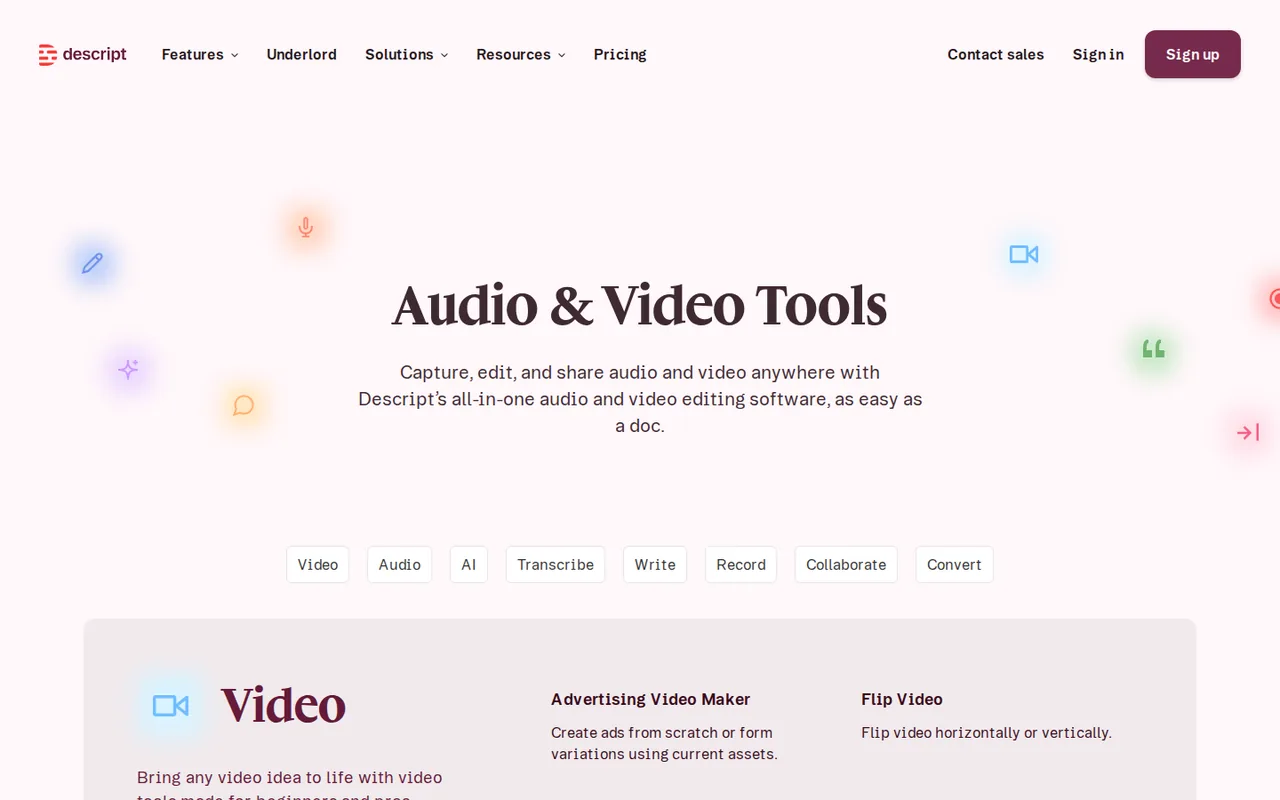
| Transcript editing | Delete a word in the transcript and it is cut from the audio or video.Cut and paste a sentence and the media moves with it, and removed media can be restored. | Edits driven by image and rhythm rather than speech, such as music videos, gain little from the transcript. |
| Studio Sound | Reduce background noise and echo in recorded speech with one effect. | — |
| AI speech and voice cloning | Generate narration in a cloned voice from typed text, from Hobbyist upward. | — |
| Underlord | Ask an AI co-editor in chat to make edits and repurpose a recording. | — |
| Recording | Record your screen, remote guests in Rooms, or several synchronized tracks. | — |
| Transcription | Transcribe recordings in 25 languages on every plan, including Free. | — |
| Translation and dubbing | Turn one recording into versions in 30+ languages on Business. | — |
| Export | Video goes out at 720p with a watermark on Free, 1080p on Hobbyist and 4K on Creator and Business.Audio export duration is unlimited on every plan, and Creator and higher add timeline export to Premiere Pro, Final Cut Pro, Pro Tools and other editors. | Timeline exports do not yet support Sequences or Avatars. |
| Media allowance | Meters every minute of media you import or record, per editor seat, pooled across the drive. | Retakes and re-imports count too, and unused minutes expire at renewal. |
| AI credits | A second monthly budget for Studio Sound, filler-word removal, AI speech, avatars and Underlord. | Free AI credits are granted once and never refill, and Underlord has no fixed price per request. |
Is transcript editing the right way to cut your recordings?
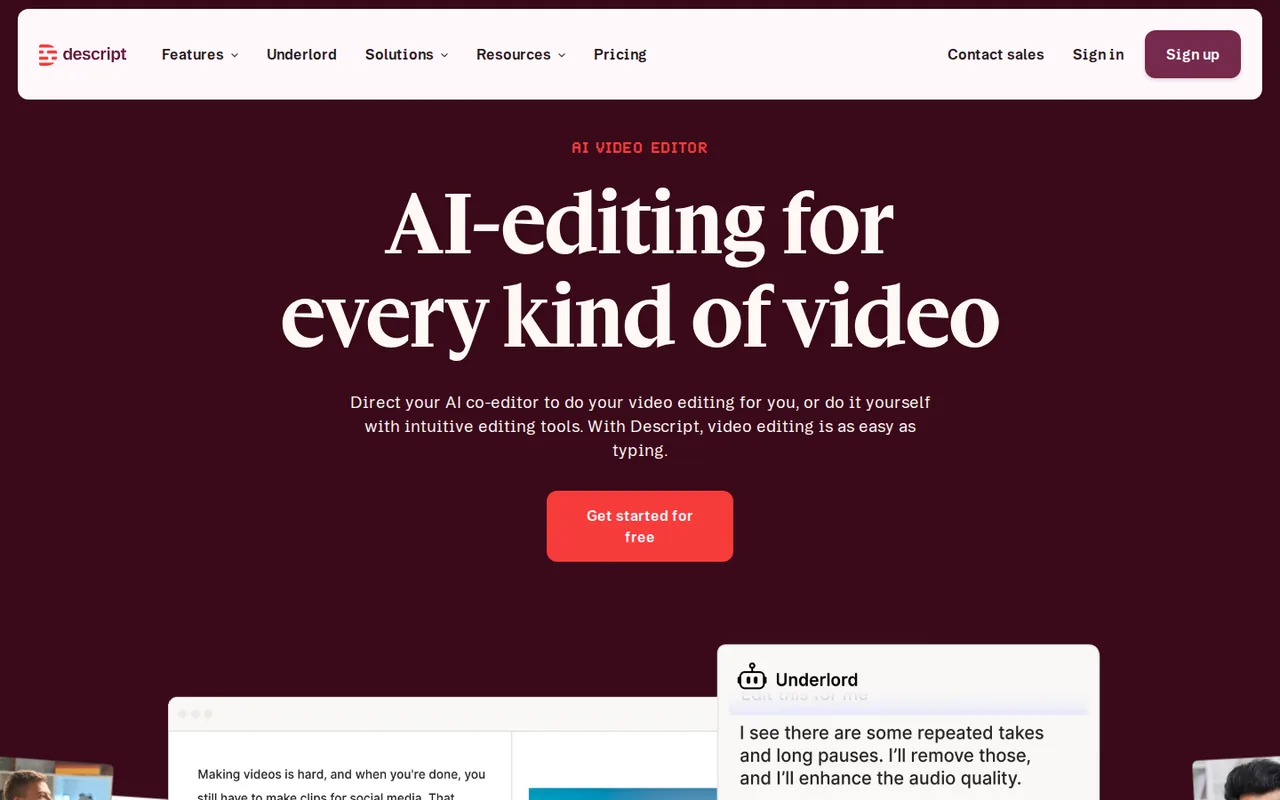
Descript turns a recording into a transcript and lets you edit the media by editing that text. Delete a word and it disappears from the audio or video; cut and paste a sentence and the media moves with it; removed media can be brought back.
That suits podcasts, interviews, lessons and talking-head footage, where the content is mostly someone speaking. It helps little when the cut follows image and rhythm rather than words, as in music videos or heavily graded narrative work. Compared with the rest of our video category, the job is different too: Runway generates footage that did not exist, while Descript starts from something you already recorded.
Which Descript plan matches your monthly recording volume?
Editorial assessment
Pick the tier by how many minutes of raw media you import or record each month, not by the length of the finished episode. Every take and every re-import counts against the allowance.
- FreeUSD 0
if you are learning the workflow with less than an hour of source media a month and can live with 720p watermarked video, or publish audio only.
- HobbyistUSD 16 per person per month
if one person records up to about 10 hours a month and needs 1080p video without a watermark or a monthly credit budget for Studio Sound and voice cloning.
- CreatorUSD 24 per person per month
once one editor passes 10 hours a month, needs 4K export, timeline export to another editor, stock media or generative video models, or a second or third person needs a seat.
- BusinessUSD 50 per person per month
if you need translation and dubbing, Brand Studio, a fourth or fifth editor, or more than 30 hours per editor.
- EnterpriseCustom
for more than five editors, SSO and SCIM, or custom legal terms.
What uses up media minutes and AI credits?
Media minutes are spent when you upload audio or video, record in a project or in Rooms, or add still images, which count as 1 second each. AI credits are a second budget spent on Underlord, Studio Sound, filler-word removal, Green Screen, Eye Contact, AI speech, avatars and generated video. Neither budget rolls over; both reset when the subscription renews.
Costs behave differently by tool. Studio Sound and Remove Filler Words are capped at 30 credits per file, however long the file is, while Underlord has no fixed price per action: even a chat message uses a few credits, and a task it runs is charged for its own reasoning plus the tool. The Usage tab in settings shows what each run cost.
What can you publish from the free plan?
Free video exports are limited to 720p and carry a watermark, which may fall short of a client delivery spec. Audio is handled separately: the comparison table lists unlimited audio export duration on every plan, including Free. Hobbyist removes the video watermark at 1080p, and Creator and Business export 4K.
What will a team actually pay?
Prices are per person, and the pricing page opens on annual billing. Paying monthly costs 30 to 50 percent more depending on the tier. The smallest gap is on Business, where an annual seat costs $50. Paid monthly, the same seat costs $65. Creator can grow to three seats and Business to five, each billed separately, so a three-person Creator team pays three times the per-person price.
Each editor seat adds its minutes and credits to a shared pool that any editor on the drive can draw from; viewers cannot use features that need them. That makes the pool, not the single seat, the number to compare with your team’s monthly recording. You can line Descript up against other tools on our comparisons page or scan all tools.
How can one recording show whether it pays off?
Proposed evaluation · not performed yet
Take one recording you already have and cut it twice, once in your current editor and once by deleting text in Descript. Time both edits, then open the Usage tab to see how many of the free 60 minutes and 100 credits the file consumed. Those two figures, time saved and allowance used, show which tier your normal month would need. Our editorial policy explains how profiles are sourced and corrected.
Compare these options
Read the documented differences, then follow the links to each profile for its sources and plan details.

Is Descript worth it?
Documentation review plus dated public user reports. Documentation review, not tested hands-on. Not scored.
Worth it if
- You edit speech-led recordings such as podcasts, interviews or lessons and would rather cut a transcript than drag clips on a timeline.
- You want to learn the workflow first: Free is a permanent plan with 60 media minutes a month, though its 100 AI credits are granted once and never refill.
- You finish in Premiere Pro or Final Cut Pro, since Creator and higher export timelines to those editors.
Probably not if
- You need unwatermarked video on a free plan, because Free exports video at 720p with a watermark.
- You plan a plan size from finished runtime alone, because media minutes count every import and retake and AI credits are a second budget that neither rolls over.
- You edit music videos or other work driven by image and rhythm, where the transcript adds little.
Descript alternatives
Other video & editing tools checked with the same method. Pick by the job, not by a score.
Generated video and footage editing

Avatar-presented videos and lip-synced video translation

Developers and small teams who want a conversational video avatar for support, sales or tutoring and need to budget by minutes

Short animated stories from a script or prompt

People who want to try text-to-video in a browser, or run the open-source Mochi 1 model themselves

Creators and small teams who want one agent workspace for video, image and voice, or developers who want pay-as-you-go media models

Teams assembling short explainers

Short cinematic AI clips with audio
Used Descript? Write the first review. Visitor opinions are moderated and kept separate from our source checks.
Frequently asked questions
Is Descript free?
Yes, with no time limit. Free covers one person, 60 media minutes a month and 5GB of storage. Its 100 AI credits are granted once rather than monthly, so Free has no credit refill: after they are spent, credit-based tools such as Studio Sound need a paid plan, which also brings a fresh monthly allowance.
Which languages can Descript transcribe?
Every plan, including Free, transcribes recordings in 25 languages, among them English, Spanish, French, German, Portuguese, Italian, Dutch, Polish, Hindi and Turkish. Descript can also detect and label eight or more speakers in one recording, and multitrack transcription handles speakers recorded on separate synchronized tracks.
Does a group recording in Rooms use more media minutes?
No. A Rooms session is metered once for its total length, not per participant. The help center gives the example of a one-hour session with five participants: it uses 60 media minutes, not 300. That makes remote interviews and panel recordings cheaper on the allowance than importing each guest's track separately.
What happens when you run out of minutes or credits?
You can buy a top up from the Usage tab. Top ups add media minutes or AI credits for one-time use, are shared across the drive and do not change your subscription. The pricing page lists access to top ups on Creator and Business; otherwise the allowance refills only when the plan renews.
Do the Descript API and MCP use the same allowance?
Yes. Imports and Underlord edits started through the Descript API or the Descript MCP server draw on the same media minutes and AI credits as work done in the app. If you automate uploads from another tool, count those files in your monthly volume before choosing a tier.
Can I publish straight to YouTube from Descript?
Yes, from the web app on every plan. You set the title, description, category and tags in the export panel. Free uploads up to 720p and one hour per video, Hobbyist up to 1080p and one hour, and Creator, Business and Enterprise up to 4K and three hours. YouTube's own limits still apply, such as 15 minutes for unverified accounts.
Sources and method10 official sources · 22 details checked · Sep 24–27, 2026
How we checked this profile
22 details on this page were checked against Descript's own pages and help documentation (Sep 24–27, 2026).
See the checks by section21 documented1 editorial assessment
| Section | Checks | Last checked | Sources |
|---|---|---|---|
| Plans and prices | 4 documented | descript.com/pricing | |
| Article text | 8 documented | descript.com/pricinghelp.descript.com/edit-like-a-dochelp.descript.com/track-and-understand-your-…help.descript.com/studio-sound | |
| Features | 1 documented | descript.com/pricing | |
| Questions | 4 documented | help.descript.com/track-and-understand-your-…descript.com/pricinghelp.descript.com/youtube | |
| Platforms and integrations | 4 documented | help.descript.com/timeline-exportshelp.descript.com/mcphelp.descript.com/zapierhelp.descript.com/zoom | |
| Who it suits | 1 editorial | descript.com/pricing |
3 details are due for another source check.
Sources for this profile
- Official pricing pagedescript.com
- Official sitedescript.com
- Descript help: Edit like a dochelp.descript.com
- Descript help: Media minutes and AI creditshelp.descript.com
All 10 sources
Plans, allowances and export limits come from Descript's pricing page; editing, usage and Studio Sound details come from the Descript help center.
Sources checked Sep 24–27, 2026. Found something out of date? Our editorial policy explains how we correct profiles.