

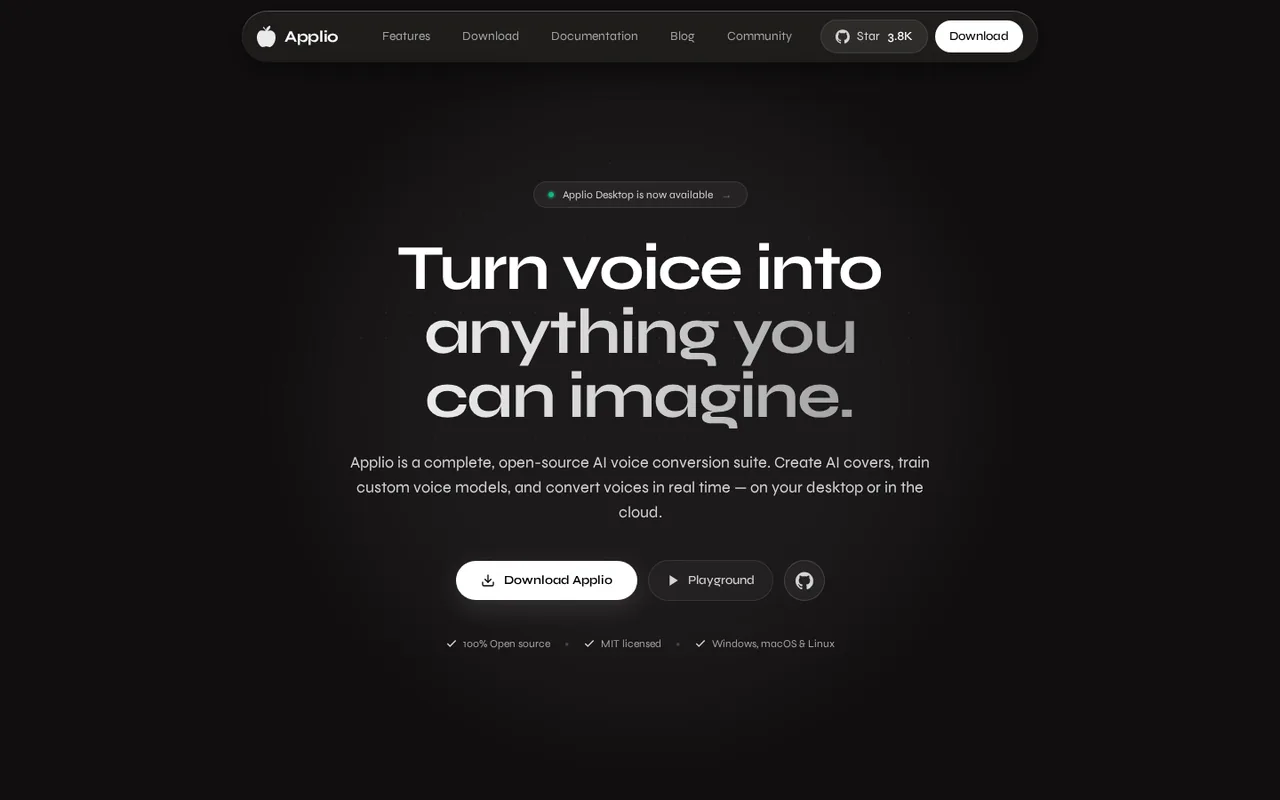
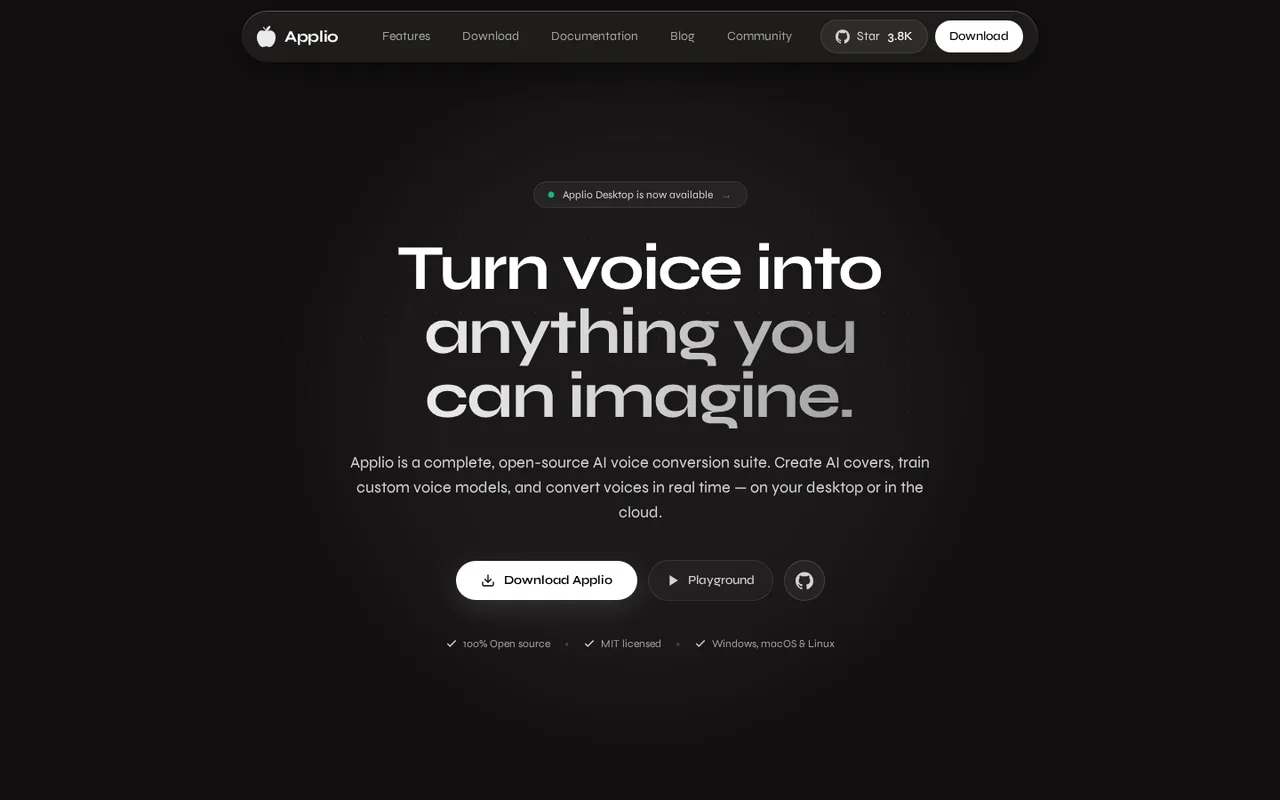
Applio: free, open-source voice conversion that runs locally, but training calls for an RTX 20-series GPU
Updated October 6, 2026 · By Elias Brandt · Documentation review, not tested hands-on
Pros
- No licence fee
- Local by design
- Full workflow in one app
- Written guides
Cons
- Slower development
- GPU for training
- Manual setup
- Self-supported
- Misuse risk
Bottom line
Desktop app, Gradio WebUI and source code at no charge; your costs are a computer, a GPU for training and real-time use, disk space and electricity.
You want to make AI covers or custom voices without paying a subscription, because the app, code and portable package cost nothing and need no sign-up.
Your computer has no capable GPU and you need live voice change, because real-time conversion only runs on a GPU and the Colab interface conflicts with Colab's terms.
Best forHobbyist music creatorsStreamers and live usersResearchers and developersTeams that need support or a hosted service
Strengths, limits and who it suits, in full
Strengths
- No licence fee The MIT-licensed code, Desktop app and portable package download without an account or payment.
- Local by design The official security page says audio and models stay on your device unless you share them.
- Full workflow in one app Conversion, training, blending, text-to-speech and dataset checks sit in one interface.
- Written guides The documentation covers installation, training, real-time use, cloud options and error reporting.
Limits
- Slower development The README says Applio will no longer receive frequent updates; expect security patches, dependency updates and occasional features.
- GPU for training Docs recommend an Nvidia RTX 20-series GPU or newer for training, and real-time conversion is GPU only.
- Manual setup Source installs need scripts or Python 3.10 environments, and the macOS Desktop build is not Apple-notarized yet.
- Self-supported There is no paid support plan; help comes from documentation, GitHub issues and the community Discord.
- Misuse risk Voice conversion can imitate real people. The Terms of Use put responsibility for rights, consent and legal compliance on you.
Who it suits
- Hobbyist music creators a free way to try AI covers and custom voices without a subscription.
- Streamers and live users the real-time mode suits changing your own voice if you have a capable GPU.
- Researchers and developers MIT-licensed code, plugins and a command-line interface allow inspection and changes.
- Teams that need support or a hosted service the project offers no paid support or hosted product, so a commercial voice platform fits better.
How much does Applio cost?
Prices confirmed · checked
Regional prices: There is no subscription, account or credit system.
The MIT license covers the source code; the Terms of Use add rules for the official version, including having rights or permission for any audio you process and a ban on defamation, deception and fraud. Community voice models are shared by third parties and are not covered by that license, so check the terms of each model before commercial use.
| Plan | Price | What you get |
|---|---|---|
| Free (open source, MIT) | 0 sourceFrom applio.org, checked Oct 6, 2026 (opens in a new tab) | Desktop app, Gradio WebUI and source code at no charge; your costs are a computer, a GPU for training and real-time use, disk space and electricity. |
How far does it go?
- Dataset size for training a voiceThe docs ask for 10 to 30 minutes of clean audio. At 10 minutes that is 600 seconds; at 30 minutes it is 1,800 seconds. The docs slice it into 5 to 15 second segments, so roughly 40 to 360 segments (600 / 15 to 1,800 / 5). Arithmetic from documented figures, not a measurement.
Arithmetic from the published allowances above, not a usage test.
Taxes, currency and promotions can change the price you see at checkout.
Try Applio free (opens in a new tab)
Key features
| Feature | What it does | Watch out |
|---|---|---|
| Voice conversion of existing audio with ready-made voice models | Generates speech from text and passes it through a voice model, or blends several models into a new voice. | The voice quality depends on the model you load; the docs do not publish quality benchmarks. |
| Real-time voice change with low-latency inference (GPU only) | Converts microphone input to the chosen voice with live latency readings and routes the output to apps such as Discord or OBS. | Real-time use is GPU only, and some devices may not appear because of the PortAudio audio backend. |
| Voice model training from your own dataset | Walks through dataset preparation, pre-processing, feature extraction, training and export of a voice model. | The docs advise 10 to 30 minutes of clean lossless audio; noisy or reverberant recordings give weaker models. |
| Voice Blender to mix several voice models into one | — | |
| Text-to-speech run through your voice models | — | |
| Audio Analyzer to check dataset readiness before training | — | |
| Desktop app, classic Gradio WebUI and command-line interface | — | |
| Plugin support | — |
Is Applio really free?
Yes, according to the official site and repository. Applio is MIT-licensed, needs no account and has no subscription, credit system or telemetry. The download page offers a Desktop app for Windows, macOS and Linux, a portable package with embedded Python and PyTorch, a source install and Colab notebooks. Your costs are the computer, a GPU if you want to train or run real-time conversion, and storage.
The README adds a Terms of Use for the official version. It requires owning or having permission for any audio you process and prohibits defaming, deceiving or defrauding others. Commercial use is permitted if rights and permissions are in place.
What can Applio do?
Applio is a voice conversion suite: you give it audio and a voice model, and it returns the audio in that voice. Around that core sit real-time conversion, voice model training, a Voice Blender, text-to-speech through your models and an Audio Analyzer for dataset checks. The docs also cover isolating vocals with UVR5 or KaraFan before conversion.
- Convert songs, speech or microphone input.
- Train a model from your own recordings.
- Blend several models into one voice.
- Generate speech from text and convert it.
What hardware does it need?
The documentation recommends an Nvidia RTX 20-series GPU or newer for local training and says most modern computers work for inference with existing models. Real-time inference needs more compute than most CPUs offer, so it is GPU only. AMD GPUs on Windows are supported through a separate Zluda setup described in the installation guide.
Without a capable GPU, the docs point to Google Colab. They also warn that running the graphical interface on Colab goes against Colab’s Terms of Service and may limit your Google account, and they recommend the No UI notebook as a safer route.
How much audio do you need to train a voice?
The training guide asks for 10 to 30 minutes of clean audio in a lossless format such as WAV or FLAC, free of background noise and reverb. Pre-processing slices it into segments of about 5 to 15 seconds, so a dataset in that range becomes roughly 40 to 360 clips. You then choose a sample rate of 32k, 40k or 48k that matches any pre-trained model you use.
Training from a voice you do not own or have permission to use is outside the Terms of Use. The Audio Analyzer can check a dataset before you spend GPU time on it.
Is Applio still maintained?
The repository shows commits as recently as 5 October 2026, and release 3.6.5 is dated 19 September 2026. The README also states that Applio will no longer receive frequent updates and that work will focus on security patches, dependency updates and occasional features, because the project is considered stable and mature. Plan on community help rather than provider support.
Which voice models can you use?
Applio can use community-shared voice models, models you train yourself and official models trained on public datasets such as VCTK, according to its Terms of Use. The security page warns that community models come from external sources and advises using only trusted ones and verifying downloaded files. Check the rights and terms of any model before publishing output, especially if it imitates a real person.
How could you check Applio before relying on it?
Proposed evaluation · not performed yet
Install the Desktop app or portable package and compare two small jobs on the same computer.
- Record the operating system, GPU model, memory and the Applio version.
- Convert a short clip you own with a model you have rights to, and note the processing time.
- Train a small model from 10 minutes of clean audio you own, noting the time and any errors.
- Try real-time conversion, noting the latency readings and whether your audio device appears.
- Keep the input files, settings and outputs so the run can be repeated.
Accept a tool that completes each step on your hardware with output you consider usable. Reject it if installation, training or device selection fails repeatedly. No speed or quality result is recorded here. If you need a hosted voice service with support and licensed voices, ElevenLabs is a paid alternative with different terms.
Is Applio worth it?
Documentation review plus dated public user reports. Documentation review, not tested hands-on. Not scored.
Worth it if
- You want to make AI covers or custom voices without paying a subscription, because the app, code and portable package cost nothing and need no sign-up.
- You prefer to keep recordings off third-party servers, since the security page says audio and models remain on your machine unless you share them.
- You own a recent Nvidia card and want to train a voice from your own clean recordings, as the docs build the whole training workflow into the same app.
Probably not if
- Your computer has no capable GPU and you need live voice change, because real-time conversion only runs on a GPU and the Colab interface conflicts with Colab's terms.
- You need a vendor to answer support tickets or host the service for you, since help comes only from docs, GitHub issues and Discord.
- You need steady new features, as the README says the project now focuses on security patches, dependency updates and occasional additions.
Applio alternatives
Other audio & voice tools checked with the same method. Pick by the job, not by a score.

Browser cleanup and text editing of speech

Turning instrumental recordings into editable sheet music or MIDI

Producers, editors and developers who need stems, dialogue or lyric timing from existing audio

Automatic post production for spoken audio

Separating vocals and instrument stems from a finished mix

Budget MP3 narration and cloned-voice clips with a monthly quota

Narrated e-learning and presentation voiceovers

Producers and singers who want to turn their own vocals into other voices or clone their own voice for demos
Used Applio? Write the first review. Visitor opinions are moderated and kept separate from our source checks.
Frequently asked questions
Does Applio need an account or internet connection?
No account is needed according to the official site, and core features run locally with no telemetry. You still need a connection to download the app and any voice models. The security page says audio and models stay on your device unless you choose to share them.
Can I use Applio output commercially?
The MIT license permits commercial use of the code, and the Terms of Use allow commercial content if you hold the appropriate rights and permissions. The README suggests emailing the project for commercial plans. Rights to the voice and to any community model are separate, so confirm them before publishing.
Is Applio the same as RVC?
Not exactly. The documentation says Applio is built on Retrieval-Based Voice Conversion (RVC), a framework that retrieves matching speaker features from an index during conversion. RVC is the method; Applio is the application around it. The docs do not state compatibility with other RVC front ends, so verify before moving model files between tools.
Can I run Applio on Google Colab?
Yes, through official notebooks, but the docs warn that launching the graphical interface on Colab goes against Colab's Terms of Service and may limit your Google account. They recommend the No UI notebook as the safer option. Colab is an alternative to a local GPU, not an official hosted service.
Sources and method10 official sources · 6 details checked · Oct 6, 2026
How we checked this profile
6 details on this page were checked against Applio's own pages and help documentation (Oct 6, 2026).
See the checks by section6 documented
| Section | Checks | Last checked | Sources |
|---|---|---|---|
| Plans and prices | 3 documented | applio.orgdocs.applio.org/traininggithub.com/TERMS_OF_USE.md | |
| Strengths and limits | 3 documented | docs.applio.orggithub.com/Appliodocs.applio.org/cloud-guides |
Sources for this profile
- Applio official siteapplio.org
- Applio download page (Desktop v0.1.2, Gradio v3.6.5)applio.org
- Applio documentationdocs.applio.org
- Training guidedocs.applio.org
All 10 sources
The official site, download page and documentation are the primary sources for features, platforms and the no-account claim. The README gives the license, the reduced update pace and the terms summary; the GitHub API gave the repository activity (last push 2026-10-05) and release 3.6.5 (2026-09-19). Quality, speed and hardware performance were not tested by us. Community voice models are third-party files and are outside the checked scope.
Sources checked Oct 6, 2026. Found something out of date? See how we correct profiles.