AI Meeting Notes to Action Items: Pick a Notetaker, Then Check the Register
An AI notetaker records a call, transcribes it and drafts a list of action items. This guide sorts the five notetakers profiled on this site by how they capture a meeting and which plan unlocks their action items, then walks through six steps that turn the draft into a register of owners, deadlines and corrections that someone can check.
By Elias Brandt · Updated 15 Oct 2026 · About 13 min read · Plan terms taken from each tool profile
The short answer
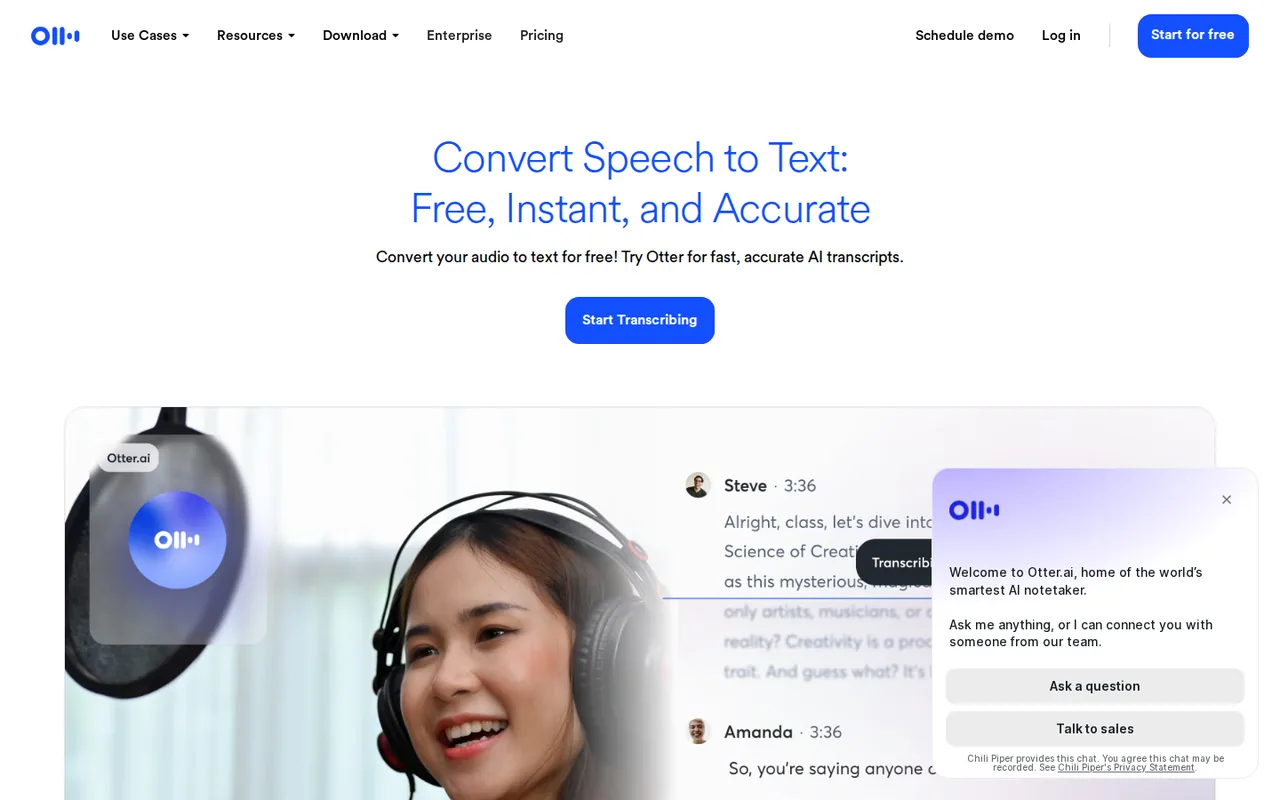
Action items on a free plan? Otter’s free Basic plan includes summaries and action items but shows only the first 30 minutes of each conversation. Fathom records and transcribes without a limit on Free; its AI action items need Premium.
Notes should land next to project pages? Notion AI Meeting Notes writes summaries and action items into the Notion workspace, on the Business plan.
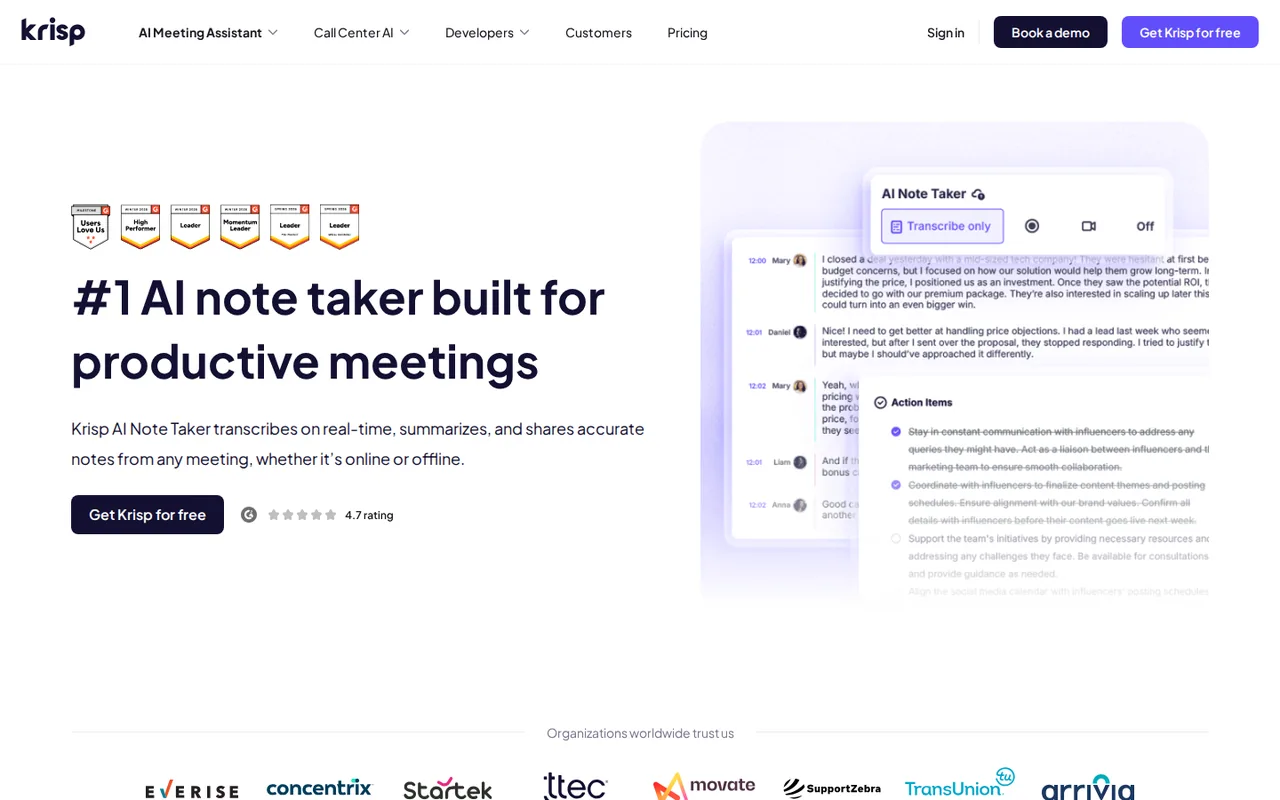
Guests object to a bot joining? Krisp and Otter’s desktop app capture the call from your own computer; Fathom’s bot-free option is a Mac beta.
Which AI notetakers pull action items out of a meeting?
The five notetakers at a glance
In shortAll five transcribe a meeting and draft action items. They differ in how they join the call and which plan the action items sit on.
| Tool | How it captures | AI action items | Free access | First paid plan | Catch to check |
|---|---|---|---|---|---|
 Fathom Fathom | A bot, or bot-free capture as a Mac beta | Premium, with follow-up emails | Unlimited recording and transcripts; advanced summaries for the first 5 calls a month | $20/user monthly; $16/user/month on annual billing (Premium) | Team and Business need at least two users |
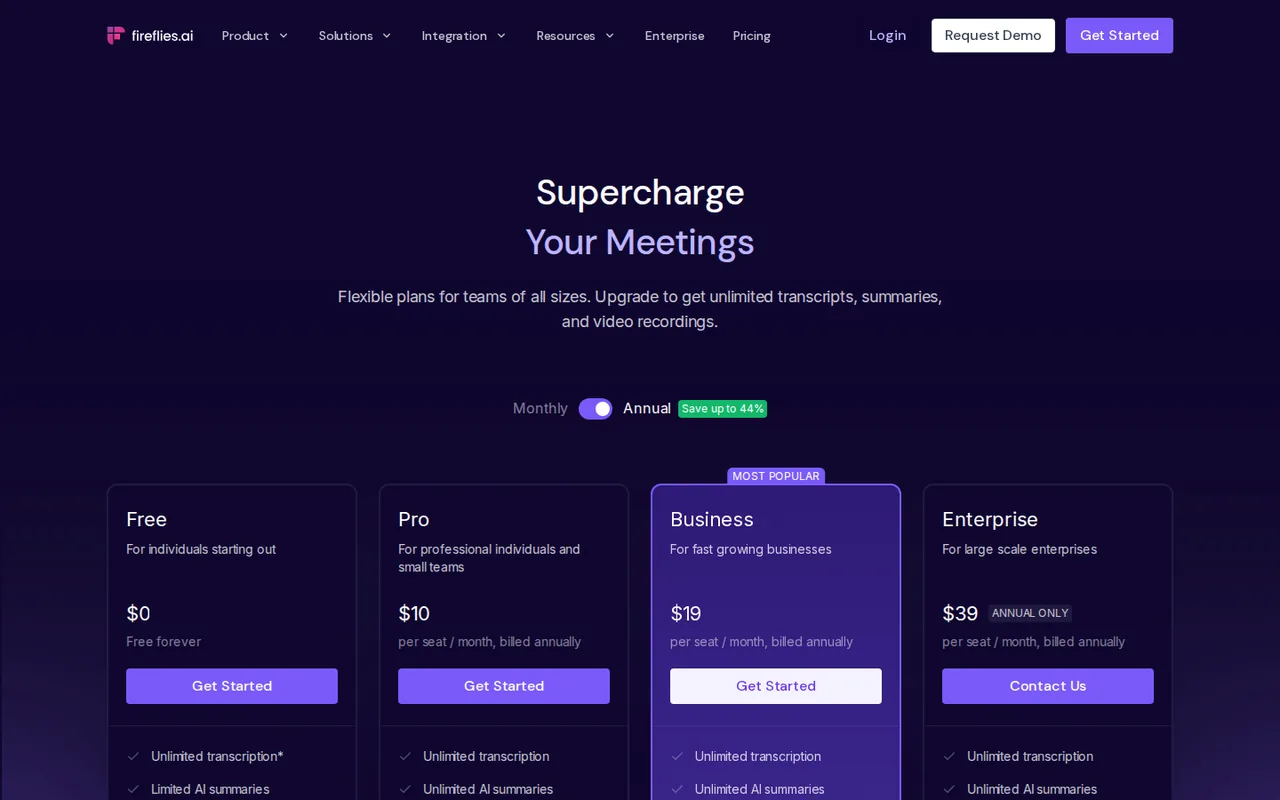
 Fireflies.ai Fireflies.ai | A bot on Zoom, Google Meet and Teams, a Chrome extension, file uploads and mobile apps | Listed on Pro, with a task manager | 400 minutes of storage, limited AI summaries, 20 AI credits | $10 per seat a month, billed annually (Pro) | New recap links open to anyone with the link |
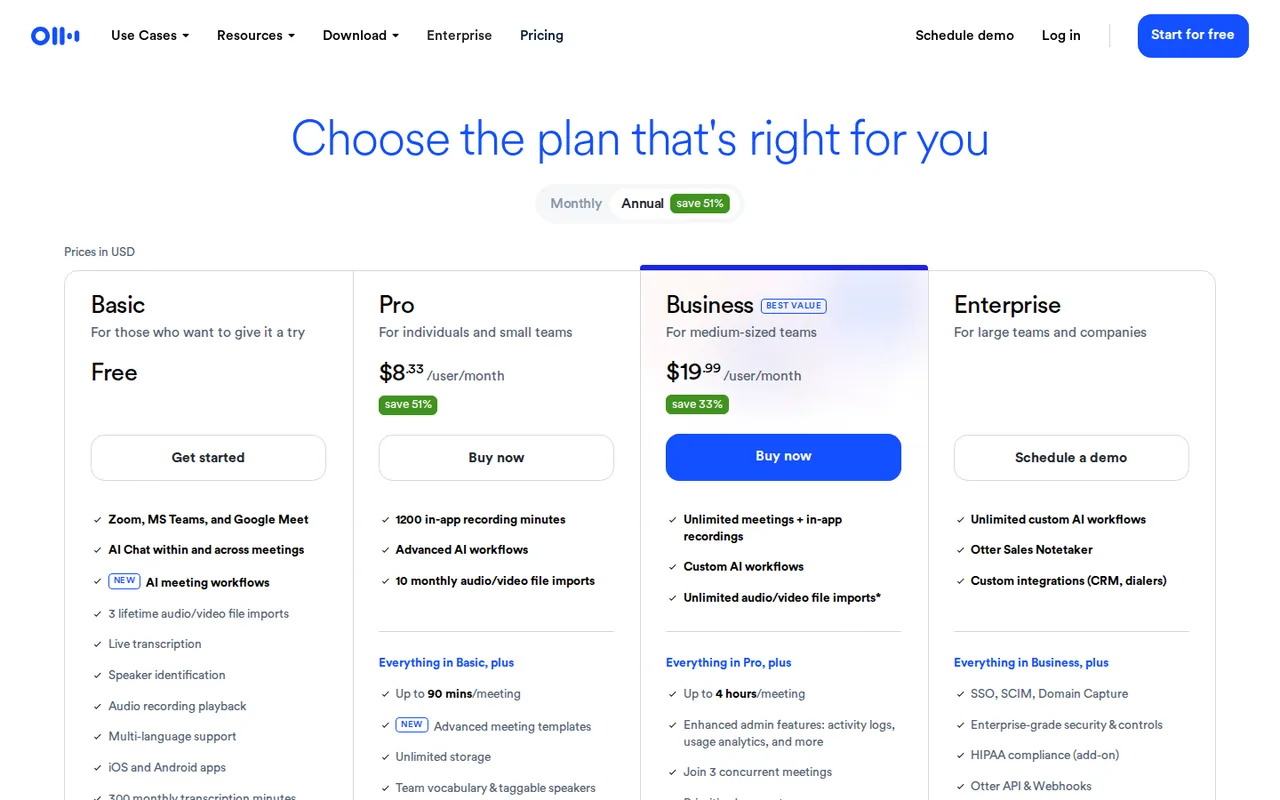
 Otter.ai Otter.ai | Otter Notetaker on Zoom, Teams and Google Meet, or the desktop app without a bot | Every plan, Basic included | 300 minutes a month, 30 minutes per conversation | USD 8.33 per user per month, billed annually (USD 16.99 billed monthly) (Pro) | The outline and action items cannot be exported as files |
 Krisp Krisp | The desktop app, without a bot; in-person meetings on desktop and mobile | Core and Advanced | A 7-day trial with no card, not a lasting free plan | $8 per user per month, billed annually (or $16 billed monthly) (Core) | Access stops when the trial ends |
 Notion AI Notion AI | Meetings from any call app, saved as Notion notes | Business and Enterprise | A limited trial on Free and Plus | USD 20 per member per month, billed yearly (USD 24 billed monthly) (Business) | Every member of a paid workspace is billed |
Plan names and amounts from each tool’s profile, which shows the date its plan terms were checked. Fireflies’ profile lists annual billing only.
Sources: Fathom pricing, Fireflies pricing, Otter pricing, Krisp pricing, Notion pricing.
What should a meeting action item contain?
One row per accepted action
In shortAn action item is work someone accepted in the meeting, with an owner, a deliverable and, if one was spoken, a deadline. A suggestion nobody accepted is not one.
A notetaker lists action items under its summary. A register keeps one row per accepted action with a stable ID, so a later correction changes that row instead of adding a second task. An empty owner is information: filling it with the host’s name hides the question still to ask.
| Field | Why it is there | Example |
|---|---|---|
| Action ID | Links later corrections and imports to the same task | M17-A1 |
| Source reference | Lets a reviewer reopen the evidence | Meeting M17, line 2 |
| Commitment and owner | The agreed deliverable and who accepted it | Rin: prepare the revised sample pack |
| Deadline as spoken | Keeps the words beside the interpreted date and time zone | “13 October at 16:00, same time zone” |
| Condition | Stops work from being assigned too early | Only after the dimensions are confirmed |
| Review state | Separates extraction from approval | Awaiting owner confirmation |
Keep the recording in a restricted place and attach only the reference. A task board can have a wider audience than the meeting, so check who sees it before copying client details, employee information or unpublished plans into a task.
A six-line practice meeting
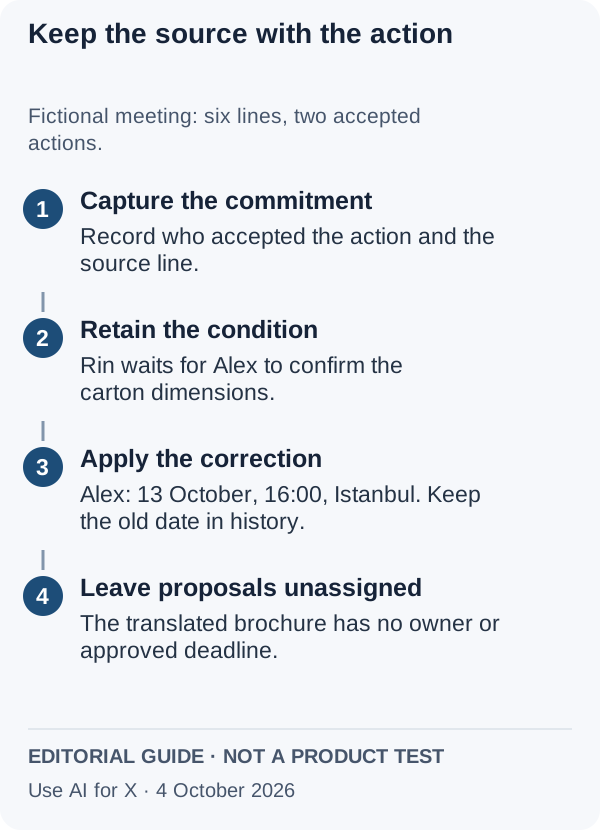
This fictional source contains a condition, a changed date and a suggestion nobody accepts:
- Alex: “The sample dimensions are still unconfirmed.”
- Rin: “I’ll prepare the revised sample pack once Alex confirms them.”
- Alex: “I can confirm the dimensions by 16:00 on 12 October, Istanbul time.”
- Sam: “Could someone also create a translated brochure?”
- Alex: “Correction: make my confirmation 13 October at 16:00, same time zone.”
- Rin: “Keep the brochure out of this delivery. We have not assigned that work.”
The expected reading is two accepted actions. Alex’s confirmation uses the corrected date, and the earlier one stays in the correction history. Rin’s sample pack depends on Alex and has no promised date. The brochure is an unassigned proposal, not an action. These are authored expectations for the exercise, not any tool’s output.
Download the fictional meeting and blank action register. Keep the expected reading out of view while you review a tool’s list, so you check what the tool extracted rather than whether it copied your answer.
How do you turn AI meeting notes into action items, step by step?
Step 1: Settle consent and sharing before the first recording
In shortEvery notetaker records other people and creates a link to the notes. Check who is told, who can open the link and what the vendor does with the audio.
| Tool | Telling participants | Who can open the notes | Meeting data and AI training |
|---|---|---|---|
| Fathom | An optional “Auto Request Recording Consent” setting for scheduled external events you host; a decline turns off auto-record for that call | Anyone with the link, the same domain or only people added; auto-share sends to everyone on the invite only when switched on | Not covered in the sources checked |
| Fireflies.ai | The host chooses which meetings are recorded; recording others needs their consent | New recaps default to teammates and anyone with the link; the owner can limit them to participants, teammates or only the owner | Personal information is not used for AI model training |
| Otter.ai | Optional pre-recording emails to calendar guests; the notetaker joins as a named participant | Not covered in the sources checked | Otter trains its own AI on de-identified audio and on transcriptions that may contain personal information |
| Krisp | The terms make notifying guests your responsibility | Not covered in the sources checked | Meeting data is never used to train Krisp models |
| Notion AI | Not covered in the sources checked | Notes stay in the Notion workspace | No training on workspace data unless you opt in |
Restrict the link setting before the first real call. Run the first trial with consenting colleagues and non-sensitive material, or skip the recording altogether and use the fictional transcript above.
Sources: Fathom recording consent, Fathom share links, Fathom auto-share, Fireflies recap privacy settings, Fireflies information safety, Fireflies privacy policy, Otter recording permissions, Otter privacy policy, Krisp terms of use, Notion AI FAQs.
Step 2: Capture the whole meeting on a plan that keeps it
In shortFree plans cut in different places: Otter by length per conversation, Fireflies by stored minutes, Fathom by summary depth.
| Tool | Per meeting | Per month or in total | Transcript languages |
|---|---|---|---|
| Fathom | Not covered in the sources checked | Unlimited recording and transcription; advanced summaries for the first 5 calls a month on Free | 38 |
| Fireflies.ai | Live bot meetings are not capped; uploads stop at 3,000 minutes per source a month for individuals | 400 minutes stored on Free and 8,000 per seat on Pro, cumulative rather than monthly | 100+ |
| Otter.ai | 30 minutes on Basic, 90 on Pro, 4 hours on Business | 300 minutes a month on Basic and 1,200 on Pro, shared with imports; no rollover | 6 |
| Krisp | Not covered in the sources checked | Unlimited notes on Core, with 10 GB of storage | 16 |
| Notion AI | About a minute of speech before it can summarise | 10 hours a day per user | Not covered in the sources checked |
On Otter Basic a longer recording continues, but only its first 30 minutes are shown until you upgrade, and deleted conversations still count against the 300 minutes. Fireflies’ 400 minutes hold six one-hour meetings plus 40 minutes in all; its pricing page words that allowance as per team, its help center as per user.
See the Otter.ai profile for plans, limits and sources. See the Fireflies.ai profile for plans, limits and sources.
Visit Otter.ai (opens in a new tab)Visit Fireflies.ai (opens in a new tab)
Sources: Fathom Free and Premium features, Fireflies storage and upload limits, Otter Basic plan limits, Otter desktop app, Krisp pricing, Notion AI Meeting Notes.
Step 3: Get the action items out, on the plan that has them
In shortDrafting action items and exporting them are separate rights, and they often sit on different plans.
| Tool | AI action items | Ways out of the tool | What stays inside |
|---|---|---|---|
| Fathom | Premium | CRM sync with HubSpot, Salesforce or Close for up to 3 users per email domain | Export formats: not covered in the sources checked |
| Fireflies.ai | Pro, with a task manager | Downloads of transcripts, summaries and recordings from Pro; API access on every plan | Free has no downloads |
| Otter.ai | Every plan | TXT on Basic; DOCX, PDF and SRT on paid plans; Zapier from Pro; API and webhooks on Enterprise | The outline and action items cannot be exported as files |
| Krisp | Core and Advanced | An API for meetings, notes, transcripts, recordings and action items on Core and Advanced; Notion, Zapier, HubSpot and Pipedrive | Salesforce sync needs Advanced; after a trial, content can be exported for 90 days |
| Notion AI | Business and Enterprise | Notes are pages in the workspace | Free and Plus get only a limited trial |
Where the export route cannot carry the action items, copy them into the register by hand and keep the tool’s original list unchanged as the raw extraction.
See the Fathom profile for plans, limits and sources. See the Krisp profile for plans, limits and sources. See the Notion AI profile for plans, limits and sources.
Visit Fathom (opens in a new tab)Visit Krisp (opens in a new tab)Visit Notion AI (opens in a new tab)
Sources: Fathom pricing, Fireflies pricing, Otter export, Otter pricing, Krisp meeting API, Krisp pricing, Notion pricing.
Step 4: Review each action against the line that created it
Compare the tool’s list with the practice meeting, or with the transcript of a real one. Record each edit and the source line that justified it: a fluent summary that needs many fixes costs more review time than a short list with honest blanks.
Step 5: Import with a stable ID, so a rerun cannot duplicate work
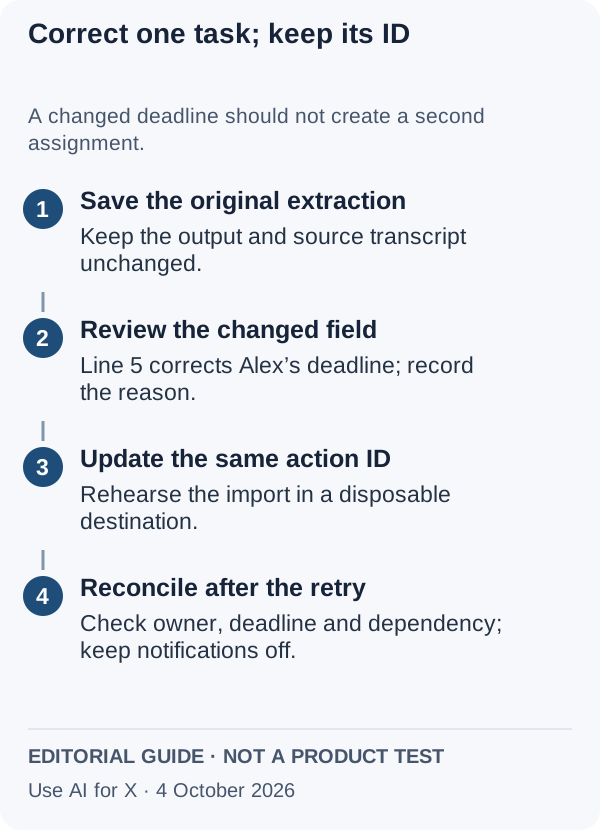
Use the action ID as the link between the register and the destination task, and import into a disposable project first. Running the same reviewed register again should update the matching task or leave it alone; it should not create a second assignment.
Then test the correction on its own: import the approved version, change only Alex’s deadline in a copy and run the update again. Check the owner, dependency and comments as well as the date. If the connector cannot update by a stable ID, keep the import manual. Leave notifications off during the rehearsal, so no owner, guest or client receives a message from test data. The general duplicate-and-retry pattern is covered in the form-to-spreadsheet workflow.
Step 6: Hand over the register with its evidence
Deliver the approved source, the reviewed register and the correction log together. Every accepted action needs an owner or an explicit “owner unresolved” state, a source reference and any condition on when it starts; a deadline may be absent. The owner confirms the reading before automation turns it into a commitment.
Reject the setup if reruns create duplicate tasks, corrections erase their history or source links reach the wrong audience. Fix that one failure and run the same practice meeting again.
What does a month of meetings cost in each tool’s unit?
One person, twelve one-hour meetings
In shortTwelve one-hour meetings a month is 720 minutes, plus one 75-minute workshop, for one person who wants AI action items.
| Tool | What limits usage | Twelve one-hour meetings | One 75-minute workshop | Smallest plan with action items |
|---|---|---|---|---|
| Fathom | Seats; recording is unlimited | Recording and transcripts fit Free; advanced summaries cover 5 of the 12 | No length limit listed | Premium, $20/user monthly ($16/user/month on annual billing) |
| Fireflies.ai | Stored minutes, cumulative | 720 minutes pass Free’s 400 in the first month; Pro’s 8,000 hold about 11 months of them (8,000 / 720) | No cap listed for live bot meetings | Pro, $10 per seat a month, billed annually |
| Otter.ai | Monthly minutes and a cap per conversation | Basic shows the first 30 minutes of each; Pro’s 1,200 minutes cover the 720 with 480 to spare | Inside Pro’s 90-minute cap; Basic shows 30 minutes | Basic already lists action items; Pro, USD 16.99 per user billed monthly (USD 8.33 billed annually), keeps whole meetings |
| Krisp | Seats; notes are unlimited on Core | Inside Core | No length limit listed | Core, $16 per user billed monthly ($8 billed annually), after the 7-day trial |
| Notion AI | A daily cap of 10 hours per user | One hour a day at most, inside the cap | Inside the daily cap | Business, USD 24 per member billed monthly (USD 20 billed yearly) |
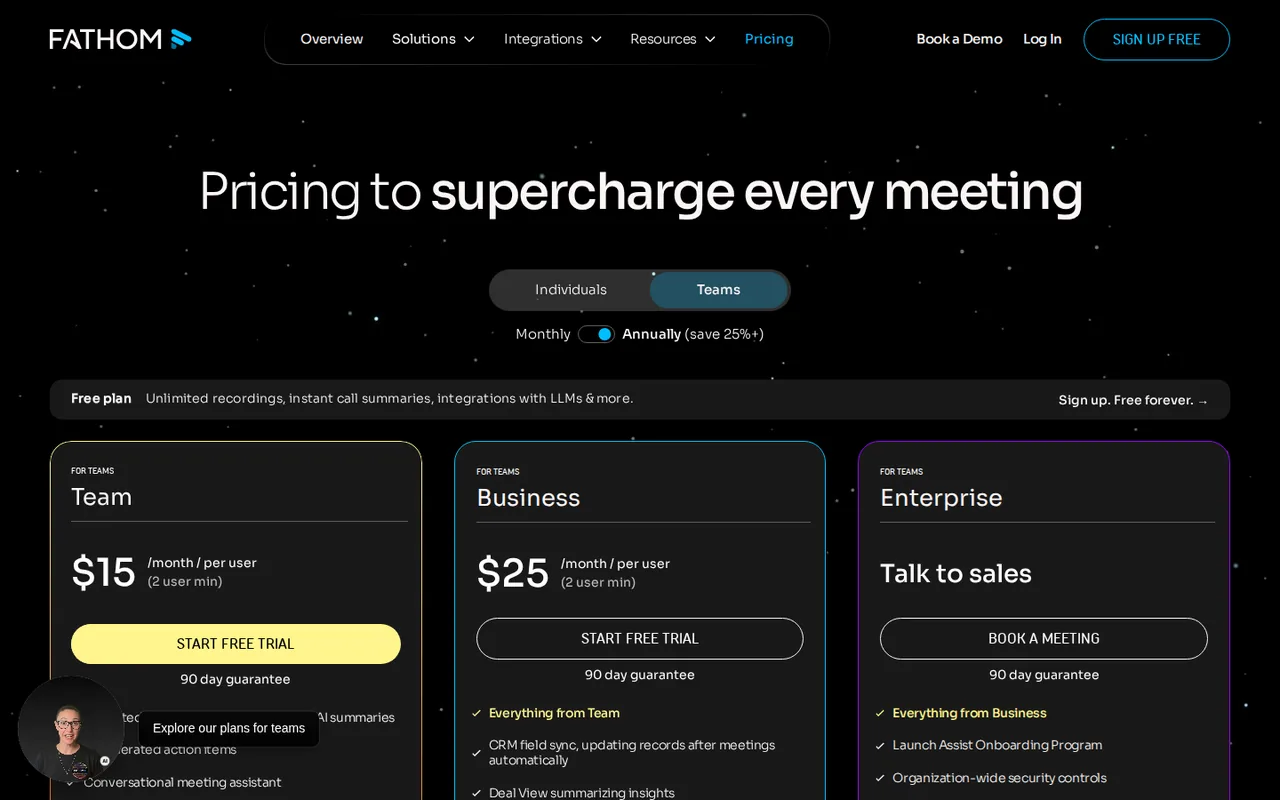
For a team, every price above is per seat, and the seat rules differ. Otter Pro takes up to 5 billed users and Business up to 25. Fathom’s Team and Business plans need at least two users; Team, at $19/user monthly, adds shared team workflows, and whether it includes AI action items is not covered in the sources checked. Notion bills every member of a paid workspace, including people who never record a meeting. Krisp counts every teammate added to a paid team as a seat.
Arithmetic on the plan terms in each profile, not observed usage. Taxes are not included; Otter adds sales tax where local law requires it.
Sources: Fathom pricing, Fireflies pricing, Fireflies storage and upload limits, Otter pricing, Krisp pricing, Notion pricing, Notion AI Meeting Notes.
Feature matrix: capture, action items and export
In shortTwelve capabilities marked from the five profiles. A dash means the sources checked do not cover it, not that the tool lacks it.
| Capability | Fathom | Fireflies.ai | Otter.ai | Krisp | Notion AI |
|---|---|---|---|---|---|
| Capturing the meeting | |||||
| Bot joins Zoom, Meet or Teams | Offeredbot capture | Offerednotetaker bot | OfferedOtter Notetaker | Not listedbot-free by design | Not listednot covered in the sources checked |
| Capture without a bot | PartlyMac beta | PartlyChrome extension | Offereddesktop app, Mac and Windows | Offereddesktop app | Not listednot covered in the sources checked |
| Upload a recorded file | Not listednot covered in the sources checked | Offereduploads and imports | Offeredup to 5 GB; 3 lifetime on Basic | Not listednot covered in the sources checked | Not listednot covered in the sources checked |
| In-person meetings | Not listednot covered in the sources checked | Offeredmobile apps | Offeredmobile apps | Offereddesktop and mobile | Not listednot covered in the sources checked |
| Drafting action items | |||||
| AI action items | PartlyPremium | PartlyPro | Offeredevery plan | Partlypaid plans after trial | PartlyBusiness up |
| Ask questions across meetings | PartlyAsk Fathom, Premium | OfferedAskFred | OfferedAI Chat, 20 queries a month on Basic | Not listednot covered in the sources checked | Partlysearchable workspace notes |
| Follow-up email draft | PartlyPremium | Not listednot covered in the sources checked | Offereddrafts from AI Chat | Not listednot covered in the sources checked | Not listednot covered in the sources checked |
| Transcript languages listed | Offered38 | Offered100+ | Partly6 | Offered16 | Not listednot covered in the sources checked |
| Getting them out | |||||
| Transcript download | Not listednot covered in the sources checked | PartlyPro up | OfferedTXT on Basic; DOCX, PDF, SRT paid | Partly90 days after a trial | Not listednot covered in the sources checked |
| Action items as a file | Not listednot covered in the sources checked | Not listednot covered in the sources checked | Not listednot exportable as files | Not listednot covered in the sources checked | Not listednot covered in the sources checked |
| API | Not listednot covered in the sources checked | Offeredevery plan | PartlyEnterprise | OfferedCore and Advanced | Not listednot covered in the sources checked |
| CRM sync | Partly3 users per domain | OfferedCRM tools listed | Partly1 user on Pro, 5 on Business | PartlySalesforce on Advanced | Not listednot covered in the sources checked |
offered partly or with limits not listed on the profile.
Cells come from each tool’s profile on this site, which cites the vendor pages and the date they were checked.
Questions, and what this guide does not judge
Common questions
How do you make meeting notes with AI?
Connect an AI notetaker to your calendar or open its desktop app, record the call with the participants’ agreement, and let it transcribe and summarise. Then check the drafted action items against the transcript before anyone treats them as assignments: confirm each owner, keep spoken deadlines beside interpreted dates and leave unaccepted suggestions out.
What are action items in a meeting? Can you give an example?
An action item is a task someone accepted during the meeting, with an owner, a deliverable and a deadline when one was given. “Rin prepares the revised sample pack once Alex confirms the dimensions” is one. “Could someone create a translated brochure?” is not, because nobody accepted it, so it belongs in a proposals note instead.
Which AI tool should I use for meeting notes?
Pick by the limit you would hit first. Otter’s free plan drafts action items but cuts each conversation at 30 minutes. Fathom records for free without a cap and charges for action items. Krisp suits people who want no bot in the call, Notion AI teams already working in Notion, and Fireflies anyone who needs an API on every plan.
How do you write meeting minutes with action items?
List the meeting details, attendees and decisions, then the action items, each with its owner, deliverable, deadline and any condition. Keep corrections made during the meeting visible instead of overwriting the first date, and send the minutes to the owners for confirmation before any task is imported into a project tool.
Can you get AI meeting action items for free?
Yes, with limits. Otter’s free Basic plan lists action items within 300 minutes a month and 30 minutes per conversation. Fathom’s free plan records and transcribes without a cap but keeps AI action items for Premium. Fireflies lists them on Pro and Notion AI on Business, while Krisp offers a 7-day trial rather than a free plan.
What this guide does not judge
Transcript accuracy, how well each tool tells a suggestion from a commitment, summary quality and speed are what most notetaker pages lead with. None of the vendor pages behind this guide compare them on the same meeting, so no tool is ranked on them. Otter’s own help center says accuracy is generally higher when its notetaker takes the call’s audio stream than when a device microphone picks up the room; that is a vendor statement, not a comparison.
Sources: Otter transcription accuracy FAQ.
Read AI, Meeting.ai, Microsoft Word with Copilot, Granola and Fellow appear in search results for this task. They are left out until each has a profile with checked plan terms. Pasting a transcript into a general chat assistant is another route the results describe; the same review checklist applies to its output. See the TurboScribe profile for plans, limits and sources. has a profile but is not compared here: it works on files you upload afterwards, and no page checked describes joining calls or drafting action items, so it only fits when you already hold a recording.
Have two consenting colleagues read the six-line practice meeting in a test call captured by one shortlisted notetaker, or upload that recording where the tool takes files, on the plan you would use. Ask for one row per action with source lines, and missing fields left empty. Record the tool, plan and date, keep its raw output unchanged, then score it against the checklist in Step 4 and count the edits it needed.
How this guide was made
Capture routes, plans, limits, exports and data terms come from the Fathom, Fireflies.ai, Otter.ai, Krisp and Notion AI profiles on this site, which cite the vendors’ pricing, help and policy pages and carry their own check dates. Sections follow the topics the top-ranking pages for this search cover, limited to what the vendors document. The practice meeting, register fields and diagrams are editorial material; no meeting was recorded for this guide and no rating is given. See our editorial policy.