

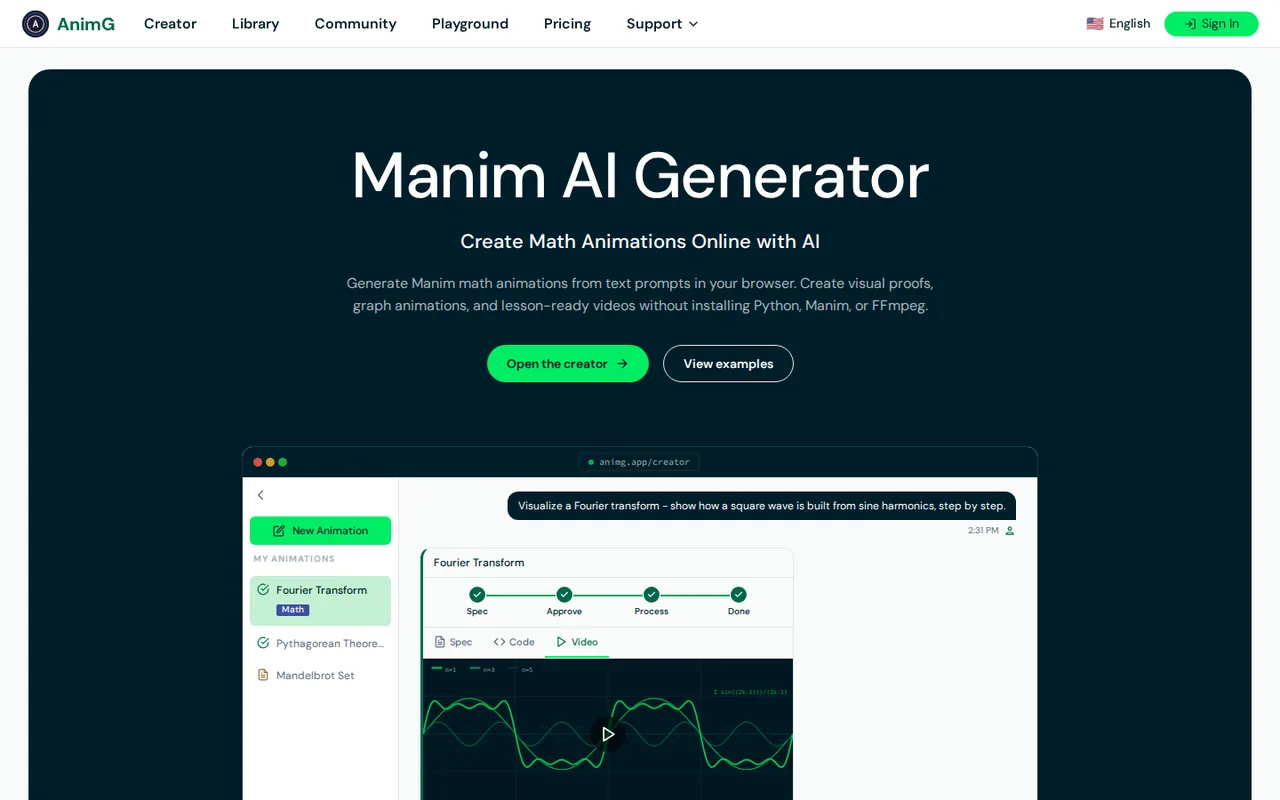
What is AnimG, in short?
Updated October 17, 2026 · By Elias Brandt · Documentation review, not tested hands-on
Pros
- Free plan to try it
- Spec review before rendering
- No local setup
- Cancel any time, 7-day refund window
Cons
- Free plan is small and watermarked
- Content may train its models
- Google sign-in for full use
- Math animation only
Best forTeachers and lecturersStudentsMath YouTubers and course creatorsNot for non-math motion graphics
Strengths, limits and who it suits, in full
Strengths
- Free plan to try it The subscription page lists a free plan with up to 2 AI Creator animations and 3 playground renders a day, and the educators page says no credit card is required.
- Spec review before rendering The how-it-works page describes a specification step you approve or change before code is generated and rendered.
- No local setup The homepage FAQ says nothing needs installing: no Python, Manim or FFmpeg.
- Cancel any time, 7-day refund window The terms say you can cancel through the Stripe or PayPal portal, and the refund policy allows a refund within 7 days of a monthly purchase.
Limits
- Free plan is small and watermarked The subscription page limits free accounts to 2 animations at standard quality with a watermark, and playground renders to 480p with a watermark.
- Content may train its models The terms say you grant a license to use your content, including to improve its AI models, and to show animations in its gallery or promotional materials.
- Google sign-in for full use The terms say an account via Google authentication is required for generation, rendering and chat history; only limited playground use works without one.
- Math animation only The service is built around Manim for mathematical animation, so it is not a general video or motion-graphics generator.
Who it suits
- Teachers and lecturers The educators page positions AnimG for classroom math animations used in slides, Zoom or YouTube.
- Students The site has a students page for visualizing problems and concepts; the free plan covers two animations.
- Math YouTubers and course creators The creators page describes 3Blue1Brown-style explainers exported as MP4.
- Not for non-math motion graphics The homepage and terms describe a Manim math animation service, with limits on animation complexity and length.
How much does AnimG cost?
Prices confirmed · checked
Regional prices: Pro is shown as $9.99 a month on the For educators page and in the homepage structured data (highest offer $9.99, USD) on 2026-10-17.
The subscription page itself loaded the Pro price dynamically and showed no figure to us, and the terms say pricing varies by geographic location, so your checkout may differ. Monthly billing only is described; no yearly plan was found. The refund policy lets you request a refund within 7 days of a monthly purchase or renewal (prorated for renewals). Playground passes are a separate one-time purchase for free users and were not priced on the pages we read. The free plan limit is worded 'up to 2 animations' and the pages do not say whether it resets.
| Plan | Price | What you get |
|---|---|---|
| Free | $0 sourceFrom animg.app/en/manim-for-educators, checked Oct 17, 2026 (opens in a new tab) | Up to 2 AI Creator animations at standard quality with a watermark, limited AI models, and 3 playground renders a day at 480p with a watermark. |
| Pro | $9.99 per month sourceFrom animg.app/en/manim-for-educators, checked Oct 17, 2026 (opens in a new tab) | Unlimited animations, high-quality watermark-free video, all advanced AI models, unlimited 1080p watermark-free playground renders, AI fixes for failed renders and priority support. Billed monthly; the terms say price varies by location. |
How far does it go?
- What Pro costs against the free planThe free plan covers up to 2 animations, so a teacher making one clip a week hits the cap in two weeks. Pro is $9.99 a month, which is about $2.50 per clip at four clips a month and $1.25 at eight. The site advertises unlimited animations, but the refund policy mentions plan limits per billing period and the terms mention limits on complexity and length, so treat unlimited as unverified.
Arithmetic from the published allowances above, not a usage test.
Taxes, currency and promotions can change the price you see at checkout.
Try AnimG free (opens in a new tab)
Key features
| Feature | What it does | Watch out |
|---|---|---|
| Describe an animation in plain language, review the generated spec, then approve it to render (how-it-works page) | The how-it-works page says AnimG first writes a detailed specification of the animation and renders only after you approve or change it. Rendering then runs in the cloud and you can ask for revisions. | Read the spec as a checklist for your lesson: a wrong step in the spec costs a render, so fix it there rather than after the video appears. |
| Generates Manim Python code and renders the video in the cloud; you can request changes and re-render (how-it-works page, terms) | — | |
| Browser Manim playground to edit and render your own code, with low or high quality choice (playground page) | The playground page lets you write and render Manim code in the browser without installing Python or FFmpeg, and Pro adds AI fixes when a render fails. | If you already know some Manim, you can edit the generated code instead of re-prompting; free accounts get 3 playground renders a day at 480p with a watermark. |
| Public animation library and community Explore page with topic write-ups (homepage, terms) | — | |
| Save MP4 files from the video player for slides, lectures or video editors (educators and creators pages) | — |
What do you get without paying?
The subscription page lists up to 2 AI Creator animations at standard quality with a watermark, plus 3 playground renders a day at 480p. It does not say whether the 2-animation allowance resets, so plan on it being a trial.
Who owns what you make, and who can train on it?
The terms say you keep rights to your descriptions, code and animations, but also grant AnimG a license to use your content to improve its AI models and to show animations in its gallery or promotional materials. Read this before uploading classroom material you cannot share.
How could you check AnimG before paying?
Proposed evaluation · not performed yet
Use one real lesson topic.
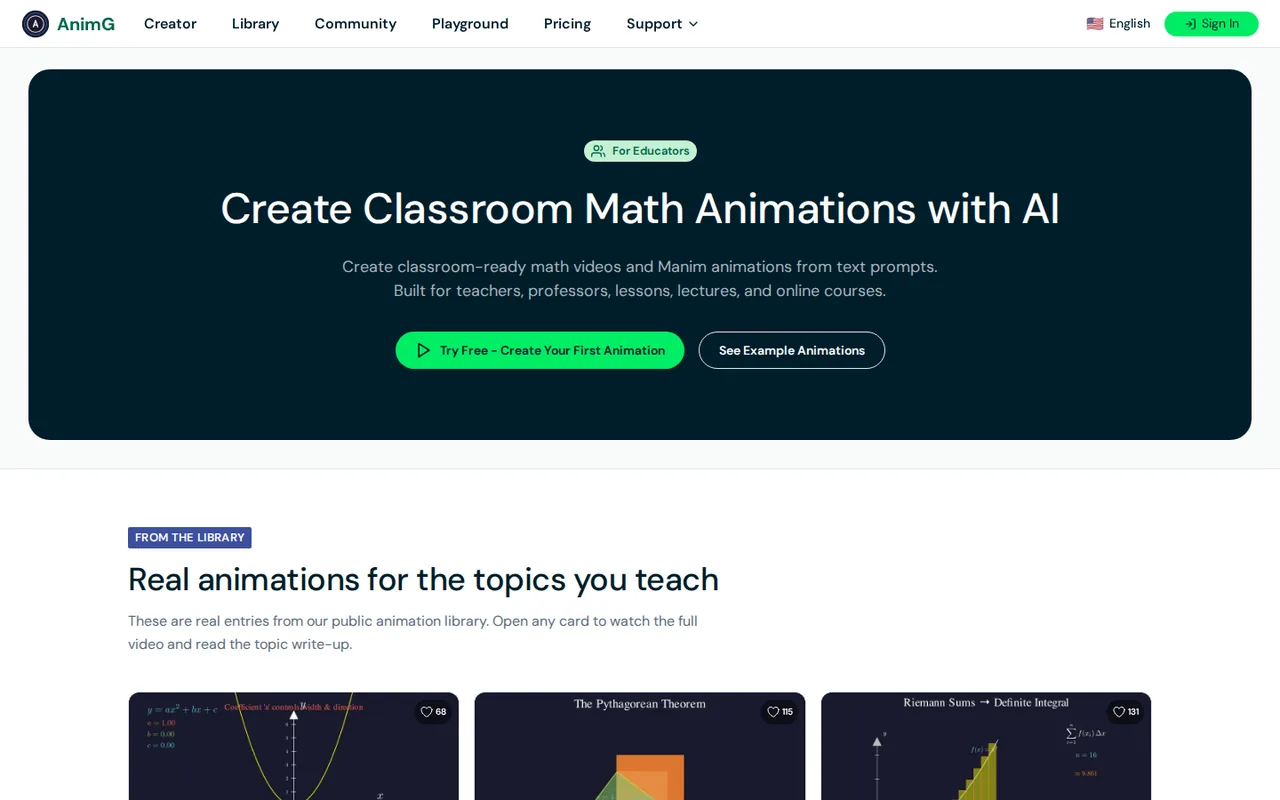
- Write a prompt for a single concept, such as the Pythagorean theorem, and read the generated spec.
- Correct any wrong step in the spec before approving the render.
- Check the watermark and quality against what you need, then decide whether $9.99 a month for Pro is worth it.
AnimG alternatives
Other video & editing tools checked with the same method. Pick by the job, not by a score.

Developers and small teams who want a conversational video avatar for support, sales or tutoring and need to budget by minutes

Short animated stories from a script or prompt

Relighting or changing the background of short video clips

Dubbing and subtitling existing videos into other languages

Teams and creators who want short talking-avatar videos or an embedded avatar agent, and who accept metered minutes and a watermark on lower plans

YouTube editing with color and audio in one app

Podcasts and talking-head video

Creators combining permitted images and audio
Used AnimG? Write the first review. Visitor opinions are moderated and kept separate from our source checks.
Frequently asked questions
Is AnimG free?
Yes, with limits. The subscription page lists a free plan with up to 2 animations at standard quality with a watermark, and 3 playground renders a day at 480p. Pro is $9.99 a month.
How much does AnimG Pro cost?
$9.99 a month on the For educators page and in the site's structured data. The terms say pricing varies by location, so confirm at checkout.
Do I need to install Manim or Python for AnimG?
No. The homepage FAQ says AnimG runs in the browser, so Python, Manim and FFmpeg are not needed.
Can I edit the code AnimG generates?
Yes. The playground lets you write and render Manim code online, and the homepage says you can edit generated code for more control.
Does AnimG use my animations to train its AI?
The terms say your content can be used to improve its AI models and shown in its gallery, so avoid private material you cannot share.
Sources and method7 official sources · 7 details checked · Oct 17, 2026
How we checked this profile
7 details on this page were checked against AnimG's own pages and help documentation (Oct 17, 2026).
See the checks by section7 documented
| Section | Checks | Last checked | Sources |
|---|---|---|---|
| Article text | 1 documented | animg.app/en | |
| Plans and prices | 2 documented | animg.app/subscriptionanimg.app/manim-for-educators | |
| Strengths and limits | 3 documented | animg.app/termsanimg.app/refund | |
| Features | 1 documented | animg.app/how-it-works |
Sources for this profile
- For educators page: Pro price and use casesanimg.app
- Homepage: product description, FAQ and structured dataanimg.app
- How it works: prompt, spec review, render and iterate stepsanimg.app
- Subscription page: Free and Pro plan limitsanimg.app
All 7 sources
Official AnimG pages read on 2026-10-17: homepage, how it works, subscription, For educators, For YouTubers, playground, terms and refund policy. The privacy policy was not reviewed, so data retention and deletion are not summarised. The Pro price comes from the educators page and structured data because the subscription page showed it dynamically. The domain animg.com only redirects to a landing page and is not treated as the product. We did not create an account, render an animation or test output accuracy. Gaps: whether the free allowance resets, the playground pass price, regional prices, and any maximum animation length. Directory listings and third-party reviews were not used as evidence.
Sources checked Oct 17, 2026. Found something out of date? See how we correct profiles.