AI Vector Art as Editable SVG: Which Tools Export It and What to Check
An SVG file can hold editable shapes, or a single picture wrapped in an SVG container. This guide covers six tools on this site whose sources list SVG output: which plan unlocks the SVG, what rights come with it, and how to check the file before someone else edits it.
By Elias Brandt · Updated 9 Oct 2026 · About 13 min read · Plan terms taken from each tool profile
The short answer
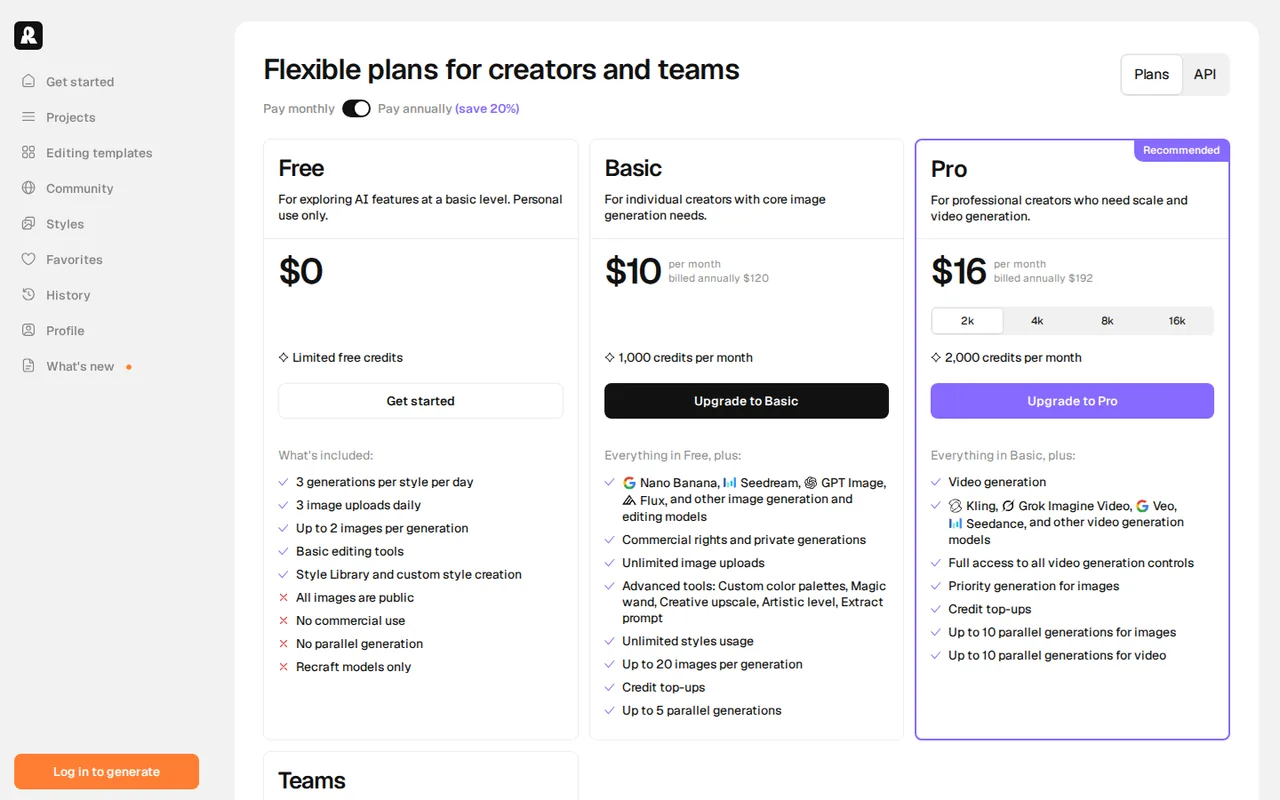
Need illustrations or icons as paths? Recraft’s Vector models write SVG directly, and its API vectorizes existing images. Free images are public and not licensed for commercial use; Basic is $10 a month billed annually.
Need a logo? Wixel downloads logos as SVG on its Free plan, and downloads use no AI credits.
Need a diagram or a full layout? Napkin AI and Diagrimo export SVG on Plus; Canva exports SVG on paid plans.
Which AI tools give you an editable SVG?
The six tools at a glance
In shortPick the row that matches the artwork you need. The SVG columns show whether the free plan exports it and which plan unlocks it.
| Tool | Makes | SVG on the free plan | First plan with SVG | Catch to check |
|---|---|---|---|---|
 Recraft Recraft | Illustrations, icons and logos from prompts | Plan coverage not stated; Free images are public and non-commercial | Not stated; commercial rights from Basic, $10 per month billed annually ($12 monthly) | Subscription credits and API Units are separate balances |
 Wixel Wixel | Logos from a business name | Yes, and downloads use no credits | Free, $0 | AI output can match what other users generate |
 Canva Canva | Designs and layouts with AI images | No: SVG is a paid option | Pro, EUR 12 per month billed monthly | Whether a placed AI image exports as paths is not covered in the sources checked |
 Napkin AI Napkin AI | Diagrams, flowcharts and charts from text | No: PNG and PDF, with Napkin branding | Plus, $9 per person a month billed yearly ($12 monthly) | Content may improve its models unless you opt out |
 Diagrimo Diagrimo | Diagrams inside a written page | Free exports carry a watermark; limits not itemized | Plus, $9.99 per month after a 7-day $0 trial | Template-based output is non-commercial without an extra license |
 Sculptok Sculptok | Depth maps and relief files; lists image to SVG conversion | Not covered in the sources checked | Not covered in the sources checked | Built for engraving and 3D, not illustration |
Plan names and amounts from each tool’s profile, which shows the date its plan terms were checked. Canva’s amounts are from its euro price list.
What makes an SVG editable for the next person
- Shapes, not a picture insideSVG can embed a raster image through its image element, so a file can open in an editor and still be one flat picture.
- Separate objectsThe recipient can select, recolor and move the one part they were asked to change without breaking the rest.
- Text that survivesLive text needs the font on the recipient’s machine; outlined text keeps its look but changes how the wording is edited later.
- Rights that fit the useRecraft’s Free images are not licensed for commercial use, and Diagrimo’s template-based output needs an extra license for it.
- The format the destination asks forA website takes SVG; a print or cutting supplier may ask for a colour setup or a format of its own. Canva lists CMYK export on paid plans.
Sources: MDN: the SVG image element, Recraft pricing, Tenorshare terms, Canva download file types.
Five tools that export SVG, by the kind of artwork
Illustrations and icons as paths: Recraft
Best for prompt-to-vector illustrations, icons and logos
Best when the artwork has to be vector shapes from the start, not a traced picture.
- Free Limited credits; public, non-commercial images
- Entry from $10 / month Basic, billed annually; $12 monthly
Recraft generates raster images and editable SVG vectors with its own models, in Standard, Pro, Vector, Utility and Flash variants across V2 to V4.1. Its Vector models write SVG directly instead of converting a raster image.
What it does
- Model record
- Note the exact model and variant used for each asset.
- Vectorize request
- A separate API request for images you already have.
- Custom styles
- Built from your own reference images.
- Editing tools
- Upscaling, background removal, inpainting and outpainting.
What you get as SVG
SVG files from the Vector variants, in Studio or through the API.
Watch out for
The pages read do not say which subscription plan includes vector generation or export, so confirm it on Free first, where images are public and owned by Recraft.
Before you hand it off
Generate client work on Basic or above: paid plans give commercial rights and private images that stay owned after cancellation. Then open the file and confirm the parts to change are separate shapes.
See the Recraft profile for plans, limits and sources.
Visit Recraft (opens in a new tab)
Sources: Recraft documentation, Recraft pricing, Recraft API pricing.
Logos: Wixel
Best for a logo downloaded as SVG on the free plan
Best when the artwork is a logo built from a business name and you want to adjust it by hand before export.
- Free 120 AI credits a month; SVG downloads included
- Entry from $90 / year Basic, billed yearly
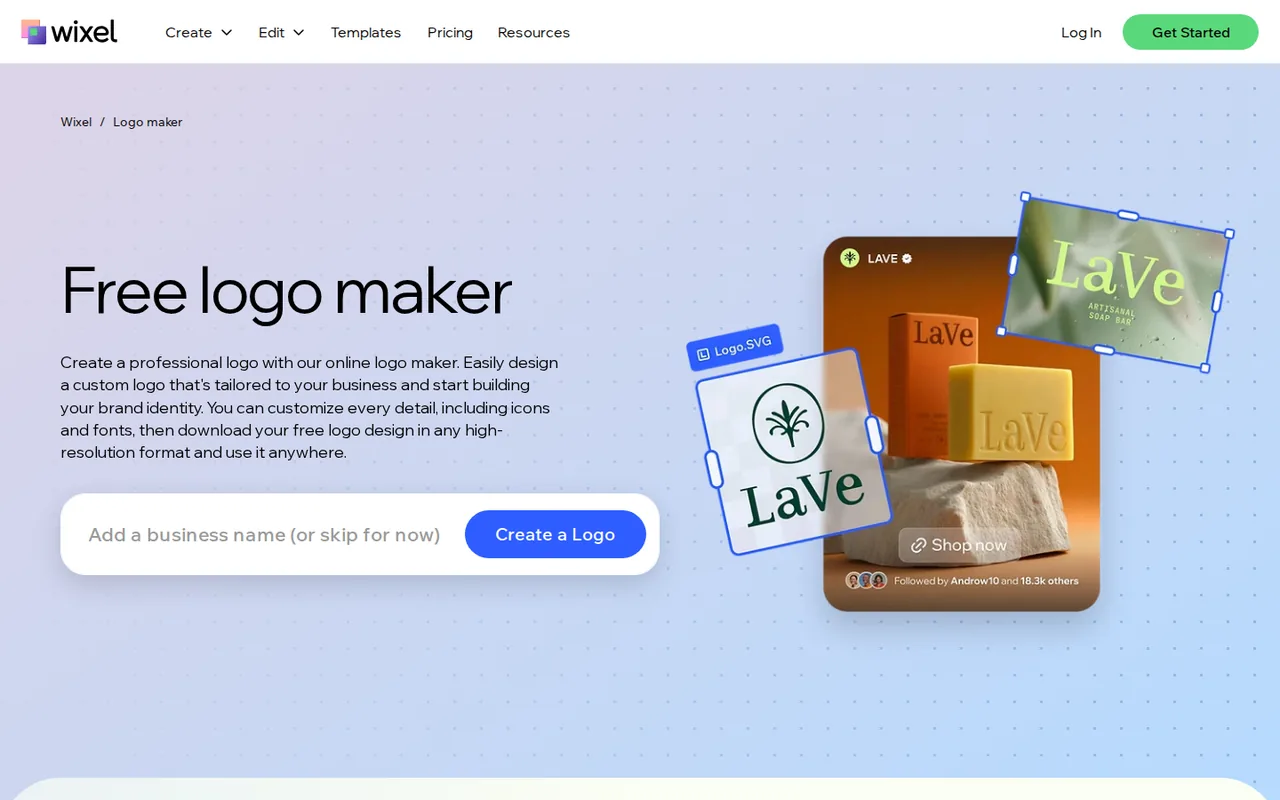
Wixel is the AI design platform from Wix.com Ltd. and the current home of the Wix Logo Maker. Its agent proposes palettes, fonts and logo concepts from a brand name and a one-line description.
What it does
- Manual editor
- Text, fonts, colors, icons and layout; manual edits use no credits.
- Downloads
- PNG with or without background, JPG or SVG, in a chosen size.
- Brand themes
- A logo’s colors and fonts applied to posts, videos and documents.
What you get as SVG
An SVG of the finished logo. PNG, JPG and SVG downloads use no AI credits and can be repeated.
Watch out for
Every generation is charged even if no concept is kept, and the Wix terms warn that AI output can be identical or similar to what other users generate.
Before you hand it off
A Wixel logo does not sync to a Wix site or its Business Info, so upload the file there yourself. Logos made in the older Wix Logo Maker stay in Brand Studio and are not imported.
See the Wixel profile for plans, limits and sources.
Visit Wixel (opens in a new tab)
Sources: Wixel downloads, Wixel AI credits, Wix terms of use.
Designs and layouts: Canva
Best for SVG exports of a full design built from templates
Best when the vector sits in a layout, social post or flyer and the team already designs in Canva.
- Free Up to 20 AI uses a month; no SVG
- Entry from EUR 12 / month Pro, billed monthly; EUR 110 a year
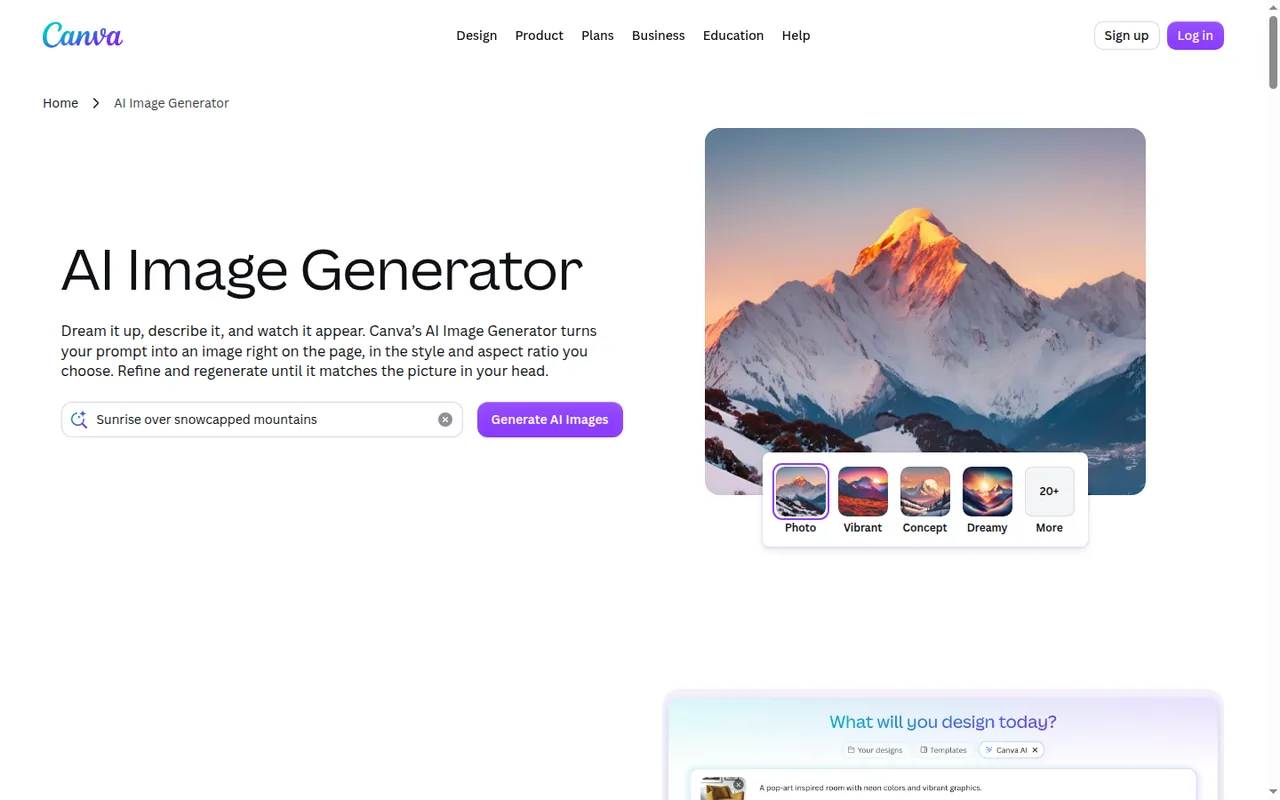
Canva is a design platform on the web, desktop and mobile with built-in AI tools. Its AI Image Generator places results inside a design, and the same page offers Text to Graphic.
What it does
- SVG export
- Paid plans only, together with transparent PNG, compressed PDF and CMYK.
- Magic Layers
- Splits a flat or AI-generated design into editable layers; labelled beta and drawn from the AI allowance.
- Brand Kits
- Logos, colours and fonts, with Brand Controls that restrict designs to them.
- Bulk download
- Up to 200 designs at once on paid plans.
What you get as SVG
An SVG of the whole design on a paid plan.
Watch out for
Whether an AI image placed in a design leaves as vector shapes or as an embedded picture is not covered in the sources checked. Canva also notes that many jurisdictions, including the US, do not give copyright protection to AI-created works.
Before you hand it off
Open the exported SVG and look for a single image object where the AI artwork sits.
See the Canva profile for plans, limits and sources.
Visit Canva (opens in a new tab)
Sources: Canva download file types, Canva Magic Layers, Canva design ownership.
Diagrams from text: Napkin AI
Best for flowcharts and infographics exported as SVG
Best when the artwork explains a process and starts as written text, not as a prompt for a picture.
- Free 500 AI credits a week; PNG and PDF only
- Entry from $9 / person / month Plus, billed yearly; $12 monthly
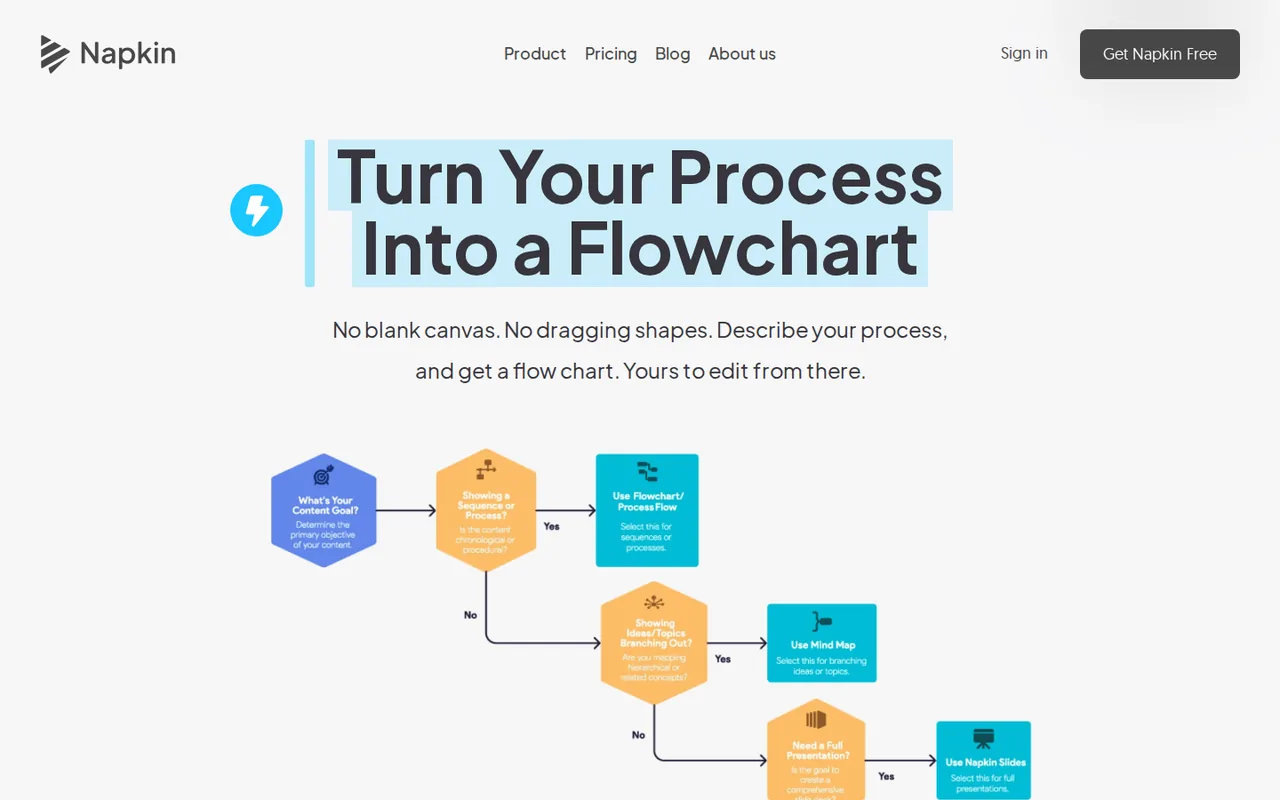
Napkin AI turns pasted or imported text into editable diagrams, flowcharts, infographics and charts, offering several visual options without prompt writing, at roughly one credit per selected word.
What it does
- Export
- A single visual as PNG, SVG, PPT or PDF, with color settings.
- Credit-free editing
- Colors, icons, layouts and shapes change without using credits.
- Import
- PPT, DOC, PDF, HTML and Markdown files.
- Brand styles
- 3 on Plus; unlimited custom branding and font upload on Pro.
What you get as SVG
Unlimited SVG export of each visual on Plus or Pro, with Napkin branding removed.
Watch out for
Free keeps the Napkin logo locked on every export, and regenerating from the same text is charged again.
Before you hand it off
Font upload is a Pro feature, so on Plus check which font the exported text uses. Content may be used in anonymized form to improve models unless you opt out in settings; do that before pasting client text.
See the Napkin AI profile for plans, limits and sources.
Visit Napkin AI (opens in a new tab)
Sources: Napkin export formats, Napkin pricing, Napkin training settings.
Diagrams inside a document: Diagrimo
Best for SVG diagrams that belong to a written page
Best when the diagram sits in a document that also exports as a full PDF.
- Free Daily credits; watermarked exports
- Entry from $9.99 / month Plus, after a 7-day $0 trial; $6.99 billed annually
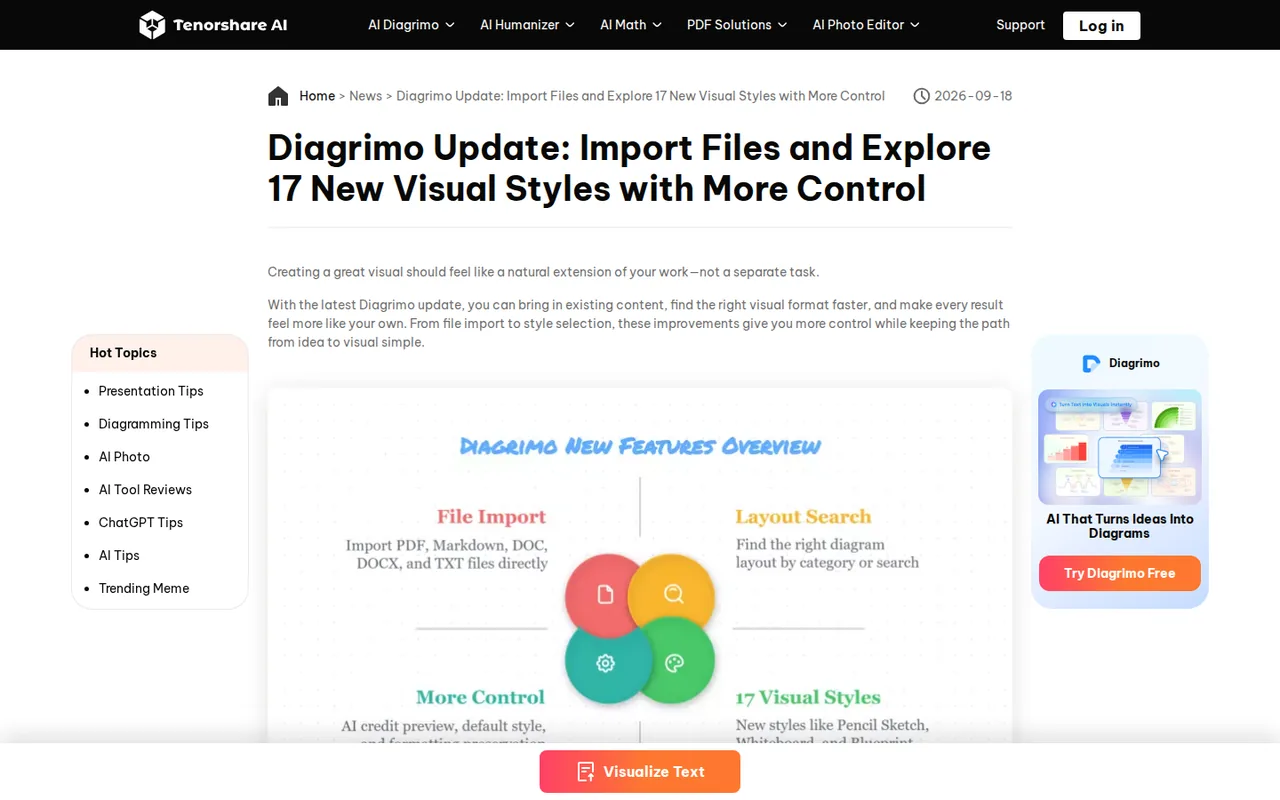
Diagrimo, from Tenorshare, is a web document editor that turns highlighted text into flowcharts, timelines, mind maps, SWOT charts and other layouts, in 17 visual styles.
What it does
- Export
- The page as PDF, visuals as PPT slides, assets as JPG, PNG or SVG in a ZIP, with transparent backgrounds.
- AI Visualize
- Highlighted text to a choice of layouts, with a credit estimate shown before applying.
- Import
- PDF, Markdown, DOC, DOCX and TXT.
- Canvas sizes
- A4, US Letter and 16:9.
What you get as SVG
Unlimited, watermark-free SVG exports on Plus, delivered in a ZIP with the other assets.
Watch out for
Tenorshare’s terms restrict output built on its templates to non-commercial use without an extra license.
Before you hand it off
Note whether a diagram started from a template before it goes into client work, and unzip the export to confirm each SVG is the visual you expect.
See the Diagrimo profile for plans, limits and sources.
Visit Diagrimo (opens in a new tab)
Sources: Diagrimo Plus pricing, Diagrimo export formats, Tenorshare terms.
Can AI turn a PNG or JPG into an editable SVG?
In shortTwo tools here list image-to-SVG conversion. Check the result exactly as you would check a generated file.
Converting a picture is a different job from generating vectors, and enlarging a raster image is a third: upscaling adds pixels but leaves no shapes to select. See the Sculptok profile for plans, limits and sources.
| Route | Where | What the sources say | Still unknown |
|---|---|---|---|
| Vectorize an existing image | Recraft API | A separate vectorize request, paid from prepaid API Units ($1.00 per 1,000) that subscription credits cannot fund | Units per vectorize request: not covered in the sources checked |
| Image to SVG conversion | Sculptok | Listed among the features of a depth-map and relief tool for engraving, CNC carving and 3D printing | Plan, credit cost and editability: not covered in the sources checked |
| Split a flat image into layers | Canva Magic Layers | Works on uploaded flat images; Canva recommends JPEG or PNG input | Whether the layers export as SVG objects: not covered in the sources checked |
| Enlarge a raster image | Recraft upscaling, Sculptok pixel upscale | Listed editing tools | Not a route to SVG: the result is still pixels |
Sources: Recraft documentation, Recraft API pricing, Sculptok overview, Canva Magic Layers.
Plans, rights and the cost of 20 SVG files
What each tool covers
| Capability | Recraft | Wixel | Canva | Napkin AI | Diagrimo | Sculptok |
|---|---|---|---|---|---|---|
| Getting an SVG | ||||||
| SVG export or download | OfferedVector models and API | Offeredevery plan, no credits | Partlypaid plans | PartlyPlus and Pro | Partlylisted on Plus | Partlyimage to SVG listed |
| Generated as vector, not traced | OfferedVector models | Not listednot covered in the sources checked | Not listednot covered in the sources checked | Not listednot covered in the sources checked | Not listednot covered in the sources checked | Not listednot covered in the sources checked |
| Edit by hand before export | Partlyediting tools listed | Offeredtext, fonts, colors, layout | Offeredtemplate editor | Offeredcredit-free editing | Not listednot covered in the sources checked | Partlydepth map editor, beta |
| Rights and delivery | ||||||
| Commercial use | PartlyBasic and above | Not listednot covered in the sources checked | PartlyAI works may lack copyright | Not listednot covered in the sources checked | Partlytemplates need a license | Not listednot covered in the sources checked |
| Keeping inputs and images private | Partlypaid plans; Free is public | Not listednot covered in the sources checked | Not listednot covered in the sources checked | Partlyopt out of training | Not listednot covered in the sources checked | Not listednot covered in the sources checked |
| Watermark-free files | Not listednot covered in the sources checked | Not listednot covered in the sources checked | Not listednot covered in the sources checked | PartlyPlus and Pro | PartlyPlus | Not listednot covered in the sources checked |
| Print colour or transparency options | Not listednot covered in the sources checked | PartlyPNG without background | PartlyCMYK, transparent PNG, paid | Not listednot covered in the sources checked | Offeredtransparent backgrounds | Not listednot covered in the sources checked |
| API | Offeredgeneration, vectorization | Not listednot covered in the sources checked | Not listednot covered in the sources checked | PartlyAPI tokens | Not listednot covered in the sources checked | Partlydepth maps |
offered partly or with limits not listed on the profile.
Cells come from each tool’s profile on this site, which cites the vendor pages and the date they were checked.
Twenty SVG files a month, in each tool’s unit
In shortThe same month of work, 20 kept files, counted in each tool’s own unit. Credits from different tools are never converted into each other.
| Tool | Route | The arithmetic | Smallest plan that covers it |
|---|---|---|---|
| Recraft | API, V4.1 Vector | 20 × 80 units = 1,600 units, $1.60 at $1.00 per 1,000. With V4.1 Pro Vector, 20 × 300 = 6,000 units, $6.00. Studio credits per Recraft-model image are not covered in the sources checked | Prepaid API Units, bought apart from any subscription |
| Wixel | Logo generation | About 6 credits per generation (120 ÷ 20, the provider estimate), so 20 generations use about 120 credits, at most about 5 a day under the 30-credit cap | Free, with nothing left for retries; Basic, $90 per year, gives 350 credits a month |
| Canva | AI images in a design | 20 Premium uses of Pro’s estimated up to 200 a month | Pro, EUR 12 per month billed monthly; Free cannot export SVG |
| Napkin AI | Diagrams from 120-word paragraphs | About 1 credit per selected word: 20 × 120 = about 2,400 credits | Plus, $12 billed monthly, with 10,000 credits a month; Free has no SVG |
| Diagrimo | AI Visualize | About 1 credit per visual: about 20 credits; a new layout or style shows its own estimate first | Plus, $9.99 per month after a 7-day $0 trial, with 10,000 credits a month |
| Sculptok | Image to SVG | Credits per conversion: not covered in the sources checked | Not covered in the sources checked |
Retries cost the same as kept files. Editing by hand is free in Wixel and Napkin, so fix small problems there instead of generating again.
Sources: Recraft API pricing, Wixel AI credits, Canva AI usage, Napkin credits per visual, Diagrimo Plus pricing.
How do you check an AI SVG before the handoff?
1. Write down the edits the recipient needs
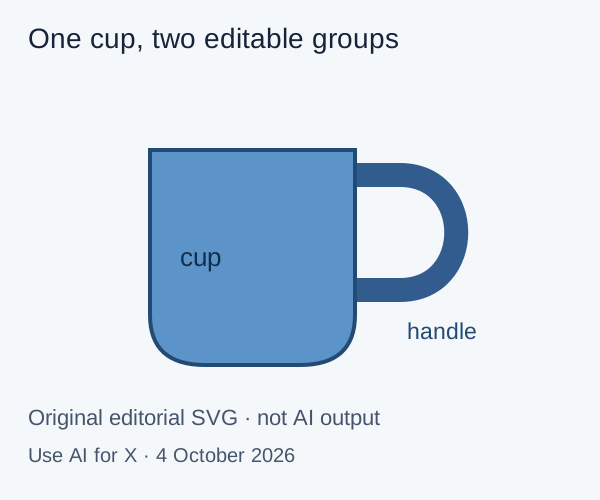
Write the requirement before choosing a tool, for example: “The designer must recolor the cup, move the handle and resize the icon without redrawing it.” It names the objects and the edits you will check.
| Recipient needs | Inspect | Reject or revise when |
|---|---|---|
| Recolor separate objects | Selection and fill controls in the receiving editor | The artwork is one embedded picture |
| Move a component | Groups, paths and clipping | Moving one part breaks unrelated parts |
| Use a brand font | Live text, font availability and an outlined copy | Text substitutes or disappears |
| A transparent background | The canvas and every background shape | A white rectangle stands in for transparency |
| Publish on a website | Visible size, file size and external references | The artwork depends on files that will not load |
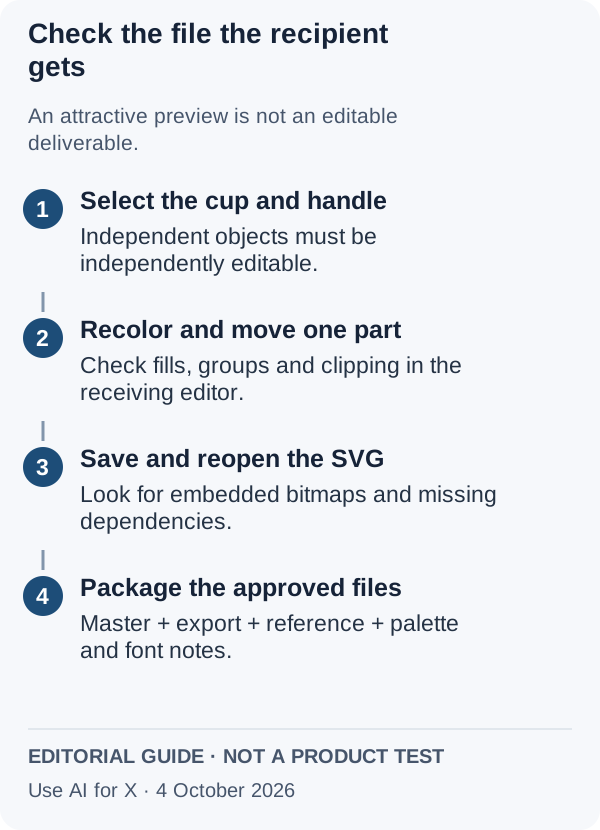
2. Open the file as delivered and try the edits
- Open the exported file without the tool’s account. The whole composition should appear.
- Select the part named in the brief. If nothing inside can be picked separately, ask for a different export.
- Look for embedded pictures. The editor’s object list or the file’s image elements show them; a small texture may be intended, a flattened illustration is not.
- Check the text twice. Keep an editable version and an outlined reference copy.
- Change the background. Light and dark previews reveal white patches and halos.
- Save, close and reopen. Clipping, groups and your edits should survive.
An SVG shown as an image on a web page cannot load external resources such as linked images or stylesheets, unlike the same file opened as a document. Artwork that relies on them needs a check in its real page, even if it looked right in the editor. To rehearse these steps before spending credits, download the editable cup sample: an original file made for this guide, with the cup and handle in separate named groups.
Sources: MDN: the SVG image element, MDN: SVG as an image.
3. Pack the delivery folder
Send the editable master, the accepted SVG, a PNG or PDF reference if requested, the palette, the font names and a short readme. The readme lists which parts are editable, which are deliberately left as pictures, which tool, model and plan produced the artwork, and which version was approved. Keep rejected variants out of the folder.
cup-handoff/
  cup_original.svg
  cup_editable_v02.svg
  cup_approved.svg
  cup_reference.png
  readme.txt
Questions, and what this guide does not judge
Common questions
Can I get an editable SVG from AI for free?
Wixel's Free plan downloads logos as SVG without spending AI credits, inside its 120 monthly credits for generating them. Recraft's Free plan can generate, but those images are public, owned by Recraft and not licensed for commercial use, and its pages do not say which plan covers vector export. Canva and Napkin AI keep SVG on paid plans, and Diagrimo watermarks Free exports.
Can AI convert a PNG or JPG into an SVG?
Yes, in some tools. Recraft's API has a separate vectorize request for existing images, billed in prepaid API Units, and Sculptok lists image to SVG conversion. Neither source documents how closely the traced shapes follow the original, so open the result and confirm it contains paths rather than the same picture placed inside an SVG file.
Is every SVG from an AI tool editable?
No. The SVG format allows a raster picture to sit inside the file, so an export can open in an editor and still be one flat image. Click the part you need to change, give it a new fill and drag it. If no part can be selected on its own, the file is not ready to hand over.
Can I use AI vector art commercially?
It depends on the tool and the plan. Recraft grants commercial rights from Basic, while its Free images are not licensed for commercial use. Diagrimo's terms limit output built on its templates to non-commercial use unless you buy an extra license. Canva points out that many jurisdictions, including the US, do not protect AI-created works by copyright.
What should I send along with the SVG?
Send the editable master, the approved SVG, a PNG or PDF preview if the recipient asks, the colour palette, the font names and a short readme. The readme should say which parts can be edited, which were left as pictures on purpose, which tool, model and plan made the artwork, and which version was signed off.
What this guide does not judge
Shape cleanliness, tracing accuracy, anchor-point counts, colour fidelity, speed and visual style are what most SVG generator pages advertise. None of the sources behind this guide document them in a way we can check, so they are not judged here.
Adobe Illustrator and dedicated image-to-SVG converters rank for this topic but are left out until each has a profile with checked plan terms. The Midjourney and Adobe Firefly profiles list no SVG output; if a raster image is enough, Midjourney vs Adobe Firefly compares the two. More tools sit in the image category.
Generate one icon in a shortlisted tool on the plan you would use for the real job. Export the SVG, open it in the recipient’s editor, recolor one part, move one part and resize the whole, then save and reopen.
How this guide was made
Plans, export formats and rights come from the Recraft, Wixel, Canva, Napkin AI, Diagrimo and Sculptok profiles on this site, which cite the vendors’ pricing, help and terms pages and carry their own check dates. Points about SVG structure come from MDN. Sections follow the topics the top-ranking pages for AI vector art cover, limited to what these sources document. No rating is given. See our editorial policy.