Canva Alternatives for AI Images and Decks: What Each Replaces and What You Lose
Most people who search for a Canva replacement are not unhappy with design software as a whole. They have hit one documented limit. Name the limit first; then see, feature by feature, what each tool takes over, what it cannot do, and what to export before you downgrade.
By Elias Brandt · Updated 8 Oct 2026 · About 18 min read · Plan terms taken from each tool profile
The short answer
Running out of AI images? Add Leonardo.Ai (it has a free plan), or move image-making to Firefly or Midjourney and keep Canva for layout.
Making presentations? Gamma writes a deck from your notes. Pitch is for small teams that send decks as links.
Problems with seats, exports or PowerPoint files? Those come from your plan, not from Canva itself. A new tool will not fix them.
Which Canva alternative fits you?
Find your match in three questions
Answer, and the guide points you to the tools that fit. It only uses the plan facts in this guide.
The six tools at a glance
In shortPick the row that sounds like you. The last column is the price of switching.
Who each one is for, what the free plan gives, the cheapest paid plan as the vendor shows it, and the main thing you give up. Details and sources follow below.
| Tool | Best for | Free plan | Cheapest paid plan | What you give up |
|---|---|---|---|---|
 Canva Canva | Everything in one editor, light AI use | Free, one person | EUR 12 / month (Pro) | — |
 Firefly Firefly | Traceable, commercially safe images that continue into Adobe apps | Limited daily generations | EUR 10.98 / month | Template library and one-click layout |
 Midjourney Midjourney | Concept art and illustration with strong style control | No free plan | USD 10 / month | Team admin and seat management |
 Leonardo Leonardo | Adding AI images to Canva without paying for more Canva AI | 150 fast tokens a day | USD 12 / month | Layout, templates and decks |
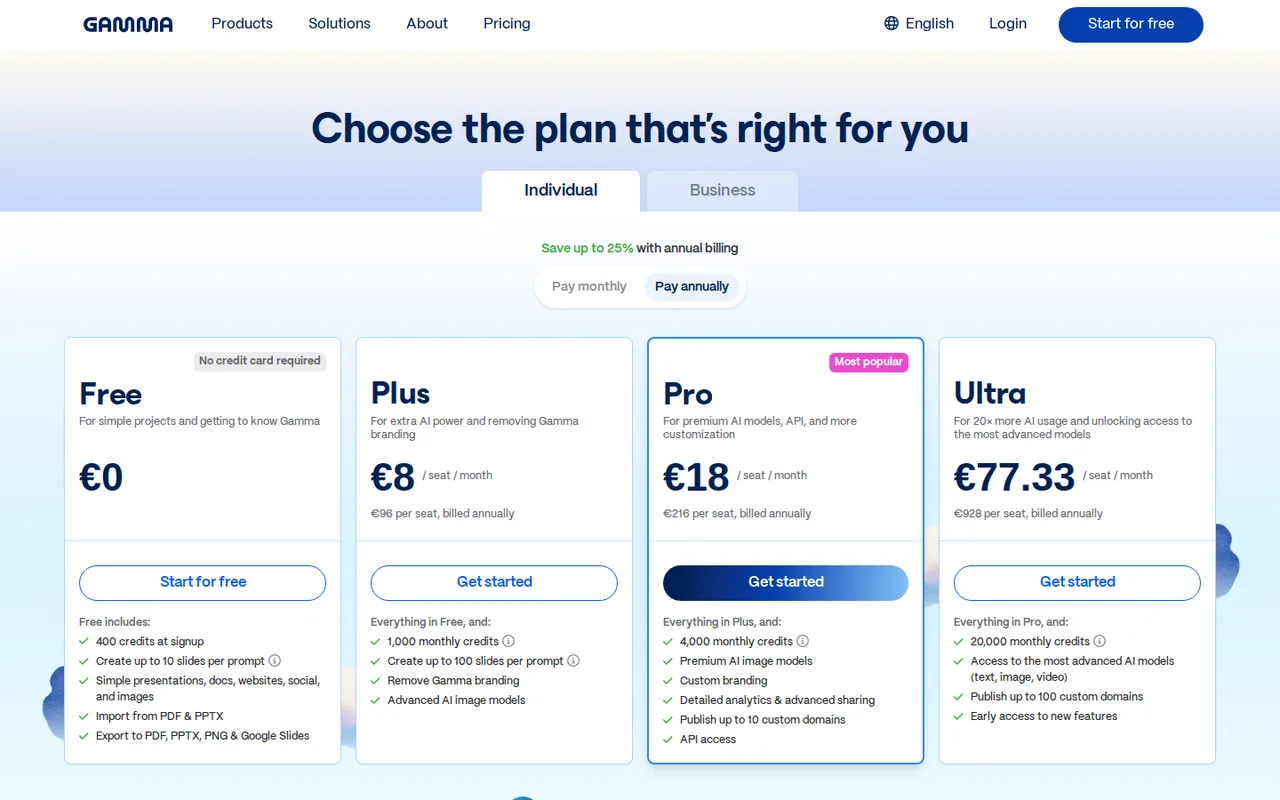
 Gamma Gamma | Decks drafted from a prompt or notes | 400 credits once | EUR 8 / seat / month (annual) | Pixel-level placement |
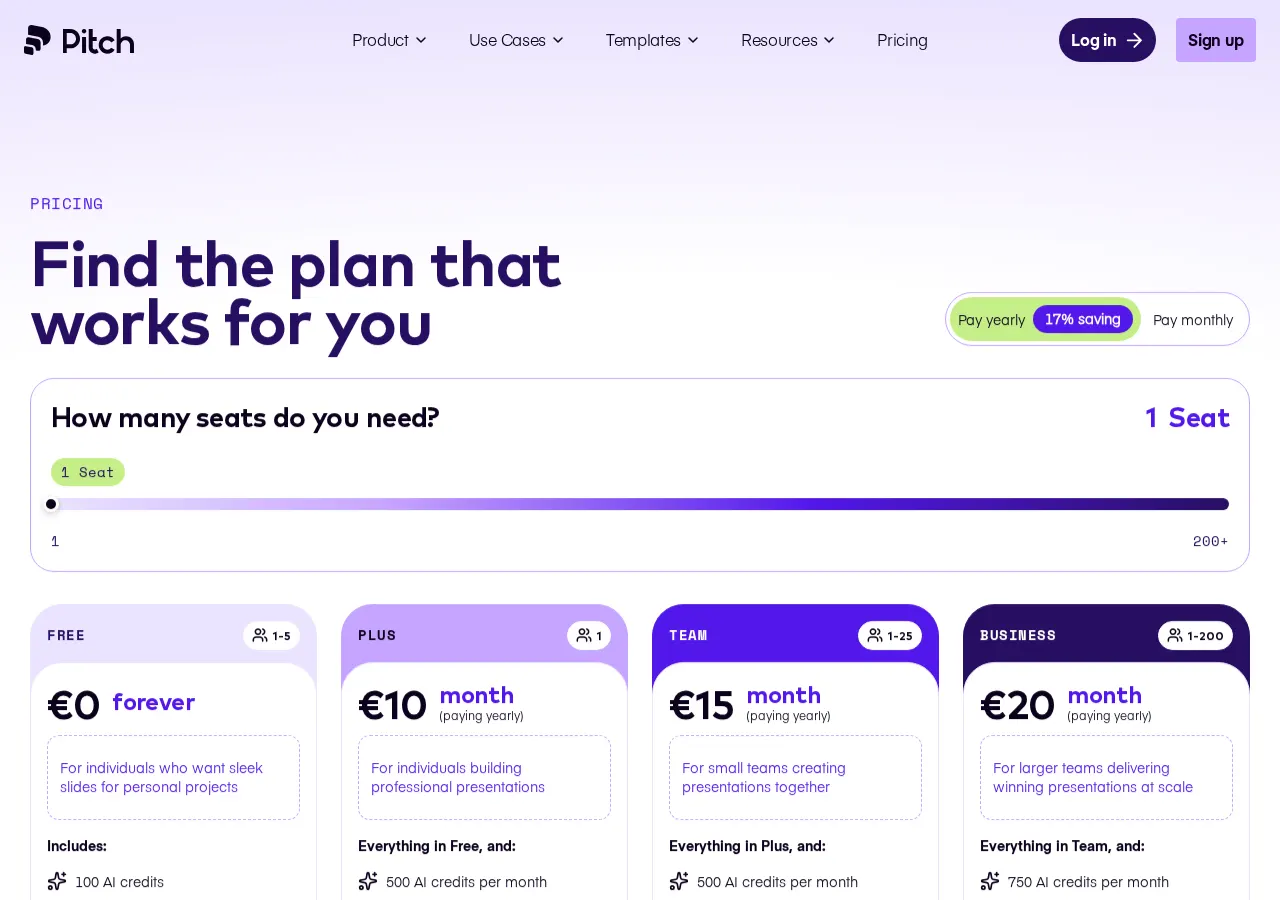
 Pitch Pitch | Small teams sharing decks as tracked links | Free, up to 5 members | EUR 10 / month (annual) | PPTX export below Plus |
- Canva 2026-10-02
- Firefly 2026-09-24
- Midjourney 2026-09-24
- Leonardo 2026-09-24
- Gamma 2026-09-24
- Pitch 2026-09-24
What Canva does, and what pushes people out
One tool, three jobs: who takes over what
In shortCanva is really three tools in one. Few alternatives replace all three, so many people end up using two tools.
Before the details: Canva bundles three separate jobs. Most alternatives replace one of them, which is why the right answer is often a pair of tools rather than a swap.
Generate images and video
Text prompt or reference in; images, video and edits out.
Three full replacements. Leonardo.Ai can also feed Canva with Edit in Canva.
Lay out with templates and brand rules
1.6M+ templates, Brand Kits, one-click layout.
No full replacement, only partial cover. This is why many people keep Canva for layout.
Full replacementPartial cover
Which limit is pushing you out of Canva?
In shortFirst work out what is actually bothering you. Some problems need a different tool; others only need a different plan.
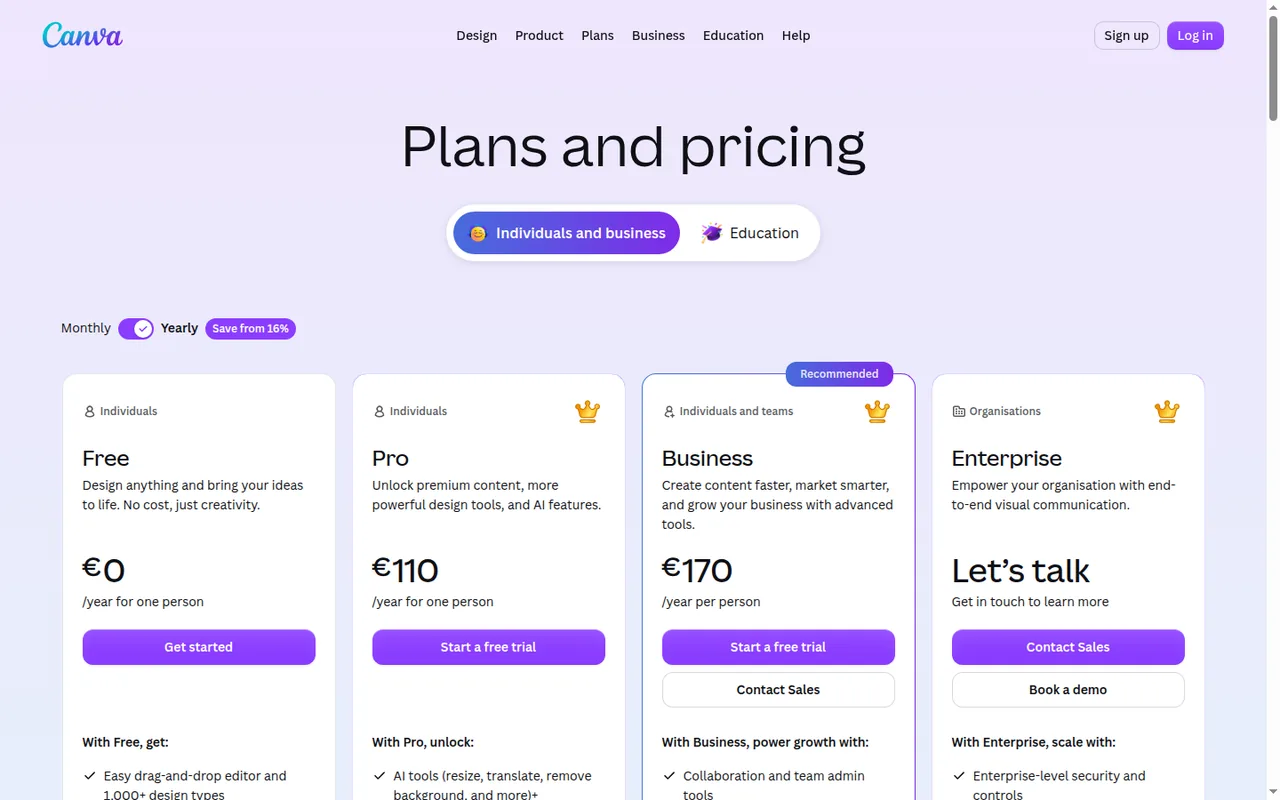
Canva counts AI use per month rather than in credits. Free allows up to 20 AI uses a month, Pro up to 200 (or 20 on the top quality tier, Ultra), Business up to 400 (or 40 Ultra). These are Canva’s own estimates for simple tasks, so complex requests use them up faster. The Pro or Business trial gives only the Free amount, so you cannot judge heavy AI use before paying.
AI allowance is gone by mid-month
Another tool can fix thisLeonardo.Ai, Firefly or Midjourney for generation, or price Canva’s AI Pass first: USD 100 per person per month, web-managed plans only.
A Pro login cannot be shared
Plan decisionA Pro account is one person; a Business seat is billed per member. No other tool changes that.
Transparent PNG, SVG, compressed PDF or CMYK are paid-only
Plan decisionAny tool puts these behind a paid plan. For SVG, see how to prepare an editable vector handoff, and use the export checklist before you downgrade.
Who owns AI output
Plan decisionCanva notes that many jurisdictions, including the US, do not give copyright protection to AI-created works. That applies to AI output from any vendor.
Sources: Canva AI usage, Canva pricing, Canva AI Pass, Canva download file types, Canva copyright help.
What makes a good Canva alternative
In shortFive questions that tell you whether a switch is worth it.
We judged each tool against the same five questions.
- It fixes your actual limitAI volume, seats, exports and Office handoff are different problems. A tool that solves one may do nothing for another.
- It covers the rest of the jobCanva bundles image generation, layout and decks. Check what you would still need Canva for before you cancel.
- You can leave with your workExports, brand assets and file formats decide how painful a move is. See the export checklist.
- The price holds for your teamSeat counts and billing terms change the total more than a headline price. Try the cost slider.
- The claims have a source and a datePlans change often. Every figure here comes from a profile that cites the vendor’s page and shows when it was checked.
Feature matrix: what each tool offers
What each tool actually offers
In shortGreen means the tool does it. Half means it does it in part. A dash means we found nothing on its profile.
Every cell comes from the tool’s profile on this site, which cites the vendor’s own pages. “Not listed” means the profile does not list the capability; it says nothing about whether the tool really lacks it.
- Offered
- Partly: indirect, or only on some plans
- Not listed on the profile
| Capability | Canva | Firefly | Midjourney | Leonardo | Gamma | Pitch |
|---|---|---|---|---|---|---|
| Create | ||||||
| Text-to-image | Offered | Offered+ partner models | Offered4 images per prompt | Offered | Partlyinside decks | Not listed |
| Edit an image by instruction | OfferedMagic Layers | OfferedGenerative Fill | OfferedEdit Model, Editor | OfferedOmni editing | Not listed | Not listed |
| Video generation | OfferedAI videos | Offered | Offeredimage-to-video | Offered | Not listed | Not listed |
| Audio, music, speech | Not listed | Offered | Not listed | Not listed | Not listed | Not listed |
| Layout and decks | ||||||
| Templates and layout | Offered1.6M+ templates | Partlyvia Adobe Express | Not listed | Not listed | Offeredthemes | Offeredbrand library |
| Brand kit and controls | OfferedBrand Kits | Not listed | Not listed | Not listed | Offeredthemes | Offeredbrand library |
| Deck from a prompt | Offered | Not listed | Not listed | Not listed | OfferedAI agent | OfferedAI agent |
| Train your own style | Not listed | Not listed | PartlyPersonalization | OfferedElements | Not listed | Not listed |
| Ship and share | ||||||
| PPTX export | Offered+ SVG, PDF, GIF, MP4 | Not listed | Not listed | Not listed | Offeredbadge on Free | Partlyfrom Plus |
| Track who views it | Not listed | Not listed | Not listed | Not listed | PartlyPro | OfferedPitch Rooms |
| API | Offered | Offered | Not listed | Offered | PartlyPro and above | Offered |
| Access | ||||||
| Free plan | OfferedFree | Partlylimited daily | Not listedpaid only | Offered150 tokens/day | Offered400 credits once | Offeredforever, 5 members |
What you are leaving: Canva’s features
In shortThis is what you would be giving up, in plain words.
These are the Canva features the alternatives have to cover. Anything on a “you leave behind” list below is something Canva does here.
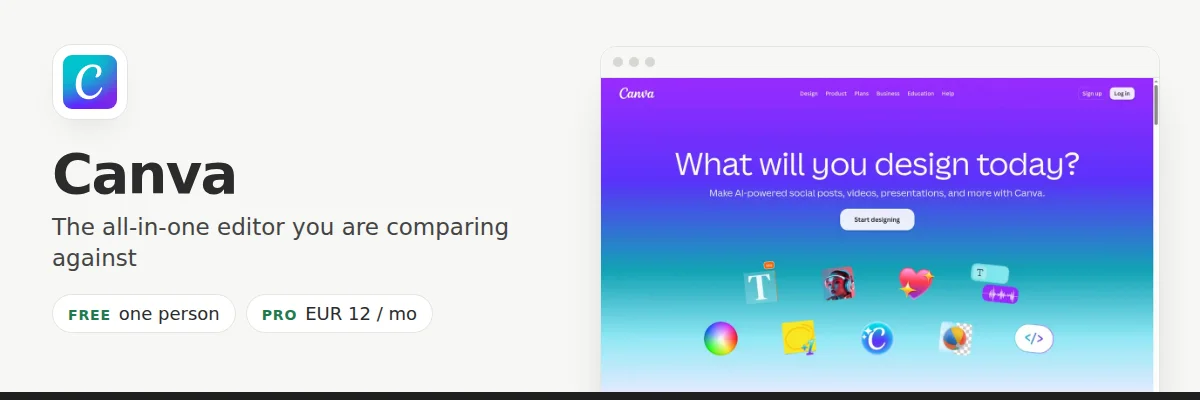
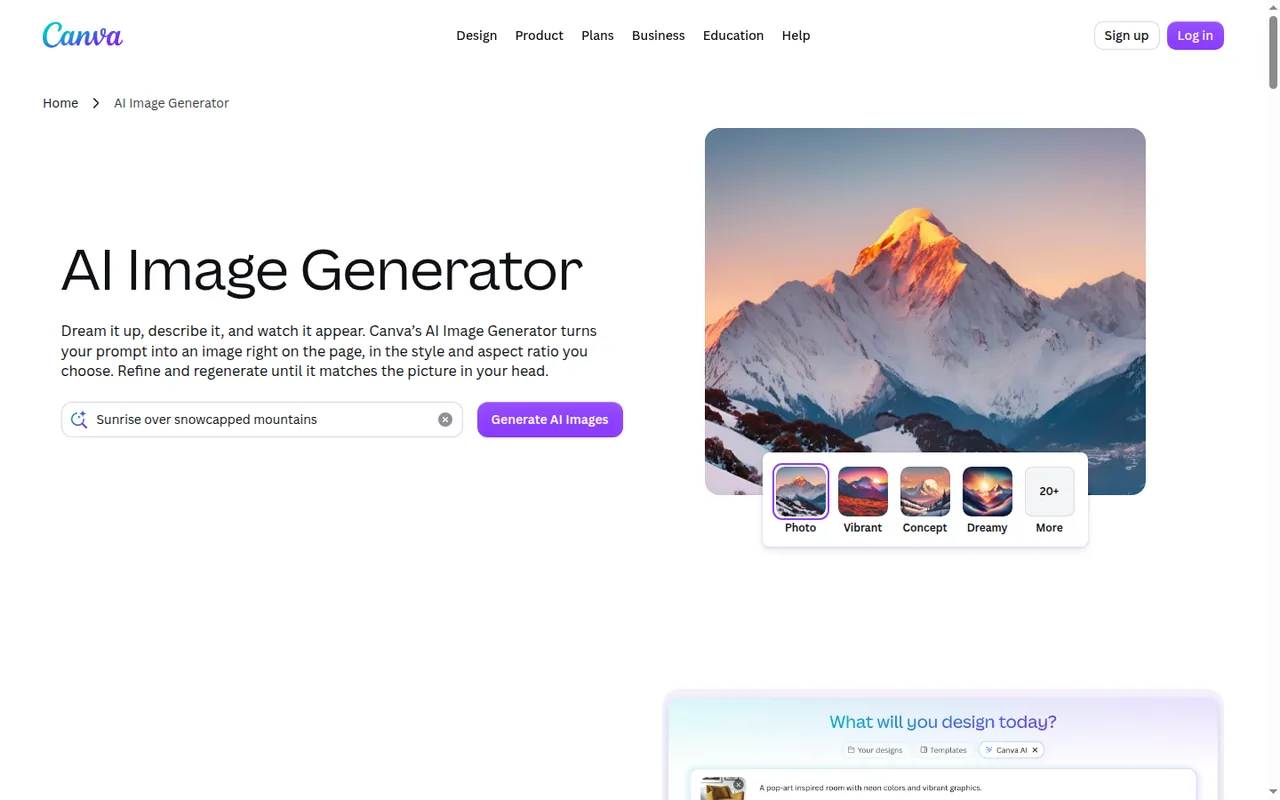
- Make images from a prompt
- Type a description or upload a photo and get an image. Choose from 10+ styles and set the shape.
- Split a design into layers (Magic Layers)
- Turns a flat or AI-made image into separate layers, so you can change text or colours without making it again.
- Draft whole designs with AI
- Describe a presentation, social post or flyer and Canva drafts it. You then edit it like any template.
- Choose AI quality
- Pick Standard, Premium or Ultra quality for AI photos and videos. Ultra needs a paid plan.
- Save your brand (Brand Kits)
- Store logos, colours and fonts, and optionally limit designs to them.
- Download in many formats
- JPG, PNG, SVG, PDF, PowerPoint, GIF or MP4. Some formats need a paid plan.
See the Canva profile for plans, limits and sources.
The alternatives, feature by feature
In shortEach tool below has the same layout: what it does, what it takes over from Canva, what you leave behind, and what you can bring with you.
Pick the failing requirement first, then check that a replacement covers the rest before moving your work.
Adobe Firefly
Best for traceable, commercially safe images
Best when generated images must stay traceable and continue into Photoshop or Adobe Express.
- Free Limited daily generations
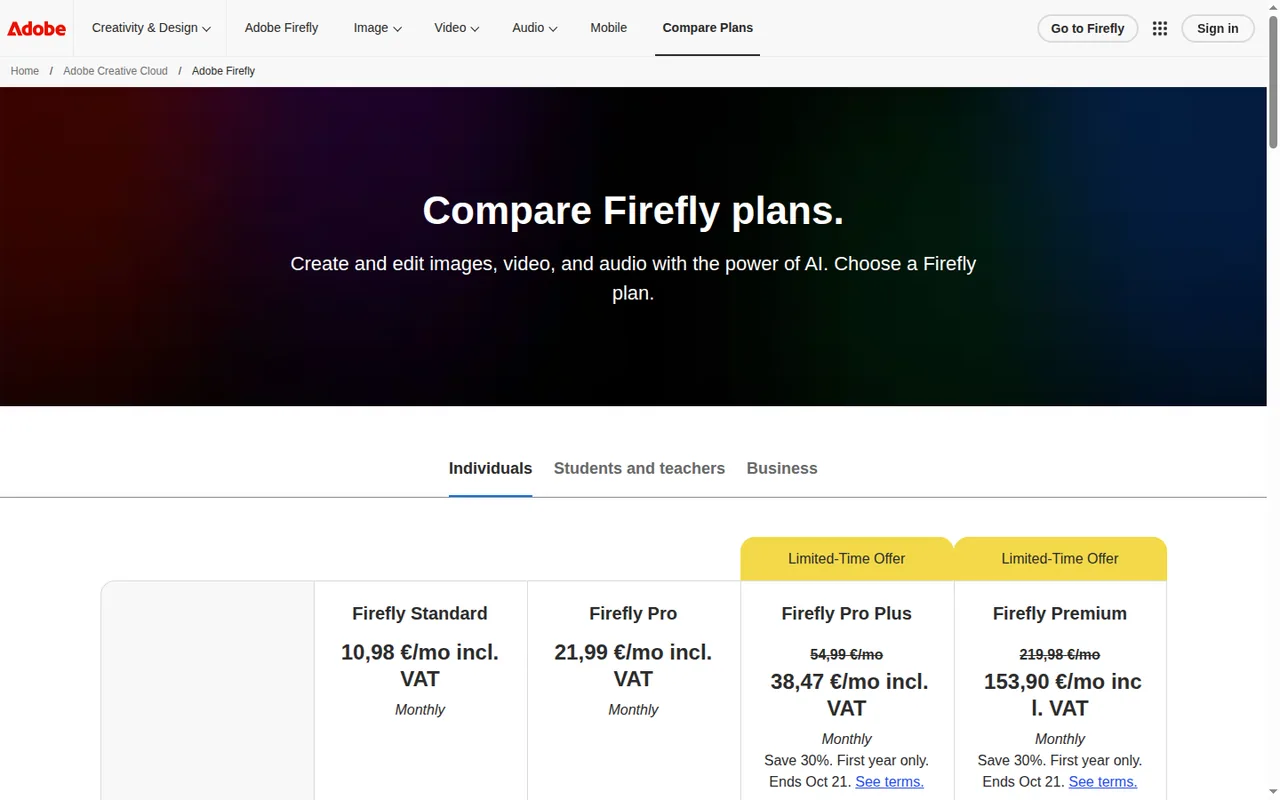
- Entry from EUR 10.98 / month Standard, billed monthly, incl. VAT
Paid plans include unlimited standard image generations, and Adobe attaches Content Credentials to fully generated assets, which lets a client read how an image was made.
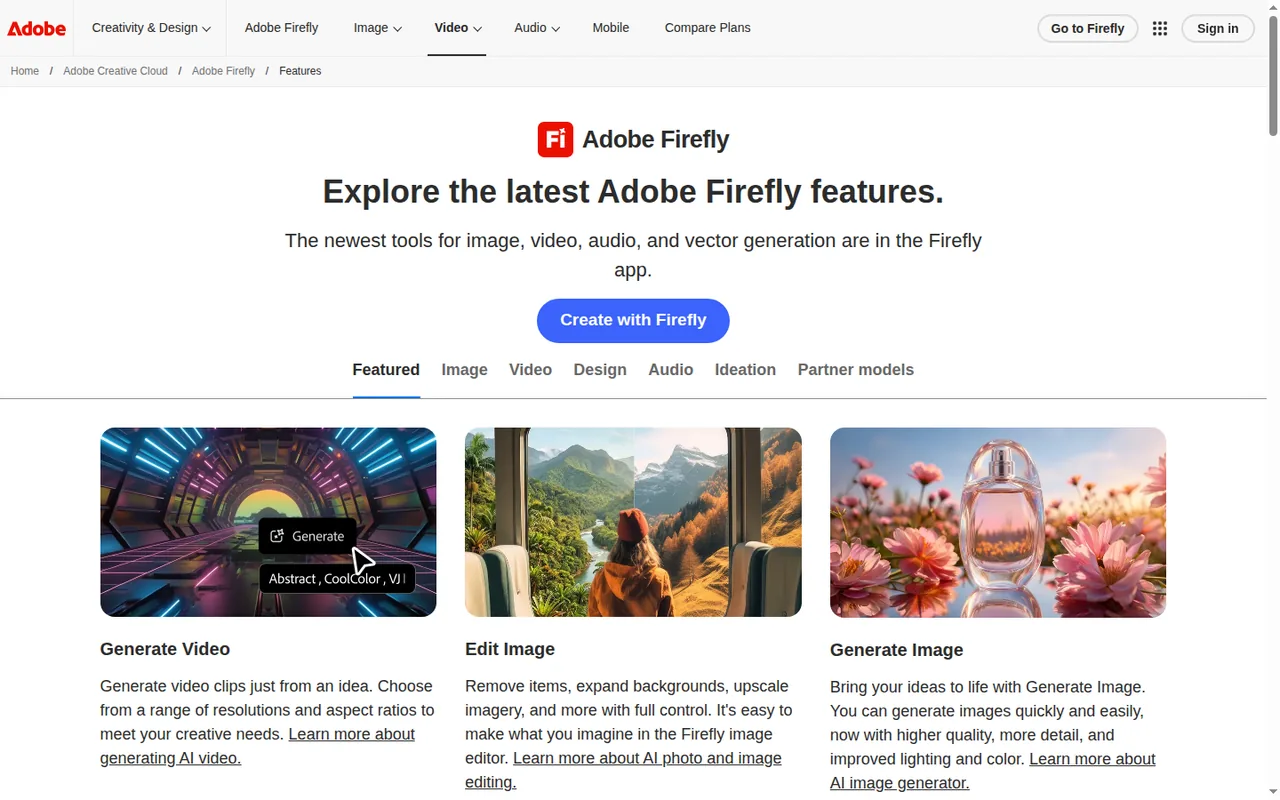
What it does
- Make images from a prompt
- Describe an image and get it from Adobe’s own models or partner models from Google, OpenAI, Black Forest Labs and others.
- Edit images
- Remove objects, extend a background, enlarge, or change parts of an image by describing the change.
- Make video
- Create a clip from a text description or a reference image, in the size and shape you choose.
- Make audio
- Create music, sound effects and speech, and translate audio or video into other languages.
- Mood boards (Firefly Boards)
- An open canvas where you collect and generate ideas into mood boards or storyboards, shared with teammates.
- Move into Adobe apps
- Open results in Photoshop, Premiere or Adobe Express. The same credits work across Adobe Creative Cloud apps.
Takes over from Canva
The image generator, plus image editing, video and audio generation.
You leave behind
The template library and one-click layout. Results open in Express for layout work, and Express Premium comes with the Pro plan, not Standard.
What carries over
Logos and brand colours, re-entered by hand. Generative credits reset monthly and do not roll over.
See the Adobe Firefly profile for plans, limits and sources.
Visit Adobe Firefly (opens in a new tab)
Sources: Adobe Firefly plans, Content Credentials overview.
Midjourney
Best for concept art and illustration
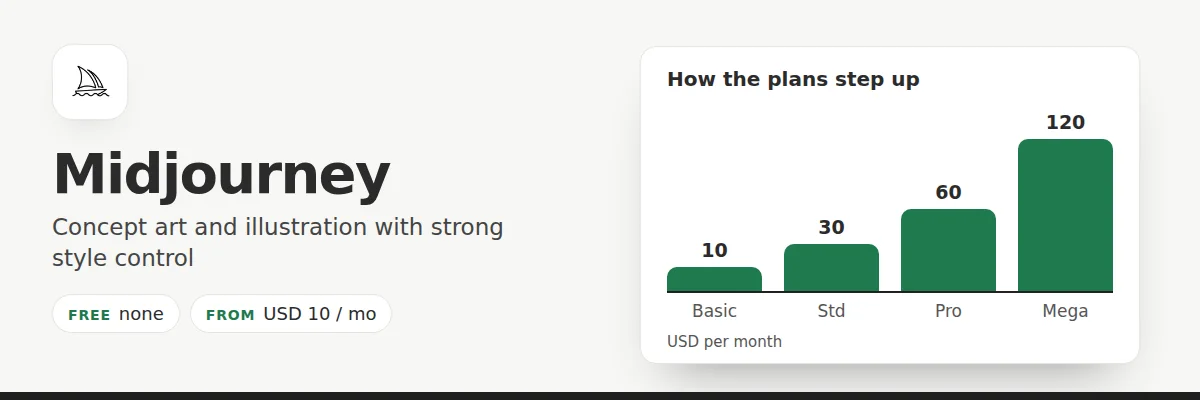
Best for illustration and concept work where prompt control matters more than templates.
- Access No free plan
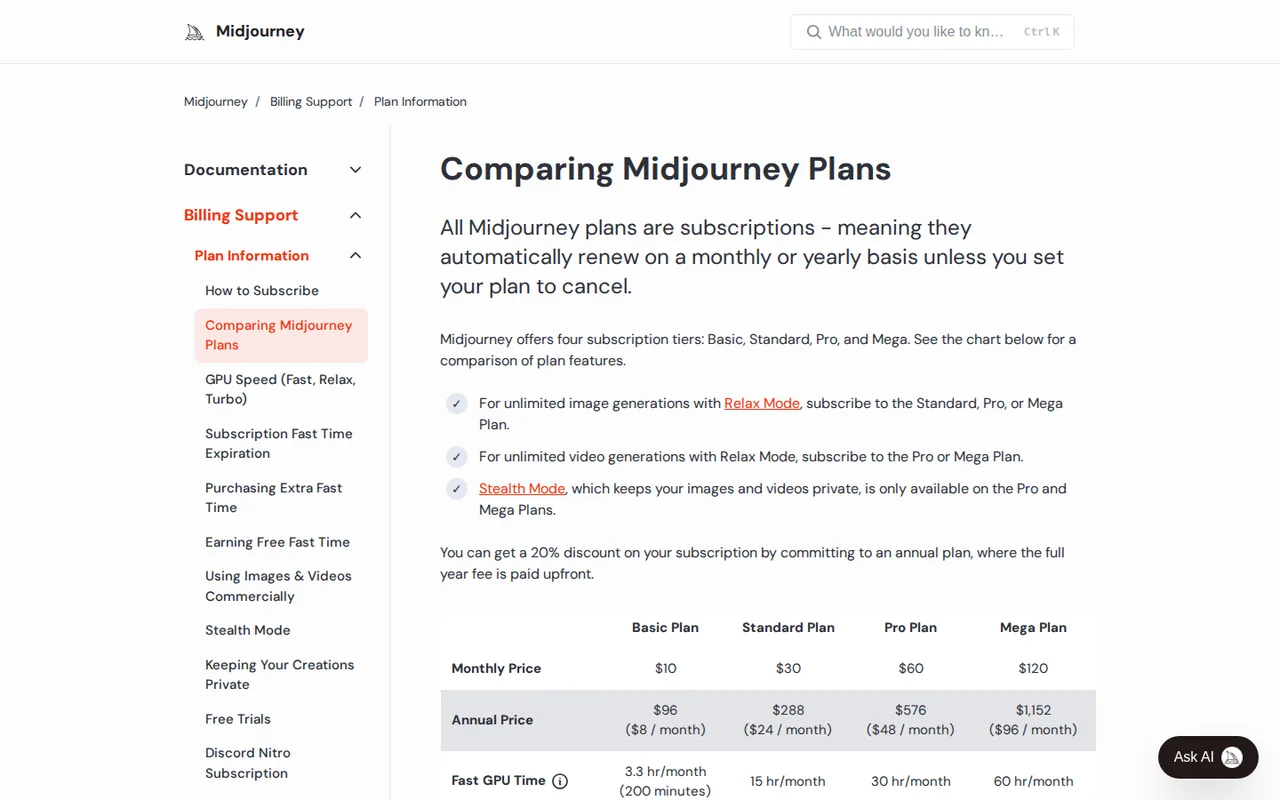
- Entry from USD 10 / month Basic, billed monthly
There is no free trial, and creations are visible on the public Explore page unless you use Stealth mode, which starts on Pro. See Midjourney vs Adobe Firefly for the choice between the two.
What it does
- Make images from a prompt
- Type a description and get four images back on the Create page.
- Edit images
- Change an image by describing the change, combine reference images, or fill in and extend parts in the web editor.
- Turn a picture into a video
- Animate a still image into a short clip, with an optional text prompt.
- Copy a look
- Match the style of an image, reuse style codes, or build personal style profiles from images you choose.
- Enlarge and sharpen
- Enlarge an image with the Subtle or Creative upscaler, or generate in HD from the start.
- Organise your work
- Search, filter, bulk-download and sort your images into folders on midjourney.com.
Takes over from Canva
The image step, with stronger style control through Style References and Personalization.
You leave behind
Administration. There is no seat or admin management and each account is for one user, so a shared Canva Business workspace has no equivalent.
What carries over
Reference images only; the Edit Model accepts up to four per job.
See the Midjourney profile for plans, limits and sources.
Visit Midjourney (opens in a new tab)
Sources: Comparing Midjourney plans, Midjourney group plans.
Leonardo.Ai
Best as a free add-on for AI images
An add-on rather than a replacement.
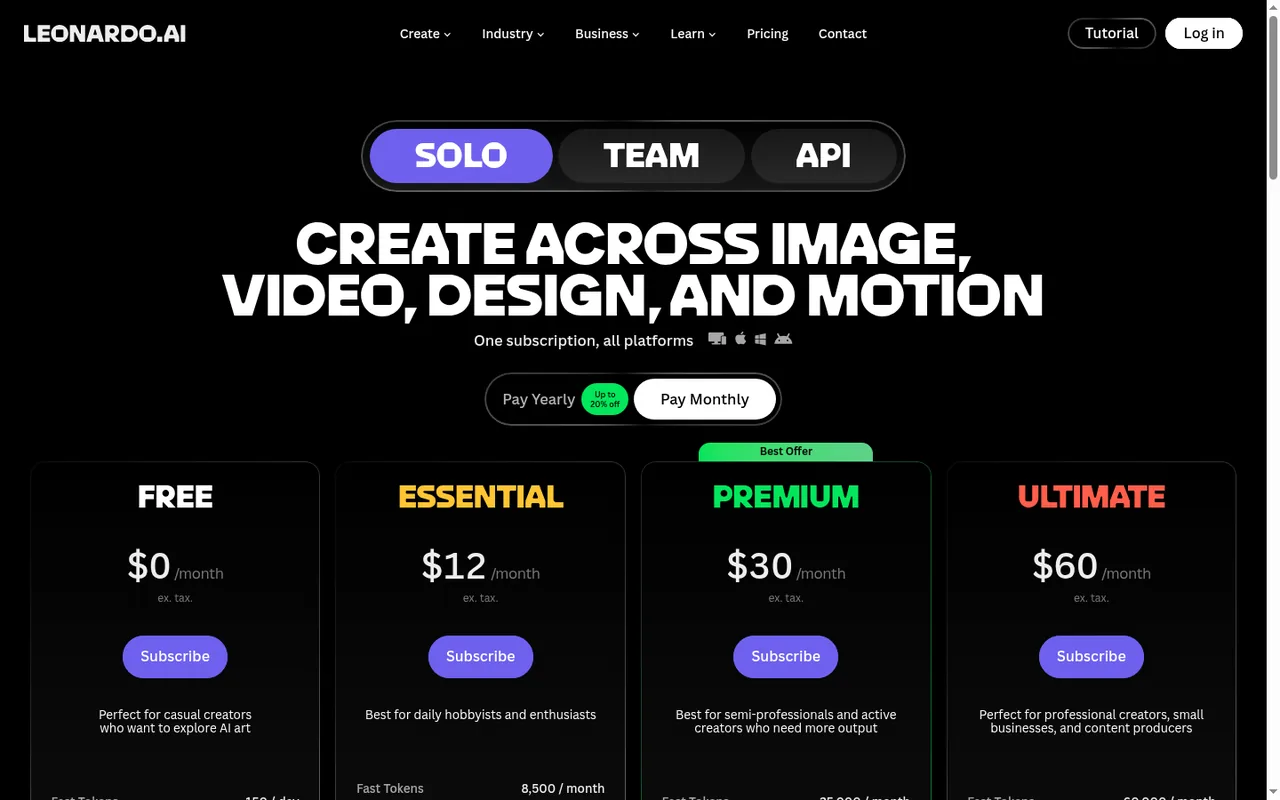
- Free 150 fast tokens a day
- Entry from USD 12 / month Essential (USD 10 on yearly billing)
It gives 150 fast tokens a day on Free, which suits someone whose only complaint is Canva’s monthly AI ceiling. Free generations are public.
What it does
- Make images from a prompt
- Create images from text or a starting image. Let the tool pick the model, or choose one yourself.
- Edit images
- Change details inside an image by describing the edit. Some models accept up to six reference images.
- Make video
- Animate a prompt or a starting image into a short clip with one of several video models.
- Enlarge images
- Pro Upscaler enlarges images (Precise or Creative mode) up to 105 megapixels on paid plans.
- Train your own style (Elements)
- Teach the tool your style or a character once, then reuse it in later images.
- Ready-made workflows (Blueprints)
- Presets that combine models, prompts and settings. Each costs its own number of tokens.
Takes over from Canva
Image and video generation, editing and upscaling, plus trained custom styles (Elements).
You leave behind
Layout, templates and decks. It generates; it does not lay out.
What carries over
Generated images go to Canva one at a time with Edit in Canva, for individual accounts only, not Teams.
See the Leonardo.Ai profile for plans, limits and sources.
Visit Leonardo.Ai (opens in a new tab)
Sources: Leonardo.Ai Edit in Canva, Leonardo.Ai pricing.
Gamma
Best for decks drafted from notes
Best when the slow part of a deck is drafting, not styling.
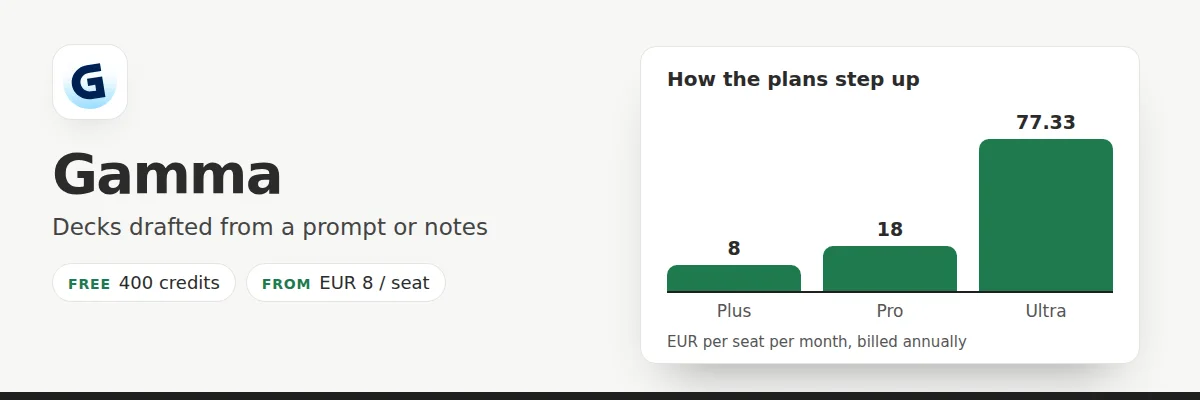
- Free 400 credits once
- Entry from EUR 8 / seat / month Plus, billed annually
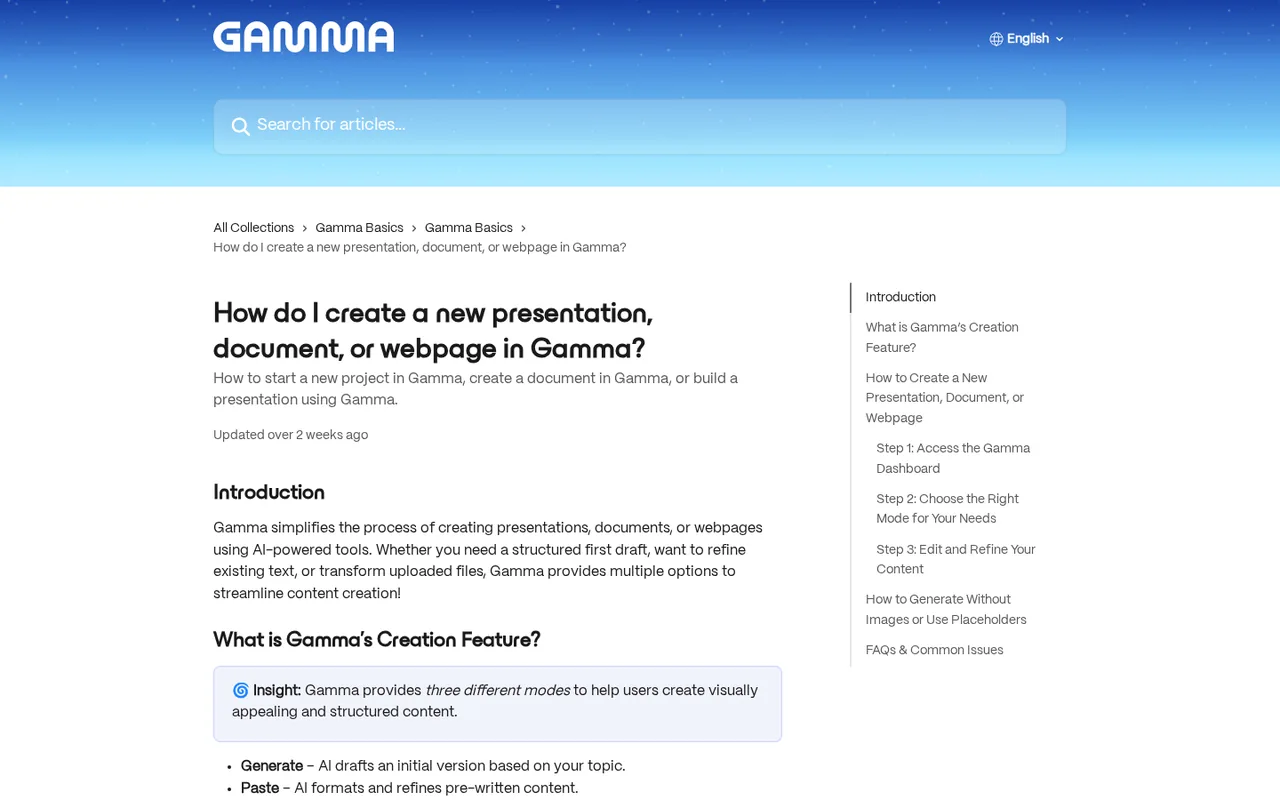
It imports PowerPoint and Word files up to 200 MB and PDFs up to 100 MB, so an exported Canva PPTX is the migration route.
What it does
- Build a deck with an AI agent
- Describe the deck, answer a few questions, approve the plan, and the agent builds the slides, text and images.
- Import what you already have
- Turn PowerPoint files, documents, PDFs, web pages or pasted notes into editable decks.
- Download or move
- Export as PDF, PNG or PowerPoint, or move it to Google Slides by uploading the PPTX.
- Set your brand (themes)
- Choose colours, fonts and logos in a theme and save it for the whole team.
- Publish as a web page
- Put a deck online at a gamma.site address, or on your own domain from Pro.
- Connect to other tools
- Create content from Zapier, Make, n8n or other AI tools. API access needs Pro or higher.
Takes over from Canva
Deck drafting from a prompt or notes, plus publishing a deck as a website.
You leave behind
Pixel-level placement. Exports follow Present Mode, and some effects fall back to simpler styles in PDF and PowerPoint. Excel files cannot be imported directly.
What carries over
Decks as PPTX; documents as DOCX.
See the Gamma profile for plans, limits and sources.
Visit Gamma (opens in a new tab)
Sources: Gamma import help, Gamma export troubleshooting, Gamma pricing.
Pitch
Best for small teams sharing decks as links
Best for teams that send decks as tracked links rather than files.
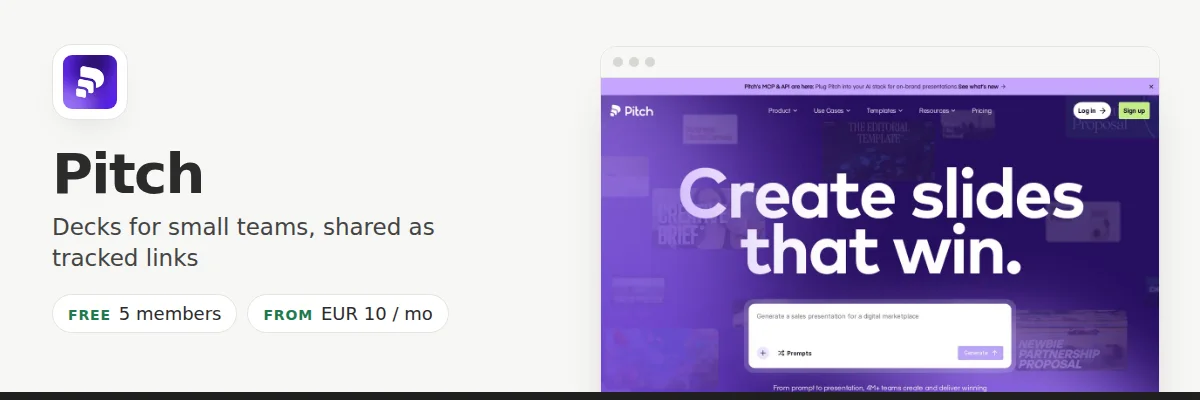
- Free Free, 5 members
- Entry from EUR 10 / month Plus, one member, billed annually
Free is permanent for up to five members and two guests, with 100 AI credits granted once. See Beautiful.ai vs Pitch if automatic layouts matter more than link analytics.
What it does
- Build a deck with an AI agent
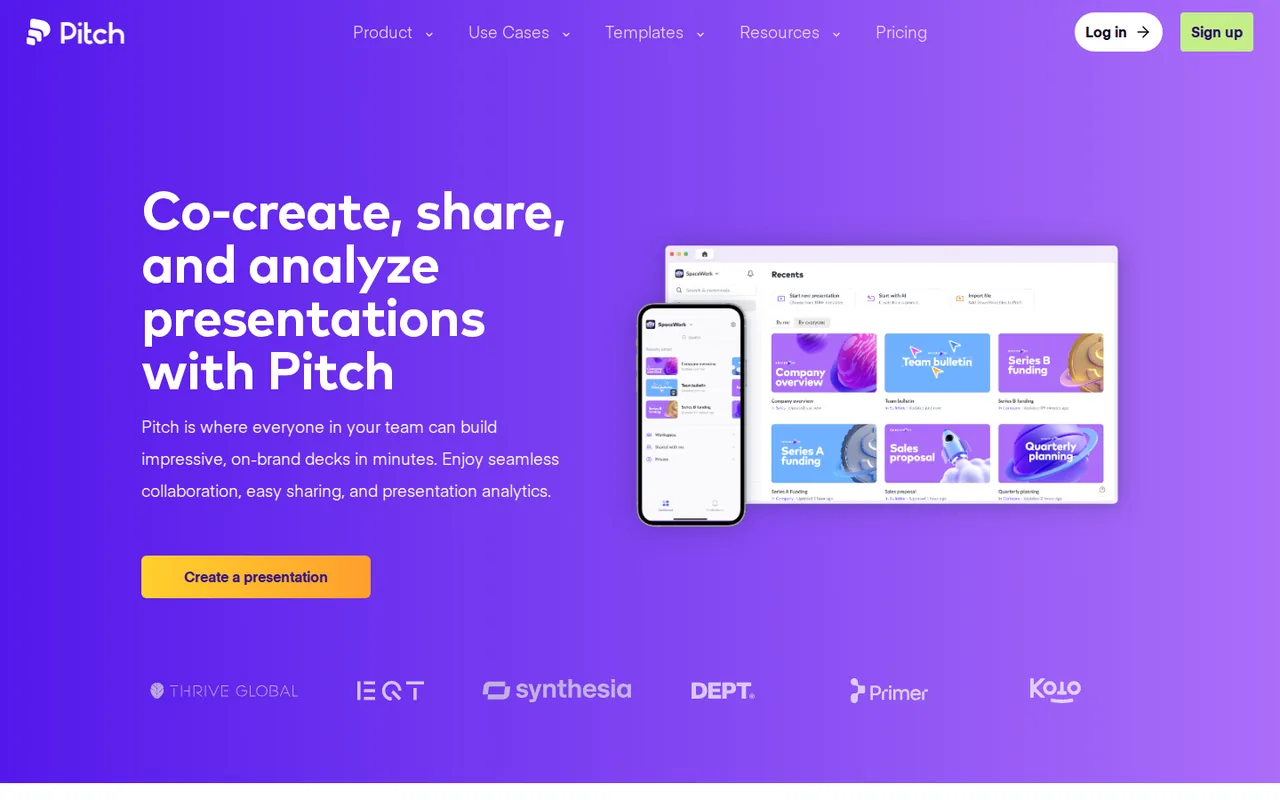
- Describe a deck and the agent builds on-brand slides from your brand assets. You keep full design control.
- Edit together
- Several people edit one deck at once, each owning assigned slides and leaving comments.
- Share with clients (Pitch Rooms)
- One link gives a client the deck plus related material and shows how they engage with it.
- See who viewed
- Find out when a shared deck is opened, so you know when to follow up.
- Shared brand library
- Fonts, templates and approved media keep every deck on brand.
- Personalise in bulk
- Import customer data and generate a tailored deck for each account instead of editing copies by hand.
Takes over from Canva
Team decks with live co-editing, a shared brand library and tracked sharing.
You leave behind
Editable PPTX export below Plus; exported PowerPoint files turn uploaded videos into thumbnails and omit animations. Plus is limited to one member, so a shared workspace starts on Team.
What carries over
Decks as PPTX; fonts and brand assets re-uploaded to the brand library.
See the Pitch profile for plans, limits and sources.
Visit Pitch (opens in a new tab)
Sources: Pitch pricing, Pitch PowerPoint export.
Plans, limits and cost
How the plans compare
In shortPlans differ a lot in price and in what “AI use” means. Compare steps inside one tool, not across tools.
How each tool’s plans step up
Each bar is one plan, as the vendor shows its monthly price. A short green mark is a free plan. Currencies are drawn separately, and per-seat plans are labelled in the note under each chart.
CanvaFireflyGammaPitchBars are proportional up to EUR 80; the Firefly Premium bar is cut off at EUR 153.90. Canva Pro is billed monthly (EUR 12; EUR 110 a year); Gamma and Pitch prices are per seat, billed annually; Canva Business is per person. * First-year offer. Enterprise plans are priced by sales and are not drawn. Source: tool profiles.
MidjourneyLeonardoMidjourney is billed monthly; Leonardo.Ai Essential is USD 12 monthly (USD 10 on yearly billing), tax excluded. Leonardo Teams (USD 72 or 144 for the default seats) is not drawn. Source: tool profiles.
Firefly Pro Plus and Premium were first-year offers (regularly EUR 54.99 and EUR 219.98), ending Oct 21; Firefly prices include VAT. Gamma Business (USD 40 per member per month, annual) comes from the help center, not the euro pricing page, so it is not drawn.
AI allowances use five different units
A “credit” or “token” is each tool’s own currency for AI work: every image, video or slide costs some. Because the units differ, a bigger number in one row is not automatically more than a smaller number in another. Compare each tool only with its own plans.
| Tool | Unit | Free | First paid plan | Higher plans |
|---|---|---|---|---|
| Canva | AI uses per month (estimate) | up to 20 Standard or Premium | Pro: up to 200 Premium or 20 Ultra | Business up to 400 / 40 · AI Pass 40x Pro |
| Firefly | Generative credits per month | limited daily generations | Standard: 2,000 | Pro 4,000 · Pro Plus 10,000 · Premium 50,000 |
| Midjourney | Fast GPU hours per month | none, paid only | Basic: 3.3 h (200 min) | Standard 15 h · Pro 30 h · Mega 60 h |
| Leonardo | Fast tokens | 150 a day, no carry-over | Essential: 8,500 a month | Premium 25,000 · Ultimate 60,000 |
| Gamma | Credits | 400 once at signup | Plus: 1,000 a month | Pro 4,000 · Ultra 20,000 |
| Pitch | AI credits | 100 once, no refresh | Plus: 500 a month | Team 500 per seat · Business 750 per seat |
What it costs
In shortThe price per person matters less than how many people you have.
Midjourney and Leonardo.Ai are priced in US dollars; Canva, Firefly, Gamma and Pitch in euros here. The groups are charted separately and never converted. Confirm your own region before buying.
Tool profiles; plan terms as dated on each tool profile. Gamma Plus is sold on annual billing only (EUR 8 per seat per month), so it is not charted.
Charted separately from euros: we do not convert currencies.
A five-person team, for a year
Euros per year on yearly billing, per seat: Gamma Plus 96, Canva Business 170, Pitch Team 15 × 12 = 180. Pitch Team allows up to 25 members. The totals buy different things (see below). Source: tool profiles, plan terms as dated on each tool profile.
The totals buy different things. Canva Business has a separate AI allowance (up to 400 Premium uses), 100 Brand Kits and approvals per member. Gamma Plus includes 1,000 monthly credits per seat. Pitch Team includes 500 credits per seat a month, delivered as one annual pool on yearly billing. Pitch Free may cover five people at no cost if a branded PDF is enough and nobody needs PowerPoint. Do not multiply a rounded monthly equivalent and call it the exact annual charge.
Before you move: export, decide, test
What to export from Canva before you downgrade
In shortDo this while you are still paying. Some exports stop working when you drop to a free plan.
Export options shrink when a paid plan ends, so collect the migration pack while Pro or Business is active. On paid plans, bulk download handles up to 200 designs at once, or 25 when the files are MP4 or GIF. Worked example: 600 static designs and 50 short videos need three batches (600 ÷ 200) and two (50 ÷ 25), five runs in total.
Keep a note of where each stock element came from: its license terms travel with the file to the new tool. Sources: Canva Brand Kits, Canva download or purchase.
Decision table
In shortFind your situation in the left column and read across.
| Your situation | Use | Keep Canva for | Watch for |
|---|---|---|---|
| Only the monthly AI ceiling hurts | Leonardo | Layout and templates | Free generations are public; the link sends one image at a time |
| Images must be commercially traceable and feed Photoshop | Firefly | Quick social layouts | Express Premium arrives with Pro, not Standard |
| Concept art with strong style control | Midjourney | Everything else | No free trial, no team admin; public Explore unless Stealth |
| Decks drafted from notes | Gamma | Social graphics | Pixel placement; PDF and PPTX fall back on some effects |
| A small team sharing decks as tracked links | Pitch | Social graphics | PPTX export from Plus; videos become thumbnails |
| Seats or exports are the only problem | Stay on Canva | All of it | Not a tooling problem: change plan |
How to test a switch and keep a way back
In shortA 30-minute check that tells you whether the move will work before you commit.
Take one real deck slide with a chart, a brand font and a footer, plus one social graphic that uses a transparent logo, using assets you own. Export both from a paid Canva account as PPTX and PNG. Rebuild them in one shortlisted tool on a plan that includes the export the recipient needs, then open the result on the recipient’s device and edit one line of text and one chart value.
- Run the test during the last paid month, not after cancelling.
- Keep the Canva account on Free rather than deleting it, so existing designs stay open for reference.
- Store the migration pack outside both tools, in plain folders named by brand and format.
- Move one live project first and keep the Canva version until the client signs off.
If the test fails on the image side only, add Leonardo.Ai or Firefly for generation and keep Canva for layout. If it fails on the deck side, compare the file the recipient opens, not the editor experience.
Official videos
Watch the two deck tools
In shortOfficial videos from the vendors. They load from YouTube only when you press play.
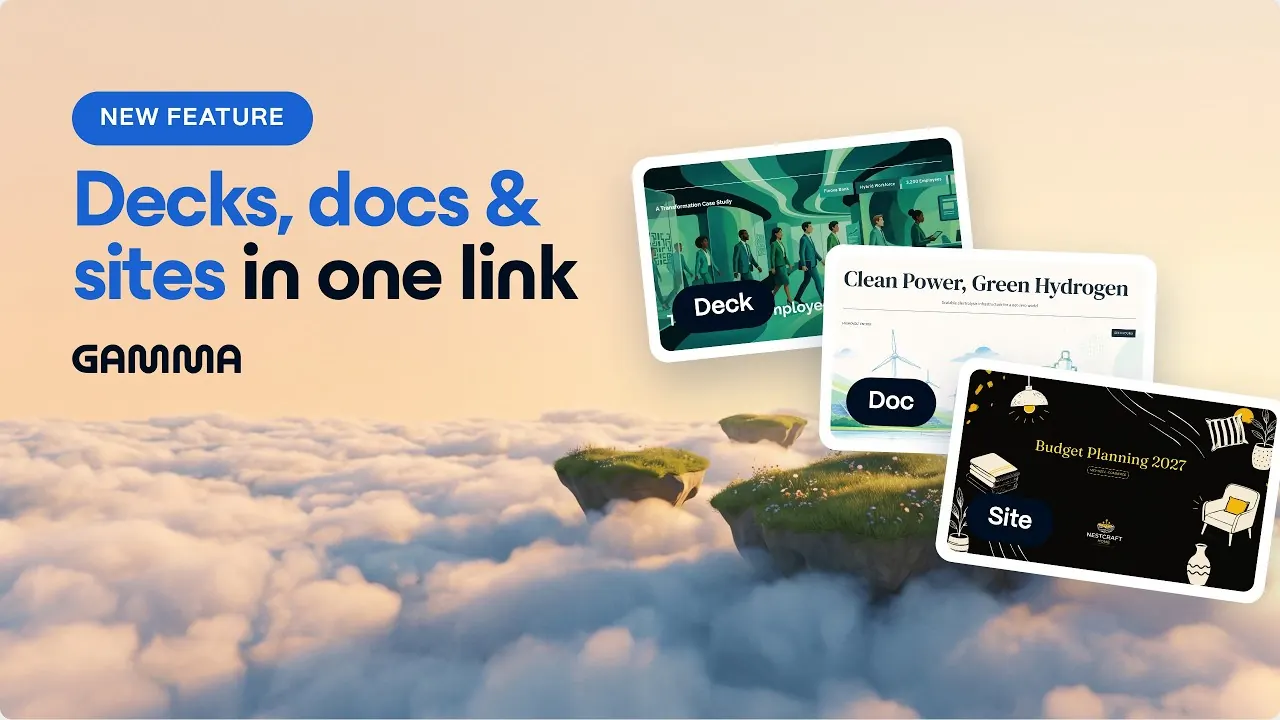
Picked by Jev for fit with this guide (Gamma 0.91, Pitch 1.0 on a 0 to 1 scale). Midjourney’s and Leonardo.Ai’s videos scored lower and were left out. The vendors made these videos; we did not.
Questions, about this guide and plain words
Frequently asked questions
Is there a free version of Canva?
Yes, for one person. The free plan gives a monthly allowance of AI uses, a large template library, a small Brand Kit and 5 GB of storage; Pro begins at EUR 12 on monthly billing. The plan table above lists the exact limits, so read those before assuming a task fits the free tier.
What is a free app similar to Canva for AI images and decks?
Three tools in this guide have a free tier for the jobs it covers: Leonardo.Ai for images, Gamma for slides and Pitch for team decks. Each caps usage differently (daily tokens, one-time credits, member count), which is why the cost section compares them by the unit each one meters.
Can I run Leonardo.Ai and Canva together for free?
Yes, with limits. Leonardo.Ai can hand a finished image to Canva through its Edit in Canva button, one image per transfer and only on personal accounts. Team accounts are excluded. Neither side needs a paid plan for this single hand-off.
Does Gamma import a Canva design?
Not as a native Canva file. The route is to export the deck from Canva as PowerPoint and open that file in Gamma, which also accepts Word and PDF but not Excel. Check the size limits on Gamma's help page, because large decks may need splitting.
Is Midjourney a replacement for Canva Business?
No. Midjourney makes images; it has no shared workspace, brand controls or seat management, and each account belongs to one person. Teams that rely on Canva's collaboration side would keep it and use Midjourney only for the image step.
Why are prices shown in two currencies?
Each vendor publishes its own currency and regional price. Mixing them into one total would invent an exchange rate, so this guide keeps every figure in the currency its source shows. Open the vendor page for your region before budgeting.
Plain words used in this guide
- Seat
- One paid user on a plan. A team of five needs five seats.
- Credit or token
- A tool’s own currency for AI. Each image, video or slide costs some. Credits from one tool cannot be compared with another’s.
- Fast GPU hour
- Midjourney’s measure of fast image-making time. More hours means more images made quickly.
- Relax mode
- Midjourney’s slower mode for unlimited images on higher plans.
- Stealth mode
- Keeps your Midjourney images out of the public gallery. Starts on the Pro plan.
- Brand Kit
- Saved logos, colours and fonts you reuse in designs.
- Content Credentials
- A label Adobe attaches to AI-made images that records how they were made.
- Billed annually / monthly
- Annual billing is usually cheaper per month but you pay for the year up front.
- PPTX
- The PowerPoint file format. Gamma, Pitch and Canva can export it.
- SVG, CMYK
- SVG is a logo or drawing that stays sharp at any size. CMYK is the colour mode printers use.
- Edit in Canva
- Leonardo.Ai’s button that sends a generated image into Canva as a new design.