How to Build an AI Content Brief from a Fact Sheet, Step by Step
An AI content brief tells the assistant, and later the writer, what is known: the reader’s question, the approved facts and what is still open. Handed a loose pile of notes instead, an assistant fills the gaps with plausible features, prices and dates. This guide turns raw notes for a fictional invoicing app into a numbered fact sheet, a brief in which every product statement cites a fact ID, and a three-file handoff, with the plan each step needs in Claude, ChatGPT, Jasper and Copy.ai.
By Elias Brandt · Updated 9 Oct 2026 · About 13 min read · Plan terms taken from each tool profile
The short answer
What goes in the brief? The reader’s question and a two-sentence answer, section goals, the fact IDs each section may use, a claim map, tone, banned claims and the questions still open for the product owner.
Where should the facts live? Somewhere every request reads them: a project in Claude (up to five on Free) or ChatGPT (on Free where your account offers projects), Jasper’s Knowledge Base after a card-backed trial, or Copy.ai’s Infobase on a paid plan.
What does the writer get? Three files that travel together: the brief, the unchanged fact sheet and the open-questions list, which goes to the product owner with a deadline.
What is an AI content brief, and what does it include?
A brief is not a prompt
In shortA prompt asks for text. A brief records what is known, so every request starts from the same facts.
A prompt says what to write. A brief says what the writer, human or AI, needs to know first: who reads the page, what they want to decide, which facts are approved and which are not. The distinction matters more with an assistant than with a person, because a person asks when a fact is missing, while an assistant writes a likely sentence. Even when ChatGPT drafts from a brief and source material, the names, dates and figures it adds still need checking against your own sources.
Sources: ChatGPT text workflows.
Ten fields, and who fills each one
In shortThe assistant can draft the structure. The facts, the open questions and the pass test come from a person.
| Field | What goes in | Who supplies it |
|---|---|---|
| Reader and decision | One reader and the decision the page helps them make | A person |
| Search intent | The query, and whether the reader wants a definition, steps or a product | A person; keyword data comes from an SEO tool |
| Two-sentence answer | The answer with its conditions, written before any section exists | A person, from the fact sheet |
| Approved facts | Numbered statements (F1, F2…) that one named person signed off | A person |
| Open questions | Unknowns (U1, U2…) that stay questions in the brief | A person |
| Banned claims | Lines that must not appear, such as an old pricing promise | A person |
| Section goals | One reader decision per section, with the fact IDs it may use | The assistant drafts; a person checks |
| Claim map | Every product statement in the brief next to the ID that supports it | The assistant drafts; a person checks |
| Tone | Checked sample copy or a short style note | A person, or a stored brand voice built from checked copy |
| Acceptance test | What the brief must keep and must never add | A person |
Length and call to action, which many brief templates list, follow from these fields: the page gets as many sections as the facts support, and its action is the reader’s decision.
A template to paste
In shortPaste the whole block, fact sheet included. The IDs are what make the brief checkable later.
Reader: freelancer who bills the same clients monthly
Decision: can Harbor Ledger send my monthly retainer
  invoice without me recreating it?
Answer: (two sentences, written before you ask)
Facts: F1, F2, F3 exactly as on the fact sheet
Open: U1, U2, U3 stay open; do not answer them
Do not add: any price, "free for small teams",
  release dates, reminders
Tone: plain, short sentences
Return:
  1. reader question and two-sentence answer
  2. four section goals, each with the IDs it may use
  3. claim map: every product statement -> one ID
  4. open questions for the product owner
Rule: a product statement without an ID is an error
Which tool and plan does the brief need?
The same brief job, priced in each tool
In shortPrices stay as each vendor lists them. The row that decides is how many people must see the same fact sheet.
| The job |  Claude Claude |  ChatGPT ChatGPT |  Jasper Jasper |  Copy.ai Copy.ai |
|---|---|---|---|---|
| One editor; the fact sheet is read by every request | Free: project instructions, up to five projects | Free, where your account offers projects; uploads are limited | Pro after a 7-day trial that needs a card: USD 59 a month billed yearly or USD 69 monthly; 5 knowledge assets | Chat: USD 29 billed monthly, or USD 288 a year billed annually |
| Editor and product owner on the same sheet | Team, two Standard seats with shared projects: 2 × USD 20 × 12 = USD 480 a year billed annually | Business, two Standard seats in a shared workspace: 2 × USD 20 × 12 = USD 480 a year billed annually; project sharing is not covered in the sources checked | Business: Pro is one seat, and sharing is listed for the custom-priced plan only | Chat, unchanged: five seats within USD 288 a year |
| Six people on the same sheet | Team: 6 × USD 20 × 12 = USD 1,440 a year billed annually | Business: 6 × USD 20 × 12 = USD 1,440 a year billed annually | Business: custom price with a 12-month commitment | Growth: USD 12,000 a year for 75 seats, since Chat stops at five |
| A banned phrase kept out of every draft | Not covered in the sources checked | Not covered in the sources checked | Style Guide word replacements, on Business only | Not covered in the sources checked |
| The brief downloaded as a file | Word or PDF through file creation, on every plan | Documents or PDFs through file creation | .docx, .pdf, .txt or .md | Text export; no file format documented |
| One editor for a year | USD 0 on Free | USD 0 on Free | USD 708 (12 × 59), billed yearly | USD 288 (12 × 24), billed annually |
Two rows settle most cases. For one editor, Claude and ChatGPT start free, and Jasper’s yearly USD 708 equals about ten months at USD 69, so monthly billing is cheaper if the work may stop within ten months. Once the product owner has to see the same sheet, Copy.ai’s Chat plan already covers five people, Claude and ChatGPT move to two-seat team plans, and Jasper moves to its custom-priced Business plan. A sixth person on Copy.ai means Growth, about 42 times the yearly Chat price.
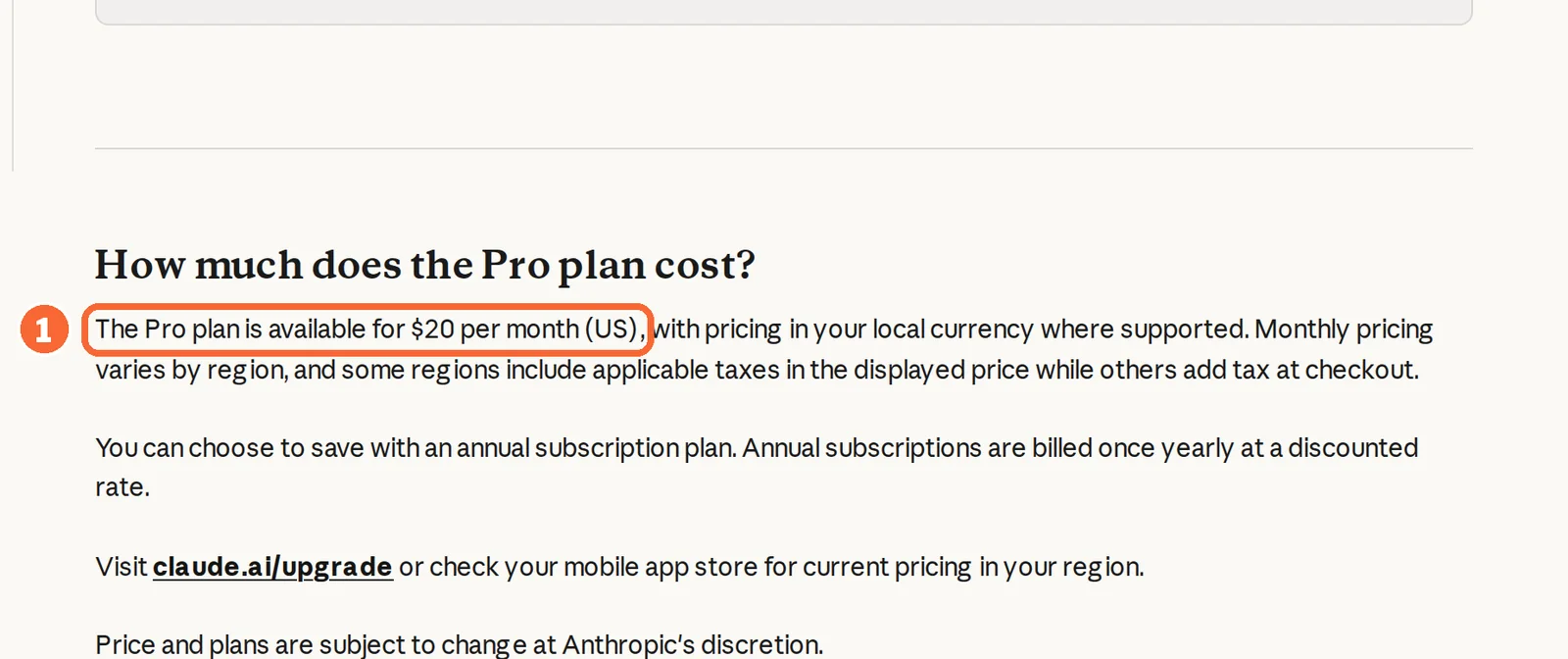
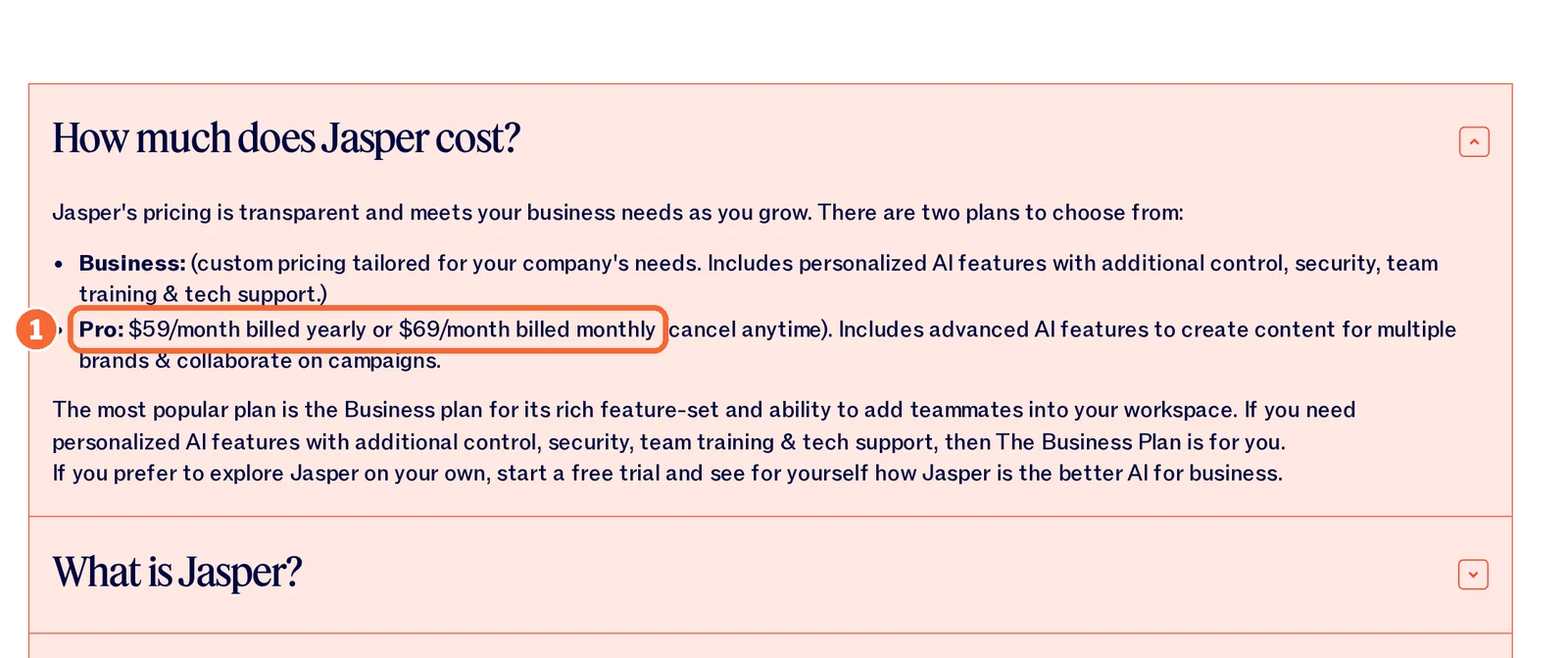
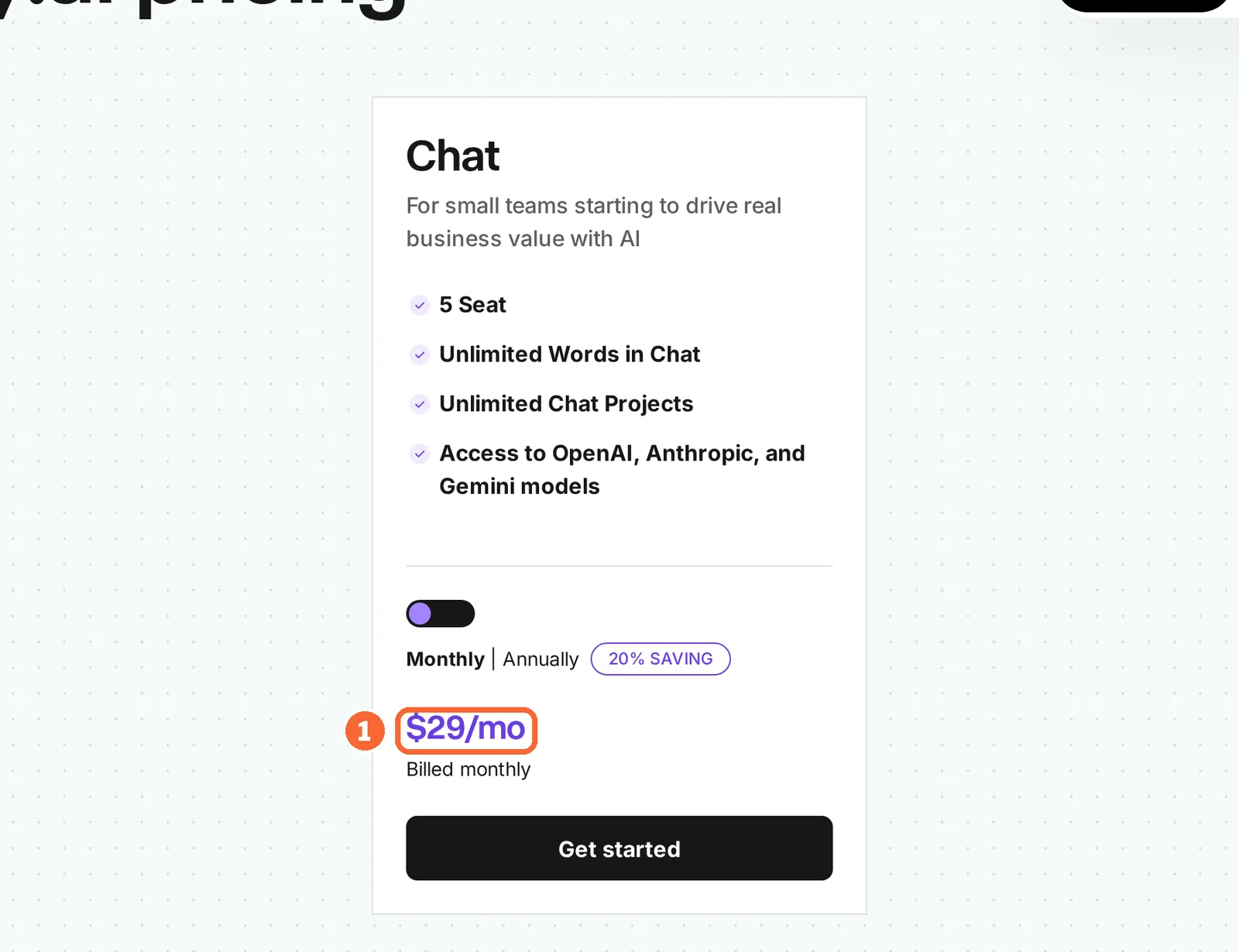
Plan names and amounts from each tool’s profile, which shows the date its plan terms were checked. Taxes and local currencies at checkout can change the amount.
Visit Claude (opens in a new tab) Visit ChatGPT (opens in a new tab) Visit Jasper (opens in a new tab) Visit Copy.ai (opens in a new tab)
Sources: Claude pricing, Claude Pro plan, ChatGPT pricing, Jasper pricing, Jasper free trial, Copy.ai pricing.
How do you build the brief, step by step?
Step 1: Reduce the raw notes to a numbered fact sheet
In shortOnly statements one named person approved go on the sheet. Anything the notes hint at becomes a question.
Real briefs start messy: a product manager’s meeting notes, a support article, a launch email and an old landing page. The example here is Harbor Ledger, a fictional invoicing app, so you can rehearse without exposing client material.
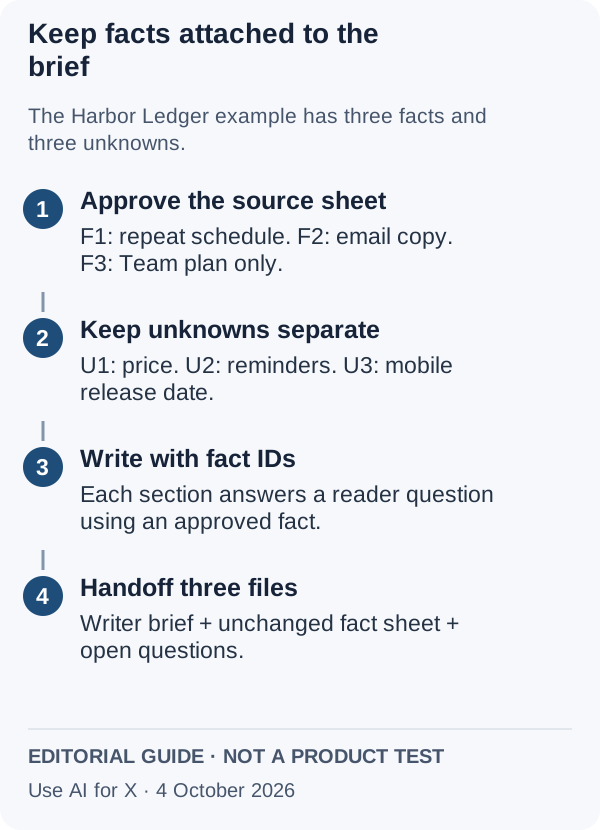
| ID | Approved statement | Origin |
|---|---|---|
| F1 | Recurring invoices can repeat weekly, monthly or yearly. | Release notes |
| F2 | Each recurring invoice is also emailed to the customer as a copy. | Support article |
| F3 | Recurring invoices are part of the Team plan. | Product manager |
| U1 | Team plan price for next year: not decided. | Open |
| U2 | Automatic payment reminders: not confirmed. | Open |
| U3 | Mobile app release date for the feature: unknown. | Open |
The old landing page says the app is “free for small teams”. It stays off the sheet because nobody approved it for this launch, and it goes on the banned list instead, since the same page may still sit in files or voice samples the assistant can read. Leaving it out now is cheaper than removing it from a finished draft.
Step 2: Write the reader’s question and a two-sentence answer
In shortIf the sheet cannot support a two-sentence answer, the research is not finished, and no assistant will finish it.
Pick one reader and one decision. Here the reader is a freelancer who bills the same three clients every month, and the question is whether Harbor Ledger can send the monthly retainer invoice without it being recreated each time. That rules out a general guide to invoicing software and ties every section to F1 to F3.
The answer, written before any assistant is opened: yes, on the Team plan, invoices can repeat monthly and the customer receives an emailed copy; reminders and pricing are still open. An assistant will not fix a missing fact; it will only phrase the gap more confidently.
Step 3: Put the fact sheet where every request reads it
In shortA sheet pasted once scrolls out of view. A project, knowledge base or Infobase applies it to each new request.
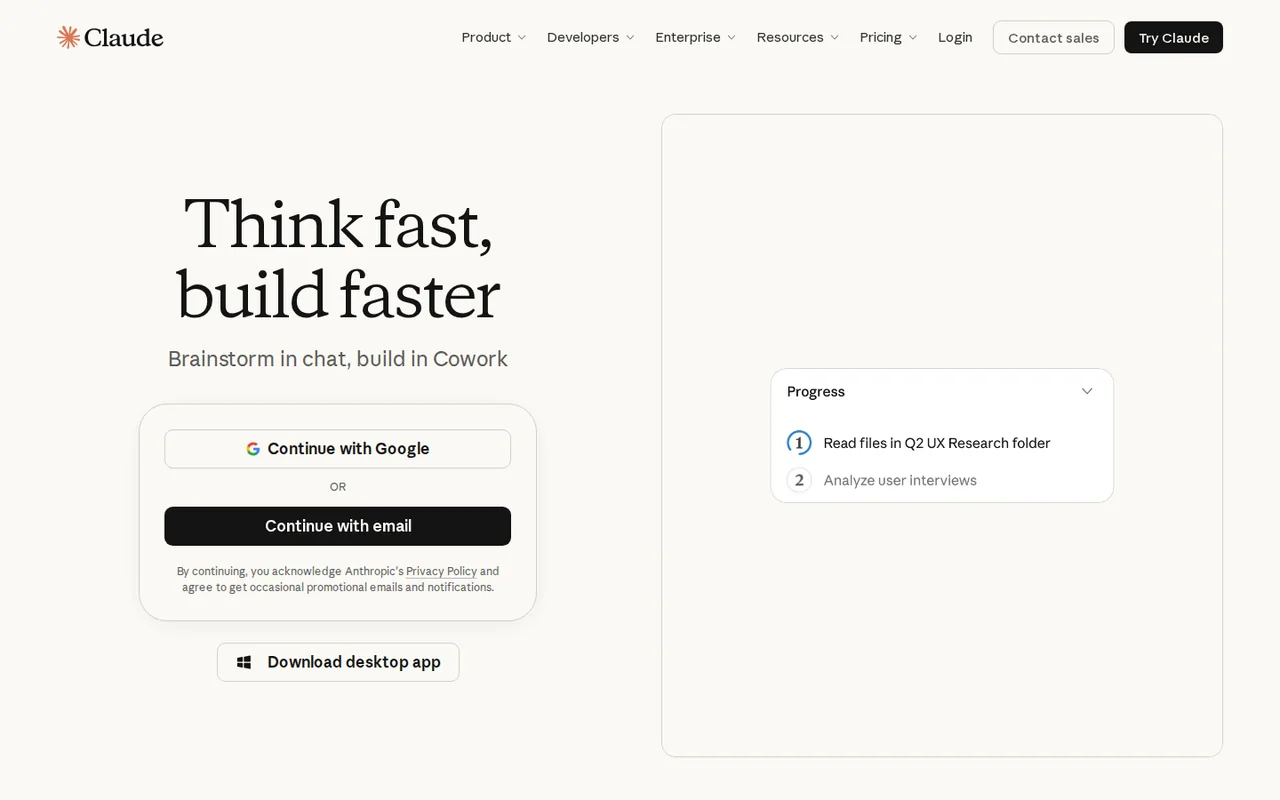
- Claude: project instructions apply to every chat inside the project. Free allows up to five projects, and sharing one with colleagues needs Team or Enterprise. See the Claude profile for plans, limits and sources.
- ChatGPT: a project keeps related chats, files, instructions and sources together, and its instructions apply across its chats. A regular project cannot read folders on your computer, so paste or upload the sheet itself. See the ChatGPT profile for plans, limits and sources.
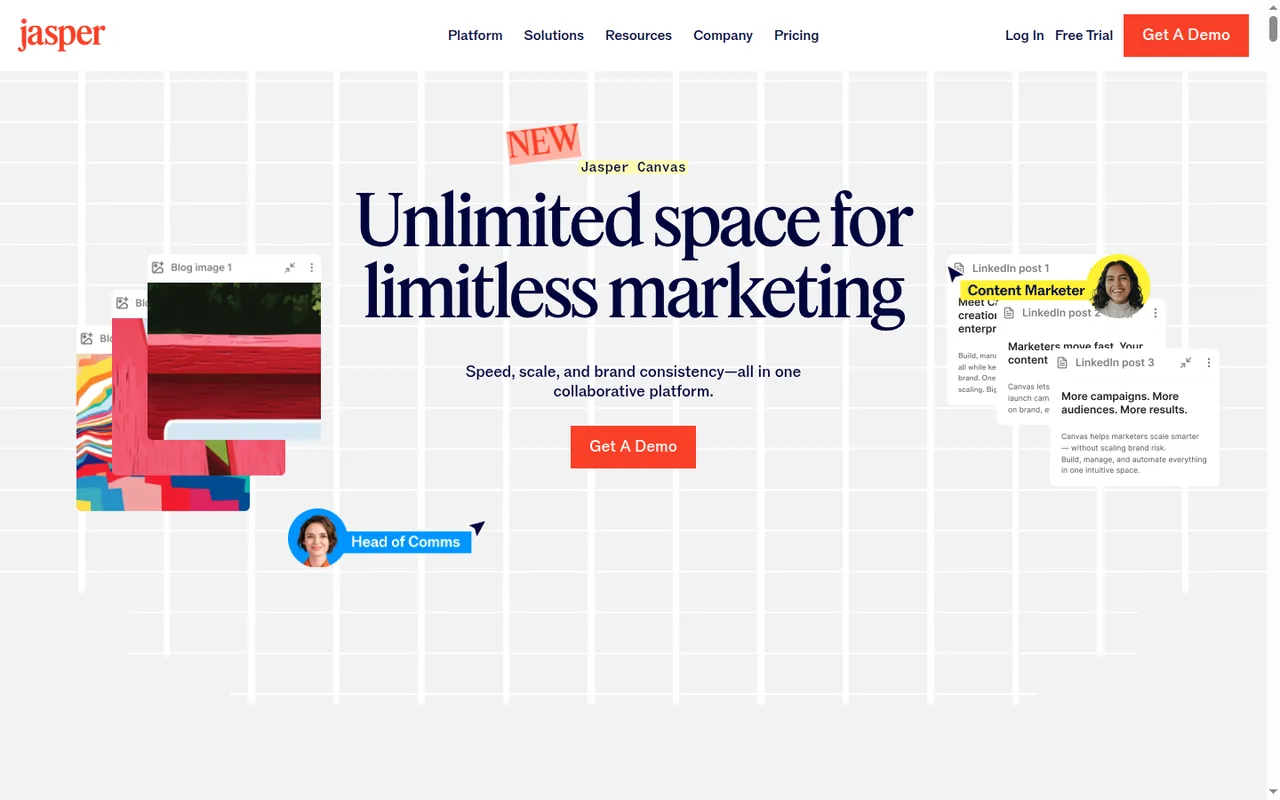
- Jasper: the Knowledge Base stores product facts and guidelines as text, documents, audio, images, video or URLs, and Chat can apply knowledge files to each output. Upload the sheet as a document, because a URL upload cannot later be downloaded or edited. Pro holds 5 knowledge assets. See the Jasper profile for plans, limits and sources.
- Copy.ai: Infobase holds uploaded Word, PDF or text files, and a prompt pulls one in with a hashtag such as #harborfacts. Input is text only, so a recorded product call goes in as a transcript. See the Copy.ai profile for plans, limits and sources.
Sources: Claude Projects, ChatGPT Projects, Jasper Knowledge Base, Copy.ai platform overview.
Step 4: Ask for a structured brief, not prose
In shortName the parts you want back. A bare request for “a content brief” lets the assistant decide what one contains.
Paste the template from the first section into a chat inside the project. It asks for the reader question and answer, four section goals with the fact IDs each may use, a claim map and the open questions, under one rule: every product statement cites an ID, and U1 to U3 stay open.
Claude Free and ChatGPT Free can both run this request; ChatGPT Free has unlimited text chats with the basic model. Jasper Chat can apply a Brand Voice, an Audience and knowledge files to the same request. Copy.ai Chat has a prompt improver that rewrites a rough request; if you use it, check that the rewrite still carries the ID rule.
Sources: ChatGPT pricing, Jasper pricing, Copy.ai Chat guide.
Step 5: Audit the first result line by line
In shortRead the brief against the sheet, not against your memory of the product.
Sources: ChatGPT text workflows, Copy.ai Chat guide.
Step 6: Revise only what failed, then read the summary last
In shortRegenerating the whole brief brings back errors you already removed.
Quote the flagged lines back and ask for replacements that keep the claim map. Then read the two-sentence answer at the top once more: it must carry the same conditions as the detail, Team plan only and reminders unconfirmed. A summary that drops a condition is the error readers see first.
Which failures should you expect, and how do you fix them?
Five failures and their fixes
In shortThe failures repeat, so the audit can look for them by name.
| Failure | What it looks like | Fix |
|---|---|---|
| Filled unknown | “Automatic reminders keep clients paying on time.” | Move the line to open questions and cite U2 as unconfirmed |
| Scope drift | “Available on every plan” instead of the Team plan | Restore F3 in the section and in the summary |
| Stored-context leak | “Free for small teams” returns from an old voice sample or knowledge file | Remove the stale file from the knowledge store, then rerun only that section |
| Generic structure | Headings such as “Benefits of automation” with no ID | Replace each with a reader decision tied to F1, F2 or F3 |
| Padding | Four sections restating the same two facts | Merge them and cut the section count to what the facts support |
If a fix needs a fact that is not on the sheet, go back to the product owner rather than asking the assistant for stronger wording. The brief cannot be more certain than its source.
Brand voice samples carry claims too
In shortA voice is built from old copy, and old copy carries old promises. Build it from text you have already checked.
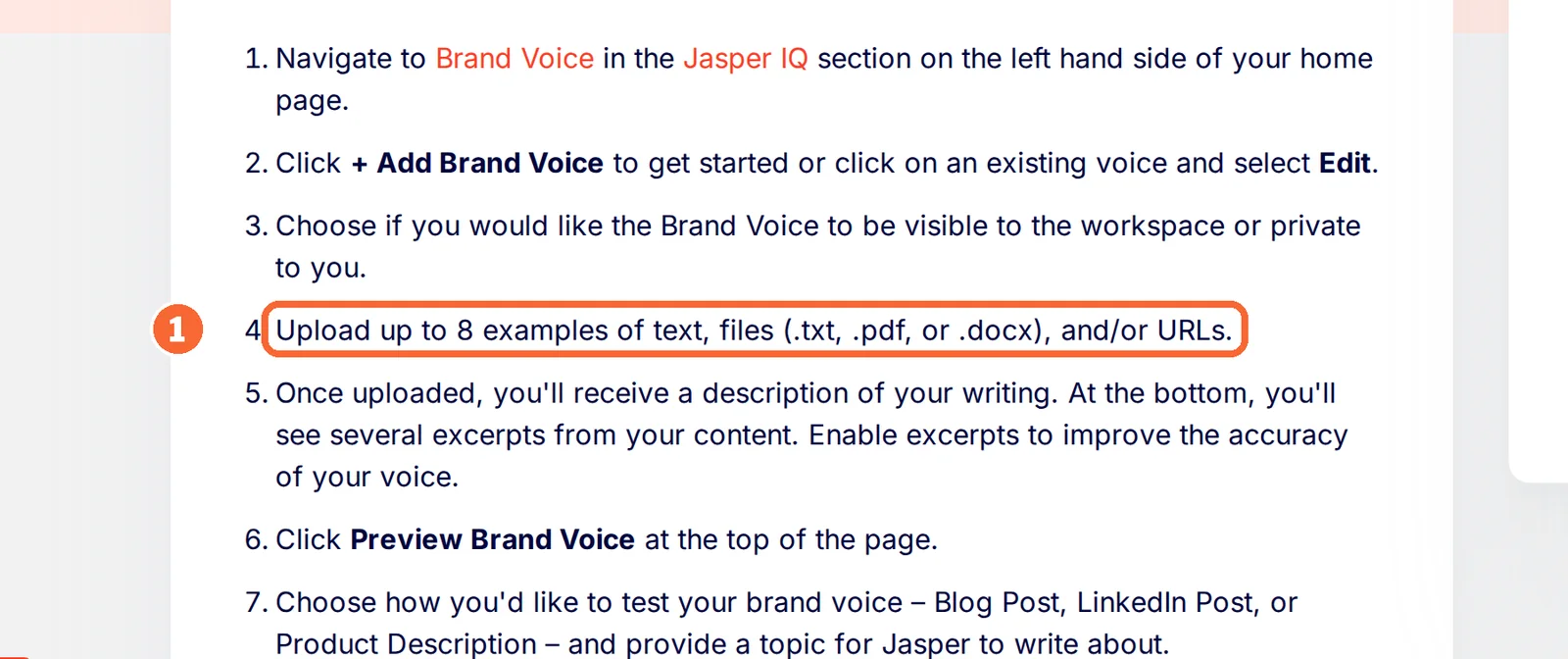
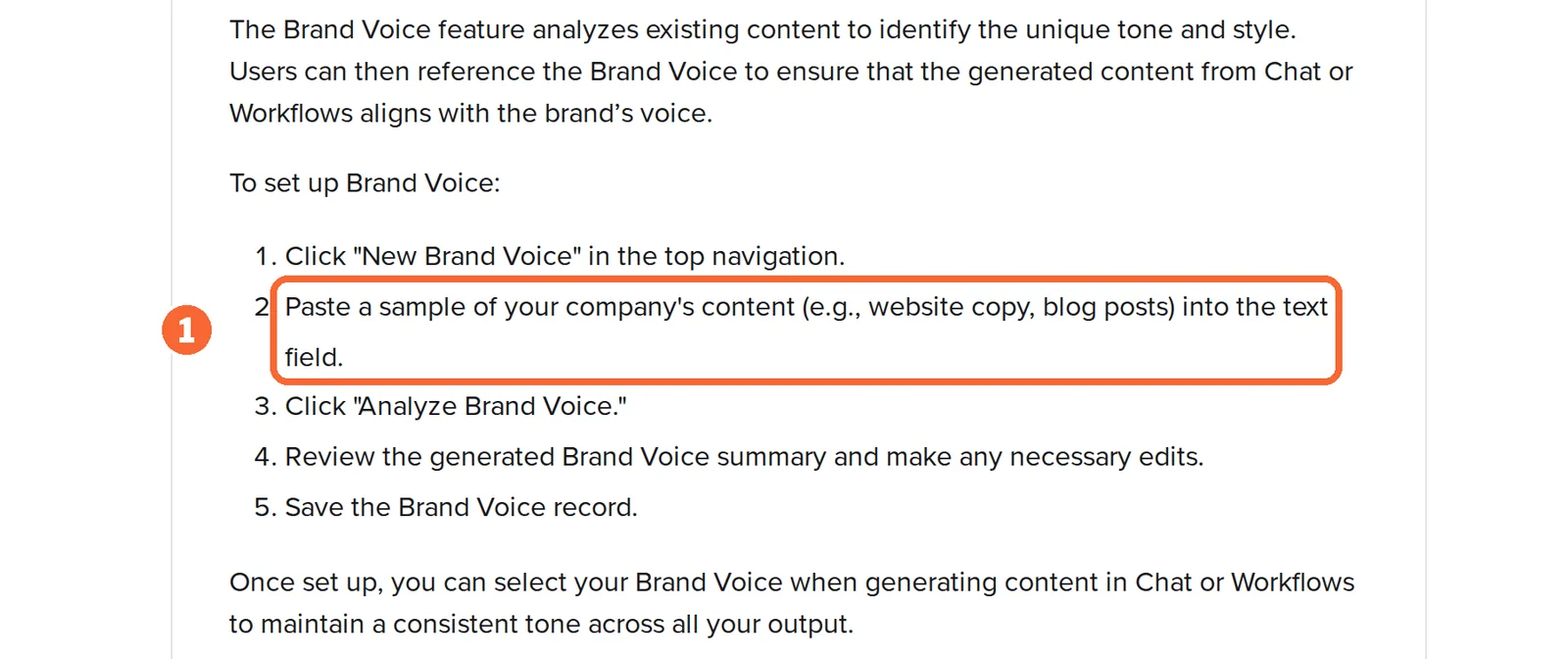
Jasper builds a Brand Voice from up to 8 examples of text, files or URLs, and Copy.ai’s Brand Voice analyses a pasted sample of company content such as website copy or blog posts. Either route can bring “free for small teams” back into a brief through the voice rather than the facts. Jasper’s Style Guide word replacements, which keep a banned term out of every draft, are listed for Business only, and Pro holds 2 Brand Voices. On Jasper Pro and on Copy.ai, keep the banned list inside the fact sheet itself, so it travels with every request.
Sources: Jasper Brand Voice, Jasper pricing, Copy.ai platform overview.
What does the writer receive?
Three files, named as a set
In shortThe writer gets the brief and the sheet it was built from; the product owner gets the questions.
harbor-ledger-recurring-invoices/
  01-brief.docx           reader, answer, sections,
                          claim map
  02-fact-sheet.txt       F1-F3 and U1-U3, unchanged
  03-open-questions.txt   U1-U3, owner, answer-by date
The questions list goes to the product owner with a date by which U1 to U3 must be answered or cut from the page. When the article is drafted, the claim map becomes the fact-check list: the editor ticks each ID instead of rereading the draft for invented details.
Export routes, tool by tool
In shortSave the accepted brief outside the app. Not every tool names a file format, and history does not last forever.
| Tool | How the brief leaves | Watch for |
|---|---|---|
| Claude | File creation builds Word, PDF, Excel or PowerPoint files, on every plan | On Team and Enterprise, owners can turn file creation off |
| ChatGPT | File creation produces documents, presentations, spreadsheets or PDFs that you refine with feedback | Plan limits for file creation are not covered in the sources checked |
| Jasper | Download as .docx, .pdf, .txt or .md | Version history reaches back 7 days; export to Drive, SharePoint or Box needs Business and an admin |
| Copy.ai | The Chat editor exports text; workflows can create Google Docs or OneDrive documents | No file format is documented for Chat exports, and monthly workflow credits start with Growth |
Sources: Claude file creation, ChatGPT files, Jasper export, Copy.ai Chat guide.
Questions, and what this guide does not judge
Common questions
What is an AI content brief?
It is a short document that tells an assistant, and later the writer, what is known before anything is written: the reader and their decision, numbered approved facts, the questions still open, banned claims, tone and the sections the page needs. A prompt asks for text; a brief limits what that text may claim, which keeps invented features and prices out of the draft.
Can I build an AI content brief for free?
Yes, in a general assistant. Claude's Free plan includes projects whose instructions apply to every chat, and ChatGPT Free gives unlimited text chats with the basic model, plus projects where your account offers them. Jasper has no free plan, only a 7-day trial that asks for a card, and Copy.ai's pricing page lists paid plans only, starting with Chat.
Should the fact sheet go in project instructions or in an uploaded file?
For a sheet of a dozen lines, instructions are simpler, because they travel with every chat. Long source packs belong in project files instead. On paid Claude plans, project knowledge switches to retrieval and its capacity grows up to 10x, which means the assistant may consult only the most relevant parts, so keep critical conditions in the instructions.
Is client product information used to train the model?
It depends on plan and settings. Claude Free, Pro and Max let you switch training off in privacy settings, and Claude Team and Enterprise do not train on your content by default. ChatGPT Business also excludes business data from training by default. Check the setting before pasting unreleased product details or pricing into any assistant.
What happens if my Jasper trial ends in the middle of a brief?
The trial rolls into a paid subscription unless you cancel. Cancelling inside the app during the trial takes effect when the trial ends, with no charge. If you then choose yearly billing, note that annual plans cannot be cancelled after a 7-day window, so decide on the billing period before the first renewal.
What this guide does not judge
The pages that rank for this search lead with keyword data, competitor analysis and how well the finished content performs in search. None of the vendor pages behind this guide document those for these four tools, so brief quality, accuracy, SEO results, speed and ease of use are not judged here, and no tool is ranked.
Moz Pro, Writer, Surfer SEO, Frase, Semrush, Conductor, AirOps, Gauge, Outrank, Swiftbrief, Wittypen and Writecream appear in the same results and are left out until each has a profile with checked plan terms. QuillBot has a profile here, but it does not cover QuillBot’s content brief generator. More writing assistants sit in the writing tools category.
In a Claude Free account, create one project, paste the Harbor Ledger sheet and the template into its instructions and run the Step 4 request in two separate chats. Repeating the run in a Jasper trial is a separate, card-required stage with the same sheet and the same test.
How this guide was made
Plans, limits, storage and export terms come from the Claude, ChatGPT, Jasper and Copy.ai profiles on this site, which cite the vendors’ pricing and help pages and carry their own check dates. Sections follow the topics the pages ranking for this search cover, limited to what the vendors document. Harbor Ledger, its fact sheet, the template and the illustration are editorial material; no brief was generated for this guide and no rating is given. See our editorial policy.