

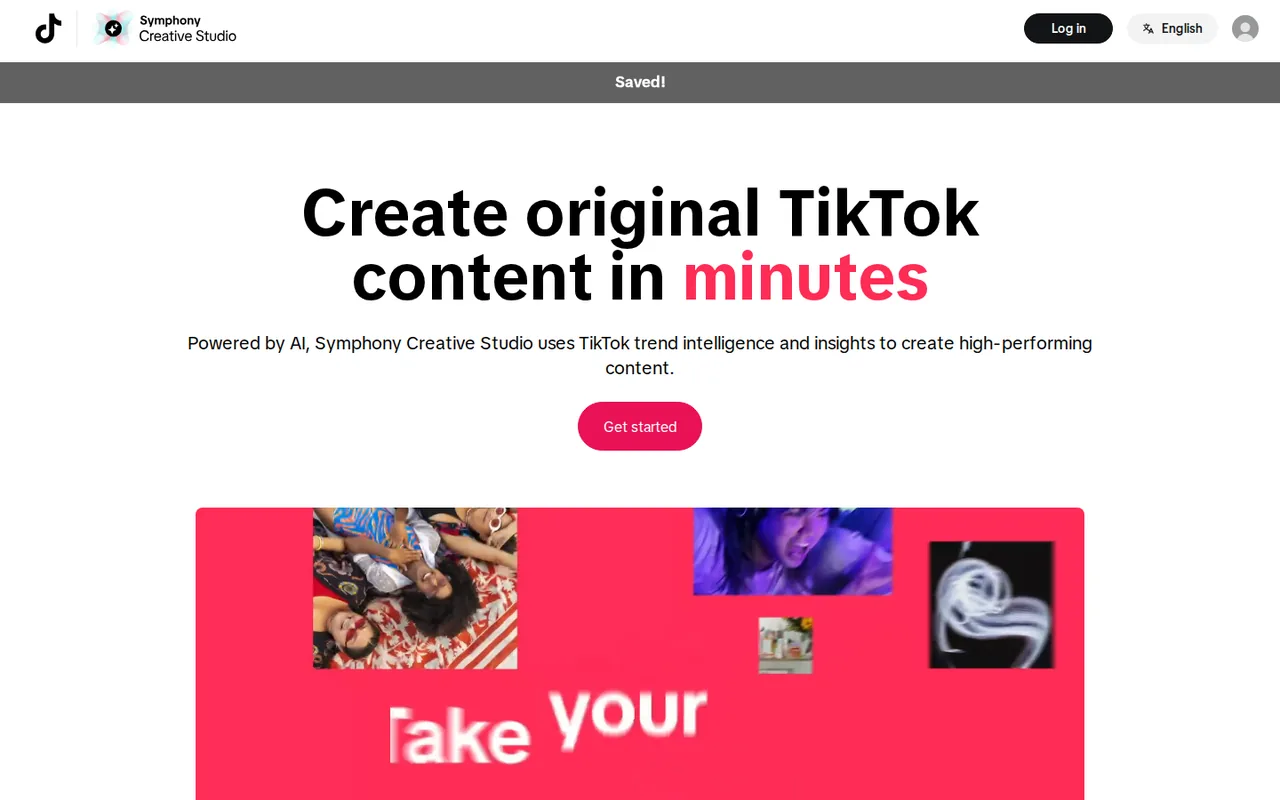
TikTok Symphony Creative Studio: free to open, but video credits and Seedance access follow your ad account
Updated September 29, 2026 · By Elias Brandt · Documentation review, not tested hands-on
Pros
- Core tools cost nothing
- Predictable credit rate
- Built into the ad workflow
Cons
- Advanced generation follows ad spend
- Allowances are not published
- Outputs are tied to TikTok
Bottom line
Free for advertisers with a TikTok for Business account; image generation, avatar videos, translate and dub and the video editor do not use credits.
You already run TikTok ads and want short ad videos made inside the same account that holds your campaigns.
You need the same ad cut on non-TikTok ad networks, because the GenAI terms bar publishing outputs there unless TikTok allows it.
Best forActive TikTok advertisersSmall businesses testing TikTok adsBrands localizing existing adsAgencies managing client accounts
Strengths, limits and who it suits, in full
Strengths
- Core tools cost nothing Image generation, avatar videos, dubbing and editing do not draw on credits.
- Predictable credit rate Video costs 1 credit per second, the cost is shown before generating, and failed system runs are refunded.
- Built into the ad workflow Finished videos can be synced straight to a TikTok Ads Manager account.
Limits
- Advanced generation follows ad spend Dreamina Seedance needs at least $5,000 of spend in 30 days on a linked advertiser ID.
- Allowances are not published Weekly credit amounts per plan are shown only in Account Center, and unused credits expire every Monday.
- Outputs are tied to TikTok The GenAI terms bar publishing outputs as ads on non-TikTok platforms unless TikTok expressly permits it.
Who it suits
- Active TikTok advertisers linked ad spend raises credits and unlocks Seedance, so accounts already running campaigns get the most generation.
- Small businesses testing TikTok ads free avatar videos and editing allow a first ad without an editor, before any credit plan matters.
- Brands localizing existing ads translate and dub reuses footage in new languages, provided speakers have consented to voice cloning.
- Agencies managing client accounts client ad accounts must be linked and approved by the client admin, and Seedance access for agencies runs through a TikTok representative.
How much does Symphony Creative Studio cost?
Prices confirmed · checked
Regional prices: TikTok charges no fee for Symphony itself; the credit plan level is set by linking a TikTok Ads Manager account and by ad spend, using the linked account with the highest spend.
Per-plan credit amounts and the spend levels for each plan are not published outside Account Center. Dreamina Seedance model access needs at least $5,000 USD of spend in the past 30 days on the linked advertiser ID, with daily generation limits rising in spend tiers. Ad spend itself is billed through Ads Manager, not Symphony.
| Plan | Price | What you get |
|---|---|---|
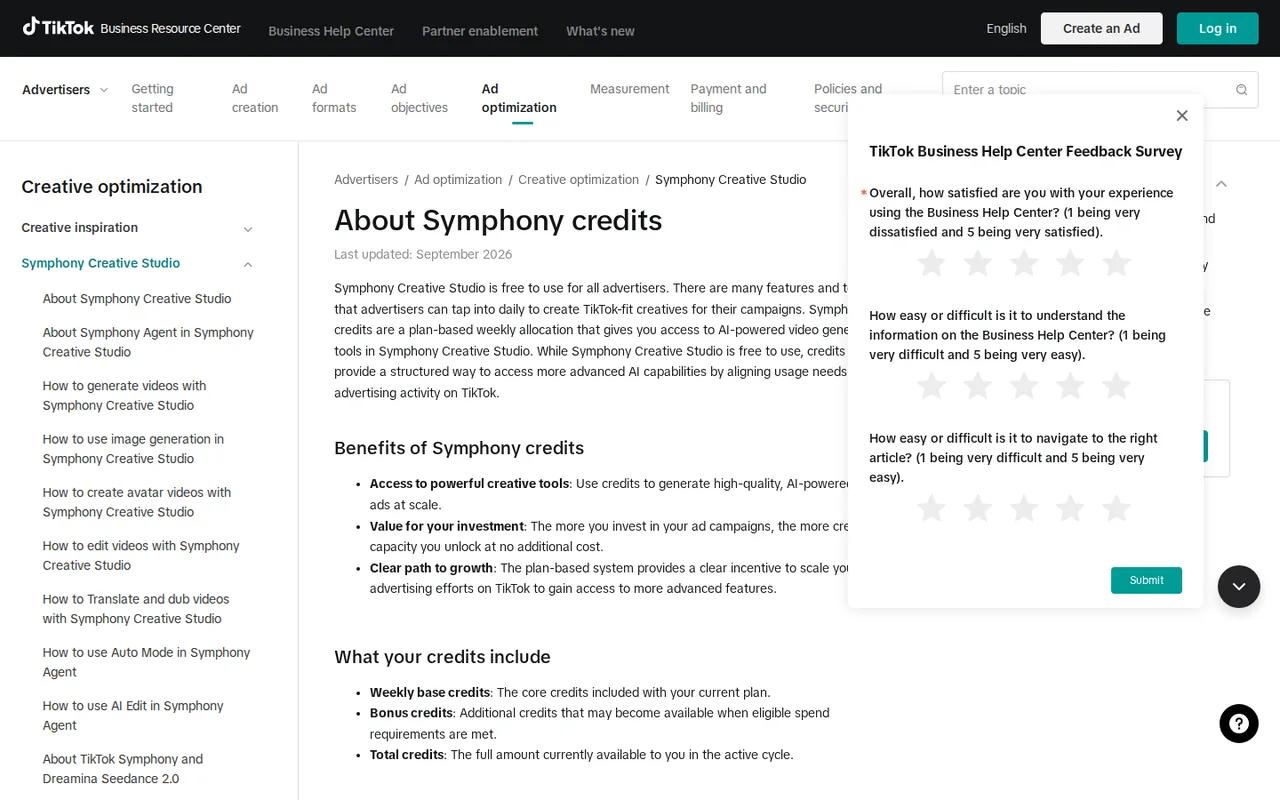
| Symphony Creative Studio | $0no subscription fee sourceFrom ads.tiktok.com/resources/help/article/about-symphony-credits, checked Sep 29, 2026 (opens in a new tab) | Free for advertisers with a TikTok for Business account; image generation, avatar videos, translate and dub and the video editor do not use credits. |
| Symphony credit plan | $0weekly allocation set by linked ad account and ad spend sourceFrom ads.tiktok.com/resources/help/article/about-symphony-credits, checked Sep 29, 2026 (opens in a new tab) | Credits for video generation and Symphony Agent at 1 credit per second of video; base plus bonus credits, refreshed every Monday at 12:00 AM UTC with no rollover. |
How far does it go?
- Credits per clip at the published rateA 15-second clip uses 15 × 1 = 15 credits; three 15-second variations use 3 × 15 = 45 credits. Because the weekly base allowance per plan is not published, the number of clips per week cannot be derived. A generation that fails from a system error is refunded, but regenerating a clip you dislike costs the full length again.
Arithmetic from the published allowances above, not a usage test.
Taxes, currency and promotions can change the price you see at checkout.
Try Symphony Creative Studio free (opens in a new tab)
Key features
| Feature | What it does | Watch out |
|---|---|---|
| Text-to-video, image-to-video and reference-to-video generation | Turns a text prompt, a product image or several reference files into short clips, with a choice of model and duration. | It is the main feature that spends credits, at 1 credit per second of generated video. |
| Image generation from text prompts | — | |
| Voiceover avatars from a library of real-human and AI-generated presenters | — | |
| Product avatars that hold or model an uploaded product image | Generates clips of a stock avatar holding, showcasing or modeling a product from one uploaded image. | Clothing accessories such as shoes, hats, sunglasses and bracelets are not supported. |
| Translate and dub with a cloned or stock voice and optional lip-sync | Replaces the voiceover language of an existing video, using a clone of the original voice or a stock voice, with optional lip-sync. | Not available in Texas or Illinois, and lip-sync fails with several speakers, covered mouths, poor light or background noise. |
| Timeline editor with music, captions, text, effects and stickers | — | |
| Symphony Agent storyboards with up to 3 video variations | — | |
| Download or sync finished videos to TikTok Ads Manager | — |
Which parts are free, and which need credits?
TikTok describes Symphony Creative Studio as free to use for all advertisers, for both organic and paid content. Image generation, voiceover and product avatar videos, translate and dub, and the video editor do not use credits. Credits are needed only for video generation and for Symphony Agent.
Video generation costs 1 credit per second of output, so a 10-second clip takes 10 credits, and the cost appears before you start. If a generation fails because of a system error, the credits are returned automatically. A clip that works but looks wrong is not a failure, so each retry is charged again.
How do you qualify for a credit plan, and when does it change?
The credit plan depends on two actions: linking a TikTok Ads Manager account to Symphony and spending on ads. A plan triggered by linking an account applies immediately; one triggered by ad delivery starts the next Monday at 12:00 AM UTC. With several linked ad accounts, the one with the highest spend sets the plan.
Each cycle combines weekly base credits with bonus credits that appear when spend conditions are met. The balance refreshes every Monday at 12:00 AM UTC and unused credits expire rather than roll over. Credits can also show as frozen when recent qualified spend no longer meets the current requirement.
What does the Dreamina Seedance spend threshold unlock?
Dreamina Seedance, a ByteDance video model inside Symphony, unlocks automatically for direct advertisers once the linked advertiser ID has spent at least $5,000 USD in the preceding 30 days. Access is reviewed every Monday, and it can be lost at the next refresh if 30-day spend drops below that level. Agencies request access through their TikTok representative instead.
With access, clips run between 4 and 15 seconds depending on the mode, generation happens on desktop, and results download as MP4 or JPEG or sync to Ads Manager. The daily number of generations rises with ad spend tiers. Seedance 2.0 currently refuses images or videos with real faces as references, so choose another model for those.
Where can you publish the videos you export?
Every exported video carries an AI-generated label, and content is moderated again before it is cleared for publishing on TikTok or in Ads Manager. The Creative GenAI Terms forbid removing those labels and forbid publishing outputs as ads on platforms not operated by TikTok or its affiliates, unless TikTok expressly allows it.
TikTok does not claim ownership of new intellectual property in outputs, but inputs and outputs count as Your Content under the Commercial Terms, which carries the same license you grant TikTok for other content. Plan a Symphony video as a TikTok asset; a campaign that also needs the same cut on other ad networks should budget a separate production.
What consent do avatars, voice clones and dubbing require?
The GenAI terms make you responsible for consent from anyone whose face, voice, likeness or name appears in inputs or outputs, and for privacy notices covering face and voice data. They also require that inputs contain no faces or voice recordings of people who live in or are located in Illinois. Translate and dub is unavailable to users in Texas and Illinois.
Voice cloning in translate and dub copies the speaker in the original video, so use it only with that person’s permission for this purpose. Only minor fixes such as typos are allowed in a dubbed script; changes that alter the message or misrepresent the speaker are not permitted. Prompts naming celebrities or public figures are rejected.
How do agencies connect client ad accounts?
Account Center lists the linked Ads Manager accounts, the current credit plan, plan benefits and available credits. An agency enters a client advertiser account ID, and the link becomes active only after the client’s administrator approves the request. Statuses include Linked, Awaiting approval, Expired, Rejected and At risk.
Because the highest-spending linked account sets the plan, an agency’s credit level can change as client budgets move. Symphony Agent, which builds a brief, storyboard and up to three variations from a prompt, is also gated by linked ad spend.
Can a free account turn one product photo into a captioned avatar ad?
Proposed evaluation · not performed yet
On a TikTok for Business account with no linked ad account, use a product avatar, which does not spend credits, with a photo of a product you own, such as a mug or a phone case. Write a 20-word script without health or price claims and use a stock voice, not a clone.
- Record the account status and the credit balance shown in Account Center.
- Upload the product photo, pick a stock avatar and generate the product clip.
- Add the voiceover script and turn on captions.
- Export, download the MP4 and check the AI-generated label, caption timing and product shape.
- Recheck the credit balance to confirm no credits were used.
Accept a downloadable clip in which the product keeps its shape and the captions match the voice, with the credit balance unchanged. Reject a distorted product, missing audio or a credit charge. No output or balance is reported until the exercise is run.
For presenter videos that are not tied to one ad platform, compare HeyGen and Synthesia. For dubbing existing footage into other languages, see Perso AI, and for short vertical videos from a script or URL, see Cliptalk.
Is Symphony Creative Studio worth it?
Documentation review plus dated public user reports. Documentation review, not tested hands-on. Not scored.
Worth it if
- You already run TikTok ads and want short ad videos made inside the same account that holds your campaigns.
- You need avatar videos, dubbing or editing for a first ad, since those tools do not draw on credits.
- You can accept a weekly credit allowance whose size you only see in Account Center.
Probably not if
- You need the same ad cut on non-TikTok ad networks, because the GenAI terms bar publishing outputs there unless TikTok allows it.
- You plan to rely on a fixed number of video generations per week, since the per-plan credit amounts are not published.
- You expect Seedance without spend, because it needs at least $5,000 of ad spend in the past 30 days.
Symphony Creative Studio alternatives
Other video & editing tools checked with the same method. Pick by the job, not by a score.

Developers and small teams who want a conversational video avatar for support, sales or tutoring and need to budget by minutes

Teams and creators who want short talking-avatar videos or an embedded avatar agent, and who accept metered minutes and a watermark on lower plans

Creators combining permitted images and audio

Avatar-presented videos and lip-synced video translation

Editing and polishing 3D character animation with AI assist

Short vertical videos from a script, product or URL

YouTube editing with color and audio in one app

Podcasts and talking-head video
Used Symphony Creative Studio? Write the first review. Visitor opinions are moderated and kept separate from our source checks.
Frequently asked questions
Do I have to run TikTok ads to use Symphony Creative Studio?
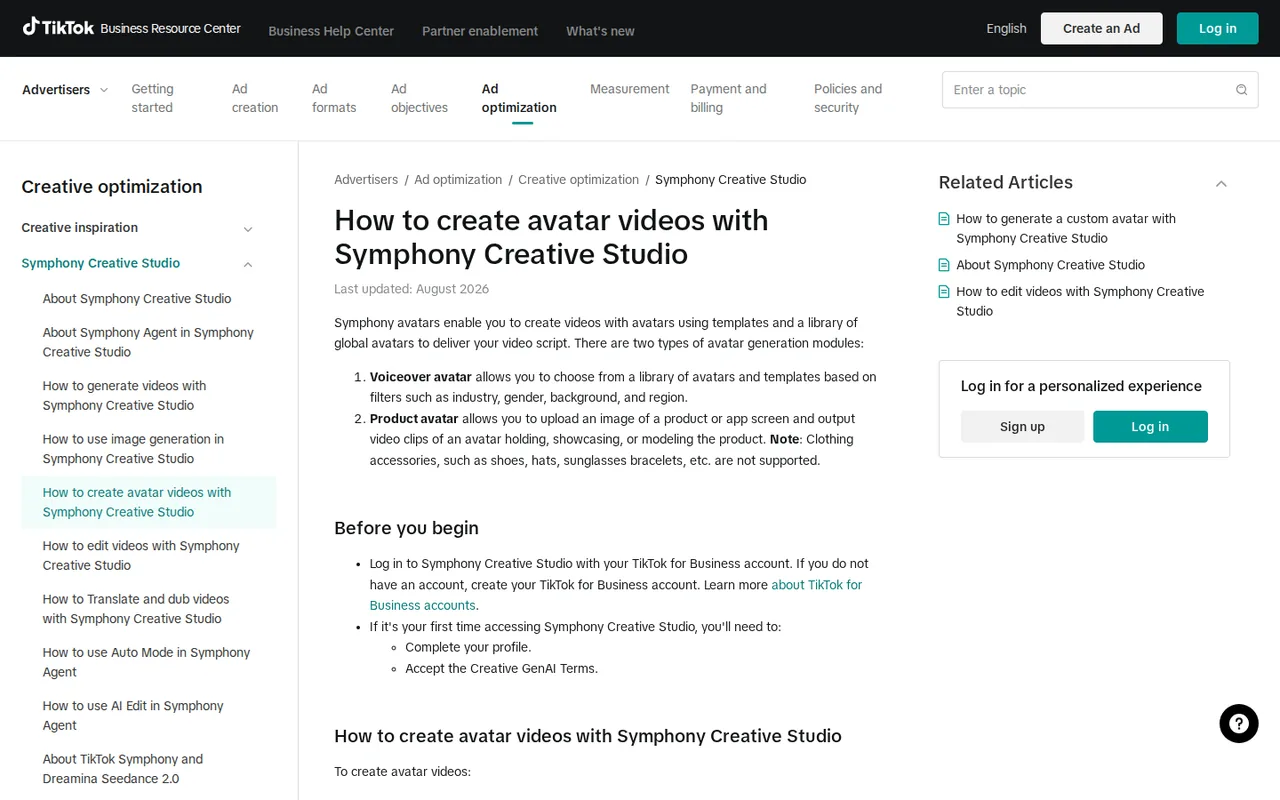
No. A TikTok for Business account is enough to sign in, and on first use you complete a profile and accept the Creative GenAI Terms. The free tools work for organic posts too. Linking an Ads Manager account or spending on ads only changes the weekly video credits and access to spend-gated models.
Can I use Symphony Creative Studio on a phone?
The help articles for video generation, avatars, dubbing and editing all start by logging in on a desktop, and the Seedance limits article says those videos are created on desktop. Plan the work on a computer browser. Finished files can be downloaded as MP4 or synced to Ads Manager, then scheduled from there.
Does TikTok train AI models on what I upload?
The help center says inputs and outputs are not sent back to TikTok or used to train other AI models at this time. The Partner Privacy Policy adds that limited information entered into GenAI tools may be shared with third parties that power those tools, naming Microsoft as an example. Keep confidential material out of prompts.
Why was spend on my Symphony video not counted toward credits?
The credits article suggests using Upload Video for Tracking and submitting the related TikTok Ads Manager video ID. If automatic matching still fails, you can submit the Symphony-generated asset for review. Bonus credits also wait for the weekly cycle, so allow until the next Monday refresh before assuming spend was missed.
Is Symphony Creative Studio the same as TikTok Creative Center or the Ads Manager video editor?
No. TikTok lists Creative Center, the Ads Manager video editor and Symphony Creative Studio as separate tools, although the same Creative GenAI Terms cover all of them. Symphony credits and plan levels described here apply to Symphony Creative Studio, not to trend research in Creative Center.
What can I do if my likeness appears in a Symphony video without permission?
TikTok says it protects likeness, image and publicity rights and runs safeguards across its AI features. Anyone who believes their likeness or rights were misused can submit a request through the TikTok privacy webform, which has separate US and non-US versions. TikTok says the team reviews requests and acts as quickly as possible.
Sources and method10 official sources · 7 details checked · Sep 29, 2026
How we checked this profile
7 details on this page were checked against Symphony Creative Studio's own pages and help documentation (Sep 29, 2026).
See the checks by section7 documented
| Section | Checks | Last checked | Sources |
|---|---|---|---|
| Plans and prices | 3 documented | ads.tiktok.com/about-symphony-creditsads.tiktok.com/about-dreamina-seedance-mo… | |
| Article text | 3 documented | ads.tiktok.com/about-symphony-creditsads.tiktok.com/how-to-create-avatar-video…ads.tiktok.com/article | |
| Features | 1 documented | ads.tiktok.com/how-to-translate-and-dub-v… |
Sources for this profile
- About Symphony credits (updated September 2026)ads.tiktok.com
- Product overviewads.tiktok.com
- About Symphony Creative Studio (updated June 2026)ads.tiktok.com
- Dreamina Seedance access and usage limits (updated September 2026)ads.tiktok.com
All 10 sources
- Account Center and linked ad accountsads.tiktok.com
- Avatar videos helpads.tiktok.com
- Translate and dub helpads.tiktok.com
- Creative GenAI Terms (revised December 2025)ads.tiktok.com
- Commercial Terms of Service (revised January 2026)ads.tiktok.com
- Partner Privacy Policy (updated January 22, 2026)tiktok.com
Several third-party summaries say Symphony publishes no quota or credit balance; the September 2026 credits article describes a plan-based weekly allowance at 1 credit per second, although it does not publish the credit amounts or spend thresholds for each plan. The credits article says Symphony Agent is available to select customers, while the Agent article ties access to linked ad spend. The contracting TikTok company depends on region under the Commercial Terms: BD TikTok USA LLC in the United States, TikTok Technology Limited in the EEA and Switzerland, TikTok Pte. Ltd. in most other areas. Marketing statistics on the product page were not used. Social channels are the TikTok for Business accounts linked from ads.tiktok.com/business, not Symphony-specific accounts.
Sources checked Sep 29, 2026. Found something out of date? See how we correct profiles.


