Jasper Alternatives: Four Writing Tools and What Your Brand Setup Keeps
Jasper bundles a writing assistant, a stored brand library and, on Business, bulk production tools. This guide covers four alternatives with checked plan terms: Copy.ai, Claude, ChatGPT and Grammarly. It matches each one to the part of Jasper you use, counts one month of team writing in each tool’s own unit and lists what to export before you switch.
By Elias Brandt · Updated 9 Oct 2026 · About 20 min read · Plan terms taken from each tool profile
The short answer
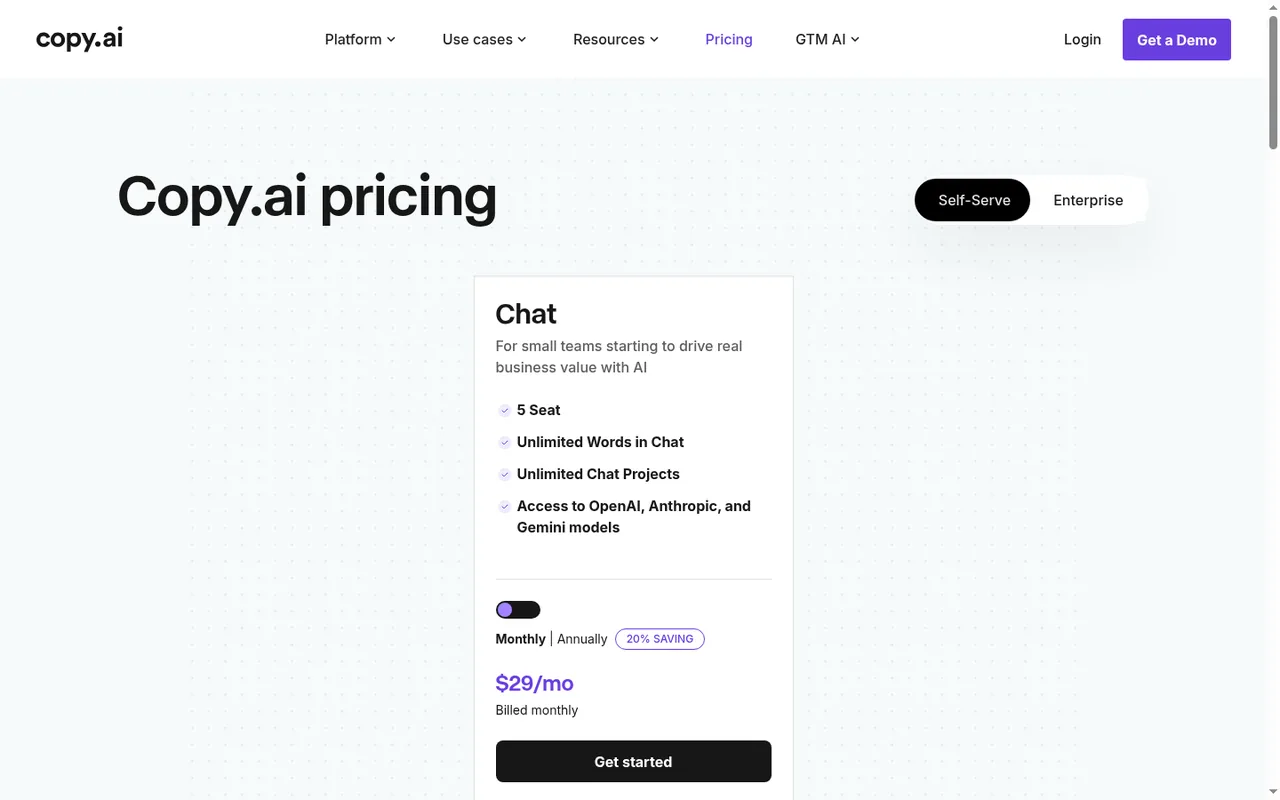
Up to five people writing with one brand voice? Copy.ai Chat lists five seats, unlimited words in Chat and a Brand Voice built from sample copy, at USD 29 billed monthly.
One writer drafting from briefs and product documents? Claude keeps brand files and instructions in a project. Free allows up to five projects, and every plan creates Word and PDF files.
Banned-term rules inside Word and Google Docs, or drafts on a schedule? Grammarly Pro teams share one style guide and one brand tone across those apps. ChatGPT Plus runs scheduled tasks.
Why do teams look for a Jasper alternative?
What a Jasper subscription bundles
In shortThree layers in one plan. Most teams that leave want to keep one or two of them and stop paying for the rest.
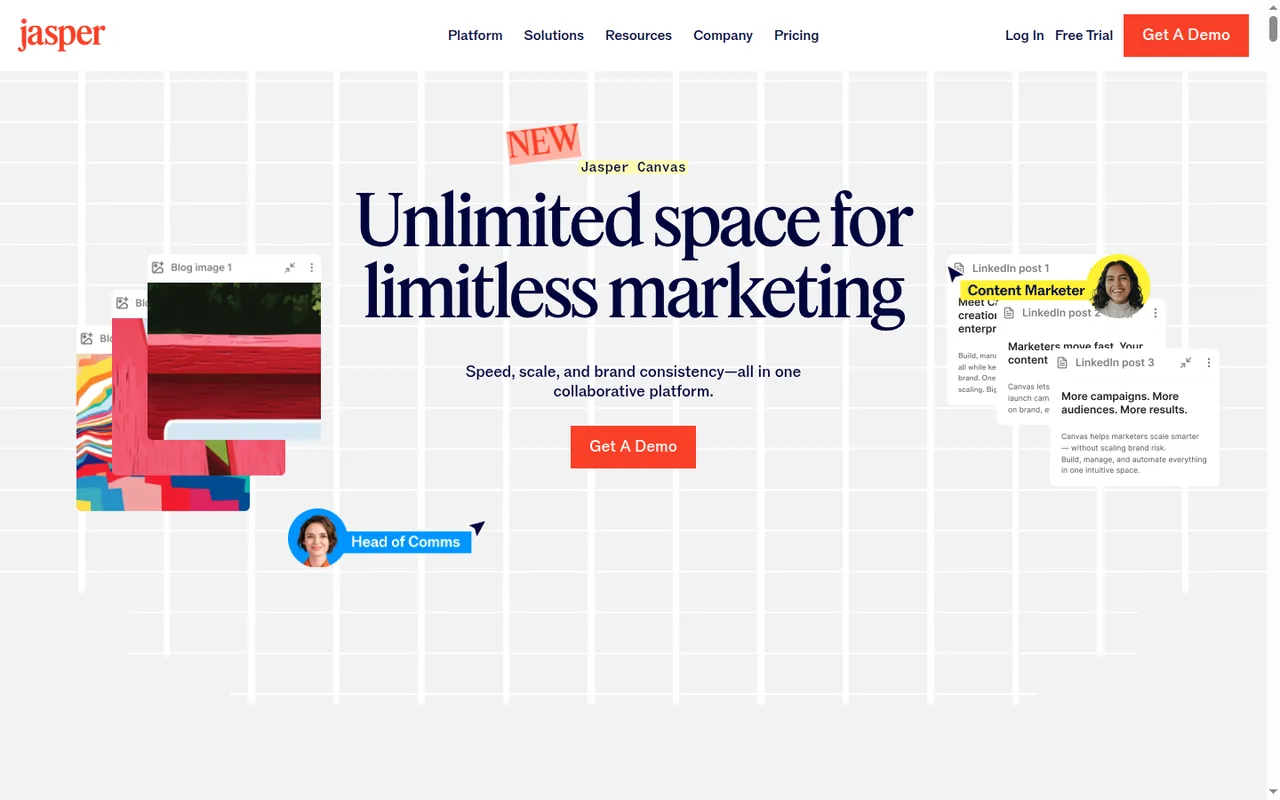
- A writing desk. Jasper Chat, pre-built marketing agents and Canvas, a workspace that lays out briefs, drafts and images on an infinite canvas or in a table view.
- A stored brand context. Brand Voices, Audiences and a Knowledge Base that Chat, agents and documents draw on, so the brand does not have to be pasted into each prompt.
- Production tools, on Business. Grid for bulk rows, Studio custom agents, the Style Guide, the API and an MCP server; Grid, advanced agents and API calls draw on workspace credits.
Which layer you still need decides the replacement, and most of the migration work sits in the brand material rather than in old drafts.
The limits that usually push a team to look elsewhere
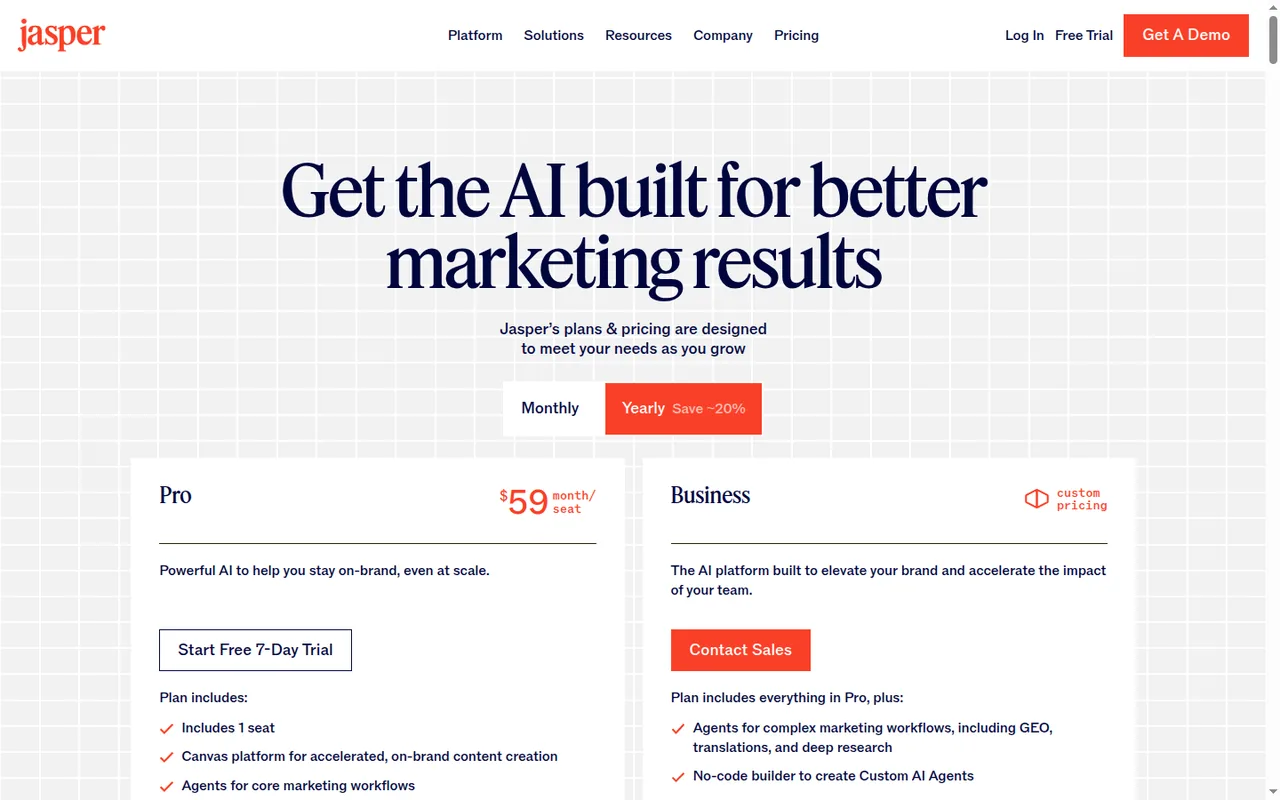
In shortThe usual trigger is the second person: Pro is one seat, and everything a team shares sits on a plan priced by sales.
- The second writerPro costs USD 59 per month billed yearly or USD 69 billed monthly, for one seat. Sharing, team analytics and extra users are on Business, which has custom pricing and a 12-month commitment.
- Brand library caps on Pro2 Brand Voices, 5 knowledge assets and 3 Audiences. A freelancer who takes on a third client runs out of voices before running out of words.
- Features held for BusinessStyle Guide word replacements, Grid, Studio custom agents, API access and SSO.
- An unpublished credit allowanceGrid rows, Research and Translation agent runs and API calls draw on Business credits whose included amount is not published, and advanced features stop when the pool is empty.
- No free planAccess starts with a 7-day trial that needs a credit card and rolls into a paid subscription unless cancelled.
Timing matters as much as the reason. Annual plans cannot be cancelled after a 7-day window and unused time is not refunded, so a team on yearly billing should plan the move around its renewal date. Monthly Pro can be cancelled at any time and stays active to the end of the billing cycle.
Sources: Jasper pricing, Jasper annual plans, Jasper credits-based pricing.
Which Jasper alternative fits the part of Jasper you use?
The four alternatives at a glance, with Jasper for reference
In shortFind the row that matches how your team writes. The last column is the catch to check before you pay.
| Tool | Best for | Free access | First paid plan, as listed | Brand context it stores | Catch to check |
|---|---|---|---|---|---|
 Jasper Jasper | Reference point: brand voices, audiences and product files applied to every draft | None: a 7-day trial that needs a card | USD 59 per month, billed yearly (USD 69 billed monthly); Pro, one seat | Brand Voices, Audiences, Knowledge Base; Style Guide on Business | A second writer needs the quoted Business plan |
 Copy.ai Copy.ai | Up to five writers sharing one chat and one brand library | None listed; the help center says the free plan was sunset | USD 29 billed monthly, or USD 288 a year (Chat, 5 seats) | Brand Voice from sample copy; Infobase text documents | A sixth seat or workflow credits means Growth at USD 1,000 per month, billed annually |
 Claude Claude | Drafting from a brief with a project of brand files | Free: chat, web search, file creation, up to five projects | USD 20 billed monthly, or USD 200 a year (Pro, one person) | Project instructions and uploaded files | Shared projects need Team, from two seats |
 ChatGPT ChatGPT | Drafts, files, images and recurring tasks in one assistant | Free: unlimited text chats with the basic model | USD 20 per month (Plus, monthly only) | Project instructions and files | A shared workspace needs Business, two seats minimum |
 Grammarly Grammarly | Consistent wording and tone inside Word, Google Docs and the browser | Free: 100 AI prompts a month | USD 12 per member per month, billed yearly (USD 30 billed monthly); Pro | One shared style guide and one brand tone on a Pro team | A product-fact library is not covered in the sources checked |
Plan names and amounts from each tool’s profile, which shows the date its plan terms were checked. Prices stay in the billing period each vendor lists.
What makes a good Jasper replacement
In shortFive checks, in the order a switch usually fails them. Output quality is not one of them here, because nothing in the sources lets us compare it.
- It stores the brand context you rely onVoice, audiences, product facts and banned terms are four separate things in Jasper. Each alternative covers a different subset; the feature matrix shows which.
- It fits your headcountCopy.ai Chat seats five people, Claude Team and ChatGPT Business start at two seats, and Grammarly Pro is priced per member up to 149 seats.
- It works where your writers writeIf the team relied on Jasper’s Word add-in, Google Docs add-on or Chrome and Edge extension, check the replacement’s add-ins before its chat.
- Its meter fits a month of outputUnlimited words in Copy.ai Chat, session allowances on Claude, ChatGPT Business seats where only Premium drops the five-hour limit and monthly prompts on Grammarly. See the one-month table.
- You can try it on your own brand packClaude, ChatGPT and Grammarly have free plans. Copy.ai lists no free plan and refunds only within five days of the first purchase.
Pick by the part of Jasper you use
In shortName the layer you would miss most; it points to one tool, or to staying.
| If you mainly use Jasper for… | Start with | Why |
|---|---|---|
| Chat drafting with one brand voice, for a team of up to five | Copy.ai | Chat lists 5 seats and unlimited words; Brand Voice and Infobase hold tone and product facts |
| Long drafts from a brief and a stack of product documents | Claude | Project files and instructions apply to every chat; Word and PDF files from every plan |
| A draft that should appear every week without anyone prompting it | ChatGPT | Scheduled tasks are listed on Plus and run recurring work in the background |
| Style Guide rules and the Word and Google Docs add-ins | Grammarly | A Pro team shares one style guide and one brand tone across Office, Google Docs and browser extensions |
| Grid rows, custom agents or the API for bulk content | Jasper Business, or Copy.ai Growth and Enterprise | Copy.ai Workflows need credits from Growth; its API and bulk runs are listed on Enterprise |
| Audience profiles applied to each draft | Jasper | A stored audience object is not covered in the sources checked for the four alternatives |
If you need one part of Jasper: one tool each
In shortEach tool has the same layout: what it does, what it takes over from Jasper, what changes for you, and what carries over.
If up to five people write together: Copy.ai
Best for a small team sharing one chat and one brand library
Best when Jasper’s single Pro seat is the reason to leave and the team fits in five seats.
- Free None listed
- Entry from USD 24 per month Chat, billed annually as USD 288; USD 29 billed monthly
Copy.ai is a web platform for sales and marketing teams that pairs a chat writing assistant with reusable content agents and multi-step Workflows. The Chat plan lists five seats, unlimited words in Chat, unlimited chat projects and OpenAI, Anthropic and Gemini models, and a conversation can switch models partway through.
What it does
- Brand Voice
- Reads pasted sample content, such as website copy, and saves an editable tone profile for Chat or Workflows.
- Infobase
- Word, PDF or text documents and typed notes, pulled into a prompt with a hashtag such as #guidelines.
- Content Agent Studio
- Trains an agent on three sample inputs to produce one recurring content type in the same tone.
- Chat editor
- Rewrite a highlighted passage, extend text, watch word and character counts, export the text.
- Workflows
- Chain research, scraping and writing into repeatable runs; test runs while building use no credits.
Takes over from Jasper
Jasper Chat and the brand library for up to five writers: one voice built from samples and one shared document library.
What changes for you
Audience profiles and banned-term rules are not covered in the sources checked. Inputs are text only, so audio and video go in as transcripts or URLs, and the help center names no file format for exports. Workflow credits start with Growth at USD 1,000 per month billed annually, and the API and bulk runs are listed for Enterprise.
What carries over
Your voice samples, pasted into Brand Voice, and Knowledge Base files saved as Word, PDF or text and added to Infobase.
See the Copy.ai profile for plans, limits and sources.
Visit Copy.ai (opens in a new tab)
Sources: Copy.ai pricing, Copy.ai platform overview, Copy.ai workflow credits.
If one writer drafts from briefs and documents: Claude
Best for drafting and long document work with brand files in a project
Best when you want Jasper’s writing desk without paying for a separate brand library.
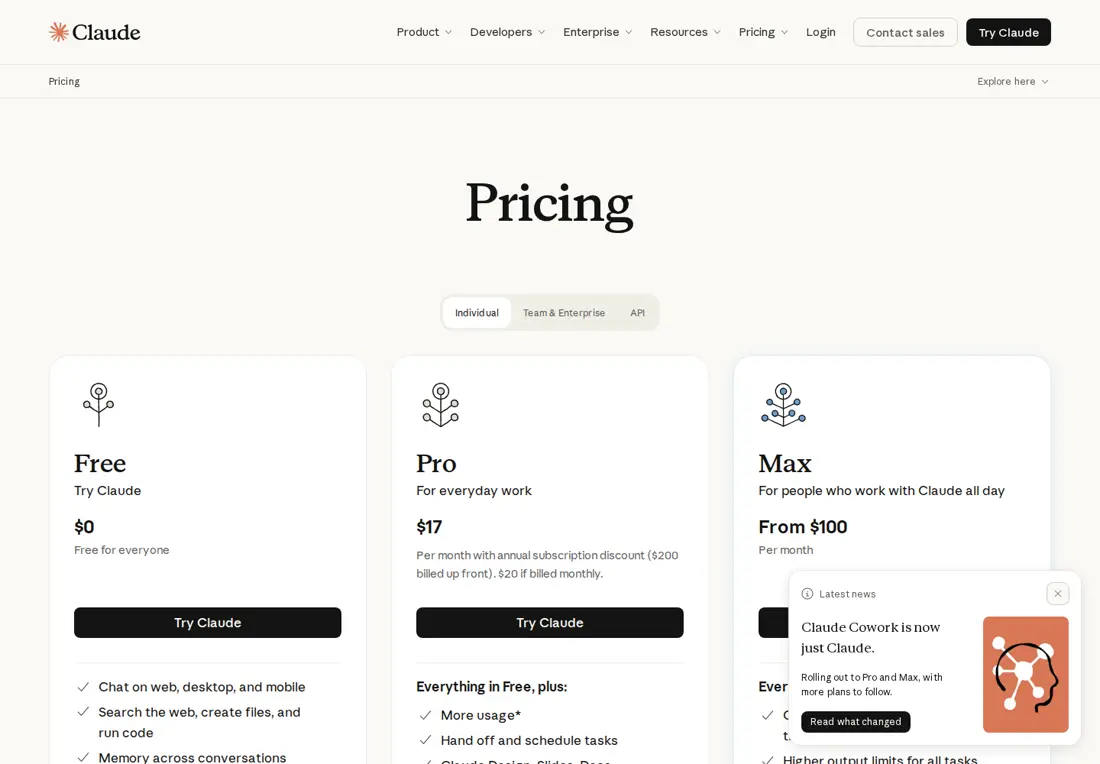
- Free Chat, web search, five projects
- Entry from USD 17 per month Pro, billed yearly as USD 200; USD 20 billed monthly
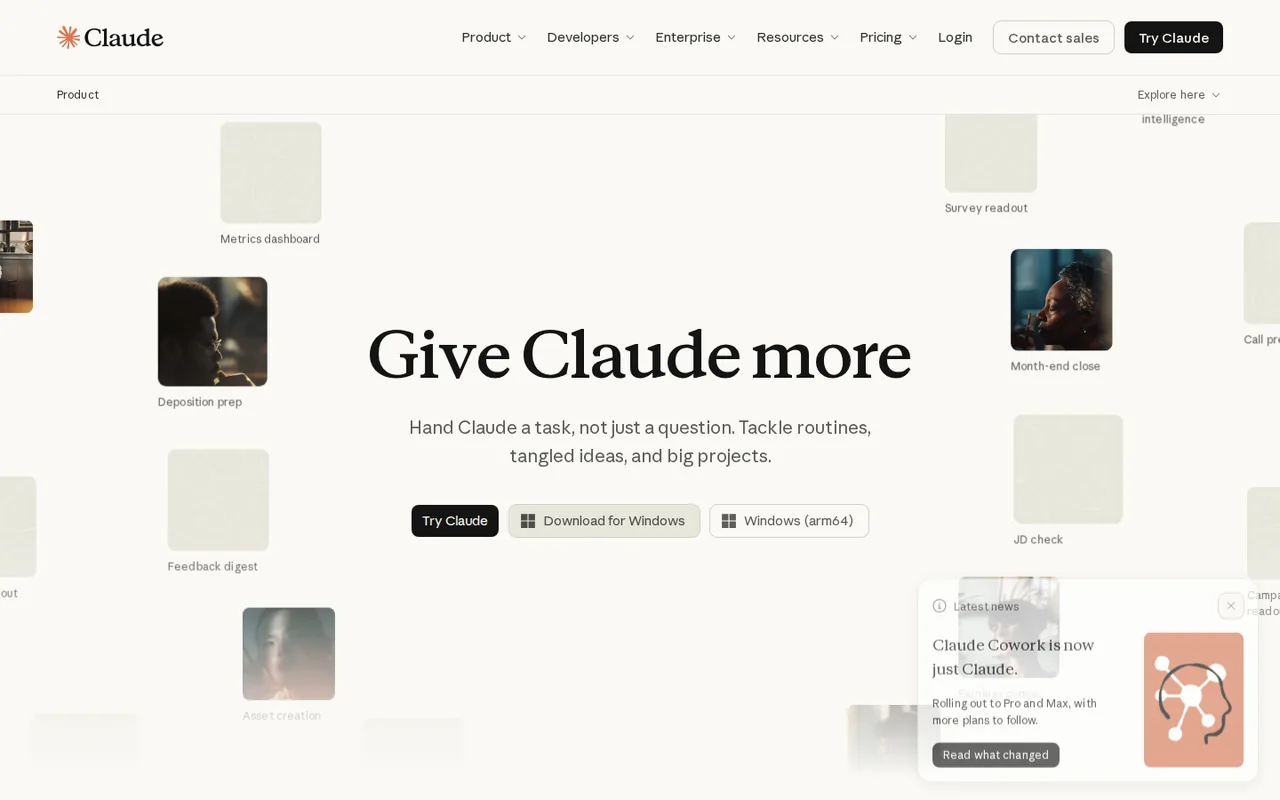
Claude is Anthropic’s assistant for writing, document work, research and code. A project holds uploaded documents and instructions that apply to every chat inside it, so a Jasper voice description, audience notes and product sheet can live there as project files.
What it does
- Projects
- Instructions and files for every chat in the project; on paid plans, project knowledge switches to retrieval and expands capacity up to 10x.
- File creation
- Word, PDF, Excel and PowerPoint files on every plan.
- Artifacts
- Documents and decks open beside the chat, where you edit, return to and share them.
- Research
- Multi-step web research with citations, on paid plans.
- Extensions
- Claude in Chrome, Microsoft 365 and Outlook on paid plans.
Takes over from Jasper
Jasper Chat with the Knowledge Base as project files, and Word or PDF output from the free plan up.
What changes for you
Brand voice, audience and banned-term objects are not covered in the sources checked, so the voice lives in project instructions that someone has to maintain. Sharing a project with colleagues needs a Team plan, and every tier has a five-hour session allowance inside a weekly cap.
What carries over
The voice description, audience notes and Knowledge Base files, uploaded to one project and summarised in its instructions.
See the Claude profile for plans, limits and sources.
Visit Claude (opens in a new tab)
Sources: Claude projects, Claude pricing, Claude file creation.
If drafts should arrive on a schedule: ChatGPT
Best for recurring drafts, files and images in one assistant
Best when a general assistant with project-level brand instructions is enough and some drafts should run without a prompt.
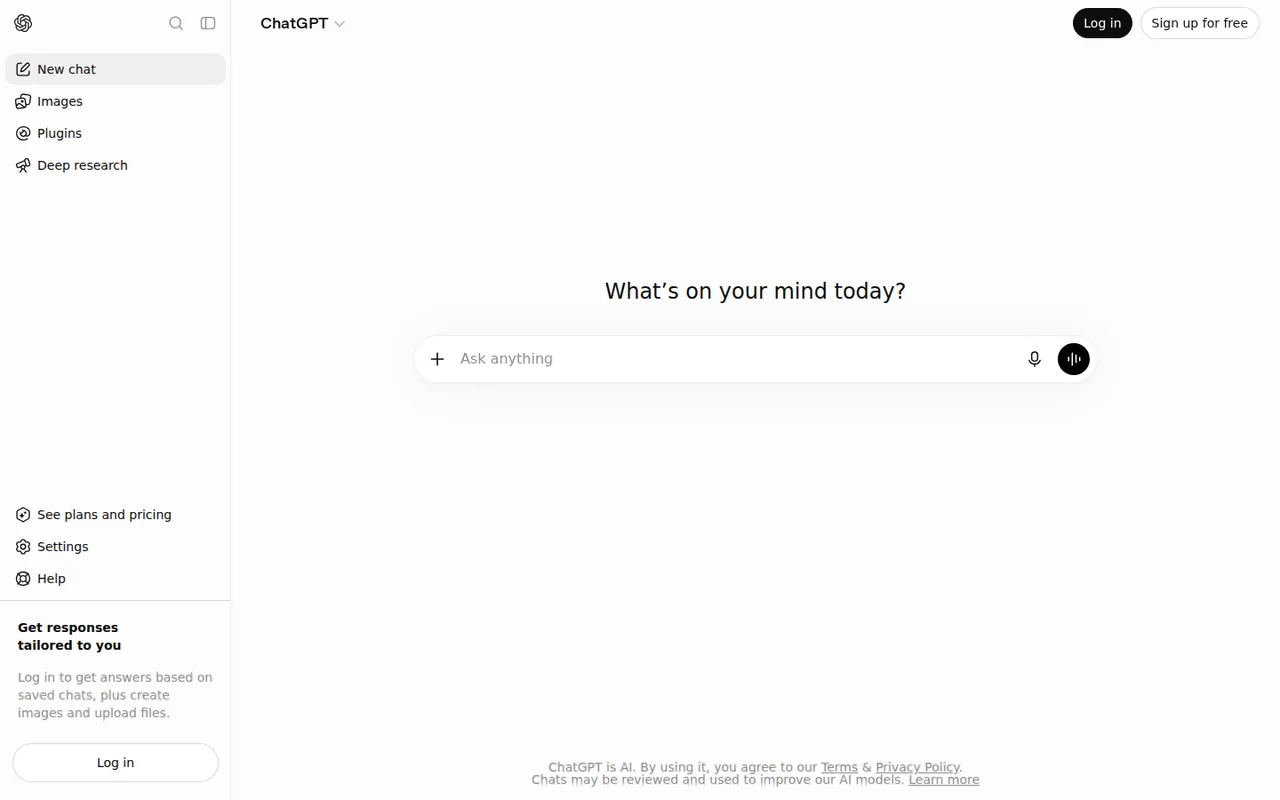
- Free Unlimited basic text chats
- Entry USD 20 per month Plus, monthly only
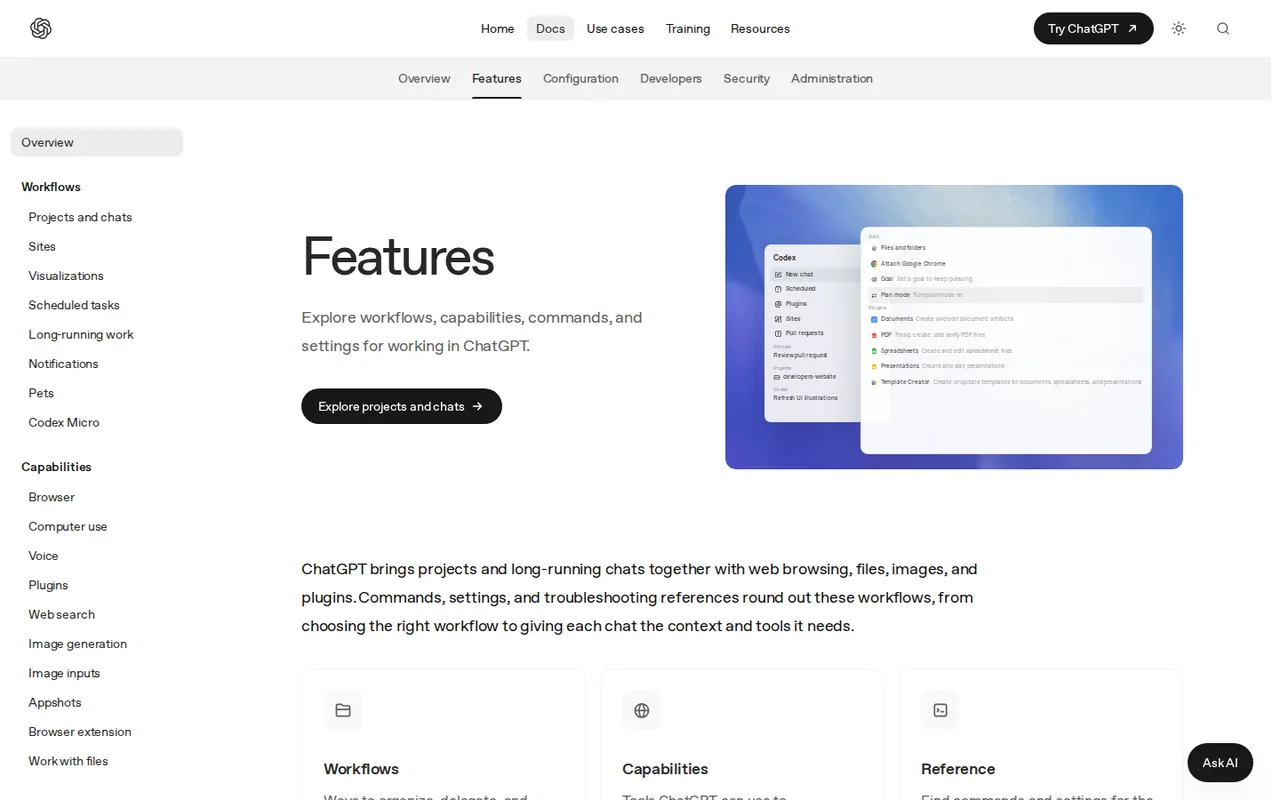
ChatGPT is OpenAI’s general assistant for drafting, file work, images, voice and web research with source links. A project keeps related chats, files and instructions together, and its instructions apply across the project’s chats. Plus adds scheduled tasks, which suit a weekly newsletter draft that should appear on its own.
What it does
- Projects
- Chats, files, instructions and sources for one ongoing job kept together.
- Scheduled tasks
- Recurring runs in the background; on eligible plans they can also start from Gmail, Slack or GitHub events.
- File creation
- Documents, presentations, spreadsheets or PDFs, refined with targeted feedback.
- Web search
- Answers link to the pages they draw on; deep research works through many sources.
- Image generation
- Generate or edit images in the same chat, guided by a reference image if you attach one.
Takes over from Jasper
Jasper Chat with brand instructions held in a project, recurring drafts as scheduled tasks, and images in the same account.
What changes for you
A stored brand voice, audience profiles and banned-term rules are not covered in the sources checked. Individual plans are billed monthly only, a shared workspace needs Business with at least two seats, and names, dates and figures it adds still need checking against your own product sheet.
What carries over
The brand pack as project files and instructions, and recurring briefs rewritten as scheduled tasks.
See the ChatGPT profile for plans, limits and sources.
Visit ChatGPT (opens in a new tab)
Sources: ChatGPT projects, ChatGPT scheduled tasks, ChatGPT pricing.
If wording has to stay on-brand where people already type: Grammarly
Best for shared terminology rules and tone inside Word, Google Docs and the browser
Best when Jasper’s Style Guide and add-ins mattered more than its drafting, and writers stay in their own apps.
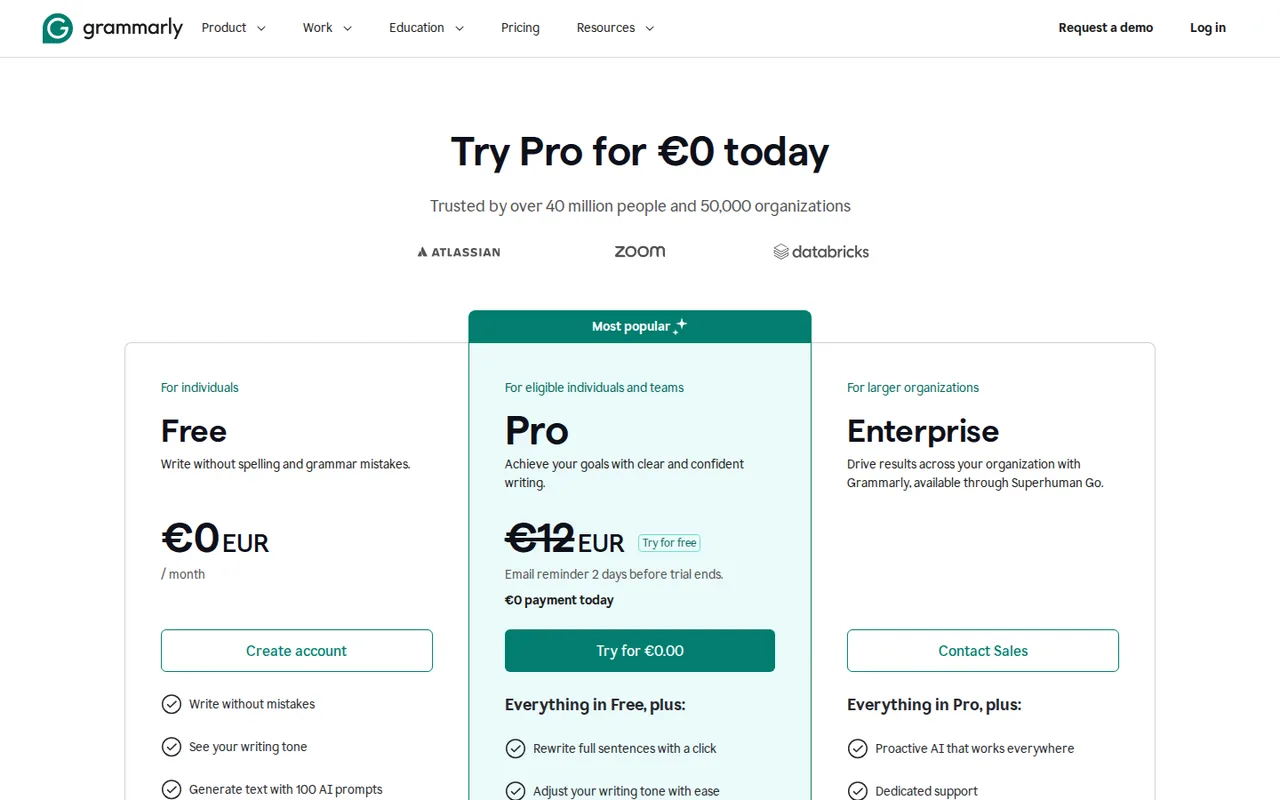
- Free 100 AI prompts a month
- Entry from USD 12 per member per month Pro, billed yearly; USD 30 billed monthly
Grammarly underlines spelling, grammar, clarity and tone problems in browser extensions, the Windows and Mac apps, Microsoft Office, Google Docs and mobile keyboards, and it drafts or rewrites text from prompts. A Pro team account shares one style guide, one brand tone and snippets; Enterprise lifts the cap on style guides and brand tones.
What it does
- Real-time suggestions
- Spelling, grammar, clarity and tone underlines in the apps where you type.
- AI prompts
- Draft, rewrite or reply from a prompt; each request or one-click suggestion uses one prompt.
- Style guide and brand tone
- Shared terminology rules, a brand tone, snippets and analytics for Pro teams.
- Docs with agents
- AI Chat, Paraphraser, Humanizer, Reader Reactions, Citation Finder and AI Grader beside your text.
- Exports
- Documents written or uploaded in Grammarly’s docs export to PDF or Word.
Takes over from Jasper
Style Guide word rules and the Word, Google Docs and browser add-ins, as one shared rule set that follows writers across those apps.
What changes for you
A product-fact library and audience profiles are not covered in the sources checked, so product facts stay in your own documents. Prompts are metered at 2,000 per member a month on Pro with no top-up listed, and rewrites by its own agents are likely to be flagged by its AI Detector.
What carries over
The banned-term list, re-entered as style guide rules. How a brand tone is set up is not covered in the sources checked.
See the Grammarly profile for plans, limits and sources.
Visit Grammarly (opens in a new tab)
Sources: Grammarly plans, Grammarly Pro, Grammarly AI prompts.
Two names from other lists, and why they are not in the table
Wordtune appears on some Jasper lists. It rewrites and summarizes text you already wrote, metered per day: Basic lists 10 rewrites a day, and Advanced is $13.99 per month billed monthly or $6.99 per month billed annually. A brand voice or document library is not covered in the sources checked, so it replaces Jasper’s rewrite tools rather than its brand layer. See the Wordtune profile for plans, limits and sources.
Canva, through Magic Write, comes up in AI search answers for visual-first teams. On paid plans, Standard AI tools such as Magic Write do not draw from the monthly AI allowance, subject to fair use. Its Brand Kits store logos, colours and fonts rather than a written voice. See the Canva profile for plans, limits and sources.
Feature matrix: what each tool covers
In shortSixteen capabilities marked from the five profiles. A dash means the sources checked do not cover it, not that the tool lacks it.
| Capability | Jasper | Copy.ai | Claude | ChatGPT | Grammarly |
|---|---|---|---|---|---|
| Writing | |||||
| Chat drafting | OfferedJasper Chat | Offeredunlimited words in Chat | Offeredevery plan | Offeredunlimited basic chats on Free | Partly100 prompts Free, 2,000 Pro |
| Choice of model families | Not listednot covered in the sources checked | OfferedOpenAI, Anthropic, Gemini | PartlyOpus on paid plans | Not listednot covered in the sources checked | Not listednot covered in the sources checked |
| Web search with cited links | PartlyResearch Agent, Business | Offeredlive, inside Chat | Offeredon Free; Research paid | Offeredsource links | Not listednot covered in the sources checked |
| Rewrite inside your own text | OfferedAI toolbar in Canvas | OfferedChat editor | Offerededit Artifacts | Offeredtargeted revisions | Offeredreal-time suggestions |
| Brand context | |||||
| Stored brand voice | OfferedPro 2, Business unlimited | OfferedBrand Voice from samples | Partlyproject instructions | Partlyproject instructions | Partlyone brand tone, Pro teams |
| Product-fact library | Offeredaudio, images, video, URLs too | OfferedInfobase, text only | Offeredproject files | Offeredproject files | Not listednot covered in the sources checked |
| Audience profiles | OfferedPro 3, Business unlimited | Not listednot covered in the sources checked | Not listednot covered in the sources checked | Not listednot covered in the sources checked | Not listednot covered in the sources checked |
| Banned-term rules | PartlyStyle Guide, Business | Not listednot covered in the sources checked | Not listednot covered in the sources checked | Not listednot covered in the sources checked | Offeredshared style guide |
| Team and output | |||||
| Seats on the entry paid plan | Partly1 on Pro | Offered5 on Chat | PartlyPro one person; Team from 2 | PartlyBusiness from 2 | Offeredper member, up to 149 |
| Shared projects or workspace | PartlyBusiness | Offeredpublic and private Teamspaces | PartlyTeam and Enterprise | PartlyBusiness workspace | Not listednot covered in the sources checked |
| Word or PDF files | Offered.docx, .pdf, .txt, .md | Partlytext export, formats not named | OfferedWord, PDF, Excel, PowerPoint | Offereddocuments, decks, PDFs | Offereddocs export to PDF or Word |
| Inside Word or Google Docs | OfferedWord add-in, Docs add-on | PartlyWorkflows create Google Docs | PartlyMicrosoft 365, paid | Not listednot covered in the sources checked | OfferedOffice add-in, Google Docs |
| Automation and data | |||||
| Recurring content runs | PartlyStudio custom agents, Business | PartlyContent Agent Studio; Workflows | Not listednot covered in the sources checked | Offeredscheduled tasks, Plus | Not listednot covered in the sources checked |
| Bulk rows | PartlyGrid, Business | Partlybulk runs, Enterprise | Not listednot covered in the sources checked | Not listednot covered in the sources checked | Not listednot covered in the sources checked |
| API | PartlyAPI and MCP, Business | PartlyWorkflows API, Enterprise | Partlybilled separately | Not listednot covered in the sources checked | Not listednot covered in the sources checked |
| Training opt-out or off by default | Not listednot covered in the sources checked | Not listednot covered in the sources checked | Offeredopt-out; Team off by default | PartlyBusiness off by default | Offeredopt-out on Free and single-user Pro |
offered partly or with limits not listed on the profile.
What does one month of team writing cost in each tool’s unit?
Three writers, 52 pieces, one brand
In shortAssumption: three writers share 12 blog posts and 40 social posts a month, one brand voice and one banned-term list. List prices in US dollars before tax.
| Tool | Plan for three writers | Price, as listed | What the month is counted in | Voice and banned terms |
|---|---|---|---|---|
| Jasper | Business: Pro covers one seat | Quoted by sales, 12-month commitment. Three separate Pro seats: 3 × USD 69 = USD 207 billed monthly, with no sharing | Prompts and standard agents are unlimited; one Research Agent run per blog post is 12 × 40 = 480 credits from an unpublished allowance | Brand Voice from Pro; Style Guide on Business |
| Copy.ai | Chat: 3 of 5 seats | USD 29 billed monthly, or USD 288 a year | Unlimited words in Chat, so the 52 pieces are not metered; a workflow per piece needs Growth’s credits | Brand Voice and Infobase; banned-term rules not covered in the sources checked |
| Claude | Team: 3 Standard seats | 3 × USD 25 = USD 75 billed monthly; 3 × USD 20 = USD 60 a month billed annually | A five-hour session allowance and a weekly cap per person; a count per piece is not covered in the sources checked | Shared project instructions and files |
| ChatGPT | Business: 3 Standard seats | USD 75 billed monthly; USD 60 a month billed annually | Seat usage; a Premium seat at USD 100 billed annually has no five-hour limit | Project instructions and files |
| Grammarly | Pro: 3 members | 3 × USD 30 = USD 90 billed monthly; 3 × USD 12 = USD 36 a month billed yearly | 2,000 AI prompts per member: about 115 per piece (2,000 ÷ 17.3 pieces per writer) | One shared style guide and one brand tone |
Arithmetic on the plan fields in each profile; 52 pieces split evenly is about 17.3 per writer. Jasper’s rate card prices the Research Agent at 40 credits a run.
Copy.ai is the lowest line while the team fits in five seats: USD 29 covers all three writers, about USD 9.67 each (29 ÷ 3). Claude Team and ChatGPT Business cost the same at list price, so the choice between them turns on what else each product offers, set out in the tool sections above. Grammarly is cheaper than both on yearly billing, but a product-fact library is not covered in the sources checked, so it fits beside a drafting tool more than as a full Jasper replacement. Jasper’s own route cannot be priced until Business is quoted, and the quote should state how many credits it includes. Price the route after deciding which Jasper layer you are replacing; for seat and credit-pool arithmetic across more tools, see AI tools for small teams.
On free plans the same month looks different: Grammarly Free’s 100 prompts allow about six per piece (100 ÷ 17.3), and Claude Free keeps up to five projects but cannot share them, so each writer would hold a separate copy of the brand pack.
How each plan steps up
In shortRead live from each profile. Each chart compares one tool’s own plans; prices are never converted.

Price per month on yearly billing, from the Copy.ai profile. Bars compare plans of this tool only.

Price per month on yearly billing, from the Claude profile. Bars compare plans of this tool only.

Price per month, as each plan is first listed, from the ChatGPT profile. Bars compare plans of this tool only.

Price per month on yearly billing, from the Grammarly profile. Bars compare plans of this tool only.
Claude’s Pro bar shows the yearly-billed monthly price (USD 200 a year); billed monthly it is USD 20. The Team and Business bars are Standard seats, priced per seat; a Premium seat is USD 100 per seat billed annually on both. Grammarly’s Pro bar is per member. Copy.ai Chat is also sold month to month at USD 29. Jasper is not charted: Pro is its only listed price and Business is quoted by sales.
Sources: Copy.ai pricing, Claude pricing, ChatGPT Business seats, Grammarly Pro pricing, Jasper credits rate card.
What moves from Jasper, and what do you rebuild?
Where each part of your Jasper setup goes
In shortAn import from Jasper is not covered in the sources checked for any of the four tools. Everything below moves as text or files you export and enter again.
| Jasper item | Copy.ai | Claude | ChatGPT | Grammarly |
|---|---|---|---|---|
| Brand Voice: a written description built from up to 8 samples | Brand Voice, rebuilt from pasted samples | Project instructions | Project instructions | A team brand tone; setup not covered in the sources checked |
| Knowledge Base: text, documents, audio, images, video or URLs | Infobase: Word, PDF or text; audio and video as transcripts or URLs | Project files | Project files | Not covered in the sources checked |
| Audiences | Not covered in the sources checked | Written into project instructions | Written into project instructions | Not covered in the sources checked |
| Style Guide word replacements, Business | Not covered in the sources checked | A two-column list in project instructions | A two-column list in project instructions | Style guide terminology rules |
| Marketing agents and Studio custom agents | Content Agent Studio, from three sample inputs | Not covered in the sources checked | Scheduled tasks; custom GPTs on Plus | Not covered in the sources checked |
| Grid and the API, Business | Workflows from Growth; API and bulk runs on Enterprise | API billed separately at API rates | Not covered in the sources checked | Not covered in the sources checked |
| Word add-in, Google Docs add-on, Chrome and Edge extension | Workflows create Google Docs or OneDrive documents | Chrome and Microsoft 365 extensions, paid plans | Desktop apps for macOS and Windows; a Word or Docs add-in is not covered in the sources checked | Office add-in, Google Docs, browser extensions |
Of the four, only Grammarly documents shared terminology rules. In Copy.ai, Claude and ChatGPT a banned-term list is text in the instructions, so keep a reviewer’s check for those terms whichever tool you choose.
Export these before access ends
In shortTreat the export as a brand pack any tool can read, not as a dump of old documents. Work through it while the subscription is still active.
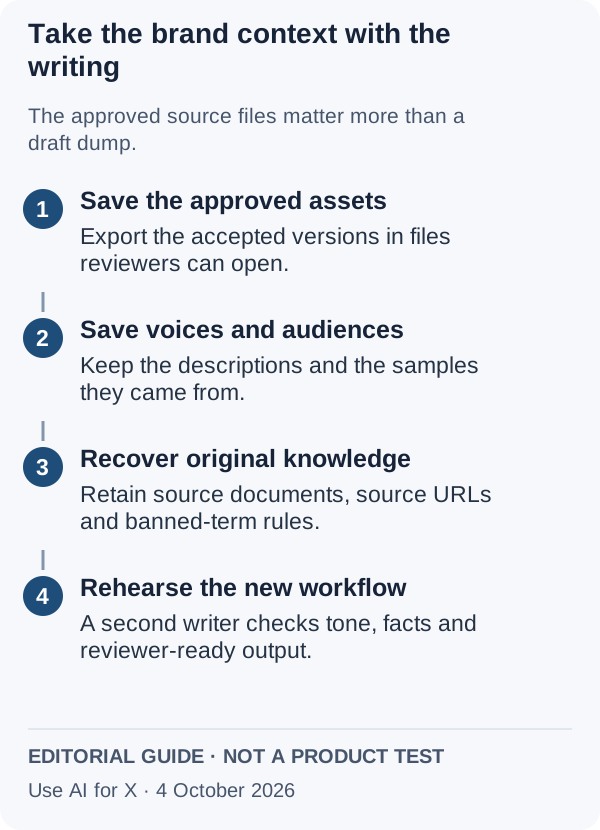
- Final assets. Download approved pieces as .docx for reviewers or .md for a CMS. Version history reaches back only 7 days, so export the approved version rather than counting on history.
- Brand Voices. Copy the description Jasper generated and keep the original samples it was built from, up to 8 per voice, in one document per brand.
- Knowledge Base. Collect the source files. Anything added by URL cannot later be downloaded or edited in Jasper, so record those URLs and save your own copy of each page.
- Audiences. Copy each audience description into the same brand document.
- Style Guide rules. On Business, write the word replacements out as banned term and replacement, ready for a style guide or project instructions.
- Connections. List every Drive, SharePoint or Box export integration and every Zapier, Make, Google Sheets or BigQuery connection built on Jasper’s Business API, and give each a new source before the switch.
Sources: Jasper export, Jasper Knowledge Base, Jasper Brand Voice, Jasper integrations.
Rehearse with a second writer, and keep a way back
In shortSwitch only after someone who did not build the brand pack can produce approved work from it.
- Load the brand packInto the candidate’s brand voice, library or project, exactly as exported.
- Hand it to a second writerAsk for three pieces your team already approved in Jasper, using only the shared workspace or project.
- Check against the originalsBanned terms, product facts and a file format the reviewer can open.
- Run both for one cycleKeep monthly Pro, or the last month of an annual term, until the new setup has passed twice.
Delete nothing in Jasper until then. If the rehearsal fails, the rollback is to keep writing in Jasper while you fix the brand pack, which is why the exported documents should live in your own storage rather than in either vendor’s workspace. Copy.ai refunds only within five days of the first purchase, so schedule a paid Copy.ai rehearsal inside that window.
Sources: Copy.ai refund policy, Jasper annual plans.
Questions, and what this guide does not judge
Common questions
Is Jasper AI still worth it?
It can be for one marketer writing for one or two brands, because Pro applies stored voices, audiences and product files to every draft for USD 59 a month billed yearly. The case weakens once a second person needs the same brand library: sharing sits on Business, which is quoted by sales and carries a 12-month commitment.
Is there a free alternative to Jasper?
Yes, with limits. Claude Free includes web search, file creation and up to five projects for brand files, and ChatGPT Free has no cap on text chats with its basic model. Grammarly Free covers corrections and 100 AI prompts a month. Copy.ai lists no free plan, and Jasper itself offers only a trial that asks for a card.
Do the alternatives work inside Word or Google Docs the way Jasper's add-ins do?
Grammarly comes closest: it runs as a Microsoft Office add-in, in Google Docs through its browser extension and in desktop and mobile apps. Claude's paid plans add Chrome, Microsoft 365 and Outlook extensions. Copy.ai documents no add-in, but its Workflows can create Google Docs or OneDrive documents, and ChatGPT offers desktop apps for macOS and Windows.
Will my brand documents be used to train models on the new tool?
It depends on the plan. Claude lets Free, Pro and Max users switch training off in privacy settings, and Team does not train on content by default. ChatGPT Business excludes business data by default, and Grammarly lets Free and single-user Pro accounts opt out. Check the setting before uploading an unreleased product sheet.
Does Jasper's nonprofit discount change the math?
It narrows the gap for eligible organisations. Jasper offers a 20 percent nonprofit discount once documentation is accepted, which would bring monthly Pro from USD 69 to about USD 55.20 if it applies to that plan. The seat structure stays the same, so a second writer still needs Business; confirm the discount with Jasper before comparing routes.
What this guide does not judge
Output quality, SEO scoring, ease of use and speed are what most Jasper alternative lists rank on, and several ask whether AI copy reads as authentic. None of the profiles documents those in a way we can check, so this guide compares brand context, seats and usage units, and gives no score.
Writesonic, Rytr, Frase, Surfer SEO, Anyword, Scalenut and Writer also appear on most of those lists, and several of them are SEO content tools rather than brand writing tools. They are left out until each has a profile with checked plan terms. More writing tools sit in the writing tools category.
Load your exported brand pack into each candidate, then ask for three pieces Jasper already produced and your team approved: a product email, a landing-page section and a social post. Run Claude, ChatGPT and Grammarly on their free plans first and Copy.ai inside its refund window, and note the plan and remaining allowance before each run. To build the brief for each piece from the same facts every time, follow the AI content brief from a fixed evidence pack.
How this guide was made
Plans, seats, units and features come from the Jasper, Copy.ai, Claude, ChatGPT and Grammarly profiles on this site, which cite each vendor’s pricing, help and documentation pages and carry their own check dates; plan charts are read from those profiles when the page loads. The export list comes from Jasper’s help center. Sections follow the topics the top-ranking Jasper alternative pages cover, limited to what the vendors document. No rating is given. See our editorial policy.